


Tableau des prix – Bloc – Afficher les prix des produits ou des services sous forme de tableau
Créez et affichez un tableau de prix de produits d'aspect professionnel dans WordPress.

Choix solide
Pricing Table is a solid plugin choice in 2026, with a few things worth checking first. It runs on 1K+ sites, is rated 5/5 and was last updated 1 day ago, and scores 77/100 on our health check.
- Actively developed — last update 1 day ago
- Testé avec le dernier WordPress (7.1)
- Très peu de critiques jusqu'à présent
Comment s'accumule-t-il ?
Côte à côte sur les installations, les mises à jour, les évaluations et le support



Téléchargements quotidiens
Les pics de téléchargement suivent généralement une nouvelle version - chaque site qui met à jour automatiquement compte comme un téléchargement.
Classements
Where Pricing Table stands todayWordPress.org Classements de recherche
Position en direct dans la recherche de plugins, Top 100| Mot-clé | Position |
|---|---|
| block | >100 |
| gutenberg blocks | >100 |
| price list | #45 |
| pricing table | #6 |
| Prix des produits | #7 |
Adoption de version
Part de sites actifs par version.
Répartition des notes
★★★★★★★★★★ 5 from 2 reviews
About Pricing Table
From the official readme · v2.1.6Description
Pricing Table Block is a modern and lightweight WordPress plugin that allows you to design and display fully customizable pricing tables directly within the Gutenberg editor. Perfect for SaaS, product pages, service-based websites, freelancers, and agencies, this plugin helps you create transformative pricing tables.
Pricing Table | Live Demo | Support
Key Features – Free Version
-
Unlimited Add Pricing Table: Add pricing tables using the Gutenberg block editor.
-
Basic Styling Options: Customize colors, fonts, borders, and backgrounds to match your brand.
-
Feature List with Icons: Display service features clearly with styled checkmark icons.
-
Button Support: Add call-to-action buttons with custom text and links to drive conversions.
-
Responsive by Default: Mobile-friendly layout that works across desktops, tablets, and phones.
-
Optimized for Performance: Lightweight code ensures fast loading and smooth user experience.
-
Gutenberg Block Support: Build pricing tables visually using WordPress’s block editor.
Pricing Table Pro – Unlock Premium Features
Take your pricing tables to the next level with powerful design and control feature in the Pro version.
What’s New in the Pro Version?
-
21 Professionally Designed Styles: Choose fromFifteen unique, modern pricing table templates — crafted to fit any brand and maximize conversions.
-
Responsive Device-Based Controls: Individually adjust layout, spacing, and styles for desktop, tablet, and mobile.
-
Custom Styling Options: Control border radius, background colors, shadows, padding, and image positioning — style your tables your way.
-
Advanced Typography: Fully customize the font, size, weight, color, and alignment of your pricing titles, descriptions, and features.
-
Interactive Buttons: Design call-to-action buttons with custom icons, sizes, colors, and hover effects that enhance engagement.
-
Flexible Layout Controls: Manage the number of columns, control the gaps, fine-tune padding, and adjust container width for a pixel-perfect layout.
How to use
- First, install the B Pricing Table plugin
- Add the B Pricing Table from the block category called “Widgets” in the Gutenberg editor.
- You can change block settings from the right-side settings sidebar.
-
Enjoy!
-
For installation help click on Installation Tab.
Feedback
- Did you like this plugin? Dislike it? Do you have a feature request? Please share your feedback with us
Check out the Parent Plugin of this plugin-
B Blocks – A blocks collection and page building tool for Gutenberg.
Check out our other WordPress Plugins-
Html5 Video Player – Display videos as single and playlist in multiple skins.
PDF Poster – Display/Embed PDF files with different styles.
Html5 Audio Player – Listen audios with awesome visuals.
StreamCast – Customizable radio player with different skins.
3D Viewer – Embed 3D models and 3D products with interaction.
Advanced Post Block – Show posts and custom posts in different layouts.
External Services
This plugin connects to the following external services from the admin dashboard:
bPlugins API
- Service URL: https://api.bplugins.com
- Purpose: The plugin’s admin dashboard fetches product comparison data and pricing information to display relevant upgrade options and feature details.
- Data Sent: Only the plugin slug is transmitted; no personal or site data is collected.
- Terms of Service: https://bplugins.com/terms-of-service/
- Privacy Policy: https://bplugins.com/privacy-policy/
Freemius (wp.freemius.com)
- Endpoint: https://wp.freemius.com/
- Used for: Processing plugin opt-in consent form submissions.
- Data sent: Only after explicit user opt-in — user name, email, site URL, WP/PHP version, plugin version.
- Terms of Service: https://freemius.com/terms/
- Privacy Policy: https://freemius.com/privacy/
WordPress.org Plugins API
- Service URL: https://api.wordpress.org/plugins/info/1.2/
- Purpose: The admin dashboard queries the official WordPress.org Plugins API to retrieve and display a curated list of other plugins by the same author (“Our Plugins” section).
- Data Sent: Plugin slugs and author name; no personal or site data is collected.
- Terms of Service: https://wordpress.com/tos/
- Privacy Policy: https://wordpress.org/about/privacy/
Third-Party Libraries / bpl tools
- Source / GitHub: https://github.com/bPlugins/bpl-tools
- License: GPL-2.0-or-later – https://www.gnu.org/licenses/gpl-2.0.html
- Purpose: Shared utility library providing admin dashboard components and common Gutenberg editor controls.
- External Services: The library may connect to bPlugins, WordPress.org, and Freemius services for product data and checkout functionality. See full details: https://github.com/bPlugins/bpl-tools#external-requests–why-they-are-made
Installation
From Gutenberg Editor:
- Go to the WordPress Block/Gutenberg Editor
- Search For B Pricing Table
- Click on the Pricing Table to add the block
Download & Upload:
- Download the B Pricing Table plugin (.zip file)
- In your admin area, go to the Plugins menu and click on Add New
- Click on Upload Plugin and choose the
b-pricing-table.zipfile and click on Install Now - Activate the plugin and Enjoy!
Manually:
- Download and upload the B Pricing Table plugin to the
/wp-content/plugins/directory - Activate the plugin through the Plugins menu in WordPress
Journal de modifications
Improvement: Added license activation & license status UI to the dashboard's Settings page.
2.1.6 – 18 November 2026
- New: Added Black Friday promotional banner and upgrade link.
2.1.5 – 10 October 2026
- Fix:Fixed stored XSS in Pricing Table Block.
2.1.4 – 27 August 2026
- New Feature: Custom Button Code (Pro) – replace any plan’s button with your own HTML, e.g. a PayPal “Buy Now” button.
- New: “Getting Started with PayPal” guide included (getting-started-with-paypal.html).
2.1.3 – 4 July 2026
- Improvement: Optimized the ShortCode editor to exclusively support B-Pricing Table blocks.
- Update: freemius sdk version updated.
2.1.2 – 28 June 2026
- Fix: Shortcode Bug Fixed
2.1.1 – 28 June 2026
- Improvement: Admin Dashboard Updated
Captures d'écran
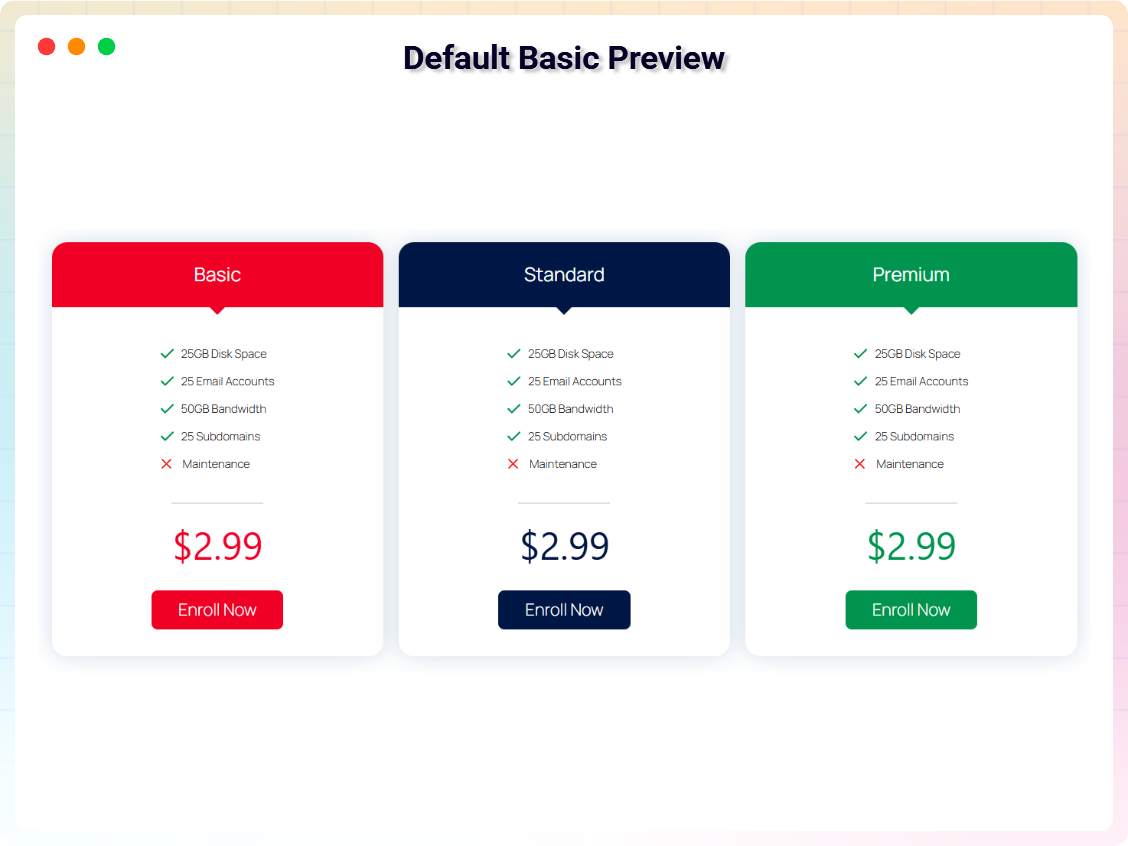
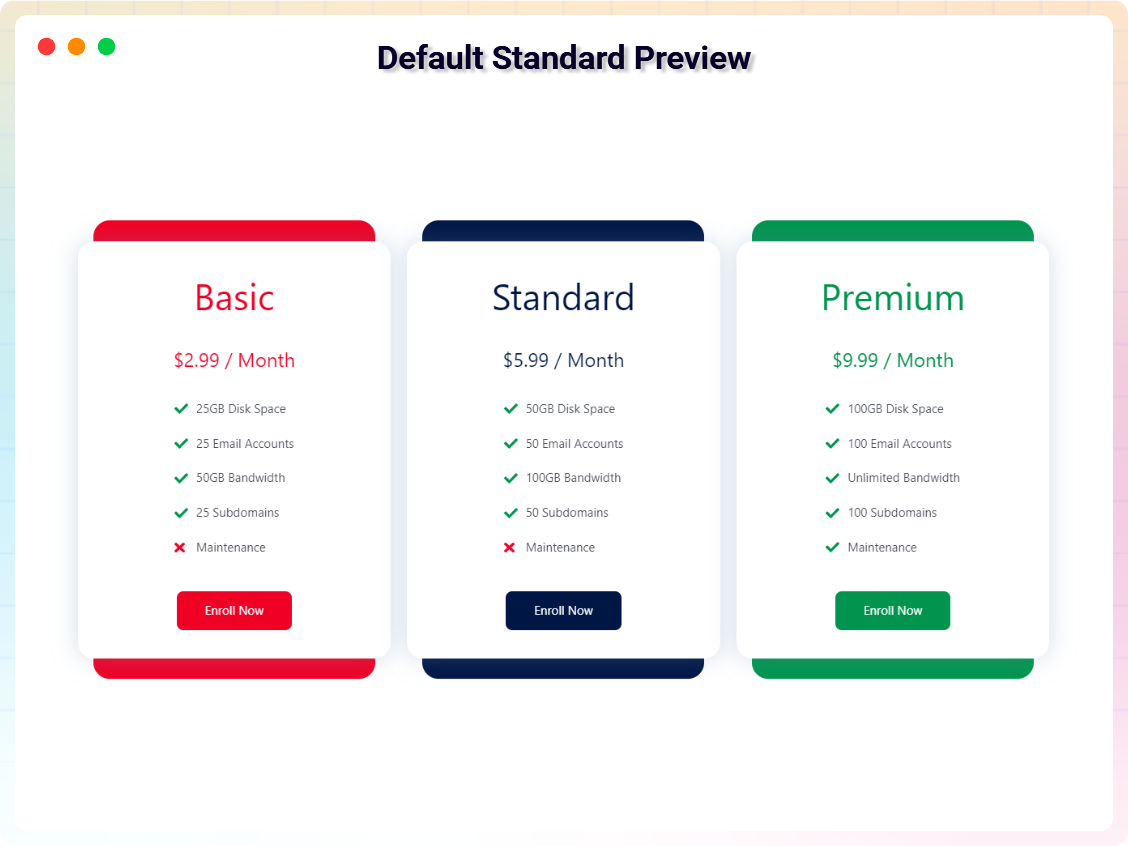
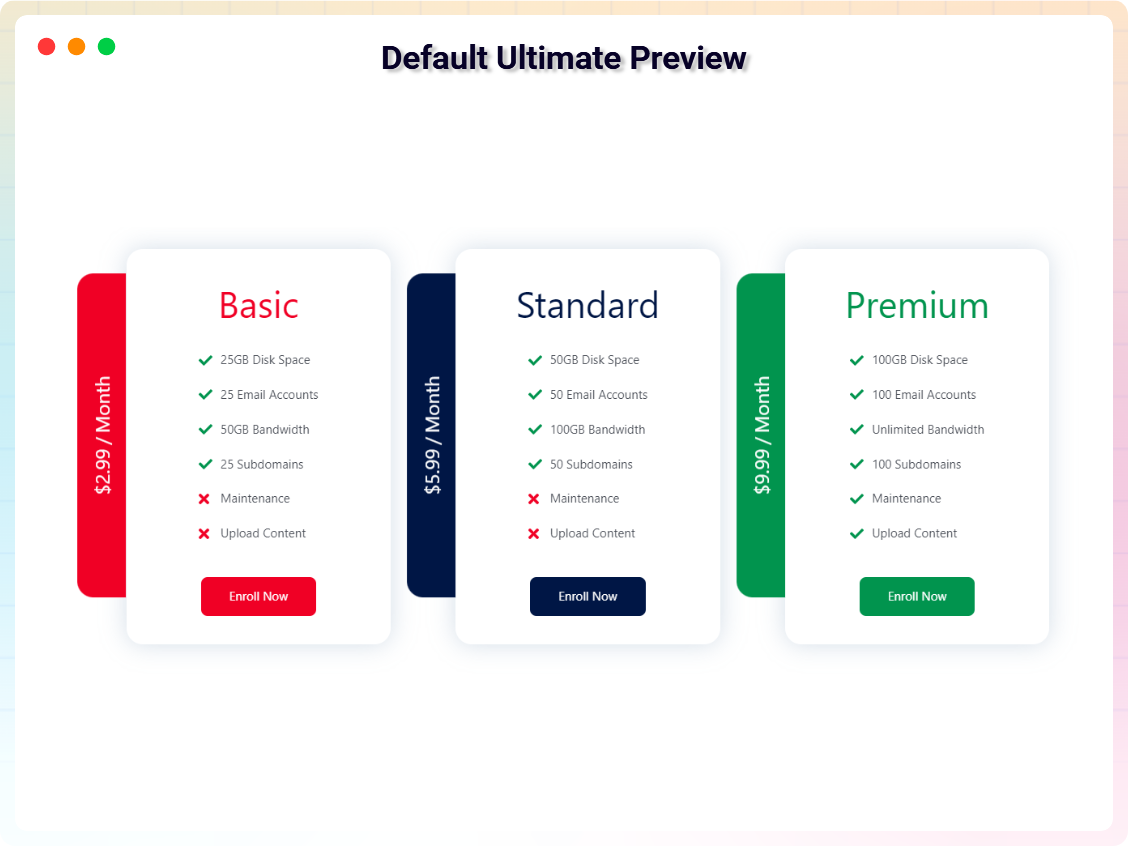
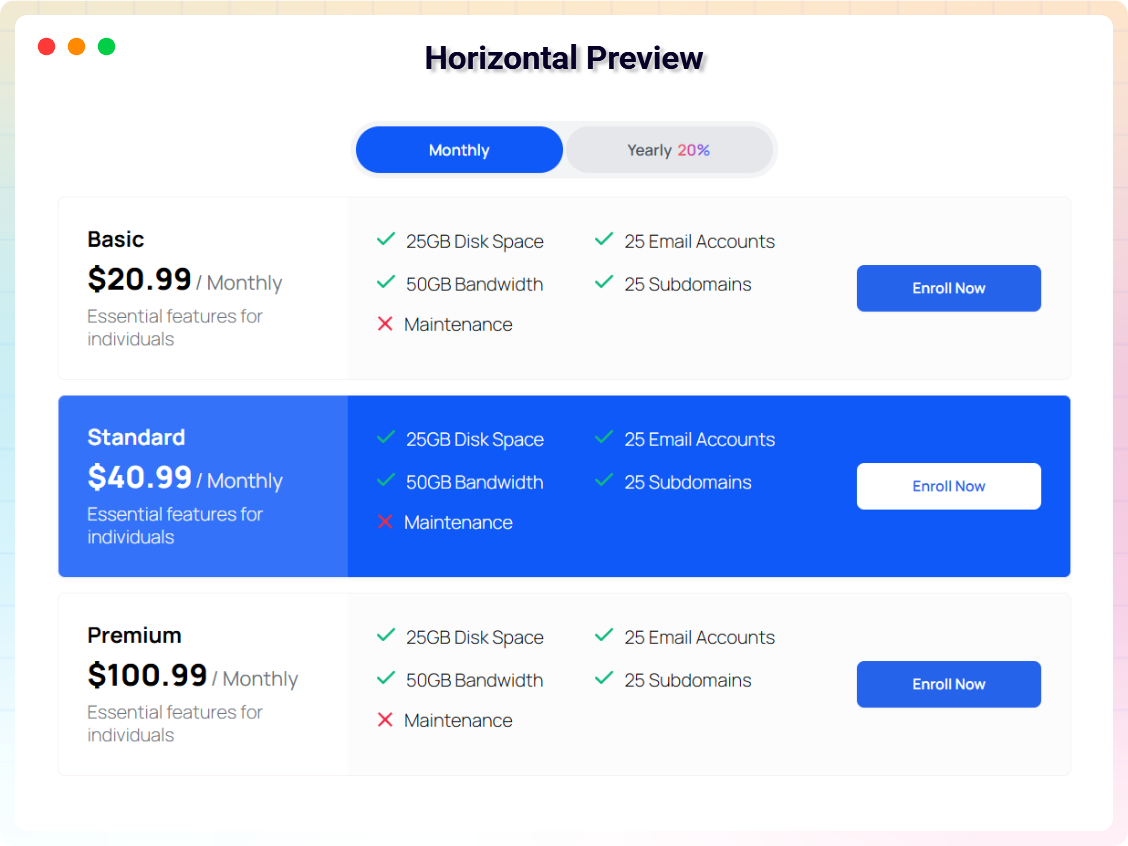
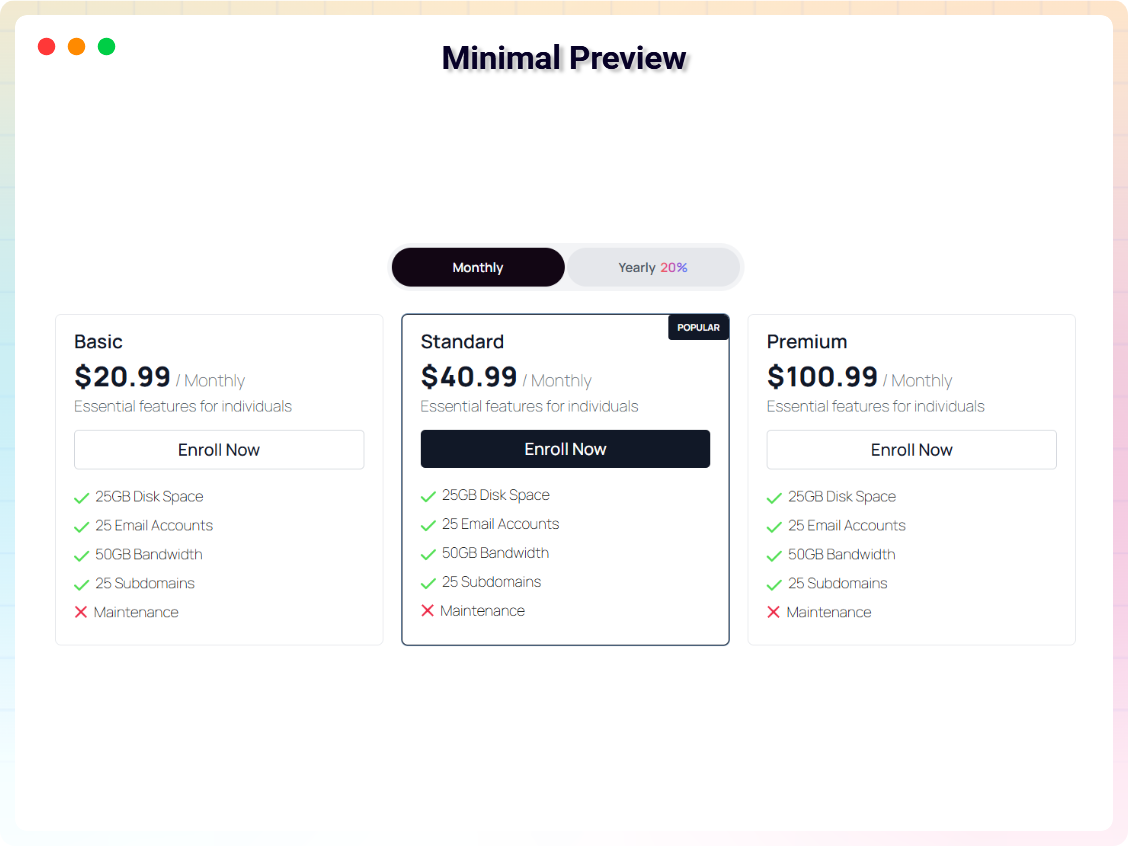
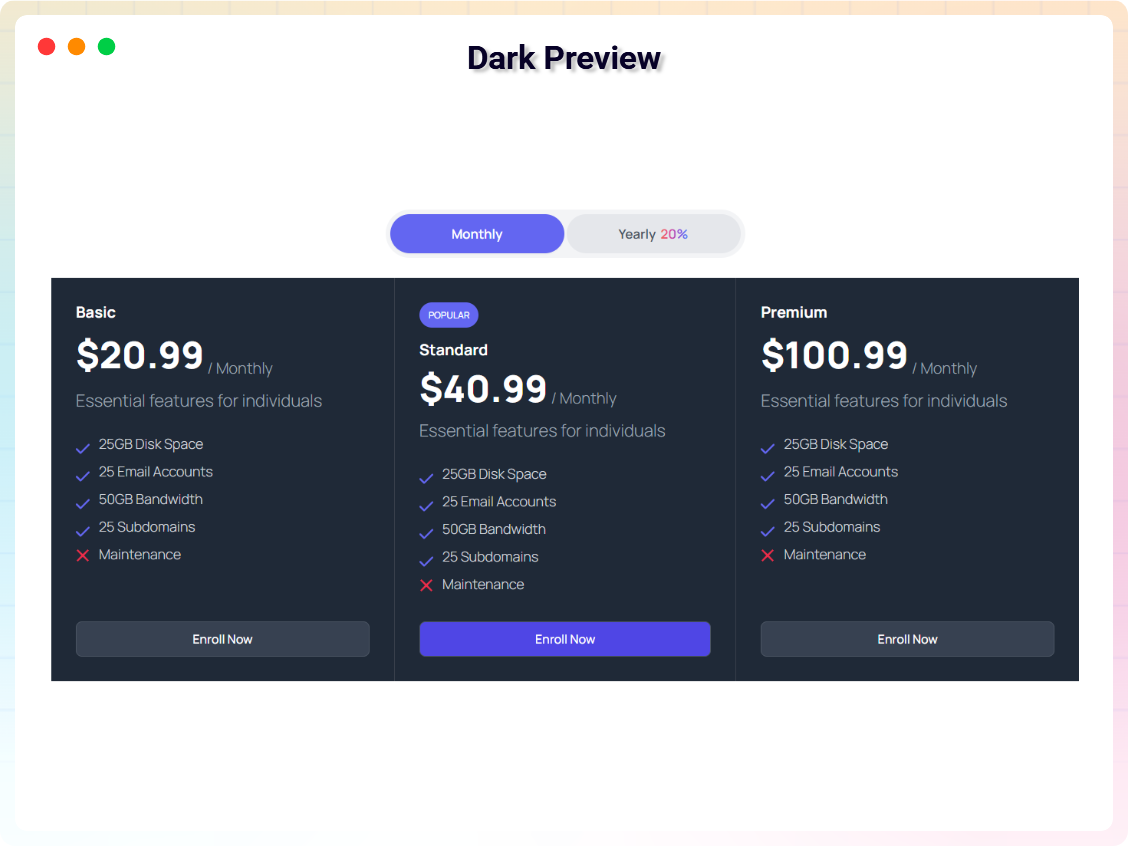
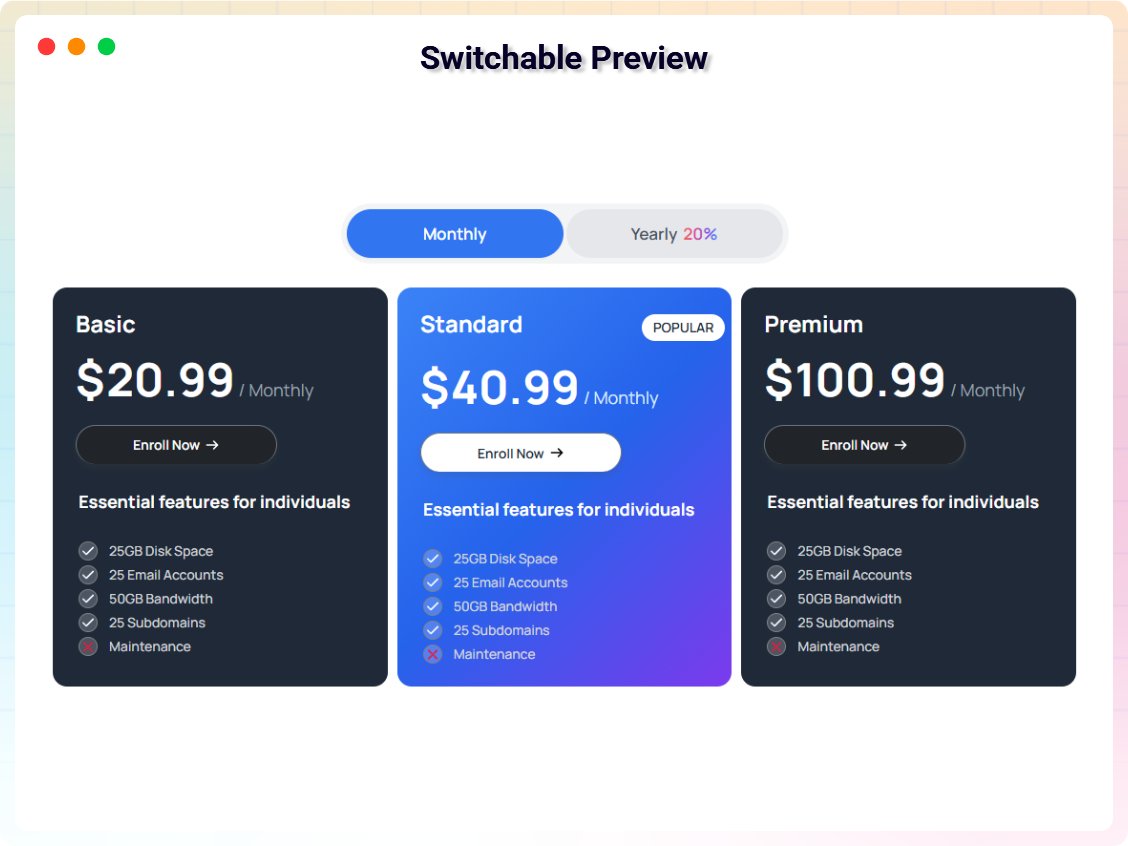


Pour les développeurs
Est-ce votre plugin ? Montrez les chiffres.
Ajoutez un badge en direct à votre site, docs ou github readme. Il se met à jour par lui-même - aucun compte n'est nécessaire.
Best Pricing Table alternatives
All block plugins →




FAQ
Pricing Table: quick answers
Réponses directes, extraites des données en direct WordPress.org.
Source : WordPress.org
Is Pricing Table free?
Yes. Pricing Table is free to download and use from the official WordPress.org plugin directory.
Is Pricing Table safe to use in 2026?
Pricing Table is a solid plugin choice in 2026, with a few things worth checking first. It runs on 1K+ sites, is rated 5/5 and was last updated 1 day ago, and scores 77/100 on our health check.
How many websites use Pricing Table?
Pricing Table is active on 1K+ WordPress websites and has been downloaded 42,332 times since it launched in December 2021. It was downloaded 1,984 times in the last 30 days.
Does Pricing Table work with WordPress 7.1?
Yes. The developer has tested Pricing Table up to WordPress 7.1.5, the latest release. It requires WordPress 6.5 or newer.
What PHP version does Pricing Table need?
Pricing Table requires PHP 7.4 or higher. Most hosts run PHP 8.x today, so it works on any modern WordPress hosting.
When was Pricing Table last updated?
The latest version, 2.1.6, was released on November 18, 2026 (1 day ago).
Who makes Pricing Table?
Pricing Table is developed and maintained by bPlugins.
What are the best alternatives to Pricing Table?
The most popular alternatives to Pricing Table are Spectra Legacy (1M+ installs), Breadcrumb NavXT (700K+ installs) and PDF Embedder (300K+ installs).
Propulsé par PageForge
Un modèle et une feuille de calcul. Une vraie page pour chaque recherche.
PageForge transforme chaque ligne d'un CSV en une page WordPress avec son propre titre, URL, SEO et schéma, construit sur la mise en page que vous Déjà conçu. Gratuit sur WordPress.org.
- CSV et XLSX, plus Google Sheets sur les professionnels et les entreprises
- Son propre titre, URL, SEO champs et schéma pour chaque page
- Fonctionne avec l'éditeur de blocs, Elementor, Divi et Avada
- Gratuit sur WordPress.org, pas de carte de crédit