


WPScreens
The friendliest free digital signage system for WordPress, enabling easy screen management for shops, waiting rooms, and more.

Mit Vorsicht verwenden
WPScreens works, but test it on a staging site before relying on it in 2026. It runs on 300+ sites, is rated 5/5 and was last updated 12 months ago, and scores 53/100 on our health check.
- Kleine Benutzerbasis (300+ aktive Installationen)
- Nur getestet bis WordPress 6.9 (letzt ist 7.1)
Wie stapelt es sich?
Side-by-side bei Installationen, Updates, Bewertungen und Support



Tägliche Downloads
Download-Spitzen folgen normalerweise einer neuen Version - jede Website, die automatisch aktualisiert wird, gilt als Download.
Ranglisten
Where WPScreens stands todayWordPress.org Ranglisten suchen
Live-Position in der Plugin-Suche, Top 100| Stichwort | Position |
|---|---|
| digital signage | #5 |
| narrowcasting | #1 |
| remote screen | #14 |
| slider | >100 |
| wpscreens | #1 |
Versionsübernahme
Anteil aktiver Sites pro Release.
Bewertungsaufschlüsselung
★★★★★★★★★★ 5 from 8 reviews
About WPScreens
From the official readme · v2.5.4Beschreibung
Free and user-friendly
WPScreens turns your favorite slider into a Digital Signage system.
The simple way to create your own narrowcasting channel on your remote screen.
WPScreens has been developed with everyone in mind. You don’t need to be a technician or designer to create excellent screen presentations. Do you have a WordPress website? Then use WPScreens. The sliders you create for your narrowcasting can also be used on your website. So no more double work!
Manage your media and other website content from one location.
The advantages of WPScreens
- User-friendly and easy to manage environment: you don’t need to be a programmer or designer.
- Manage your media and other website content from one location.
- Linked to your WordPress website.
- Download one of the four sliders (free or paid-for)! You will not be tied to or restricted by the limitations of a slider with a fixed format.
Bedarf
- WordPress 5.2 or later version.
- (TV) screen which can run the Google Chrome browser or which you can cast to via Google Chrome cast.
- Smart Slider, Revolution Slider, WP Layer slider, or Depicter (Free) Slider.
All the plugin details are also on the product detail page: Website
Demos
Installation
- Upload files to the WordPress plugin directory.
- Turn on the plugin in the WordPress Admin Panel.
- Set up the settings in “Settings” -> “WPScreens”.
Änderungsprotokoll
2.5.4
- Tested for WordPress 6.9
- Added new function: Fixed slider options
2.5.2
- Tested for WordPress 6.6.3
- Added new function: Addon functionality
2.1
- Tested for WordPress 6.5
- Added new function: Splitscreens
2.0
- Tested for WordPress 6.2
- Added new function: Message ticker
1.5
- Tested for WordPress 6.1.1
- Added languages for Date and Time
1.4
- Tested for WordPress 6.0
- Removed (broken) Master Slider WP compatibility
- Added Free Depicter slider compatibility
Screenshots
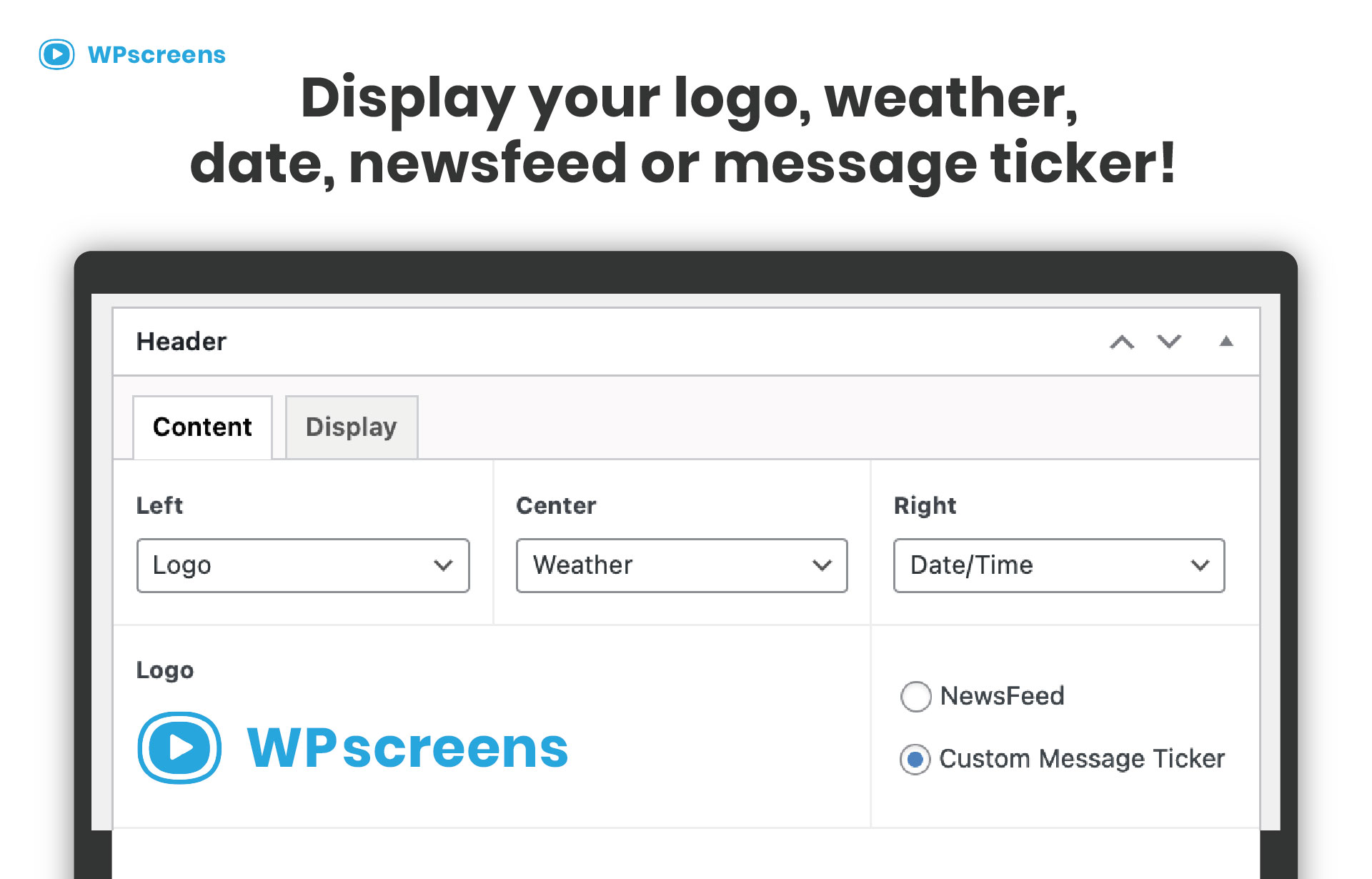


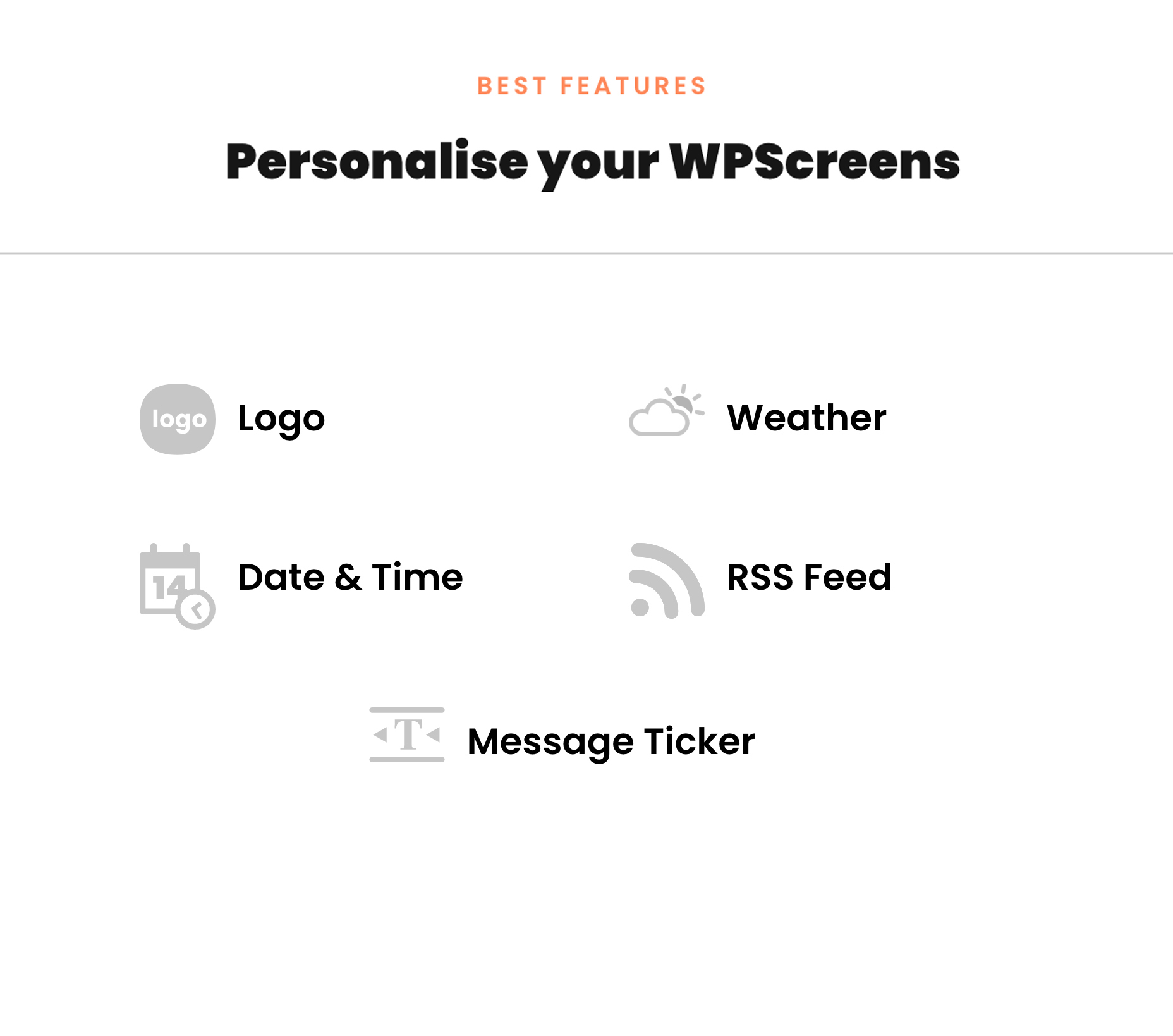


Für Entwickler
Ist das dein Plugin? Zeigen Sie die Zahlen.
Fügen Sie Ihrer Website, Docs oder GitHub Readme ein Live-Badge hinzu. Es wird von selbst aktualisiert - kein Konto erforderlich.
Best WPScreens alternatives
All digital signage plugins →





Fragen und Antworten
WPScreens: quick answers
Gerade Antworten, gezogen von Live WordPress.org Daten.
Quelle: WordPress.org
Is WPScreens free?
Yes. WPScreens is free to download and use from the official WordPress.org plugin directory.
Is WPScreens safe to use in 2026?
WPScreens works, but test it on a staging site before relying on it in 2026. It runs on 300+ sites, is rated 5/5 and was last updated 12 months ago, and scores 53/100 on our health check.
How many websites use WPScreens?
WPScreens is active on 300+ WordPress websites and has been downloaded 22,207 times since it launched in July 2020. It was downloaded 469 times in the last 30 days.
Does WPScreens work with WordPress 7.1?
WPScreens is officially tested up to WordPress 6.9.12, while the latest release is 7.1.5. It may still work, but try it on a staging site first.
What PHP version does WPScreens need?
WPScreens requires PHP 7.4 or higher. Most hosts run PHP 8.x today, so it works on any modern WordPress hosting.
When was WPScreens last updated?
The latest version, 2.5.4, was released on December 1, 2025 (12 months ago).
Who makes WPScreens?
WPScreens is developed and maintained by wpscreens.
What are the best alternatives to WPScreens?
The most popular alternatives to WPScreens are Foyer (1K+ installs), Screenly Cast (50+ installs) and Digitalsignagepress Lite (30+ installs).
Angetrieben von PageForge
Eine Vorlage und eine Tabelle. Eine echte Seite für jede Suche.
PageForge Verwandelt jede Zeile eines CSV in eine WordPress-Seite mit eigenem Titel, URL, SEO Felder und Schema entworfen. Kostenlos auf WordPress.org.
- CSV und XLSX, plus Google Sheets auf Beruf und Unternehmen
- seinen eigenen Titel, URL, SEO Felder und Schema für jede Seite
- Arbeitet mit dem Blockeditor, Elementor, Divi und Avada
- Kostenlos auf WordPress.org, keine Kreditkarte