


WP STAGING – Backups & Restore, Migration & Clone Plugin – Cloud Backups, Scheduled Backups
WordPress backup plugin: backups, restore & migration in minutes. Clone or duplicate your site, test updates on a staging copy. 100% unit-tested.

Sichere Auswahl
Yes — WP STAGING is a safe, well-maintained plugin to use in 2026. It runs on 100K+ sites, is rated 4.8/5 and was last updated 11 hours ago, and scores 95/100 on our health check.
- Bewährt im Maßstab auf 100k+ aktiven Standorten
- Loved by users — 4.8/5 from 2,471 reviews
- Actively developed — last update 11 hours ago
- Getestet mit dem neuesten WordPress (7.1)
- Responsive Support – 100 % der letzten Threads wurden behoben
Wie stapelt es sich?
Side-by-side bei Installationen, Updates, Bewertungen und Support



Tägliche Downloads
Download-Spitzen folgen normalerweise einer neuen Version - jede Website, die automatisch aktualisiert wird, gilt als Download.
Ranglisten
Where WP STAGING stands todayWordPress.org Ranglisten suchen
Live-Position in der Plugin-Suche, Top 100| Stichwort | Position |
|---|---|
| Sicherungskopie | #4 |
| move | #1 |
| restore | #2 |
| transfer | #3 |
| WordPress-Backup | #6 |
Versionsübernahme
Anteil aktiver Sites pro Release.
Bewertungsaufschlüsselung
★★★★★★★★★★ 4.8 from 2,471 reviews
About WP STAGING
From the official readme · v4.22.0Beschreibung
WordPress Backup, Restore, Staging, Cloning & Migration — All in One
WP STAGING is the all-in-one WordPress backup, restore, staging, cloning, and migration plugin, built for professional workflows with 100% unit-tested code, thousands of automated tests, and extensive end-to-end testing across supported PHP versions.
Create a full backup or an exact clone or copy of your website in minutes. Use it to duplicate your site, test plugin and theme updates safely, restore your site when needed, move or migrate WordPress to another server, transfer your site to a new host, or build a staging copy before making changes. WP STAGING also works as a WordPress duplicator, so you do not need a separate duplicator plugin to copy your website.
WP STAGING reliably backs up, clones, and migrates WooCommerce stores too, including orders, products, and customer data.
WP STAGING is developed in Germany and designed for agencies, developers, and businesses that need reliable WordPress backup, recovery, staging, restore, and migration workflows.
WP STAGING | PRO also includes advanced workflows such as Remote Sync, which lets you pull a WordPress site securely from one server to another using an API key, and WP STAGING CLI, which can turn a WP STAGING backup into a local Docker-based development site.
All data stays on your server unless you choose a transfer or remote storage workflow. WP STAGING is designed for speed, reliability, and low-resource environments, including shared hosting.
WP STAGING automatically performs search and replace for links and paths during cloning, backup, restore, and migration workflows.
This staging and backup plugin can clone your website quickly and efficiently, even if it is running on a weak shared hosting server.
WP STAGING FREE – BACKUP & STAGING FEATURES
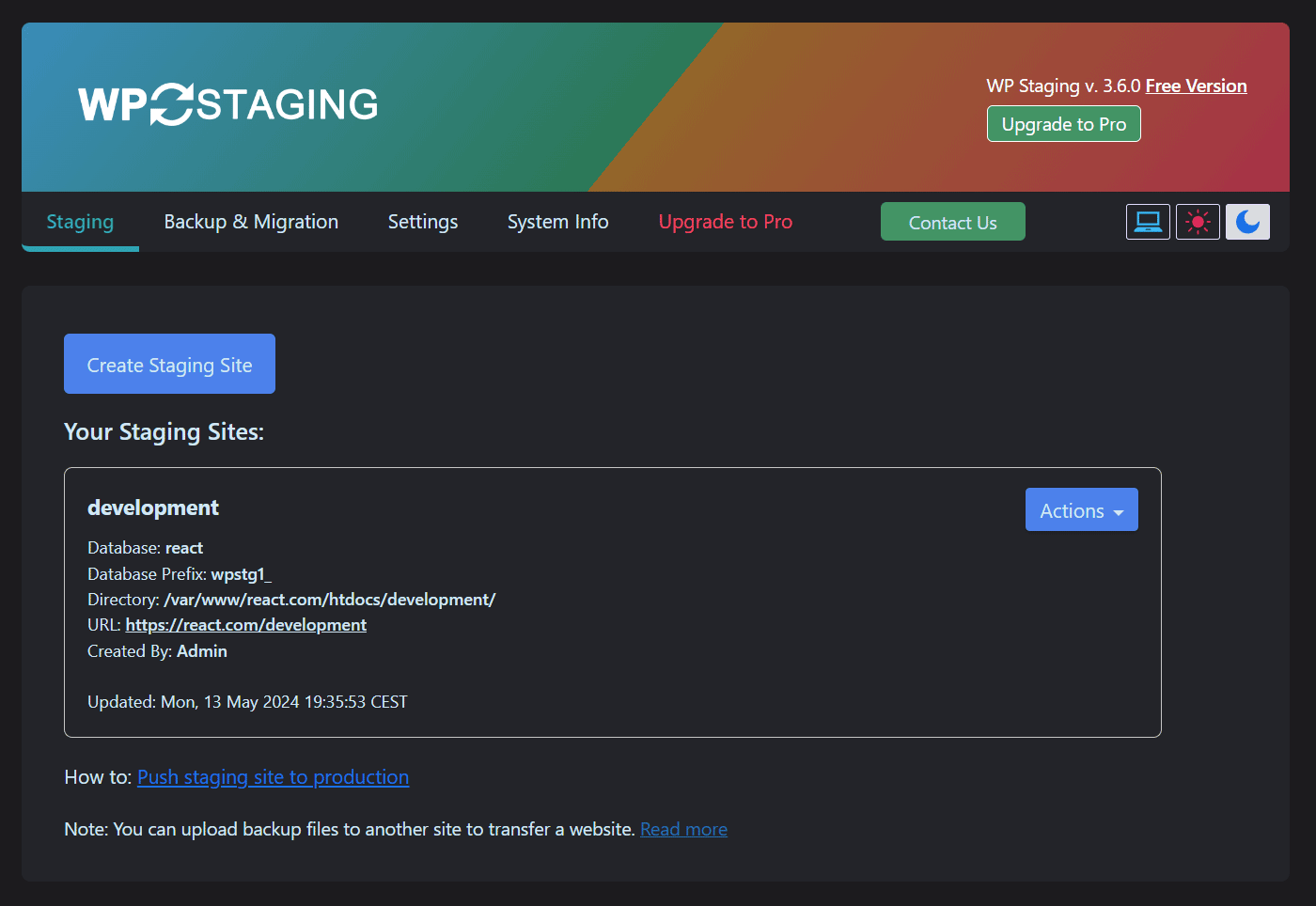
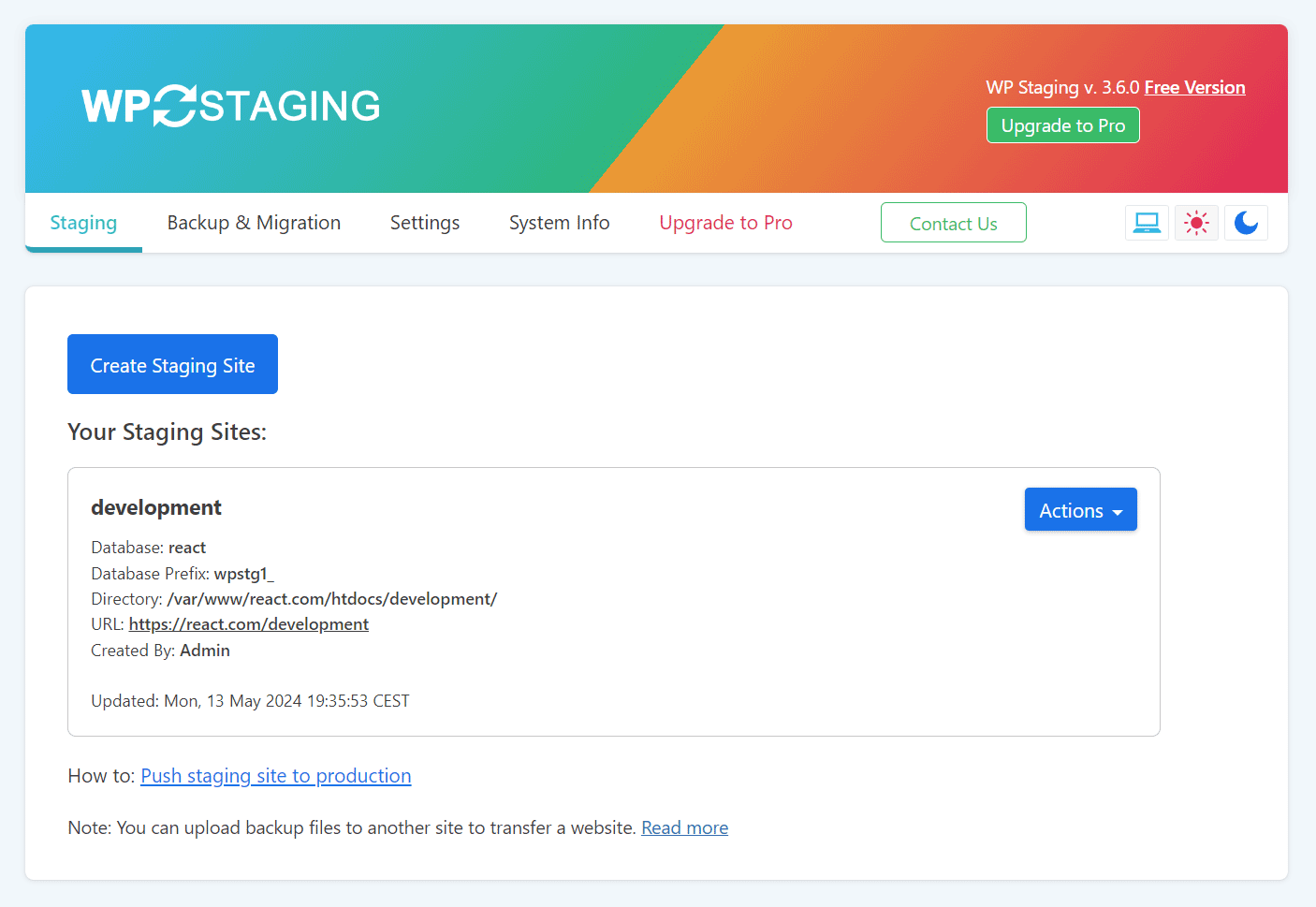
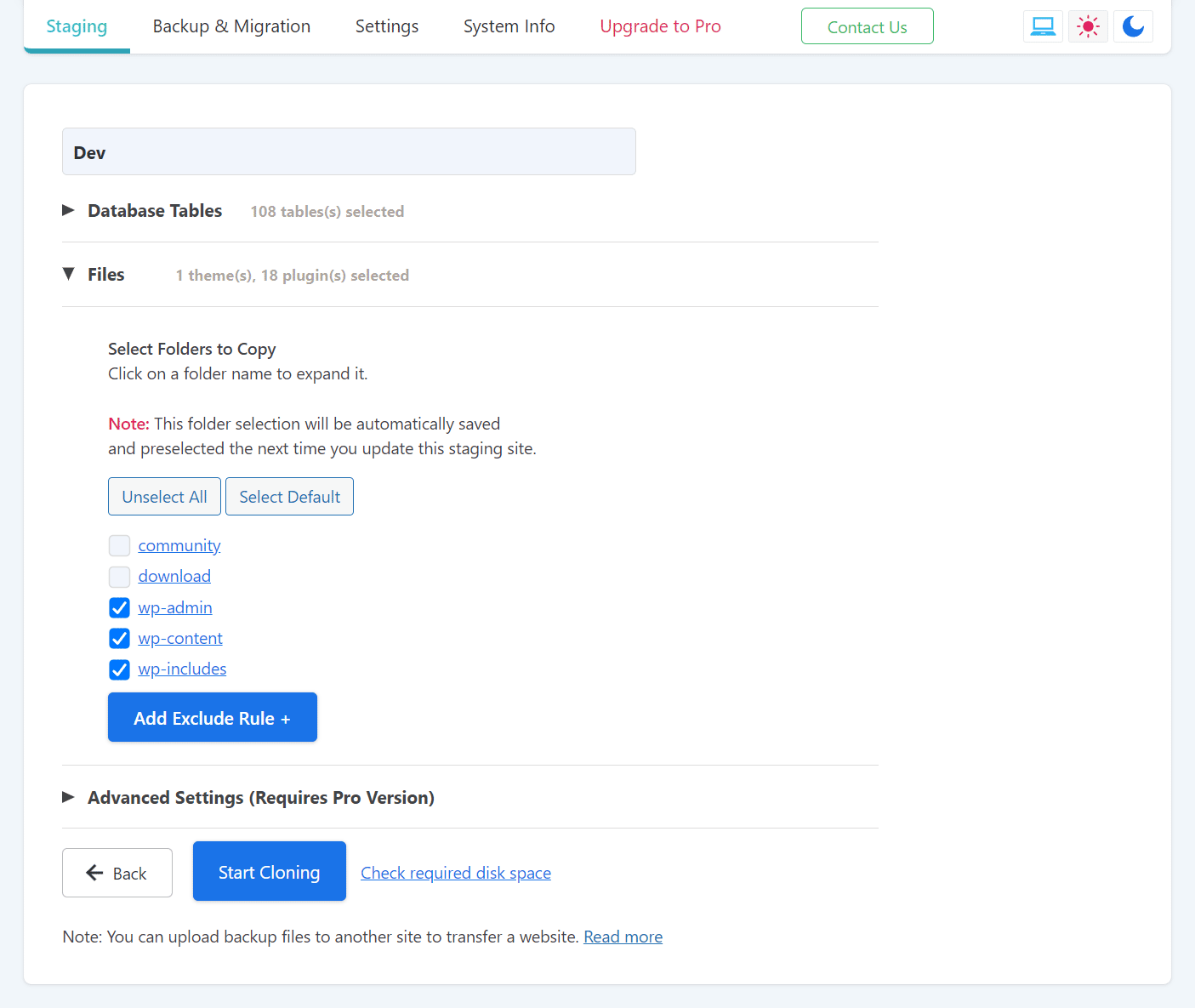
- Clone the entire production site into a subdirectory like example.com/staging-site.
- High-performance backup and cloning, even for websites with very large databases.
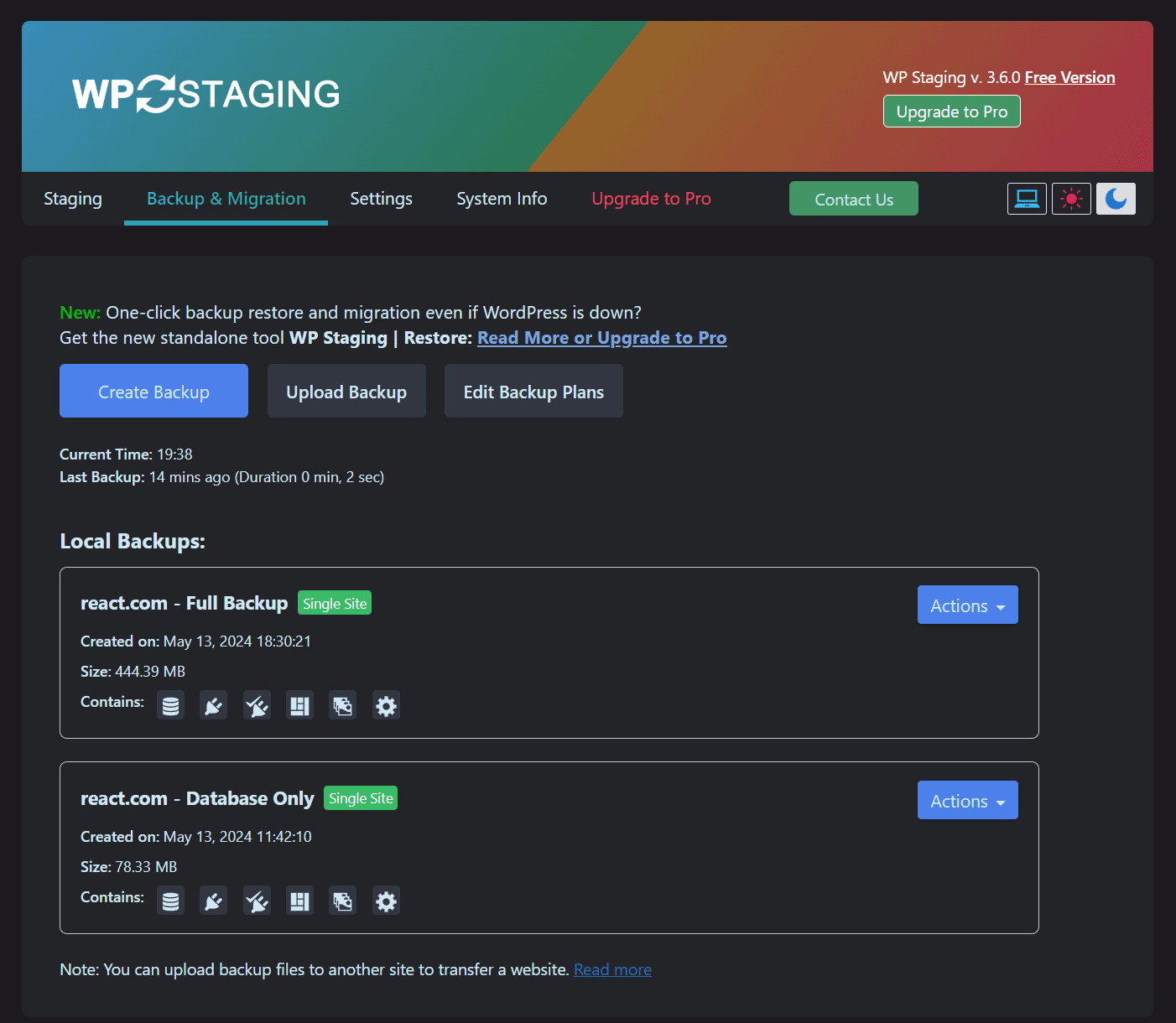
- Create full or partial backups — full-site backup, database-only, or files-only backups.
- Scheduled backups with automatic daily backups.
- Easy to use: create a clone or backup in one click.
- Efficient background processing without slowing down your website.
- No Software as a Service and no external account required.
- All your data stays on your server. Your data belongs to you only.
- No server timeouts on huge websites or weak servers.
- Fast backup, clone, and restore workflows depending on site size and server resources.
- Use the clone as part of your backup and update strategy.
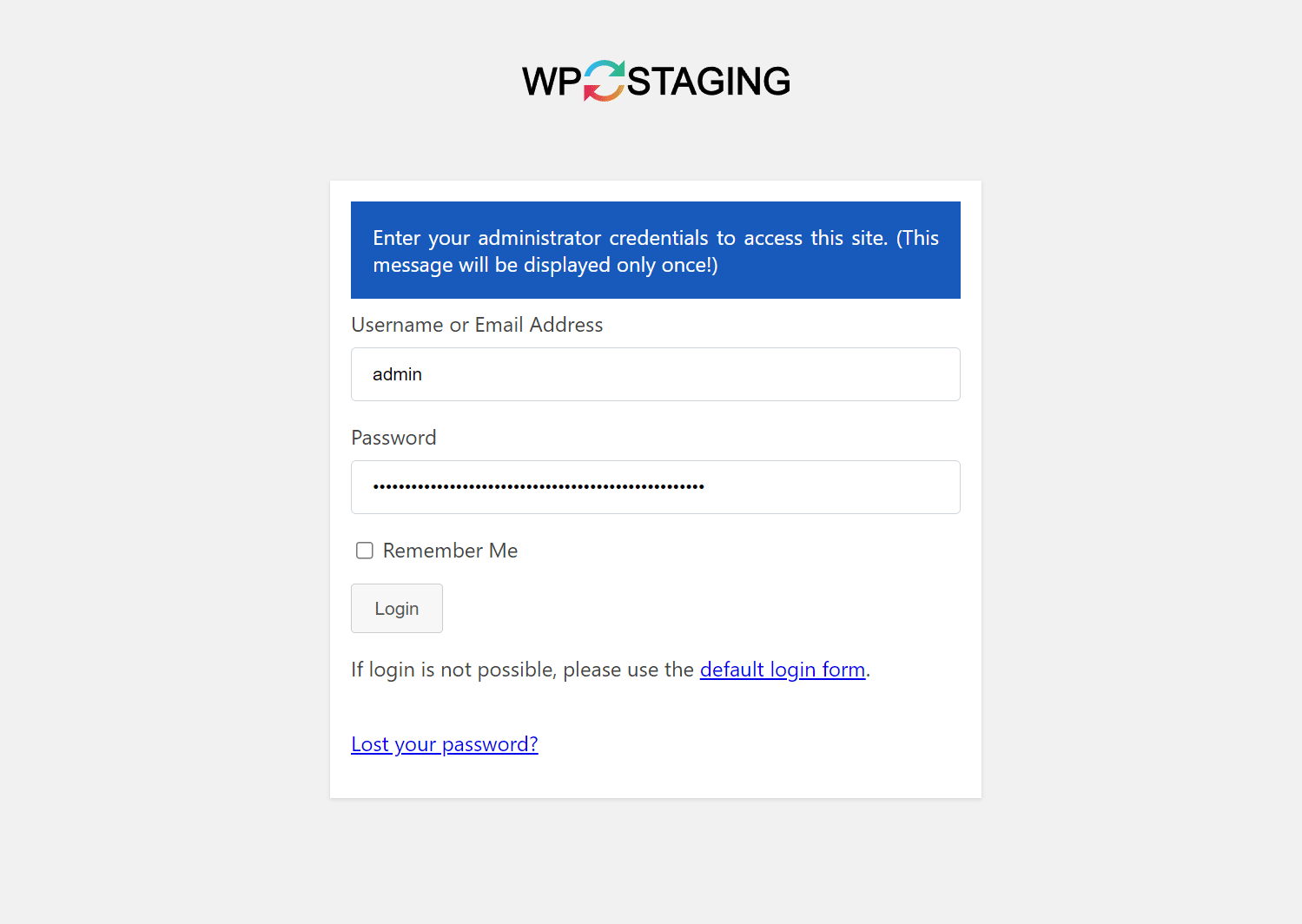
- Only administrators can access the cloned or backup website.
- SEO-friendly staging sites with login protection and no-index handling.
- The admin bar on the staging / backup website is orange colored and shows when you work on the staging site.
- Extensive logging features.
- Supports Apache, Nginx, Microsoft IIS, and LiteSpeed Server.
- Every release passes extensive automated tests to keep the plugin robust, reliable, and fast.
- Fast and professional support team.
WP STAGING | PRO – BACKUP & STAGING FEATURES
The features below are available in WP STAGING | PRO.
- Remote Sync – Pull a WordPress site securely from one server to another.
- WP STAGING CLI – Turn a backup into a local Docker-based development site.
- Migrate and transfer WordPress to another host or domain.
- Push staging changes to production (staging to live), including plugins, themes, and media files, with one click.
- Clone a backup or staging site to a separate database.
- Choose a custom directory for a backup or cloned site.
- Select a custom subdomain destination like dev.example.com.
- Define user roles for accessing the clone or backup site. This can be clients or external developers.
- Multisite support for migration, backup, and cloning.
- Schedule recurring backups by time and interval.
- Download and upload backups to another server for migration and transfer.
- Backup retention settings.
- Custom backup names.
- Email notifications if a backup cannot be created.
- WordPress multisite backup and restore.
- Cloud backup, offsite backup, and remote backups to external storage providers.
- Backup to Google Drive.
- Backup to Amazon S3.
- Backup to (S)FTP.
- Backup to Dropbox.
- Custom backup folder destinations for cloud storage providers.
- Priority support.
Dokumentation
How to Backup and Restore WordPress
Backup and Restore WordPress
Backup & Transfer WordPress Site to Another Host
How to Migrate Your WordPress Site to a New Host
Remote Sync
Pull a WordPress Site from One Server to Another
Local Docker Development with WP STAGING CLI
WP STAGING CLI – Upgrade Now
All Backup Guides
All Backup Guides
Working with Staging Sites
Working with Staging Sites
FAQ for Backup & Cloning
FAQ for Backup & Cloning
Troubleshooting Backup & Cloning
Troubleshooting Backup & Cloning
WP STAGING BACKUP & CLONING TECHNICAL REQUIREMENTS & INFORMATION
- Works on latest version of WordPress
- Minimum Supported WordPress Version 3.8
- Cloning and Backup work on all webhosts
- No extra libraries required
- Backup & cloning supports huge websites
- Custom backup format is much faster and smaller than any tar or zip compression
- Backup & cloning works in low memory & shared hosting environments
SUPPORT
Installation
Installation via admin plugin search
- Go to Plugins > Add new. Select “Author” from the dropdown near search input.
- Search for “WP STAGING”. Searching for “WPStaging” in one word works as well.
- Find “WP STAGING – WordPress Backup, Restore & Migration” and click the “Install Now” button.
- Aktivieren Sie das Plugin.
- The plugin should be shown below settings menu.
Admin Installer via zip
- Visit the Add New plugin screen and click the “Upload Plugin” button.
- Click the “Browse…” button and select the zip file of our plugin.
- Click “Install Now” button.
- Once uploading is done, activate WP STAGING – WordPress Backup, Restore & Migration.
- The plugin should be shown below the settings menu.
Änderungsprotokoll
Compatible up to WordPress 7.0. Many improvements for reliability and bug fixes. Please update to the latest version!
4.22.0
- New: Add a Job History screen listing every backup, staging and sync operation with the user who started it, its result and its log, and a setting to turn the recording off. (Pro)
- Security: This release includes security hardening. Updating is strongly recommended.
- Fix: Verify the remote site’s TLS certificate in Remote Sync, so a man-in-the-middle can no longer read the connection credentials or the transferred backup. A site whose peer has a certificate this server does not trust, such as a local development site, gets a refused connection with a message that names the cause and offers the new “Accept self-signed SSL certificates” switch right in the connect dialog. (Pro)
- Fix: Stop the backup with a clear message instead of retrying a large file forever when the PHP time limit is too short to write any of it.
- Fix: Queue only one backup when two cron runners fire the same backup schedule at the same moment.
- Fix: Stop Update Protection from reporting a backup that reached the largest file size the server allows as a lack of disk space.
- Fix: Show the real reason when a background backup cannot be queued, instead of a generic error.
- Fix: Keep OneDrive connected when Microsoft answers with a new refresh token. (Pro)
- Fix: Stop a OneDrive upload that Microsoft keeps refusing after a limited number of retries, and keep the backup available locally, instead of retrying forever. (Pro)
- Fix: Copy the last files of the file list to a staging site created or updated with the Classic engine, which could be left out while the log reported every file copied.
- Fix: Upload every backup part to the next remote storage after an upload to the previous one failed. (Pro)
- Fix: Copy the users and usermeta tables together when a staging site is created, updated or reset, so a production user never inherits the role of a removed staging user.
- Fix: On a multisite, only a network super admin can create, update, push or otherwise manage staging sites.
- Plus 8 more fixes.
WP STAGING Backup & Cloning | Full changelog:
https://wp-staging.com/wp-staging-changelog
Screenshots
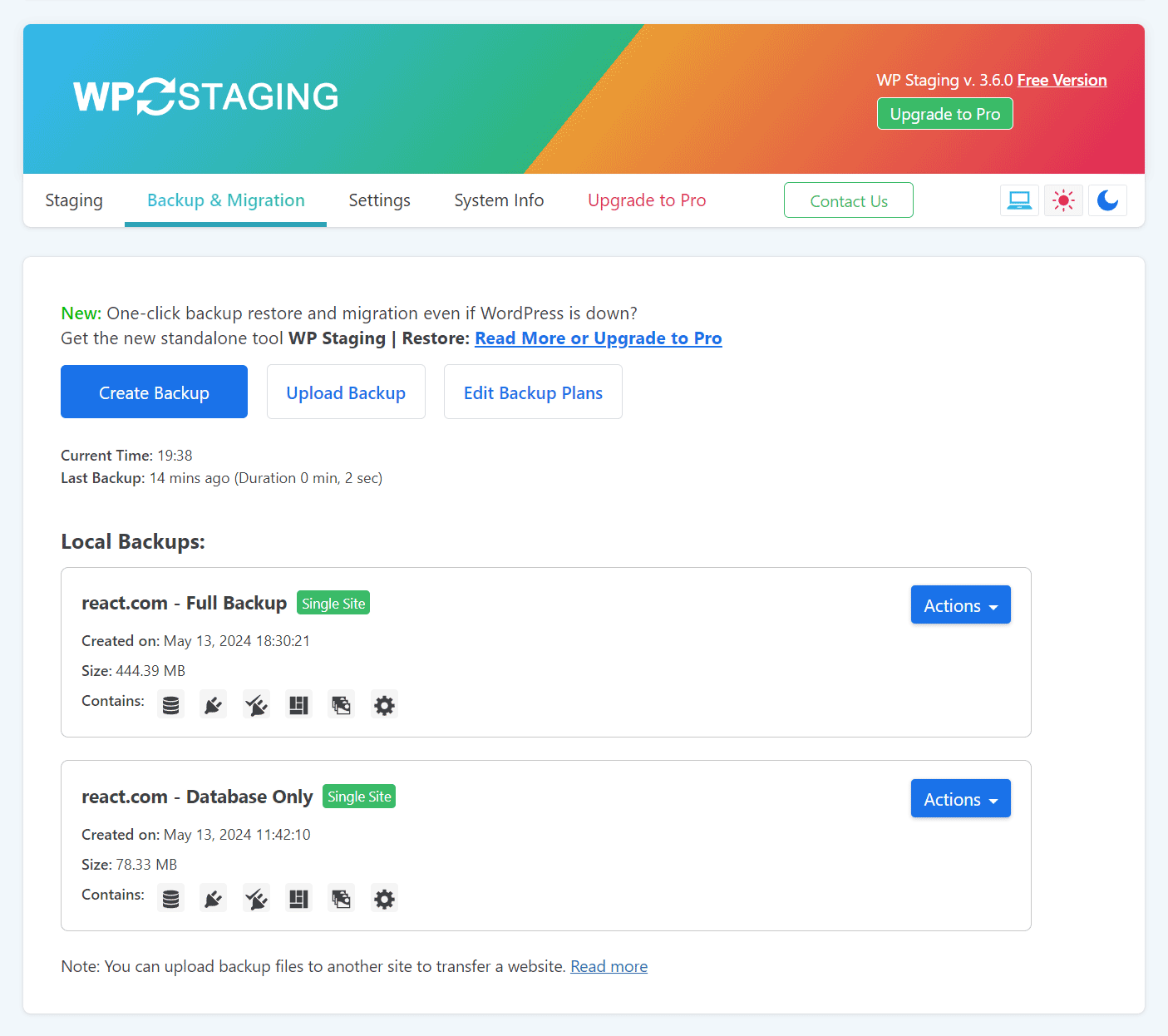
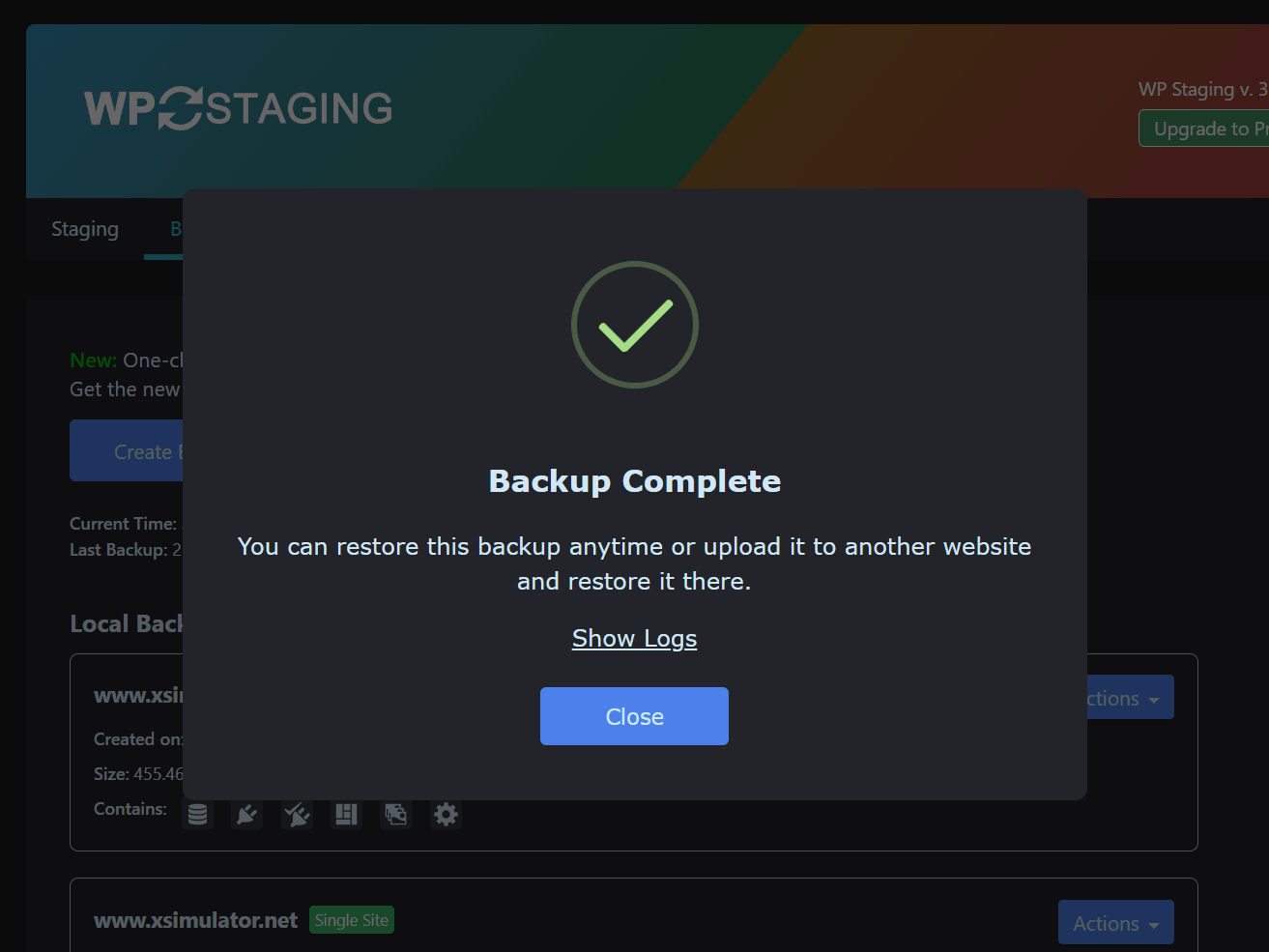

Für Entwickler
Ist das dein Plugin? Zeigen Sie die Zahlen.
Fügen Sie Ihrer Website, Docs oder GitHub Readme ein Live-Badge hinzu. Es wird von selbst aktualisiert - kein Konto erforderlich.
Best WP STAGING alternatives
Alle Backup-Plugins →





Fragen und Antworten
WP STAGING: quick answers
Gerade Antworten, gezogen von Live WordPress.org Daten.
Quelle: WordPress.org
Is WP STAGING free?
Yes. WP STAGING is free to download and use from the official WordPress.org plugin directory. The developer also sells premium add-ons or a Pro version with extra features.
Is WP STAGING safe to use in 2026?
Yes — WP STAGING is a safe, well-maintained plugin to use in 2026. It runs on 100K+ sites, is rated 4.8/5 and was last updated 11 hours ago, and scores 95/100 on our health check.
How many websites use WP STAGING?
WP STAGING is active on 100K+ WordPress websites and has been downloaded 6,696,102 times since it launched in August 2015. It was downloaded 233,956 times in the last 30 days.
Does WP STAGING work with WordPress 7.1?
Yes. The developer has tested WP STAGING up to WordPress 7.1.5, the latest release. It requires WordPress 3.6 or newer.
What PHP version does WP STAGING need?
WP STAGING requires PHP 7.0 or higher. Most hosts run PHP 8.x today, so it works on any modern WordPress hosting.
When was WP STAGING last updated?
The latest version, 4.22.0, was released on November 20, 2026 (11 hours ago).
Who makes WP STAGING?
WP STAGING is developed and maintained by Rene Hermenau.
What are the best alternatives to WP STAGING?
The most popular alternatives to WP STAGING are All-in-One WP Migration and… (5M+ installs), UpdraftPlus: WP Backup & Mi… (4M+ installs) and Jetpack (3M+ installs).
Angetrieben von PageForge
Eine Vorlage und eine Tabelle. Eine echte Seite für jede Suche.
PageForge Verwandelt jede Zeile eines CSV in eine WordPress-Seite mit eigenem Titel, URL, SEO Felder und Schema entworfen. Kostenlos auf WordPress.org.
- CSV und XLSX, plus Google Sheets auf Beruf und Unternehmen
- seinen eigenen Titel, URL, SEO Felder und Schema für jede Seite
- Arbeitet mit dem Blockeditor, Elementor, Divi und Avada
- Kostenlos auf WordPress.org, keine Kreditkarte