


JWT Authentication for WP REST APIs
Secure and protect WordPress REST API from unauthorized access using JWT token, Basic Authentication, API Key, OAuth 2, or external token.

Sichere Auswahl
Yes — JWT Authentication for WP REST… is a safe, well-maintained plugin to use in 2026. It runs on 10K+ sites, is rated 4.4/5 and was last updated 3 weeks ago, and scores 87/100 on our health check.
- Bewährt im Maßstab auf 10k + aktiven Standorten
- Aktiv entwickelt – letztes Update vor 3 Wochen
- Getestet mit dem neuesten WordPress (7.1)
Wie stapelt es sich?
Side-by-side bei Installationen, Updates, Bewertungen und Support



Tägliche Downloads
Download-Spitzen folgen normalerweise einer neuen Version - jede Website, die automatisch aktualisiert wird, gilt als Download.
Ranglisten
Where JWT Authentication for WP R… stands todayWordPress.org Ranglisten suchen
Live-Position in der Plugin-Suche, Top 100| Stichwort | Position |
|---|---|
| API key | #7 |
| jwt authentication | #3 |
| rest | #4 |
| rest-api | #3 |
| secure api | #4 |
Versionsübernahme
Anteil aktiver Sites pro Release.
Bewertungsaufschlüsselung
★★★★★★★★★★ 4.4 from 75 reviews
About JWT Authentication for WP REST APIs
From the official readme · v5.0.1Beschreibung
WordPress REST API endpoints are open and unsecured by default which can be used to access your site data. Secure WordPress APIs from unauthorized users with our JWT Authentication for WP REST APIs plugin.
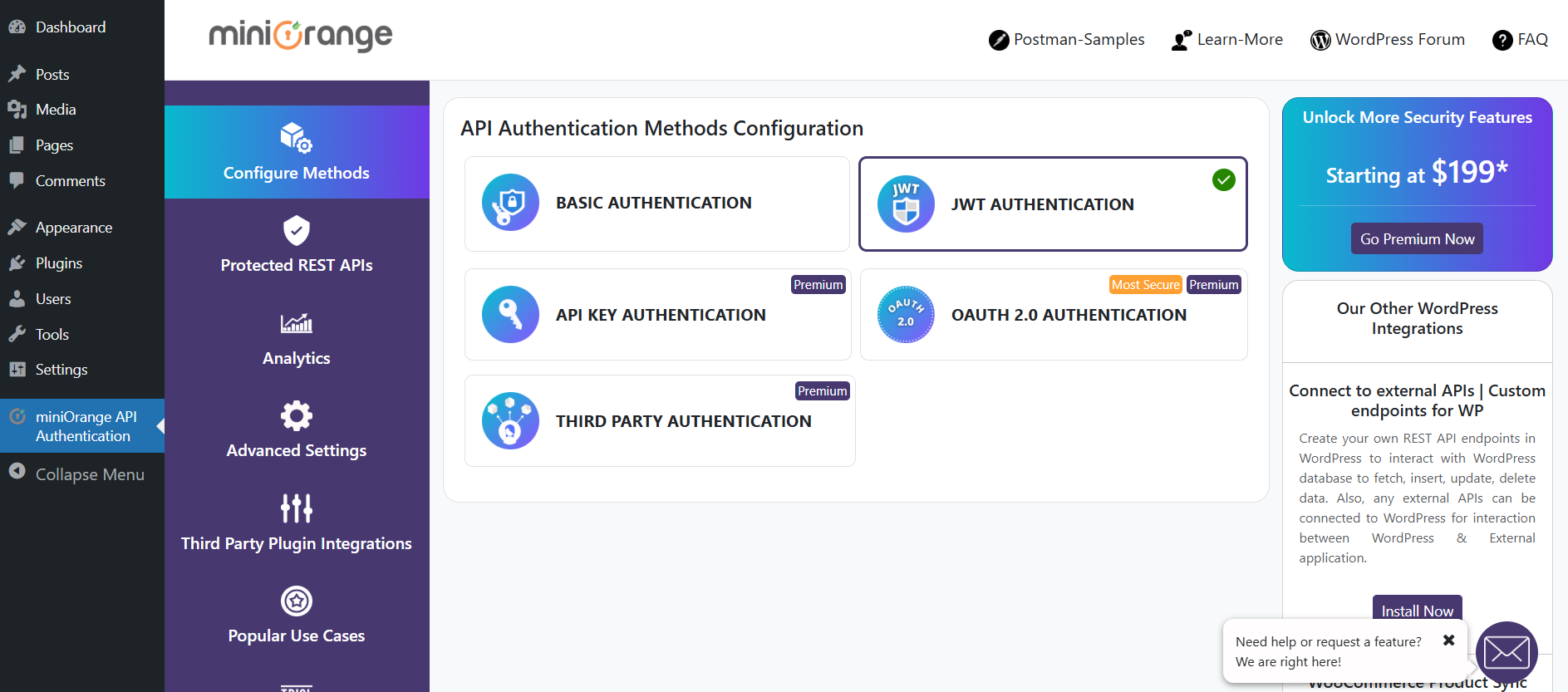
Our plugin offers below authentication methods to Protect WP REST API endpoints:
– JWT Authentication
– Basic Authentication
– API Key Authentication
– OAuth 2.0 Authentication
– External Token based Authentication 2.0/OIDC/JWT/Firebase provider’s token authentication methods.
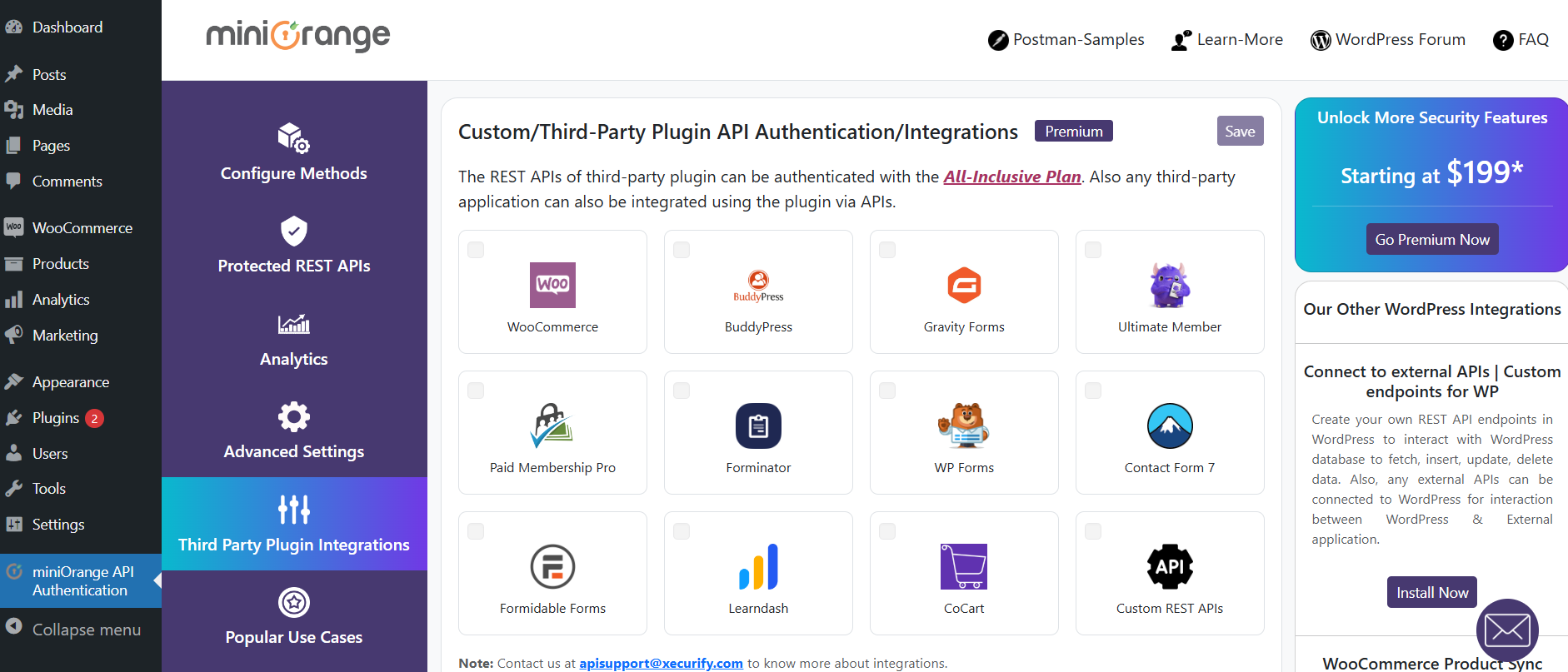
You can authenticate default WordPress endpoints and custom-developed REST endpoints and third-party plugin REST API endpoints like that of Woocommerce, Learndash, Buddypress, Gravity Forms, CoCart, etc.
WP REST API Authentication Methods in our plugin
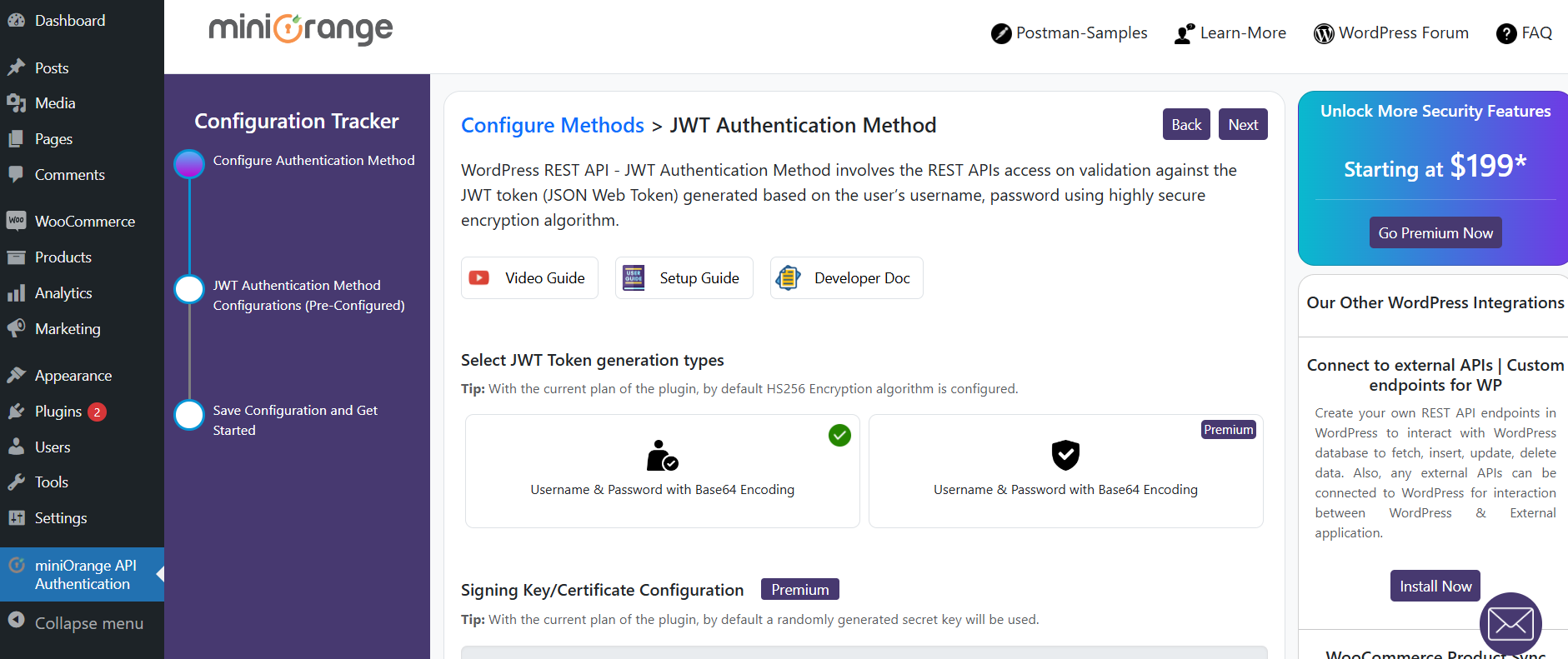
- JWT Authentication
Provides an endpoint where you can pass the user credentials, and it will generate a JWT (JSON Web Token), which you can use to access the WordPress REST APIs accordingly.
Additionally, to maintain a seamless user experience without frequent logins needed due to token expiry, you can use our Refresh and Revoke token mechanisms feature.
When the access token expires, instead of forcing the user to log in again, the client can request a new access token using a valid refresh token. - API Key Authentication
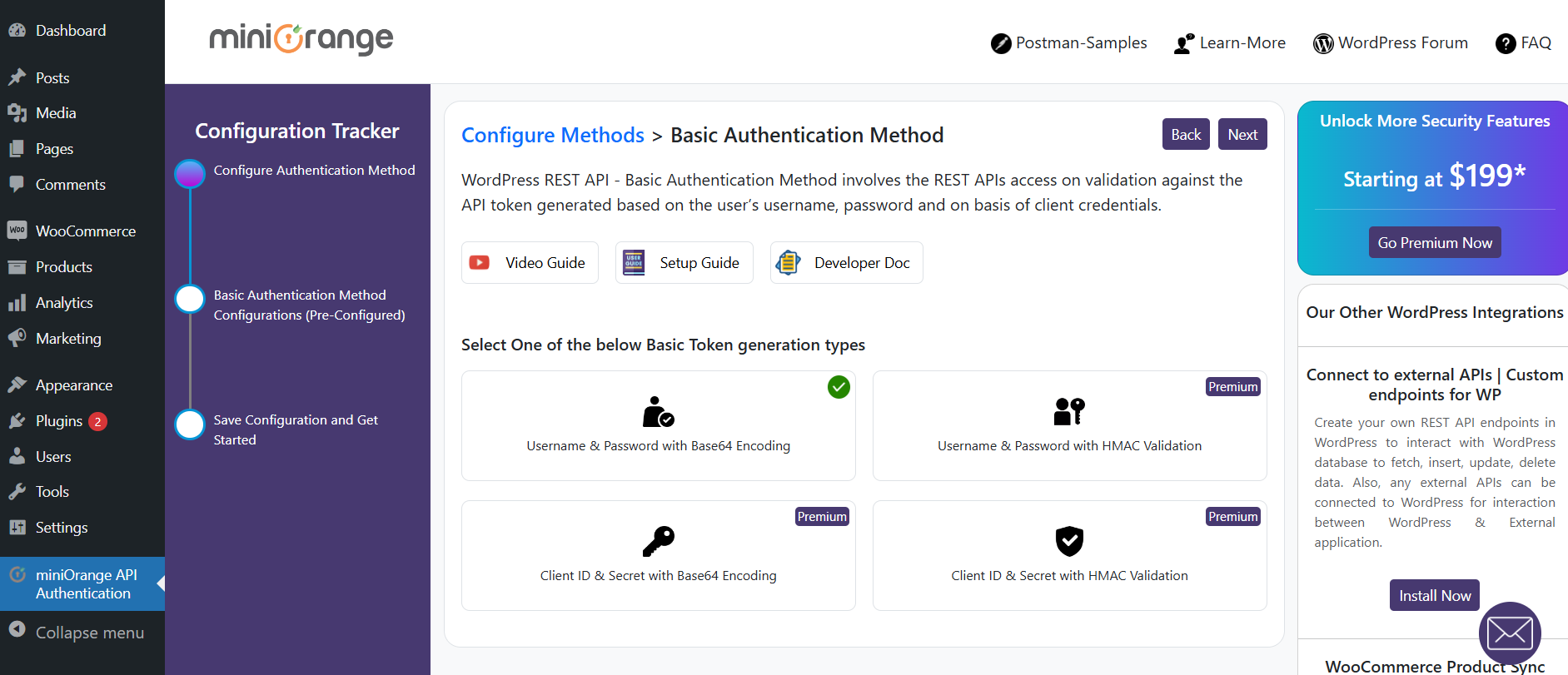
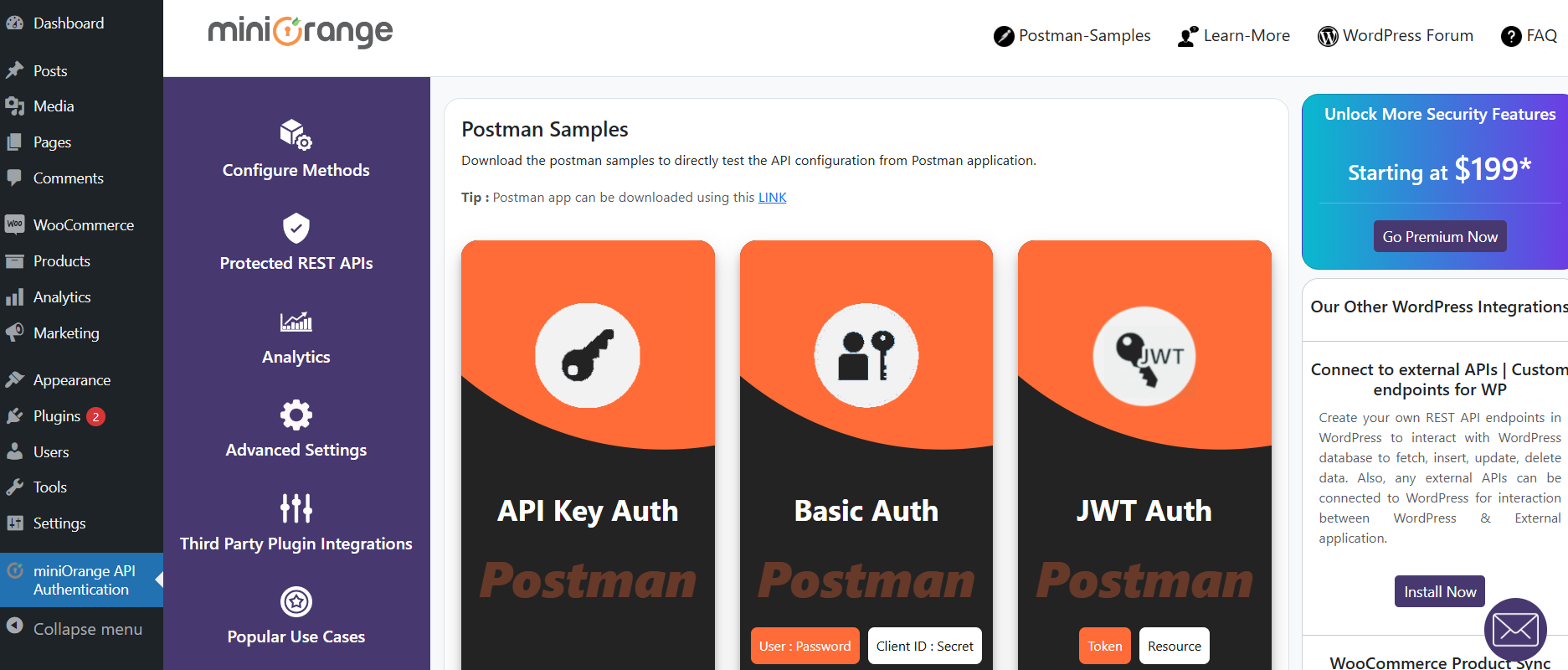
- Basic Authentication:
– 1. Username: Password
– 2. Client-ID: Client-Secret - OAuth 2.0 Authentication
– 1. Password Grant
– 2. Client Credentials Grant - Third Party Provider Authentication
Following are some of the integrations that are possible with WP REST API Authentication:
- Learndash API Authentication
- Custom Built REST API Endpoints Authentication
- BuddyPress API Authentication
- WooCommerce API Authentication
- Gravity Form API Authentication
- External/Third-party plugin API endpoints integration in WordPress
You can also disable the WP REST APIs with our plugin such that no one can make API calls to your WordPress REST API endpoints.Our plugin also provides Refresh and Revoke Token that can be used to improve the API security.
Benefits of Refresh Token
- Enhances security by keeping access tokens short-lived.
- Improves user experience with uninterrupted sessions.
- Reduces login frequency.
Benefits of Revoke Token
- Protects against token misuse if a device is lost or compromised.
- Enables admin-triggered logouts or session control.
- Useful for complying with stricter session policies.
With this plugin, the user is allowed to access your site’s resources only after successful WP REST API authentication. JWT Authentication for WP REST APIs plugin will make your WordPress endpoints secure from unauthorized access.
Plugin Feature List
FREE PLAN
- Authenticate only default core WordPress REST API endpoints.
- Basic Authentication with username and password.
- JWT Authentication (JSON Web Token Authentication).
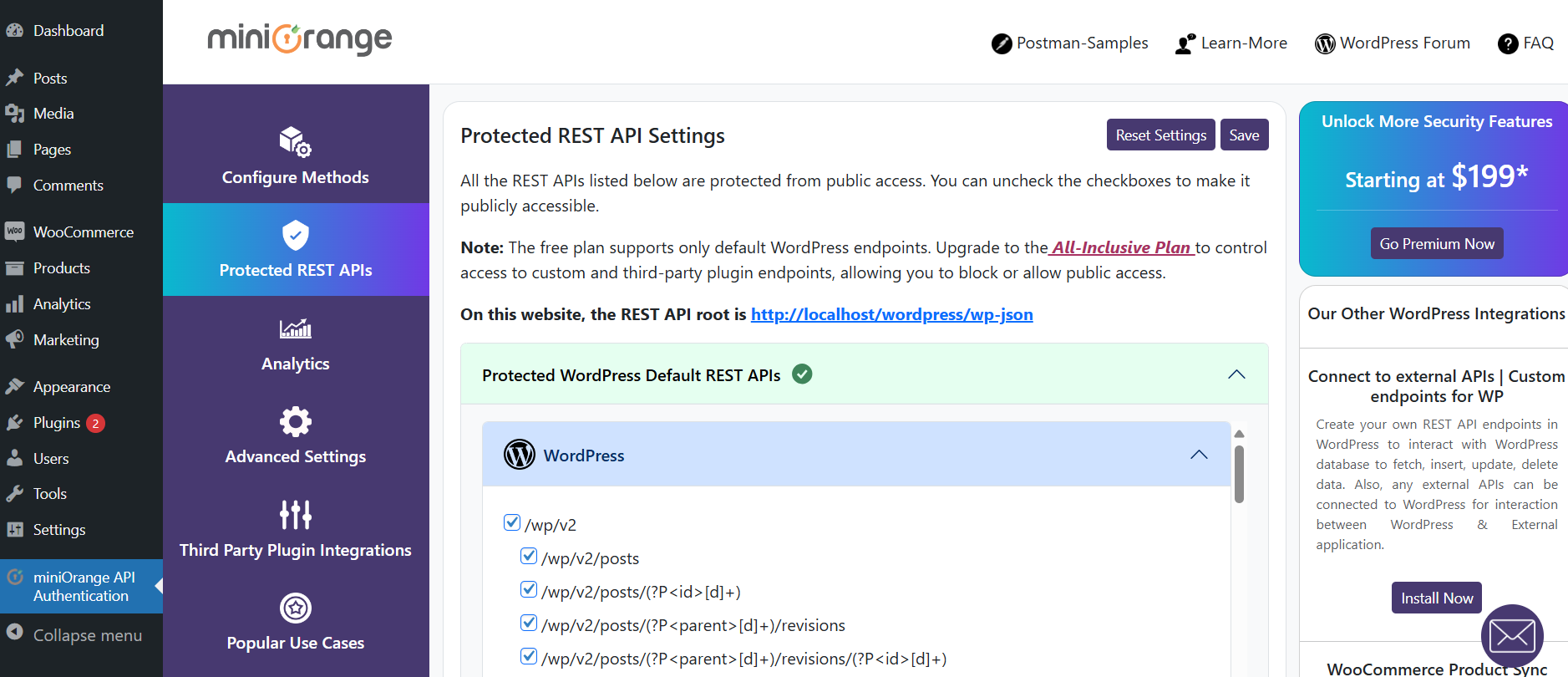
- Enable Selective API protection.
- Restrict non-logged-in users to access REST API endpoints.
- Disable WP REST APIs
PREMIUM PLAN
- Authenticate all REST API endpoints (Default WP, Custom APIs,Third-Party plugins)
- JWT Token Authentication (JSON Web Token Authentication)
- Login, Refresh and Revoke token endpoints for token management
- API Key Authentication
- Basic Authentication (username/password and email/password)
- OAuth 2.0 Authentication
- Universal API key and User-specific API key for authentication
- Selective API protection.
- Disable WP REST APIs
- Time-based token expiry
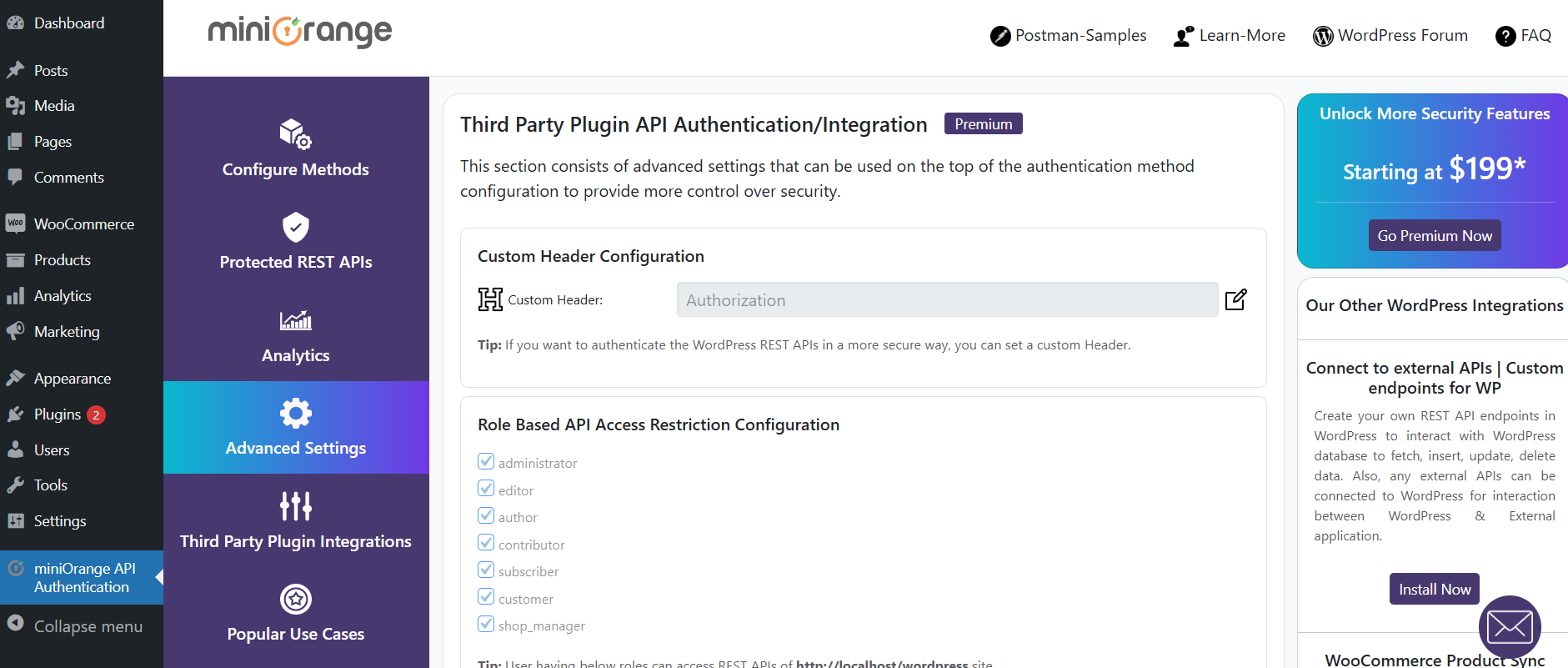
- Role-based WP REST API authentication
- Custom Header support rather than just Authorization to increase security.
- Create users in WordPress based on third-party provider access tokens (JWT tokens) authentication.
Privatsphäre
This plugin does not store any user data.
Installation
This section describes how to install the JWT Authentication for WP REST APIs plugin and get it working.
Aus Ihrem WordPress-Dashboard
- Visit
Plugins > Add New - Search for
JWT Authentication for WP REST APIs. Find and Install theJWT Authentication for WP REST APIsplugin by miniOrange - Aktivieren Sie das Plugin
Von WordPress.org
- Download JWT Authentication for WP REST APIs .
- Unzip and upload the
wp-rest-api-authenticationdirectory to your/wp-content/plugins/directory. - Activate JWT Authentication for WP REST APIs from your Plugins page.
Änderungsprotokoll
Fixes to Create, Posts, Update Publish Posts
5.0.1
- Fehlerbehebung
5.0.0
- Fehlerbehebung
4.9.0
- Bug fixes for Secure MCP server by miniOrange
4.8.0
- Security Fixes
4.7.0
- Security Fixes
- WordPress 7.1 Compatibility.
4.6.0
- Security Improvements
Screenshots
Für Entwickler
Ist das dein Plugin? Zeigen Sie die Zahlen.
Fügen Sie Ihrer Website, Docs oder GitHub Readme ein Live-Badge hinzu. Es wird von selbst aktualisiert - kein Konto erforderlich.
Best JWT Authentication for WP RES… alternatives
All API key plugins →Fragen und Antworten
JWT Authentication for WP REST APIs: quick answers
Gerade Antworten, gezogen von Live WordPress.org Daten.
Quelle: WordPress.org
Is JWT Authentication for WP REST… free?
Yes. JWT Authentication for WP REST… is free to download and use from the official WordPress.org plugin directory.
Is JWT Authentication for WP REST… safe to use in 2026?
Yes — JWT Authentication for WP REST… is a safe, well-maintained plugin to use in 2026. It runs on 10K+ sites, is rated 4.4/5 and was last updated 3 weeks ago, and scores 87/100 on our health check.
How many websites use JWT Authentication for WP REST…?
JWT Authentication for WP REST… is active on 10K+ WordPress websites and has been downloaded 587,697 times since it launched in May 2019. It was downloaded 12,339 times in the last 30 days.
Does JWT Authentication for WP REST… work with WordPress 7.1?
Yes. The developer has tested JWT Authentication for WP REST… up to WordPress 7.1.5, the latest release. It requires WordPress 3.0.1 or newer.
What PHP version does JWT Authentication for WP REST… need?
JWT Authentication for WP REST… requires PHP 5.6 or higher. Most hosts run PHP 8.x today, so it works on any modern WordPress hosting.
When was JWT Authentication for WP REST… last updated?
The latest version, 5.0.1, was released on November 12, 2026 (3 weeks ago).
Who makes JWT Authentication for WP REST…?
JWT Authentication for WP REST… is developed and maintained by miniOrange.
What are the best alternatives to JWT Authentication for WP REST…?
The most popular alternatives to JWT Authentication for WP REST… are PKL WPz REST API Authentica… (40+ installs), WP REST API Key Authenticat… (10+ installs) and DRSite (<10 installs).
Angetrieben von PageForge
Eine Vorlage und eine Tabelle. Eine echte Seite für jede Suche.
PageForge Verwandelt jede Zeile eines CSV in eine WordPress-Seite mit eigenem Titel, URL, SEO Felder und Schema entworfen. Kostenlos auf WordPress.org.
- CSV und XLSX, plus Google Sheets auf Beruf und Unternehmen
- seinen eigenen Titel, URL, SEO Felder und Schema für jede Seite
- Arbeitet mit dem Blockeditor, Elementor, Divi und Avada
- Kostenlos auf WordPress.org, keine Kreditkarte