


WP Lipsum
WP-Lipsum is a simple plugin for generating dummy text for your WordPress site.

Betrachten Sie eine Alternative
WP Lipsum shows warning signs in 2026 — compare the alternatives below before installing. It runs on 10+ sites, is rated 1/5 and was last updated 15 years ago, and scores 18/100 on our health check.
- Kleine Benutzerbasis (10+ aktive Installationen)
- Bisher sehr wenige Bewertungen
- No update in 14 years
- Only tested up to WordPress 3.3 (latest is 7.1)
Wie stapelt es sich?
Side-by-side bei Installationen, Updates, Bewertungen und Support



Tägliche Downloads
Download-Spitzen folgen normalerweise einer neuen Version - jede Website, die automatisch aktualisiert wird, gilt als Download.
Ranglisten
Where WP Lipsum stands todayWordPress.org Ranglisten suchen
Live-Position in der Plugin-Suche, Top 100| Stichwort | Position |
|---|---|
| dummy text | >100 |
| lipsum | #6 |
| lorem ipsum | >100 |
Versionsübernahme
Anteil aktiver Sites pro Release.
Bewertungsaufschlüsselung
★★★★★★★★★★ 1 from 1 reviews
About WP Lipsum
From the official readme · v1.4Beschreibung
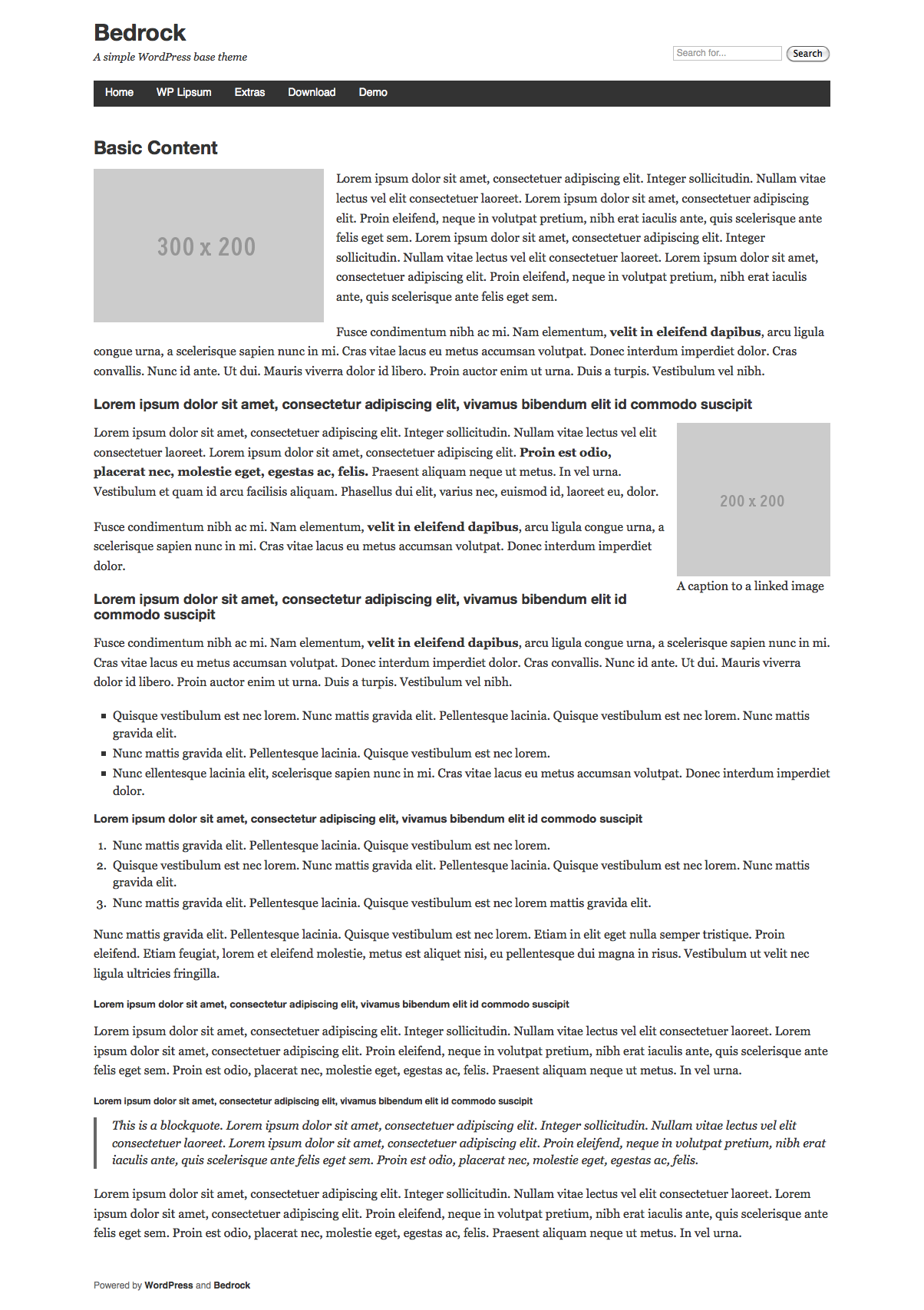
WP-Lipsum includes a collection of template fragments representing lots of common page types, from simple lorem ipsum paragraphs to demos of the WP comment system, and more. It works via a simple shortcode or template tag.
Using the Shortcode
[lipsum]
This outputs the basic content block. You can edit this in wp-lipsum/templates/basic.php.
[lipsum template=aux]
This outputs the auxilary lipsum page, with tables, definition lists, and more. You can edit this in templates/aux.php.
[lipsum repeat=4]
This outputs 4 simple paragphs of lorem ipsum text. You can edit the text in templates/p.php.
[lipsum template=ol repeat=3]
This loads the ordered list template and displays it 3 times.
[lipsum t=ol r=3]
You can also use “t” and “r” as parameter shortcuts.
Lipsum Templates and Fragments
Here are the full pages of lipsum content available:
- Basic Content – “basic”
- Aux Content – “aux”
- Blog Demo – “blog”
- Single Post Demo – “single”
- Headline List – “headline_list”
- Gallery Demo – “gallery”
- Portfolio Demo – “portfolio”
- Long Header Examples – “long_headers”
- Short Content Demo – “short”
- Template Fragments
You can also call these smaller fragments, and use the “repeat” parameter:
- Single Paragraph – “p”
- Unordered List – “ul”
- Ordered List – “ol”
- Definition List – “dl”
- Table Example – “table”
- Blockquote – “blockquote”
- Blog Teaser – “blog_teaser”
- Image (without caption) – “img”
- Image with WP Caption – “caption”
- Code Demo – “code”
- Comments Demo – “comments”
- Gallery Item – “gallery_item”
- List of Headers – “headers”
- Headline Teaser – “headline_teaser”
- Misc Content – “misc”
- Portfolio Item – “portfolio_item”
All lipsum template snippets are located in plugins/wp-lipsum/templates. You can easily add new template files in here, and call them with the “template” attribute.
Templates use Bedrock conventions, including class names (like .table-style and .post-nav), using H1s and H2s only for titles, and other concepts.
Image Dimensions
For the image templates, you can also pass in custom dimensions with the “width”, “height” and “align” parameters (shorcuts w, h and a). This works for the img, caption, portfolio & portfolio_item, and gallery & gallery_item templates.
[lipsum template=img width=300 height=150]

[lipsum t=caption w=300 h=150 a=right]

[lipsum t=gallery w=500 h=220]

[lipsum t=portfolio w=100 h=100]
Align can be set to “left”, “right”, “center” or “none”. These parameters default to 200×200, and alignleft.
Using the Template Tag
You can also call the plugin from your theme code, by using the display_lipsum_template() function:
<?php display_lipsum_template($template, $repeat); ?>
<?php display_lipsum_template('basic') ?>
<?php display_lipsum_template('table', 4) ?>
<?php display_lipsum_template('caption', 1, 500, 300, 'right') ?>
More Info
View the WP-Lipsum homepage here
WP-Lipsum is a part of the Bedrock mini-framework, more info at bedrocktheme.com
Follow me at dylanized.com and @dylanized
Installation
- Upload the “wp-lipsum” folder to the “/wp-content/plugins/” directory
- Aktivieren Sie das Plugin über das „Plugins“-Menü in WordPress
- Now you can use the shortcodes and the template tag
Änderungsprotokoll
Note: if you create your own custom lipsum templates, make sure to back them up before you upgrade this plugin.
1.4
- Added image dimensions and alignment parameters, and the img template
1.3
- Added “t” and “r” shortcuts, submitted to WP Directory
1.2
- Added lots more templates and changed paramters to “template” and “repeat”
1.1
- Fixed a bug
1.0
First version, just had a couple templates
Screenshots


Für Entwickler
Ist das dein Plugin? Zeigen Sie die Zahlen.
Fügen Sie Ihrer Website, Docs oder GitHub Readme ein Live-Badge hinzu. Es wird von selbst aktualisiert - kein Konto erforderlich.
Best WP Lipsum alternatives
All dummy text plugins →





Fragen und Antworten
WP Lipsum: quick answers
Gerade Antworten, gezogen von Live WordPress.org Daten.
Quelle: WordPress.org
Is WP Lipsum free?
Yes. WP Lipsum is free to download and use from the official WordPress.org plugin directory.
Is WP Lipsum safe to use in 2026?
WP Lipsum shows warning signs in 2026 — compare the alternatives below before installing. It runs on 10+ sites, is rated 1/5 and was last updated 15 years ago, and scores 18/100 on our health check.
How many websites use WP Lipsum?
WP Lipsum is active on 10+ WordPress websites and has been downloaded 3,597 times since it launched in May 2012. It was downloaded 39 times in the last 30 days.
Does WP Lipsum work with WordPress 7.1?
WP Lipsum is officially tested up to WordPress 3.3.2, while the latest release is 7.1.5. It may still work, but try it on a staging site first.
When was WP Lipsum last updated?
The latest version, 1.4, was released on May 7, 2012 (15 years ago).
Who makes WP Lipsum?
WP Lipsum is developed and maintained by dylanized.
What are the best alternatives to WP Lipsum?
The most popular alternatives to WP Lipsum are Hide products count (300+ installs), Lorem Ipsum (100+ installs) and Dummy Text Generator (100+ installs).
Angetrieben von PageForge
Eine Vorlage und eine Tabelle. Eine echte Seite für jede Suche.
PageForge Verwandelt jede Zeile eines CSV in eine WordPress-Seite mit eigenem Titel, URL, SEO Felder und Schema entworfen. Kostenlos auf WordPress.org.
- CSV und XLSX, plus Google Sheets auf Beruf und Unternehmen
- seinen eigenen Titel, URL, SEO Felder und Schema für jede Seite
- Arbeitet mit dem Blockeditor, Elementor, Divi und Avada
- Kostenlos auf WordPress.org, keine Kreditkarte