


WP 2FA – Two-factor authentication for WordPress
Get better WordPress login security; add two-factor authentication (2FA) for all your users with this easy-to-use plugin.

Sichere Auswahl
Yes — WP 2FA is a safe, well-maintained plugin to use in 2026. It runs on 100K+ sites, is rated 4.7/5 and was last updated 1 week ago, and scores 88/100 on our health check.
- Bewährt im Maßstab auf 100k+ aktiven Standorten
- Loved by users — 4.7/5 from 184 reviews
- Aktiv entwickelt — letztes Update vor 1 Woche
- Getestet mit dem neuesten WordPress (7.1)
Wie stapelt es sich?
Side-by-side bei Installationen, Updates, Bewertungen und Support


Tägliche Downloads
Download-Spitzen folgen normalerweise einer neuen Version - jede Website, die automatisch aktualisiert wird, gilt als Download.
Ranglisten
Where WP 2FA stands todayWordPress.org Ranglisten suchen
Live-Position in der Plugin-Suche, Top 100| Stichwort | Position |
|---|---|
| 2-factor authentication | #1 |
| 2FA | #2 |
| google authenticator | #3 |
| two factor authentication | #1 |
| WordPress authentication | #1 |
Versionsübernahme
Anteil aktiver Sites pro Release.
Bewertungsaufschlüsselung
★★★★★★★★★★ 4.7 from 184 reviews
About WP 2FA
From the official readme · v4.3.0Beschreibung
A free and easy-to-use two-factor authentication plugin for WordPress
Add an extra layer of security to your WordPress website login and protect your users. Enable two-factor authentication (2FA), the best protection against password leaks, automated password guessing, and brute force attacks.
Use the WP 2FA plugin to enable two-factor authentication for your WordPress administrator, enforce 2FA for all your website users, or for users with specific roles. This plugin is very easy to use; everything can be configured via wizards with clear instructions, so even non-technical users can set up 2FA without requiring technical assistance.
🔒 WP 2FA key plugin features and capabilities
- Passkeys support for passwordless logins
- Free two-factor authentication (2FA) for all users
- Multiple 2FA methods supported, including authenticator app (TOTP) and code over email
- Developer API to integrate any alternative 2FA method (WhatsApp, OTP Token, etc.)
- Universal 2FA app support – works with Google Authenticator, Authy, and any TOTP-compatible app
- Backup codes (16 digits) for recovery access
- Wizard-driven setup – no technical knowledge required
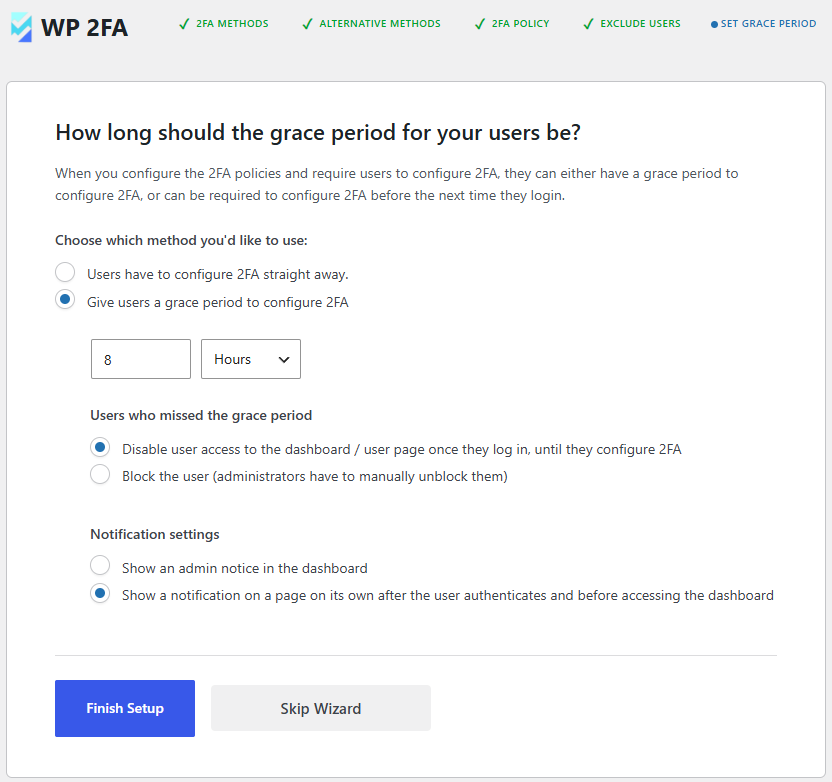
- 2FA policies to enforce setup with grace periods or instant activation
- REST API endpoints for custom integrations and headless WordPress setups
- Dashboard-free setup – users can configure 2FA without WP admin access
- Editable email templates for full customization
- Much more!
Features | Getting Started | Get the Premium!
💎 Upgrade to WP 2FA Premium and get even more benefits
The premium version of WP 2FA comes bundled with even more features to take your WordPress website login security to the next level.
With the premium edition of WP 2FA, you get more 2FA methods, 1-click integration with WooCommerce, trusted devices feature, extensive white labeling capabilities, and much more!
Premium features list
- Everything in the free version
- Full white labeling capabilities to change all text and visuals in the wizards, emails, SMS, and 2FA pages
- Support for multiple passkeys per user for flexible passwordless logins
- Zero-setup email 2FA that automatically enrolls users without manual configuration
- YubiKey hardware key support for enterprise-grade security
- Additional 2FA methods such as SMS, email link, and more
- Trusted devices so users can log in without 2FA for a configured period
- Require 2FA on password reset to strengthen account protection
- Allow next user login without 2FA to help recover accounts locked out of authentication
- One-click WooCommerce integration to enable 2FA for customers and store admins
- And much more!
Refer to the WP 2FA plugin features and benefits page to learn more about the benefits of upgrading to WP 2FA Premium.
🛠️ Free and premium support
Support for the free edition of WP 2FA is free on the WordPress support forums. Premium world-class support via one-to-one email is available to the Premium users – upgrade to premium to benefit from email support.
For any other queries, feedback, or if you simply want to get in touch with us, please use our contact form.
MAINTAINED & SUPPORTED BY MELAPRESS
Melapress develops high-quality WordPress management and security plugins, such as Melapress Login Security, Melapress Role Editor, and WP Activity Log; the #1 user-rated activity log plugin for WordPress.
Browse our list of WordPress security and administration plugins to see how our plugins can help you better manage and improve the security and administration of your WordPress websites and users.
Installing WP 2FA
From within WordPress
- Navigate to ‘Plugins’ > ‘Add New’
- Search for ‘WP 2FA’
- Install & activate WP 2FA from your Plugins page
Manually
- Download the plugin from the WordPress plugins repository
- Unzip the zip file and upload the folder to the ‘/wp-content/plugins/ directory’
- Activate the WP 2FA plugin through the ‘Plugins’ menu in WordPress
As featured on:
Änderungsprotokoll
4.3.0 (2026-11-04)
Security improvements
- Application Passwords are now blocked by default for users with 2FA enabled. To allow them for a specific user, add
add_filter( 'two_factor_user_api_login_enable', function ( $enabled, $user_id ) { return $enabled || 123 === (int) $user_id; }, 10, 2 );and replace123with the user ID.
A settings option for this is planned in the following update.
Functionality & plugin improvements
- Added a dismissible notice to remind users of their setup status if they skip the initial configuration wizard.
- The one-time code field now receives focus automatically during login, so users can enter their code without clicking the field.
- Made the backup code messages “Send via email” and “Codes sent to your email.” available for translation.
- Updated the setup wizard so users who install MelaPress Login Security through it are redirected to the WP 2FA plugin page.
- Added a new option under Settings -> Advanced settings that allows users to restart the setup wizard.
Fehlerbehebung
- Fixed the fatal error “Role provided does not exist.” during login when checking 2FA settings for a role that does not exist.
- Fixed missing 2FA setup reminders on the first login after an administrator unlocks a user and resets their grace period. The configured reminder page or dashboard notice now appears immediately.
- Fixed a redirect loop that prevented new WooCommerce customers on multisite subsites from accessing the required 2FA setup page.
- Fixed silent failures in the email 2FA setup wizard when sending or resending a setup email returns an unexpected server response. An error message is now shown.
4.2.1 (2026-10-14)
-
Functionality & plugin improvements *
- Updated the Freemius SDK to version 2.13.5.
- Added a link to the Wordfence Login Security migration guide in the wizard and migrator page.
- Improved the Wordfence migration completion notice to confirm that all users’ 2FA configurations and backup codes have migrated and that Wordfence Login Security can be uninstalled. Made the notice more visible and removed the OK button.
-
Bug fixes *
- Fixed saving the setting that allows or blocks custom email addresses for HOTP, OOB methods. The additional settings panel now stays open when the toggle is turned off, until changes are saved.
- Fixed an invisible WP 2FA submenu item under Dashboard that linked to a 404 page after updating to version 4.2.0.
Screenshots
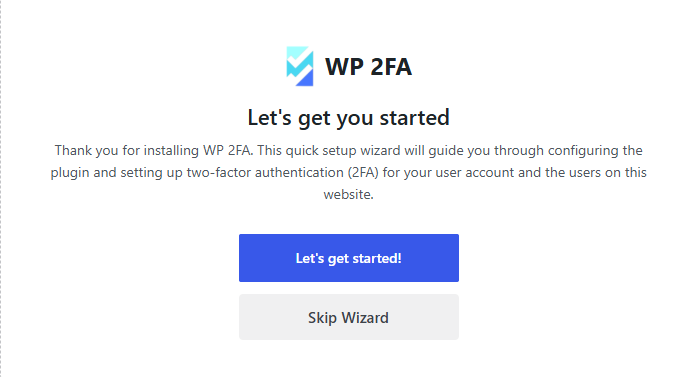
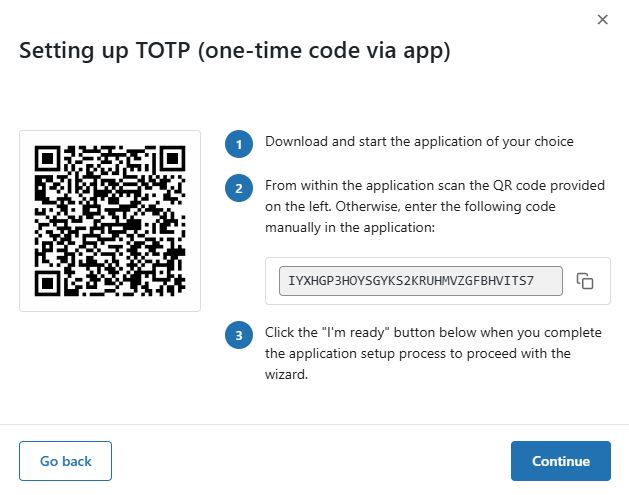
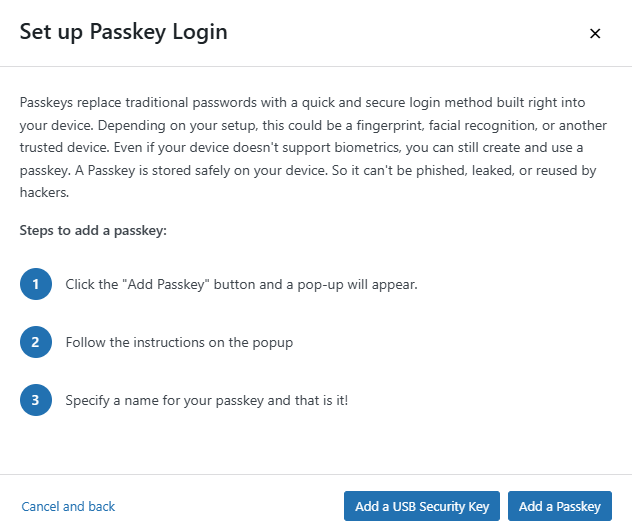
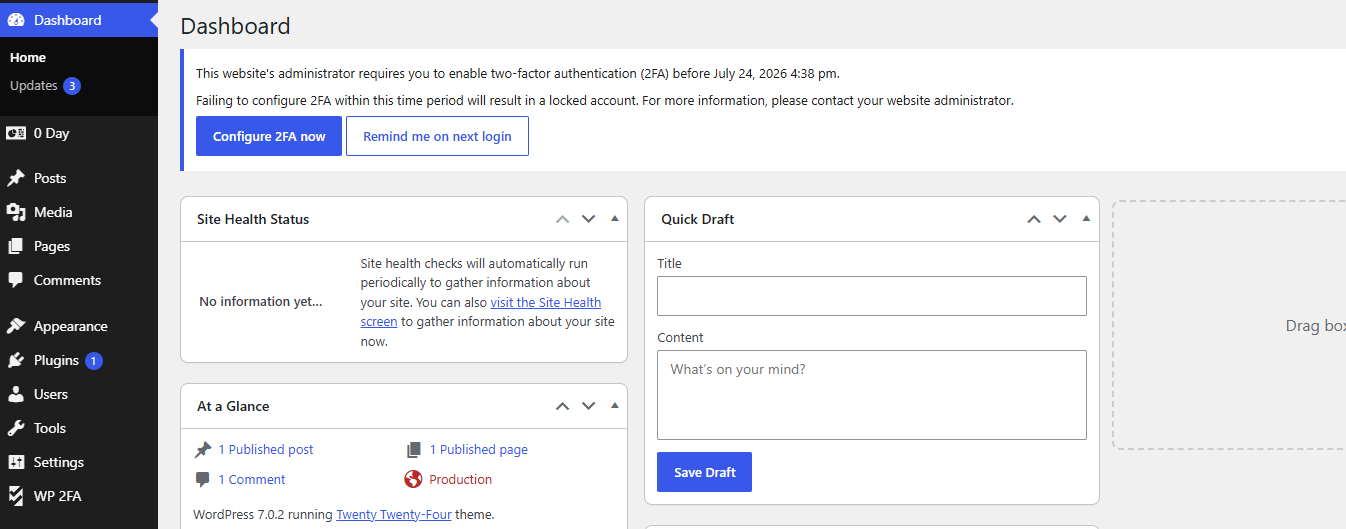
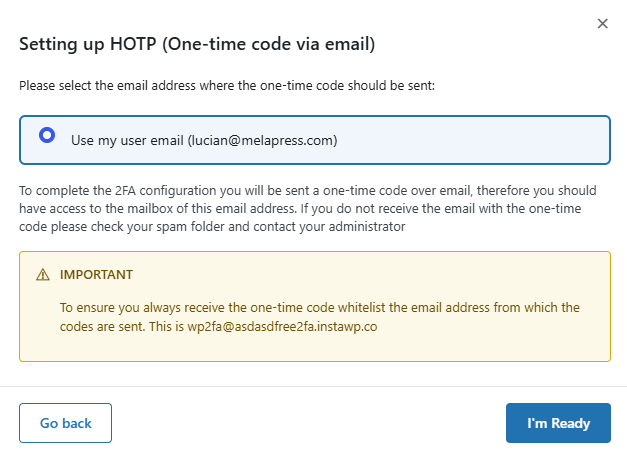
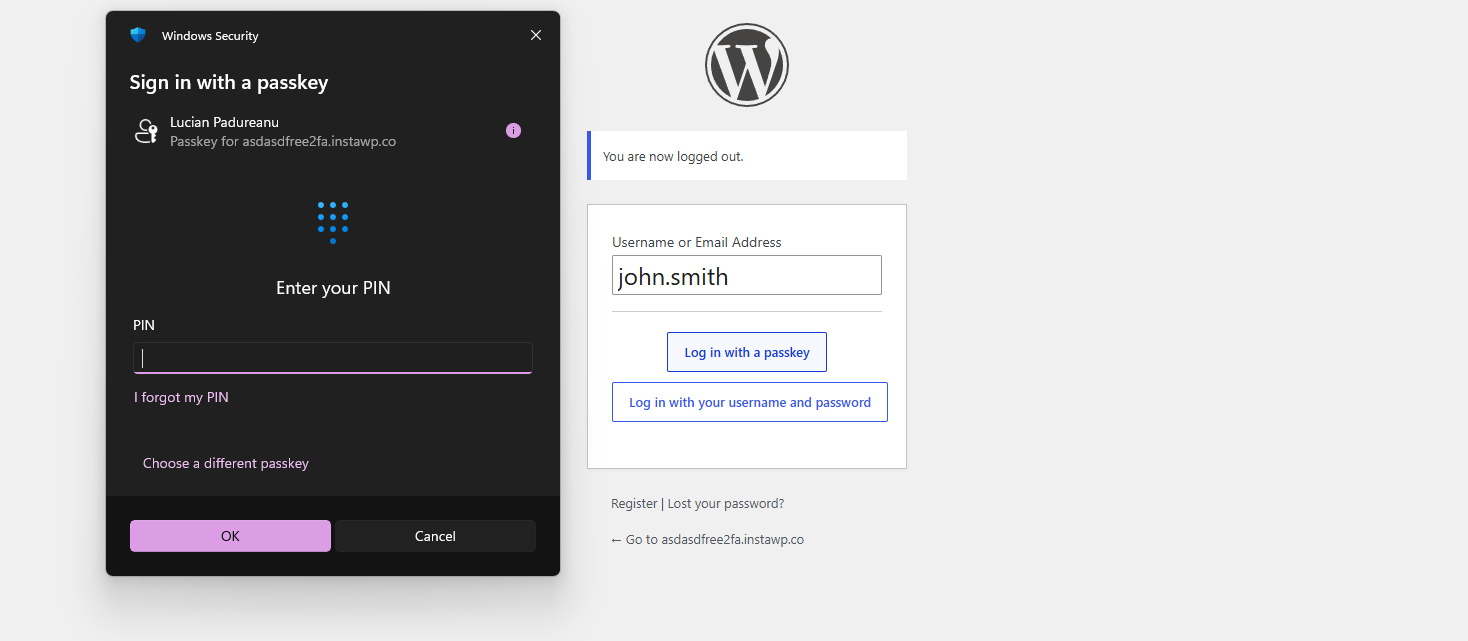
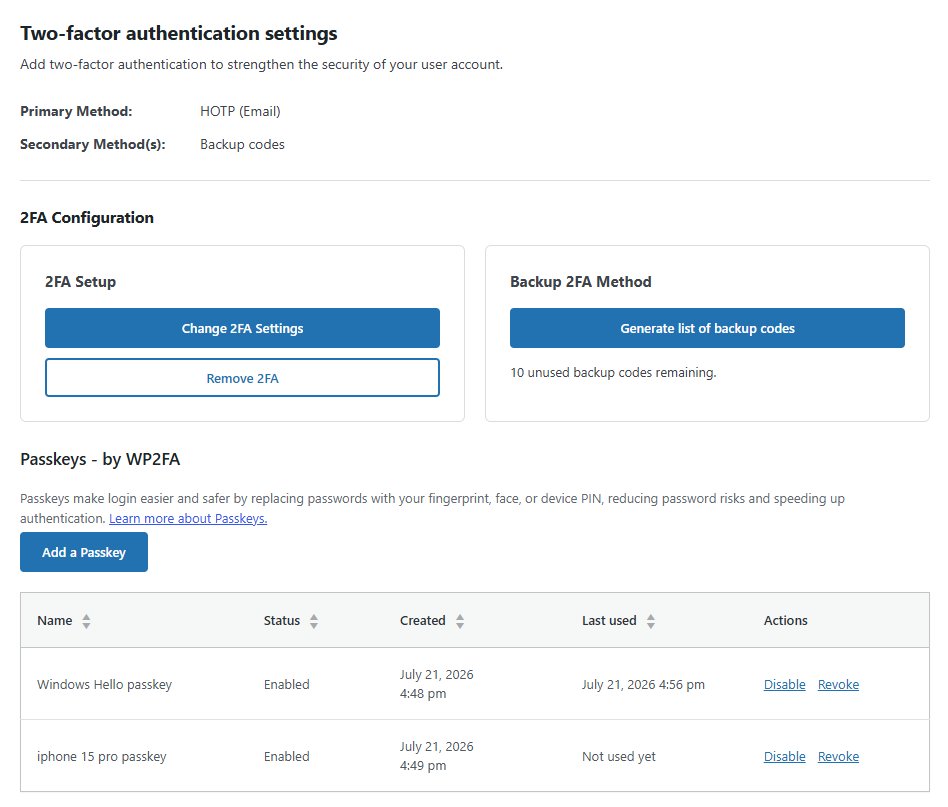
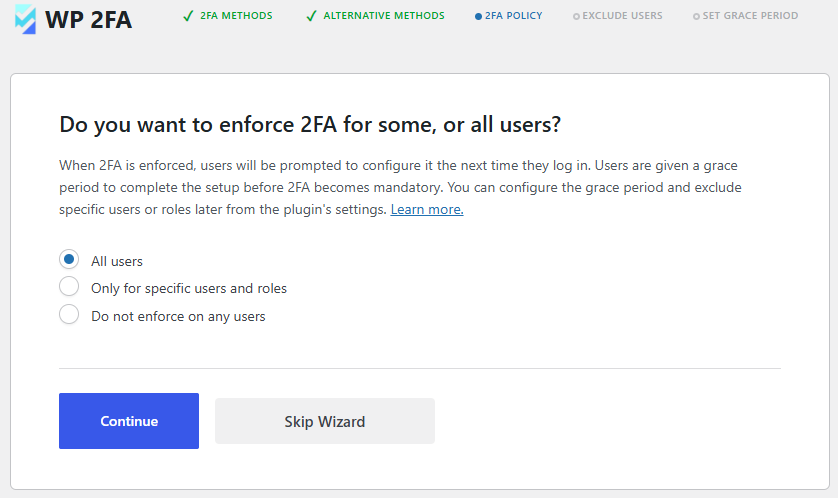
Für Entwickler
Ist das dein Plugin? Zeigen Sie die Zahlen.
Fügen Sie Ihrer Website, Docs oder GitHub Readme ein Live-Badge hinzu. Es wird von selbst aktualisiert - kein Konto erforderlich.
Best WP 2FA alternatives
All 2-factor authentication plugins →Fragen und Antworten
WP 2FA: quick answers
Gerade Antworten, gezogen von Live WordPress.org Daten.
Quelle: WordPress.org
Is WP 2FA free?
Yes. WP 2FA is free to download and use from the official WordPress.org plugin directory.
Is WP 2FA safe to use in 2026?
Yes — WP 2FA is a safe, well-maintained plugin to use in 2026. It runs on 100K+ sites, is rated 4.7/5 and was last updated 1 week ago, and scores 88/100 on our health check.
How many websites use WP 2FA?
WP 2FA is active on 100K+ WordPress websites and has been downloaded 2,180,243 times since it launched in March 2020. It was downloaded 156,268 times in the last 30 days.
Does WP 2FA work with WordPress 7.1?
Yes. The developer has tested WP 2FA up to WordPress 7.1.5, the latest release. It requires WordPress 5.7 or newer.
What PHP version does WP 2FA need?
WP 2FA requires PHP 7.4 or higher. Most hosts run PHP 8.x today, so it works on any modern WordPress hosting.
When was WP 2FA last updated?
The latest version, 4.3.0, was released on November 10, 2026 (1 week ago).
Who makes WP 2FA?
WP 2FA is developed and maintained by Melapress.
What are the best alternatives to WP 2FA?
The most popular alternatives to WP 2FA are SecSign (200+ installs), Secured WP (<10 installs) and EMLG TFA (<10 installs).
Angetrieben von PageForge
Eine Vorlage und eine Tabelle. Eine echte Seite für jede Suche.
PageForge Verwandelt jede Zeile eines CSV in eine WordPress-Seite mit eigenem Titel, URL, SEO Felder und Schema entworfen. Kostenlos auf WordPress.org.
- CSV und XLSX, plus Google Sheets auf Beruf und Unternehmen
- seinen eigenen Titel, URL, SEO Felder und Schema für jede Seite
- Arbeitet mit dem Blockeditor, Elementor, Divi und Avada
- Kostenlos auf WordPress.org, keine Kreditkarte