

Ultimate Markdown – Markdown Editor, Importer, & Exporter
Generate articles from a Markdown file, bulk import and export Markdown documents, create Markdown documents from an editor, and more.

Solide Wahl
Ultimate Markdown is a solid plugin choice in 2026, with a few things worth checking first. It runs on 2K+ sites, is rated 4/5 and was last updated 3 weeks ago, and scores 79/100 on our health check.
- Aktiv entwickelt – letztes Update vor 3 Wochen
- Getestet mit dem neuesten WordPress (7.1)
- Momentum — downloads up 183.9% vs the previous 30 days
Tägliche Downloads
Download-Spitzen folgen normalerweise einer neuen Version - jede Website, die automatisch aktualisiert wird, gilt als Download.
Ranglisten
Where Ultimate Markdown stands todayWordPress.org Ranglisten suchen
Live-Position in der Plugin-Suche, Top 100| Stichwort | Position |
|---|---|
| export markdown | #1 |
| front matter | #4 |
| import markdown | #2 |
| markdown | #4 |
| markdown editor | #1 |
Versionsübernahme
Anteil aktiver Sites pro Release.
Bewertungsaufschlüsselung
★★★★★★★★★★ 4 from 10 reviews
About Ultimate Markdown
From the official readme · v1.27Beschreibung
Ultimate Markdown helps you speed up your writing workflow. Create, import, and export Markdown with tools designed for faster publishing and automation.
The plugin offers multiple ways to work with Markdown. After installing it, you can:
- Create posts from Markdown files or internal Markdown documents.
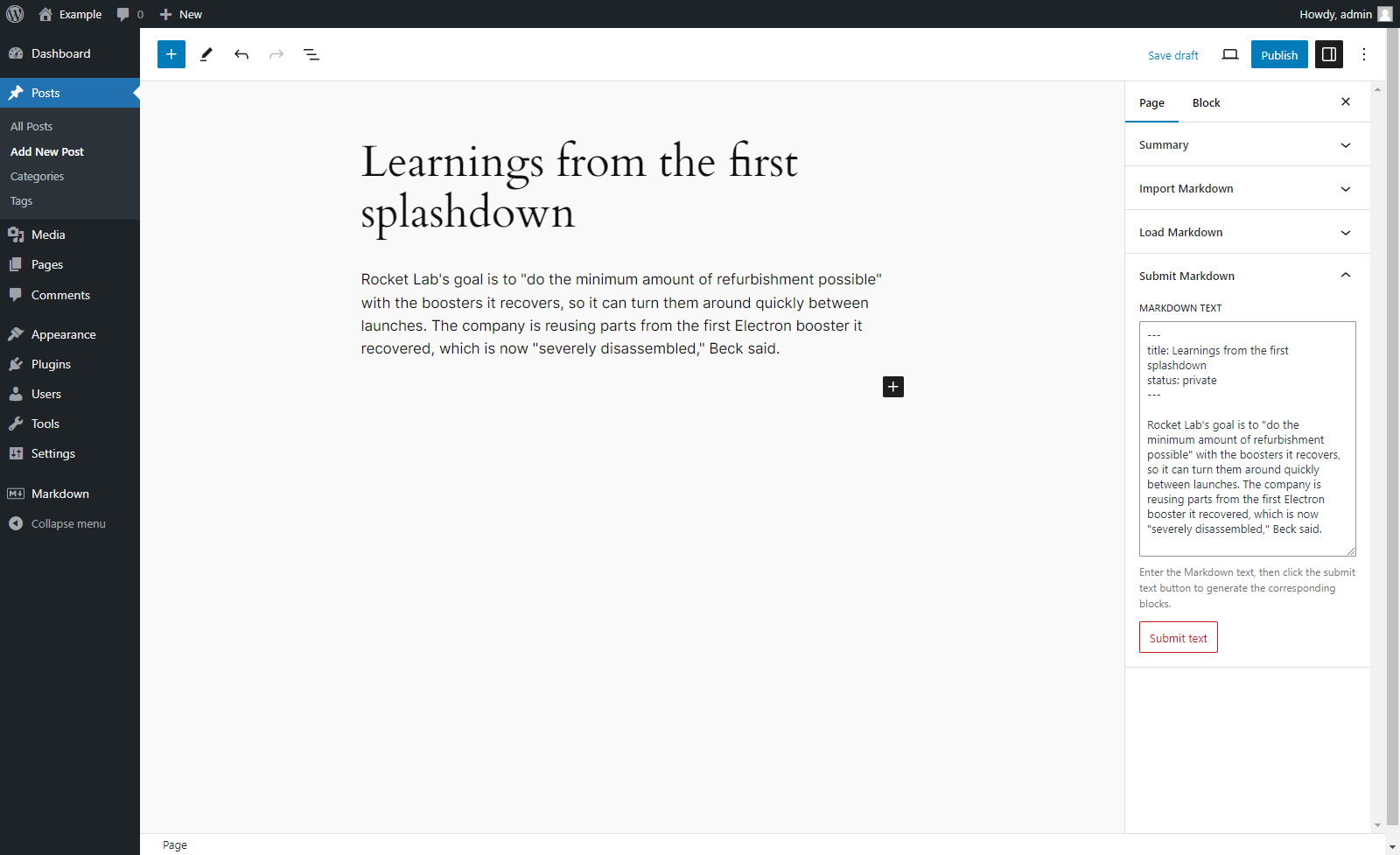
- Convert Markdown text to blocks directly in the post editor.
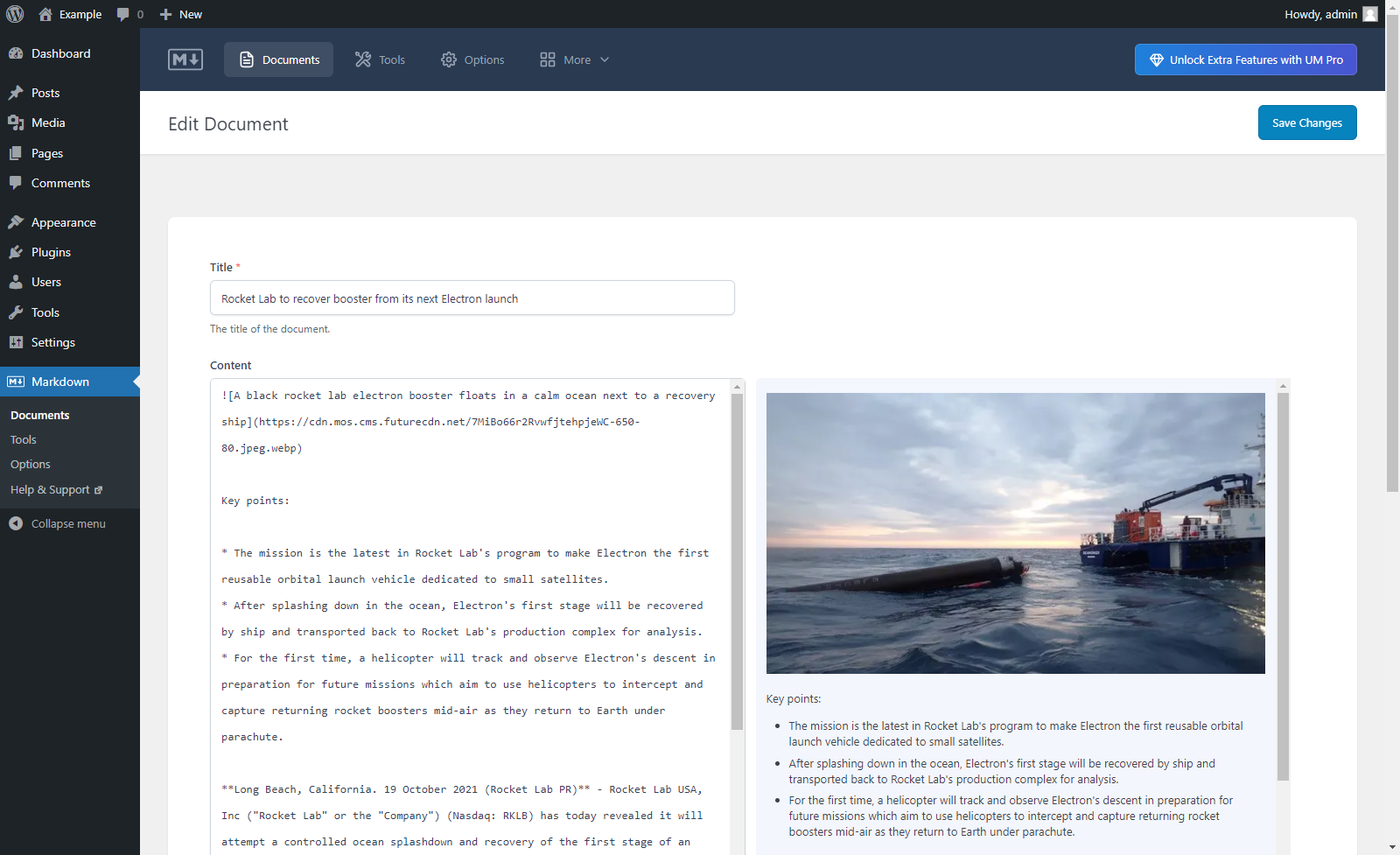
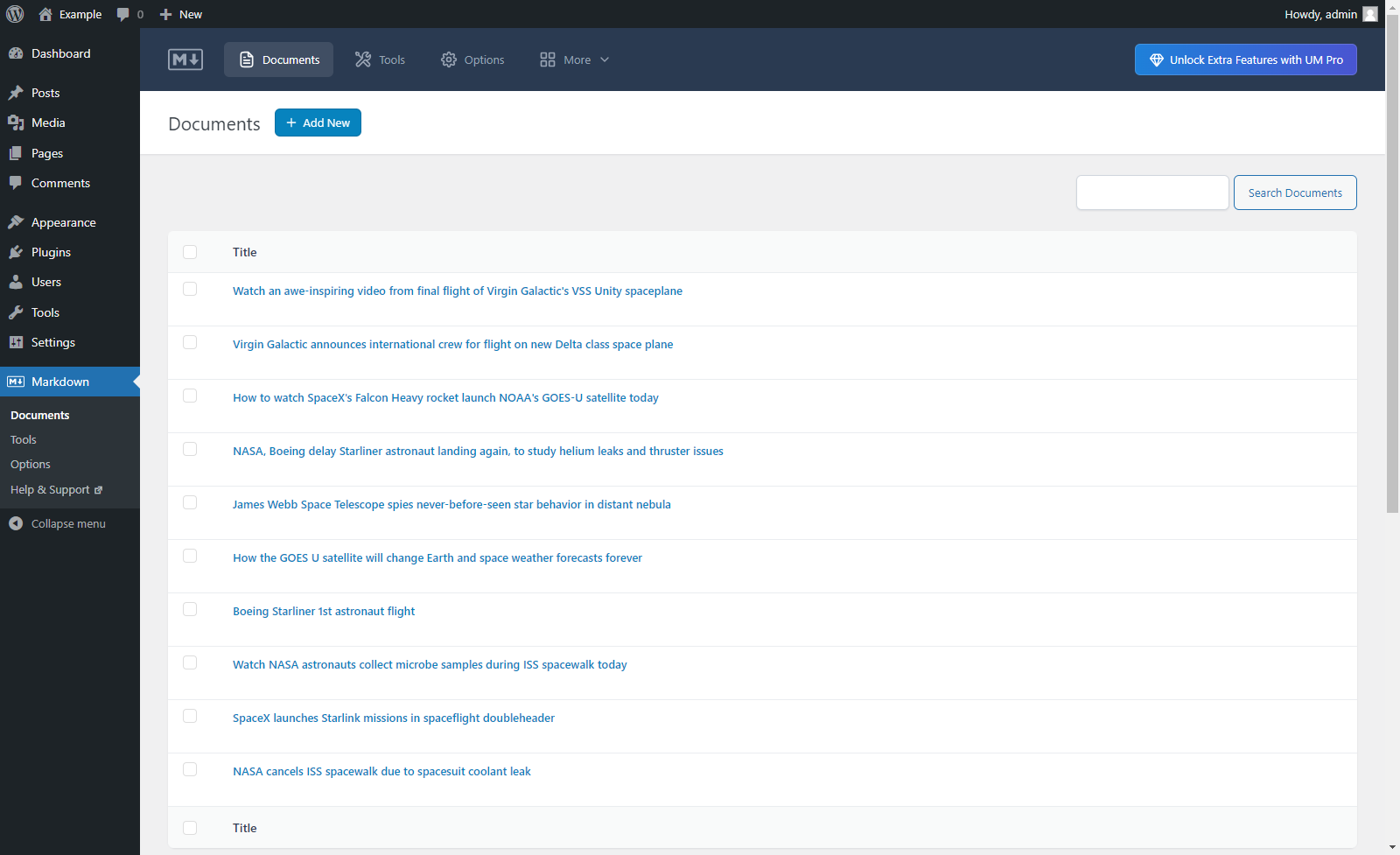
- Create and manage Markdown documents in a dedicated plugin menu.
- Import Markdown files into WordPress.
- Export Markdown documents from the internal library as ZIP archives.
We distribute the Pro version of this plugin, which includes additional import and export options, automatic image uploads during import, REST API support for automation, additional Markdown parsers (7 options), extended Front Matter support, document categories, and more. See the feature comparison for a detailed overview.
Loslegen
To quickly understand how the plugin works, start with the guide below:
Using the Editor Panels
Ultimate Markdown adds dedicated panels to the post editor:
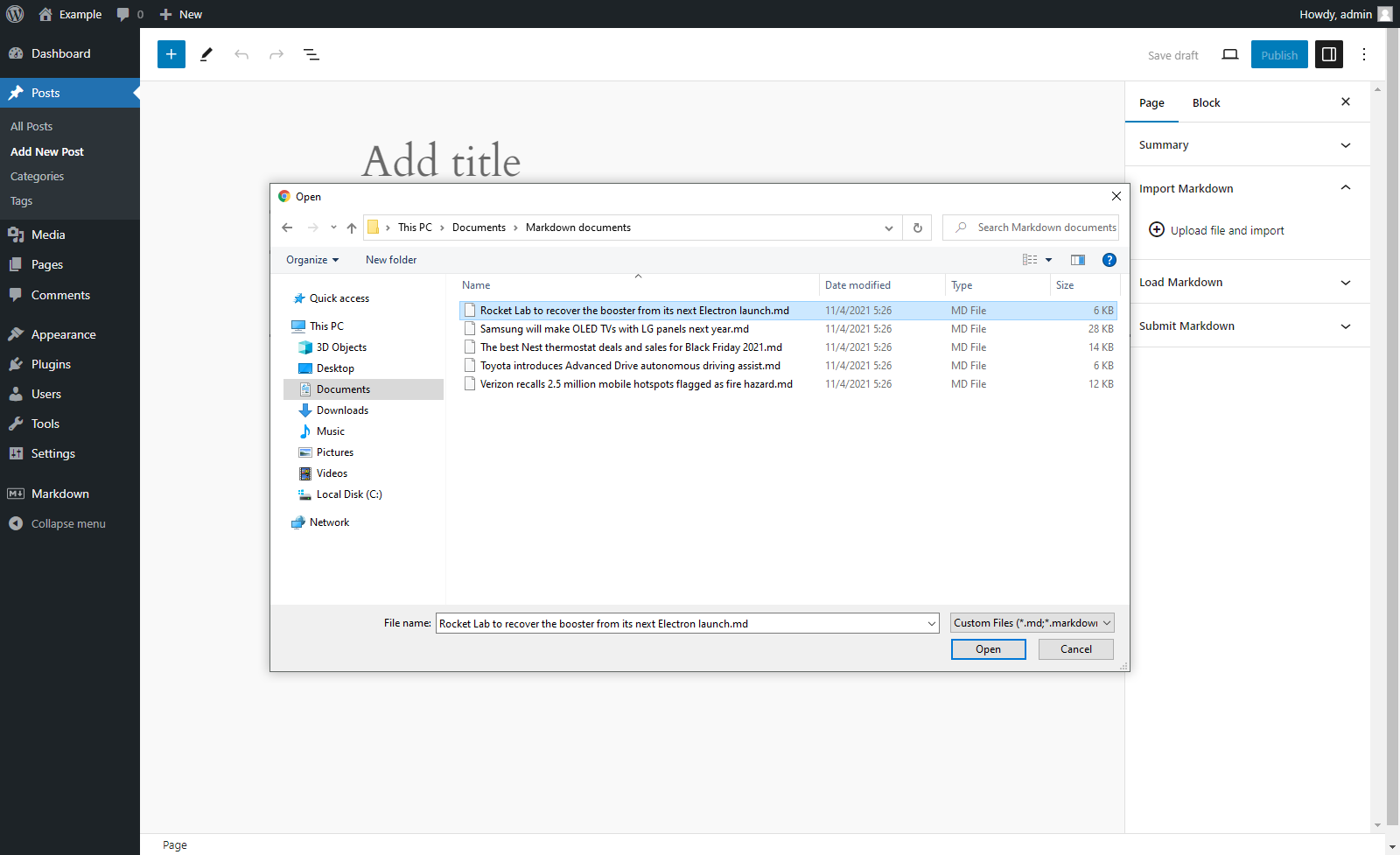
- Import Markdown – Upload a Markdown file and convert it into post content
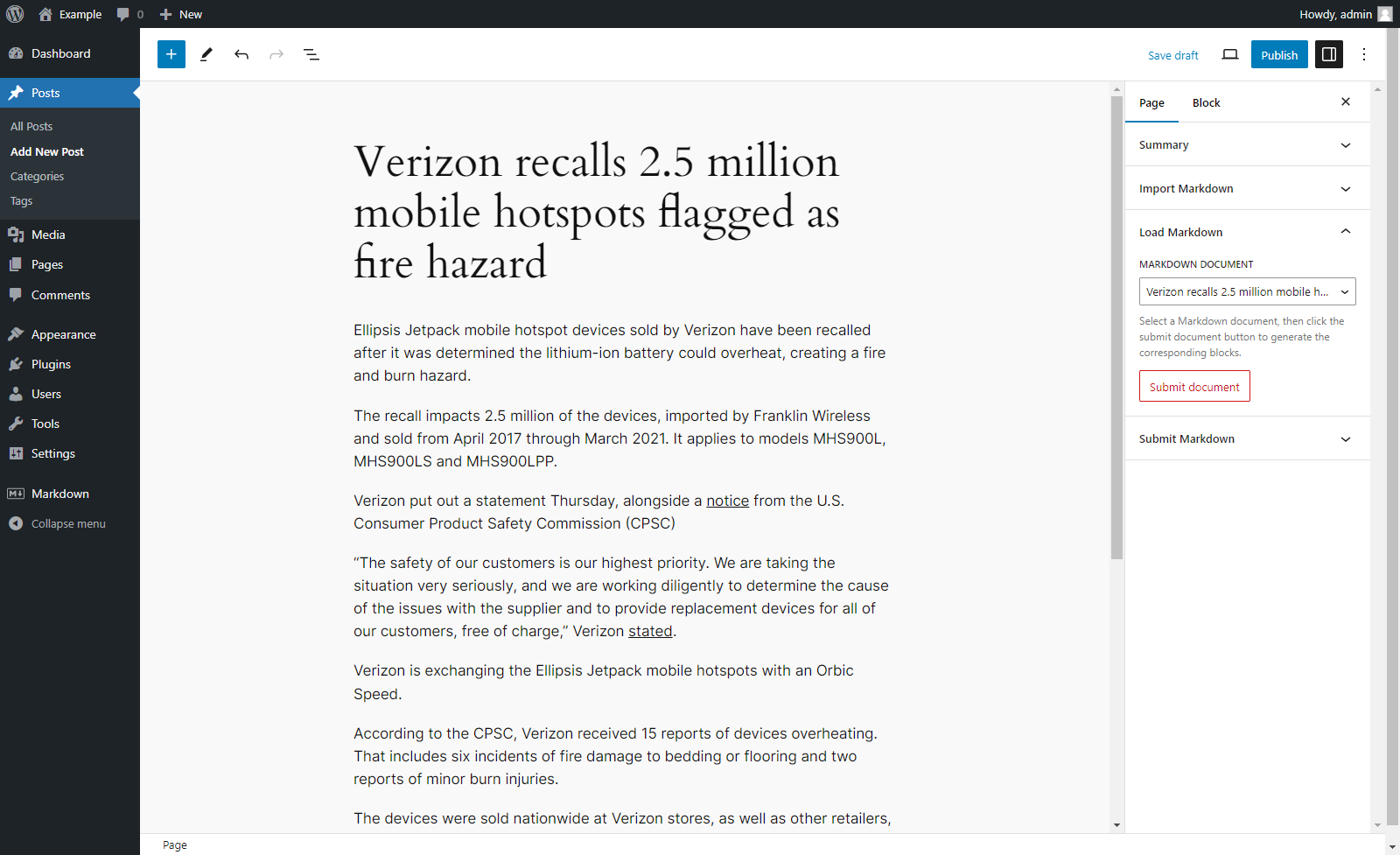
- Load Markdown – Generate post content from documents stored in the plugin’s internal library
- Insert Markdown – Paste or type Markdown text and convert it instantly
The plugin integrates with both the Block Editor and the Classic Editor. The editor panels are available in the post editor sidebar when using the Block Editor and as meta boxes when using the Classic Editor.
Managing Markdown Documents
Manage your Markdown content directly within the plugin using a dedicated menu.
- Documents Overview – Learn how to create, edit, and organize your Markdown documents
Front Matter
The plugin supports Front Matter key-value pairs provided in the YAML language. With this feature, you can configure post settings by defining key-value pairs at the beginning of the Markdown document.
See the Using Front Matter guide for available keys and practical examples.
Bulk Import and Export
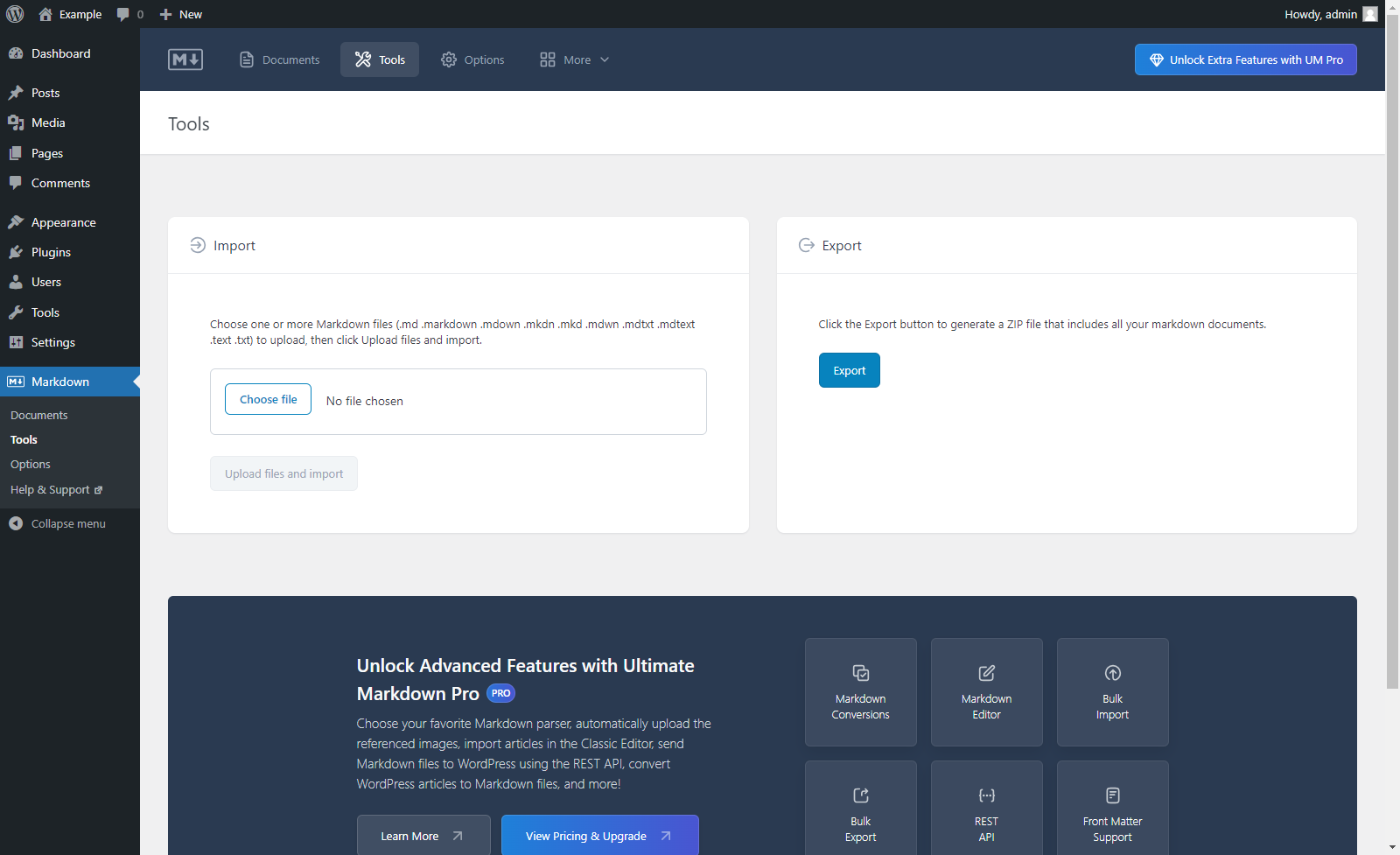
Use the dedicated menu to import one or more Markdown files and store them as documents in the internal library.
You can also export the Markdown documents created within the plugin as downloadable files.
Learn More
Want to explore the plugin in more detail? See the full documentation:
Installation
- Upload the plugin files to the
/wp-content/plugins/ultimate-markdown/directory, or install the plugin through the WordPress Plugins screen directly. - Aktivieren Sie das Plugin über den Plugin-Bildschirm in WordPress.
1. Start Using the Editor Panels
Go to the post editor and use the editor panels to create content from Markdown files, internal documents, or Markdown text.
2. Manage your Markdown Documents
Go to Markdown → Documents to create and manage your Markdown documents.
For bulk import and export of Markdown files to and from the internal library, use Markdown → Tools.
3. Configure the Plugin Options
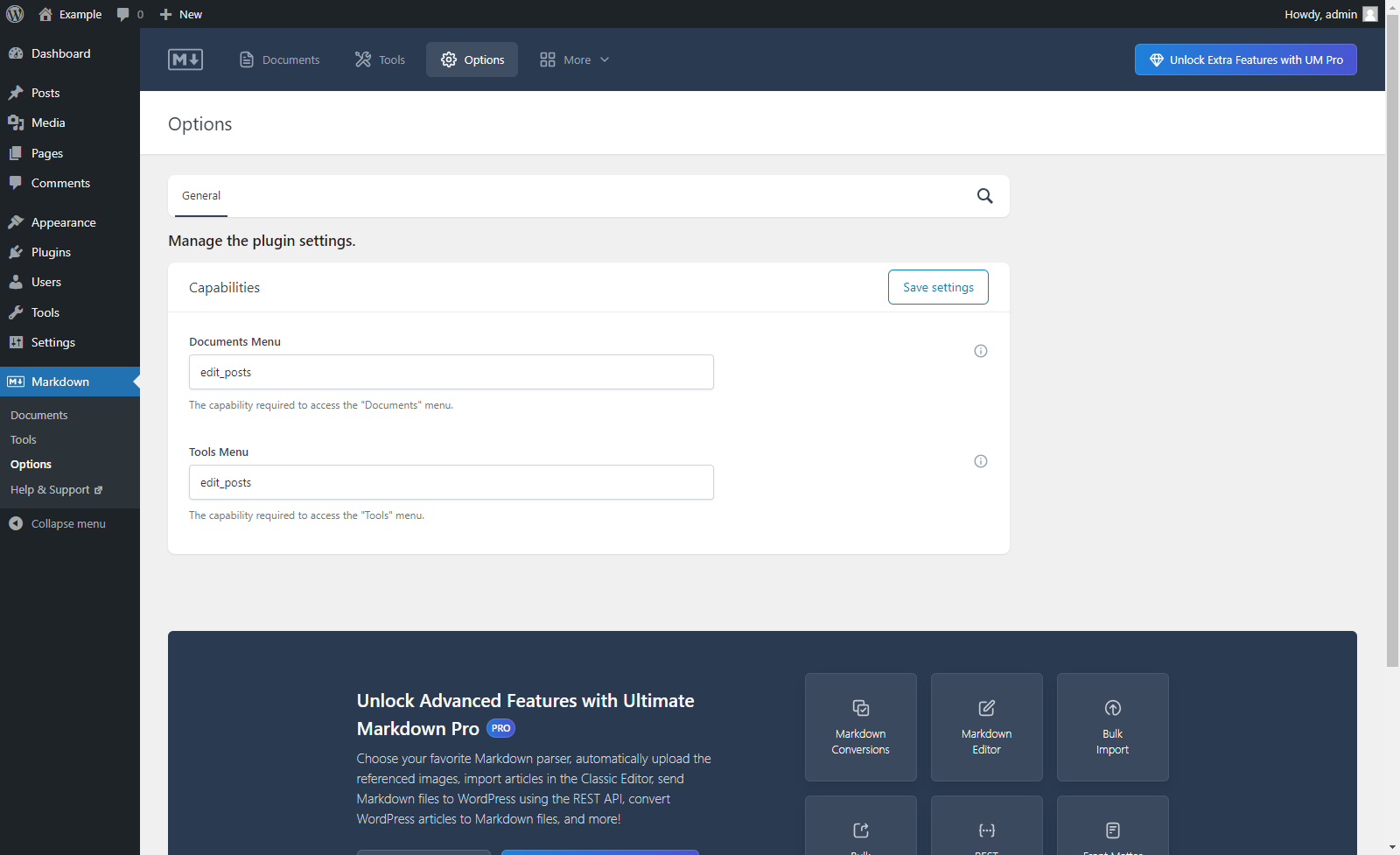
Go to Markdown → Options to configure the plugin settings. For example, you can choose the Markdown parser used in the editor panels and document preview, along with other advanced options.
For detailed guidance and advanced configuration, visit the official Knowledge Base.
Änderungsprotokoll
1.27
12.11.2026
- Updated the style of the plugin menus to match the new WordPress 7.0 admin design.
- Improved the style of the buttons in the plugin notices.
- The ZIP archive generated by the export feature is now created in a temporary location and deleted after the download.
- Added capability checks to the operations performed in the Documents and Tools menus.
- Bug fix: The “author” Front Matter field now works correctly with user IDs.
- Bug fix: The editor tools added by the plugin no longer cause errors in the Site Editor.
1.26
April 15, 2026
- Updated links to the Quick Start Guide and plugin documentation.
1.25
March 18, 2026
- The Pro version upgrade banner previously displayed at the bottom of all plugin menu pages is now shown only in the Options menu.
- Added a notices manager class used to display documentation resources and a link to rate the plugin. A related action hook has also been introduced to allow notices to be rendered in a specific area of the plugin UI.
1.24
March 8, 2026
- The post editor tools added by the plugin are now also available as meta boxes in the Classic Editor.
- Improved the UI of the Block Editor tools.
- Updating the post status via front matter is now restricted to valid statuses.
- The plugin now checks if the user has the “edit_posts” capability before showing the block editor tools or meta boxes.
1.23
December 21, 2025
- Improved Front Matter stripping logic to ensure it is removed only when located at the beginning of the document.
1.22
July 28, 2025
- Improved normalization of Front Matter date field during Markdown imports in the block editor.
- Bug fix: Categories and tags in the block editor are now correctly updated based on the imported Front Matter data.
Screenshots
Für Entwickler
Ist das dein Plugin? Zeigen Sie die Zahlen.
Fügen Sie Ihrer Website, Docs oder GitHub Readme ein Live-Badge hinzu. Es wird von selbst aktualisiert - kein Konto erforderlich.
Fragen und Antworten
Ultimate Markdown: quick answers
Gerade Antworten, gezogen von Live WordPress.org Daten.
Quelle: WordPress.org
Is Ultimate Markdown free?
Yes. Ultimate Markdown is free to download and use from the official WordPress.org plugin directory. The developer also sells premium add-ons or a Pro version with extra features.
Is Ultimate Markdown safe to use in 2026?
Ultimate Markdown is a solid plugin choice in 2026, with a few things worth checking first. It runs on 2K+ sites, is rated 4/5 and was last updated 3 weeks ago, and scores 79/100 on our health check.
How many websites use Ultimate Markdown?
Ultimate Markdown is active on 2K+ WordPress websites and has been downloaded 36,584 times since it launched in November 2021. It was downloaded 2,342 times in the last 30 days.
Does Ultimate Markdown work with WordPress 7.1?
Yes. The developer has tested Ultimate Markdown up to WordPress 7.1.5, the latest release. It requires WordPress 6.6 or newer.
What PHP version does Ultimate Markdown need?
Ultimate Markdown requires PHP 7.4 or higher. Most hosts run PHP 8.x today, so it works on any modern WordPress hosting.
When was Ultimate Markdown last updated?
The latest version, 1.27, was released on November 12, 2026 (3 weeks ago).
Who makes Ultimate Markdown?
Ultimate Markdown is developed and maintained by DAEXT.
Angetrieben von PageForge
Eine Vorlage und eine Tabelle. Eine echte Seite für jede Suche.
PageForge Verwandelt jede Zeile eines CSV in eine WordPress-Seite mit eigenem Titel, URL, SEO Felder und Schema entworfen. Kostenlos auf WordPress.org.
- CSV und XLSX, plus Google Sheets auf Beruf und Unternehmen
- seinen eigenen Titel, URL, SEO Felder und Schema für jede Seite
- Arbeitet mit dem Blockeditor, Elementor, Divi und Avada
- Kostenlos auf WordPress.org, keine Kreditkarte