


OttoKit: All-in-One Automation Platform
Experience the power of automation within WordPress: Connect 1,600+ apps, automate manual tasks, and unlock your full potential. Get started now!

Sichere Auswahl
Yes — OttoKit: All-in-One Automation… is a safe, well-maintained plugin to use in 2026. It runs on 80K+ sites, is rated 4.9/5 and was last updated 2 days ago, and scores 92/100 on our health check.
- Bewährt im Maßstab auf 80k + aktiven Standorten
- Loved by users — 4.9/5 from 125 reviews
- Aktiv entwickelt — Letztes Update vor 2 Tagen
- Getestet mit dem neuesten WordPress (7.1)
Wie stapelt es sich?
Side-by-side bei Installationen, Updates, Bewertungen und Support



Tägliche Downloads
Download-Spitzen folgen normalerweise einer neuen Version - jede Website, die automatisch aktualisiert wird, gilt als Download.
Ranglisten
Where OttoKit: All-in-One Automat… stands todayWordPress.org Ranglisten suchen
Live-Position in der Plugin-Suche, Top 100| Stichwort | Position |
|---|---|
| automation | #8 |
| Google Sheets | #40 |
| schedule | #39 |
| surecart | #9 |
| webhooks | #10 |
Versionsübernahme
Anteil aktiver Sites pro Release.
Bewertungsaufschlüsselung
★★★★★★★★★★ 4.9 from 125 reviews
About OttoKit: All-in-One Automation Platform
From the official readme · v1.1.44Beschreibung
OttoKit – THE ALL IN ONE AUTOMATION PLUGIN AND BEYOND
★★★★★
👉 Official Website Link
👉 Try the live demo of OttoKit
CONNECT YOUR WORDPRESS PLUGINS, APPS & WEBSITES TO CREATE POWERFUL AUTOMATIONS ⚡
At OttoKit, our mission is to empower you to connect your favorite apps, automate repetitive tasks, and unlock new growth opportunities for your business.
Today, running a business means dealing with a lot of different apps, services, and plugins. On average, organizations use 110 different softwares to run their business.
Contact forms, Email marketing tools, Social media sites, Payment gateways, CRMs, Helpdesk, eCommerce plugins, Communication tools, Project management platforms, LMS, and the list goes on.
That’s a lot of moving pieces!
Now the problem is, these are all independent tools. They usually can not communicate with one another, causing a lot of time and energy wasted on manual data entry and other mundane tasks. It also means opportunities are lost when important apps are not connected.
Just for an example, imagine a small business owner named Jane. She runs an eCommerce website. When someone places an order on her website, this is what she wants to do:
- Add a customer to a CRM
- Add the order details to an accounting system.
- Upload the invoice to a Google Drive folder that is shared with the accountant
- Send a thank-you email to the customer
- Then, send this customer another email after 15 days asking for a review.
- If the customer leaves a five-star review, send a coupon encouraging the next purchase.
- If the customer does not use the coupon, remind them of it 3 days before it expires
- She also wants to get a notification of any order above $500 USD in a Slack channel
- Also for those large orders, send a message on WhatsApp to make the customer feel special and build a better relationship with them.
This is just one simple use case of a small business owner, trying to run and grow her simple eCommerce website. It is just impossible to manually do all of these tasks for each and every order that comes through her website!
That’s why we created OttoKit.
OttoKit is an automation platform that automates processes between different websites, applications, and WordPress plugins. It helps you create powerful workflows to connect your apps and automate repetitive tasks. It can automatically do any number of things in different apps, after something happens.
Zum Beispiel:
- What happens after someone buys a product
- What happens after someone leaves a review
- What happens after someone logs into your website
- What happens after someone fills out a contact form
- What happens when someone takes a quiz in an online course and achieve a certain score
Now there are some tools, like Zapier that might help you do some of this. However, they do not connect well with WordPress and are quite expensive. Furthermore, they were made years ago, and their user experience leaves a lot to be desired.
Furthermore, many WordPress automation tools suffer from limited integrations, are bloated, and can slow down your website. They require a lot of technical knowledge to use and yet are unreliable.
OttoKit is different.
OttoKit is the only platform built specifically to seamlessly integrate with WordPress and external applications. We have a modern user interface that is easy to use, and our platform is designed to be lightweight and fast.
And most importantly, it doesn’t break the bank.
Now Jane can easily connect her website to her CRM, accounting system, email marketing platform, and other apps she wants.
OttoKit is our way to make sure that businesses, like Jane, can connect their favorite apps, automate mundane tasks, and focus on what truly matters — discover new growth opportunities 📈🙂
DISCLAIMER:
OttoKit is a SaaS platform and requires an account on our website. When you install this plugin, you’ll need to register for a free account. Or, if you already have an account with us, you can simply connect this plugin to it.
This plugin helps you connect your WordPress website to the OttoKit SaaS platform.
HOW IT WORKS ❓
From installation to creating your first automation, OttoKit is designed to be simple and intuitive. Here is how it works:
Step 1. Install WordPress Plugin 🔌
From your WordPress dashboard, navigate to the Plugins menu and click on the “Add New” button. Search for the OttoKit plugin, then click “Install Now” and “Activate”.
Step 2. Connect your WordPress website ⚙️
Once the plugin is installed, you will be redirected to the OttoKit settings page in your WordPress dashboard. There you will find a button to connect your WordPress website with the OttoKit platform. If you do not have an account on the platform, you can create it for free in less than 60 seconds. Or if you already have an account, just sign in with your login credentials.
All compatible plugins, such as WooCommerce, Fluent Forms, LearnDash, BuddyBoss, etc., will automatically connect to the OttoKit platform during this process. Yaay, you’re almost ready to start automating tasks on this website!
Step 3. Connect other apps 🔗
If you want to connect other apps and websites such as Google sheets, MailChimp, Twitter, Stripe, Trello, etc. you can do that now. Just select the apps you use, and follow the instructions to connect your accounts.
OttoKit already support hundreds of popular apps, and we’re adding more each week!
Step 4. Choose a trigger 💣
After you’ve connected your apps, you can set up triggers that will start a special task. A trigger is something that happens in one of your connected apps, like receiving a new order in your eCommerce platform.
Step 5. Add actions ⚡
Now you can choose what you want OttoKit to do whenever your chosen trigger is executed. Just pick the app and action you want to use. For example, you might want to pass the details of the customer who placed the order in your email marketing platform like MailChimp.
Now whenever the trigger happens, all the actions will be executed automatically. You can create similar automations to connect your favorite apps, automate mundane tasks, and discover new growth opportunities!
SOME OF THE POWERFUL FEATURES 💪
OttoKit is packed with advanced features that will help you streamline your processes and save time. Below are just some of the advanced features it offers:
Canvas Builder 💙
Our standout feature is our intuitive canvas editor in OttoKit. It lets you visually construct your automations by dragging triggers and actions onto the canvas. This makes it simple to visualize your workflow and make adjustments or expansions without coding.
Multi-step automations 🎉
You can make multi-step automations that link actions triggered by events. For instance, you could set up a customer welcome process with emails, course enrollment, and adding to a mailing list. This helps you automate tasks and save time.
Integrations with WordPress plugins 🤘
OttoKit works smoothly with popular WordPress plugins like Gravity Forms, WooCommerce, LearnDash, TutorLMS, FluentCRM, BuddyBoss, CartFlows, SureMembers, Elementor, and more. This allows users to automate actions such as post-purchase processes, website logins, form submissions, course enrollments, quiz completions, and specific score achievements, saving time and effort.
Integrations with SaaS applications 🪩
OttoKit connects with lots of apps, so you can link your favorites together. Want your CRM to talk to your email tool? Or your project manager to sync with your invoicing? OttoKit does it. With a few clicks, set up automations to save time and get more done.
Automation between multiple WordPress sites 🔗
Want to connect one WordPress website to another? For example, if you have WooCommerce installed on one site and LearnDash on another. And whenever someone buys a WooCommerce product, you might want to offer access to a related course which is on another WordPress installation. OttoKit makes it extremely easy.
Schedule ⏱️
The Schedule feature lets you choose when your automations happen. You can pick a time and date for a one-time event or set them to repeat regularly. For instance, you could send a Slack reminder every Friday or back up your website every night. This simplifies tasks that need to be done regularly, fitting your business schedule, whether it’s daily, weekly, monthly, or yearly.
Conditions 🖖
OttoKit’s Conditions feature allows you to personalize your automations by setting rules for when actions happen. This helps make your automations more precise, quick, and adaptable. You can use Conditions to do tasks like sending messages, updating lists, emailing again, posting on social media, and assigning jobs to team members.
Filter 🎲
This feature is handy in automations with many steps. It lets you decide if the automation keeps going or stops based on a condition. For example, if a customer hasn’t bought anything in 30 days, the automation continues. But if they have, it stops. This control helps you manage your automations better.
Path 🎊
The Path feature lets you make automations that can choose different actions depending on specific conditions. For instance, you can create an automation that sends one email if a customer’s purchase is big and another if it’s small. It helps automate decisions by creating different paths based on conditions.
Delay ⌛
OttoKit’s delay feature is handy for adding timing pauses between actions in automations. For instance, you can send a personalized email to customers 90 minutes after they buy something to make them feel valued. Later, you can send another email asking for a review after 15 days.
Formatters 😎
OttoKit Formatter helps you tidy up your data and do calculations easily. It has tools to format, extract, and calculate data the way you want. You can change dates, times, currency, do math, and more. It’s all done with a simple, visual interface.
Custom APIs ➡️
OttoKit can share information between your automations and other apps online using APIs. This means you can make something happen in another app when a task finishes in OttoKit. For example, you could make OttoKit send a message on Slack whenever someone orders from your website. Now, you can link your automations to any app that can get API requests fast and easy.
Incoming Webhooks ⬅️
OttoKit uses incoming webhooks to get data from other apps or sites, triggering automations. For example, when someone applies for a job on your site, OttoKit can send them a WhatsApp message by receiving application data through a webhook.
Dynamic data mapping 🔥
Dynamic Data Mapping in OttoKit lets you easily share info between apps. Say you run an online store with WooCommerce and want to send SMS with Twilio. It automatically links customer details like name, phone number, and order info from WooCommerce to Twilio.
Detailed logs and history 📜
OttoKit’s Detailed Logs and History feature helps you keep tabs on how well your automations are doing and fix any problems. It shows you exactly what happened at each step.
WHO CAN BENEFIT FROM OTTOKIT?
Any individual or organization that wants to automate repetitive tasks and connect different apps can greatly benefit from using OttoKit.
-
eCommerce entrepreneurs can use OttoKit to automate customer notifications, engagement, marketing, shipping tracking, and more. It can also help them integrate their eCommerce store with other business systems such as accounting and customer support.
-
eLearning businesses can use OttoKit to automate various tasks, such as sending reminders to students or sending emails to people who fail a quiz.
-
Web design agencies can use OttoKit to automate notifications, project management, and other tasks.
-
Marketing teams can use OttoKit to automate tasks such as customer segmentation and email campaigns.
-
Social media marketers can use OttoKit to automate notifications, social media updates, and more. It can also help them easily connect their clients’ websites to other systems.
-
Small business owners can use OttoKit to connect their business systems and automate key tasks.
-
Startups can use OttoKit to automate various tasks, such as customer sign-ups, billing, and project management.
-
HR teams can use OttoKit to automate onboarding, offboarding, payroll, and other tasks.
-
Social media managers can use OttoKit to automate content creation, reporting, and other tasks.
-
Accounting firms can use OttoKit to automate data entry, document management, and other tasks.
The list could go on and on!
There is no limit to the types of businesses and organizations that can benefit from using OttoKit. From automating marketing and customer service tasks to integrating business systems, OttoKit can make a huge difference in any organization’s workflow.
Even if you are an individual, OttoKit can be highly beneficial. It can be used to automate mundane tasks such as setting notifications, reminders and tracking.
SOME OF THE WORDPRESS PLUGINS OTTOKIT SUPPORTS:
- WooCommerce
- Suremembers
- Spektren
- Presto Player
- FluentForms
- Fluentcrm
- Cartflows
- BuddyBoss
- Schwerkraft bildet
- GiveWP
- Learnedash
- Lifter LMS
- MemberPress
- Elementor Pro
- Tutor LMS
- Wunschliste Mitglied
- WpForms
- AffiliateWP
- Content Pro einschränken
- Biberbauer
- Divi Builder
- Ziegelbauer
- Einfache digitale Downloads
- myCred
- Der Veranstaltungskalender
- MasterStudy LMS
SOME OF THE POPULAR APPS:
- SureCart
- Google Sheets
- ActiveCampaign
- ConvertKit
- Circle
- Google Mail
- Google Drive
- MailChimp
- Locker
- Streifen
- Paypal
- MailerLite
- Mailgun
- Sendinblue
- SMTP
- Twilio
- TypeForm
- Vimeo
These are just some of the WordPress plugins and apps that are popular among OttoKit users.
If you have apps that are not yet integrated with OttoKit, please submit a request for integration here. We are releasing new integrations every week!
And if you are a developer, and would like to integrate your plugin or app — we have robust APIs which make it extremely easy to integrate any WordPress plugin or application with OttoKit.
Please get in touch with us and we would be happy to help.
BRANDING GUIDELINE
OttoKit® is a registered trademark. Please use the following format when mentioning the OttoKit anywhere.
- OttoKit [correct]
- Otto Kit [incorrect]
- Ottokit [incorrect]
CONNECT WITH OUR TEAM AND COMMUNITY
Join our Facebook group community: Learn the tricks and techniques that other OttoKit users are using to grow their business. Also, get exciting insider information on upcoming feature releases.
Installation
- Upload
suretriggers.zipin das/wp-content/plugins/-Verzeichnis - Aktivieren Sie das Plugin über das „Plugins“-Menü in WordPress
Änderungsprotokoll
The latest version is compatible with the previous version, So nothing to worry about.
Version 1.1.44 – Tuesday, 17th November 2026
- New: “FluentCommunity” – Added new “Add User To Courses” Action
- New: “FluentCommunity” – Added new “Lesson Video Watched” Trigger
- Improvement: “Studiocart” – Added compatibility with PublishPress Cart
- Fix: “EDD” – Fixed discount handling in “Create Purchase” Action
- Fix: This update addressed a security bug. Props to Ibrahim and Patchstack for privately reporting it to our team. Please make sure you are using the latest version on your website
Version 1.1.43 – Thursday, 29th October 2026
- New: Added “Fluent Player” Integration
- Improvement: “WP Travel Engine” – Added new “Export Bookings” Action
Version 1.1.42 – Thursday, 15th October 2026
- New: Added “HBook” Integration
- Fix: This update addressed a security bug. Props to Peter Tang and Patchstack for privately reporting it to our team. Please make sure you are using the latest version on your website.
Version 1.1.41 – Thursday, 8th October 2026
- New: Added “Bit CRM” Integration
- Improvement: “WordPress” – Added file attachment support (via URL) to “Send Email” Action
- Improvement: “Voxel” – Added new Actions
- Improvement: “SureForms” – Added new “Create Form” and “Create Form from Prompt” Actions
- Improvement: Optimized database schema check so the webhook requests table is updated only when its schema version is outdated
Version 1.1.40 – Thursday, 24th September 2026
- Improvement: “Divi Builder” – Added compatibility with Divi 5 block-based Contact Form modules
- Fix: “FluentCRM” – Fixed “Send Email By Campaign” Action leaving the campaign stuck in Draft instead of sending it
Version 1.1.39 – Thursday, 10th September 2026
- New: Added “WholesaleX” Integration
- Improvement: “FluentCommunity” – Added permalink field to “Feed Created”/”Feed Updated” Trigger sample data
- Fix: “LatePoint” – Fixed a crash when updating a booking’s status due to unnecessary price recalculation
Screenshots
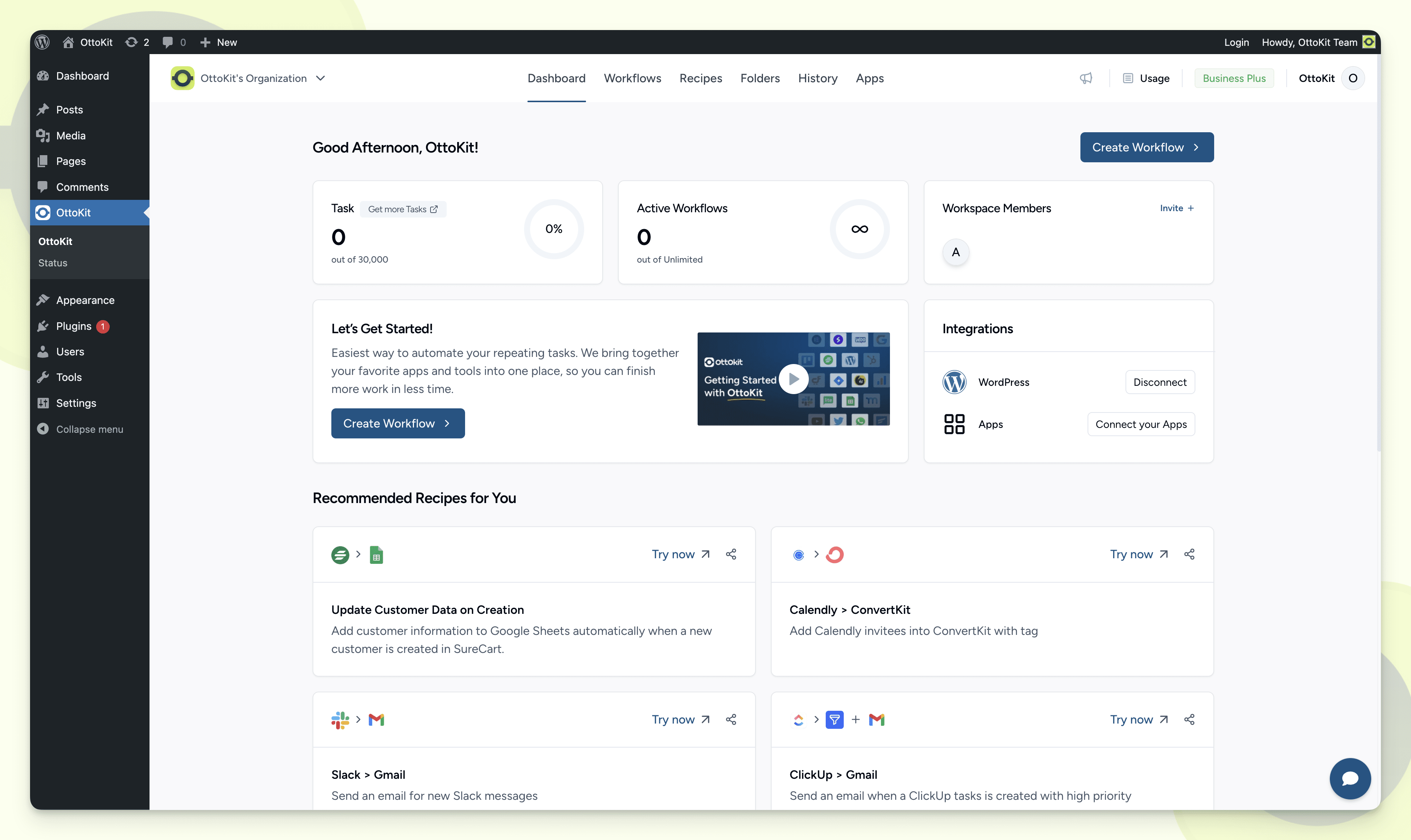
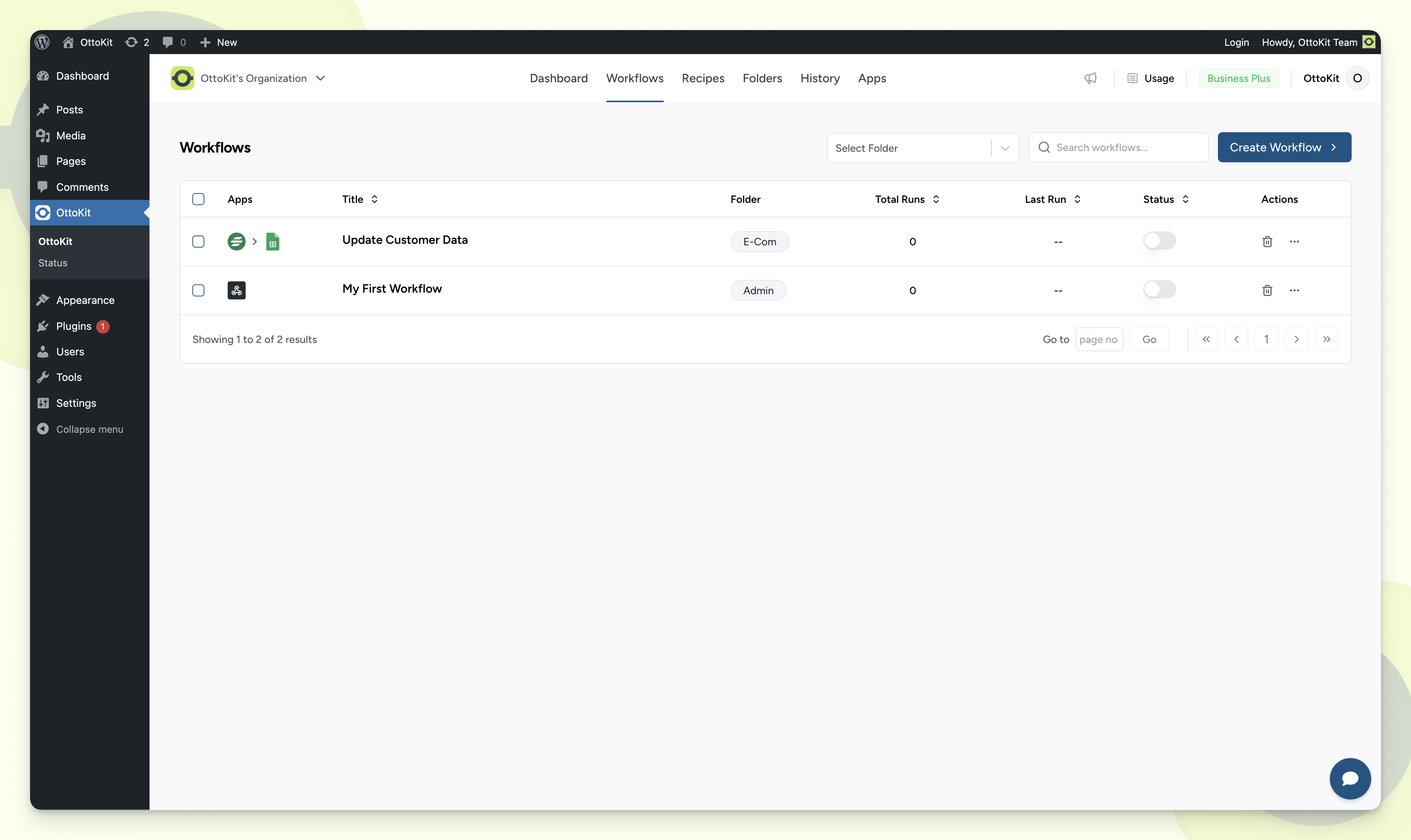
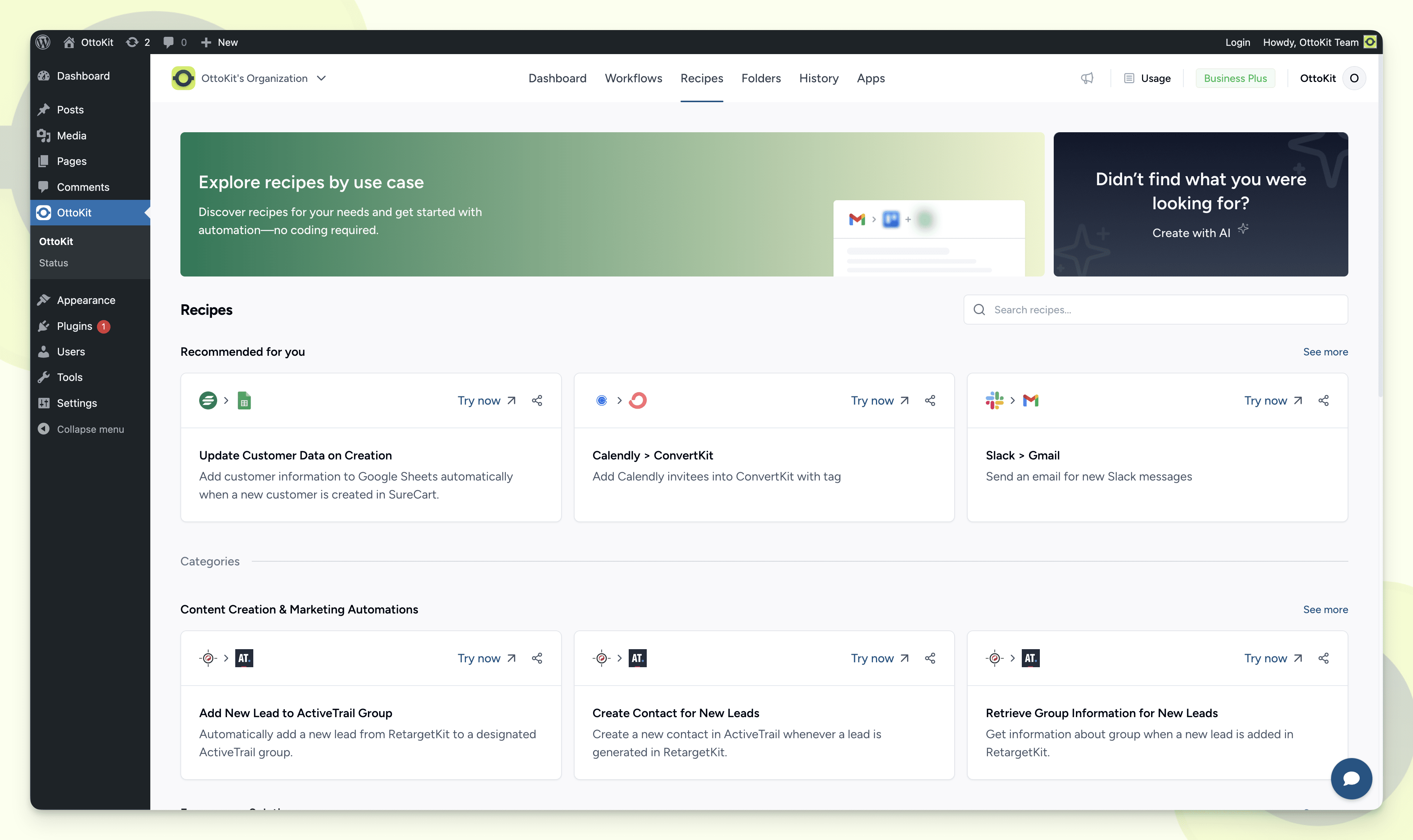
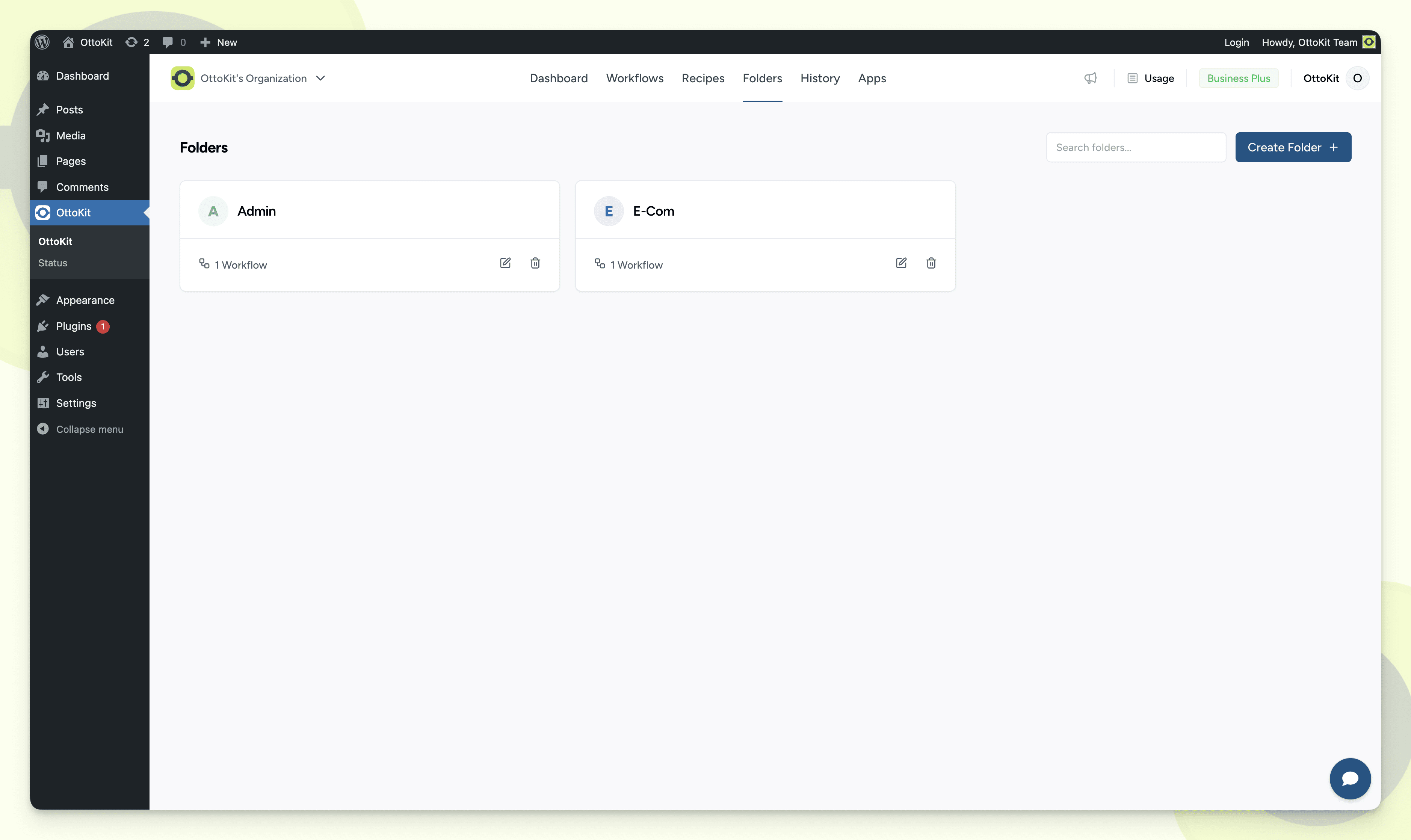
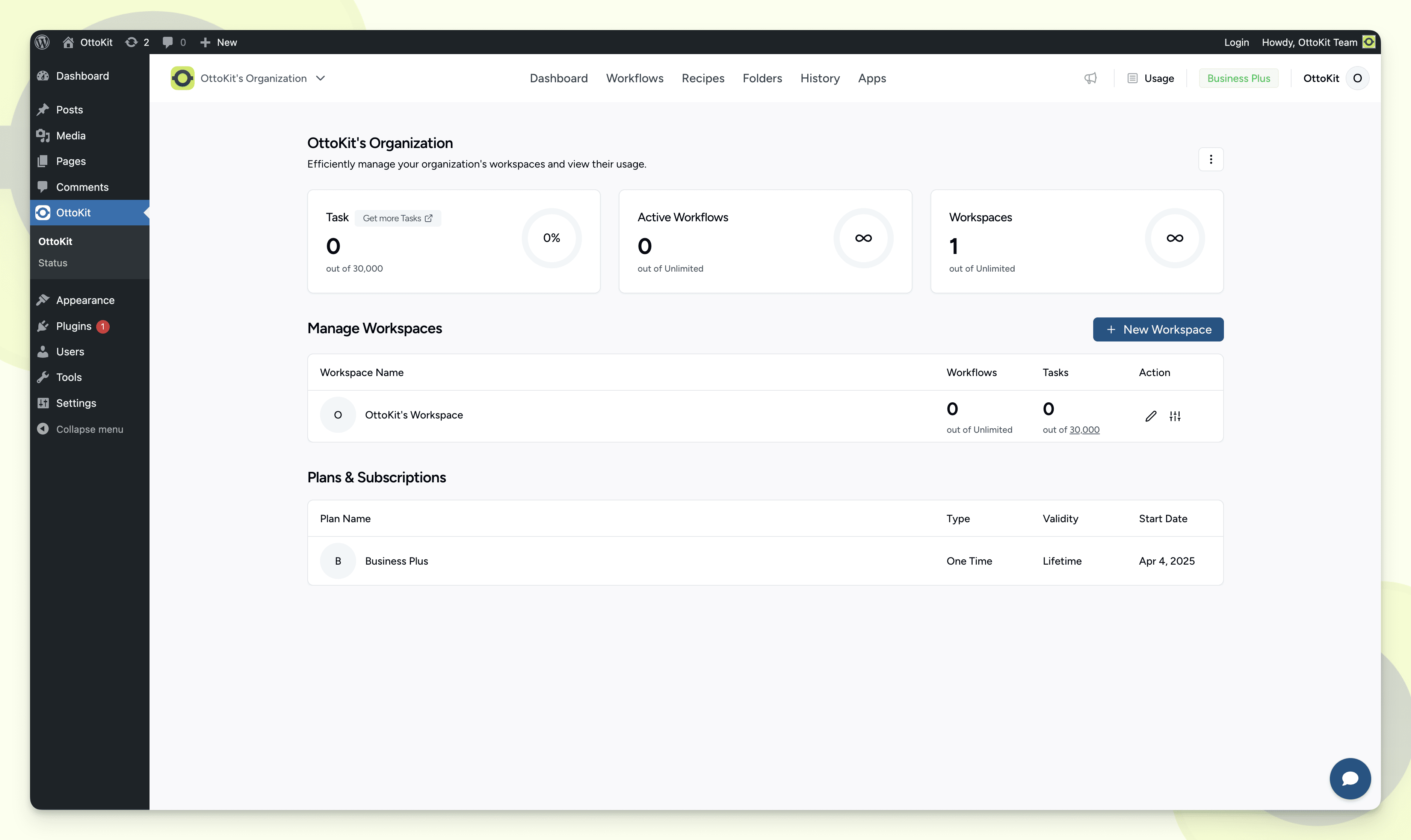
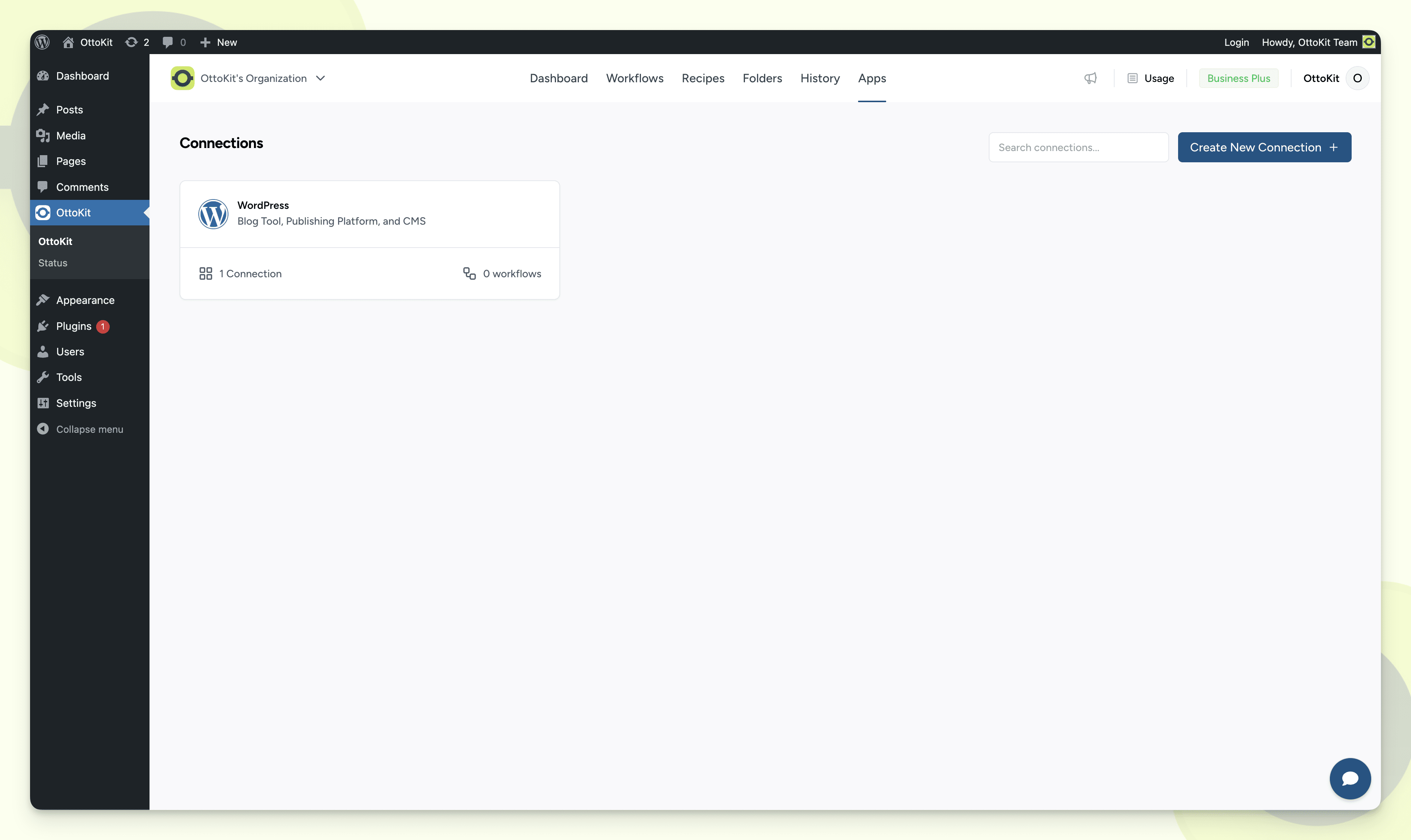
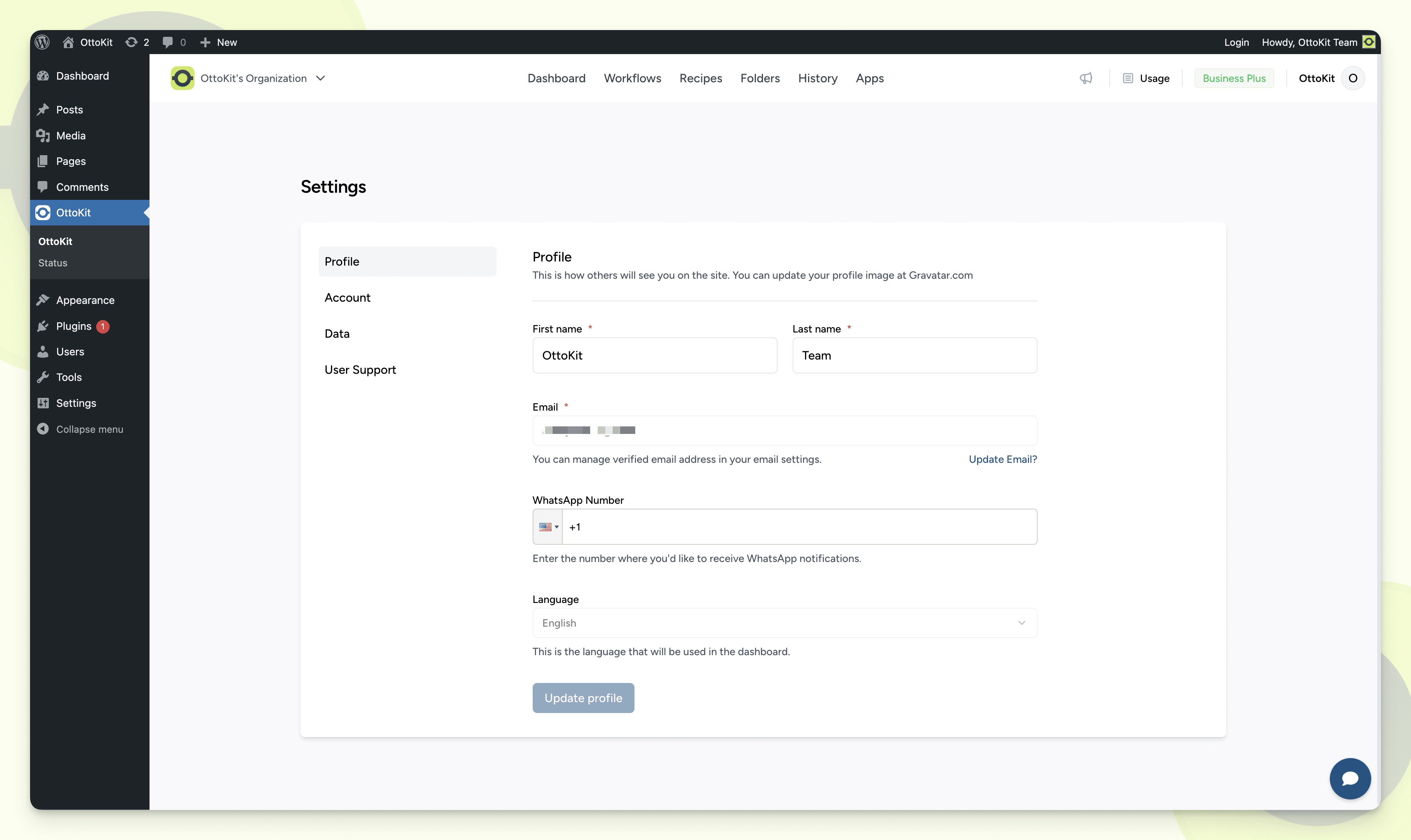
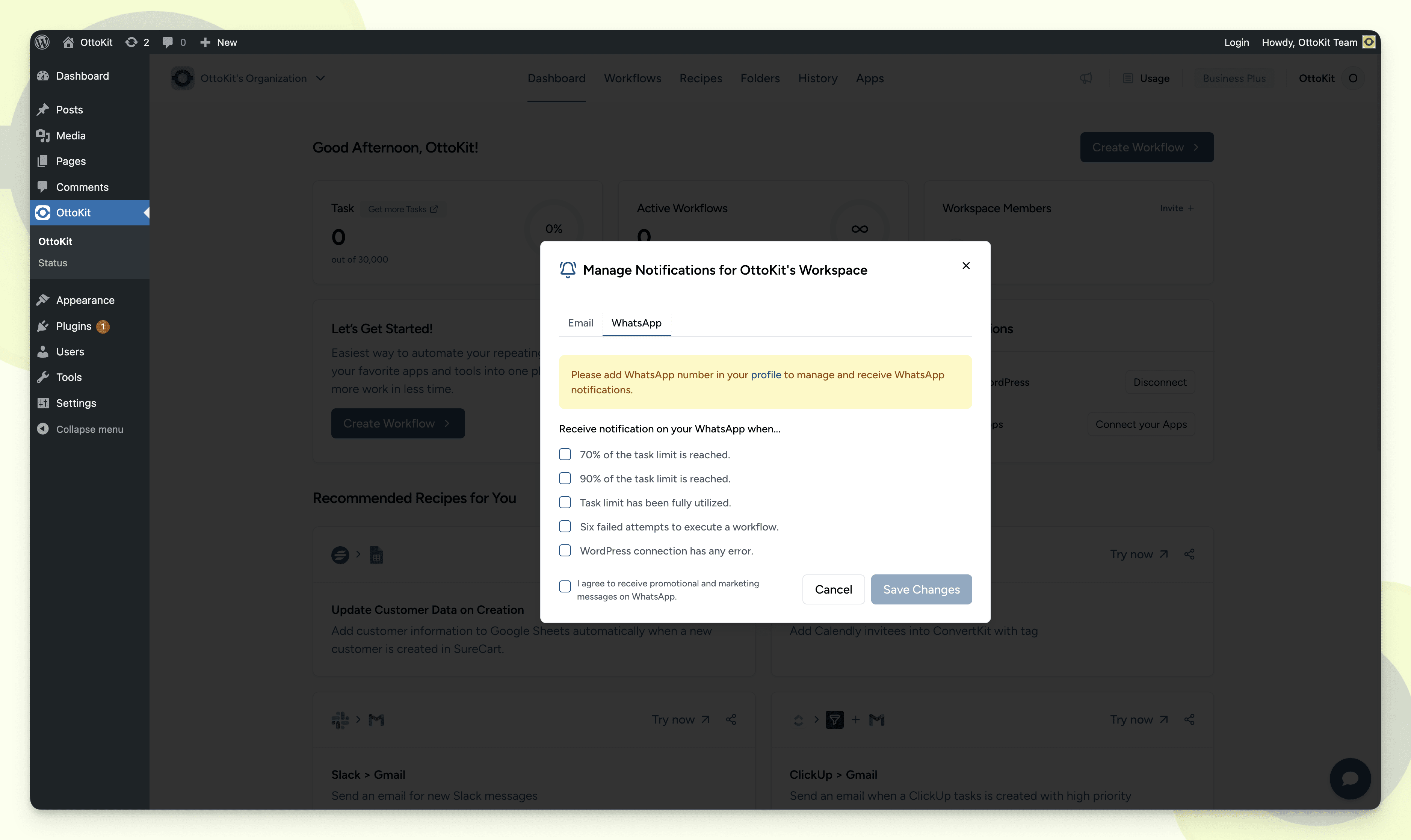
Für Entwickler
Ist das dein Plugin? Zeigen Sie die Zahlen.
Fügen Sie Ihrer Website, Docs oder GitHub Readme ein Live-Badge hinzu. Es wird von selbst aktualisiert - kein Konto erforderlich.
Best OttoKit: All-in-One Automatio… alternatives
All automation plugins →




Fragen und Antworten
OttoKit: All-in-One Automation Plat…: quick answers
Gerade Antworten, gezogen von Live WordPress.org Daten.
Quelle: WordPress.org
Is OttoKit: All-in-One Automation… free?
Yes. OttoKit: All-in-One Automation… is free to download and use from the official WordPress.org plugin directory.
Is OttoKit: All-in-One Automation… safe to use in 2026?
Yes — OttoKit: All-in-One Automation… is a safe, well-maintained plugin to use in 2026. It runs on 80K+ sites, is rated 4.9/5 and was last updated 2 days ago, and scores 92/100 on our health check.
How many websites use OttoKit: All-in-One Automation…?
OttoKit: All-in-One Automation… is active on 80K+ WordPress websites and has been downloaded 3,396,185 times since it launched in January 2023. It was downloaded 78,760 times in the last 30 days.
Does OttoKit: All-in-One Automation… work with WordPress 7.1?
Yes. The developer has tested OttoKit: All-in-One Automation… up to WordPress 7.1.5, the latest release. It requires WordPress 5.4 or newer.
What PHP version does OttoKit: All-in-One Automation… need?
OttoKit: All-in-One Automation… requires PHP 5.6 or higher. Most hosts run PHP 8.x today, so it works on any modern WordPress hosting.
When was OttoKit: All-in-One Automation… last updated?
The latest version, 1.1.44, was released on November 17, 2026 (2 days ago).
Who makes OttoKit: All-in-One Automation…?
OttoKit: All-in-One Automation… is developed and maintained by Brainstorm Force.
What are the best alternatives to OttoKit: All-in-One Automation…?
The most popular alternatives to OttoKit: All-in-One Automation… are Zapier for WordPress (50K+ installs), Uncanny Automator (40K+ installs) and MailerLite (30K+ installs).
Angetrieben von PageForge
Eine Vorlage und eine Tabelle. Eine echte Seite für jede Suche.
PageForge Verwandelt jede Zeile eines CSV in eine WordPress-Seite mit eigenem Titel, URL, SEO Felder und Schema entworfen. Kostenlos auf WordPress.org.
- CSV und XLSX, plus Google Sheets auf Beruf und Unternehmen
- seinen eigenen Titel, URL, SEO Felder und Schema für jede Seite
- Arbeitet mit dem Blockeditor, Elementor, Divi und Avada
- Kostenlos auf WordPress.org, keine Kreditkarte