


Responsive Slideshow – Photo Carousel
Build responsive carousels with beautiful layout designs, swipe controls, and transitions for your website with Photo Carousel & Slider Plugin.

Solide Wahl
Responsive Slideshow is a solid plugin choice in 2026, with a few things worth checking first. It runs on 2K+ sites, is rated 5/5 and was last updated 2 months ago, and scores 79/100 on our health check.
- Getestet mit dem neuesten WordPress (7.1)
- Momentum — downloads up 27% vs the previous 30 days
Wie stapelt es sich?
Side-by-side bei Installationen, Updates, Bewertungen und Support



Tägliche Downloads
Download-Spitzen folgen normalerweise einer neuen Version - jede Website, die automatisch aktualisiert wird, gilt als Download.
Ranglisten
Where Responsive Slideshow stands todayWordPress.org Ranglisten suchen
Live-Position in der Plugin-Suche, Top 100| Stichwort | Position |
|---|---|
| image slider | #85 |
| photo carousel | #6 |
| responsive slider | #13 |
| slider | >100 |
| Diashow | #4 |
Versionsübernahme
Anteil aktiver Sites pro Release.
Bewertungsaufschlüsselung
★★★★★★★★★★ 5 from 10 reviews
About Responsive Slideshow – Photo Carousel
From the official readme · v1.6.1Beschreibung
Responsive Slideshow is a free Photo Carousel & Slider Plugin that helps you build swipeable galleries that work smoothly on all devices.
You can create a presentation for your homepage.
It also lets you build a carousel to showcase client logos.
This utility handles everything without any complex coding.
The carousel adjusts automatically to different screen sizes.
Your media will look sharp on desktops, tablets, and phones.
Touch and swipe gestures work out of the box.
Mobile visitors can easily browse through your slides.
View Pro Demo: Slider Responsive Slideshow Premium Demo
Where To Buy: Buy Slider Responsive Slideshow Premium
What You Can Do
- Display portfolio media or product showcases in a sliding format.
- Add client or partner logos in a carousel layout.
- Create hero carousels with titles and descriptions.
- Embed carousels in pages, posts, or widget areas using shortcodes.
Wie es funktioniert
- Go to the plugin dashboard menu and click “Add New”.
- Upload your media files from the dashboard library.
- Arrange slides by simple drag and drop controls.
- Add titles, descriptions, and destination URLs to each slide.
- Copy the shortcode and paste it on any page.
The shortcode looks like this: [awl-slider id=123] where 123 is your slideshow ID.
Kostenlose Funktionen
- Responsive design that adapts to any screen size
- Touch and swipe support for mobile devices
- Auto-play with adjustable timing
- 4 transition effects to choose from
- Navigation arrows and dots
- Add titles and descriptions to slides
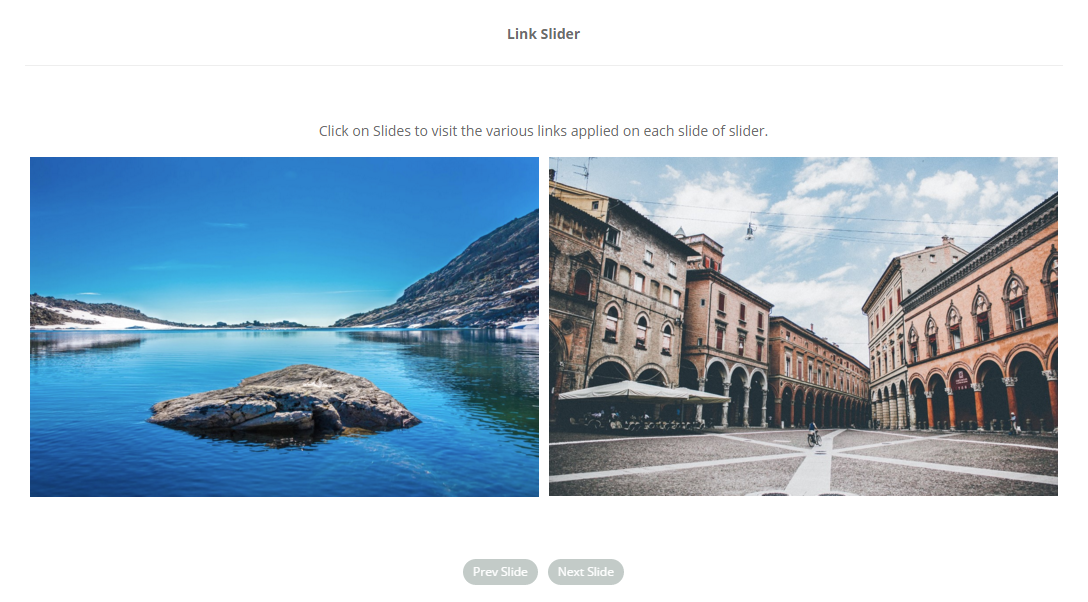
- Redirect slides to any target URL
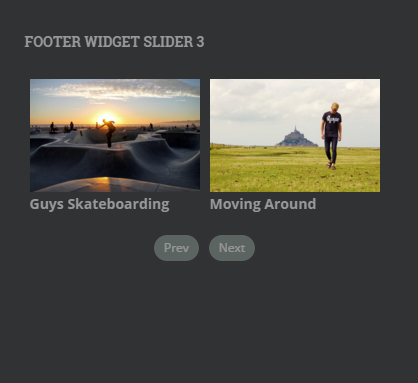
- Use in sidebar and footer widgets
- Drag and drop slide ordering
- Works with all major browsers
Pro-Funktionen
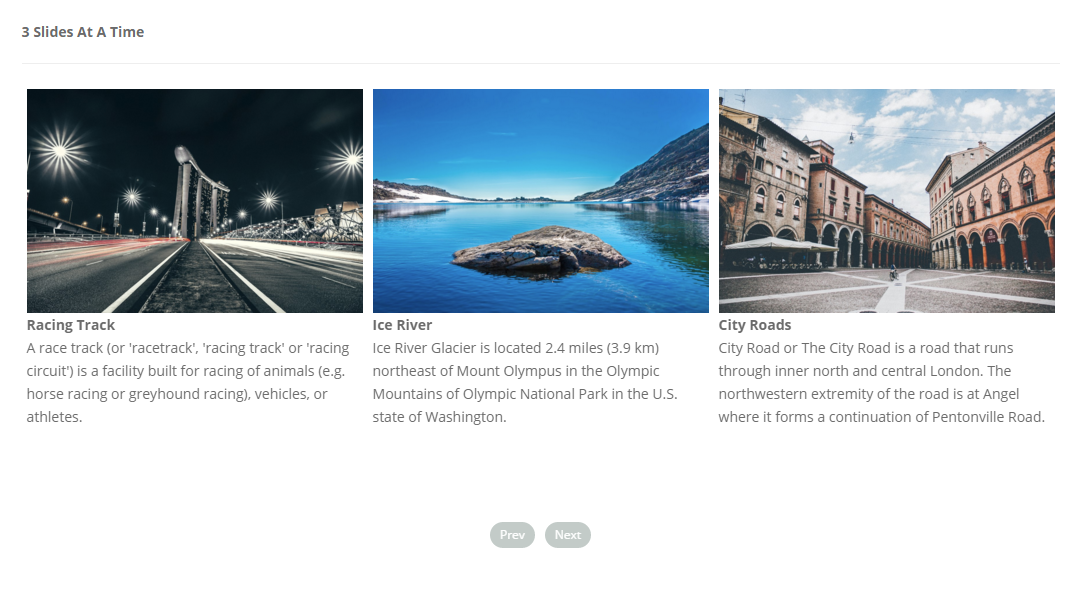
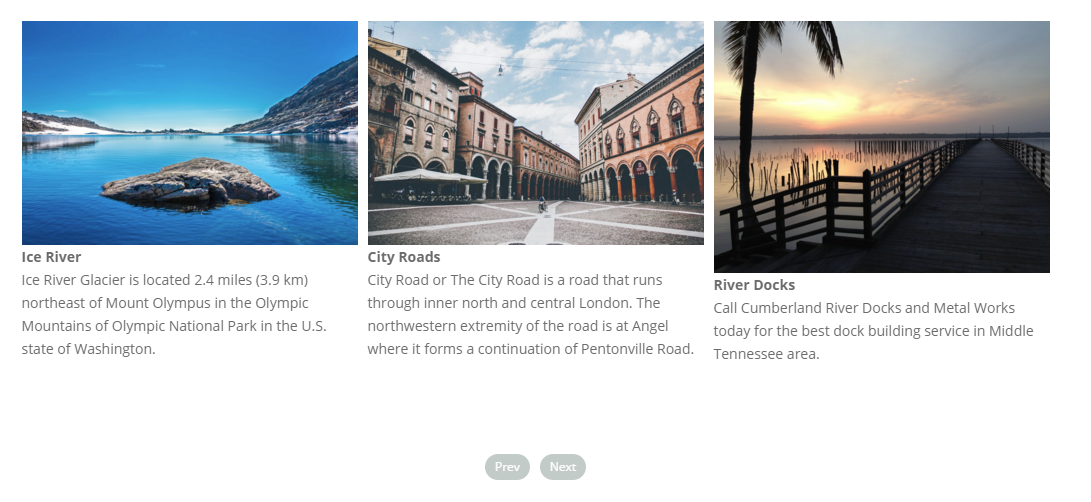
- Display multiple slides at once in carousel mode.
- Enable advanced transition animations.
- Add custom CSS support for style control.
- Choose from additional navigation styles.
- Create content slides with text overlays.
- Get priority customer support.
More Demo Pages For Pro Version
Installation
- Upload the plugin folder to the directory
/wp-content/plugins/. - Alternatively, install directly from the WordPress plugins dashboard screen.
- Activate the utility through the standard Plugins dashboard menu.
- Go to the Responsive Slideshow menu in your dashboard.
- Click “Add New” and upload your media files.
- Configure the slideshow settings as needed.
- Copy the shortcode from the settings page.
- Paste the shortcode into any page, post, or widget.
Änderungsprotokoll
Bug fix for "Add New Slider" auto-draft creation nonce issue and PHP 8+ compatibility. Recommended for all users.
1.6.1
- Date: 27 July, 2026
- Fixed: Resolved “Nonce verification failed” error when clicking “Add New Slider” caused by auto-draft post creation in WordPress admin.
- Enhancement: Added isset() checks for slider settings POST parameters for full PHP 8+ compatibility.
1.6.0
- Date: 21 May, 2026
- Major Security & compatibility audit: added direct file entry guards and directory listing protections
- Refactored data layer to save Native PHP Arrays directly, securing 100% backward compatibility with old base64/JSON/Serialized postmeta formats
- Enqueued scripts and styles strictly on Custom Post Type screens and moved Owl Carousel scripts to footer
- Externalized inline JavaScript & CSS blocks to separate cacheable asset files for CSP compliance
- Added strict sanitization/escaping on all settings saving, AJAX callbacks, and frontend outputs
- Resolved double-output bugs and cleaned up dead code/unused large assets
1.5.4
- Tested with WordPress 6.9
1.5.3
- Tested with WordPress 6.8.3
1.5.2
- Fixed text domain error
1.5.1
- Fixed apostrophe saving issue
- Tested with WordPress 6.8.1
Screenshots



Für Entwickler
Ist das dein Plugin? Zeigen Sie die Zahlen.
Fügen Sie Ihrer Website, Docs oder GitHub Readme ein Live-Badge hinzu. Es wird von selbst aktualisiert - kein Konto erforderlich.
Best Responsive Slideshow alternatives
All image slider plugins →





Fragen und Antworten
Responsive Slideshow: quick answers
Gerade Antworten, gezogen von Live WordPress.org Daten.
Quelle: WordPress.org
Is Responsive Slideshow free?
Yes. Responsive Slideshow is free to download and use from the official WordPress.org plugin directory. The developer also sells premium add-ons or a Pro version with extra features.
Is Responsive Slideshow safe to use in 2026?
Responsive Slideshow is a solid plugin choice in 2026, with a few things worth checking first. It runs on 2K+ sites, is rated 5/5 and was last updated 2 months ago, and scores 79/100 on our health check.
How many websites use Responsive Slideshow?
Responsive Slideshow is active on 2K+ WordPress websites and has been downloaded 157,452 times since it launched in October 2015. It was downloaded 898 times in the last 30 days.
Does Responsive Slideshow work with WordPress 7.1?
Yes. The developer has tested Responsive Slideshow up to WordPress 7.1.5, the latest release. It requires WordPress 5.4 or newer.
What PHP version does Responsive Slideshow need?
Responsive Slideshow requires PHP 7.2 or higher. Most hosts run PHP 8.x today, so it works on any modern WordPress hosting.
When was Responsive Slideshow last updated?
The latest version, 1.6.1, was released on October 5, 2026 (2 months ago).
Who makes Responsive Slideshow?
Responsive Slideshow is developed and maintained by A WP Life.
What are the best alternatives to Responsive Slideshow?
The most popular alternatives to Responsive Slideshow are Smart Slider 3 (800K+ installs), Slider, Gallery, and Carous… (500K+ installs) and Prime Slider (100K+ installs).
Angetrieben von PageForge
Eine Vorlage und eine Tabelle. Eine echte Seite für jede Suche.
PageForge Verwandelt jede Zeile eines CSV in eine WordPress-Seite mit eigenem Titel, URL, SEO Felder und Schema entworfen. Kostenlos auf WordPress.org.
- CSV und XLSX, plus Google Sheets auf Beruf und Unternehmen
- seinen eigenen Titel, URL, SEO Felder und Schema für jede Seite
- Arbeitet mit dem Blockeditor, Elementor, Divi und Avada
- Kostenlos auf WordPress.org, keine Kreditkarte