


SkooliPress – School Management System
All-in-one school management system. Manage admissions, students, staff, academics, and assessments.

Mit Vorsicht verwenden
SkooliPress works, but test it on a staging site before relying on it in 2026. It runs on 10+ sites and was last updated 2 months ago, and scores 57/100 on our health check.
- Kleine Benutzerbasis (10+ aktive Installationen)
- Bisher sehr wenige Bewertungen
Wie stapelt es sich?
Side-by-side bei Installationen, Updates, Bewertungen und Support



Tägliche Downloads
Download-Spitzen folgen normalerweise einer neuen Version - jede Website, die automatisch aktualisiert wird, gilt als Download.
Ranglisten
Where SkooliPress stands todayWordPress.org Ranglisten suchen
Live-Position in der Plugin-Suche, Top 100| Stichwort | Position |
|---|---|
| college | #33 |
| education | >100 |
| ERP | #89 |
| school | #61 |
| students | >100 |
Versionsübernahme
Anteil aktiver Sites pro Release.
About SkooliPress – School Management System
From the official readme · v1.3.0Beschreibung
SkooliPress – School Management System is a WordPress plugin that brings school management into your existing website. Instead of juggling spreadsheets and separate software, you get a structured admin workspace for school setup, people records, admissions, academics, fees, exams, attendance, assignments, timetables, and notices — all scoped to your school profile and active academic session.
Why Choose SkooliPress?
🏫 One workspace for school operations — A dedicated ERP-style admin panel inside WordPress with grouped navigation for school setup, people, and day-to-day operations.
📋 Real admission workflow — Accept applications from your website, review them in admin, and admit students with parent/guardian links when approved.
👨👩👧 Complete people management — Maintain students, parents, teachers, and staff with class placement and relationship tracking.
📚 Structured academics — Configure academic sessions, classes, sections, subjects, class teachers, and subject assignments for the selected session.
💰 Fees and receipts — Define fee categories, record payments, track due amounts, and print fee slips from submitted payments.
📊 Operations in one place — Attendance with calendar view, exams and results, assignments with submissions, timetables, and school notices.
🌐 Public forms via shortcodes — Embed an online admission application form on any WordPress page using a simple shortcode.
🎨 Professional admin experience — Light/dark theme options, accent styling, DataTables lists with export, and responsive layouts built for daily school work.
🛡️ WordPress-native — Capability checks, nonces, sanitization, activity logging, and optional JSON backup before deactivation.
Perfekt für
✔ Schools and coaching institutes running on WordPress
✔ Administrators who want one dashboard for admissions, academics, and fees
✔ Schools starting with a single school and multiple academic sessions
Merkmale
Setup & context
* ERP dashboard with quick links to enabled modules after setup is complete
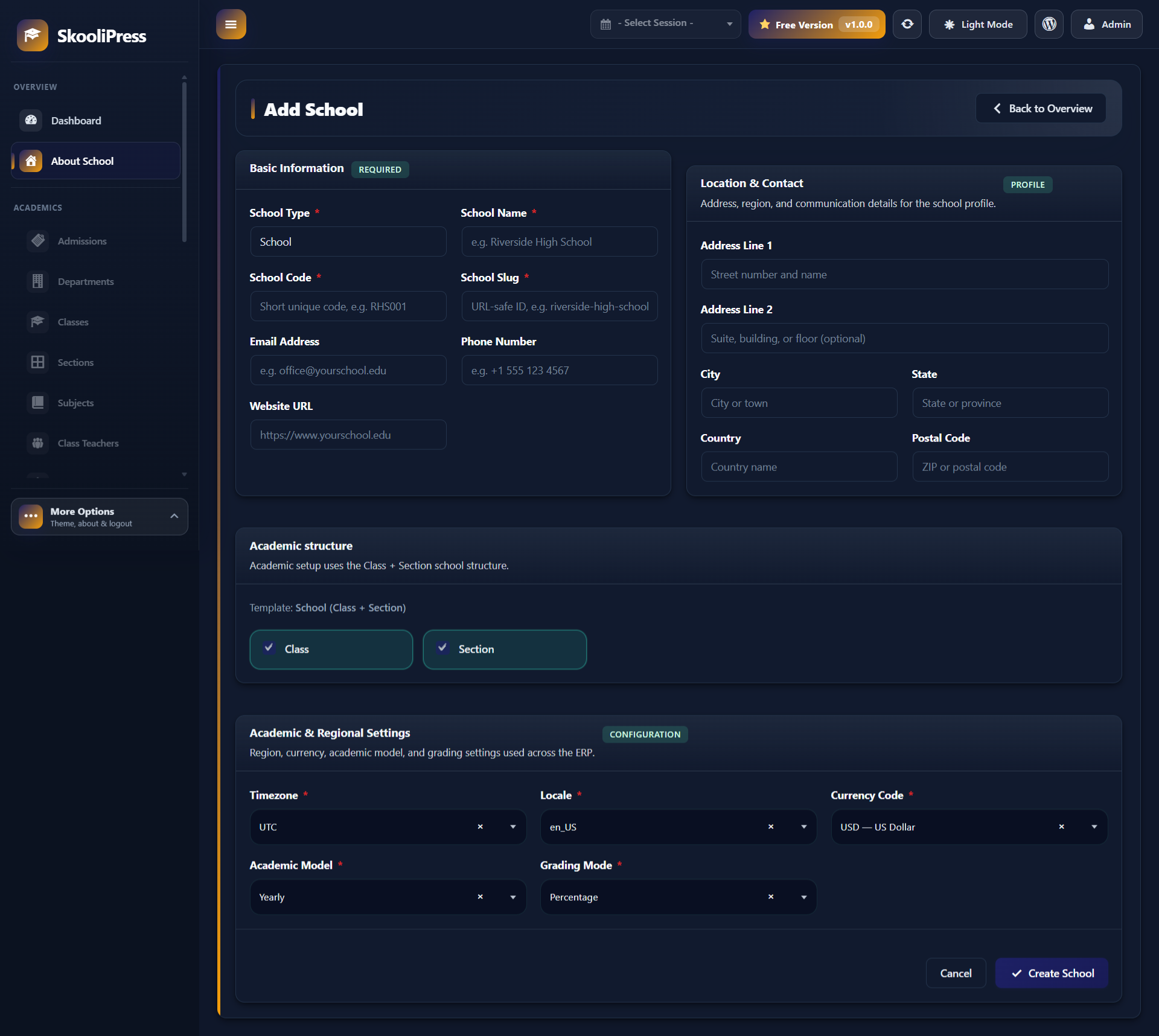
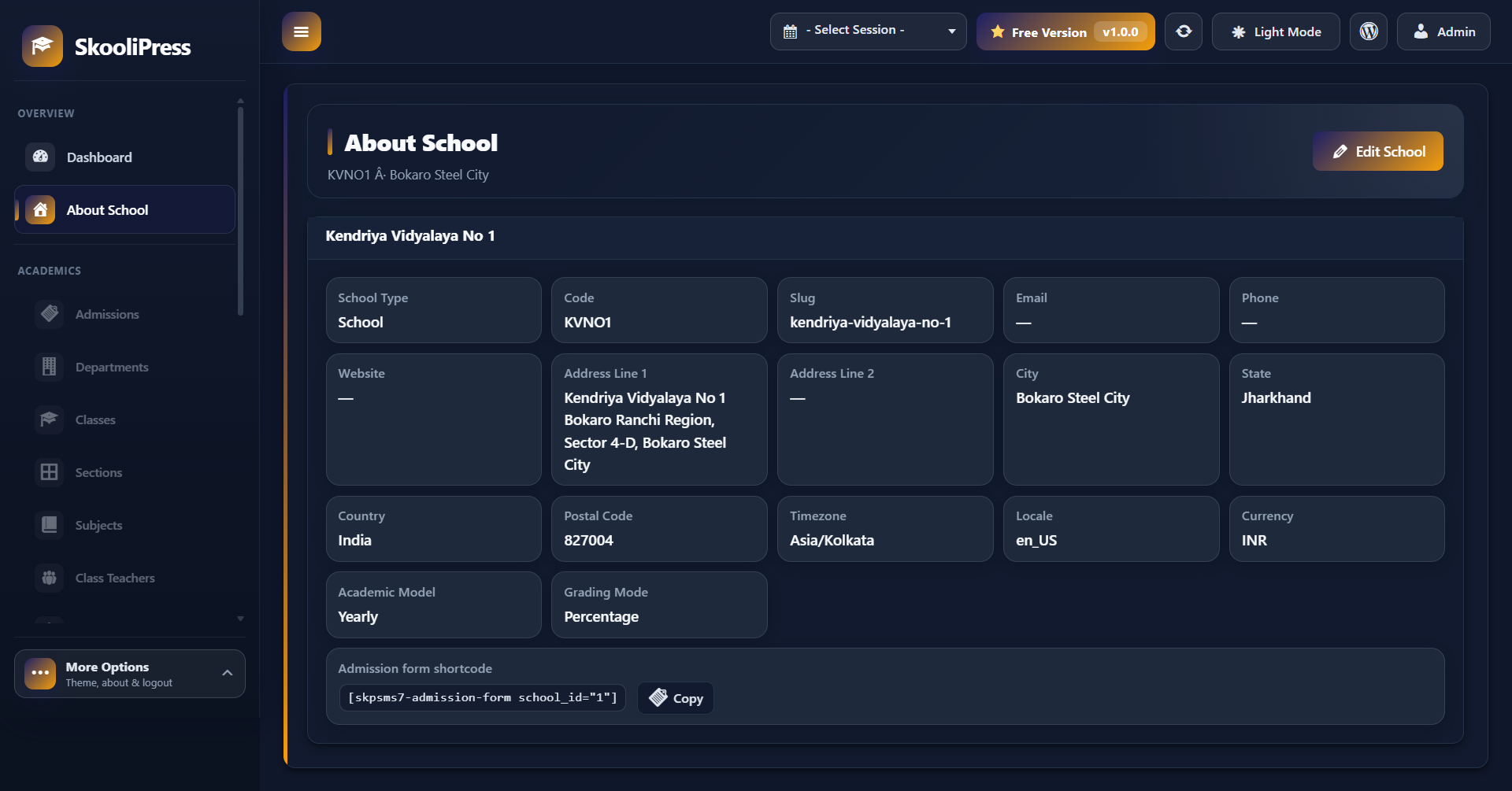
* One school profile with contact details, timezone, locale, currency, and academic settings
* Multiple academic sessions per school with active session switching from the admin header
* Active session context so module records stay scoped to the correct academic year
Academic structure
* Classes, sections, and subjects for the active session
* Class teachers and subject-teacher assignments
* Department module support within the Class + Section school template
People & admissions
* Student profiles with class/section placement and status management
* Parent/guardian records linked to students
* Admission applications with pending, admitted, rejected, and withdrawn statuses
* Admin review, approval workflow, and printable admission form preview
* Public admission form shortcode with optional print layout
Daily operations
* Student attendance records with list and calendar views
* Exams, exam schedules, and result management
* Fee categories, fee submissions, due tracking, and printable fee receipts
* Assignments with submission tracking
* Class timetables and schedule review
* School notices and announcements
Tools & frontend
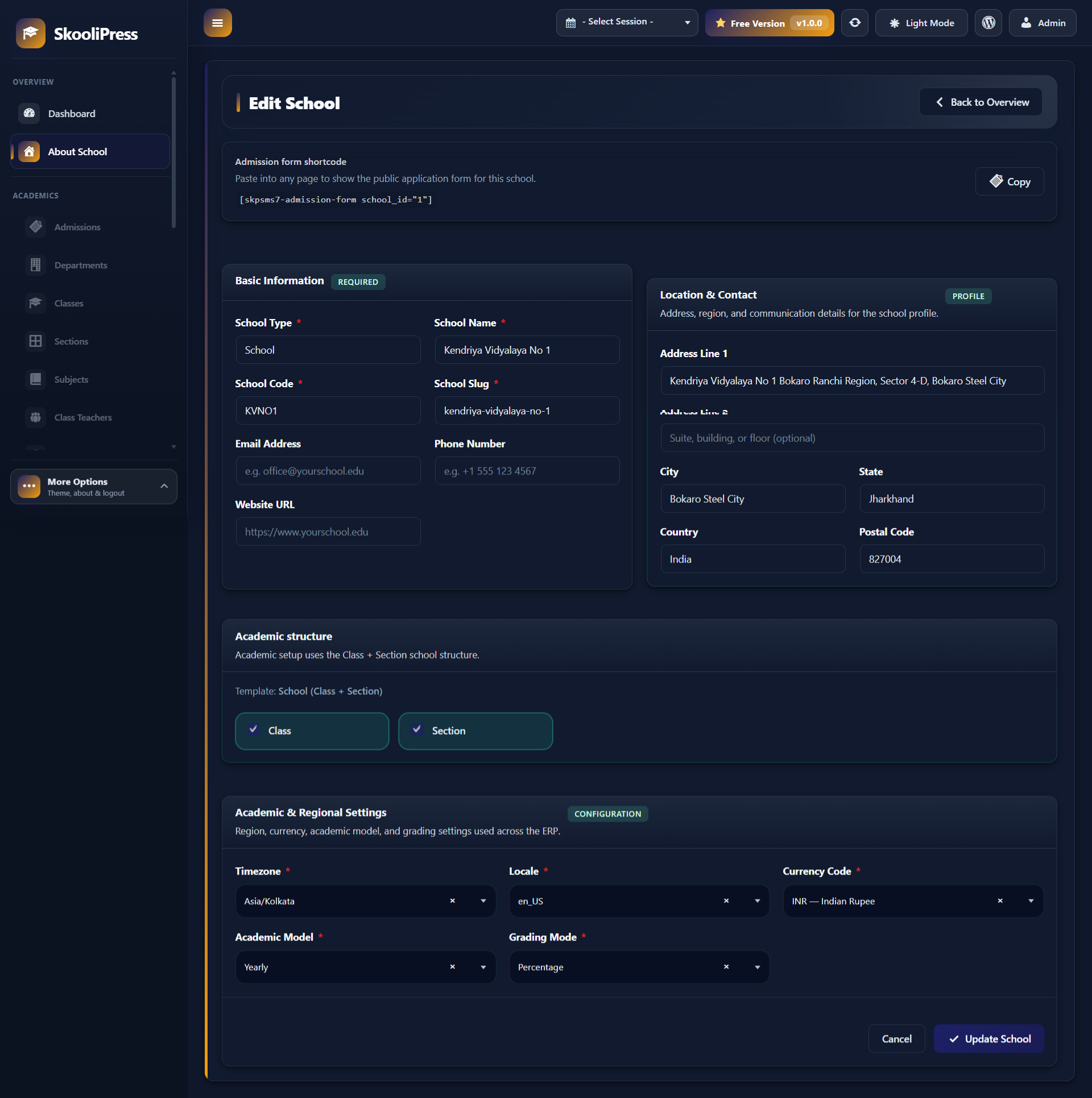
* [skpsms7-admission-form] shortcode for public admission applications
* Shortcode reference screen under Tools with copy-to-clipboard examples
* DataTables export to PDF, Excel, and CSV on supported admin lists
* JSON backup export when deactivating the plugin (optional)
Admin experience
* Sidebar grouped into Overview, Core, People & access, Operations, and Tools
* Per-user theme appearance settings (light/dark and accent color)
* My Profile screen for the signed-in administrator account
—
Additional Notes
SkooliPress is developed by Online Web Tutor as a practical school-management layer for WordPress.
For enquiries or support, email onlinewebtutorhub@gmail.com.
Installation
From your WordPress dashboard
1. Go to Plugins → Add New.
2. Search for SkooliPress or School Management System.
3. Click Install Now, then Activate.
Manual upload
1. Download the plugin zip and go to Plugins → Add New → Upload Plugin.
2. Upload the zip file and activate SkooliPress – School Management System.
First-time setup after activation
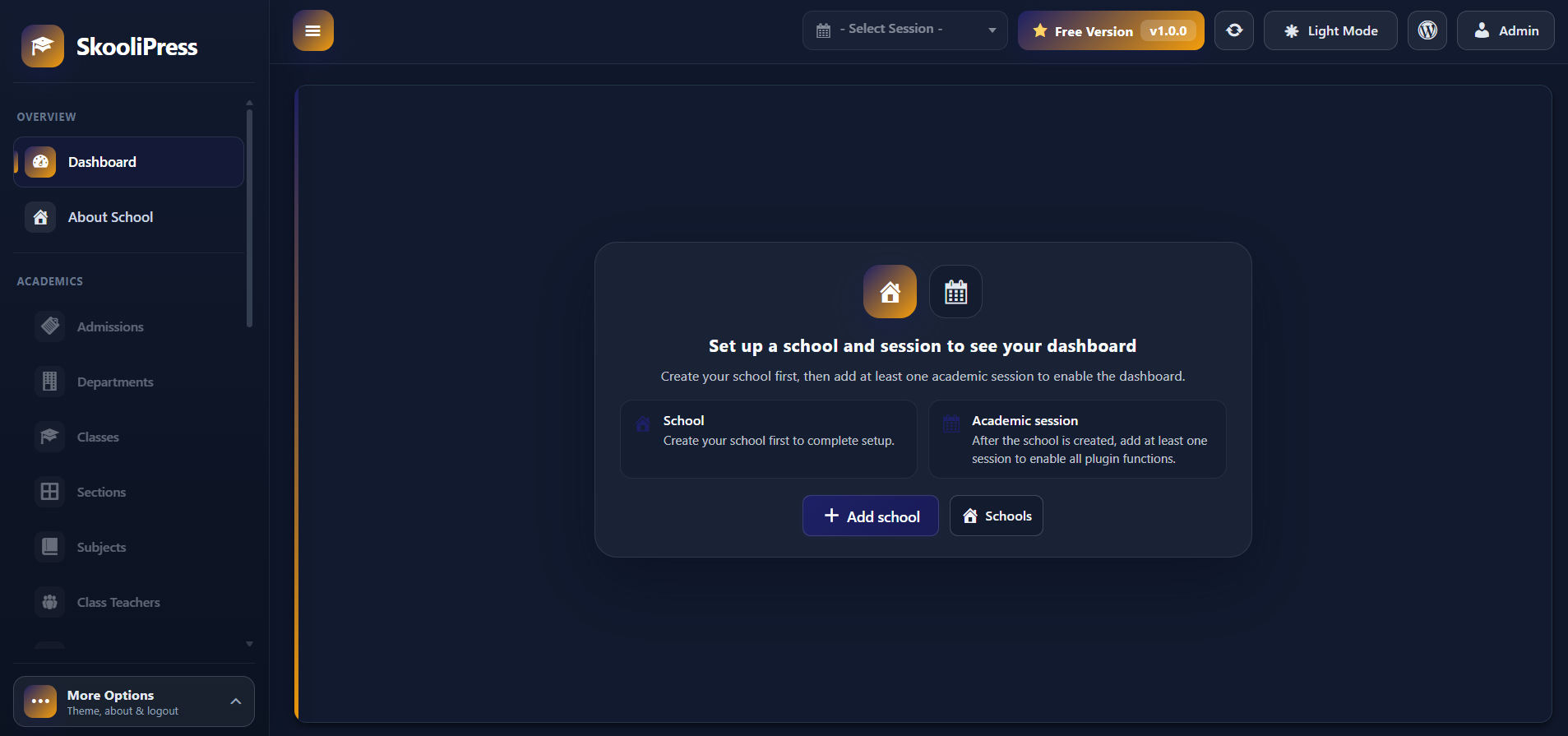
1. After activation, open SkooliPress → Dashboard in the WordPress admin.
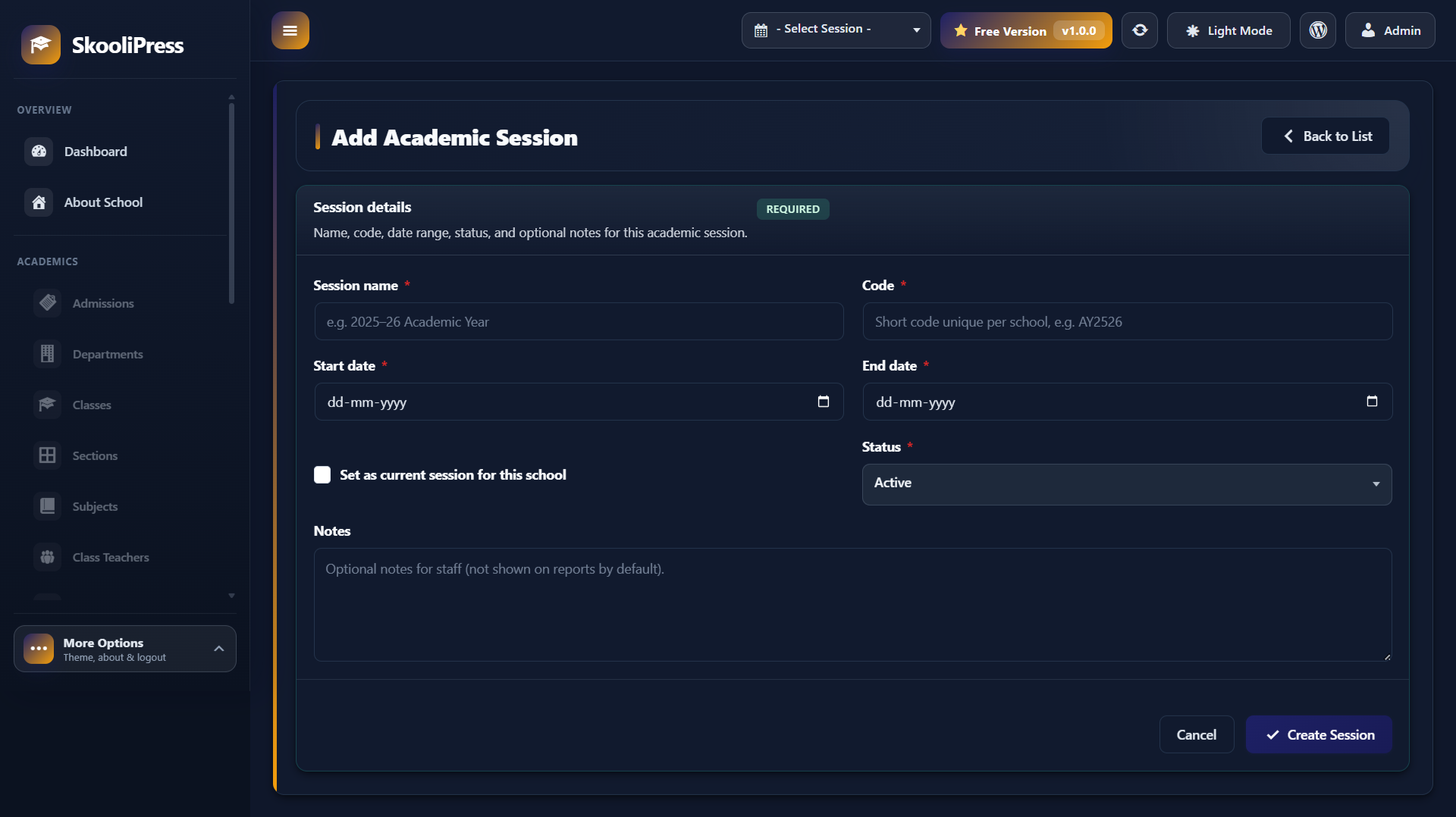
2. Go to Schools → Add School and create your school profile.
3. Open Sessions and add at least one academic session for that school.
4. Select an academic session from the header dropdown to enable students, admissions, fees, exams, and the rest of the modules.
5. Visit Tools → Shortcodes to copy the admission shortcode for your public pages.
Änderungsprotokoll
Pages now reload after you save, update, or install or remove sample data, so screens always show the latest records. No database changes. Safe to update directly from 1.2.
1.3.0
- Fixed: saving changes on an edit screen did not reload the page, so it kept showing the old form state. Edit screens for schools, academic sessions, departments, classes, sections, subjects, students, parents, teachers, staff, attendance, exams, fee structures, notices, timetables, and assignments now reload after a successful update
- Fixed: installing, re-installing, or deleting sample data from Settings → Install Test Data did not reload the page, so the header school/session context and menus kept showing the old data. The page now reloads after each action
- Creating a record still opens its edit screen, as before
- Approving an admission now shows its success message after the redirect, and a failed approval now shows an error message instead of a success message
- Success messages now survive the reload: the message is saved for the next page load and shown once the page has loaded
- Bumped the asset version, so browsers download the updated scripts instead of using cached copies
1.2
- Added a new Settings menu, placed directly after About School, with a card based layout that matches the dashboard
- Added an Install Test Data settings card that generates a realistic demo school in one click — 1 school profile, 1 active academic session, 4 departments, 3 classes, 2 sections per class, 5 subjects per class, 10 teachers, 10 staff members, 30 students, and 18 parents linked to their children
- Every generated record is tracked in the
skpsms7_test_data_mapoption, so removing the sample data deletes only those rows and never touches live records - The Install Test Data card shows Delete and Re-Install actions once sample data exists, and Install Now when it does not, along with live record counts and the install date
- Settings screen is fully styled for both light and dark admin themes
- Redesigned the plugin deactivation modal with a clearer card based layout: deactivate only, back up then deactivate, or erase everything then deactivate, with a dedicated confirmation step before any data is deleted
- Deactivation modal now reports progress inline and no longer loads SweetAlert on the WordPress Plugins screen
1.1
- Reorganised the entire codebase to a PSR-4 structure under the
SKPSMS7namespace - Added Composer support with a generated autoloader, so plugin classes are loaded on demand instead of being required up front
- Moved all classes into
includes/with dedicatedHelpers,Services,Admin, andFrontendsub-namespaces - Added a compatibility layer that keeps the old 1.0.0 class names working, so existing customisations and snippets continue to run
- Added an automatic upgrade routine that verifies database tables and stored version options when updating from 1.0.0
- Added a built-in autoloader fallback so the plugin still runs when the
vendordirectory is unavailable - Requires PHP 7.4 or higher
1.0.0
- Initial public release of SkooliPress – School Management System
- School and academic session setup with header context switching
- Modules for students, parents, teachers, staff, admissions, academics, attendance, fees, exams, assignments, timetables, and notices
- Public shortcode for online admission applications
- DataTables list views with PDF, Excel, and CSV export on supported screens
- Fee receipt printing, admission form preview/print, and optional JSON backup on deactivation
- Admin theme appearance settings and structured ERP sidebar navigation
Screenshots
Für Entwickler
Ist das dein Plugin? Zeigen Sie die Zahlen.
Fügen Sie Ihrer Website, Docs oder GitHub Readme ein Live-Badge hinzu. Es wird von selbst aktualisiert - kein Konto erforderlich.
Best SkooliPress alternatives
All college plugins →
Fragen und Antworten
SkooliPress: quick answers
Gerade Antworten, gezogen von Live WordPress.org Daten.
Quelle: WordPress.org
Is SkooliPress free?
Yes. SkooliPress is free to download and use from the official WordPress.org plugin directory.
Is SkooliPress safe to use in 2026?
SkooliPress works, but test it on a staging site before relying on it in 2026. It runs on 10+ sites and was last updated 2 months ago, and scores 57/100 on our health check.
How many websites use SkooliPress?
SkooliPress is active on 10+ WordPress websites and has been downloaded 605 times since it launched in August 2026. It was downloaded 110 times in the last 30 days.
Does SkooliPress work with WordPress 7.1?
SkooliPress is officially tested up to WordPress 7.0.9, while the latest release is 7.1.5. It may still work, but try it on a staging site first.
What PHP version does SkooliPress need?
SkooliPress requires PHP 7.4 or higher. Most hosts run PHP 8.x today, so it works on any modern WordPress hosting.
When was SkooliPress last updated?
The latest version, 1.3.0, was released on October 1, 2026 (2 months ago).
Who makes SkooliPress?
SkooliPress is developed and maintained by Online Web Tutor.
What are the best alternatives to SkooliPress?
The most popular alternatives to SkooliPress are WP Education (100+ installs), Free Forms and College Sear… (10+ installs) and LM Certificate Publisher (10+ installs).
Angetrieben von PageForge
Eine Vorlage und eine Tabelle. Eine echte Seite für jede Suche.
PageForge Verwandelt jede Zeile eines CSV in eine WordPress-Seite mit eigenem Titel, URL, SEO Felder und Schema entworfen. Kostenlos auf WordPress.org.
- CSV und XLSX, plus Google Sheets auf Beruf und Unternehmen
- seinen eigenen Titel, URL, SEO Felder und Schema für jede Seite
- Arbeitet mit dem Blockeditor, Elementor, Divi und Avada
- Kostenlos auf WordPress.org, keine Kreditkarte