


Simple Google Photos Grid
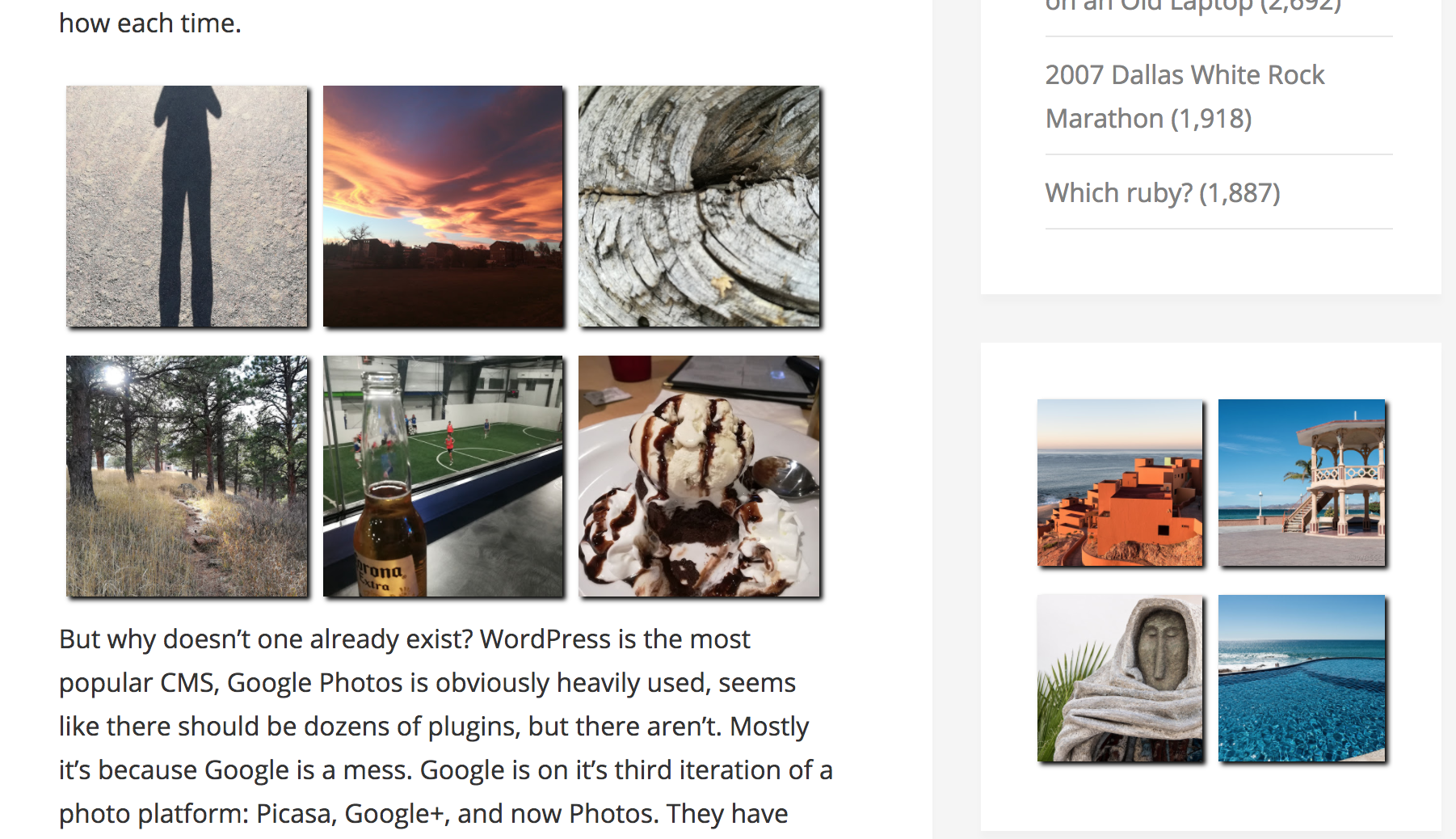
Provides a widget and shortcode to display photos from a public Google Photos album in a simple grid.

Mit Vorsicht verwenden
Simple Google Photos Grid works, but test it on a staging site before relying on it in 2026. It runs on 900+ sites, is rated 4.5/5 and was last updated 2 years ago, and scores 42/100 on our health check.
- Kleine Benutzerbasis (900+ aktive Installationen)
- Bisher sehr wenige Bewertungen
- Kein Update in über einem Jahr
- Nur getestet bis WordPress 6.8 (letzt ist 7.1)
Wie stapelt es sich?
Side-by-side bei Installationen, Updates, Bewertungen und Support



Tägliche Downloads
Download-Spitzen folgen normalerweise einer neuen Version - jede Website, die automatisch aktualisiert wird, gilt als Download.
Ranglisten
Where Simple Google Photos Grid stands todayWordPress.org Ranglisten suchen
Live-Position in der Plugin-Suche, Top 100| Stichwort | Position |
|---|---|
| album | #85 |
| Galerie | >100 |
| Google Photos | #23 |
| photos | #55 |
Versionsübernahme
Anteil aktiver Sites pro Release.
Bewertungsaufschlüsselung
★★★★★★★★★★ 4.5 from 2 reviews
About Simple Google Photos Grid
Aus der offiziellen Readme · V1.6Beschreibung
A simple, no-frills solution to display a Google Photos album on your site using a widget or a shortcode. There is only one layout option: grid. There is only one required attribute: album url. That’s it, that easy. See a demo and read more about the plugin. The code is also available on Github.
Notizen
Your album on Google Photos must be “public”, which means you need to go into Google Photos on the web and set “Sharing options” to on, i.e. “Anyone with the link can see these photos and the people who’ve been invited or joined.”
Requires curl or similar to fetch the photo urls.
No support is provided. Probably no features will be added. You are free to ask, or to fork. Pull requests accepted.
Widget
Go to Appearance -> Widgets and a new widget named Simple Google Photos Grid should be available to use. Drag to your desired widget area and configure.
- Title: Heading of the widget on your site. Default to empty.
- Album URL: The full URL to your public gallery on Google Photos. URL must use one of the following domains: ‘photos.app.goo.gl’ or ‘photos.google.com’. Ideally should be the short, “shared” link (such as https://photos.app.goo.gl/G8EOLs5YtESchh4g1z).
- Num Photos to Show: Even numbers probably work best. There’s a maximum number, not sure what it is, but it’s pretty low.
- Num Photos per Row: How many photos to show per row? Probably some number that works well with Num Photos.
- Cache Interval (in minutes): How long to cache photo URLs before checking the album on Google again. 0 for no cache.
Shortcode
Place the shortcode in a post, page or theme.
[simple_google_photos_grid album-url=”https://photos.app.goo.gl/G8EOLs5YtESchh4g1″]
Available attributes are:
– album-url: (required) the url to a public Google Photos album, domain must be one of ‘photos.app.goo.gl’ or ‘photos.google.com’
– number-photos: (optional) number of photos to display, defaults to 4
– number-photos-per-row: (optional) number of photos per row, defaults to 2
– cache-interval: (optional) length, in minutes, to cache the photo urls retrieved from Google, defaults to 15
[simple_google_photos_grid album-url="https://photos.app.goo.gl/G8EOLs5YtESchh4g1" number-photos="6" number-photos-per-row="3" cache-interval="120"]
Installation
- Upload the plugin files to the
/wp-content/plugins/plugin-namedirectory, or install the plugin through the WordPress plugins screen directly, or clone from Github. - Activate the plugin through the ‘Plugins’ screen in WordPress or with wp-cli.
- Configure:
Änderungsprotokoll
1.6
- Fix CVE-2025-46503
1.5
- Fixed notices in shortcode
1.4
- Fixed uninstall and shortcode bugs
1.3
- Added “number photos per row” configuration/attribute to have grids other than 2×2
1.2
- Fixed bug if more than one grid on a page
1.1
- Added shortcode
Screenshots
Für Entwickler
Ist das dein Plugin? Zeigen Sie die Zahlen.
Fügen Sie Ihrer Website, Docs oder GitHub Readme ein Live-Badge hinzu. Es wird von selbst aktualisiert - kein Konto erforderlich.
Best Simple Google Photos Grid alternatives
All album plugins →





Fragen und Antworten
Simple Google Photos Grid: quick answers
Gerade Antworten, gezogen von Live WordPress.org Daten.
Quelle: WordPress.org
Is Simple Google Photos Grid free?
Yes. Simple Google Photos Grid is free to download and use from the official WordPress.org plugin directory.
Is Simple Google Photos Grid safe to use in 2026?
Simple Google Photos Grid works, but test it on a staging site before relying on it in 2026. It runs on 900+ sites, is rated 4.5/5 and was last updated 2 years ago, and scores 42/100 on our health check.
How many websites use Simple Google Photos Grid?
Simple Google Photos Grid is active on 900+ WordPress websites and has been downloaded 12,946 times since it launched in November 2017. It was downloaded 382 times in the last 30 days.
Does Simple Google Photos Grid work with WordPress 7.1?
Simple Google Photos Grid is officially tested up to WordPress 6.8.13, while the latest release is 7.1.5. It may still work, but try it on a staging site first.
When was Simple Google Photos Grid last updated?
The latest version, 1.6, was released on May 4, 2025 (2 years ago).
Who makes Simple Google Photos Grid?
Simple Google Photos Grid is developed and maintained by josheli.
What are the best alternatives to Simple Google Photos Grid?
The most popular alternatives to Simple Google Photos Grid are rtMedia for WordPress, Budd… (7K+ installs), Audio Album (4K+ installs) and WoowGallery (1K+ installs).
Angetrieben von PageForge
Eine Vorlage und eine Tabelle. Eine echte Seite für jede Suche.
PageForge Verwandelt jede Zeile eines CSV in eine WordPress-Seite mit eigenem Titel, URL, SEO Felder und Schema entworfen. Kostenlos auf WordPress.org.
- CSV und XLSX, plus Google Sheets auf Beruf und Unternehmen
- seinen eigenen Titel, URL, SEO Felder und Schema für jede Seite
- Arbeitet mit dem Blockeditor, Elementor, Divi und Avada
- Kostenlos auf WordPress.org, keine Kreditkarte