


IP-Adresse anzeigen
Show IP Address provides a small set of shortcodes for displaying request information. It does not store visitor information or call a third-party IP lookup API.

Sichere Auswahl
Yes — Show IP Address is a safe, well-maintained plugin to use in 2026. It runs on 900+ sites, is rated 5/5 and was last updated 3 weeks ago, and scores 82/100 on our health check.
- Aktiv entwickelt – letztes Update vor 3 Wochen
- Getestet mit dem neuesten WordPress (7.1)
- Momentum — downloads up 440.7% vs the previous 30 days
- Kleine Benutzerbasis (900+ aktive Installationen)
Wie stapelt es sich?
Side-by-side bei Installationen, Updates, Bewertungen und Support



Tägliche Downloads
Download-Spitzen folgen normalerweise einer neuen Version - jede Website, die automatisch aktualisiert wird, gilt als Download.
Ranglisten
Where Show IP Address stands todayWordPress.org Ranglisten suchen
Live-Position in der Plugin-Suche, Top 100| Stichwort | Position |
|---|---|
| diagnostics | #19 |
| ip address | #3 |
| show ip | #2 |
| visitor ip | #5 |
Versionsübernahme
Anteil aktiver Sites pro Release.
Bewertungsaufschlüsselung
★★★★★★★★★★ 5 from 5 reviews
About Show IP Address
Aus der offiziellen Readme · V2.0.0Beschreibung
Show IP Address provides a small set of shortcodes for displaying request information. It does not store visitor information or call a third-party IP lookup API.
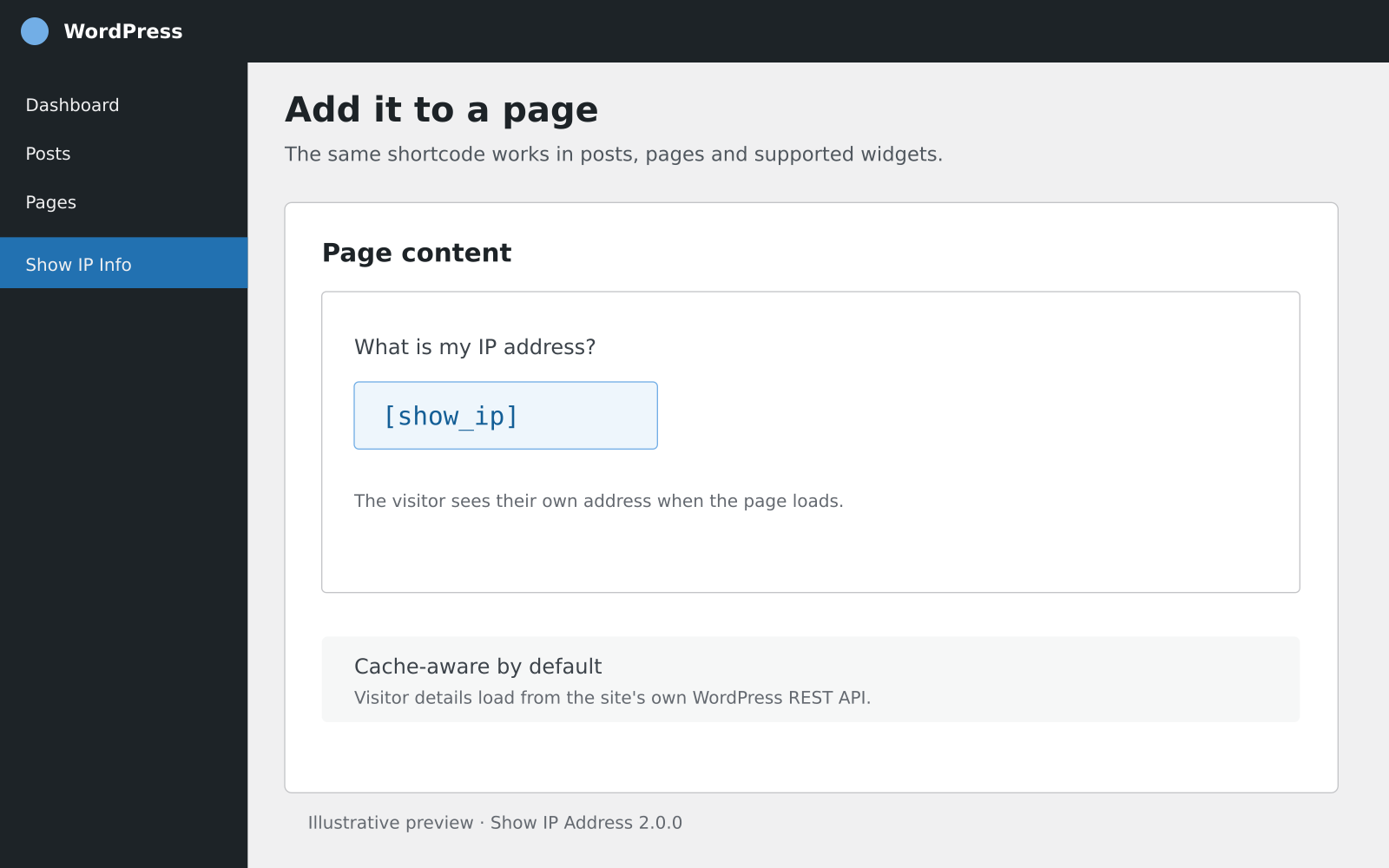
The default shortcode output is loaded from this site’s own WordPress REST API. This avoids putting one visitor’s IP address into HTML that may be served to other visitors by a full-page cache. If a host or security plugin blocks the REST API, the shortcode displays an unavailable message rather than a potentially incorrect cached address.
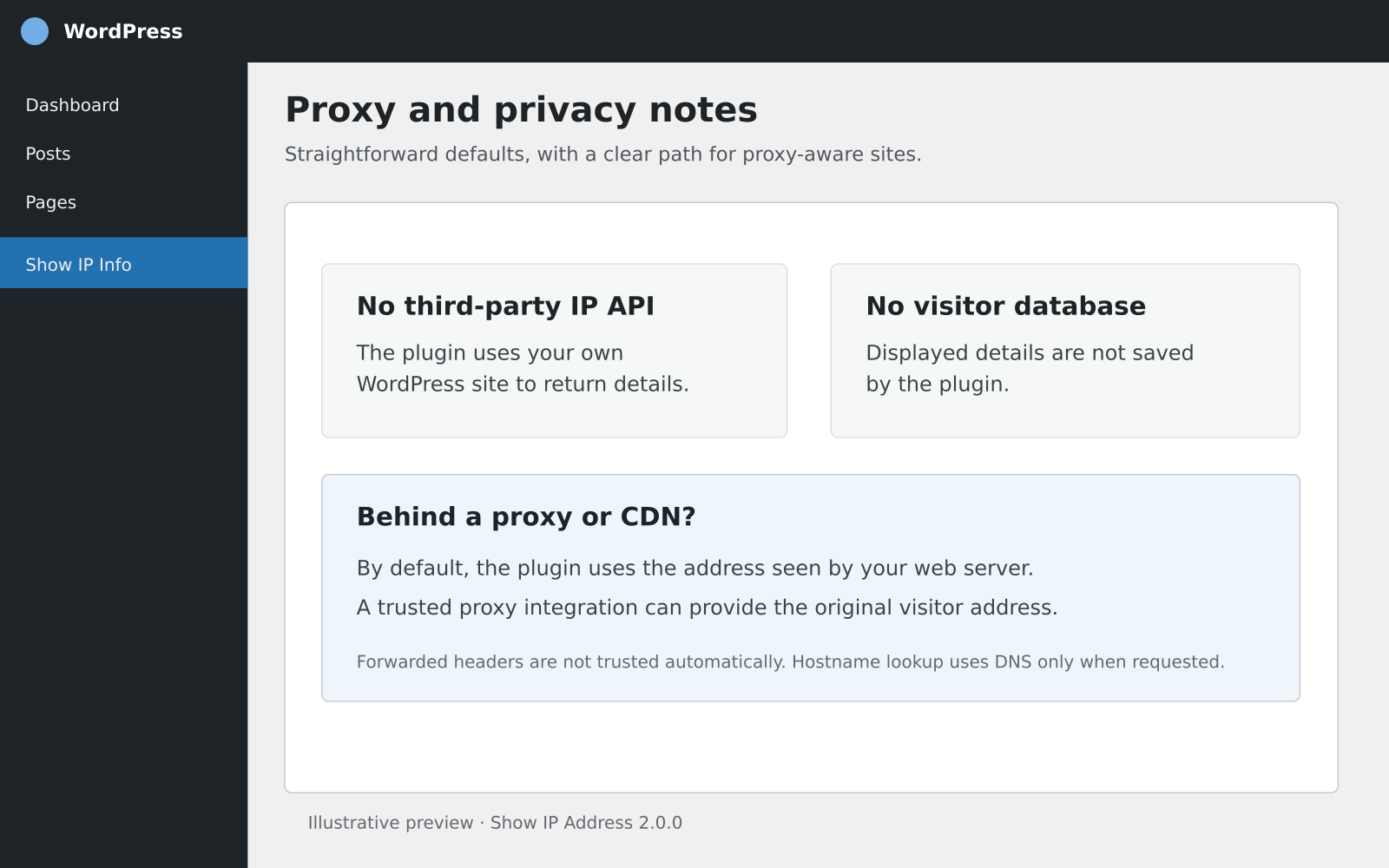
By default, the plugin uses the address seen by the web server (REMOTE_ADDR). If a site is behind a proxy or CDN, this may be the proxy’s address. Forwarded headers are not trusted automatically because they can be forged unless the proxy is configured to set them securely. Hosting providers or site developers can add trusted proxy support with the show_ip_address_client_ip filter.
Shortcodes
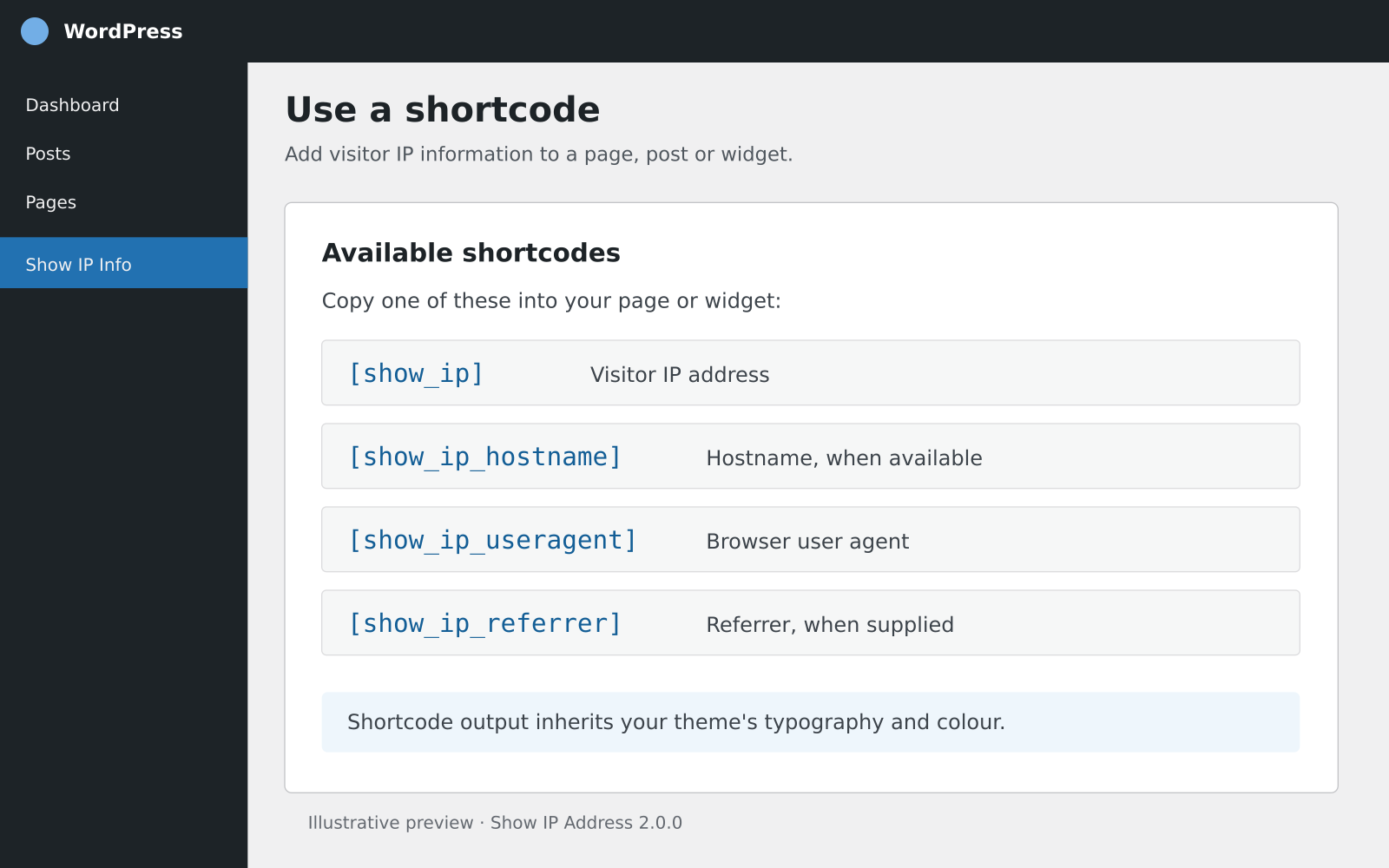
[show_ip]— Display the visitor’s IP address.[show_ip_hostname]— Display the reverse-DNS hostname when available. This performs a DNS lookup only when requested.[show_ip_useragent]— Display the browser user-agent string when supplied.[show_ip_referrer]— Display the referrer URL when supplied. Browsers and privacy settings may omit it.
All shortcodes accept mode="server" for server-rendered output, for example [show_ip mode="server"]. Use this only on pages excluded from full-page caching; otherwise a cache may show one visitor’s details to another.
Shortcodes render with the CSS class show-ip-address and a field modifier such as show-ip-address--ip. The plugin adds no global styles, so typography and colour inherit from the active theme. You can target these classes in your theme stylesheet if desired.
Kompatibilität
The plugin uses WordPress core APIs, PHP, and a same-site REST request. It has no third-party IP lookup API, custom database table, shell command, or host-specific server dependency. The optional hostname shortcode uses the host’s DNS resolver when requested. The dynamic shortcode requires JavaScript and access to the site’s WordPress REST API. If that request is blocked, the plugin reports that the information is unavailable.
PHP 7.4 is the minimum code compatibility level. PHP 7.4 is end-of-life; use a PHP version that still receives security updates from your hosting provider. WordPress.org recommends PHP 8.3 or newer.
Privatsphäre
The plugin does not store the displayed visitor details. The visitor IP is returned to that same visitor by a public, read-only endpoint on the current site. Site owners remain responsible for their own privacy notices and server/CDN logging.
Änderungsprotokoll
2.0.0
- Retained the original four shortcodes and legacy
get_the_user_ip()helper. - Added cache-safe, same-site dynamic output and clear fallback when the REST request is unavailable.
- Uses
REMOTE_ADDRby default and validates IP values; added a filter for trusted proxy integrations. - Removed unnecessary global CSS and host-specific server calls.
- Added a simple dashboard widget that displays the current administrator’s connection IP.
- Namespaced plugin functions and CSS classes to reduce conflicts with themes and other plugins.
1.8
- Added hostname, user-agent, and referrer shortcodes.
- Refactored the plugin to remove external dependencies.
1.7
- Improved shortcode handling for forwarded IP headers and escaped output.
Screenshots

Für Entwickler
Ist das dein Plugin? Zeigen Sie die Zahlen.
Fügen Sie Ihrer Website, Docs oder GitHub Readme ein Live-Badge hinzu. Es wird von selbst aktualisiert - kein Konto erforderlich.
Best Show IP Address alternatives
All diagnostics plugins →





Fragen und Antworten
Show IP Address: quick answers
Gerade Antworten, gezogen von Live WordPress.org Daten.
Quelle: WordPress.org
Is Show IP Address free?
Yes. Show IP Address is free to download and use from the official WordPress.org plugin directory.
Is Show IP Address safe to use in 2026?
Yes — Show IP Address is a safe, well-maintained plugin to use in 2026. It runs on 900+ sites, is rated 5/5 and was last updated 3 weeks ago, and scores 82/100 on our health check.
How many websites use Show IP Address?
Show IP Address is active on 900+ WordPress websites and has been downloaded 25,224 times since it launched in June 2015. It was downloaded 1,130 times in the last 30 days.
Does Show IP Address work with WordPress 7.1?
Yes. The developer has tested Show IP Address up to WordPress 7.1.5, the latest release. It requires WordPress 5.8 or newer.
What PHP version does Show IP Address need?
Show IP Address requires PHP 7.4 or higher. Most hosts run PHP 8.x today, so it works on any modern WordPress hosting.
When was Show IP Address last updated?
The latest version, 2.0.0, was released on November 3, 2026 (3 weeks ago).
Who makes Show IP Address?
Show IP Address is developed and maintained by Keith Griffiths.
What are the best alternatives to Show IP Address?
The most popular alternatives to Show IP Address are Performance Lab (100K+ installs), Server Info (3K+ installs) and Commerza for WooCommerce (90+ installs).
Angetrieben von PageForge
Eine Vorlage und eine Tabelle. Eine echte Seite für jede Suche.
PageForge Verwandelt jede Zeile eines CSV in eine WordPress-Seite mit eigenem Titel, URL, SEO Felder und Schema entworfen. Kostenlos auf WordPress.org.
- CSV und XLSX, plus Google Sheets auf Beruf und Unternehmen
- seinen eigenen Titel, URL, SEO Felder und Schema für jede Seite
- Arbeitet mit dem Blockeditor, Elementor, Divi und Avada
- Kostenlos auf WordPress.org, keine Kreditkarte