


Fonts Plugin | Google Fonts, Adobe Fonts & Upload Fonts
The #1 fonts plugin for WordPress. 1,900+ Google Fonts, Adobe Fonts and your own font files. Live preview, no code required.

Sichere Auswahl
Yes — Fonts Plugin is a safe, well-maintained plugin to use in 2026. It runs on 200K+ sites, is rated 5/5 and was last updated 3 weeks ago, and scores 96/100 on our health check.
- Bewährt im Maßstab auf 200k+ aktiven Standorten
- Loved by users — 5/5 from 1,222 reviews
- Aktiv entwickelt – letztes Update vor 3 Wochen
- Getestet mit dem neuesten WordPress (7.1)
- Momentum — downloads up 321.9% vs the previous 30 days
Wie stapelt es sich?
Side-by-side bei Installationen, Updates, Bewertungen und Support


Tägliche Downloads
Download-Spitzen folgen normalerweise einer neuen Version - jede Website, die automatisch aktualisiert wird, gilt als Download.
Ranglisten
Where Fonts Plugin stands todayWordPress.org Ranglisten suchen
Live-Position in der Plugin-Suche, Top 100| Stichwort | Position |
|---|---|
| adobe fonts | #1 |
| custom fonts | #2 |
| Schriften | #1 |
| google fonts | #1 |
| typography | #8 |
Versionsübernahme
Anteil aktiver Sites pro Release.
Bewertungsaufschlüsselung
★★★★★★★★★★ 5 from 1,222 reviews
About Fonts Plugin
From the official readme · v4.2.3Beschreibung
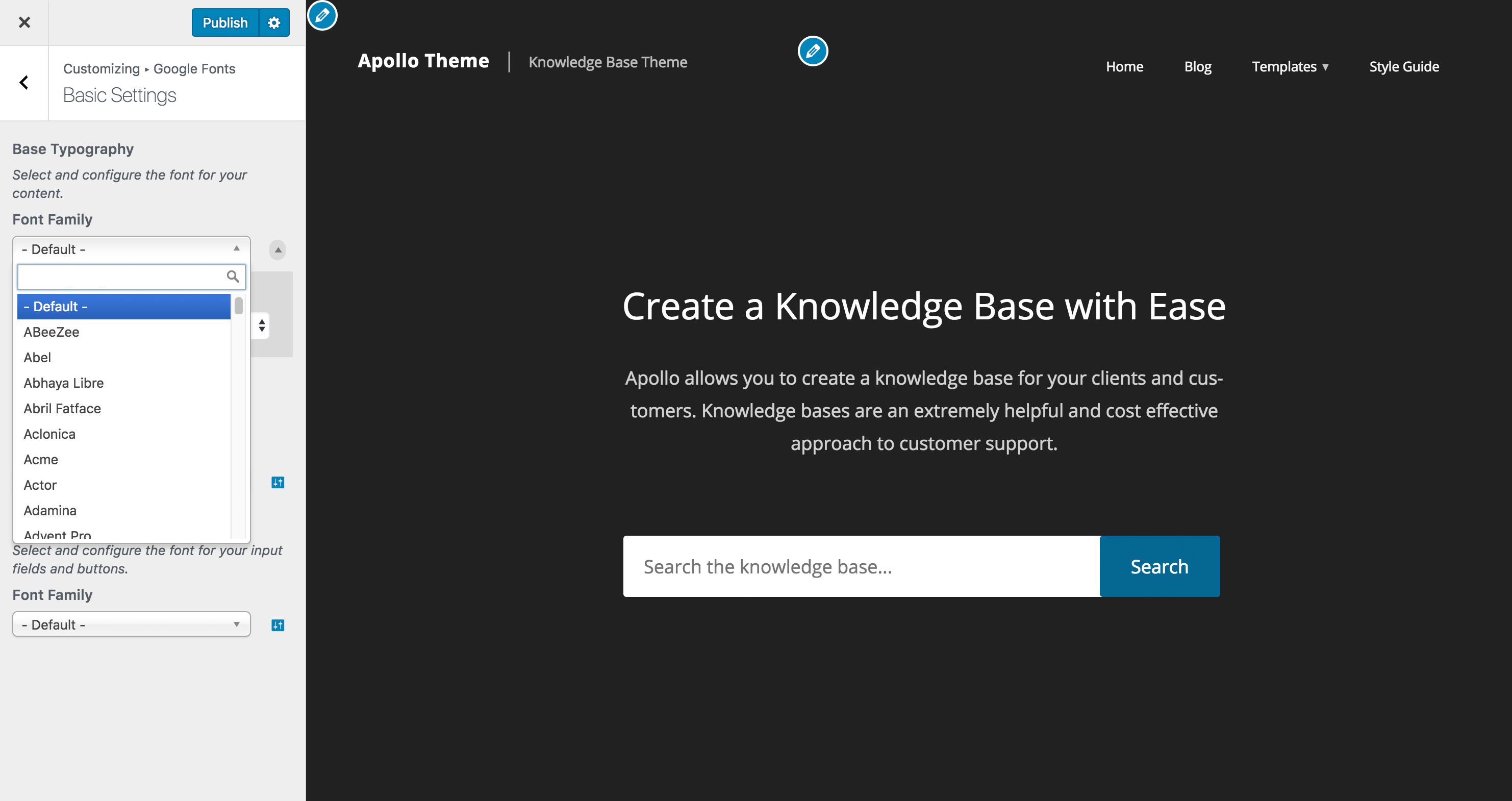
Pick a font from a dropdown and watch your site change live. When you’re happy, click Publish.
The preview updates on your own content as you browse, so you can try as many fonts as you like before anything goes live. You never need to edit theme files or write CSS.
Fonts Plugin is the #1 fonts plugin for WordPress: 200,000+ websites, 10.6 million downloads, and a 5.0 rating from 1,217 reviews on WordPress.org.
What Can You Do With Fonts Plugin?
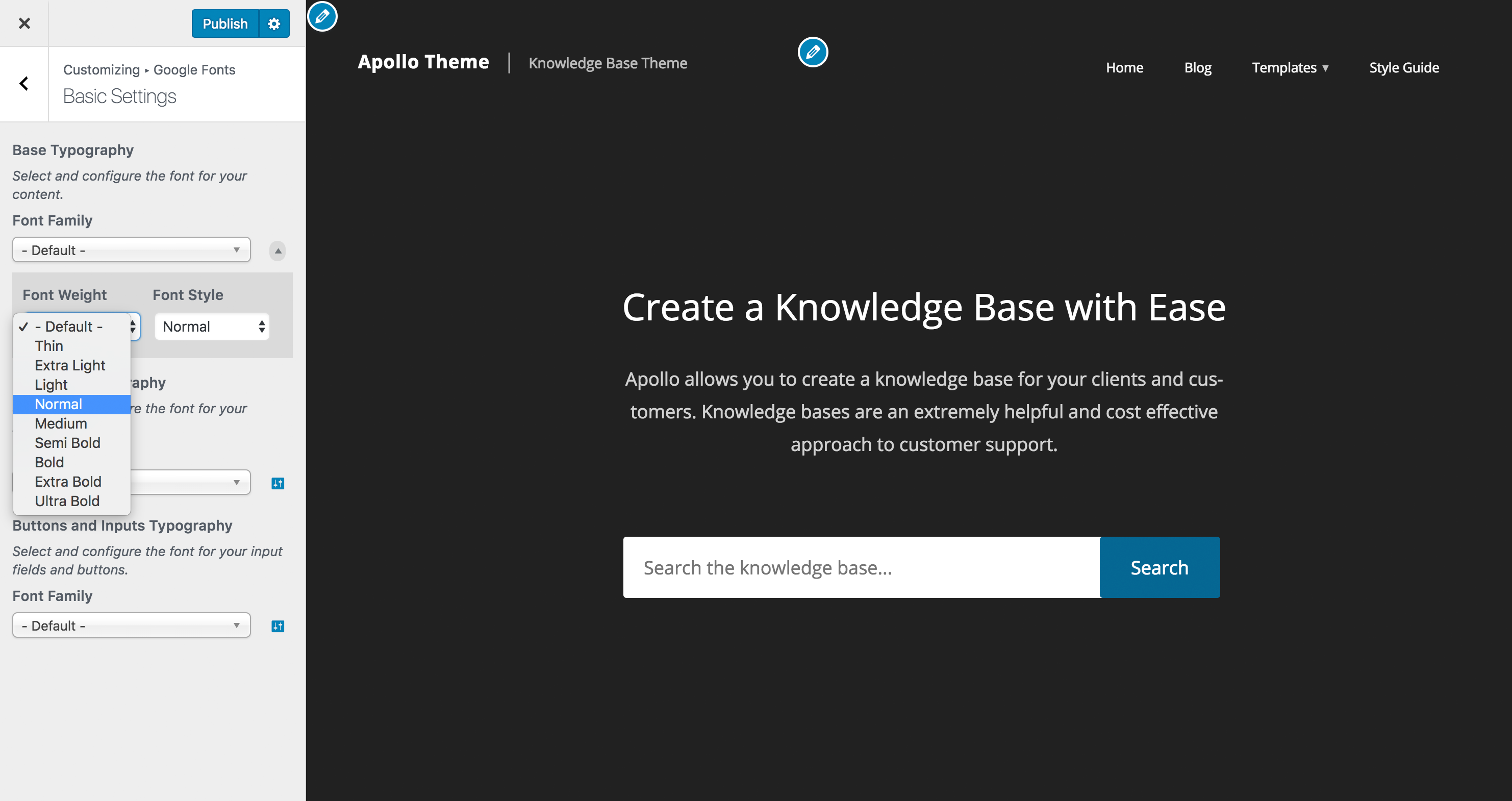
Fonts Plugin lets you apply different fonts to different parts of your website. Choose one typeface for headings and another for body text, then adjust size, weight, colour, line height and letter spacing from the same screen. The live preview updates instantly, so you can see how a font looks on your own content before saving. The plugin works with every WordPress theme (Twenty Twenty-Five, GeneratePress, Elementor, and others) and requires no changes to your theme files.
What Fonts Are Available?
Fonts Plugin gives you three ways to get fonts onto your site.
-
Google Fonts: over 1,900 typefaces, all free for personal and commercial use.
-
Adobe Fonts (Typekit): connect your Adobe Creative Cloud subscription and use any typeface from your kit.
-
Your own font files: upload in any standard format for brand fonts that aren’t in either library.
Whether you need a sans-serif for a corporate site or a serif for a blog, you can set it up without installing a second plugin.
Kostenlose Funktionen
- Live Customizer preview: see fonts on your real site before saving
- 1,900+ Google Fonts (the complete library, always current)
- Adobe Fonts (Typekit) integration
- Upload custom fonts: .ttf, .otf, .woff and .woff2
- Works with any WordPress theme, no coding required
- Gutenberg block for applying Google Fonts in the block editor
- WooCommerce support
- Translated into 25+ languages
- SSL/HTTPS compatible
- Tested with PHP 7 and PHP 8
Pro adds local hosting, font loading controls, and per-element typography.
- Host Google Fonts locally: font files are served from your own domain, so no visitor request reaches Google
- Remove external fonts: strip out Google Fonts loaded by your theme and other plugins
- Rewrite external fonts: convert third-party font requests to your local copies
- Selective font loading: a font family can arrive with up to sixteen weights and several alphabets. Most sites use three or four. Untick the rest and they stop downloading.
- Font preloading: text paints sooner without the fallback flash
- Per-element controls: font size, colour, line height, letter spacing and text transform
- Custom elements: target your own CSS selectors
- Priority email support: responses within 24 hours
Pro is a one-time payment. Lifetime updates and priority support are included, with no subscription or renewal fees. Every purchase is covered by a 14-day money-back guarantee.
Why Choose Fonts Plugin Over Other Font Plugins?
Fonts Plugin is the only WordPress font plugin that combines Google Fonts, Adobe Fonts and custom font uploads in a single lightweight plugin, with a live preview in the WordPress Customizer.
Unlike page builder typography tools, it works with every theme. Unlike GDPR-focused font plugins that only localize fonts you already have, it also lets you choose and preview new ones.
Fonts Plugin is the #1 fonts plugin for WordPress, with a 5.0 average across 1,217 reviews, 200,000+ active installations and 10.6 million downloads to date.
Plugin Compatibility
Fonts Plugin works with all WordPress themes. It has been tested with:
Page Builders
Themen
- All StudioPress / Genesis themes
- Twenty Twenty-Five, Twenty Twenty-Four, Twenty Twenty-Three
- Twenty Twenty, Twenty Nineteen, Twenty Seventeen
- ThemeGrill themes
- LyraThemes
- ThemeIsle themes
Helpful Resources
- Full Documentation
- Best Google Font Combinations for WordPress
- Google Fonts Checker — audit any website’s fonts
- How to Add Google Fonts to WordPress (step-by-step guide)
- Website Font Checker
- Free vs Pro Comparison
Found a Bug?
Please let us know via the support forum. We read every report.
Beitragen
Fonts Plugin is open source and welcomes contributions:
- Report a bug or issue
- Translate the plugin into your language
- Submit feedback or feature requests
Installation
Automatic installation (recommended)
- Log in to your WordPress dashboard
- Go to Plugins → Add New
- Search for “Fonts Plugin”
- Click Install Now, then Activate
- Go to Appearance → Customize and open the Fonts Plugin tab
Manuelle Installation
- Download the plugin zip file
- Go to Plugins → Add New → Upload Plugin
- Upload the zip file, then activate
- Go to Appearance → Customize → Fonts Plugin
That’s all you need. There is nothing else to configure.
Änderungsprotokoll
Screenshots

Für Entwickler
Ist das dein Plugin? Zeigen Sie die Zahlen.
Fügen Sie Ihrer Website, Docs oder GitHub Readme ein Live-Badge hinzu. Es wird von selbst aktualisiert - kein Konto erforderlich.
Best Fonts Plugin alternatives
All adobe fonts plugins →Fragen und Antworten
Fonts Plugin: quick answers
Gerade Antworten, gezogen von Live WordPress.org Daten.
Quelle: WordPress.org
Is Fonts Plugin free?
Yes. Fonts Plugin is free to download and use from the official WordPress.org plugin directory.
Is Fonts Plugin safe to use in 2026?
Yes — Fonts Plugin is a safe, well-maintained plugin to use in 2026. It runs on 200K+ sites, is rated 5/5 and was last updated 3 weeks ago, and scores 96/100 on our health check.
How many websites use Fonts Plugin?
Fonts Plugin is active on 200K+ WordPress websites and has been downloaded 11,081,190 times since it launched in October 2017. It was downloaded 127,519 times in the last 30 days.
Does Fonts Plugin work with WordPress 7.1?
Yes. The developer has tested Fonts Plugin up to WordPress 7.1.5, the latest release. It requires WordPress 4.0 or newer.
When was Fonts Plugin last updated?
The latest version, 4.2.3, was released on October 28, 2026 (3 weeks ago).
Who makes Fonts Plugin?
Fonts Plugin is developed and maintained by fontsplugin.
What are the best alternatives to Fonts Plugin?
The most popular alternatives to Fonts Plugin are Jooosi Fon (4K+ installs), SMNTCS Adobe Typekit Fonts (100+ installs) and kontur font-o-mat (50+ installs).
Angetrieben von PageForge
Eine Vorlage und eine Tabelle. Eine echte Seite für jede Suche.
PageForge Verwandelt jede Zeile eines CSV in eine WordPress-Seite mit eigenem Titel, URL, SEO Felder und Schema entworfen. Kostenlos auf WordPress.org.
- CSV und XLSX, plus Google Sheets auf Beruf und Unternehmen
- seinen eigenen Titel, URL, SEO Felder und Schema für jede Seite
- Arbeitet mit dem Blockeditor, Elementor, Divi und Avada
- Kostenlos auf WordPress.org, keine Kreditkarte