


LoftLoader
An easy to use plugin to add an animated preloader to your website with fully customisations.

Solide Wahl
LoftLoader is a solid plugin choice in 2026, with a few things worth checking first. It runs on 70K+ sites, is rated 4.5/5 and was last updated 7 months ago, and scores 68/100 on our health check.
- Bewährt auf 70.000 aktiven Standorten
- Loved by users — 4.5/5 from 33 reviews
Wie stapelt es sich?
Side-by-side bei Installationen, Updates, Bewertungen und SupportTägliche Downloads
Download-Spitzen folgen normalerweise einer neuen Version - jede Website, die automatisch aktualisiert wird, gilt als Download.
Ranglisten
Where LoftLoader stands todayWordPress.org Ranglisten suchen
Live-Position in der Plugin-Suche, Top 100| Stichwort | Position |
|---|---|
| animated preloader. | #2 |
| CSS3 preloader | #4 |
| customizable loader | #1 |
| page preloader | #5 |
| preloader | #8 |
Versionsübernahme
Anteil aktiver Sites pro Release.
Bewertungsaufschlüsselung
★★★★★★★★★★ 4.5 from 33 reviews
About LoftLoader
From the official readme · v2.5.3Beschreibung
Small and powerful. LoftLoader helps you to add a beautiful animated preloader to your website, and have full control of its look, without writing any code.
Features & Options
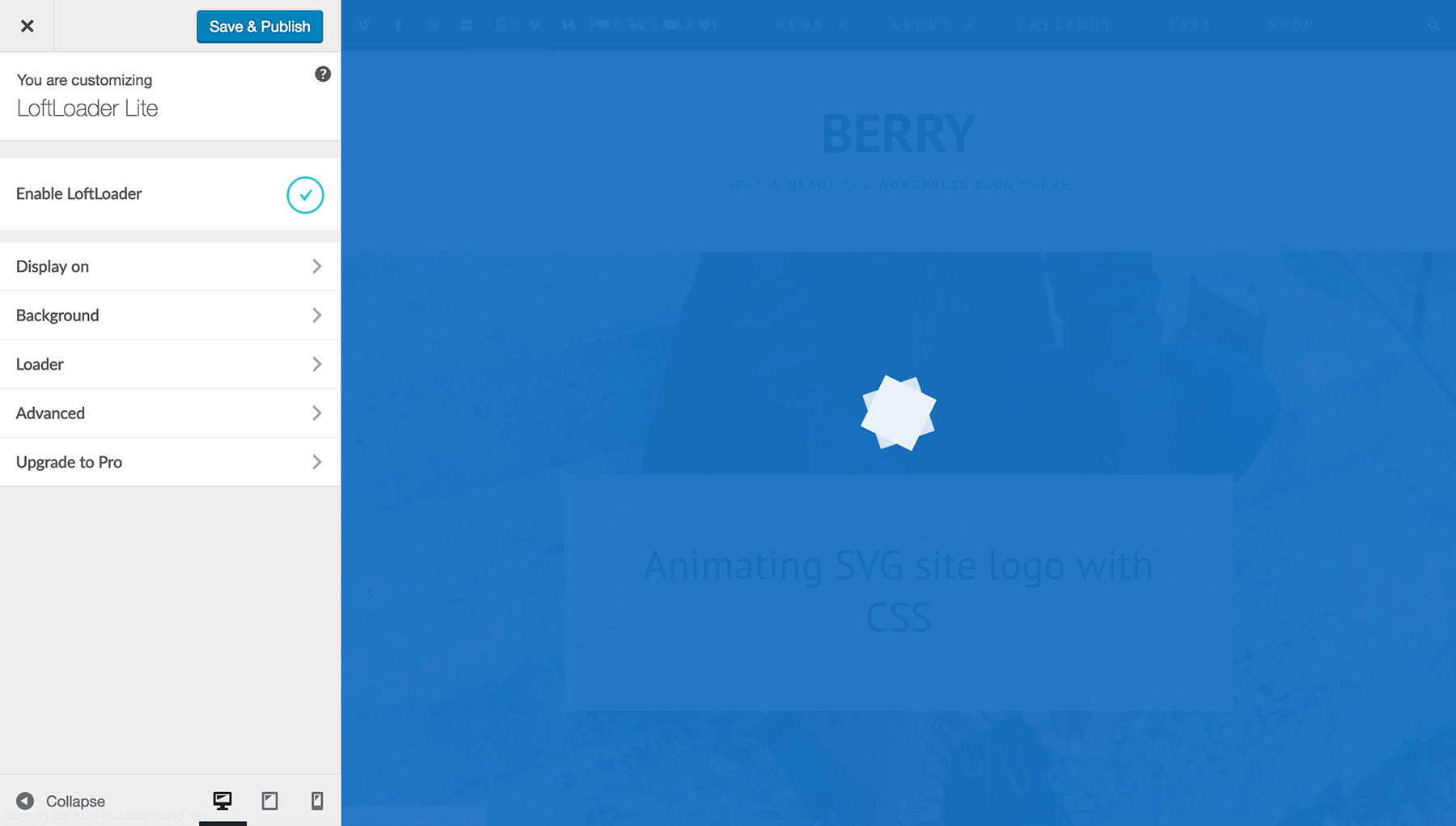
- Enhanced settings panel with WordPress Customizer.
- Pure CSS3 animations for better performance. Works in any modern browser.
- Use JavaScript to detect if the page is fully loaded.
- 5 ending animation effects.
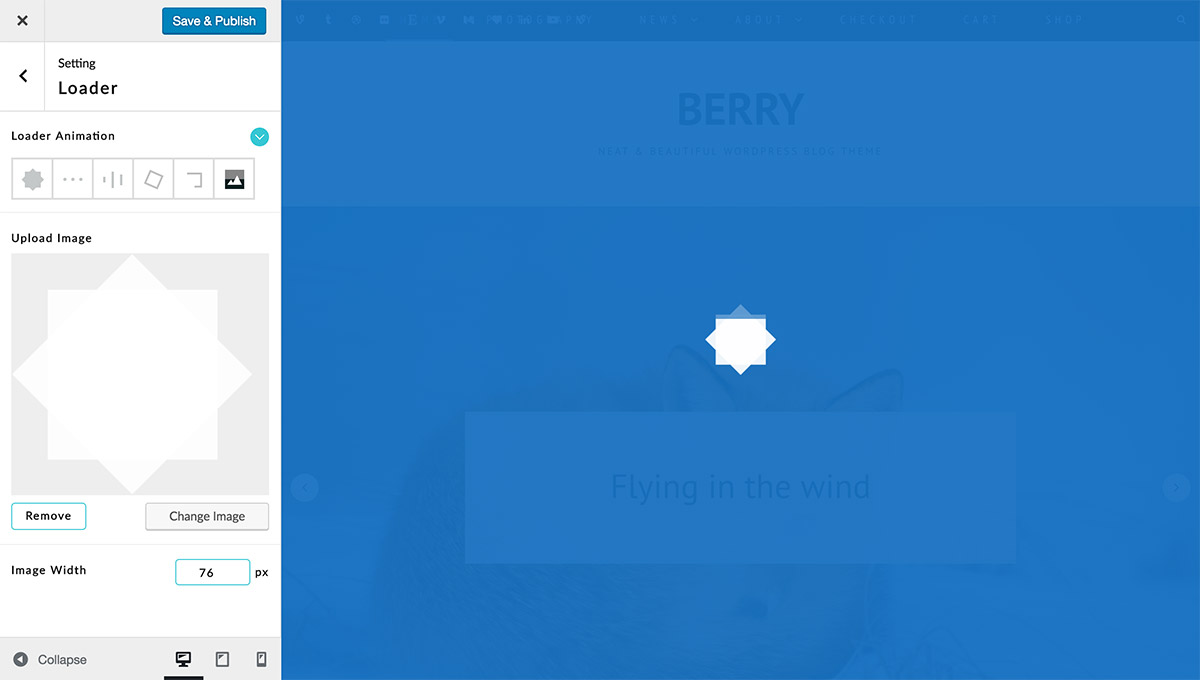
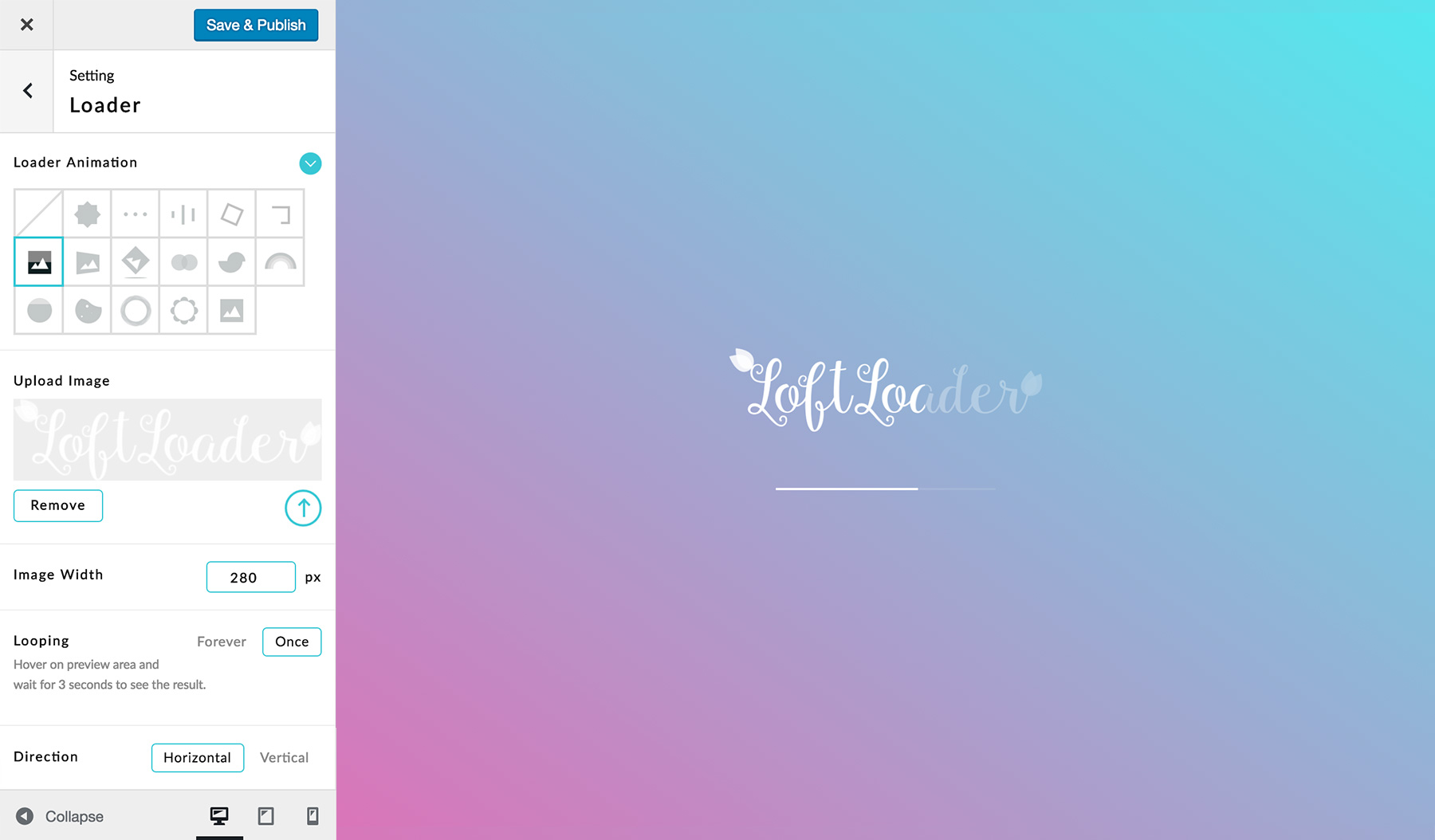
- 7 loading animation effects. 2 of them support custom image.
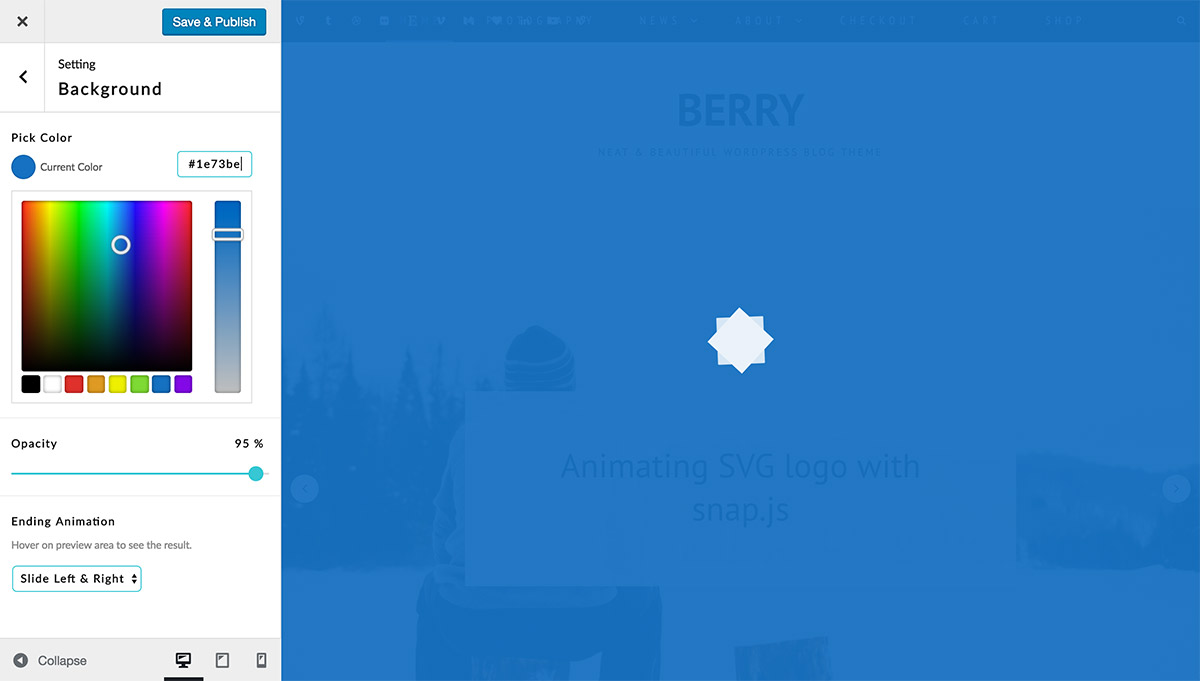
- Unlimited background color. Also can change the opacity.
- Unlimited loader color.
- Can add different loaders for different pages on one site (New feature since v2.0. Only works for “Pages”.).
- Responsive & retina ready.
- Option to enable/disable the preloader.
- Option to enable preloader on site homepage only.
- Close button to quit the loading screen. Users can set when to show the close button (range: 5 to 20 seconds), and customize the close button text.
- Ready for translation (.pot file included).
- Light weight, fast. Coded with SASS. CSS & JS minified.
Online Documentation
To know how to use the plugin, please click the link to check online documentation. It’s the documentation of Pro version. But you can still find Lite version features details in it.
How to contact us
If you have any questions or encounter a problem while using LoftLoader, please create a topic in the support forum. If you contact us via email, please indicate that your question corresponds to LoftLoader Lite.
To speed along the support request, please follow the steps below
- Update to the latest versions of your WordPress, themes and plugins.
- Check online documentation and FAQ first.
- Test by following this guide to check if it is a conflict with other plugins or themes.
- If you still cannot find a solution, please contact us.
- When submit your support request, please follow the guide.
Pro Version
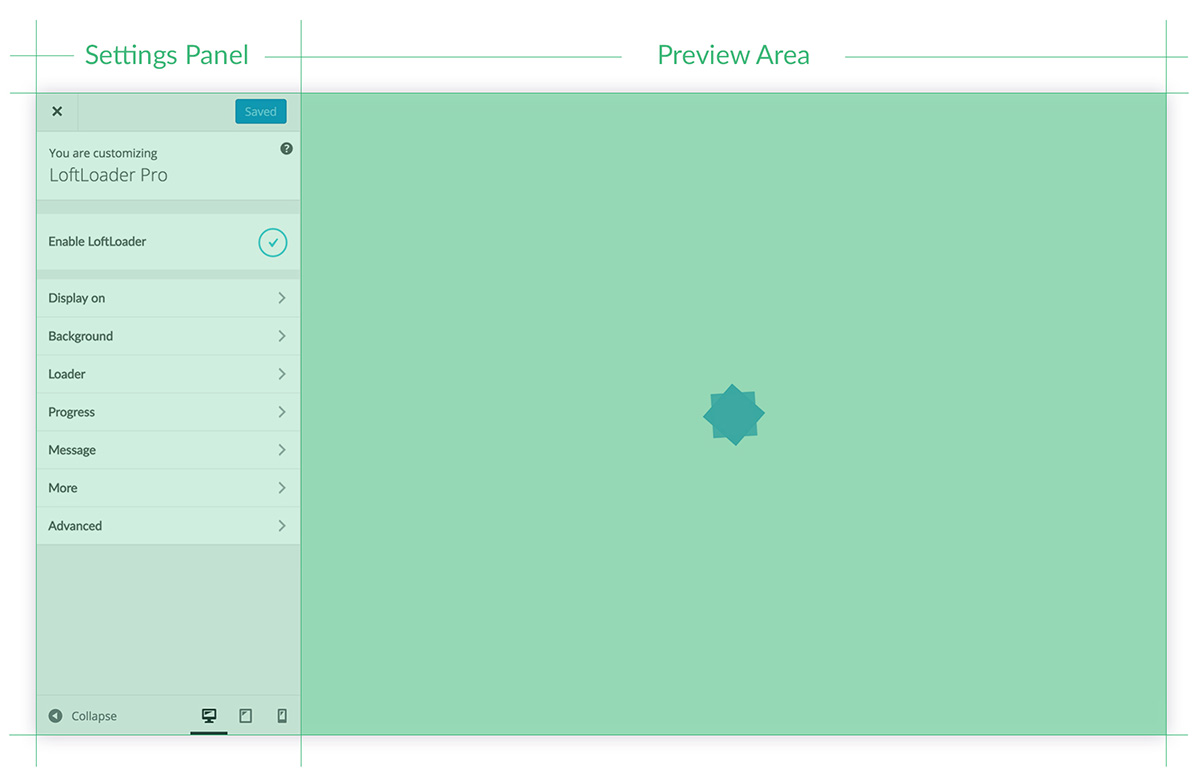
LoftLoader Pro is available. Upgrade to pro version and get more stunning features!
- Handpick – Turn the preloader on for specific pages or posts.
- Hide the preloader for picked post types – products, portfolios, etc.
- Option to display the preloader once per visitor session.
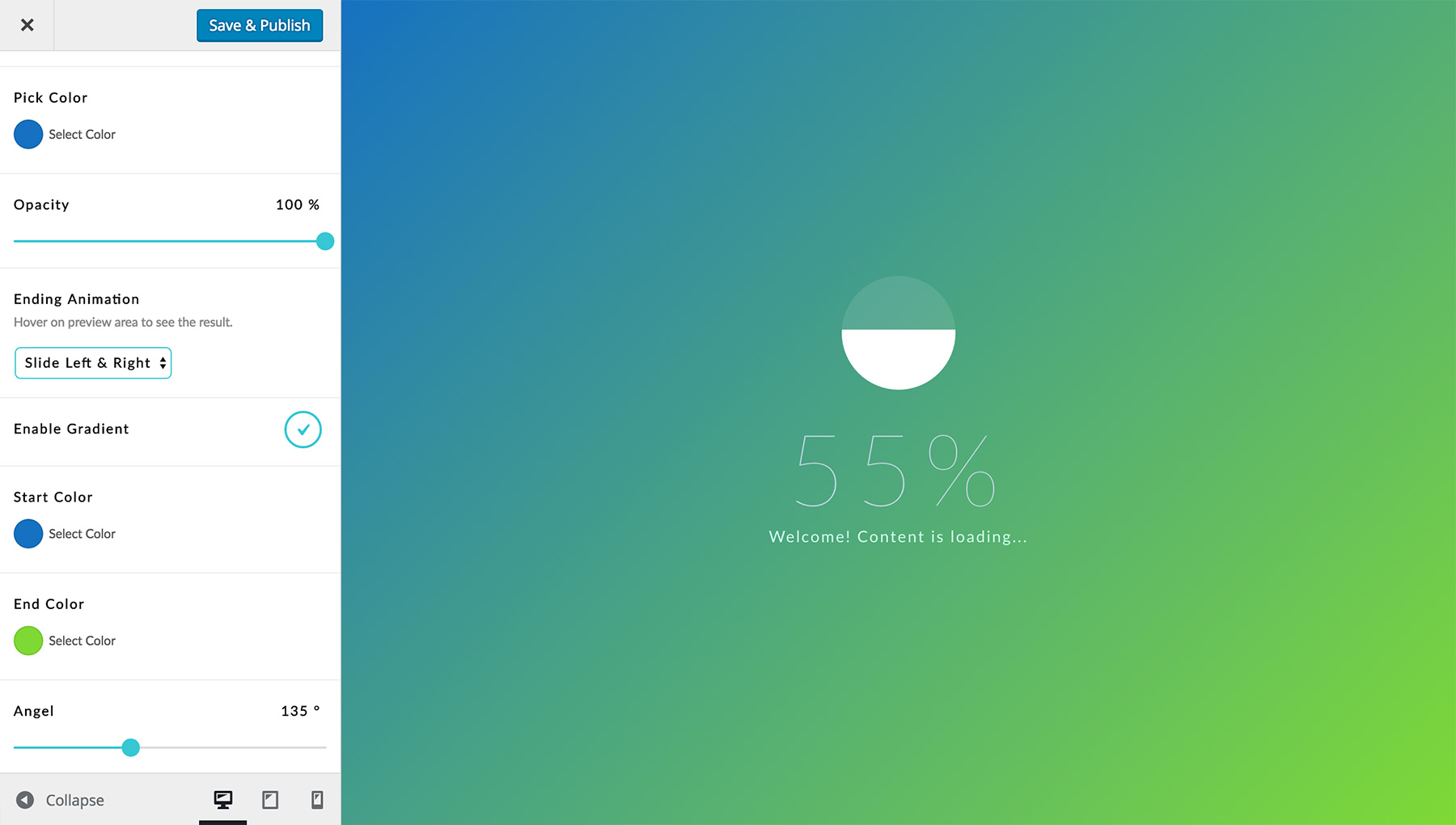
- Support gradient background color, full background image, and repeating background pattern.
- More ending animations.
- Loader – 19 types of animations to choose. 6 of them support custom images.
- Looping – Animation can be set to loop forever, and some animations can be set to run just once (ends after page has loaded).
- Progress – Progress bar, counting percentage, or both. Any color. Position, size & font control.
- Message – Enter your custom welcome or loading message to display. Control color, position & font. And supports Random Message feature.
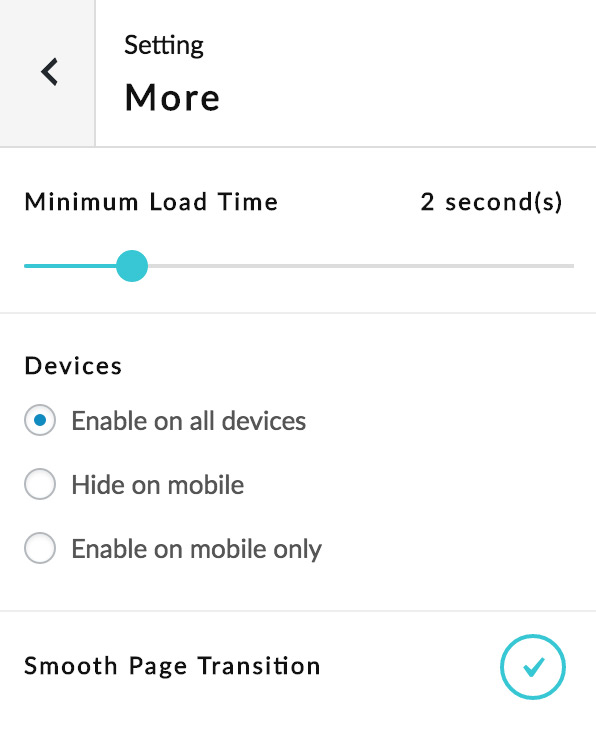
- Load Time – Set a minimum load time to prevent the pre-loader from disappearing too fast.
- Device Control – Choose to show the loading screen on all devices, or hide on mobile, or show on mobile only.
- Option to enable smooth page transition effect. Check the example.
- Choose to save customize styles as inline styles in <head> or as an external .css file.
- Option to disable page scrolling while loading.
- Can add different loaders for different Pages, Posts and custom post types (such as portfolios, products, etc.) on one site.
- Users can choose which elements to detect during the loading process (All elements / Images / Videos / Images & Videos).
- Purchase once, free lifetime update with new features.
Check some examples created by pro version.
Please note: Although you may find that LoftLoader Lite (the free version) can run on older versions of WordPress (below v4.7), LoftLoader Pro only supports WordPress v4.7 or higher. Because the Pro version has more features than the Lite version, including some new features introduced after WordPress 4.7. We always recommend using the latest versions of WordPress to ensure compatibility with your theme and other plugins.
Installation
- Install the plugin either via the WordPress.org plugin directory, or by uploading the files to your server (in the /wp-content/plugins/ directory).
- Activate the LoftLoader plugin through the ‘Plugins’ menu in WordPress.
- In the WordPress administration screen, go to Settings > LoftLoader Lite, check the settings there.
Änderungsprotokoll
Initial Public Release
2.5.3
- Fixed: Minor compatibility error in PHP 8.4 and later
2.5.2
- Improved: Compatibility with WordPress 6.9
2.5.1
- Fixed: Undefined property issue on file class-loftloader-front.php
2.5.0
- Improved: Settings panel style refined
- Improved: Compatibility with WordPress 6.6
2.4.0
- New: New ending animation – “No Animation”
- Fixed: Compatibility with third party plugin “Disable Blog”
- Improved: Compatibility with WordPress 6.1
2.3.8
- New: Option to remove plugin data after deactivating the plugin
- Improved: Compatibility with WordPress 5.9
Screenshots

Für Entwickler
Ist das dein Plugin? Zeigen Sie die Zahlen.
Fügen Sie Ihrer Website, Docs oder GitHub Readme ein Live-Badge hinzu. Es wird von selbst aktualisiert - kein Konto erforderlich.
Best LoftLoader alternatives
All animated preloader. plugins →| Rang | Plugin | Aktive Installationen |
|---|---|---|
| 2 |
 DWL Preloader
A beautiful animated preloader plugin for WordPress. Choose from 10 stunning SVG preloader… |
300+ |
Fragen und Antworten
LoftLoader: quick answers
Gerade Antworten, gezogen von Live WordPress.org Daten.
Quelle: WordPress.org
Is LoftLoader free?
Yes. LoftLoader is free to download and use from the official WordPress.org plugin directory.
Is LoftLoader safe to use in 2026?
LoftLoader is a solid plugin choice in 2026, with a few things worth checking first. It runs on 70K+ sites, is rated 4.5/5 and was last updated 7 months ago, and scores 68/100 on our health check.
How many websites use LoftLoader?
LoftLoader is active on 70K+ WordPress websites and has been downloaded 867,503 times since it launched in March 2016. It was downloaded 4,916 times in the last 30 days.
Does LoftLoader work with WordPress 7.1?
LoftLoader is officially tested up to WordPress 7.0.9, while the latest release is 7.1.5. It may still work, but try it on a staging site first.
What PHP version does LoftLoader need?
LoftLoader requires PHP 5.6 or higher. Most hosts run PHP 8.x today, so it works on any modern WordPress hosting.
When was LoftLoader last updated?
The latest version, 2.5.3, was released on May 18, 2026 (7 months ago).
Who makes LoftLoader?
LoftLoader is developed and maintained by loftocean.
What are the best alternatives to LoftLoader?
The most popular alternatives to LoftLoader are DWL Preloader (300+ installs).
Angetrieben von PageForge
Eine Vorlage und eine Tabelle. Eine echte Seite für jede Suche.
PageForge Verwandelt jede Zeile eines CSV in eine WordPress-Seite mit eigenem Titel, URL, SEO Felder und Schema entworfen. Kostenlos auf WordPress.org.
- CSV und XLSX, plus Google Sheets auf Beruf und Unternehmen
- seinen eigenen Titel, URL, SEO Felder und Schema für jede Seite
- Arbeitet mit dem Blockeditor, Elementor, Divi und Avada
- Kostenlos auf WordPress.org, keine Kreditkarte