


Jobus – Job Board, Recruitment & Hiring Platform
The ultimate WordPress Job Board plugin. Create a recruitment website with unlimited job listings, candidate profiles, and company pages.

Solide Wahl
Jobus is a solid plugin choice in 2026, with a few things worth checking first. It runs on 90+ sites, is rated 5/5 and was last updated 2 weeks ago, and scores 75/100 on our health check.
- Aktiv entwickelt — letztes Update vor 2 Wochen
- Getestet mit dem neuesten WordPress (7.1)
- Momentum — downloads up 19.3% vs the previous 30 days
- Kleine Benutzerbasis (90+ aktive Installationen)
- Bisher sehr wenige Bewertungen
Wie stapelt es sich?
Side-by-side bei Installationen, Updates, Bewertungen und Support



Tägliche Downloads
Download-Spitzen folgen normalerweise einer neuen Version - jede Website, die automatisch aktualisiert wird, gilt als Download.
Ranglisten
Where Jobus stands todayWordPress.org Ranglisten suchen
Live-Position in der Plugin-Suche, Top 100| Stichwort | Position |
|---|---|
| career | #25 |
| job board | #14 |
| job manager | #40 |
| job portal | #7 |
| recruitment | #5 |
Versionsübernahme
Anteil aktiver Sites pro Release.
Bewertungsaufschlüsselung
★★★★★★★★★★ 5 from 1 reviews
About Jobus
From the official readme · v1.15.0Beschreibung
Jobus is the ultimate WordPress Job Board plugin. Create a recruitment website with unlimited job listings, candidate profiles, and company pages.
Whether you need a clean corporate careers page to showcase your company’s open positions, a niche recruitment directory, or a full-scale job marketplace, Jobus delivers an effortless, modern hiring solution out of the box. It connects employers and job seekers with intuitive dashboards, rich job specifications, radius distance filtering, and direct application workflows—without writing a single line of code.
Built with usability, theme compatibility, and SEO in mind, Jobus integrates smoothly with standard WordPress themes and offers native Elementor widgets and Gutenberg blocks, allowing you to design clean job layouts with drag-and-drop ease.
Why Choose Jobus?
- Standard Theme Compatibility: Works seamlessly with standard WordPress themes (Astra, Kadence, GeneratePress, Hello Elementor, Divi, OceanWP) with zero theme lock-in.
- Zero Coding Required: Set up a complete job board in minutes using the built-in Setup Wizard.
- Elementor & Gutenberg Ready: Includes custom Elementor widgets and native Gutenberg blocks for Jobs, Search, Categories, and Tabs.
- Modern & Responsive: Pixel-perfect layout across desktop, tablet, and mobile devices.
- Fast & Lightweight: Built for speed with optimized database queries and clean template architecture.
- SEO Optimized: Built-in Schema.org structured data (
JobPosting) to help your jobs rank on Google for Jobs search results.
Key Features (Free Version)
For Employers & Companies
- Unlimited Job Postings: Create, manage, and categorize unlimited job listings from the WordPress admin.
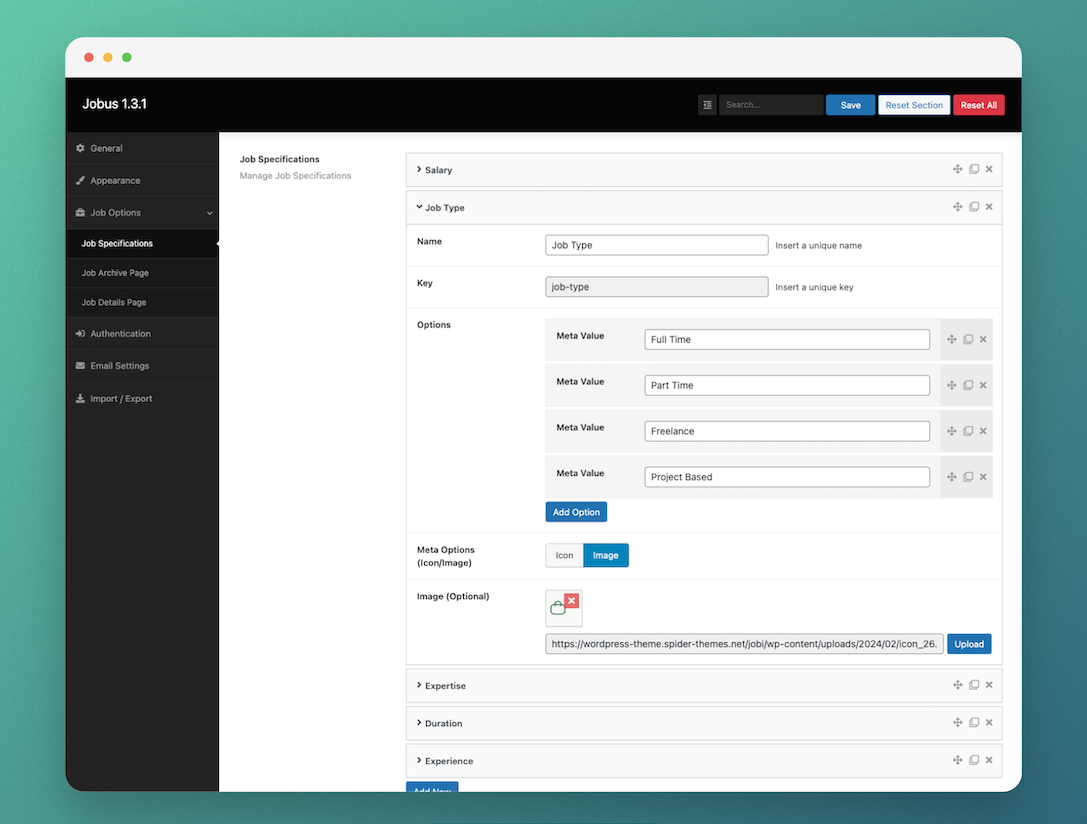
- Job Specifications: Add rich specifications including salary ranges, job type (Full-Time, Part-Time, Remote), experience level, and deadlines.
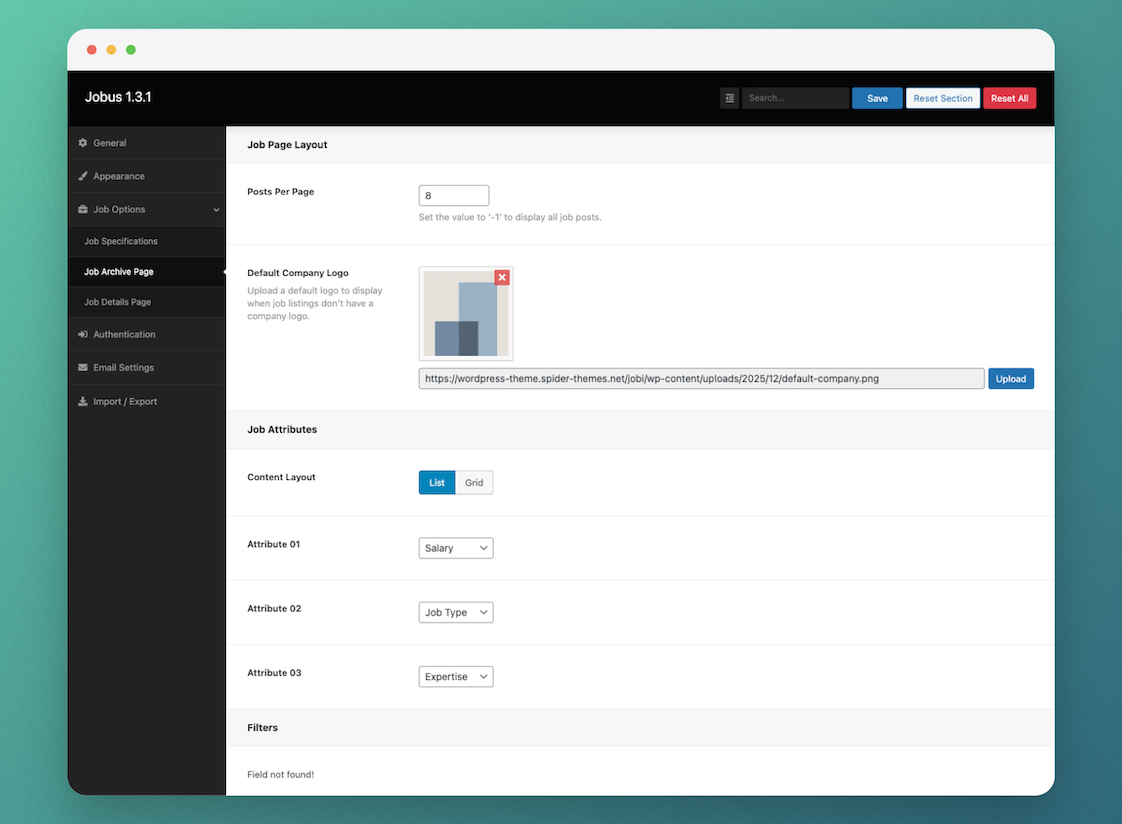
- Location-Based Listings: Assign countries, cities, or custom locations to jobs for smooth filtering.
- External Applications: Redirect candidates directly to company career pages, LinkedIn, or external ATS forms.
- Featured & Urgent Badges: Highlight priority job posts to maximize applicant reach.
- Monetization & Paid Packages: (Pro) Sell job posting packages, featured listing badges, and tiered listings with custom job limits and duration via WooCommerce.
- Company Profiles & Directory: (Pro) Dedicated public company pages with logos and active listings.
- Frontend Job Submission: (Pro) Allow employers to submit, edit, and manage jobs directly from the frontend dashboard.
For Candidates & Job Seekers
- Direct Modal Applications: Apply to jobs directly via an interactive, lightweight AJAX application modal.
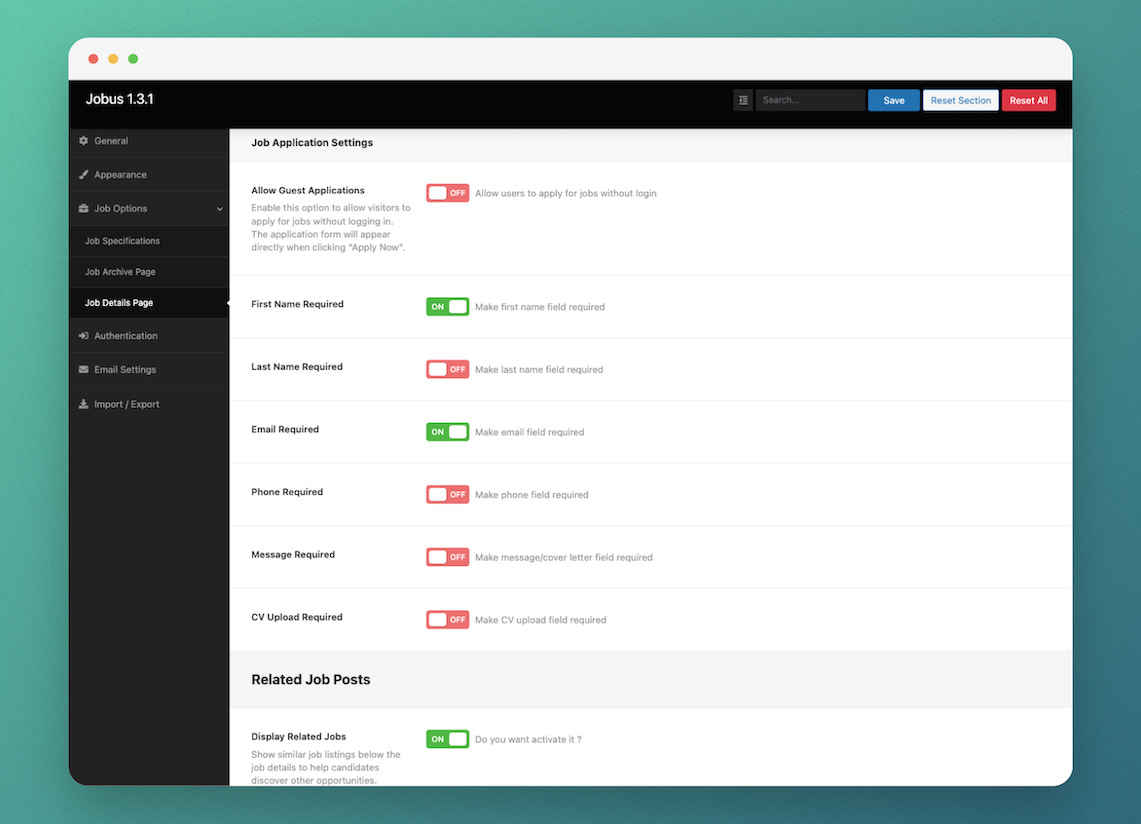
- Guest Applications: Allow applicants to submit resumes and contact details with or without registering for an account.
- Job Search & Filters: Fast, smooth job filtering by keyword, location, category, job type, and salary.
- Radius & Geolocation Search: Help candidates locate nearby job openings using distance-based location coordinates.
- Candidate Profiles & Resumes: (Pro) Public candidate resume profiles with skills, experience, and attachments.
- Job Alerts & Bookmarks: (Pro) Save jobs to bookmarks and receive automated email alerts for new matching positions.
Powerful Management Tools
- Setup Wizard: Guided 4-step setup wizard (Jobs → Setup Wizard) to configure global currency and default settings.
- Auto-Created Core Pages: Automatically generates required pages for Job Archive (
/jobus-job-archive/) and Dashboard. - Google Jobs Integration: Built-in JSON-LD structured data (Schema.org
JobPosting) for organic Google for Jobs visibility. - Social Sharing: Built-in social share buttons for job posts (LinkedIn, Twitter, Facebook, Email).
- Custom User Roles: Automatically registers and assigns dedicated Employer and Candidate roles.
- Social Login: Optional one-click login and signup using Google, Facebook, and LinkedIn.
- Demo Importer: One-click demo setup with sample jobs to test functionality instantly.
- Frontend Dashboards: Unified user portal for employers and candidates.
- WooCommerce Monetization: (Pro) Charge employers for job listings using custom WooCommerce Job Package products with custom limits and duration.
- Application Tracking System (ATS): (Pro) Move candidates through hiring stages (Applied, Screening, Interview, Hired, Rejected).
- Direct In-App Messaging: (Pro) Secure communication channel between employers and applicants.
Design & Customization
- Pre-made Templates: Ready-to-use templates for Job Lists, Single Job details, and taxonomy pages.
- Elementor Widgets: Dedicated drag-and-drop widgets for Job Listings, Search Forms, Categories, and Job Tabs.
- Gutenberg Blocks: Native WordPress block support including Job Archive and Category Tabs blocks.
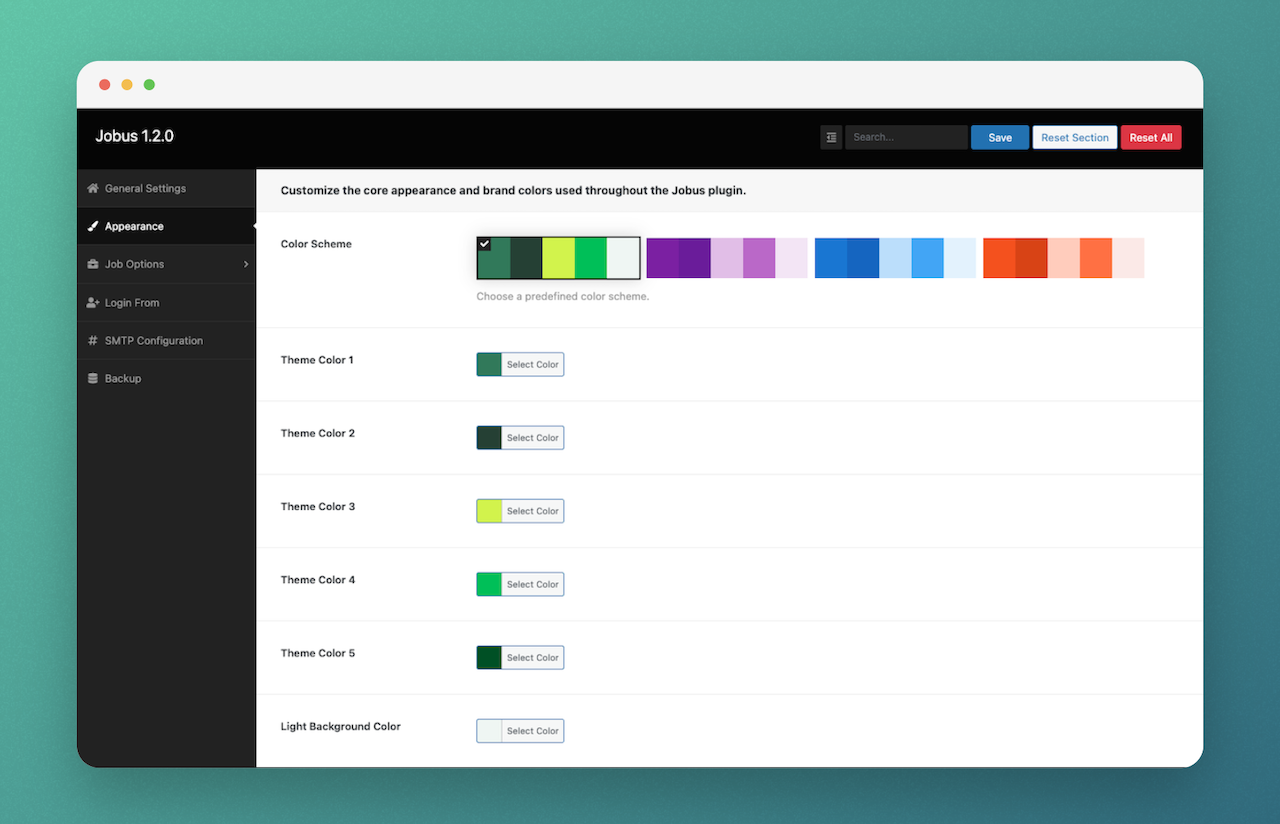
- Customizable Appearance: Control brand colors, typography accents, and button borders via Jobs → Settings → Appearance.
- Modern Design & Layouts: Enjoy consistent sidebars and modern design across Job, Company, and Candidate pages.
Upgrade to Jobus Pro
Unlock the complete monetization, automation, and recruitment engine with Jobus Pro:
- Frontend Job Submission: Allow employers to submit, edit, and manage jobs directly from the frontend dashboard.
- Monetization & Paid Packages (WooCommerce): Sell single job listings, featured badges, and tiered posting packages via WooCommerce. Set custom job limits, listing duration (days), and accept payments through any gateway (Stripe, PayPal, etc.).
- Application Tracking System (ATS): Structured hiring stages: Applied → Screening → Interview → Hired / Rejected.
- Smart Candidate Matching: Automatically match applicants to jobs by distance, availability, and skills with automated email alerts.
- Company Profiles & Directory: Public company profiles, active job listings, and verified trust badges.
- Candidate Profiles & Resumes: Professional candidate resumes and searchable candidate directory.
- Job Alerts & Bookmarks: Email notifications for new matching jobs and saved job bookmarks.
- In-App Direct Messaging: Real-time messaging between employers and applicants.
- Recruitment Analytics: Track job views, clicks, and application conversion rates with visual charts.
- Premium Priority Support: Direct help from our dedicated support engineering team.
Quick Links
- Full Documentation – Complete guides and tutorials
- Get Support – Get help from our team
- View Live Demos – See it in action
- Get Jobus Pro Now – Unlock advanced functionality
Shortcodes
Jobus provides clean, lightweight WordPress shortcodes:
[jobus_job_archive]– Displays the complete, filterable job listings directory with pagination (supportsjob_layout="grid"or"list").[jobus_dashboard]– Displays the unified user portal / dashboard (login form for guests, account overview for logged-in users).[jobus_login_form]– Displays a clean frontend user authentication and login card.[jobus_logout_form]– Displays a frontend logout button with redirect handling.[jobus_company_archive]– Displays the searchable company directory (Requires Jobus Pro).[jobus_candidate_archive]– Displays the searchable candidate directory (Requires Jobus Pro).
Note: Standalone search bars, category grids, and tabbed listings are provided as Elementor Widgets and Gutenberg Blocks.
WHAT’S NEXT?
If you like Jobus, then consider checking out our other WordPress Plugins:
EazyDocs – Powerful knowledge base plugin to easily create and manage professional documentation, wikis, and helpdesk sections.
Antimanual – AI-powered assistant that automates content creation, documentation, and support, transforming static sites into dynamic experiences.
Advanced Accordion Block – Lightweight Gutenberg block for creating visually appealing, organized accordion sections with extensive styling options.
Changeloger – Transform plain text changelogs into visually stunning, organized representations with pagination and version links.
Forumax – Standalone, feature-rich community forum plugin with voting, private replies, and Elementor integration.
Spider Elements – Versatile library of 20+ creative widgets to enhance Elementor and build professional websites.
Externe Dienste
Spider Themes Helpdesk (support assistant)
Jobus admin pages show a chat button that opens the Jobus documentation assistant hosted on the Spider Themes helpdesk (helpdesk.spiderthemes.net), so you can search the docs and ask questions without leaving WordPress.
Nothing is loaded from the helpdesk until you press the chat button. Hovering over the button only opens a network connection to the helpdesk so the chat loads faster; no data is sent. When you open it, the assistant is loaded in an iframe from https://helpdesk.spiderthemes.net/iframe-assistant/, and your browser sends the product name and the documentation section to show. If you opted in through the Freemius opt-in screen and you are the administrator who opted in, your name and email address are also sent so the support chat is pre-filled. Messages you type in the chat are sent to the helpdesk to be answered.
You can turn the assistant off under Jobs → Settings → General → Hide Support Chat (or with add_filter( 'jobus_support_assistant_enabled', '__return_false' );).
Installation
5-Minute Quick Start
- Go to your WordPress Dashboard > Plugins > Add New.
- Search for “Jobus“, click Install Now, and then Activate.
- Follow the guided Setup Wizard under Jobs > Setup Wizard to configure currency and defaults.
- Verify your auto-created pages:
- Job Archive (
/jobus-job-archive/) with shortcode[jobus_job_archive] - Dashboard (
/jobus-dashboard/) with shortcode[jobus_dashboard]
- Job Archive (
- Crucial Step: Go to Settings > Permalinks and click Save Changes to flush rewrite rules and prevent 404 errors on job listings.
- Add the Job Archive and Dashboard pages to your navigation menu under Appearance > Menus.
Manuelle Installation
- Download the
jobus.zipfile. - Go to Plugins > Add New > Upload Plugin.
- Upload the ZIP file and click Install Now.
- Activate the plugin and resave permalinks under Settings > Permalinks.
Änderungsprotokoll
1.15.0 (11 November 2026)
- New: Added a Candidate Skills filter widget option for candidate archive sidebars.
- New: Redesigned the Demo Sandbox login picker with Employer/Candidate role cards that show usernames and highlight the selected account.
- Improved: Unified taxonomy archive and sidebar filtering for jobs, candidates, and companies so filters, search, empty results, and orphaned-post handling behave consistently.
- Fixed: Prevented WordPress canonical redirects from breaking filtered Job, Candidate, and Company archive requests.
- Fixed: Resolved the Continue as Guest button and application success message not showing for guest applicants.
1.14.0 (3 November 2026)
- New: Added configurable Candidate Matching settings with per-criterion Required/Preferred mode and ranking weight controls.
- New: Added Job Date, start/end time, and candidate available days/hours fields for Candidate Matching.
- New: Added Specific Available Dates field so candidates can set exact dates and time ranges they are available to work.
- Improved: Candidate Max Travel Distance now uses preset distances or a custom value, and falls back to the Candidate Matching default until the candidate chooses one.
- Improved: Candidate Matching now runs as soon as a job is submitted or published, with no daily or weekly job-alert schedule.
- Improved: Removed the dashboard sidebar logo for a cleaner frontend dashboard layout.
1.13.0 (October 21, 2026)
- New: Added padding controls for Job, Company, and Candidate archive blocks.
- New: Added Candidate Matching settings, form fields, and Pro dashboard integration.
- Improved: Enhanced premium feature detection with a fallback to the plugin version constant when the Freemius helper is unavailable.
1.12.0 (October 13, 2026)
- New: Added the Job Category Tabs block.
- New: Added an option to show or hide the employer email address.
- Updated: Updated Freemius SDK to the latest version.
1.11.0 (October 5, 2026)
- New: Added page section padding options for Candidate, Job, and Company details pages.
- New: Added Job Expiration settings, Application Deadline field, and extensibility hooks for automatic job expiration.
- New: Added Docs Support Chat to Jobus admin pages for easier access to documentation and support.
- Enhanced: Prefixed Candidate Profile Layout 2 CSS classes with the
jbs-namespace to prevent theme and plugin class conflicts. - Enhanced: Added automatic daily job expiration based on the Application Deadline, reducing manual job management.
- Fixed: Resolved the Job sidebar dark mode issue and filter search results issue.
- Fixed: Resolved the Testimonials slider design breaking issue.
- Fixed: Resolved dark mode issues.
- Fixed: Resolved a WordPress critical error.
1.10.1 (June 19, 2026)
- Enhanced: Improved filter performance with optimized meta key usage count caching.
- Enhanced: Reduced database queries in filter calculations for better archive page performance.
- Fixed: Resolved filter issues.
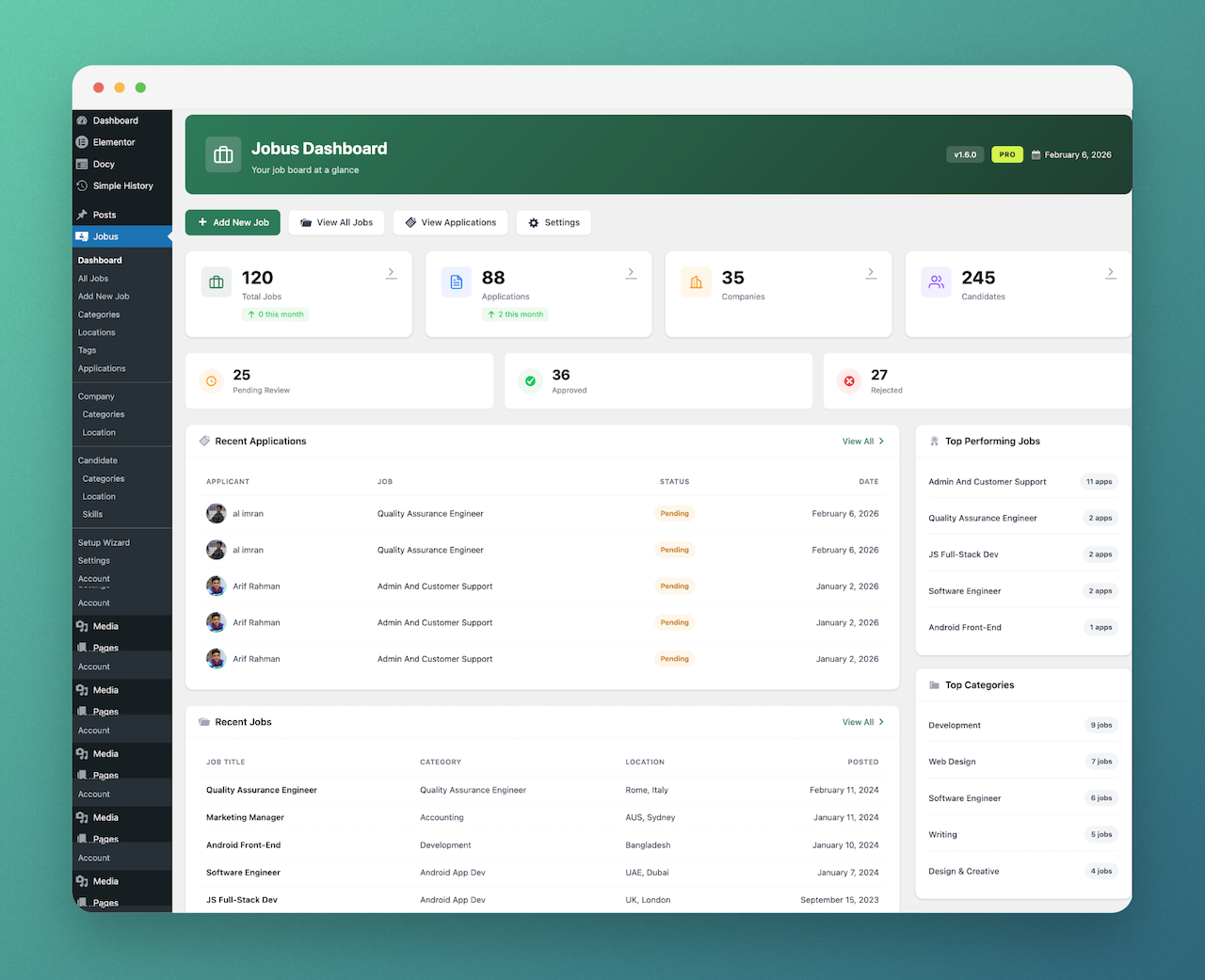
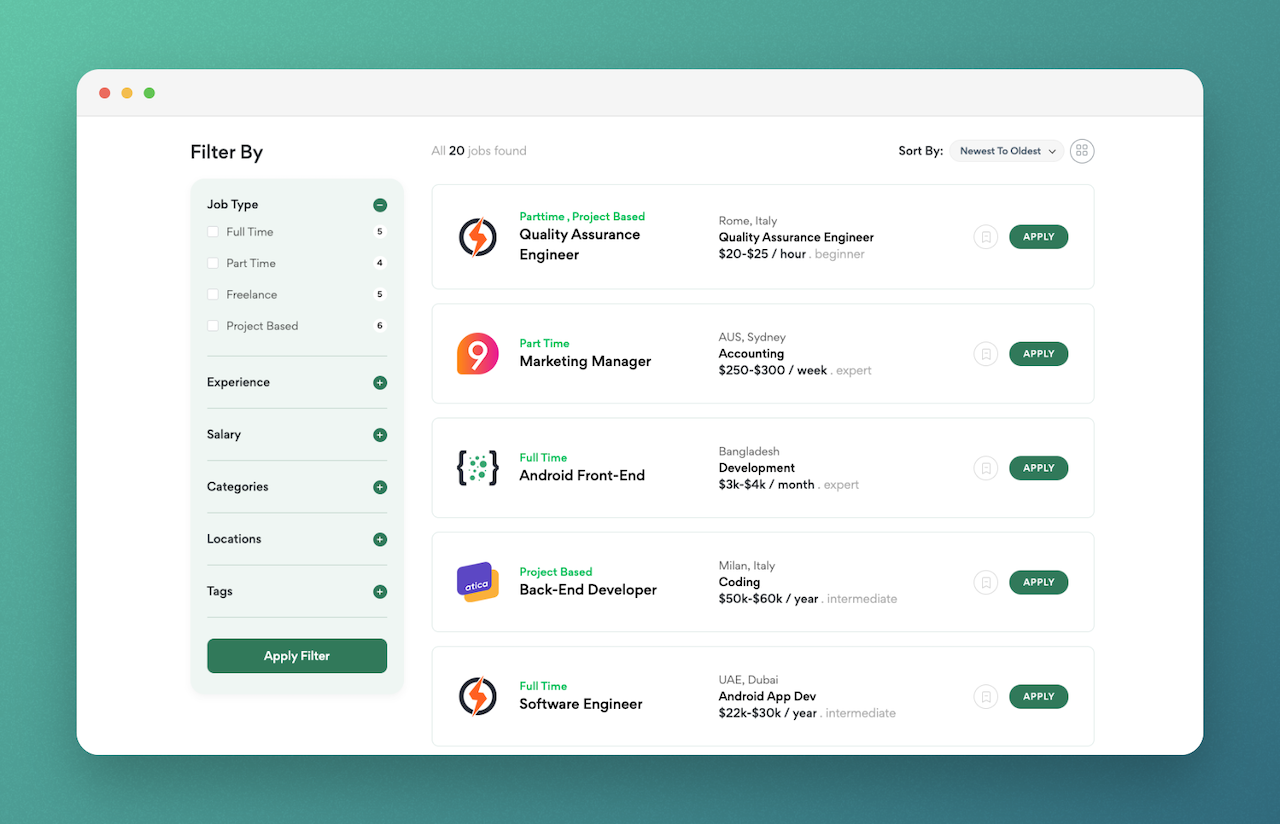
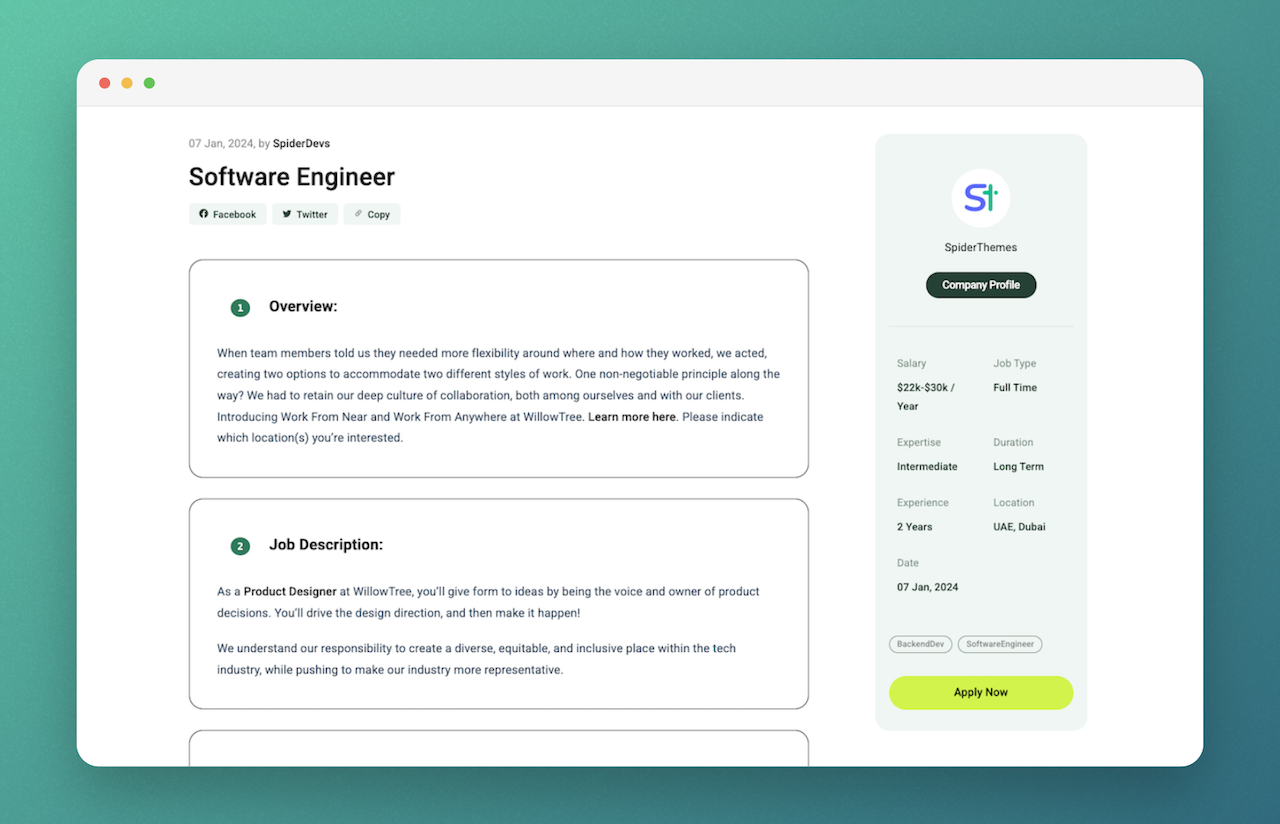
Screenshots
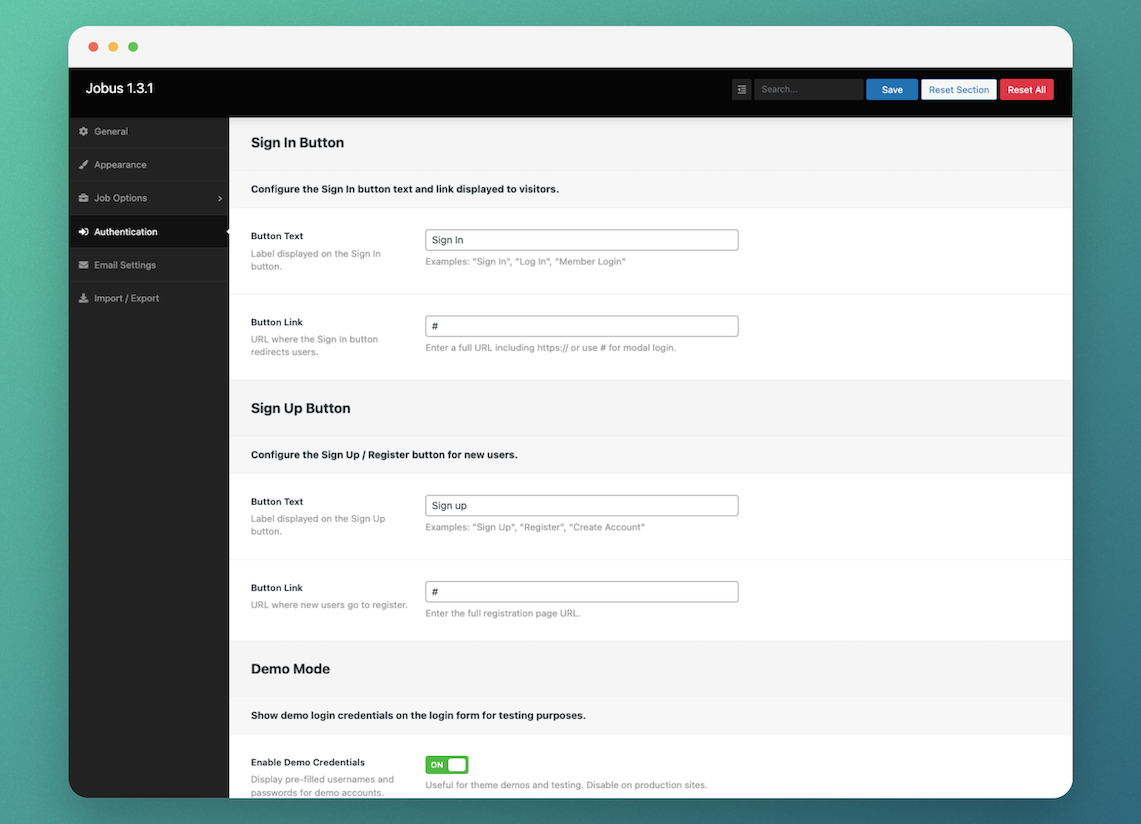
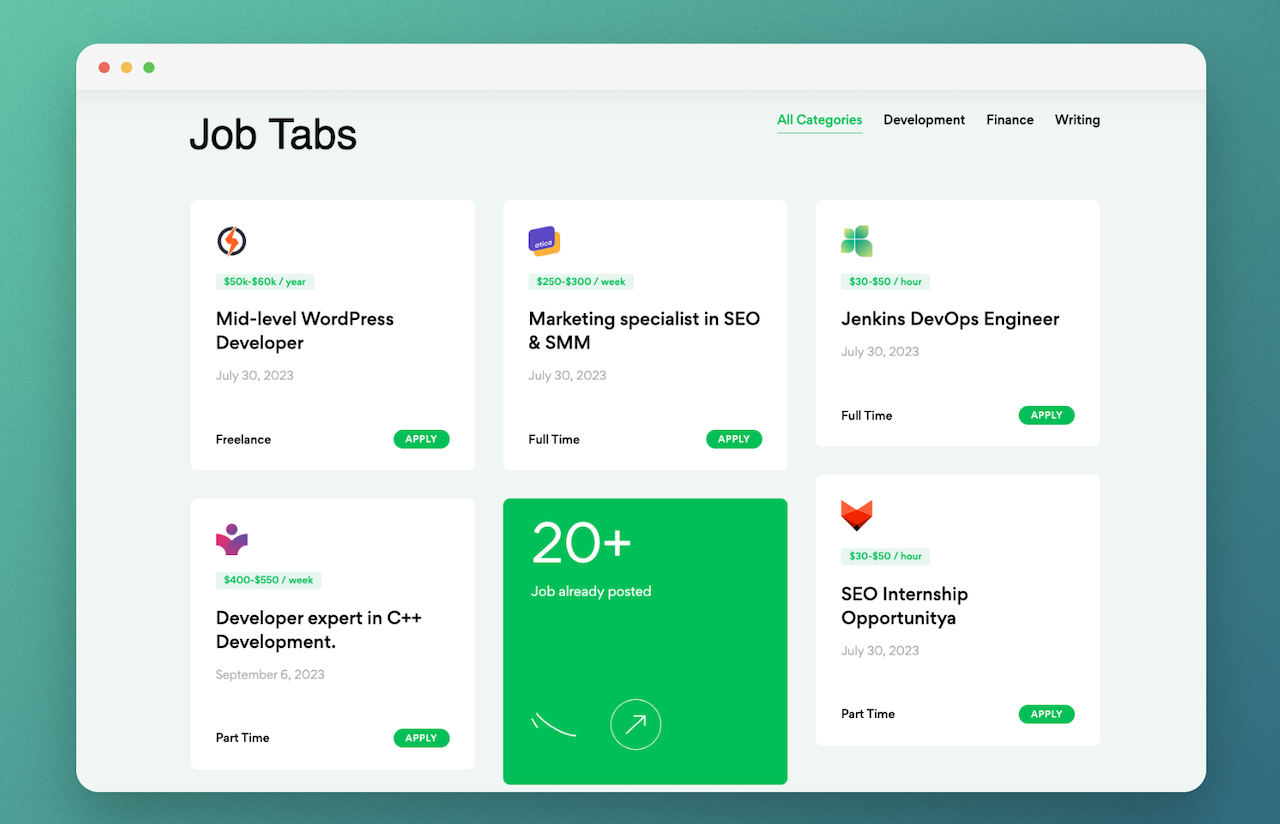
Für Entwickler
Ist das dein Plugin? Zeigen Sie die Zahlen.
Fügen Sie Ihrer Website, Docs oder GitHub Readme ein Live-Badge hinzu. Es wird von selbst aktualisiert - kein Konto erforderlich.
Best Jobus alternatives
All career plugins →



Fragen und Antworten
Jobus: quick answers
Gerade Antworten, gezogen von Live WordPress.org Daten.
Quelle: WordPress.org
Is Jobus free?
Yes. Jobus is free to download and use from the official WordPress.org plugin directory.
Is Jobus safe to use in 2026?
Jobus is a solid plugin choice in 2026, with a few things worth checking first. It runs on 90+ sites, is rated 5/5 and was last updated 2 weeks ago, and scores 75/100 on our health check.
How many websites use Jobus?
Jobus is active on 90+ WordPress websites and has been downloaded 4,695 times since it launched in October 2025. It was downloaded 933 times in the last 30 days.
Does Jobus work with WordPress 7.1?
Yes. The developer has tested Jobus up to WordPress 7.1.5, the latest release. It requires WordPress 6.0 or newer.
What PHP version does Jobus need?
Jobus requires PHP 7.4 or higher. Most hosts run PHP 8.x today, so it works on any modern WordPress hosting.
When was Jobus last updated?
The latest version, 1.15.0, was released on November 18, 2026 (2 weeks ago).
Who makes Jobus?
Jobus is developed and maintained by Spider Themes.
What are the best alternatives to Jobus?
The most popular alternatives to Jobus are Job Postings (10K+ installs), AI Job Listing (90+ installs) and JobBoard Job listing plugin (80+ installs).
Angetrieben von PageForge
Eine Vorlage und eine Tabelle. Eine echte Seite für jede Suche.
PageForge Verwandelt jede Zeile eines CSV in eine WordPress-Seite mit eigenem Titel, URL, SEO Felder und Schema entworfen. Kostenlos auf WordPress.org.
- CSV und XLSX, plus Google Sheets auf Beruf und Unternehmen
- seinen eigenen Titel, URL, SEO Felder und Schema für jede Seite
- Arbeitet mit dem Blockeditor, Elementor, Divi und Avada
- Kostenlos auf WordPress.org, keine Kreditkarte