


Jamie's Visual HTML Editor
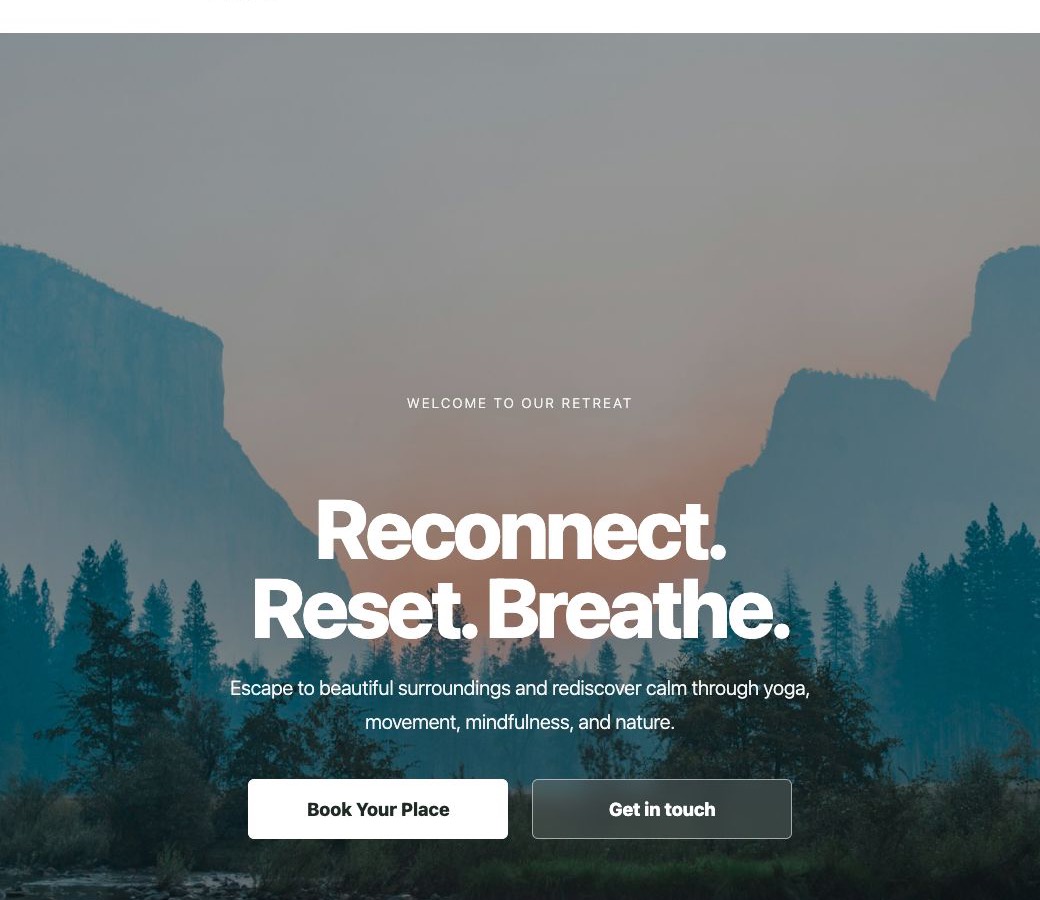
Edit text, images, links and backgrounds directly in the WordPress Custom HTML block, and give it Wide and Full width alignment.

Solide Wahl
Jamie's Visual HTML Editor is a solid plugin choice in 2026, with a few things worth checking first. It runs on 100+ sites, is rated 5/5 and was last updated 2 months ago, and scores 75/100 on our health check.
- Getestet mit dem neuesten WordPress (7.1)
- Kleine Benutzerbasis (100+ aktive Installationen)
- Bisher sehr wenige Bewertungen
Wie stapelt es sich?
Side-by-side bei Installationen, Updates, Bewertungen und Support



Tägliche Downloads
Download-Spitzen folgen normalerweise einer neuen Version - jede Website, die automatisch aktualisiert wird, gilt als Download.
Ranglisten
Where Jamie's Visual HTML Editor stands todayWordPress.org Ranglisten suchen
Live-Position in der Plugin-Suche, Top 100| Stichwort | Position |
|---|---|
| block-editor | >100 |
| custom html | #43 |
| full-width | #18 |
| images | >100 |
| inline editing | #11 |
Versionsübernahme
Anteil aktiver Sites pro Release.
Bewertungsaufschlüsselung
★★★★★★★★★★ 5 from 4 reviews
About Jamie's Visual HTML Editor
From the official readme · v0.6.2Beschreibung
Jamie’s Visual HTML Editor enhances the core Custom HTML block so you can paste in any HTML and let editors change the copy and images without touching the markup.
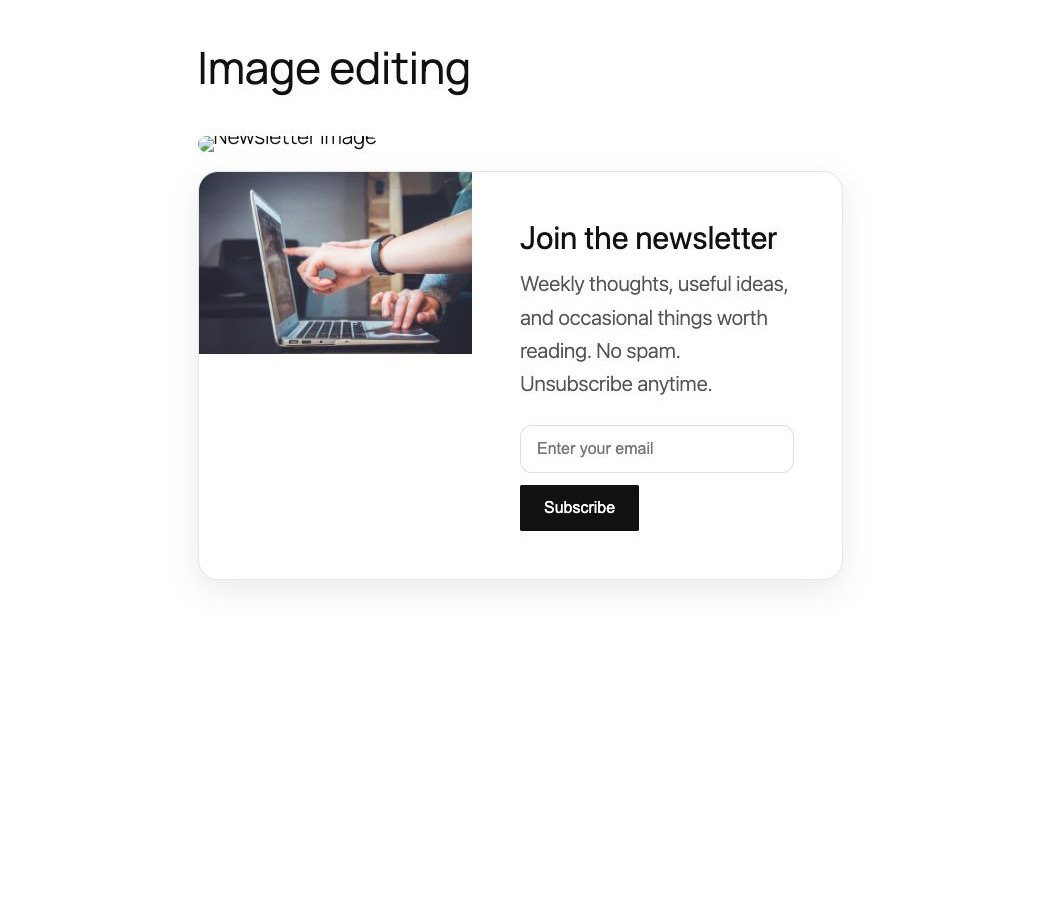
- Edit content — render the HTML live and click any heading, paragraph, list item, link, or button to edit its text in place. Select text to get a small toolbar for bold, italic, and adding a link. Click any
<img>to replace it from the Media Library, change its URL, or edit its alt text. Adddata-vc-bgand an inlinebackground-imageon hero sections to make backgrounds editable too. - Edit code — the normal raw-HTML view for pasting or writing markup.
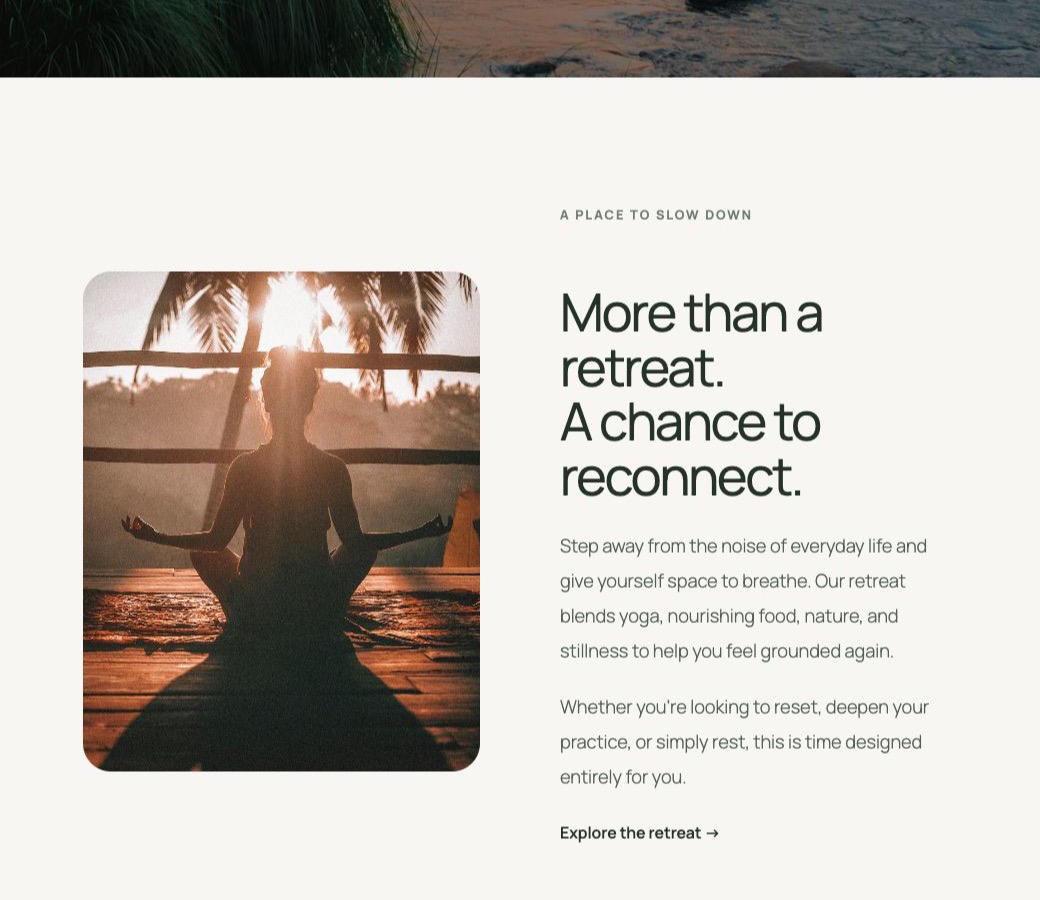
- Wide and Full width — adds Wide and Full alignment options to the Custom HTML block. It does not change the block’s content width; it only lets you choose Wide or Full alignment so full-bleed sections can break out of the theme’s content area.
Content is stored as a native Custom HTML block, so revisions and saving work exactly as they do in core. The plugin only changes how the block is edited and aligned.
This plugin is open source. See the Development section below for the full human-readable source code and build instructions.
Development
This plugin is open source (GPL-2.0-or-later). The complete, human-readable source code — including the un-minified JavaScript in src/ and the build configuration — is publicly available at:
https://github.com/jamiemarsland/jamies-visual-html-editor
The compiled files in build/ are generated with @wordpress/scripts:
npm install
npm run build
No third-party libraries are bundled; the plugin relies only on the WordPress-provided editor packages (@wordpress/*).
Installation
- Upload the
jamies-visual-html-editorfolder to the/wp-content/plugins/directory, or install the plugin through the Plugins screen in WordPress. - Activate the plugin through the Plugins screen.
- Add or select a Custom HTML block in the block editor and use the “Edit content” / “Edit code” toolbar buttons. Use the alignment control for Wide or Full width.
Änderungsprotokoll
Fixes images sized by an ancestor (absolute or percentage height) showing at 0px height in the editor.
0.6.2
- Fix: images whose size comes from an ancestor — absolutely positioned images, or images using a percentage height — displayed at 0px height (invisible) in the editor, even though they rendered correctly on the front end. The editor-only wrapper the plugin adds around images no longer collapses those images; they now render at the right size in the editor too. Ordinary images are unchanged.
- New: text sitting directly inside a
<div>(for example<div class="price">$49</div>) can now be clicked and edited in “Edit content”. Divs that only contain other elements are left alone, so layout wrappers don’t become one big editable region. Thanks to Tom Rhodes for the contribution.
0.6.1
- Fix: edits to a Custom HTML block were discarded on save on setups where the core block stores its markup outside the saved attributes — the Save/Update button appeared to work but the page was unchanged and the edits were lost when reopening. The block’s content is now written back so edits persist reliably. Blocks you don’t edit are left exactly as they were.
0.6
- New: select text in “Edit content” mode to get a small toolbar for bold, italic, and adding a link. Formatting is saved as clean
<strong>,<em>and<a>tags.
0.5
- Fix: existing Custom HTML blocks opened blank. The block’s saved markup is now read correctly, so previously published HTML shows up in both the content and code views instead of an empty placeholder.
- Tested up to WordPress 7.1.
0.4
- Added a live demo preview (WordPress Playground blueprint).
0.3
- Fixed: the Wide/Full alignment control now appears in the Custom HTML block toolbar (it was previously hidden because the custom editor replaced the block’s default controls).
- Wide/Full alignment selection is now stored reliably via a registered
alignattribute. - Added a plugin icon.
Screenshots
Für Entwickler
Ist das dein Plugin? Zeigen Sie die Zahlen.
Fügen Sie Ihrer Website, Docs oder GitHub Readme ein Live-Badge hinzu. Es wird von selbst aktualisiert - kein Konto erforderlich.
Best Jamie's Visual HTML Editor alternatives
All block-editor plugins →





Fragen und Antworten
Jamie's Visual HTML Editor: quick answers
Gerade Antworten, gezogen von Live WordPress.org Daten.
Quelle: WordPress.org
Is Jamie's Visual HTML Editor free?
Yes. Jamie's Visual HTML Editor is free to download and use from the official WordPress.org plugin directory.
Is Jamie's Visual HTML Editor safe to use in 2026?
Jamie's Visual HTML Editor is a solid plugin choice in 2026, with a few things worth checking first. It runs on 100+ sites, is rated 5/5 and was last updated 2 months ago, and scores 75/100 on our health check.
How many websites use Jamie's Visual HTML Editor?
Jamie's Visual HTML Editor is active on 100+ WordPress websites and has been downloaded 1,969 times since it launched in June 2026. It was downloaded 333 times in the last 30 days.
Does Jamie's Visual HTML Editor work with WordPress 7.1?
Yes. The developer has tested Jamie's Visual HTML Editor up to WordPress 7.1.5, the latest release. It requires WordPress 6.4 or newer.
What PHP version does Jamie's Visual HTML Editor need?
Jamie's Visual HTML Editor requires PHP 7.4 or higher. Most hosts run PHP 8.x today, so it works on any modern WordPress hosting.
When was Jamie's Visual HTML Editor last updated?
The latest version, 0.6.2, was released on September 24, 2026 (2 months ago).
Who makes Jamie's Visual HTML Editor?
Jamie's Visual HTML Editor is developed and maintained by jamiemarsland.
What are the best alternatives to Jamie's Visual HTML Editor?
The most popular alternatives to Jamie's Visual HTML Editor are Classic Editor (8M+ installs), Advanced Editor Tools (1M+ installs) and Disable Gutenberg (500K+ installs).
Angetrieben von PageForge
Eine Vorlage und eine Tabelle. Eine echte Seite für jede Suche.
PageForge Verwandelt jede Zeile eines CSV in eine WordPress-Seite mit eigenem Titel, URL, SEO Felder und Schema entworfen. Kostenlos auf WordPress.org.
- CSV und XLSX, plus Google Sheets auf Beruf und Unternehmen
- seinen eigenen Titel, URL, SEO Felder und Schema für jede Seite
- Arbeitet mit dem Blockeditor, Elementor, Divi und Avada
- Kostenlos auf WordPress.org, keine Kreditkarte