


Social Feed Gallery
Formerly known as "Instagram Feed", this is the best plugin for displaying Instagram feeds on WordPress. It also supports Instagram reels.

Sichere Auswahl
Yes — Social Feed Gallery is a safe, well-maintained plugin to use in 2026. It runs on 80K+ sites, is rated 4.5/5 and was last updated 5 days ago, and scores 89/100 on our health check.
- Bewährt im Maßstab auf 80k + aktiven Standorten
- Loved by users — 4.5/5 from 305 reviews
- Aktiv entwickelt – letztes Update vor 5 Tagen
- Getestet mit dem neuesten WordPress (7.1)
Wie stapelt es sich?
Side-by-side bei Installationen, Updates, Bewertungen und Support



Tägliche Downloads
Download-Spitzen folgen normalerweise einer neuen Version - jede Website, die automatisch aktualisiert wird, gilt als Download.
Ranglisten
Where Social Feed Gallery stands todayWordPress.org Ranglisten suchen
Live-Position in der Plugin-Suche, Top 100| Stichwort | Position |
|---|---|
| #5 | |
| Instagram Elementor | #9 |
| instagram feed | #2 |
| instagram gallery | #2 |
| Instagram widget | #7 |
Versionsübernahme
Anteil aktiver Sites pro Release.
Bewertungsaufschlüsselung
★★★★★★★★★★ 4.5 from 305 reviews
About Social Feed Gallery
From the official readme · v5.0.16Beschreibung
Premium | Demo | Documentation | Community
Social Feed Gallery is the most user-friendly Instagram plugin for WordPress.
It now ships with a native Elementor block that lets you drag & drop any of your feeds into pages or templates without shortcodes, giving you full visual control inside the Elementor editor.
This makes Social Feed Gallery the perfect solution for any Instagram feed gallery or carousel.
With full support for Instagram reels, tagged posts, comments, and even business account features like stories, Social Feed Gallery goes beyond a basic Instagram feed.
Thanks to a wide range of customization options, mobile responsiveness, and an easy-to-use interface, it’s the perfect solution for showcasing your Instagram content in a stylish gallery or carousel layout.
Presentation
Social Feed Gallery is the ultimate plugin to integrate your Instagram feed seamlessly into your WordPress site. Whether you work with the Block Editor, shortcodes, or Elementor, you can place feeds in seconds.
Customize the layout with gallery or carousel options and choose from a range of design features to create the perfect display for your website.
With its easy-to-use interface and multiple customization options, Social Feed Gallery makes it simple to keep your site updated with the latest content from your Instagram account.
Highlights
- User-friendly: Simple setup and configuration for displaying your Instagram feed.
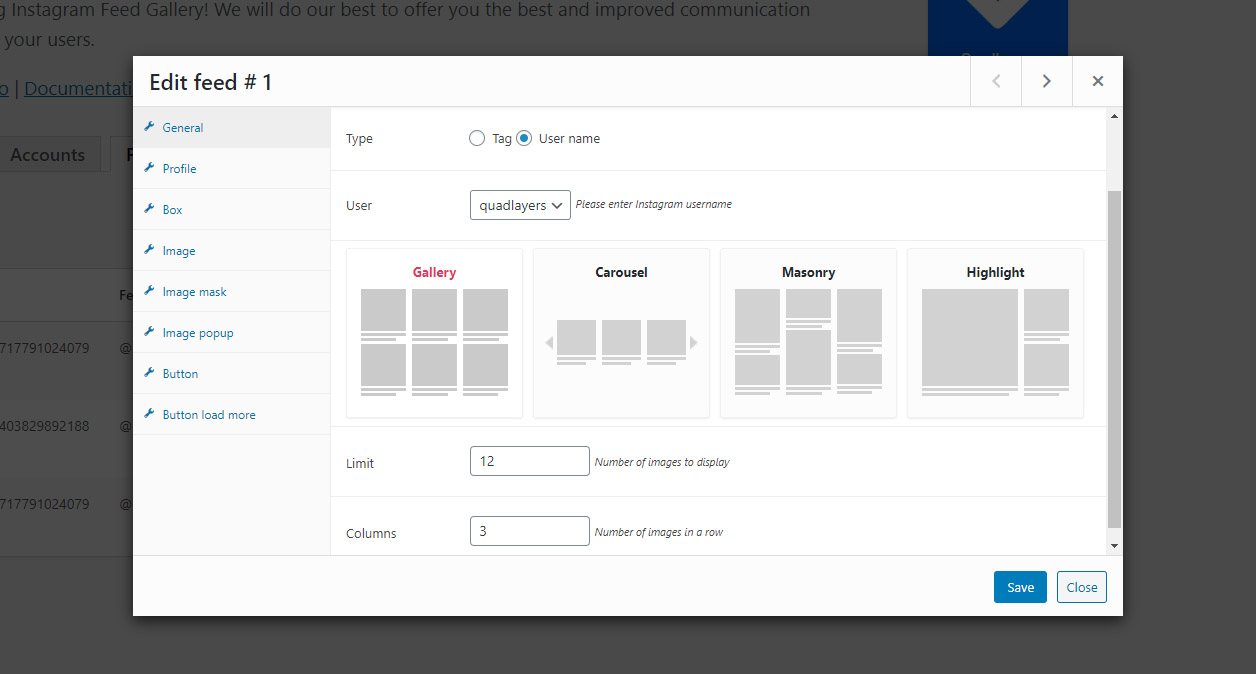
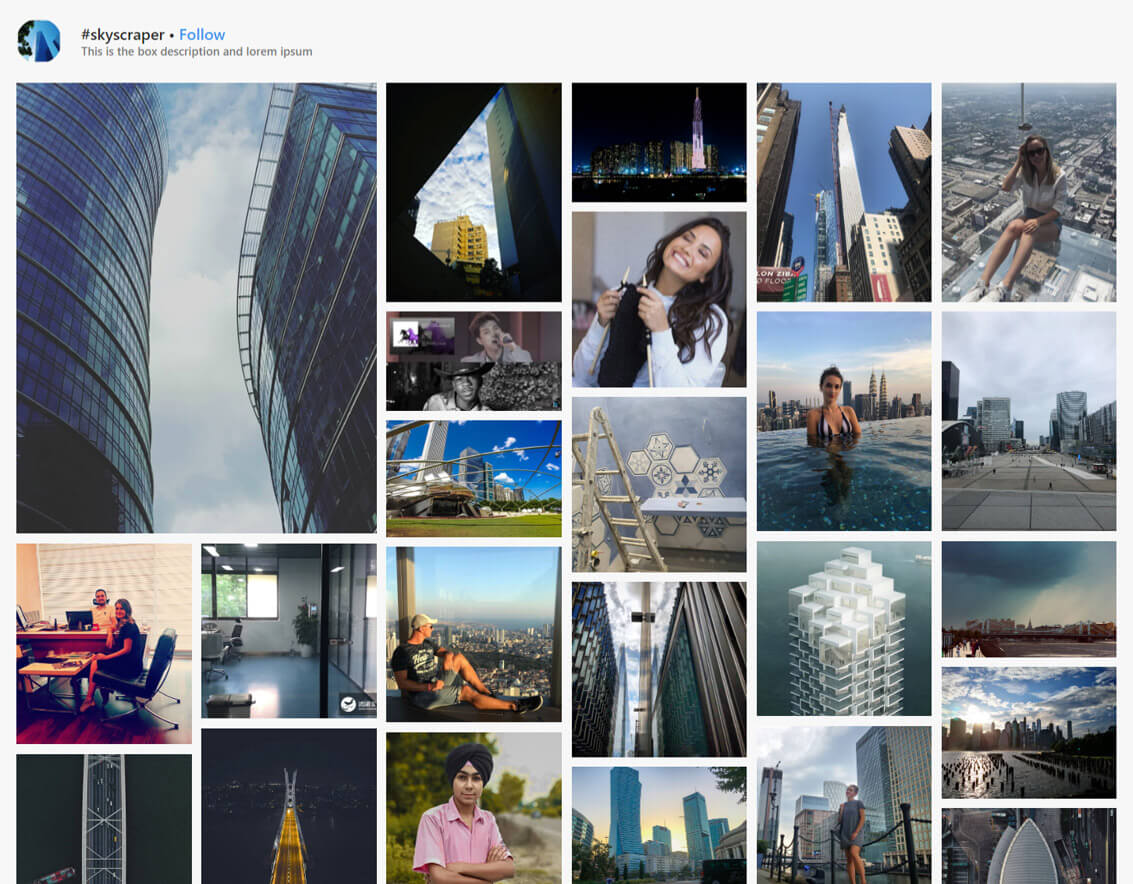
- Versatile Instagram layouts: Choose from gallery, carousel, masonry, and highlight modes to fit your design.
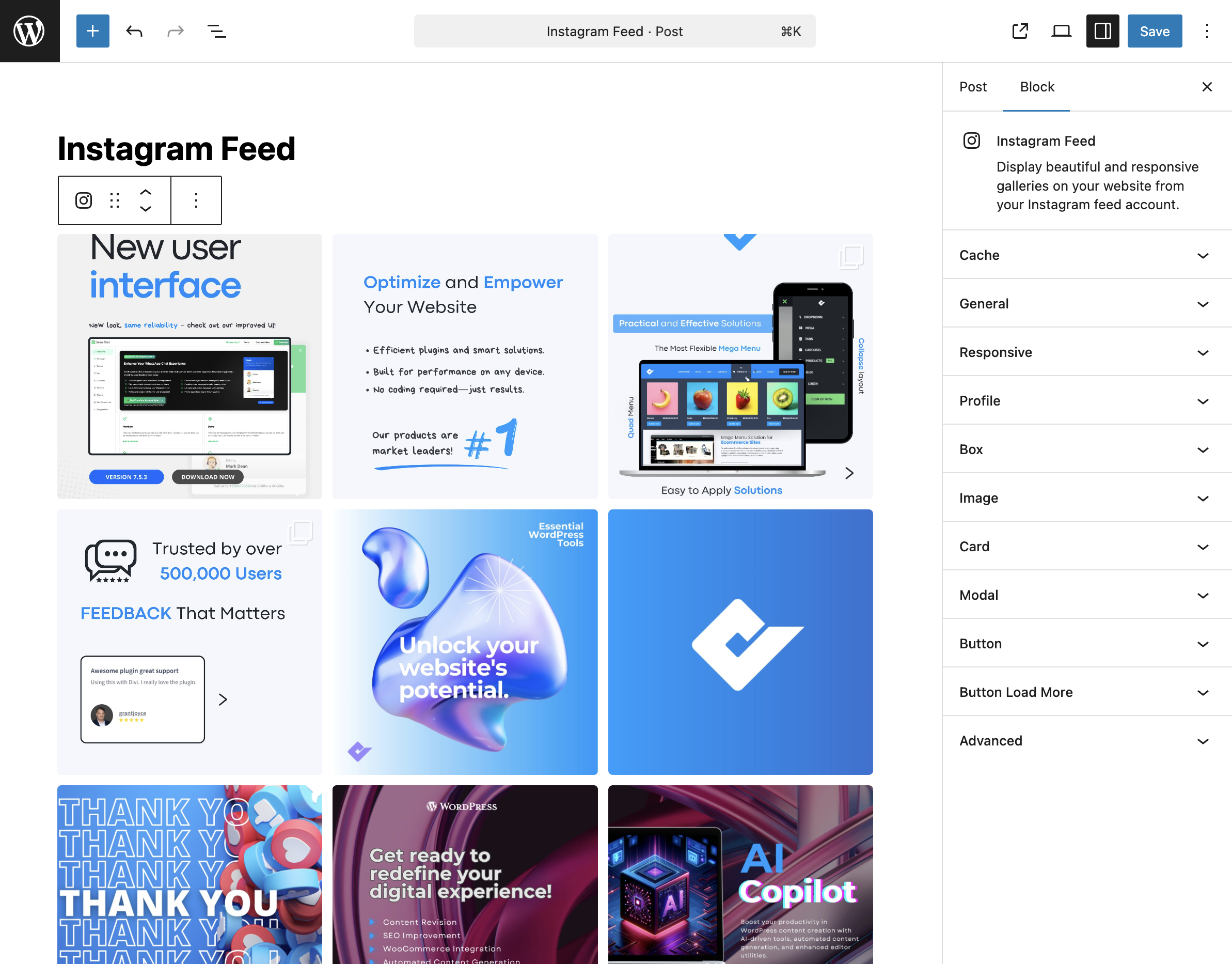
- Gutenberg block included: Insert and style your feeds visually inside the Gutenberg editor (Free).
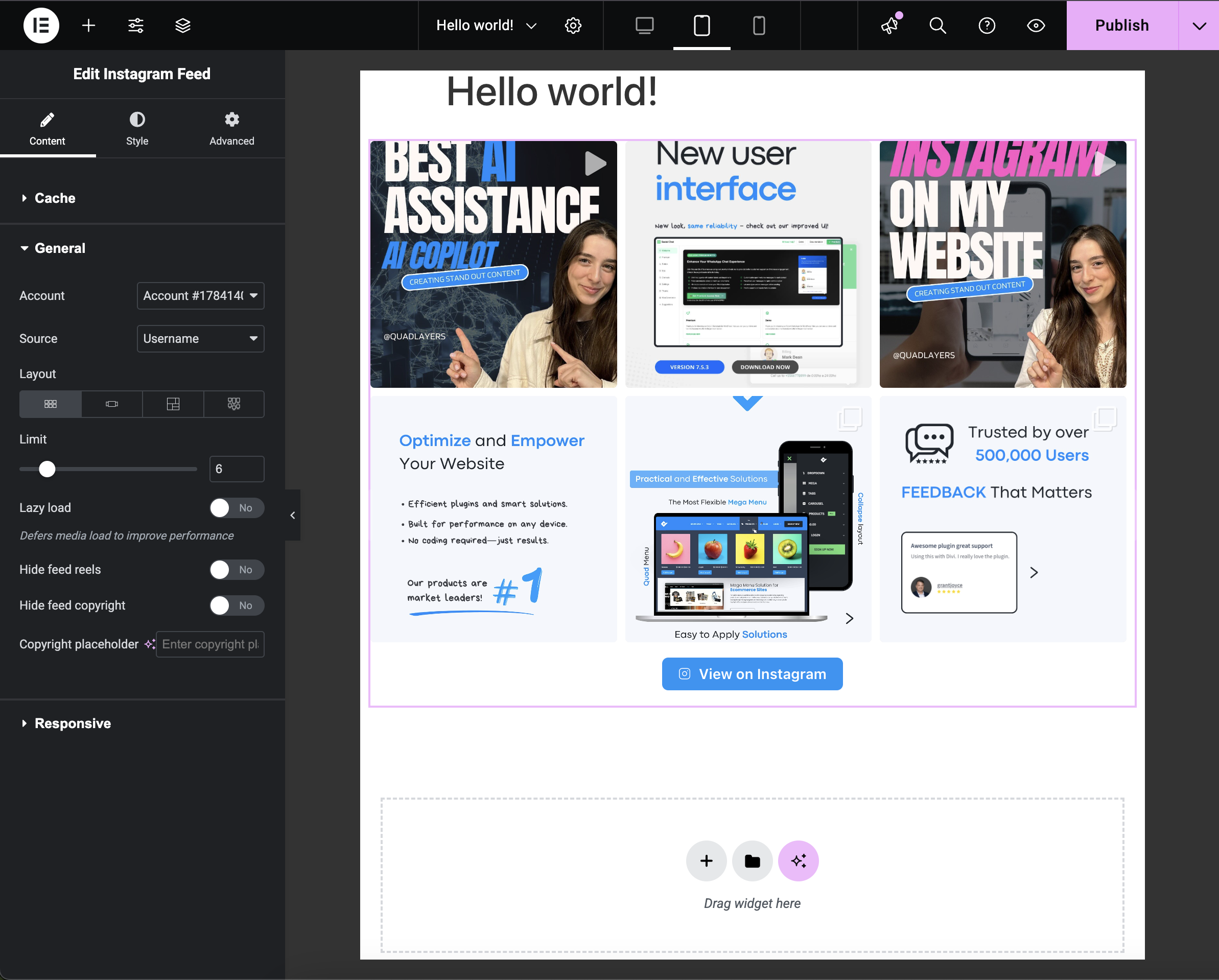
- Elementor block included: Insert and style your feeds visually inside the Elementor editor (Free).
- Supports Instagram Stories (Premium): Display business account stories directly on your site.
- Tagged feed support (Premium): Show images where your Instagram account has been tagged.
- Instagram comments and like counts: Add social proof with visible interaction stats inside the feed.
- Automatic updates: Keep your site updated with the latest Instagram content.
- Optimized API usage: Features caching to minimize requests and reduce loading time.
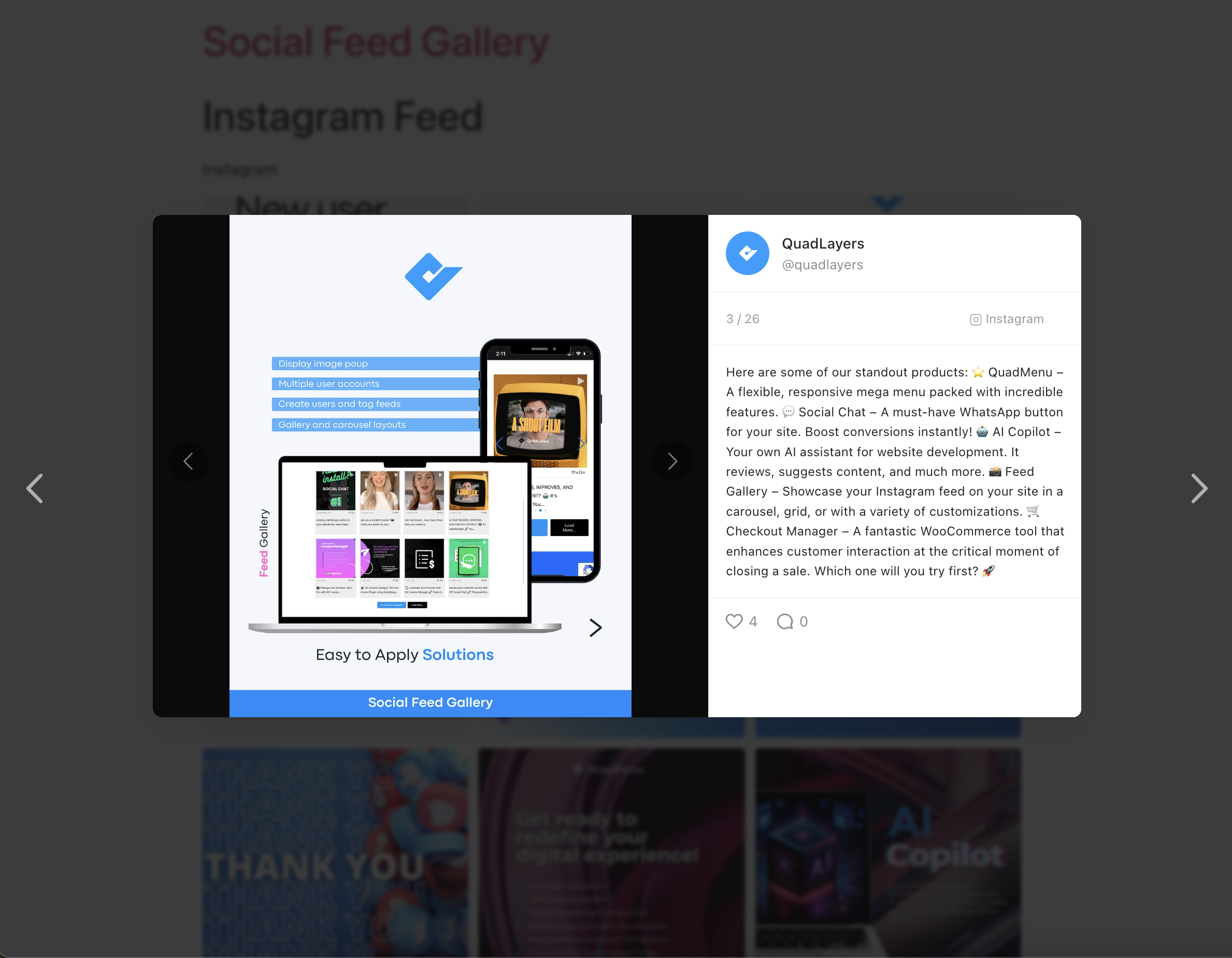
- Customizable lightbox: Display your Instagram content with a customizable lightbox experience.
- Responsive design: Perfect mobile and tablet controls for every Instagram feed.
- Style options: Customize icon colors, borders, and masks for a unique Instagram presentation.
Formerly Instagram Feed Gallery
This plugin was formerly known as “Instagram Feed Gallery”. WordPress forced us on August 8, 2019, to change the name of the plugin due to the use of the “Instagram” word in the name.
Instagram Token setup
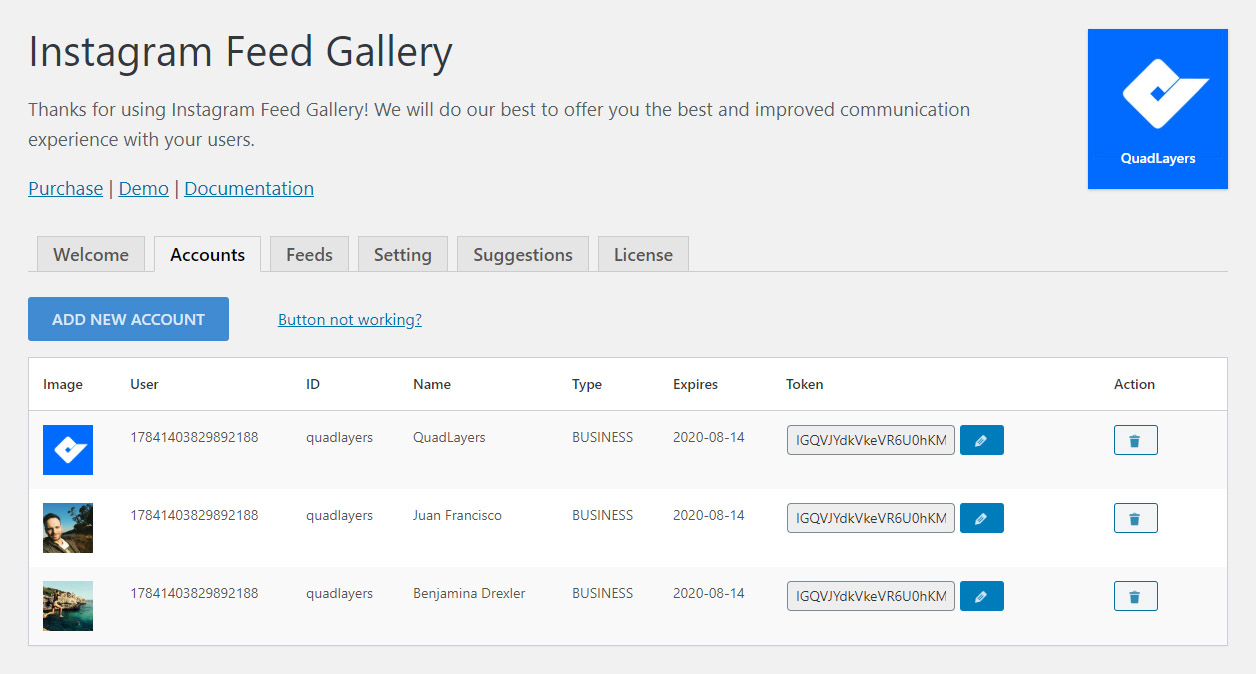
Social Feed Gallery offers a one-click setup, eliminating the need to create an app like other plugins require. Simply add your credentials, select an Instagram @id or #tags, click on the “Add New Account” button, and your Instagram access token will be automatically generated and saved.
Social Feed Gallery Premium
Upgrade to Social Feed Gallery Premium to enjoy additional features, including:
- Multiple Instagram user accounts
- Masonry and highlight gallery layouts
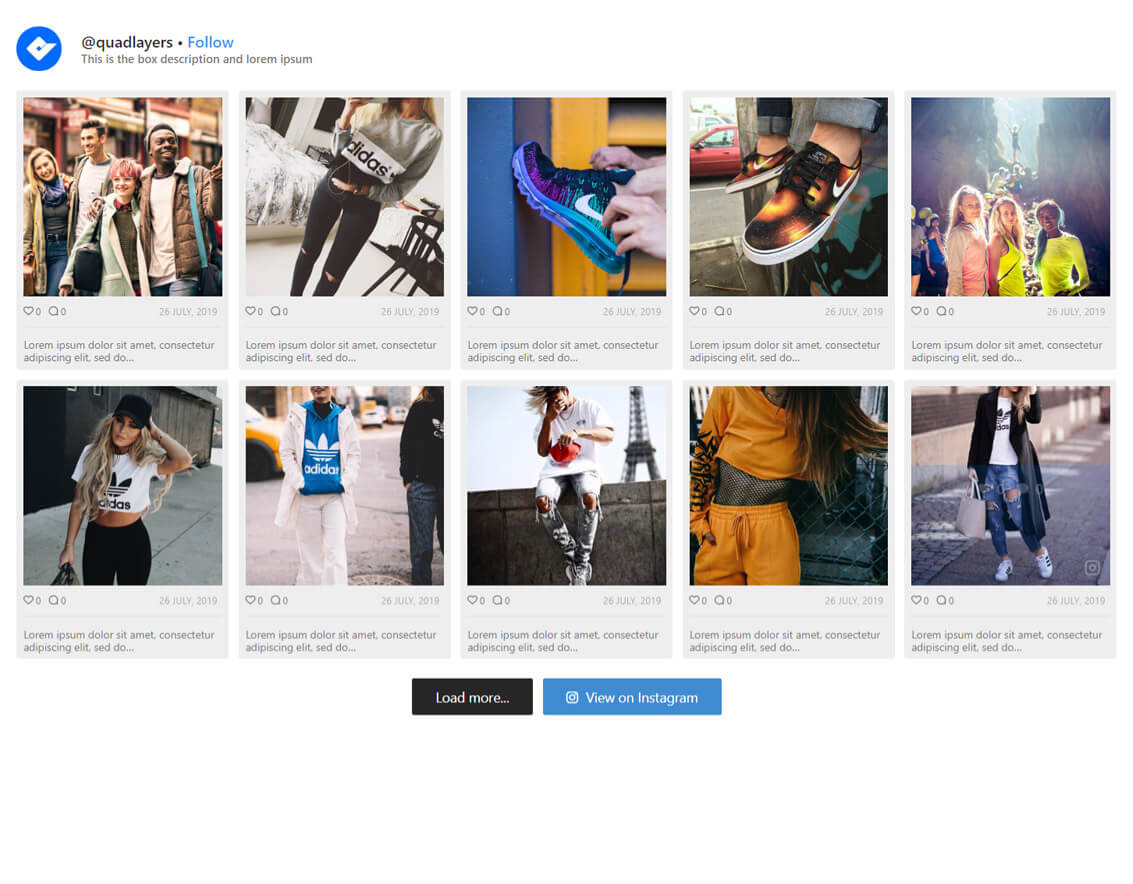
- Boxed mode with colors and borders
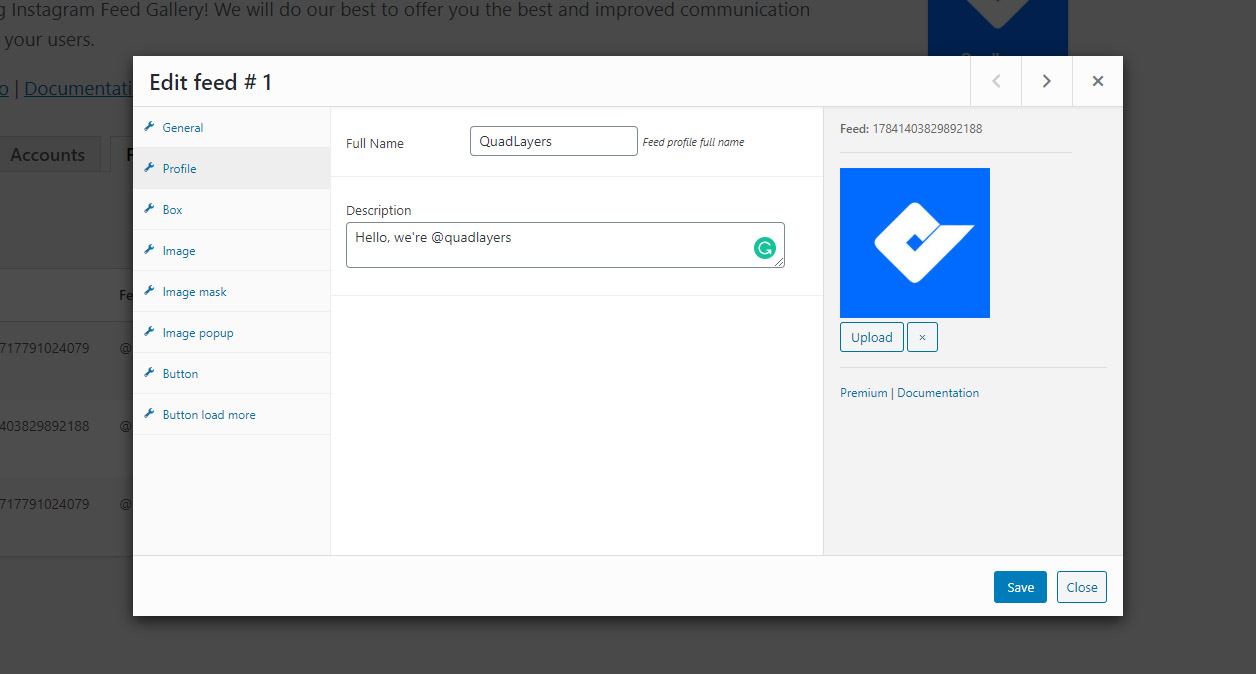
- Display user profile avatar, username, and custom description
- Load more button
- And much more!
Check out the Documentation for more information on configuration possibilities.
Installation
- Go to the Plugins Menu in WordPress
- Search for “Social Feed Gallery”
- Click “Install”
- Go to Social Feed Gallery / Account in your admin dashboard
- Press the “Add new account” button and generate the access token
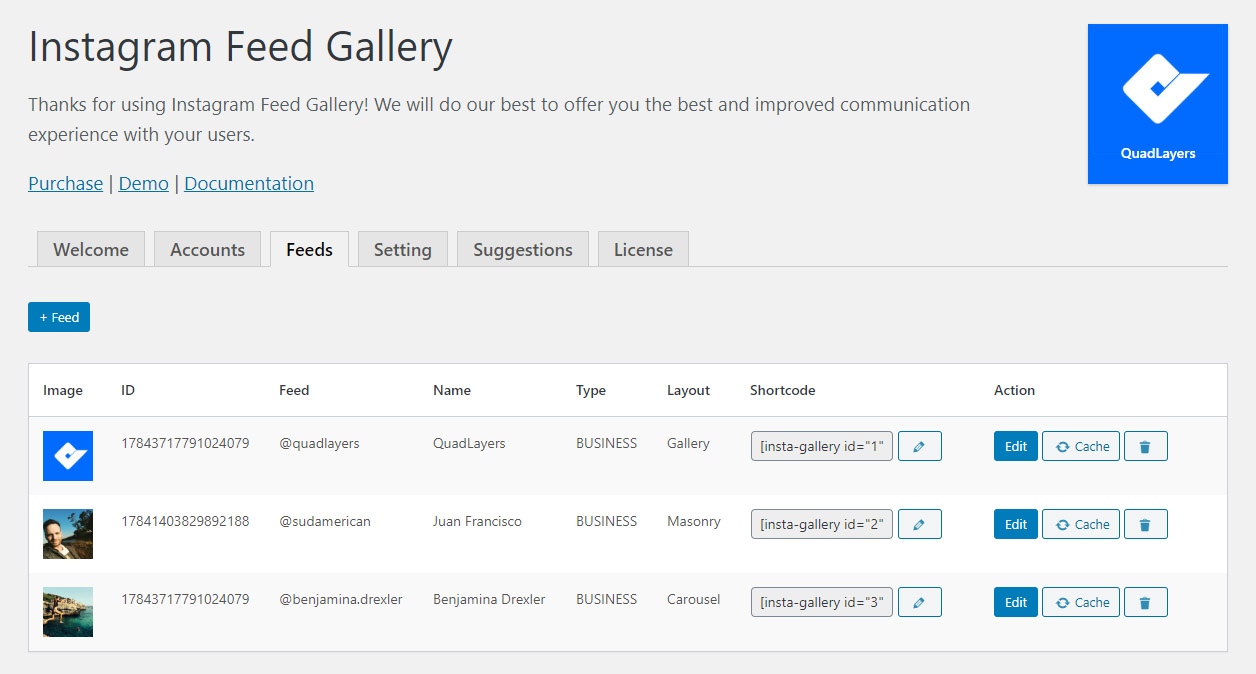
- Go to Social Feed Gallery / Feeds and press the “Add new gallery” button
- Configure your Social Feed Gallery
- Press “Update” button and then copy & paste your shortcode
Änderungsprotokoll
Major update: Now includes native Elementor Instagram block/widget. Show likes, comments and descriptions in modal are now free features. Display user profile in Instagram item modal has been fixed.
5.0.16
- WooCommerce 11.3.1 compatibility
5.0.15
- fix: security, the feed modal shows the Instagram captions as text and the feed endpoints serve them without HTML tags (CVE-2026-107628)
- fix: security, the feed profile only links http(s) URLs
- fix: security, the block and Elementor feeds of posts by contributors and authors are not signed for the feed endpoints
- fix: captions with HTML tags no longer end with “…” when they are not cut
5.0.14
- fix: security, the public feed endpoints only serve the account, source and hashtag of a feed the site renders (CVE-2026-114705). Purge the page cache after updating.
5.0.13
- fix: automatic renewal of Business (Facebook Login) tokens, now migrated to non expiring Page tokens
- fix: accounts blocked after 3 failed renewals are checked again
- fix: token checks run daily, so the reminders are no longer skipped or late
- fix: token emails are sent once per stage (14 and 3 days before, and when the feed stops), name the site and the account and include a reconnect link
- fix: no more “renewed” emails and no false “expired” emails
- fix: alert emails no longer block the cron with retries
5.0.12
- fix: token renewal is blocked after 3 failed attempts
- fix: fatal error when the token check runs for a deleted account
- fix: a response that doesn’t extend the token is no longer reported as renewed
- fix: no more expiration emails right after connecting an account
- fix: the token check is rescheduled when an account is reconnected
- fix: “connection lost” email when the account has no token
- fix: email dates use the site timezone
- refactor: account connection and token renewal moved to dedicated services
- fix: Instagram Feed block styles and layouts in the block editor (iframe)
5.0.11
- fix: reels and posts with copyrighted audio show their thumbnail in the modal instead of a lock icon
- fix: stories with copyrighted audio are displayed instead of returning 404
- fix: update bundled Swiper to 14.3.0 (CVE-2026-27212)
Screenshots
Für Entwickler
Ist das dein Plugin? Zeigen Sie die Zahlen.
Fügen Sie Ihrer Website, Docs oder GitHub Readme ein Live-Badge hinzu. Es wird von selbst aktualisiert - kein Konto erforderlich.
Best Social Feed Gallery alternatives
All Instagram plugins →





Fragen und Antworten
Social Feed Gallery: quick answers
Gerade Antworten, gezogen von Live WordPress.org Daten.
Quelle: WordPress.org
Is Social Feed Gallery free?
Yes. Social Feed Gallery is free to download and use from the official WordPress.org plugin directory.
Is Social Feed Gallery safe to use in 2026?
Yes — Social Feed Gallery is a safe, well-maintained plugin to use in 2026. It runs on 80K+ sites, is rated 4.5/5 and was last updated 5 days ago, and scores 89/100 on our health check.
How many websites use Social Feed Gallery?
Social Feed Gallery is active on 80K+ WordPress websites and has been downloaded 5,748,784 times since it launched in December 2016. It was downloaded 104,883 times in the last 30 days.
Does Social Feed Gallery work with WordPress 7.1?
Yes. The developer has tested Social Feed Gallery up to WordPress 7.1.5, the latest release. It requires WordPress 4.7 or newer.
What PHP version does Social Feed Gallery need?
Social Feed Gallery requires PHP 5.6 or higher. Most hosts run PHP 8.x today, so it works on any modern WordPress hosting.
When was Social Feed Gallery last updated?
The latest version, 5.0.16, was released on November 24, 2026 (5 days ago).
Who makes Social Feed Gallery?
Social Feed Gallery is developed and maintained by quadlayers.
What are the best alternatives to Social Feed Gallery?
The most popular alternatives to Social Feed Gallery are Smash Balloon Social Photo… (1M+ installs), Metricool (90K+ installs) and Spotlight Social Photo Feed (50K+ installs).
Angetrieben von PageForge
Eine Vorlage und eine Tabelle. Eine echte Seite für jede Suche.
PageForge Verwandelt jede Zeile eines CSV in eine WordPress-Seite mit eigenem Titel, URL, SEO Felder und Schema entworfen. Kostenlos auf WordPress.org.
- CSV und XLSX, plus Google Sheets auf Beruf und Unternehmen
- seinen eigenen Titel, URL, SEO Felder und Schema für jede Seite
- Arbeitet mit dem Blockeditor, Elementor, Divi und Avada
- Kostenlos auf WordPress.org, keine Kreditkarte