


Custom API for WP
Custom API for WP plugin plugin allows you to create no code custom REST endpoints / Custom APIs in WordPress. With interactive Graphical User Interface (GUI) fetch any data from WordPress database tables like users…

Sichere Auswahl
Yes — Custom API for WP is a safe, well-maintained plugin to use in 2026. It runs on 1K+ sites, is rated 4.8/5 and was last updated 2 weeks ago, and scores 85/100 on our health check.
- Loved by users — 4.8/5 from 45 reviews
- Aktiv entwickelt — letztes Update vor 2 Wochen
- Momentum — downloads up 42.9% vs the previous 30 days
Wie stapelt es sich?
Side-by-side bei Installationen, Updates, Bewertungen und Support



Tägliche Downloads
Download-Spitzen folgen normalerweise einer neuen Version - jede Website, die automatisch aktualisiert wird, gilt als Download.
Ranglisten
Where Custom API for WP stands todayWordPress.org Ranglisten suchen
Live-Position in der Plugin-Suche, Top 100| Stichwort | Position |
|---|---|
| API | #12 |
| custom api | #3 |
| Custom Endpoints | #9 |
| external api | #4 |
| rest-api | #20 |
Versionsübernahme
Anteil aktiver Sites pro Release.
Bewertungsaufschlüsselung
★★★★★★★★★★ 4.8 from 45 reviews
About Custom API for WP
From the official readme · v5.1.0Beschreibung
Custom API for WP plugin plugin allows you to create no code custom REST endpoints / Custom APIs in WordPress. With interactive Graphical User Interface (GUI) fetch any data from WordPress database tables like users, posts, custom tables or any 3rd-party plugin’s table. You can also use HTTP request methods like POST, PUT, DELETE (Insert, Update, Delete) data with these created Custom endpoint / Custom REST routes.
You can also connect any external APIs and platforms to fetch the data and display data on WordPress frontend . You can use your design (custom HTML, CSS and JS), post data on third-party platforms on any WordPress events (user creation, Woocommerce events, form submission, membership purchase etc) via WordPress hooks.
You can easily interact with the WordPress database to perform CRUD operations on data using the custom endpoints created (generated) using Connect to external APIs | Custom endpoints for WP.
Custom API for WP plugin takes care of writing the complex SQL queries to fetch/update data and provide you with a very simple User Interface to create or generate custom REST endpoints.
This plugin also provides the filter operations in which you can filter the data you want to show in the API endpoint response.
🆓FREE Plan Features
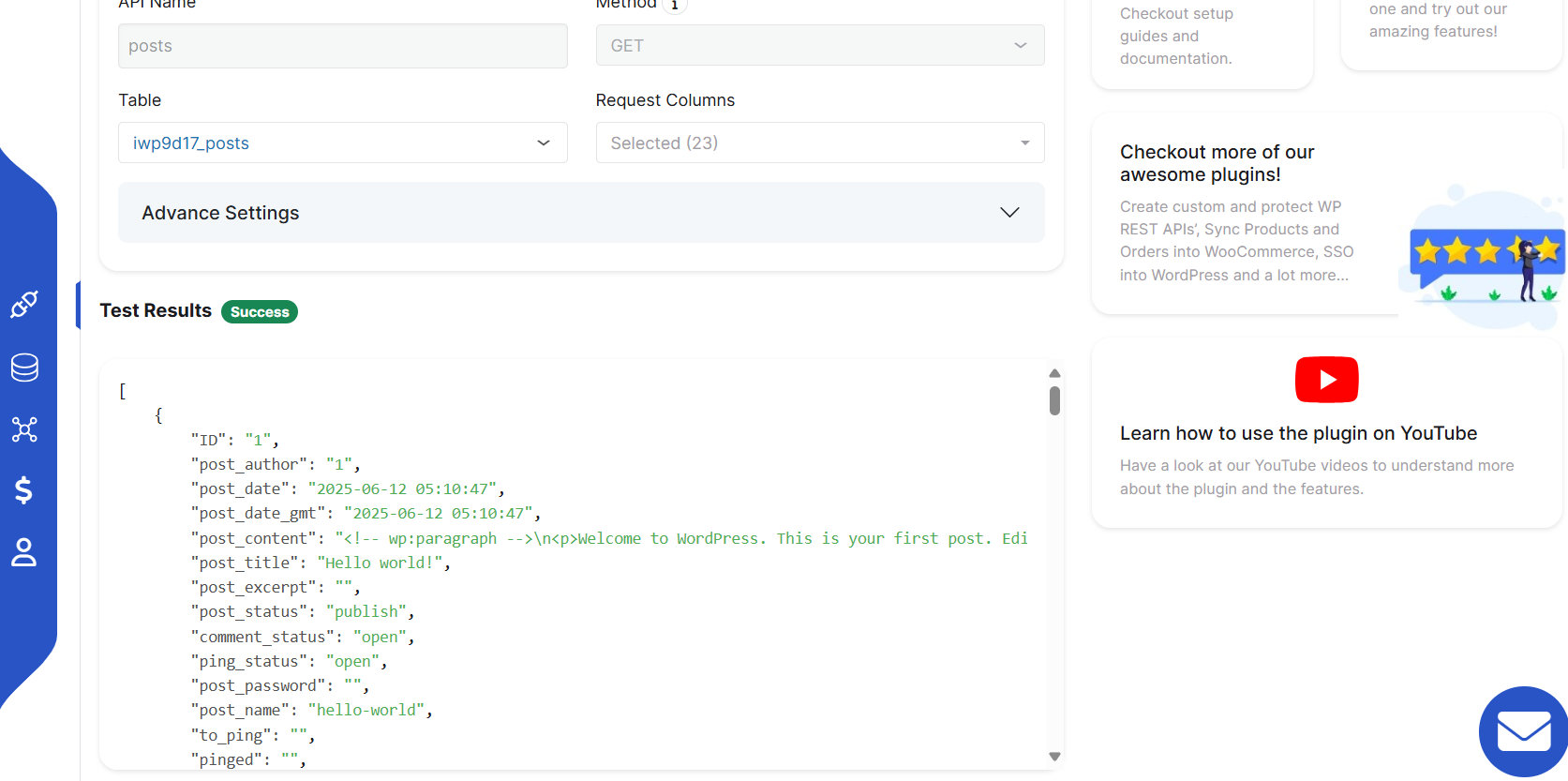
- Unlimited GET APIs: Create as many GET APIs as you need to fetch data from WordPress tables.
- One Advanced API using SQL: Build a single advanced API with custom SQL queries to perform CRUD (GET, POST, PUT, DELETE) operations.
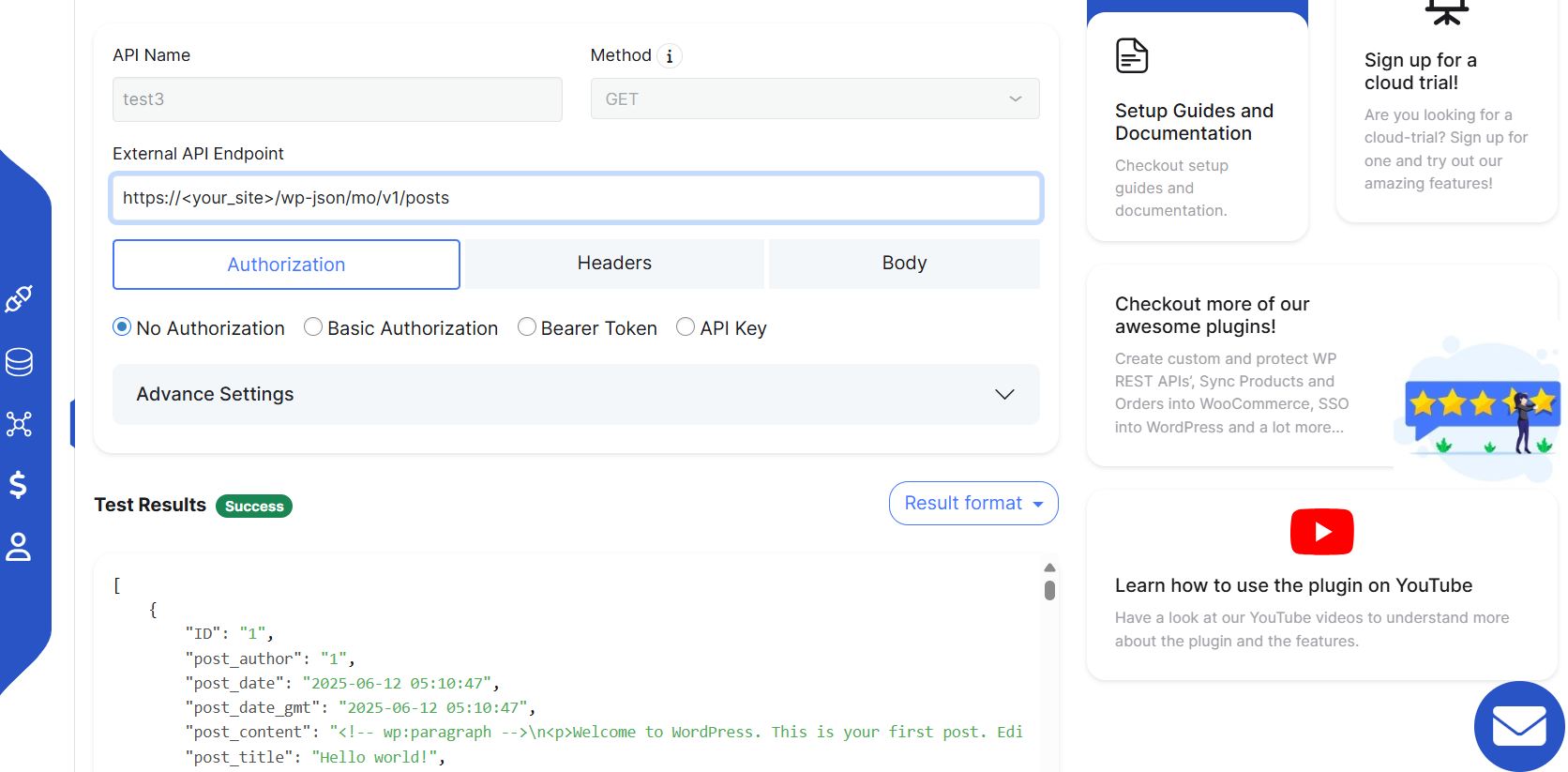
- External API Integration (JSON Only): Connect to third-party APIs that return JSON data.
- Hooks Support for External APIs: Use hooks to trigger and execute connected external APIs.
💲PREMIUM Plan Features
-
Unlimited RESTful APIs: Create APIs with all HTTP methods – GET, POST, PUT, DELETE.
- Custom Filters on API Data: Apply filters to refine data retrieved in Custom APIs.
- Customizable API Response: Format API responses to match your exact requirements in custom APIs.
- Role-Based Access Control: Restrict access to custom APIs based on user roles.
- Conditional Logic & Filters: Add logic-based rules and conditions to custom APIs. Use query parameters to filter API responses on the go.
-
Unlimited Advanced APIs with SQL: Build complex and fully customized APIs using SQL queries to perform CRUD (GET, POST, PUT, DELETE) operations.
- Customizable API Response: Format API responses to match your exact requirements in custom APIs.
- Role-Based Access Control: Restrict access to custom APIs based on user roles.
-
Unlimited External API Integrations: Connect to as many third-party APIs as needed that return JSON, XML, GRAPHQL or SOAP responses.
- Hooks Support for External APIs: Use hooks to trigger and execute connected external APIs.
- Shortcode & Template Tag Display: Easily display data from external API on your frontend using shortcodes or template tags.
- Secure Authentication for External APIs: Supports OAuth2, Bearer Tokens, and API Key authentication methods.
- Dependent API: Dynamically retrieve a token from an external API to authenticate requests to the data API.
Third-party/External API Integration into WordPress
-
This plugin allows you to integrate any external or third-party REST API endpoints into WordPress very easily with the help of our interactive and simple GUI within seconds. With this function of our plugin, you can fetch data to your WordPress (WooCommerce) site or you can use it to fetch data and process it according to your needs.
-
These integrations can also be done on third-party plugin events like form submission using Elementor, Wpforms, Gravityforms etc. and also payment status or subscription status based on transactions done via payment gateways like that provided by WooCommerce, Wpforms, Gravityforms or any other services.
-
External API integrations can be done on any event of WordPress like user registration, user membership level change or any other using plugin hooks.
-
WooCommerce product data can be synced with any external/third-party API provider(Supplier) on a real-time basis with our plugin.
-
This feature also provides the capability to register or login users to third-party platforms by making an API request to the third-party platforms.
-
Data display on front end using shortcode or template tag fetched from external API endpoints.
-
Any kind of external APIs supporting JSON, XML, SOAP, GraphQL can be connected with authentication methods like OAuth, JWT, Bearer, API Key or even custom API authentication.
Anwendungsfälle
- Access custom data of the WordPress site into your mobile application or web clients via custom REST API Endpoints.
- Create easy Custom REST Routes to Create, Read, Update and Delete (CRUD) WordPress content from client-side JavaScript or external applications.
- Interact with any standard database schema/ table or your custom-built schema/ table to fetch/ update/ delete data using the custom API endpoints.
- Connect two WordPress sites or connect your WordPress site with a website built in any framework and Get/Update/Insert/Delete (CRUD) data of one website to another website with the help of Custom API and feasibility of connection with External APIs / Custom Endpoints developed in the external Website.
- Connect with External Rest API Routes to display data on your website or process the data received from External Endpoint.
- Integrate External/third-party REST API endpoints with third-party plugin’s payment gateways like that of WooCommerce, Wpformsor any other custom gateway such that the API can be called automatically based on the payment status.
- Integrate External/ third-party REST API endpoints with custom/ third-party plugins’ forms like that of Wpforms, Elementor, Gravityforms etc such that the external APIs can be called on these forms submission or any related events to perform fetch/update/delete operation based on API endpoints.
- Sync third-party/external API provider’s (Supplier’s) API Inventory data into WooCommerce and display them in the product feed on a real-time basis. [More detials]
- Integrate external APIs into WooCommerce – If you have a Woocommerce store and want to update the data like order creation, order status, and user profile update on a third-party platform in real-time, then a solution can be provided using our plugin.
- Data display using shortcode – Fetch data from external API with security and display that on WordPress front-end pages using the shortcodes with customized design.
Add-Ons
WooCommerce Products sync via External API | Import products in WooCommerce using Supplier APIs
- If you have a WooCommerce store and want to sync (add/update/delete) the products from the external inventory warehouse/ store’s platform via APIs then it can be using the CUSTOM API plugin along with our Woocommerce products sync from external APIs.
-
Following are the key features –
- Data can be synced automatically after a certain specified period. (For example, every 4 hours a day).
- All the product details like SKU, name, description, price, stock status, images, custom attributes and variant productions can be updated along with other custom attributes as well.
- Sync can be done in the background such that customers using your WP site are not affected.
- Data syncing can also be done by clicking on the sync button manually in the User Interface.
- WooCommerce product images can also be added or updated with ease based on external API data.
- No extra work to import and export CSV/ TXT files manually. API Integration will do the job automatically.
-
This plugin supports complete integrations for the following –
- Sync Amrod catalogue to WooCommerce
- Sync S&S Activewear products to WooCommerce
- Sync products and orders from Shopify to WooCommerce
- Import products from Parts Unlimited to WooCommerce
- Import products from Parts Canada to WooCommerce
- Import products from Barron to WooCommerce
Zoho Integration with WordPress
- If you have a WordPress site and want to connect it to your Zoho applications like Zoho CRM, Zoho connect, Zoho Subscription, Zoho Inventory etc to perform operations like sync real-time data between these platforms, which involves user profile sync, operate on WordPress or assign membership to the user based on his Zoho subscription etc. With this integration, any Zoho APIs and webhooks can be integrated to perform real-time sync.
WordPress Automate using Webhooks
- This plugin can be made compatible to automate WordPress events with external API and webhook to synchronize data between WordPress and external applications.
For example – If you have a WordPress/Woocommerce site and want to sync the user data, product data, posts, and membership data with external platforms, inventories and CRM like Zoho, Hubspot etc., then this plugin can be extended with an add-on to achieve this.
These solutions can be used additionally along with the plugin. To know more details, contact us at apisupport@xecurify.com and let us know your requirements.
Type of Data which you can retrieve with Custom Endpoints
- WP Users and User Meta.
- WP Roles and Capabilities.
- WP Posts, Pages and custom post types.
- WP Options.
- WP Taxonomy.
- WooCommerceproducts, WordPress Membership plugins data.
- Custom data, Custom posts, Custom parameters, Custom fields and many more.
- Any third-party plugins or custom table data can be fetched/updated using these custom API endpoints.
External Service
This plugin may call login.xecurify.com (our own service) in case user wants to register or share any queries or feedback with us and this is completely optional.
Datenschutzerklärung
This plugin does not store any user data, and all the data remains on the user’s end only.
Installation
Aus Ihrem WordPress-Dashboard
- Visit
Plugins > Add New - Search for
Custom API for WP. Find and Install theCustom API for WPplugin by miniOrange - Aktivieren Sie das Plugin
Von WordPress.org
- Download the
Custom API for WPplugin - Unzip and upload the
custom-api-for-wpdirectory to your/wp-content/plugins/directory. - Activate the miniOrange API plugin from your Plugins page.
Once Activated
- Go to the
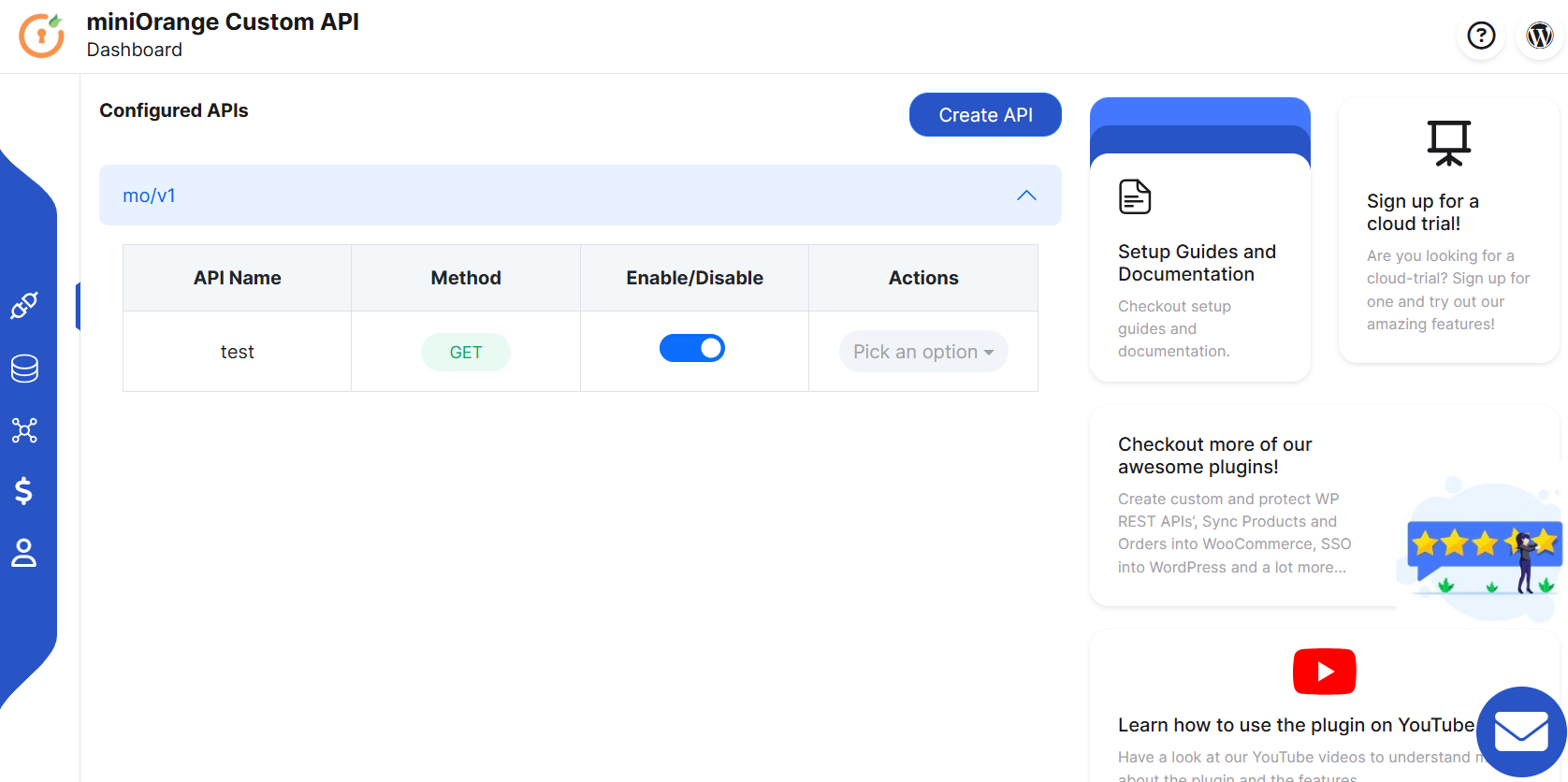
Settings-> Custom APImenu - Click on the
Create APIbutton - Choose data that you want to retrieve with API and conditions to retrieve data
- Save the configuration and your API will be ready to use.
Änderungsprotokoll
First release of the plugin Create REST endpoints in WordPress
1.1.1
- Initial version
1.1.2
- Added UI changes and contact form bug fix
1.1.3
- Added feedback form at deactivation
1.1.4
- Improved SEO and added compatibility with WP 5.5
1.1.5
- Showing all premium features and Added customer registration tab
1.1.6
- Bugs and UI fixes
Screenshots
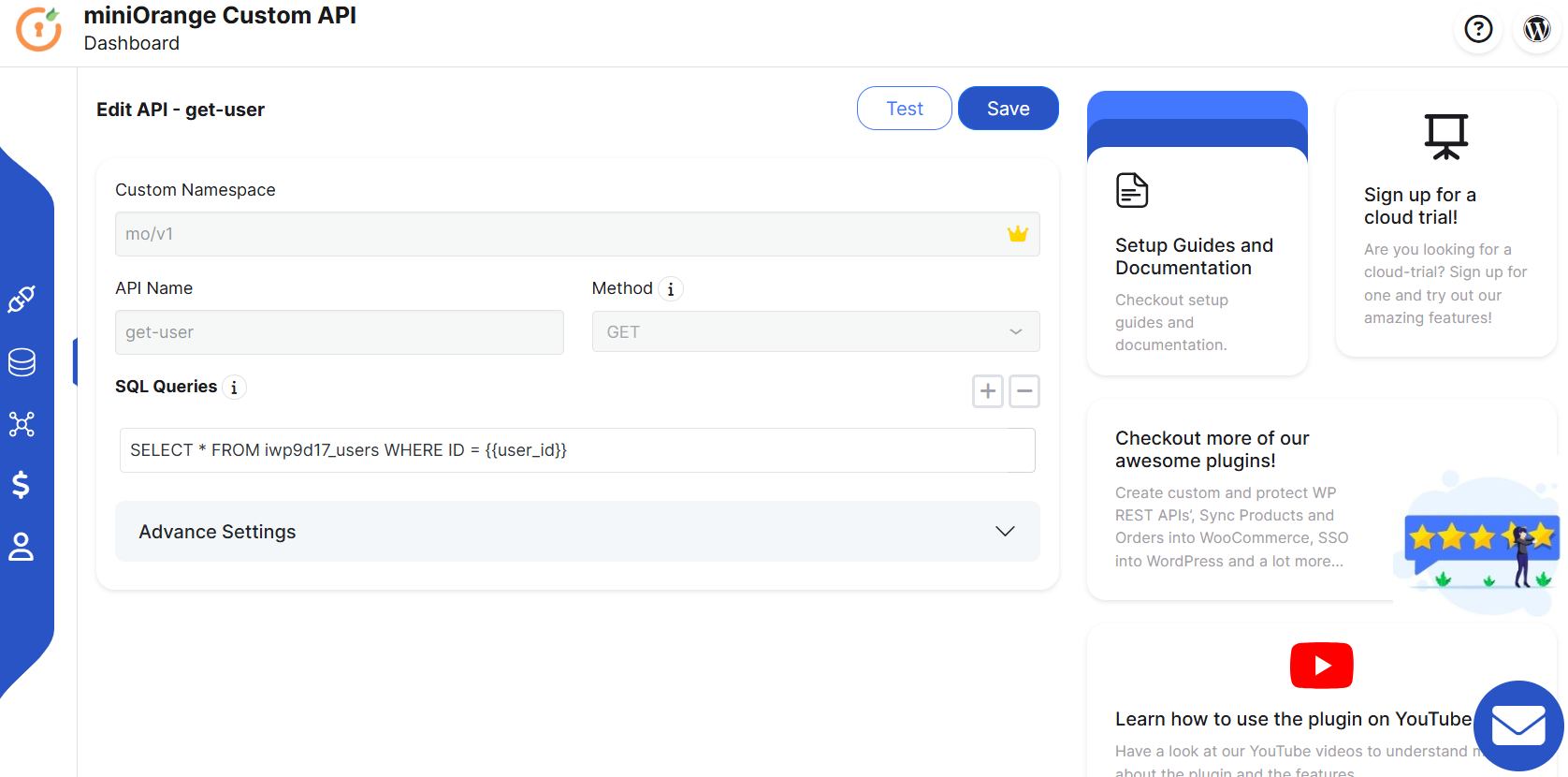
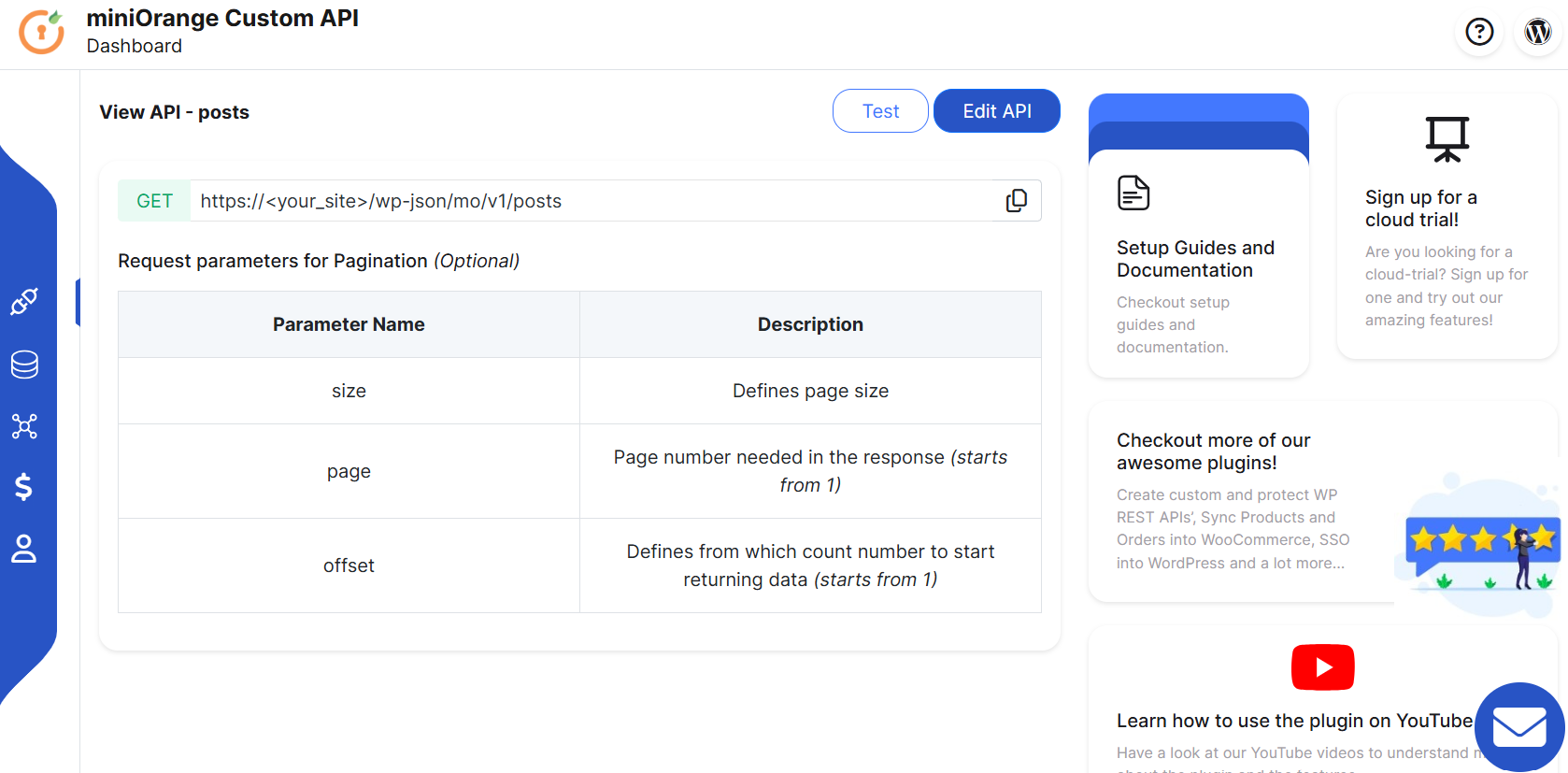
Für Entwickler
Ist das dein Plugin? Zeigen Sie die Zahlen.
Fügen Sie Ihrer Website, Docs oder GitHub Readme ein Live-Badge hinzu. Es wird von selbst aktualisiert - kein Konto erforderlich.
Best Custom API for WP alternatives
Alle API-Plugins →





Fragen und Antworten
Custom API for WP: quick answers
Gerade Antworten, gezogen von Live WordPress.org Daten.
Quelle: WordPress.org
Is Custom API for WP free?
Yes. Custom API for WP is free to download and use from the official WordPress.org plugin directory.
Is Custom API for WP safe to use in 2026?
Yes — Custom API for WP is a safe, well-maintained plugin to use in 2026. It runs on 1K+ sites, is rated 4.8/5 and was last updated 2 weeks ago, and scores 85/100 on our health check.
How many websites use Custom API for WP?
Custom API for WP is active on 1K+ WordPress websites and has been downloaded 73,338 times since it launched in July 2020. It was downloaded 2,840 times in the last 30 days.
Does Custom API for WP work with WordPress 7.1?
Custom API for WP is officially tested up to WordPress 7.0.9, while the latest release is 7.1.5. It may still work, but try it on a staging site first.
What PHP version does Custom API for WP need?
Custom API for WP requires PHP 5.4 or higher. Most hosts run PHP 8.x today, so it works on any modern WordPress hosting.
When was Custom API for WP last updated?
The latest version, 5.1.0, was released on November 13, 2026 (2 weeks ago).
Who makes Custom API for WP?
Custom API for WP is developed and maintained by miniOrange.
What are the best alternatives to Custom API for WP?
The most popular alternatives to Custom API for WP are WP Consent API (300K+ installs), Disable REST API (80K+ installs) and Mailgun for WordPress (70K+ installs).
Angetrieben von PageForge
Eine Vorlage und eine Tabelle. Eine echte Seite für jede Suche.
PageForge Verwandelt jede Zeile eines CSV in eine WordPress-Seite mit eigenem Titel, URL, SEO Felder und Schema entworfen. Kostenlos auf WordPress.org.
- CSV und XLSX, plus Google Sheets auf Beruf und Unternehmen
- seinen eigenen Titel, URL, SEO Felder und Schema für jede Seite
- Arbeitet mit dem Blockeditor, Elementor, Divi und Avada
- Kostenlos auf WordPress.org, keine Kreditkarte