


BestWebSoft's LinkedIn
Add LinkedIn Share and Follow buttons to WordPress posts, pages and widgets.

Mit Vorsicht verwenden
BestWebSoft's LinkedIn works, but test it on a staging site before relying on it in 2026. It runs on 200+ sites, is rated 4.2/5 and was last updated 1 year ago, and scores 44/100 on our health check.
- Kleine Benutzerbasis (über 200 aktive Installationen)
- Kein Update in über einem Jahr
- Nur getestet bis WordPress 6.8 (letzt ist 7.1)
Tägliche Downloads
Download-Spitzen folgen normalerweise einer neuen Version - jede Website, die automatisch aktualisiert wird, gilt als Download.
Ranglisten
Where BestWebSoft's LinkedIn stands todayWordPress.org Ranglisten suchen
Live-Position in der Plugin-Suche, Top 100| Stichwort | Position |
|---|---|
| likedin | #1 |
| linedin | #1 |
| #16 | |
| linkedin plugin | #15 |
| linkedln | #1 |
Versionsübernahme
Anteil aktiver Sites pro Release.
Bewertungsaufschlüsselung
★★★★★★★★★★ 4.2 from 5 reviews
About BestWebSoft's LinkedIn
From the official readme · v1.1.5Beschreibung
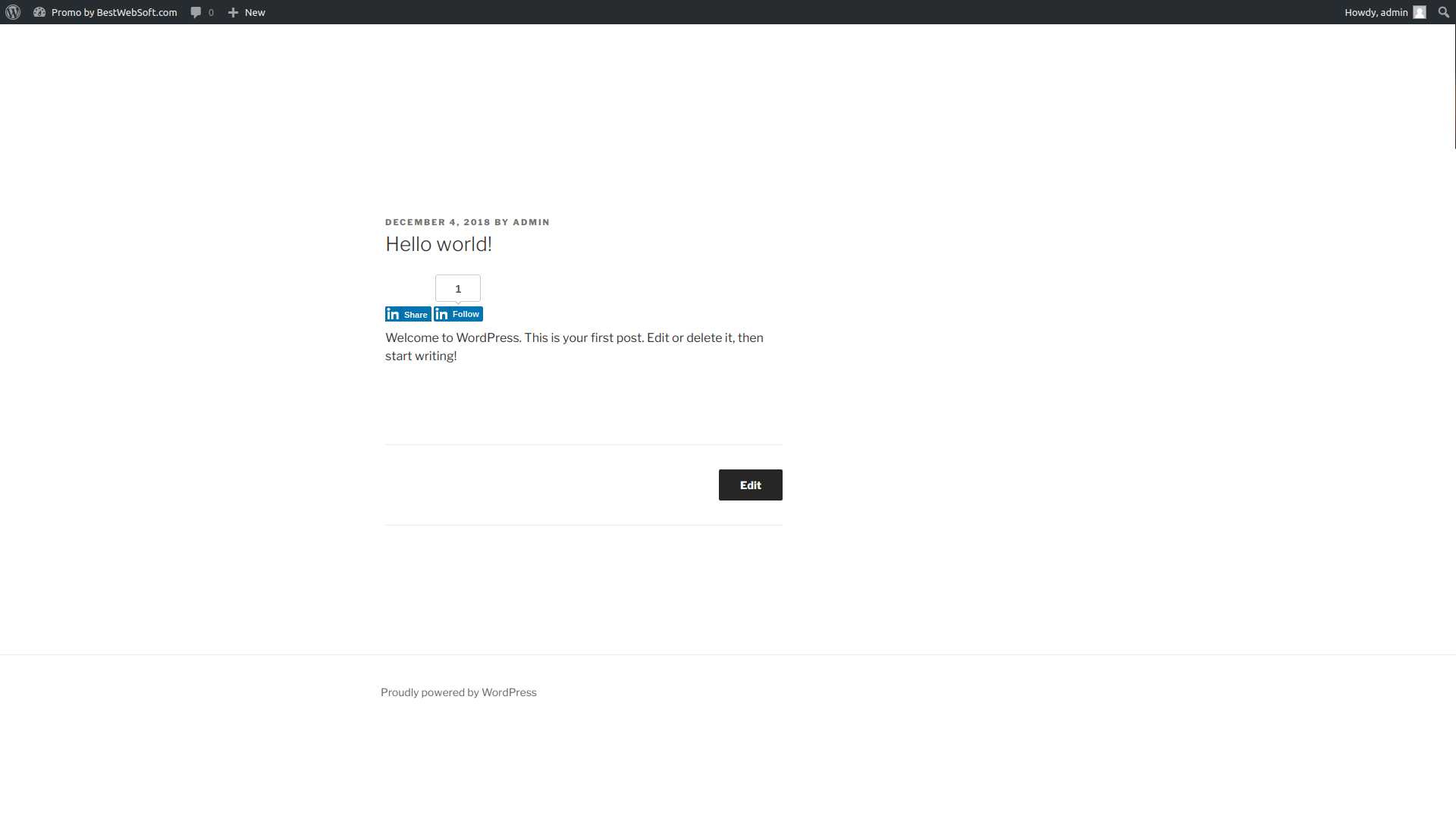
BestWebSoft’s LinkedIn plugin is a useful social tool which adds Follow and Share buttons to your WordPress website posts, pages or widgets. This is a great way to drop the whole LinkedIn functionality in your website and consumer validation for your brand.
Customize the appearance, configure settings, and enable other advanced options to promote your public profile!
Kostenlose Funktionen
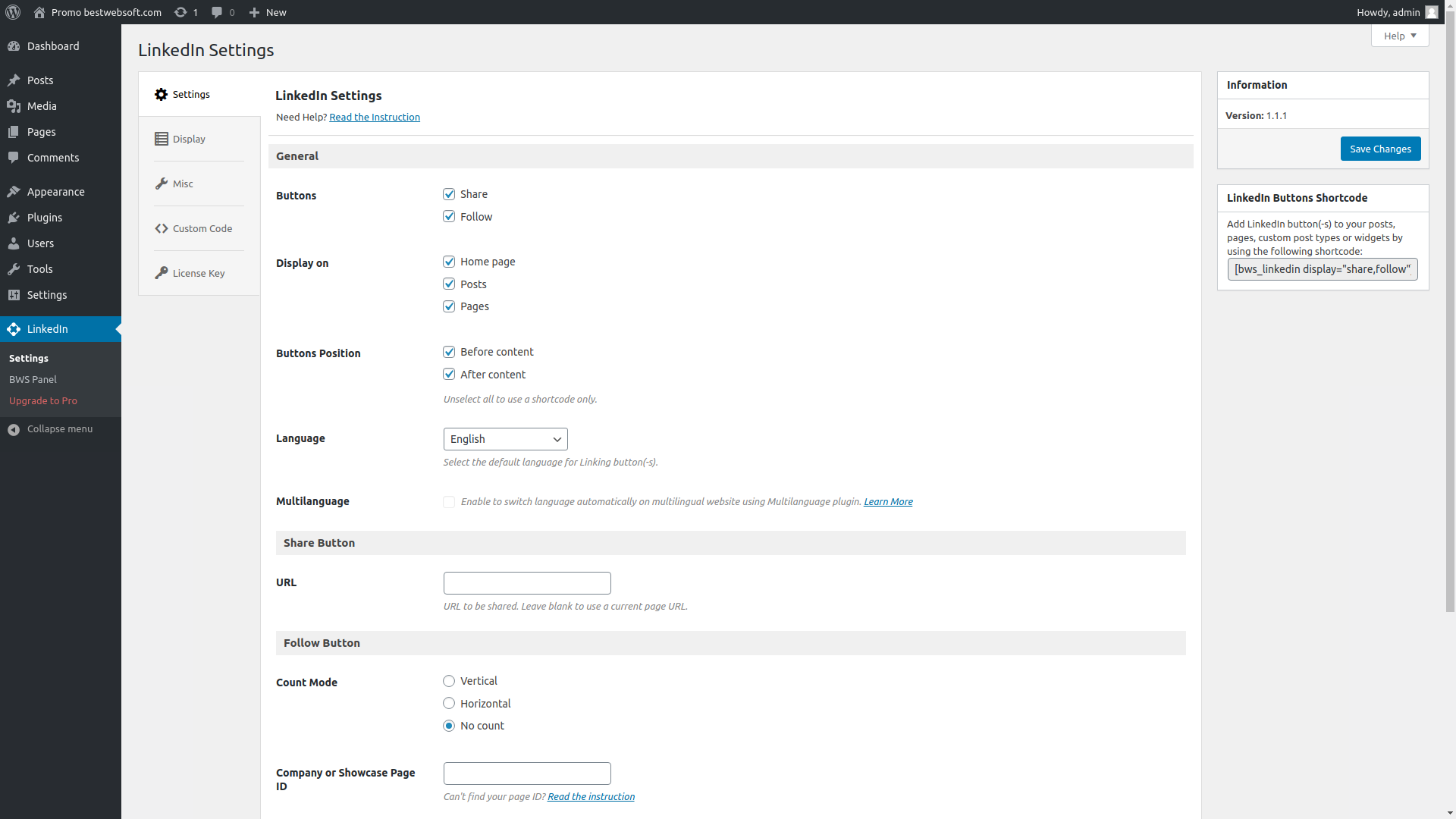
- Add LinkedIn buttons such as:
- Teilen
- Follow
- Automatically display buttons on:
- Beiträge
- Seiten
- Homepage
- Select the button position:
- Before content
- After content
- Before and after content
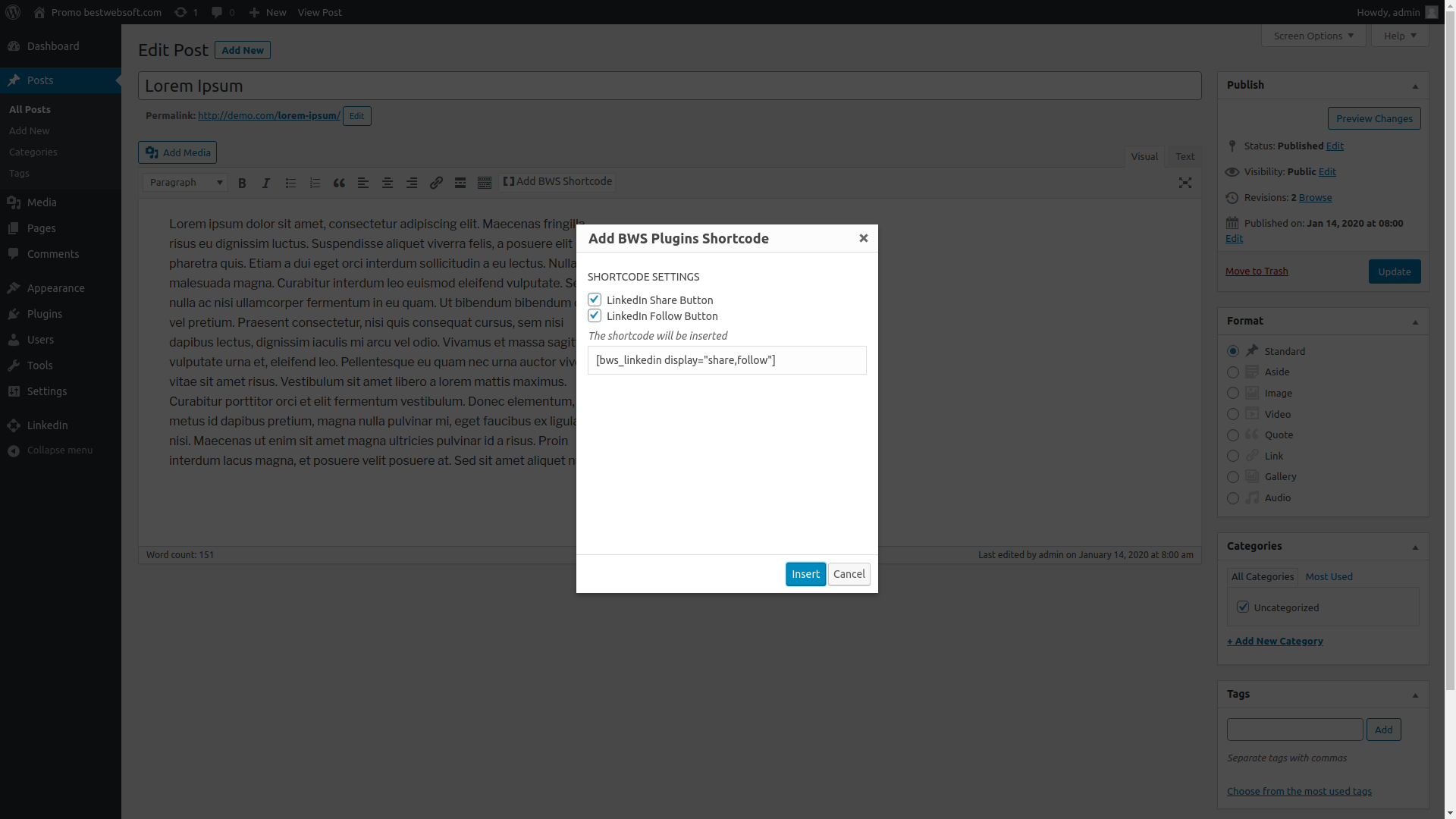
- Custom position (using shortcode)
- Compatible with Multilanguage (current website language detection)
- Choose the count mode for Share and Follow buttons:
- Vertical
- Horizontal
- No-count
- Add custom code via plugin settings page
- Compatible with latest WordPress version
- Incredibly simple settings for fast setup without modifying code
- Detailed step-by-step documentation and videos
Pro-Funktionen
All features from Free version included plus:
- Display LinkedIn buttons for certain pages and/or post types
- Configure all subsites on the network
- Get answer to your support question within one business day (Support Policy)
Wenn Sie einen Feature-Vorschlag oder eine Idee haben, die Sie im Plugin sehen möchten, würden wir gerne davon hören! Suggest eine Funktion
Documentation & Videos
Help & Support
Visit our Help Center if you have any questions, our friendly Support Team is happy to help — https://support.bestwebsoft.com/
Affiliate Program
Earn 20% commission by selling the premium WordPress plugins and themes by BestWebSoft — https://bestwebsoft.com/affiliate/
Translation
- Czech (cs_CZ) (thanks to Michal Kučera www.n0lim.it)
- Russian (ru_RU)
- Ukrainian (uk)
Some of these translations are not complete. We are constantly adding new features which should be translated. If you would like to create your own language pack or update the existing one, you can send the text of PO and MO files to BestWebSoft and we’ll add it to the plugin. You can download the latest version of the program for work with PO and MO files Poedit.
Recommended Plugins
- Updater – Automatically check and update WordPress website core with all installed plugins and themes to the latest versions.
- BestWebSoft’s Link & Share – Add Facebook Like, Share and Profile buttons to WordPress posts, pages and widgets.
- Multilanguage – Translate WordPress website content to other languages manually. Create multilingual pages, posts, widgets, menus, etc.
- BestWebSoft’s Pinterest – Add Pinterest Follow, Pin It buttons and profile widgets (Pin, Board, Profile) to WordPress posts, pages and widgets.
- BestWebSoft’s Twitter – Add Twitter Follow, Tweet, Hashtag, and Mention buttons to WordPress posts, pages and widgets.
Installation
- Upload the
bws-linkedinfolder to/wp-content/plugins/directory. - Activate the plugin using the “Plugins” menu in your WordPress admin panel.
- You can adjust the necessary settings using your WordPress admin panel in “LinkedIn”.
Änderungsprotokoll
Bugs fixed.
V1.1.5 – 24.05.2024
- Update : Security fixes.
V1.1.4 – 23.11.2022
- Bugfix : “The link you followed has expired” bug has been fixed.
- Bugfix : “Settings are not saved” bug has been fixed.
V1.1.3 – 26.04.2022
- Bugfix : Deactivation Feedback fix.
V1.1.2 – 20.03.2022
- Update : All functionality was updated for WordPress 5.9.
- Update : BWS plugins section was updated.
- Bugfix : The issue on the plugin settings page has been fixed.
V1.1.1 – 19.02.2020
- Update : All functionality was updated for WordPress 5.3.2.
- Update : Plugin was renamed.
- Update : Widgets was removed due to a change in the linkedin API.
V1.1.0 – 4.09.2019
- Update: The deactivation feedback has been changed. Misleading buttons have been removed.
Screenshots
Für Entwickler
Ist das dein Plugin? Zeigen Sie die Zahlen.
Fügen Sie Ihrer Website, Docs oder GitHub Readme ein Live-Badge hinzu. Es wird von selbst aktualisiert - kein Konto erforderlich.
Fragen und Antworten
BestWebSoft's LinkedIn: quick answers
Gerade Antworten, gezogen von Live WordPress.org Daten.
Quelle: WordPress.org
Is BestWebSoft's LinkedIn free?
Yes. BestWebSoft's LinkedIn is free to download and use from the official WordPress.org plugin directory.
Is BestWebSoft's LinkedIn safe to use in 2026?
BestWebSoft's LinkedIn works, but test it on a staging site before relying on it in 2026. It runs on 200+ sites, is rated 4.2/5 and was last updated 1 year ago, and scores 44/100 on our health check.
How many websites use BestWebSoft's LinkedIn?
BestWebSoft's LinkedIn is active on 200+ WordPress websites and has been downloaded 15,136 times since it launched in May 2016. It was downloaded 245 times in the last 30 days.
Does BestWebSoft's LinkedIn work with WordPress 7.1?
BestWebSoft's LinkedIn is officially tested up to WordPress 6.8.13, while the latest release is 7.1.5. It may still work, but try it on a staging site first.
When was BestWebSoft's LinkedIn last updated?
The latest version, 1.1.5, was released on June 9, 2025 (1 year ago).
Who makes BestWebSoft's LinkedIn?
BestWebSoft's LinkedIn is developed and maintained by bestweblayout.
Angetrieben von PageForge
Eine Vorlage und eine Tabelle. Eine echte Seite für jede Suche.
PageForge Verwandelt jede Zeile eines CSV in eine WordPress-Seite mit eigenem Titel, URL, SEO Felder und Schema entworfen. Kostenlos auf WordPress.org.
- CSV und XLSX, plus Google Sheets auf Beruf und Unternehmen
- seinen eigenen Titel, URL, SEO Felder und Schema für jede Seite
- Arbeitet mit dem Blockeditor, Elementor, Divi und Avada
- Kostenlos auf WordPress.org, keine Kreditkarte