


BookingOptimiser for Bókun
Bókun booking calendar for WordPress: show tour & activity availability and take bookings on-site through Bókun (Stripe or reserve).

Mit Vorsicht verwenden
BookingOptimiser for Bókun works, but test it on a staging site before relying on it in 2026. Was last updated 5 months ago, and scores 49/100 on our health check.
- Kleine Benutzerbasis (<10 aktive Installationen)
- Bisher sehr wenige Bewertungen
Wie stapelt es sich?
Side-by-side bei Installationen, Updates, Bewertungen und Support


Tägliche Downloads
Download-Spitzen folgen normalerweise einer neuen Version - jede Website, die automatisch aktualisiert wird, gilt als Download.
Ranglisten
Where BookingOptimiser for Bókun stands todayWordPress.org Ranglisten suchen
Live-Position in der Plugin-Suche, Top 100| Stichwort | Position |
|---|---|
| activities | >100 |
| bokun | #4 |
| booking | >100 |
| calendar | >100 |
| Tours | >100 |
About BookingOptimiser for Bókun
Aus der offiziellen Readme · V1.0.0Beschreibung
BookingOptimiser for Bókun is a Bókun booking calendar for WordPress. It connects to the Bókun
booking API and shows your tours, activities, and experiences with their real-time availability
in a clean, mobile-friendly calendar. Visitors pick a date and time slot and book on your own
site — the cart, booking questions, and payment all run through Bókun (Stripe card payments or
reserve-for-payment). The plugin only displays your experiences and takes bookings — no discounts
and no deal generation.
If you sell tours or activities and manage them in Bókun, this plugin turns any WordPress page into
a live tour-booking and activity-reservation page, with on-site checkout, so customers never leave
your website.
Merkmale
- Bókun availability calendar — real-time time slots, seats left, and prices pulled from Bókun.
- On-site checkout through Bókun — Stripe card payment or reserve-for-payment; no redirect.
- Tabbed calendars for multiple tours/activities, experience-card grids, and a single-experience page with hero and gallery.
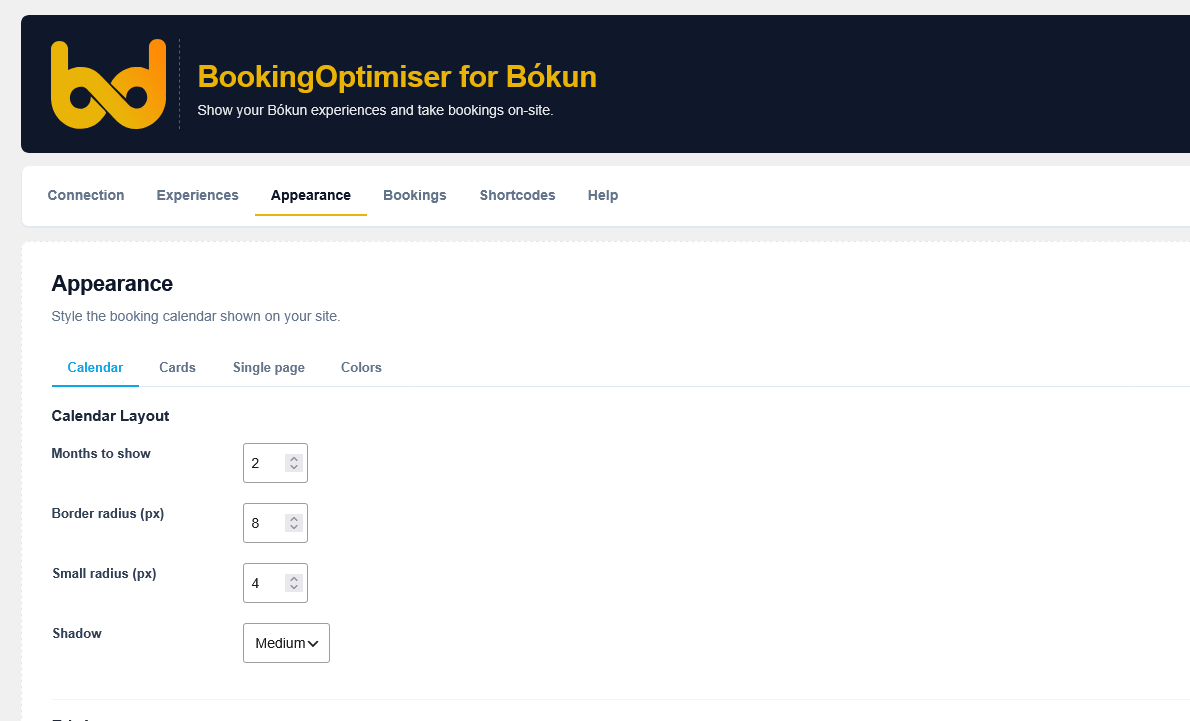
- Shortcodes and Gutenberg blocks, with appearance controls (colors, layout, cards, single page).
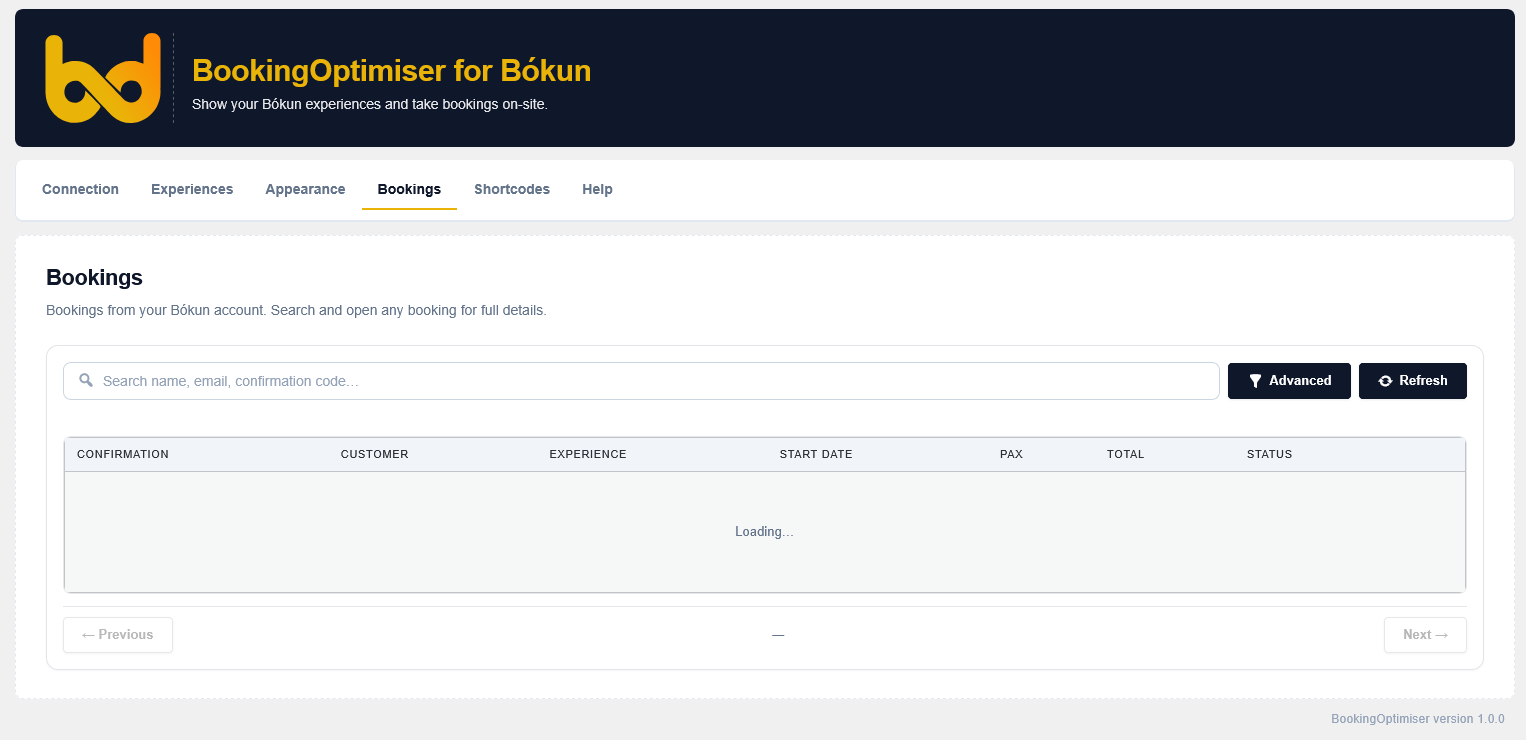
- Live Bókun bookings viewer in the admin (optional).
- Lightweight and privacy-friendly: no tracking, no cookies, no analytics.
This plugin is a third-party integration for Bókun. It is not affiliated with, endorsed by, or
operated by Bókun ehf. “Bókun” is a trademark of its respective owner and is used here only to
describe compatibility.
Shortcodes & blocks:
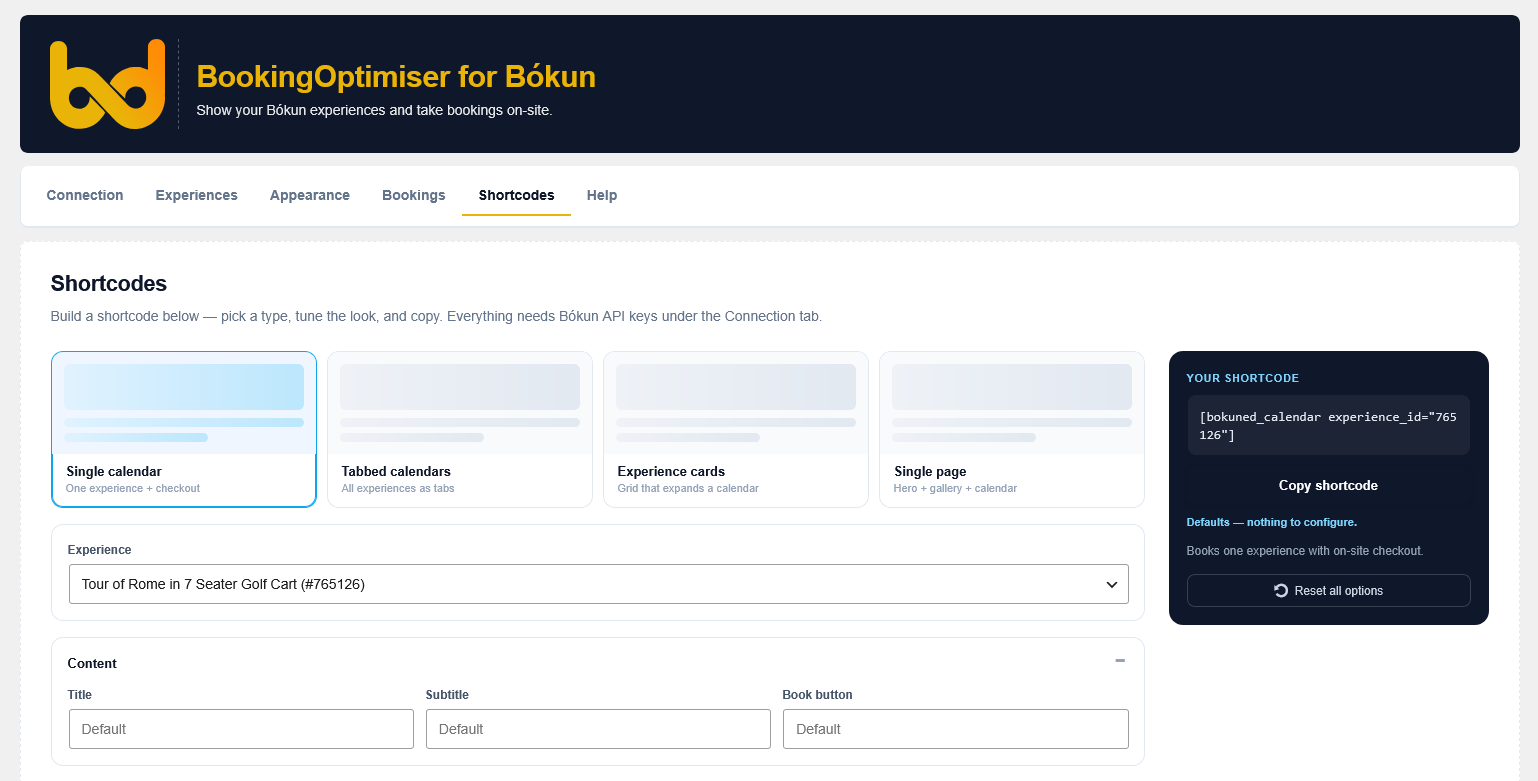
[bokuned_calendar experience_id="ID"]— availability calendar + checkout for one experience[bokuned_tabs]— tabbed calendars, one tab per saved experience[bokuned_experiences]— grid of experience cards, each opening a booking calendar[bokuned_experience experience_id="ID"]— full single-experience page (hero, gallery, calendar)
Matching Gutenberg blocks are available under the “BookingOptimiser” category in the block editor.
Externe Dienste
This plugin relies on external services to function. By using it you (and your site’s visitors)
interact with the following third parties:
Bókun (booking platform) — required.
What it is: Bókun is a tours-and-activities reservation system. This plugin reads your experiences’
availability and prices from the Bókun API and submits bookings to it.
Data sent and when: on page load, requests for availability include your configured experience/
activity IDs and the requested date range. When a visitor books, the data they enter — name, email,
phone, number of participants, answers to Bókun’s booking questions, and the payment token — is sent
to Bókun to create the booking. Requests are signed with the API Access Key and Secret Key you
enter under Connection.
Endpoints: https://api.bokun.io
Service info: https://www.bokun.io
Terms of Service: https://www.bokun.io/terms
API Terms: https://www.bokun.io/api-terms
Privacy Policy: https://www.bokun.io/privacy-policy
Stripe (card payments) — used only at checkout when your Bókun account takes card payments.
What it is: Stripe processes card payments. During Bókun checkout the plugin loads Stripe.js to
tokenize the visitor’s card in the browser.
Data sent and when: when a visitor pays by card, their card details are sent directly to Stripe and
exchanged for a single-use token; the plugin never sees or stores the raw card number.
Endpoints: https://js.stripe.com
Terms of Service: https://stripe.com/legal — Privacy Policy: https://stripe.com/privacy
Privatsphäre
This plugin does not track your visitors. It sets no tracking cookies, runs no analytics, and stores
no booking, customer, or payment data in your WordPress database — all booking and payment data is
handled by Bókun (and Stripe) through their APIs. The only data this plugin saves locally is your
plugin settings (API keys, selected experiences, and appearance options).
Verwendung
Add a shortcode (or the matching block from the “BookingOptimiser” block category) to any
page or post. There is also an interactive shortcode builder under BookingOptimiser →
Shortcodes in wp-admin that generates the code for you. Every shortcode and block inherits the
defaults set under Appearance, and any attribute you pass overrides that default per instance.
[bokuned_calendar] — availability calendar + checkout for one experience
[bokuned_calendar experience_id="12345"]
Attributes: experience_id (Bókun activity ID), title, subtitle, cta (book-button label),
months (1–4), font_size (small|medium|large), density (comfortable|compact), button_style
(solid|outline|pill), week_start (monday|sunday), show_weekdays, show_title, show_subtitle,
show_price, show_seats, show_progress, show_fomo, show_legend, show_image.
[bokuned_tabs] — one tab per saved experience
[bokuned_tabs] or `[bokuned_tabs experience_ids="111,222,333"]`
Attributes: experience_ids (comma-separated; omit to show all saved experiences), plus all the
calendar feel/visibility attributes listed above.
[bokuned_experiences] — grid of experience cards
[bokuned_experiences columns="3"]
Attributes: experience_ids, columns (auto|2|3|4), style (classic|overlay|minimal), ratio
(landscape|square|portrait), gap (sm|md|lg), hover (lift|none), align (left|center), shadow
(none|soft|strong), show_image, show_desc, cta. Each card opens a booking calendar inline.
[bokuned_experience] — full single-experience page
[bokuned_experience experience_id="12345"]
Attributes: experience_id, layout (stacked|sidebar|none), hero, hero_height
(small|medium|large), gallery, description, max_width (px; 0 = full width), sidebar_months
(1–4), sidebar_width (narrow|balanced|wide), sticky.
Boolean attributes accept yes/no (or true/false, 1/0). Blocks expose the same options
in the editor sidebar; leaving an option blank inherits the Appearance default.
Installation
- Upload the
bookingoptimiser-for-bokunfolder towp-content/plugins/. - Activate BookingOptimiser for Bókun in Plugins.
- Open BookingOptimiser in the admin sidebar.
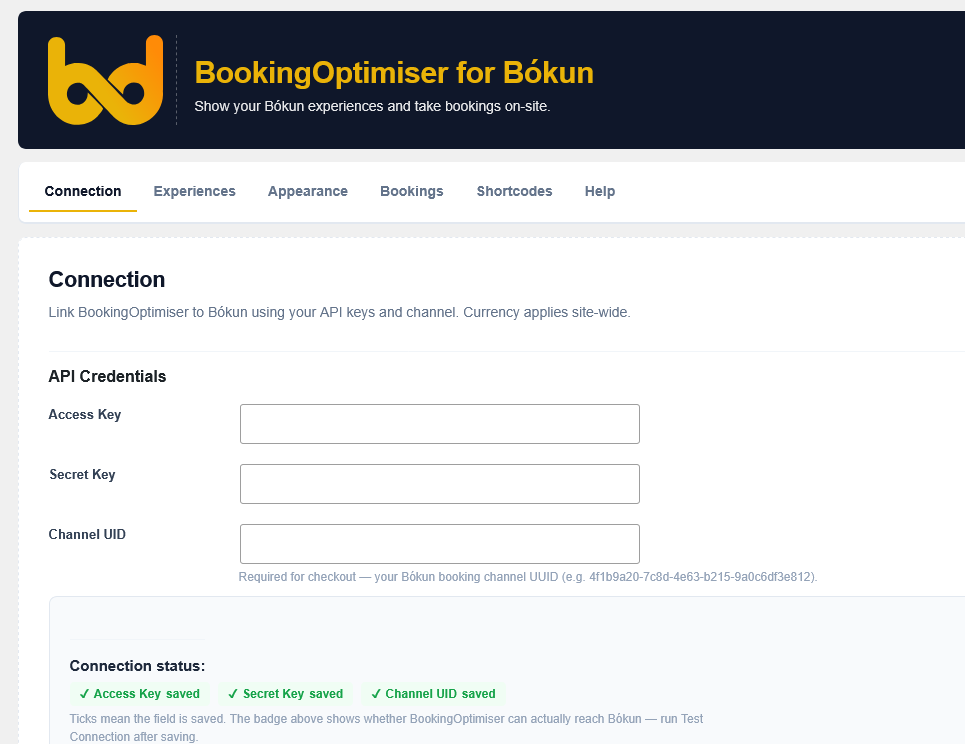
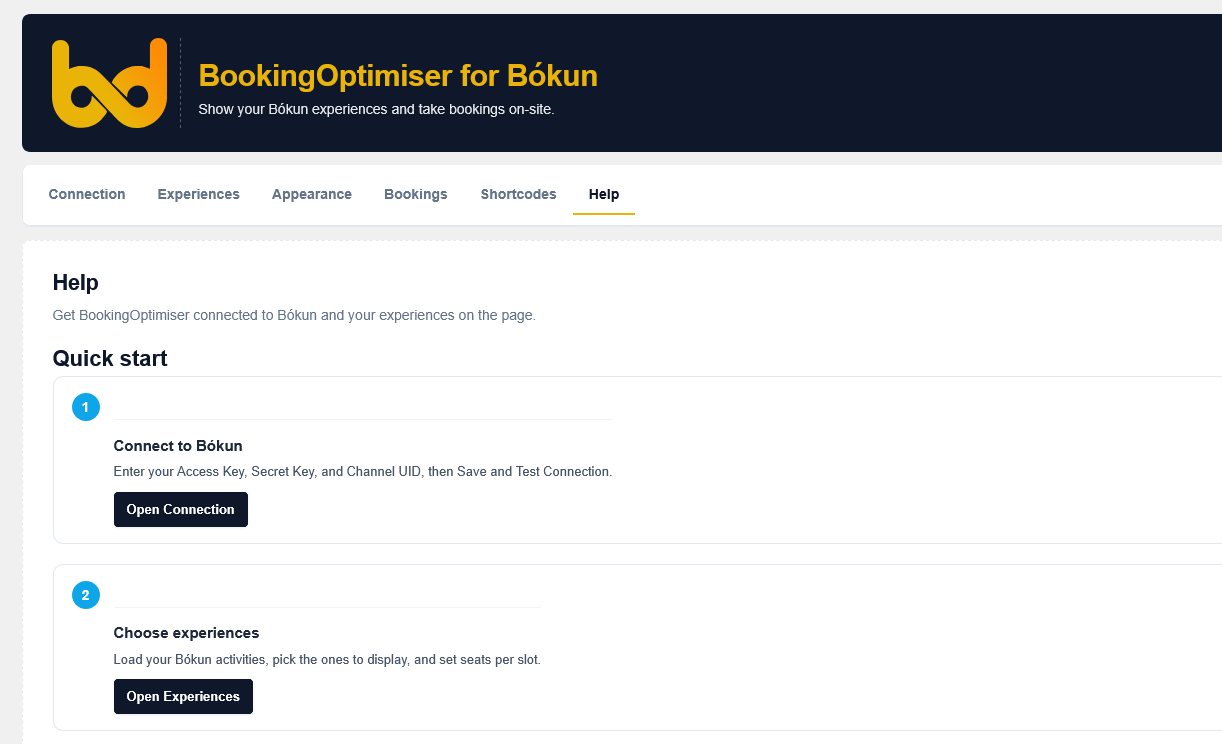
- Under Connection, enter your Bókun Access Key, Secret Key, and Channel UID, then Save and Test Connection.
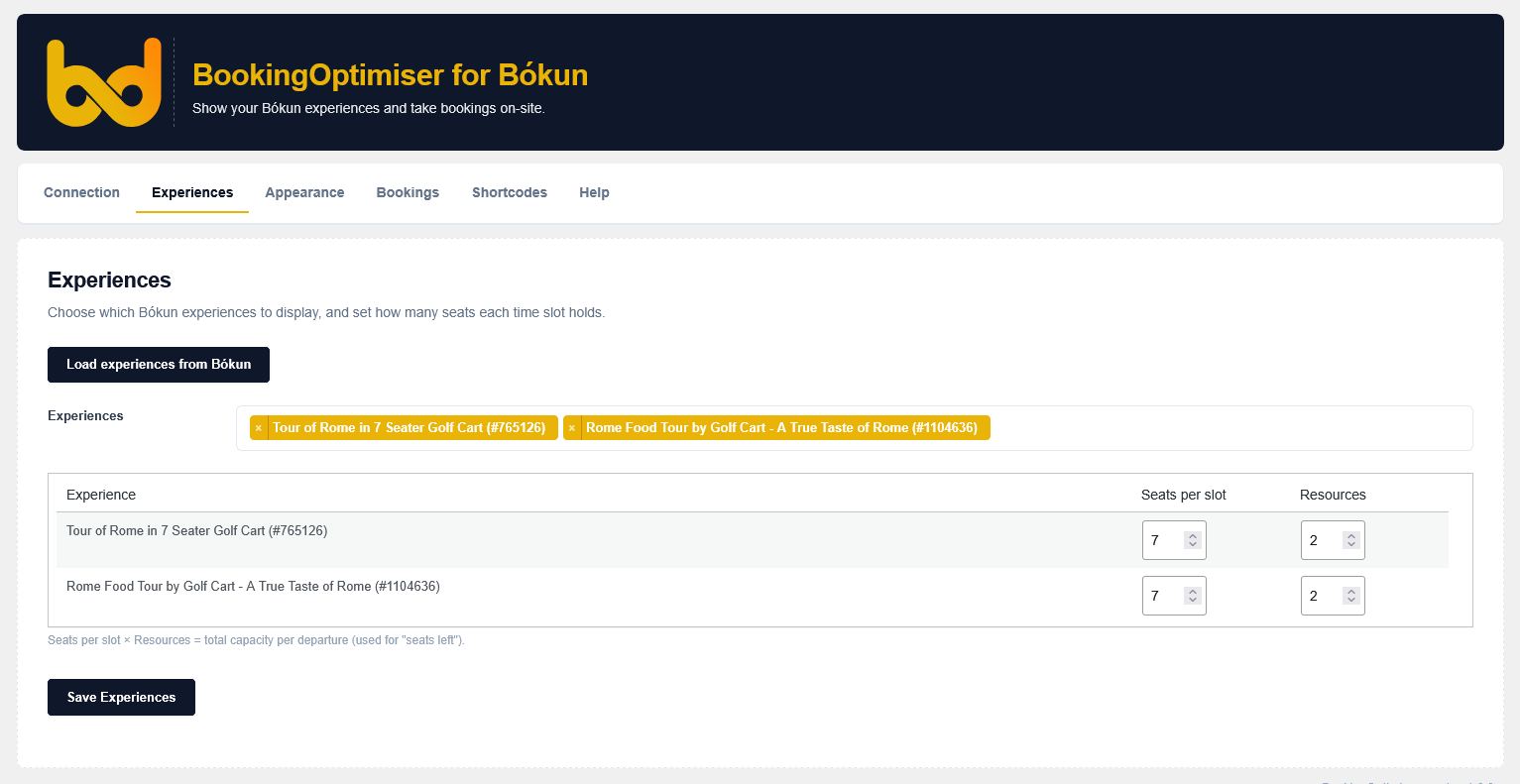
- Under Experiences, load your Bókun activities, pick the ones to show, and set seats per slot.
- Place a BookingOptimiser block, or
[bokuned_calendar]/[bokuned_tabs], on any page.
Änderungsprotokoll
1.0.0
- Erste Freigabe.
- Connect to the Bókun API and display experiences with their real availability in a calendar.
- Shortcodes and Gutenberg blocks: calendar, tabbed calendars, experience cards, and single-experience page.
- On-site checkout through Bókun (Stripe card payment or reserve-for-payment).
- Admin: Connection, Experiences, Appearance, Bookings (live from Bókun), Shortcodes, and Help.
Screenshots
Für Entwickler
Ist das dein Plugin? Zeigen Sie die Zahlen.
Fügen Sie Ihrer Website, Docs oder GitHub Readme ein Live-Badge hinzu. Es wird von selbst aktualisiert - kein Konto erforderlich.
Best BookingOptimiser for Bókun alternatives
All activities plugins →




Fragen und Antworten
BookingOptimiser for Bókun: quick answers
Gerade Antworten, gezogen von Live WordPress.org Daten.
Quelle: WordPress.org
Is BookingOptimiser for Bókun free?
Yes. BookingOptimiser for Bókun is free to download and use from the official WordPress.org plugin directory.
Is BookingOptimiser for Bókun safe to use in 2026?
BookingOptimiser for Bókun works, but test it on a staging site before relying on it in 2026. Was last updated 5 months ago, and scores 49/100 on our health check.
How many websites use BookingOptimiser for Bókun?
BookingOptimiser for Bókun is active on <10 WordPress websites and has been downloaded 315 times since it launched in June 2026. It was downloaded 75 times in the last 30 days.
Does BookingOptimiser for Bókun work with WordPress 7.1?
BookingOptimiser for Bókun is officially tested up to WordPress 7.0.9, while the latest release is 7.1.5. It may still work, but try it on a staging site first.
What PHP version does BookingOptimiser for Bókun need?
BookingOptimiser for Bókun requires PHP 7.4 or higher. Most hosts run PHP 8.x today, so it works on any modern WordPress hosting.
When was BookingOptimiser for Bókun last updated?
The latest version, 1.0.0, was released on June 28, 2026 (5 months ago).
Who makes BookingOptimiser for Bókun?
BookingOptimiser for Bókun is developed and maintained by bokuned.
What are the best alternatives to BookingOptimiser for Bókun?
The most popular alternatives to BookingOptimiser for Bókun are BuddyPress Group Email Subs… (1K+ installs), Rezgo Online Booking (300+ installs) and Plainview Activity Monitor (100+ installs).
Angetrieben von PageForge
Eine Vorlage und eine Tabelle. Eine echte Seite für jede Suche.
PageForge Verwandelt jede Zeile eines CSV in eine WordPress-Seite mit eigenem Titel, URL, SEO Felder und Schema entworfen. Kostenlos auf WordPress.org.
- CSV und XLSX, plus Google Sheets auf Beruf und Unternehmen
- seinen eigenen Titel, URL, SEO Felder und Schema für jede Seite
- Arbeitet mit dem Blockeditor, Elementor, Divi und Avada
- Kostenlos auf WordPress.org, keine Kreditkarte