


Popup Box – Create Countdown, Coupon, Video, Contact Form Popups
Build flexible popups and modal windows with multiple popup types, triggers, and display controls.

Sichere Auswahl
Yes — Popup Box is a safe, well-maintained plugin to use in 2026. It runs on 40K+ sites, is rated 4.6/5 and was last updated 3 days ago, and scores 86/100 on our health check.
- Bewährt auf 40.000 aktiven Standorten
- Loved by users — 4.6/5 from 82 reviews
- Aktiv entwickelt – letztes Update vor 3 Tagen
- Getestet mit dem neuesten WordPress (7.1)
- Momentum — downloads up 41.9% vs the previous 30 days
Wie stapelt es sich?
Side-by-side bei Installationen, Updates, Bewertungen und Support



Tägliche Downloads
Download-Spitzen folgen normalerweise einer neuen Version - jede Website, die automatisch aktualisiert wird, gilt als Download.
Ranglisten
Where Popup Box stands todayWordPress.org Ranglisten suchen
Live-Position in der Plugin-Suche, Top 100| Stichwort | Position |
|---|---|
| exit popup | #4 |
| modal | #17 |
| pop up | #12 |
| popup | #6 |
| popups | #9 |
Versionsübernahme
Anteil aktiver Sites pro Release.
Bewertungsaufschlüsselung
★★★★★★★★★★ 4.6 from 82 reviews
About Popup Box
From the official readme · v6.4.8Beschreibung
WordPress Popup Plugin – Popup Box
Popup Box is a flexible WordPress Popup plugin that helps you create different types of popups and modal windows with rich customization options and advanced display control.
It’s built for website owners who need a reliable popup builder, not just a marketing-only tool.
With Popup Box, you can design popups for content display, user interaction, announcements, forms, or promotions – and control exactly when, where, and how they appear on your website.
In this short video, you can find a quick overview of how to create a popup in WordPress.
What You Can Build with Popup Box
Popup Box allows you to create a wide variety of modal popups and overlays without limitations:
- Custom HTML popup – build fully custom content from scratch
- Shortcode popup – display content from other WordPress plugins
- Lightbox popup for images, videos, or embedded content
- Subscription popups for collecting emails
- Contact form popups for receiving user messages
- Yes or No popups with custom actions and redirections
- Countdown popups to highlight time-based messages or offers
- Cookie popups to inform users and support privacy requirements
- Notification popups for announcements and important messages
- Login popups without page redirects
- Subscribe and get a file popups to deliver files after email signup
- Iframe popups for embedding external content
- Google Maps popups to display locations directly in a popup
- Facebook popups for social content and page embeds
- WooCommerce popups for products, coupons, or store messages
You can also use Popup Box to create popups for seasonal campaigns and special events, such as Christmas popups, Black Friday popups, Cyber Monday popups, or other time-based announcements and otions.
This flexibility makes Popup Box suitable for blogs, business websites, landing pages, and online stores.
Popup Triggers & Display Rules
Popup Box allows you to control exactly when your popups appear by using different trigger types:
- On page load – show a popup automatically when the page finishes loading
- On click – open a popup when a visitor clicks a selected button or element
- Exit intent – trigger a popup when visitors are about to leave the page
- On hover (Pro version)_ – display a popup when a user hovers over a specific element
- Inactivity (Pro version) – show a popup after a visitor stays inactive for a defined time
- After visiting X pages (Pro version) – display a popup based on the number of pages viewed
- Scrolling to elements (Pro version) – trigger a popup when users scroll to a selected section
Free vs Pro – What’s Included
Free Version
The free version of Popup Box includes everything you need to create and display basic popups:
- Shortcode popup
- Custom content popup
- Video popup
- Image popup
- Facebook popup
- Notification popup
- Responsive design
- Themes (5+)
- Scroll from top
- Disable scrolling
- Session time option
- Style settings (10+)
- Display on specific post types
- Display on specific pages
- Open with click trigger
- Enable for logged in users
- Enable for guests
- Hide popup on mobile
- Show Popup only once
- Live-Vorschau
- Popup position
Popup Box PRO Features
Popup Box Pro extends the free version with advanced popup types and display controls:
- Includes ALL Free version Features and
- Subscription popup
- Yes or No popup
- Video popup
- Iframe popup
- Contact form popup
- Send file after subscription
- Popup box position
- Multiple Scheduling
- Close triggers
- Enable redirection
- Reports
- Restrict by OS
- Restrict by browser
- Limitation count
- Export/Import popups
- User role permission
- Limit by country
- MailChimp Integration
- Campaign Monitor Integration
- ActiveCampaign Integration
- GetResponse Integration
- ConvertKit Integration
- Sendinblue Integration
- MailerLite Integration
- Coupon Popup
- Countdown Popup
- Cookie Popup
- Exit Intent Popup
- Woocommerce Product Popup
- After Visiting X Pages Trigger
- Inactivity Trigger
- Scrolling To Element Trigger
WooCommerce & Website Use Cases
Popup Box can be used as a flexible WooCommerce popup and general WordPress popup plugin for different website scenarios.
It allows you to create product popups, announcement popups, and promotional popups that support user interaction without disrupting the browsing experience.
Whether you’re running an online store, a business website, or a content-driven site, Popup Box helps you display relevant popup content based on user actions and page context.
Popup Box works smoothly with WooCommerce and general WordPress setups:
- Show product popups and special offers
- Display coupon and countdown popups
- Create announcement and notification popups
- Embed forms, videos, or external content
You decide how popups support your website – without forcing a specific workflow.
Customization & Styling Options
Popup Box comes with 5+ pre-built themes to help you get started quickly, while still allowing deep customization for each popup.
Every popup type includes its own specific styling and behavior options, so you can fine-tune the design and appearance based on the popup’s purpose.
Customize every part of your popup:
- Popup size, position, and animations
- Colors, borders, and typography
- Custom CSS for advanced styling
- Responsive behavior for desktop and mobile
- Preview changes before publishing
Why Choose Popup Box
Popup Box lets you create unlimited popups without restrictions and gives you the freedom to build popups using custom HTML or shortcodes from other WordPress plugins.
You can control popup behavior using flexible triggers, allowing popups to be used for content display, user interaction, or promotional purposes without forcing a specific workflow.
Popup Box works smoothly with most WordPress themes and plugins, making it easy to integrate into existing websites.
Integrations & Compatibility
- MailChimp
- Campaign Monitor
- ActiveCampaign
- GetResponse
- ConvertKit
- Brevo
- MailerLite
- reCAPTCHA
You will be able to preview the changes before saving them.
PREMIUM | DEMO | DOCUMENTATION
3RD PARTY OR EXTERNAL SERVICE DISCLAIMER
The plugin uses the Facebook SDK (https://developers.facebook.com/docs/javascript) to display Facebook-type popups.
IT DOES NOT SEND ANY DATA AND WE DO NOT COLLECT INFORMATION FROM THE REQUEST
The privacy policy for Facebook can be found at this URL: https://www.facebook.com/policy.php
Don’t forget, in case of any problems or upcoming questions feel free to contact us via the following FREE SUPPORT FORUM.
Other plugins from Ays Pro Team
- Quiz Maker for creating advanced quizzes and exams easily and quickly.
- Survey Maker for collecting data and analyze it.
- Poll Maker for creating powerful and interactive polls.
- Fox LMS to empower educators and trainers to build structured, interactive online learning systems easily for their WordPress website.
- Chartify to build both static and dynamic charts, graphs and diagrams.
Installation
There are two ways to install Popup Box: the easy way, when you install Popup Box from your WordPress dashboard, and the second way, when you install it from WordPress.org.
- 1.1 The easiest way to enjoy Popup Box:
- 1.1.1 Login to your WordPress dashboard
- 1.1.2 Go to Plugins
- 1.1.3 Add New
- 1.1.4 Search for Popup Box
- 1.1.5 Click to install
- 1.2 The second way:
- 1.2.1Download the zip file from https://wordpress.org/plugins/popup_box/
- 1.2.2 Go to Plugins
- 1.2.3 Add New
- 1.2.4 Upload plugin
- 1.2.5 Choose file ays popup_box.zip
- 1.2.6 Click to install
Änderungsprotokoll
6.4.8 ( Nov 17, 2026 )
- Improved: Popup status toggle in the list table is now available only for administrators
- Improved: Made some changes to the admin dashboard
- Tested: Compatible up to WordPress 7.1.4
- Fixed: Added request verification to bulk actions on the Popups and Categories list pages
6.4.7 ( Nov 13, 2026 )
- Improved: Made some changes to the admin dashboard
6.4.6 ( Nov 03, 2026 )
- Added: Popup title shortcode to the General Settings page
6.4.5 ( Oct 23, 2026 )
- Improved: Made some changes to the admin dashboard
6.4.4 ( Oct 20, 2026 )
- Added: Popup Category Description message variable on the general settings
- Tested: Compatible up to WordPress 7.1.3
6.4.3 ( Sep 29, 2026 )
- Tested: Compatible up to WordPress 7.1.2
- Fixed: Improved validation of the User IP Address message variable
Screenshots
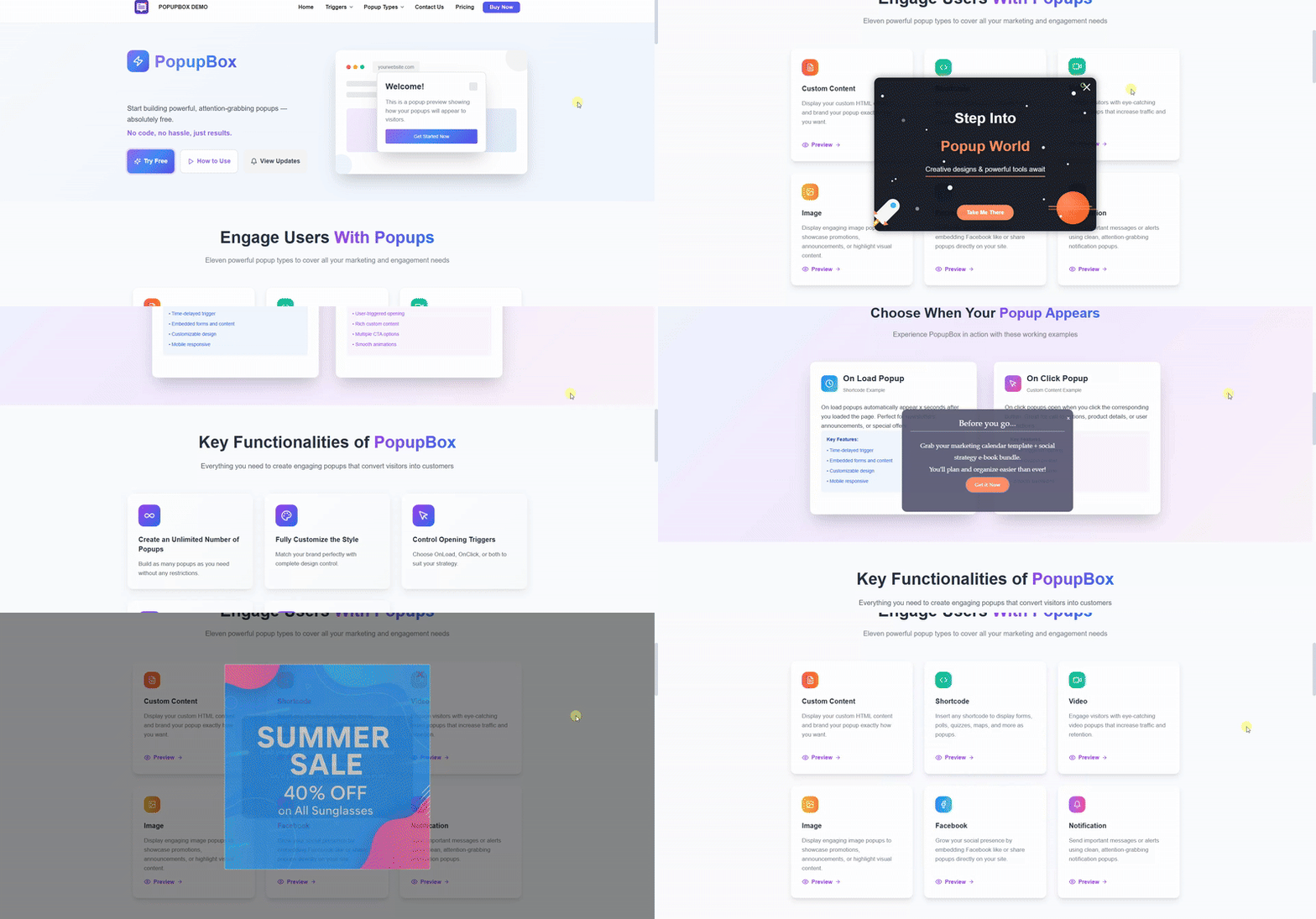
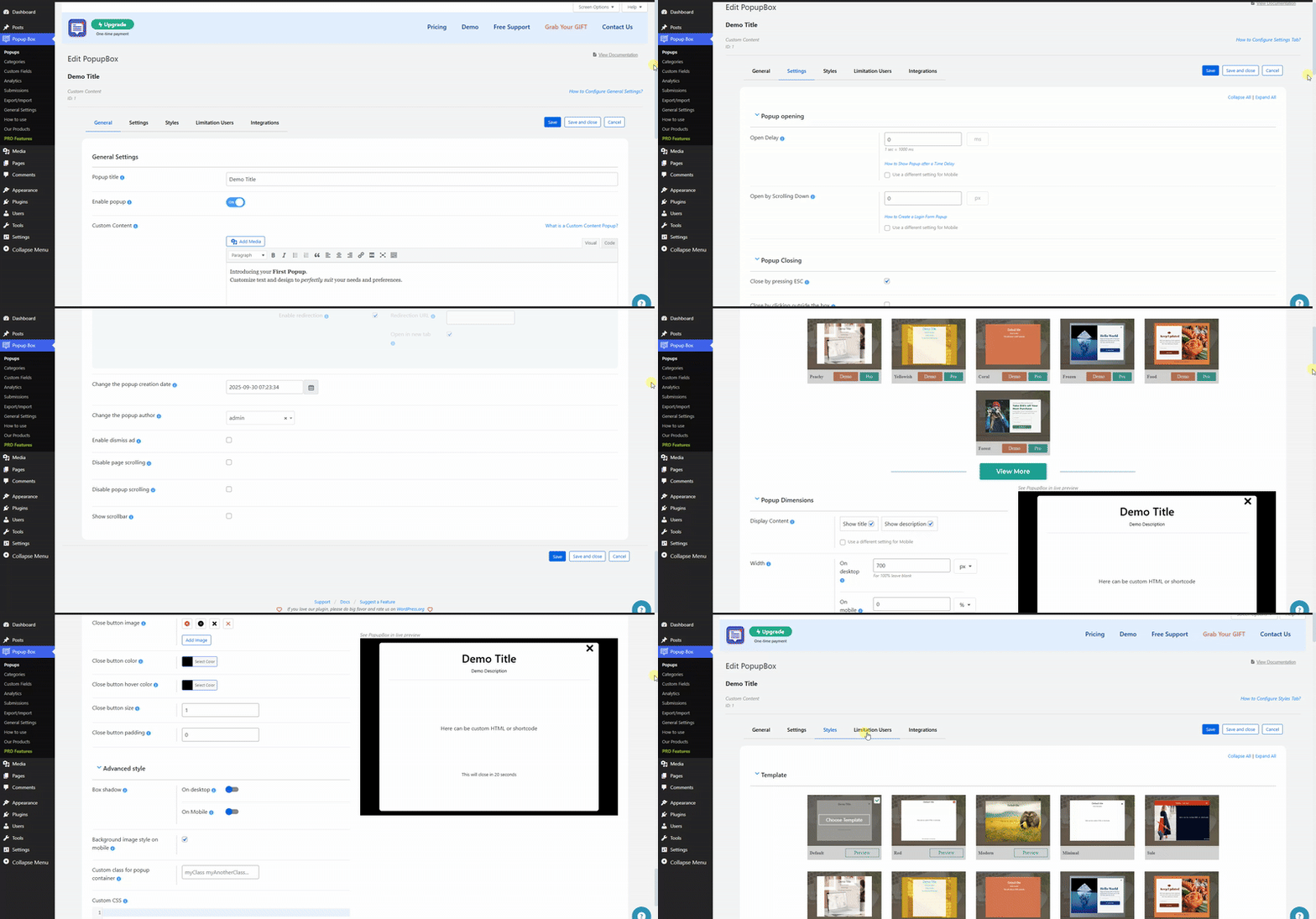
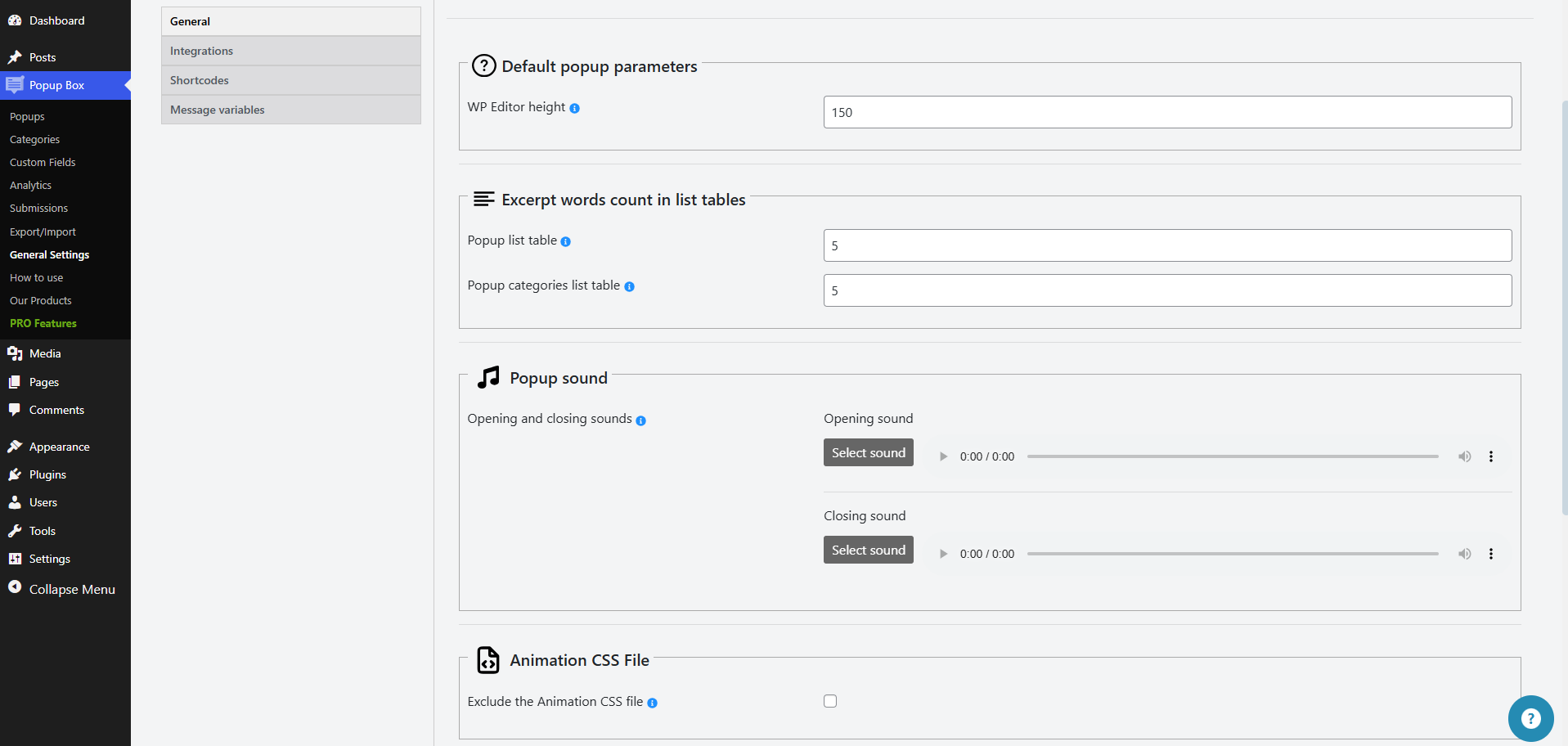
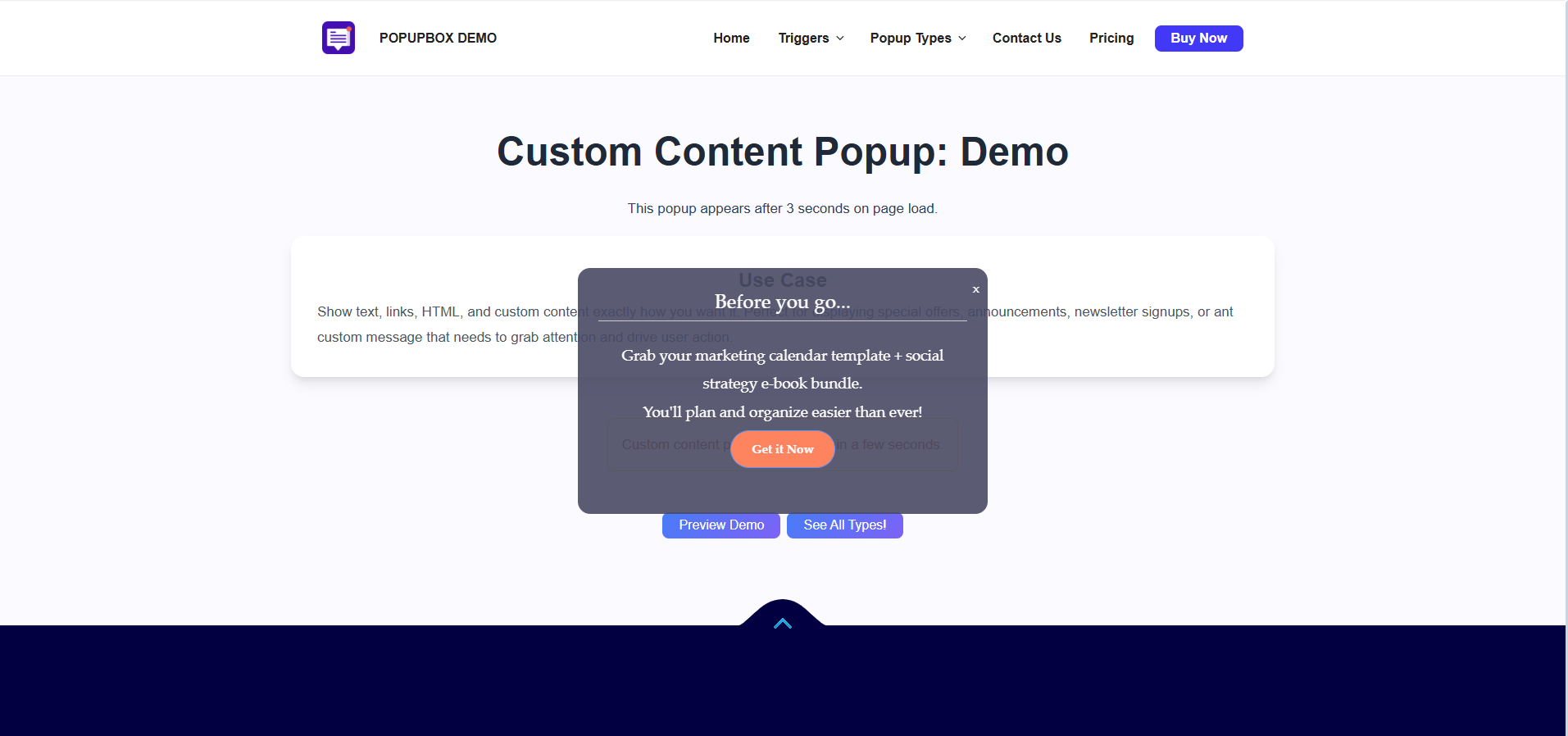
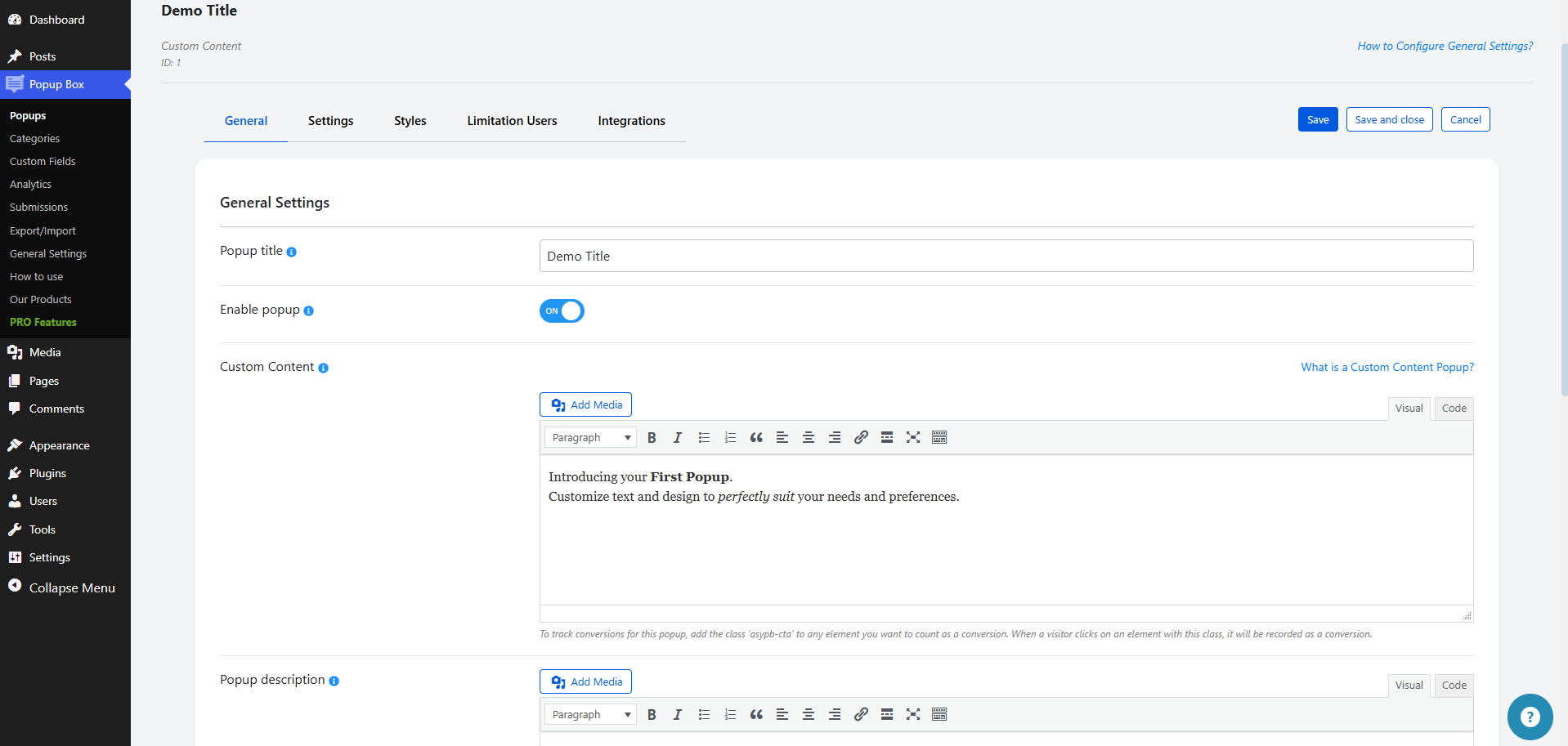
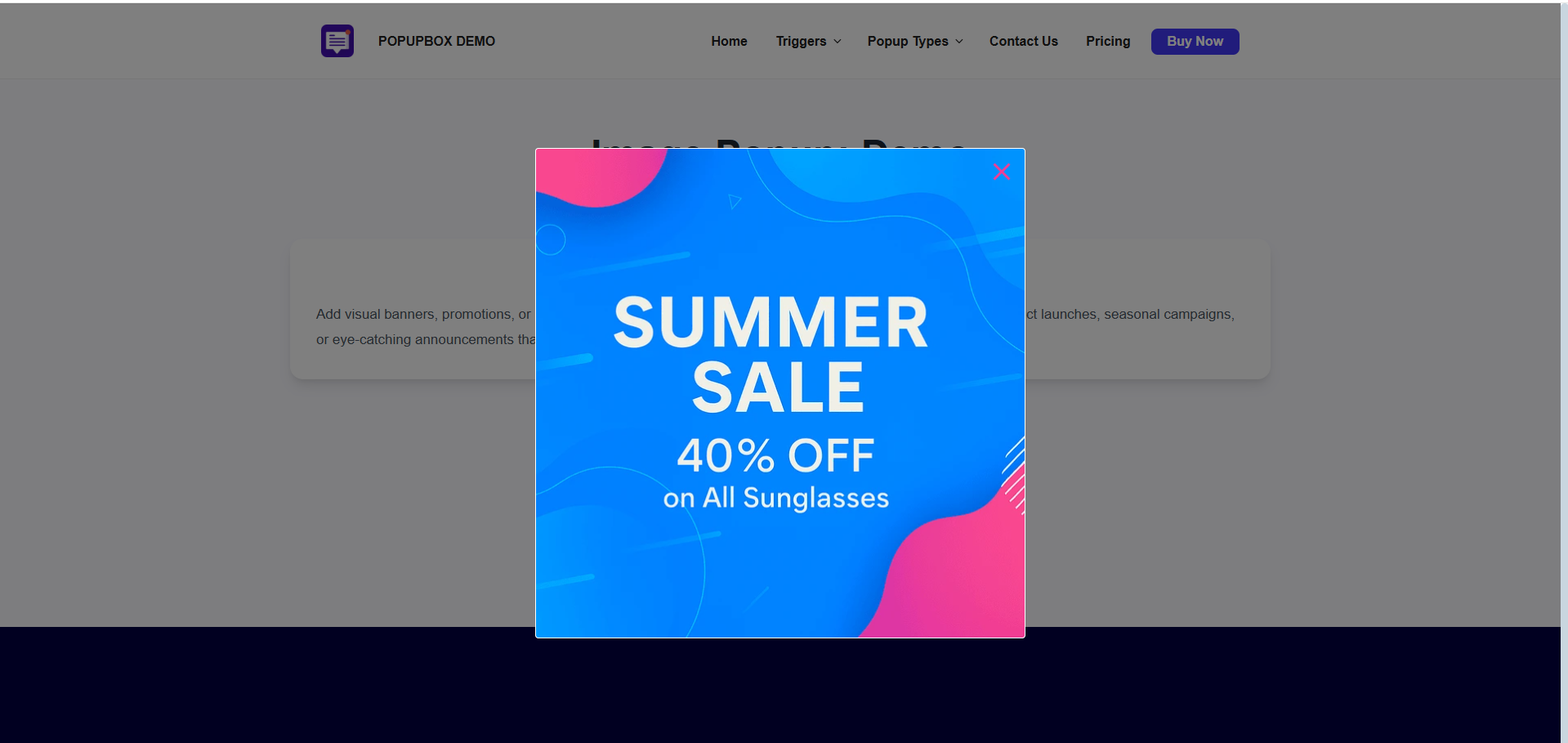
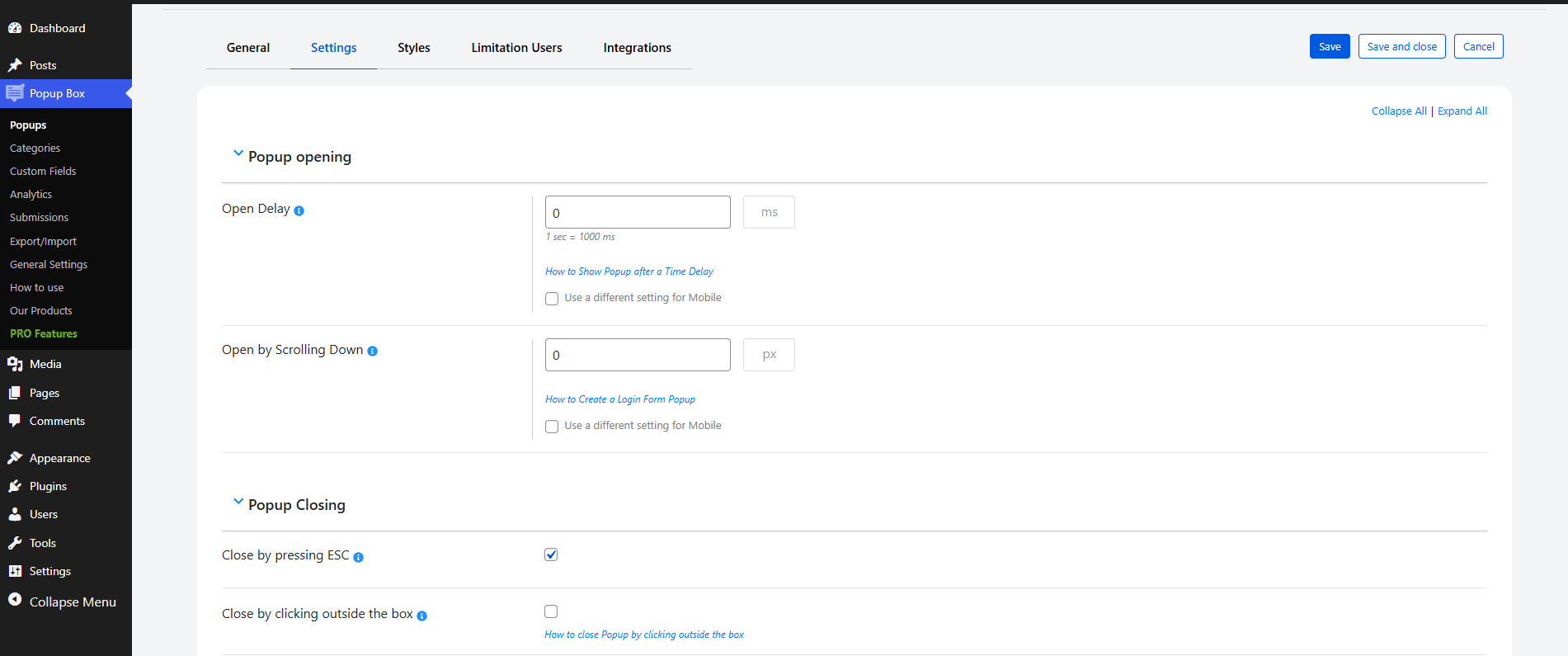
Für Entwickler
Ist das dein Plugin? Zeigen Sie die Zahlen.
Fügen Sie Ihrer Website, Docs oder GitHub Readme ein Live-Badge hinzu. Es wird von selbst aktualisiert - kein Konto erforderlich.
Best Popup Box alternatives
All exit popup plugins →




Fragen und Antworten
Popup Box: quick answers
Gerade Antworten, gezogen von Live WordPress.org Daten.
Quelle: WordPress.org
Is Popup Box free?
Yes. Popup Box is free to download and use from the official WordPress.org plugin directory. The developer also sells premium add-ons or a Pro version with extra features.
Is Popup Box safe to use in 2026?
Yes — Popup Box is a safe, well-maintained plugin to use in 2026. It runs on 40K+ sites, is rated 4.6/5 and was last updated 3 days ago, and scores 86/100 on our health check.
How many websites use Popup Box?
Popup Box is active on 40K+ WordPress websites and has been downloaded 3,943,038 times since it launched in June 2018. It was downloaded 82,310 times in the last 30 days.
Does Popup Box work with WordPress 7.1?
Yes. The developer has tested Popup Box up to WordPress 7.1.5, the latest release. It requires WordPress 4.0 or newer.
When was Popup Box last updated?
The latest version, 6.4.8, was released on November 17, 2026 (3 days ago).
Who makes Popup Box?
Popup Box is developed and maintained by Ays Pro.
What are the best alternatives to Popup Box?
The most popular alternatives to Popup Box are Popup builder with Gamifica… (60K+ installs), CartBounty (10K+ installs) and Popup Maker (7K+ installs).
Angetrieben von PageForge
Eine Vorlage und eine Tabelle. Eine echte Seite für jede Suche.
PageForge Verwandelt jede Zeile eines CSV in eine WordPress-Seite mit eigenem Titel, URL, SEO Felder und Schema entworfen. Kostenlos auf WordPress.org.
- CSV und XLSX, plus Google Sheets auf Beruf und Unternehmen
- seinen eigenen Titel, URL, SEO Felder und Schema für jede Seite
- Arbeitet mit dem Blockeditor, Elementor, Divi und Avada
- Kostenlos auf WordPress.org, keine Kreditkarte