


Vouchermat
Sell gift vouchers on your website: the Vouchermat order form as a block or shortcode, with QR or card payment right on the page.

Escolha sólida
Vouchermat is a solid plugin choice in 2026, with a few things worth checking first. Was last updated 2 days ago, and scores 64/100 on our health check.
- Desenvolvido ativamente — última atualização 2 dias atrás
- Testado com as últimas WordPress (7.1)
- Base de usuários pequenas (<10 instalações ativas)
- Muito poucos comentários até agora
Como ele se acumula?
Lado a lado em instalações, atualizações, avaliações e suporte

Downloads diários
Os picos de download geralmente seguem uma nova versão — cada site que atualiza automaticamente é um download.
Rankings
Where Vouchermat stands todayWordPress.org Classificações de pesquisa
Posição ao vivo na pesquisa de plugins, top 100| Palavra chave | Posição |
|---|---|
| gift card | >100 |
| gift voucher | #76 |
| order form | >100 |
| QR payment | >100 |
| Voucher | #91 |
About Vouchermat
From the official readme · v1.1.0Descrição
Vouchermat is an online system for selling gift vouchers – hair salons, restaurants, wellness, shops. Customers order a voucher, pay by bank transfer (with a QR code) or by card, and receive a printable voucher by e-mail.
This plugin puts your Vouchermat order form straight into your WordPress pages – no iframe, no redirect:
- Block “Vouchermat form” for the block editor and the [vouchermat] shortcode for the classic editor and page builders.
- The form takes your brand colour, language, header image and texts from your Vouchermat settings. Nothing else to set up in WordPress.
- After ordering, the customer sees the payment details and a QR payment on the same page (and gets them by e-mail).
- With card payments (Vouchermat Plus) turned on in Vouchermat, the customer can pay by card straight away (through your Stripe or Comgate account) and gets the voucher right after paying.
- Conversion tracking (Vouchermat Plus): after a purchase the form reports it to the tools you already have on your website – a GA4 e-commerce
purchaseevent for Google Tag Manager,gtag()for Google Analytics 4 / Google Ads andfbq()for Meta Pixel. You choose the tools in the Vouchermat settings; the plugin itself loads no tracking code and sets no cookies. - Customers can also check a voucher’s validity and remaining value inside the form.
- The form is isolated from your theme’s styles (Shadow DOM), so it looks right in any theme and does not change your website’s look.
- Works in Czech, Slovak and English. A multilingual form (Vouchermat Plus) follows your website’s language automatically.
- WooCommerce (optional): paid vouchers can be redeemed in your WooCommerce cart – the voucher code works as a coupon worth the remaining value and each redemption is recorded in Vouchermat. You can also sell vouchers as WooCommerce products; Vouchermat issues and e-mails the voucher once the order is paid.
You need a Vouchermat account (the Free plan costs nothing). Services, prices, orders and vouchers are managed in the Vouchermat admin.
External service
This plugin connects to Vouchermat (https://vouchermat.com), the service that runs your voucher sales. It is required: the order form, its services and prices come from Vouchermat, and orders are created there.
- When a page with the form is shown, the visitor’s browser loads the form settings (services, prices, texts, colour) from
https://vouchermat.com/api/v1/public/form/…. - When a customer orders, the data they enter in the form (name, e-mail, optionally phone, recipient’s name, dedication and delivery address) is sent to
https://vouchermat.com/api/v1/public/orderto create the order. The payment details are then loaded from the same address. - When a customer types a delivery address, the text is sent to
https://vouchermat.com/api/v1/public/addressfor address suggestions. - When a customer chooses to pay by card (only if you have turned on card payments in Vouchermat), the browser is sent to Stripe Checkout (
https://checkout.stripe.com), where the customer enters the card details and pays; Stripe then sends them back to your page. Card details go only to Stripe, never to your website or to Vouchermat. Stripe terms of service: https://stripe.com/legal/ssa, privacy policy: https://stripe.com/privacy - If you connected Comgate instead of Stripe, the browser is sent to the Comgate payment page (on
comgate.cz, e.g.https://pay1.comgate.cz), where the customer pays by card, Apple Pay, Google Pay or bank transfer; Comgate then sends them back to your page. Payment details go only to Comgate, never to your website or to Vouchermat. Comgate terms of service and personal data information: https://www.comgate.eu/cs/smluvni-dokumenty - When a customer checks a voucher, the code is sent to
https://vouchermat.com/api/v1/public/check/…. - The “Check” button in Settings → Vouchermat asks
https://vouchermat.com/api/v1/public/form/…from your server whether the form exists. - WooCommerce only, and only after you click “Connect WooCommerce” and approve the access on WooCommerce’s own authorization page: WooCommerce sends the API key it creates to
https://vouchermat.com/woocommerce/callback. Vouchermat then uses the WooCommerce REST API of your site to create, change and delete coupons with voucher codes, read your products and orders, and register order webhooks, which send new and changed orders tohttps://vouchermat.com/woocommerce/webhook. You can stop this at any time by disconnecting in the Vouchermat settings or revoking the key under WooCommerce → Settings → Advanced → REST API.
Conversion tracking sends nothing to Vouchermat or anyone else: when you turn it on in Vouchermat, the form only passes the purchase (order number, amount, currency, voucher name) to the Google Tag Manager, Google Analytics or Meta Pixel code that is already on your page, and those tools then work under your own cookie consent.
No data is sent before a page with the form (or the plugin settings) is opened, and no order data before WooCommerce is connected. The plugin itself stores only the form address in your WordPress database.
Vouchermat terms of service: https://vouchermat.com/obchodni-podminky
Créditos
The form uses the Geist and Geist Mono fonts by Vercel, licensed under the SIL Open Font License 1.1.
Instalação
- Install and activate the plugin (Plugins → Add New → search for “Vouchermat”).
- In the Vouchermat admin open Forms & services → Embed code → Link and copy your form address (e.g.
https://vouchermat.com/your-project). - In WordPress go to Settings → Vouchermat, paste the address and click Check, then Save.
- Add the Vouchermat form block to a page, or insert the
[vouchermat]shortcode.
To show a different form on one page: [vouchermat form="other-project"], or set the address in the block’s sidebar.
Log de Changes
Conversion tracking for Google Analytics, Google Ads and Meta Pixel; WooCommerce: vouchers redeemable in the cart and sold as products.
1.1.0
- Conversion tracking (Vouchermat Plus): purchases are reported to Google Tag Manager, Google Analytics 4 / Google Ads and Meta Pixel on your page.
- WooCommerce: connect the store to Vouchermat – vouchers as coupons in the cart (remaining value, redemptions recorded in Vouchermat) and selling vouchers as WooCommerce products.
1.0.2
- Translations are delivered by translate.wordpress.org instead of being bundled.
1.0.1
- The form follows your website’s language (multilingual forms with Vouchermat Plus).
1.0.0
- First version: block, shortcode, settings with form check, Czech and Slovak translations.
Capturas de tela


Para desenvolvedores
Este é o seu plugin? Mostre os números.
Adicione um crachá ao vivo ao seu site, Documentos ou Readme do GitHub. Ele é atualizado por conta própria - nenhuma conta necessária.
Best Vouchermat alternatives
All gift card plugins →





FAQ
Vouchermat: quick answers
Respostas diretas, extraídas de dados ao vivo WordPress.org.
Fonte: WordPress.org
Is Vouchermat free?
Yes. Vouchermat is free to download and use from the official WordPress.org plugin directory.
Is Vouchermat safe to use in 2026?
Vouchermat is a solid plugin choice in 2026, with a few things worth checking first. Was last updated 2 days ago, and scores 64/100 on our health check.
How many websites use Vouchermat?
Vouchermat is active on <10 WordPress websites and has been downloaded 126 times since it launched in November 2026. It was downloaded 129 times in the last 30 days.
Does Vouchermat work with WordPress 7.1?
Yes. The developer has tested Vouchermat up to WordPress 7.1.5, the latest release. It requires WordPress 6.5 or newer.
What PHP version does Vouchermat need?
Vouchermat requires PHP 7.4 or higher. Most hosts run PHP 8.x today, so it works on any modern WordPress hosting.
When was Vouchermat last updated?
The latest version, 1.1.0, was released on November 21, 2026 (2 days ago).
Who makes Vouchermat?
Vouchermat is developed and maintained by vouchermat.
What are the best alternatives to Vouchermat?
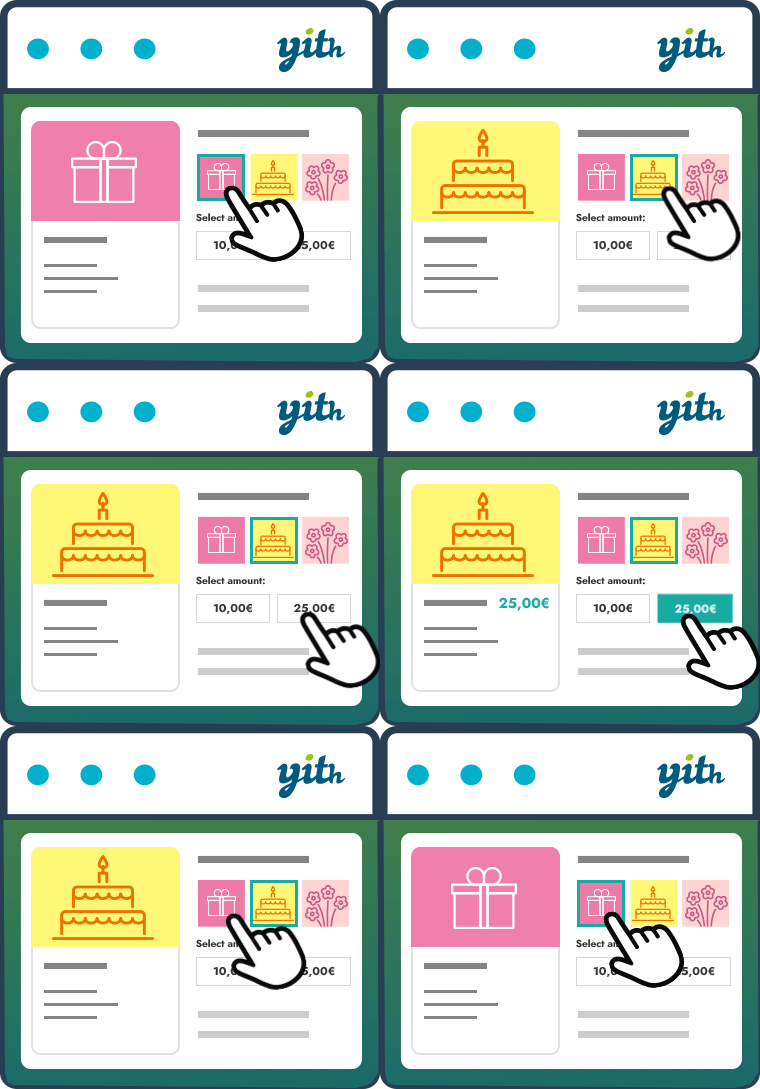
The most popular alternatives to Vouchermat are PW WooCommerce Gift Cards (20K+ installs), YITH WooCommerce Gift Cards (10K+ installs) and Ultimate Gift Cards for Woo… (7K+ installs).
Alimentado por PageForge
Um modelo e uma planilha. Uma página real para cada pesquisa.
PageForge Transforma cada linha de um CSV em uma página WordPress com seu próprio título, URL, SEO campos e esquema, construído no layout que você já desenhou. Gratuito em WordPress.org.
- CSV e XLSX, mais Google Sheets em Profissional e Empresarial
- Seu próprio título, URL, SEO campos e esquema para cada página
- Funciona com o editor de blocos, Elementor, Divi e Avada
- Gratuito em WordPress.org, sem cartão de crédito