


Visual Composer Website Builder
Drag and drop page builder that gives the freedom to design WordPress websites, landing pages, custom themes, maintenance mode & coming soon pages.

Escolha sólida
Visual Composer Website Builder is a solid plugin choice in 2026, with a few things worth checking first. It runs on 30K+ sites, is rated 4.6/5 and was last updated 2 months ago, and scores 74/100 on our health check.
- Comprovado em escala em mais de 30 mil sites ativos
- Loved by users — 4.6/5 from 220 reviews
- Testado com as últimas WordPress (7.1)
Downloads diários
Os picos de download geralmente seguem uma nova versão — cada site que atualiza automaticamente é um download.
Rankings
Where Visual Composer Website Bui… stands todayWordPress.org Classificações de pesquisa
Posição ao vivo na pesquisa de plugins, top 100| Palavra chave | Posição |
|---|---|
| drag and drop website builder | #12 |
| landing page builder | #26 |
| Construtor de páginas | #81 |
| popup builder | #58 |
| theme builder | #38 |
Adoção da versão
Compartilhamento de sites ativos por lançamento.
Divisão de classificação
★★★★★★★★★★ 4.6 from 220 reviews
About Visual Composer Website Builder
From the official readme · v45.16.4Descrição
[New] Visual Composer – all-in-one WordPress Website Builder & Landing Page Builder
Free WordPress website builder that gives you the freedom to create websites. A page builder with advanced design features, responsive fonts, easy to use interface, and a seamless drag and drop editor powered by React.
Try new Visual Composer Website Builder.
Visual Composer is the ultimate WordPress sitebuilder designed for web creators who need more power to create professional websites efficiently.
A website builder with must-have features, elements, templates, and design options. It is compatible with other plugins, offering compatibility features as well as offering a theme builder, providing users with an all-in-one wysiwyg web builder.
You will need fewer plugins, you will save time, and be able to deliver beautiful websites to your customers much faster.
Not just Website & Page Builder. It Is So Much More
Visual Composer is a free, fast, SEO-friendly website and landing page builder – it has all you need to create a website. The most feature-rich free page builder – 50+ free elements, 10+ free landing page templates, and advanced design options with background and parallax effects.
With an easy-to-use WordPress editor, you can create your own website and more:
- Personal site
- Business website
- Portfolio
- Página de destino
- Coming soon page
- Under construction page
- Maintenance mode page
- Blog
- Comércio eletrônico
True Drag and Drop Website Builder
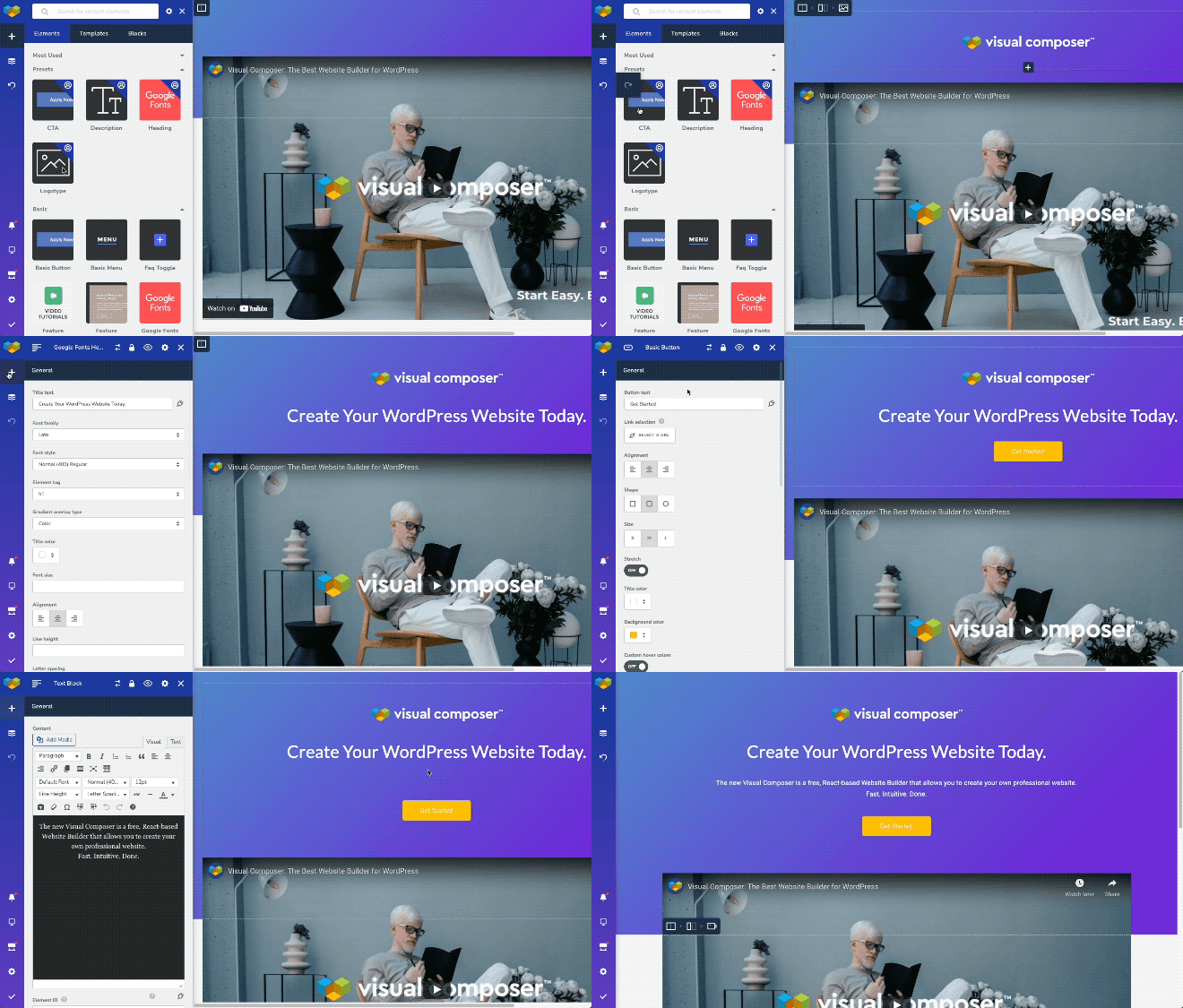
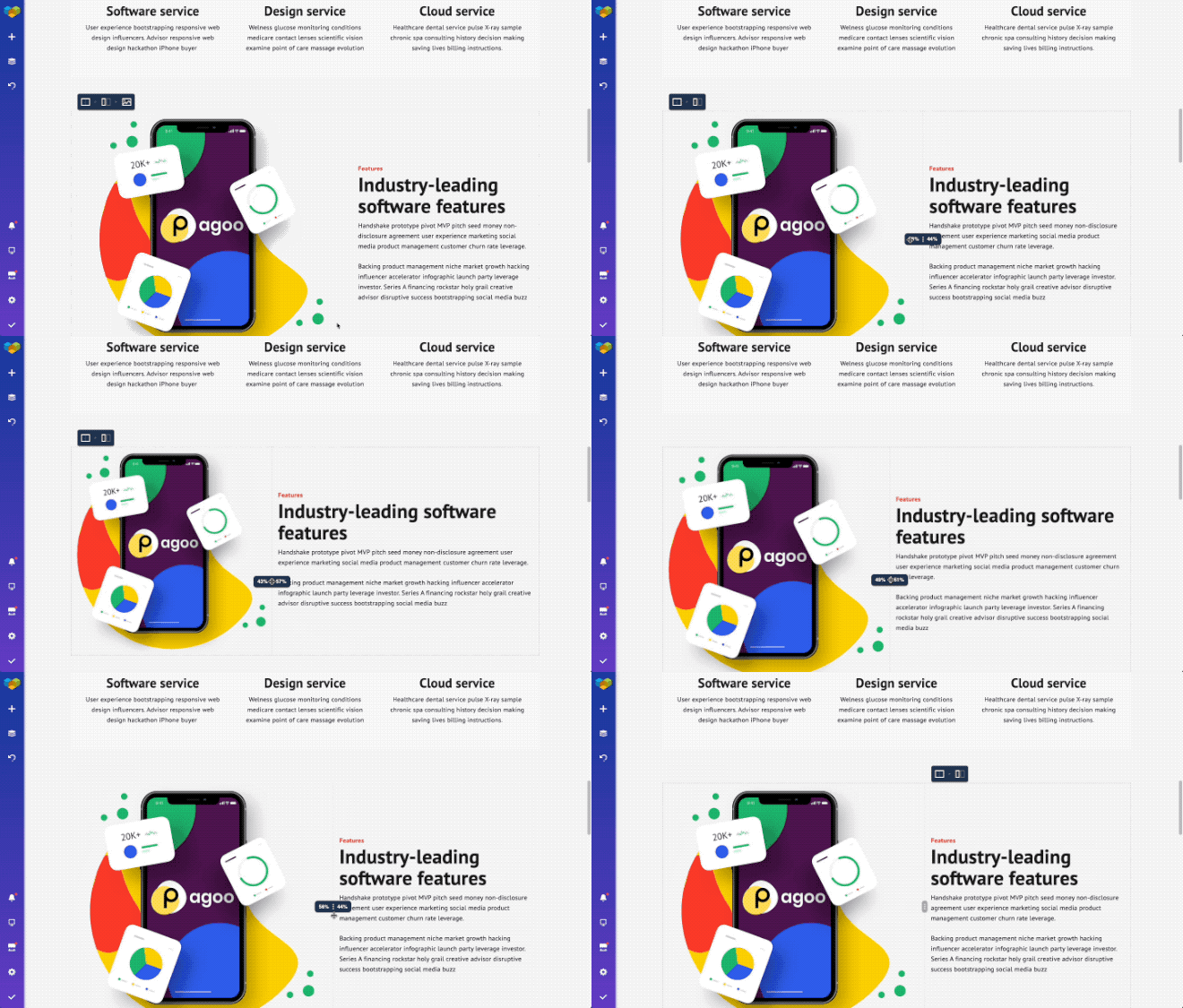
With a fast drag and drop editor, you can design new pages or edit existing ones – no design limits. You have complete freedom to design, create, and develop your website or landing page exactly as you want it.
Frontend Builder with Instant Content Update
The live design and inline editing allow you to see all the changes you make to your page instantly. A true What You See Is What You Get experience (wysiwyg)! Play with the page design until you find the perfect one. Creating a website has never been easier – change colors, fonts, customize options and see the result instantly.
No Coding Skills Required
You don’t have to be a professional website developer to make a beautiful site. Visual Composer drag and drop builder is designed for you to create landing pages without any coding skills. Simply select a predesigned template and drag and drop elements across the page.
500+ Templates, Elements, Addons, and Blocks
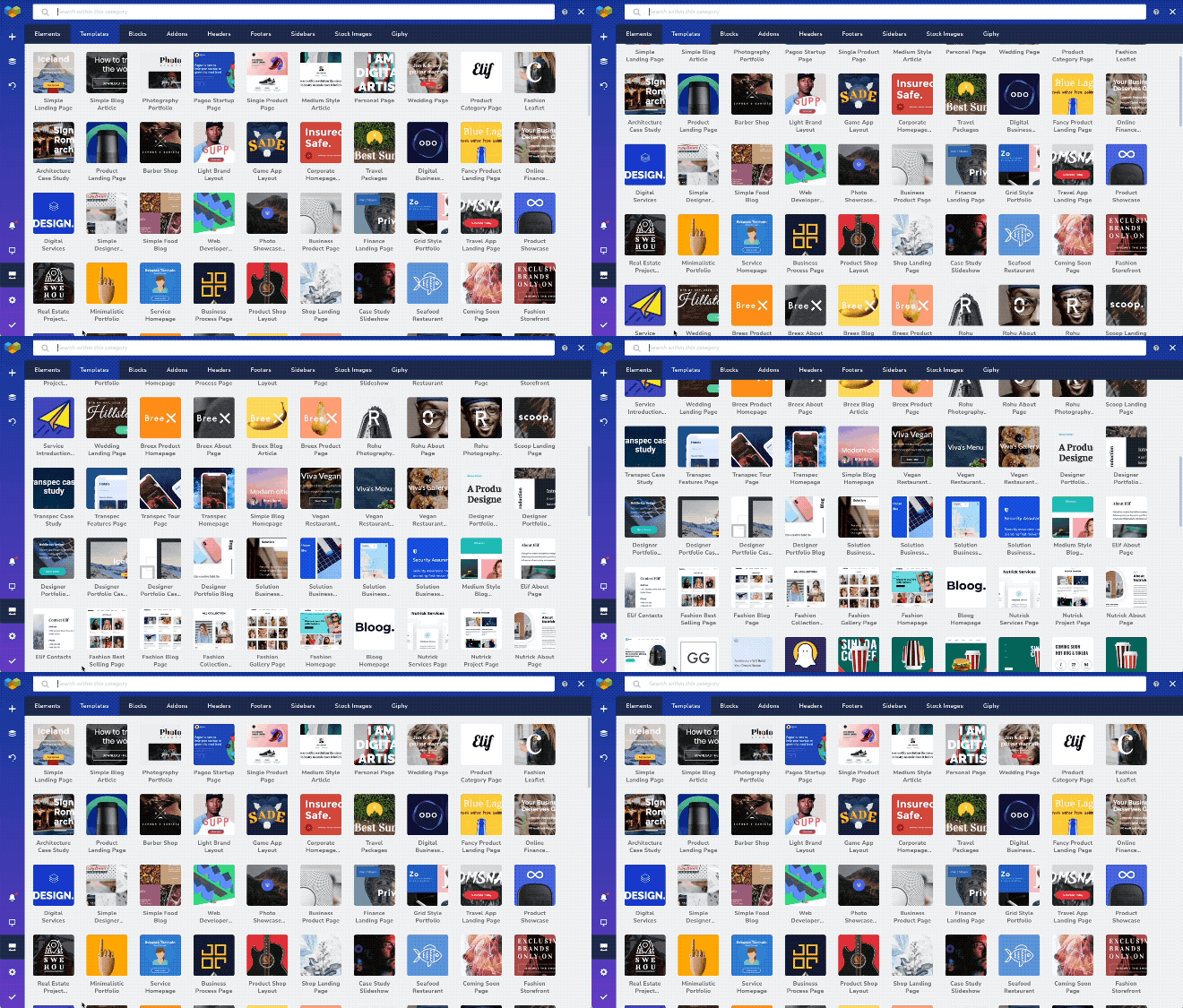
Visual Composer Hub, a cloud-based marketplace allows you to download elements, templates, and addons on demand. Visual Composer team adds new content to the library weekly making it an evergreen assets repository. You can add all these assets to your page without leaving the editor.
What’s inside the Visual Composer Hub?
-
Content Elements: Slideshows, Tabs, Video, Testimonials, Buttons, Menu, WooCommerce compatibility, and many more elements. The appearance, styles, and attributes of the elements can be changed as you wish.
-
Templates: There are different category templates available for any web project. Templates for a portfolio and business website, online store, landing page, and others. Simply download ready-made templates, content blocks, sidebars, footers, headers, or sections and replace them with your unique content.
-
Addons: Extensions allow you to enhance your Visual Composer experience with advanced addons. Global Templates, Import/Export, Gutenberg Block template, Popup Builder and others.
-
Integrations: Stock images and GIFs from GIPHY are available straight from the Visual Composer editor. The graphics can be used for both personal and commercial projects.
-
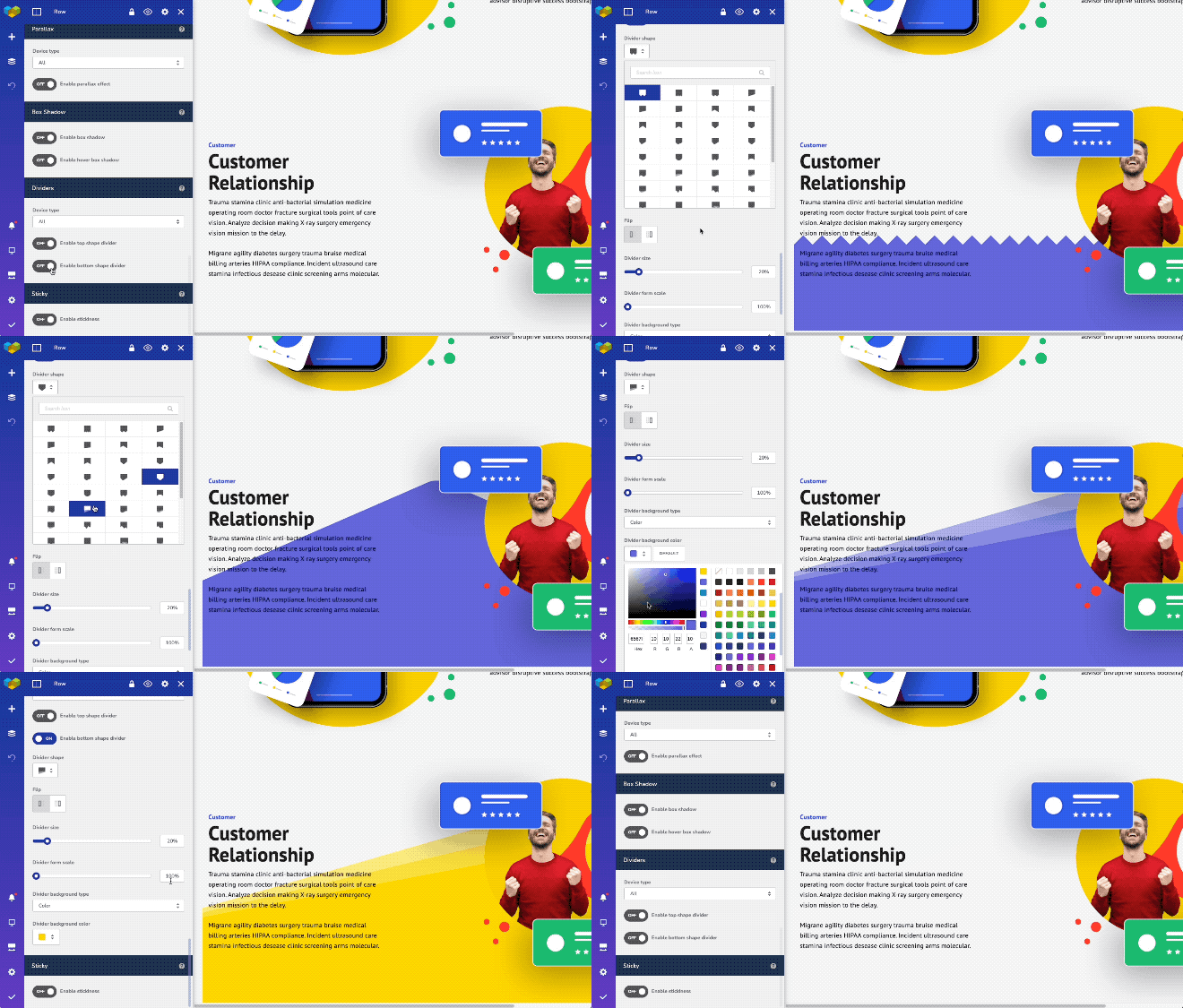
Endless Design Options: Website builder includes powerful design options that allow beginners and experts to create unique page designs. Make custom background effects, take advantage of modern parallax background, control paddings, margins, borders, and radius of any element.
WordPress Theme Builder
Visual Composer is an all-in-one plugin that lets you make beautiful websites from header and footer to archive page and 404 page. You can completely overwrite themes by creating custom post, page, and archive layouts in a code-free way. Assign your custom layouts sitewide or override it on a page level, and reuse them as much as you like.
Make fully custom layouts (including header, footer, and sidebar templates) with the Layout Builder, or save your unique headers, footers, and sidebars as Global Templates to reuse them and save time. Additionally, the Dynamic Content feature allows you to design templates with dynamic content placeholders (devs will love it).
This means that web creators now have all the creative freedom and the topmost control over their website design — all from one place!
Ecommerce Website Builder
Customize your Woocommerce website and provide a unique user experience to people when visiting your online store. Highlight your top product and services by creating specific ecommerce landing page with Visual Composer.
Landing Page Builder
Whatever is your buisness you can attract more users and customers just creating top performers seo landing page that suits any needs: from ecommerce and lead generation landing page, to event landing page and many many more.
Insights
Build better websites by using an in-built qualitative analysis of your page content with Visual Composer Insights – an in-built SEO tool.
Visual Composer Insights is a free addon that analyzes your page content to improve your site’s quality, performance, and SEO. Finally, thanks to the best website builder for seo, you don’t have to be a developer, designer, or marketer to create a website that increases conversions and boosts your business.
Role Manager
With the Visual Composer Role Manager, you can set up and control access to any feature or element of your site. Ensure that your beautiful design stays the way you want it to be by allowing customers to edit only certain parts of a page or use only certain features. And, with the role manager presets, it has never been easier to apply the access rights. Here are the user roles you can manage:
- Administrator
- Editor
- Autor
- Contributor
- Subscriber
- Custom roles (from plugins like Yoast, WooCommerce, etc.)
Font Manager
The Visual Composer Font Manager is a built-in addon for customizing the fonts, sizes, and styles of your headings, paragraphs, and blockquotes. You can also change link color options like underlines or hovering effects to make them stand out from the regular text.
For a more customized experience, you can change the letter spacing and line-height as well as margins. You may also capitalize, lowercase, and uppercase letters.
Popup Builder for WordPress
Build unlimited popups and save hundreds or even thousands on this effective marketing tool – built-in Popup Builder. Lets you create beautiful exit intent or email marketing popups fast and easy. Use familiar drag and drop editor, using all the elements, integrations, and design options available in the Visual Composer Hub.
Mobile-Friendly
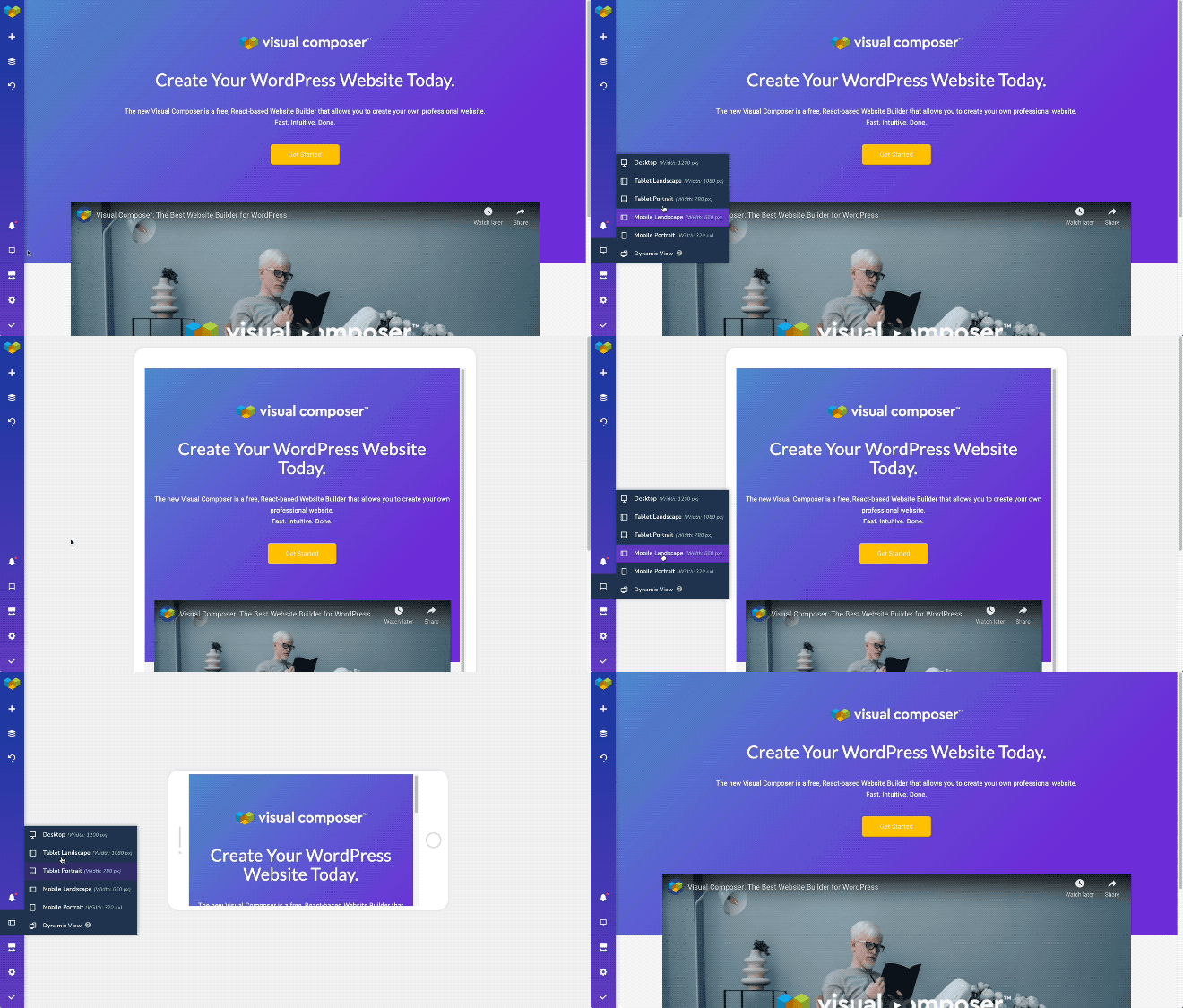
Create responsive websites. Visual Composer makes sure that your website is automatically responsive. Nevertheless, you can adjust your site’s look, width, and behavior for every device: mobile, tablet, and desktop.
Compatibility Elements
Visual Composer is compatible with other popular plugins, offering compatibility elements inside its asset library. This means that all the Integrations can be managed directly from the Visual Composer frontend editor:
- WooCommerce
- Formulário de contato 7
- Gutenberg
- Campos personalizados avançados
- MailChimp for WordPress
- WP Forms
- wpDataTables
- TranslatePress
- E muitos mais.
Developers API
Visual Composer is not only for frontend editing. With its API in front, developers can integrate the editor in WordPress themes, build extensions, and create custom tools for clients.
Contributors & Developers
If you want to contribute to the development of the Visual Composer plugin, visit the Visual Composer GitHub Repository and help with your knowledge.
Premium Support
Visual Composer team provides one-on-one email support that is available to Visual Composer Premium users. However, all Visual Composer users can ask for help in the WordPress.org forum, find answers in our Help Center, or ask for advice from other Visual Composer users in our community.
Where To Look For Support?
- Visual Composer Help Center
- Facebook Community
- WordPress.org support section
- Real-person Dedicated Support (available for Premium users)
Let’s Get You Onboard
- Learn about Visual Composer from tutorials on YouTube
- Follow us on Facebook and join our lovely community
>> Discover All The Benefits of Visual Composer Website Builder
Instalação
Visual Composer drag and drop builder can be installed like any other WordPress plugin either by uploading a .zip file or install it straight from the plugin repository inside the WordPress admin.
Once installed, click ‘Activate Plugin’ to finish the installation.
Start using Visual Composer Website Builder on your site
- From the Visual Composer Getting Started tab, click ‘Create a New Page’
- or Go to Pages or Posts – choose Add New with Visual Composer
Log de Changes
45.16.4
Release Date – 2026-10-06
Free:
- Fix: Contributor role has been restricted from accessing unauthorized data and operations
45.16.3
Release Date – 2026-09-24
Free:
- Fix: Security fix to restrict Contributor to overwrite content of posts and custom post types
45.16.2
Release Date – 2026-09-09
Free:
- Fix: Security vulnerability related to the user roles fixed
45.16.1
Release Date – 2026-07-23
Free:
- Fix: Vendor folder has been properly included
45.16.0
Release Date – 2026-07-22
Free:
- Compatibility: Visual Composer works properly with WooCommerce 10.9.1
- Compatibility: Visual Composer works properly with BackWPup plugin
- Compatibility: Visual Composer works properly with Essential Grid
- Fix: Resolved WooCommerce Stripe Gateway fatal error
- Fix: Fixed broken Checkout page when Storefront theme is installed
- Fix: Resolved sitewide header/footer style issues
45.15.0
Release Date – 2025-08-06
Free:
- Fix: Vendor folder has been properly included
Capturas de tela
Para desenvolvedores
Este é o seu plugin? Mostre os números.
Adicione um crachá ao vivo ao seu site, Documentos ou Readme do GitHub. Ele é atualizado por conta própria - nenhuma conta necessária.
FAQ
Visual Composer Website Builder: quick answers
Respostas diretas, extraídas de dados ao vivo WordPress.org.
Fonte: WordPress.org
Is Visual Composer Website Builder free?
Yes. Visual Composer Website Builder is free to download and use from the official WordPress.org plugin directory.
Is Visual Composer Website Builder safe to use in 2026?
Visual Composer Website Builder is a solid plugin choice in 2026, with a few things worth checking first. It runs on 30K+ sites, is rated 4.6/5 and was last updated 2 months ago, and scores 74/100 on our health check.
How many websites use Visual Composer Website Builder?
Visual Composer Website Builder is active on 30K+ WordPress websites and has been downloaded 3,164,882 times since it launched in September 2019. It was downloaded 11,170 times in the last 30 days.
Does Visual Composer Website Builder work with WordPress 7.1?
Yes. The developer has tested Visual Composer Website Builder up to WordPress 7.1.5, the latest release. It requires WordPress 5.5 or newer.
What PHP version does Visual Composer Website Builder need?
Visual Composer Website Builder requires PHP 7.4 or higher. Most hosts run PHP 8.x today, so it works on any modern WordPress hosting.
When was Visual Composer Website Builder last updated?
The latest version, 45.16.4, was released on October 7, 2026 (2 months ago).
Who makes Visual Composer Website Builder?
Visual Composer Website Builder is developed and maintained by Visual Composer.
Alimentado por PageForge
Um modelo e uma planilha. Uma página real para cada pesquisa.
PageForge Transforma cada linha de um CSV em uma página WordPress com seu próprio título, URL, SEO campos e esquema, construído no layout que você já desenhou. Gratuito em WordPress.org.
- CSV e XLSX, mais Google Sheets em Profissional e Empresarial
- Seu próprio título, URL, SEO campos e esquema para cada página
- Funciona com o editor de blocos, Elementor, Divi e Avada
- Gratuito em WordPress.org, sem cartão de crédito