


Ultimate Lightbox
Add a responsive lightbox to any or all images on your site

Escolha sólida
Ultimate Lightbox is a solid plugin choice in 2026, with a few things worth checking first. It runs on 1K+ sites, is rated 4.1/5 and was last updated 4 months ago, and scores 67/100 on our health check.
- Momentum — downloads de 46,8% em relação aos 30 dias anteriores
Como ele se acumula?
Lado a lado em instalações, atualizações, avaliações e suporte


Downloads diários
Os picos de download geralmente seguem uma nova versão — cada site que atualiza automaticamente é um download.
Rankings
Where Ultimate Lightbox stands todayWordPress.org Classificações de pesquisa
Posição ao vivo na pesquisa de plugins, top 100| Palavra chave | Posição |
|---|---|
| image lightbox | #14 |
| image zoom | #45 |
| jquery lightbox | #6 |
| lightbox | #14 |
| wordpress lightbox | #9 |
Adoção da versão
Compartilhamento de sites ativos por lançamento.
Divisão de classificação
★★★★★★★★★★ 4.1 from 19 reviews
About Ultimate Lightbox
From the official readme · v1.1.12Descrição
Lightbox plugin that lets you add a lightbox to any or every image on your site simply by clicking on a checkbox on the plugin’s options page.
Works with Gutenberg, for both galleries and single images!
Key Features
- Add lightbox functionality to all images, WordPress galleries, YouTube videos and more!
- Add lightbox functionality to images with a specific CSS class, ID or selector
- Full set of lightbox controls, including autoplay, zoom, maximize, close, download and more
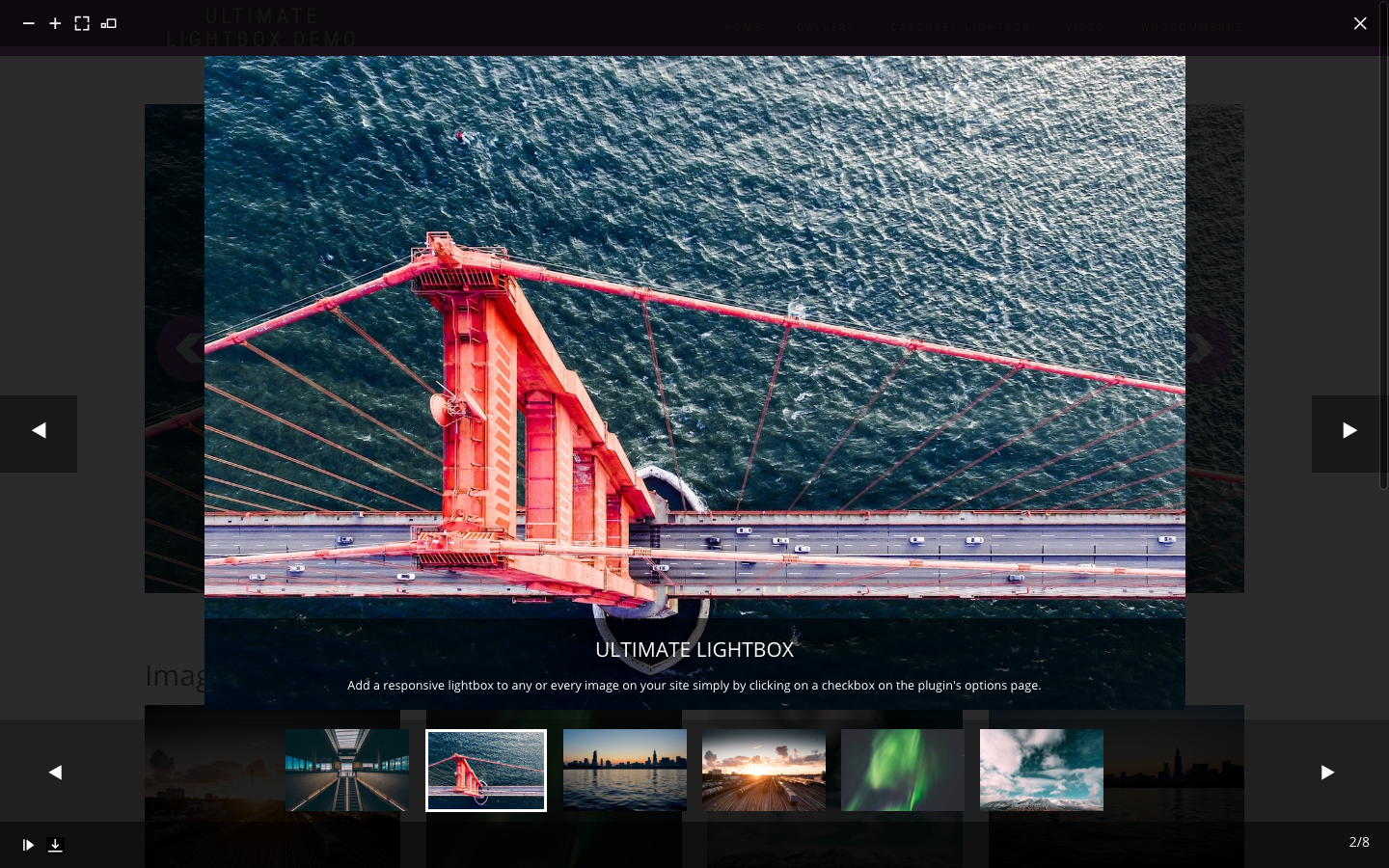
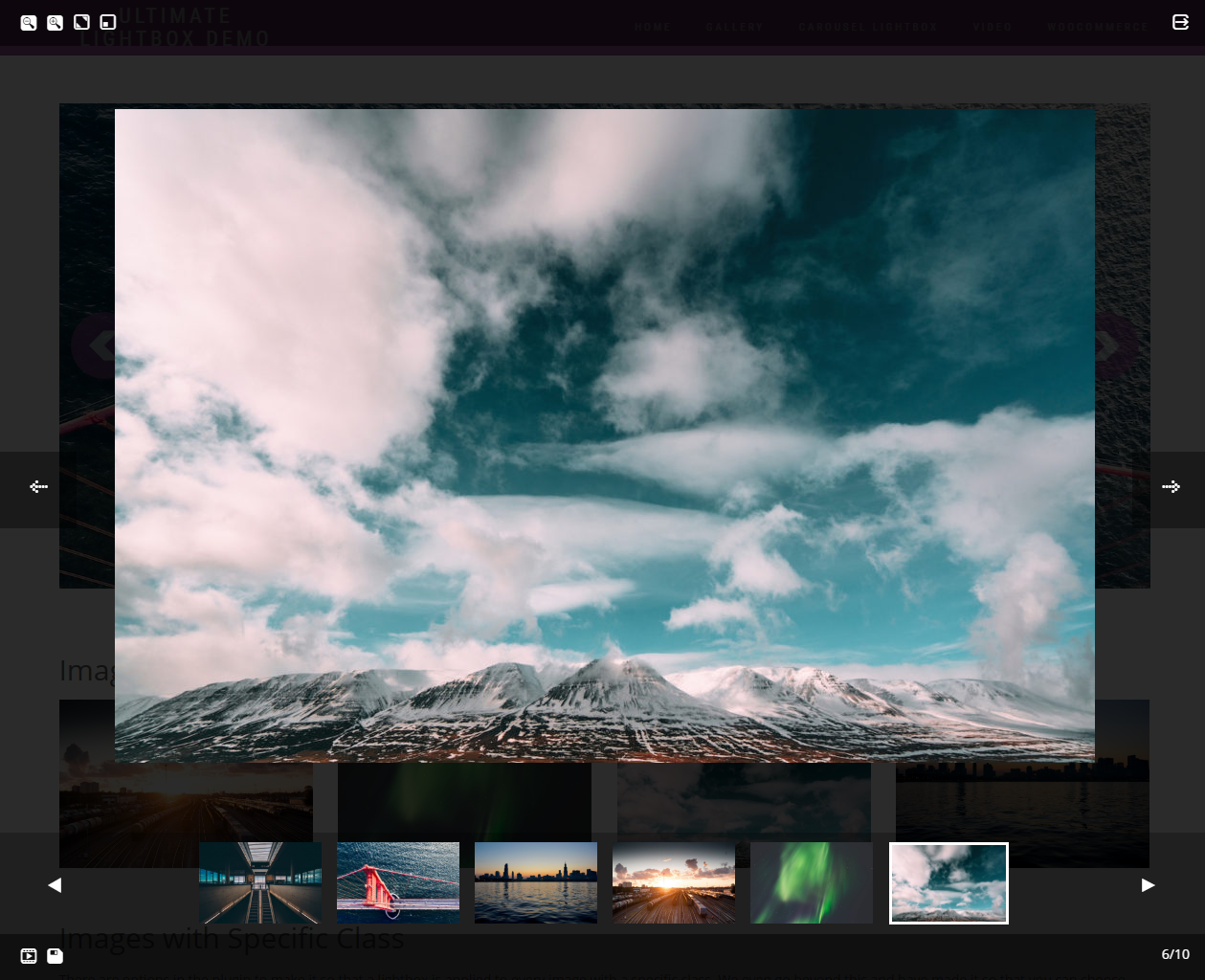
- Optional thumbnail strip underneath the main image in the lightbox
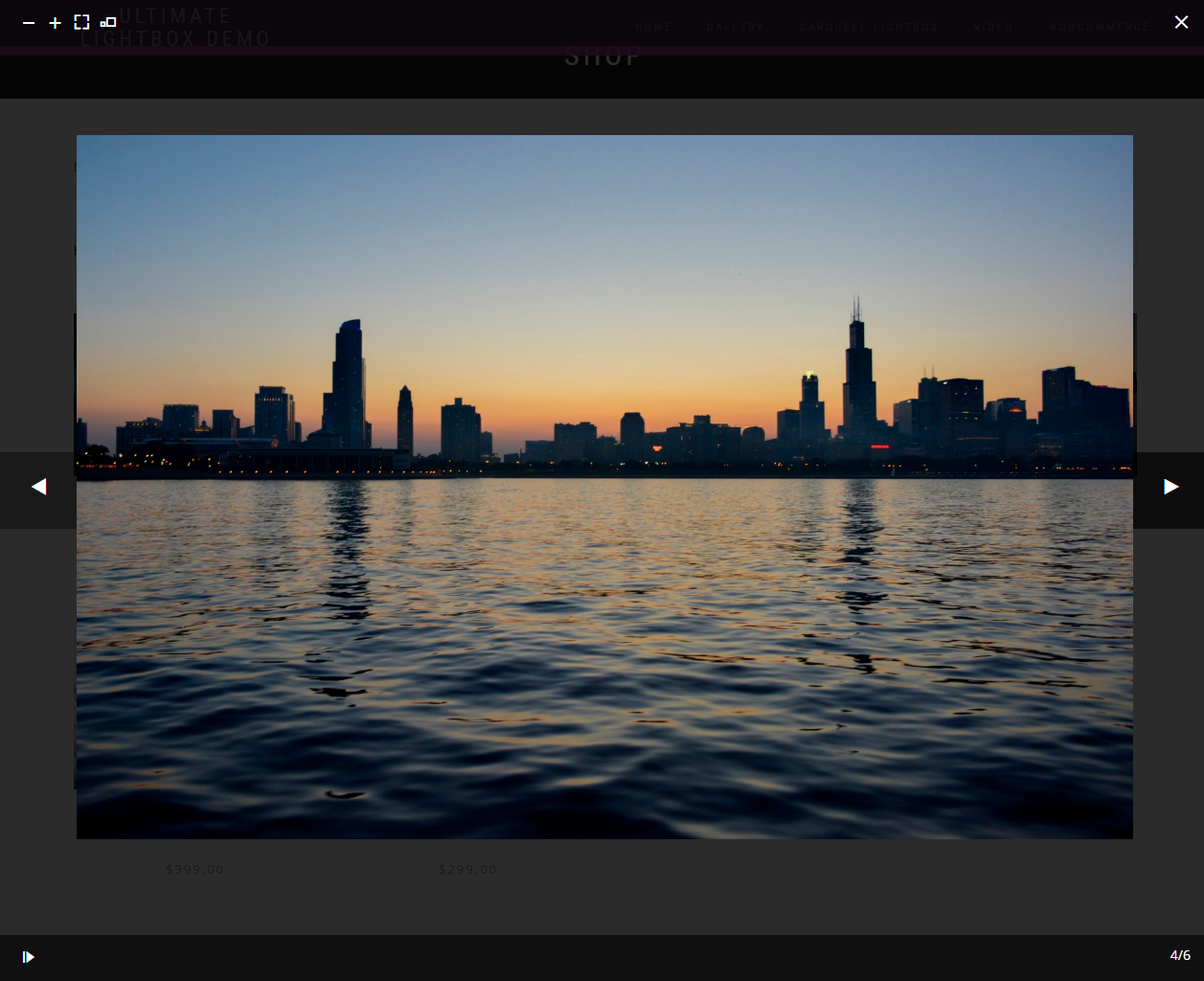
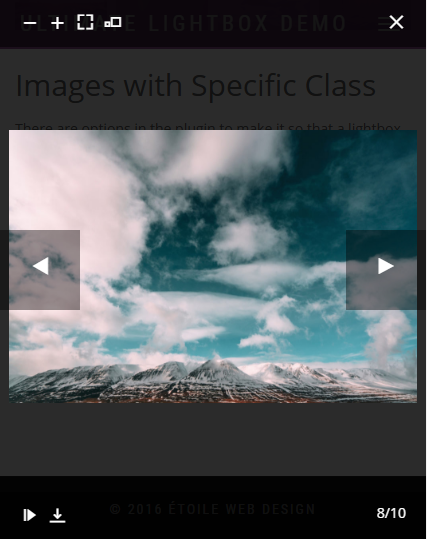
For those unfamiliar with lightbox functionality, it is when you click on an image and, instead of opening in a new window, that image opens up in a box that appears as an overlay above your page content. You remain on the page you were on and, once you close the lightbox, you’re instantly brought back to the page. No extra navigating or time lost.
With our Ultimate Lightbox plugin, you can even cycle through multiple images in an open lightbox, which creates a smooth and quick browsing experience for those visiting your site.
You have full control over which images you want to add lightbox functionality to. You can choose to add this lightbox to all images on your site or just to images in WordPress galleries. You can even add a lightbox just to images with a specific CSS class, ID or selector.
With all the features you’d expect from a good lightbox plugin, with the added ability to choose from a wide variety of arrows and icon sets for the navigation controls, as well as a full complement of styling options, Ultimate Lightbox is the only WordPress lightbox plugin you will need.
Additional Features
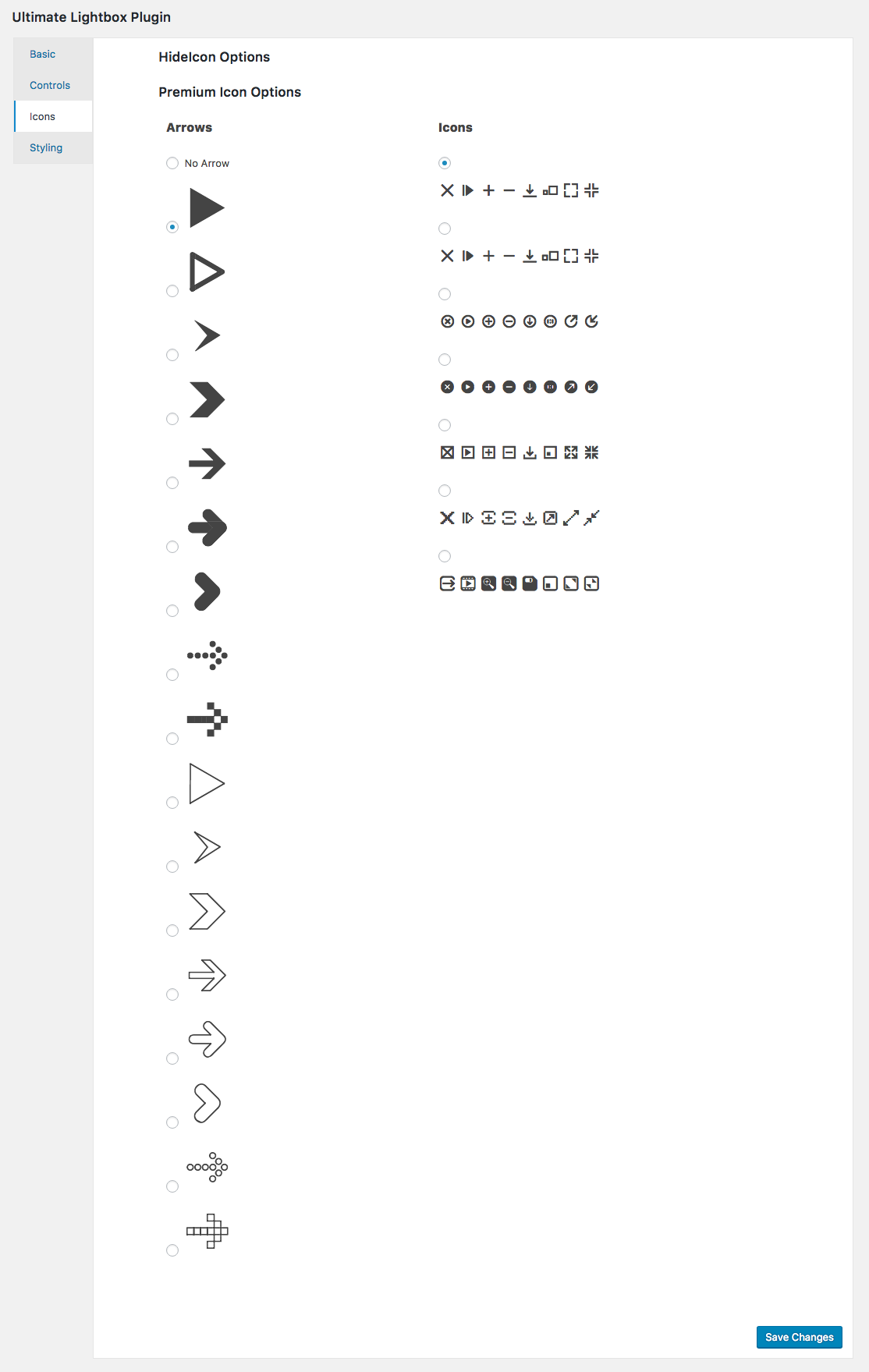
- Choose from an array of different lightbox arrow graphics
- Choose from a variety of icon sets for your lightbox controls
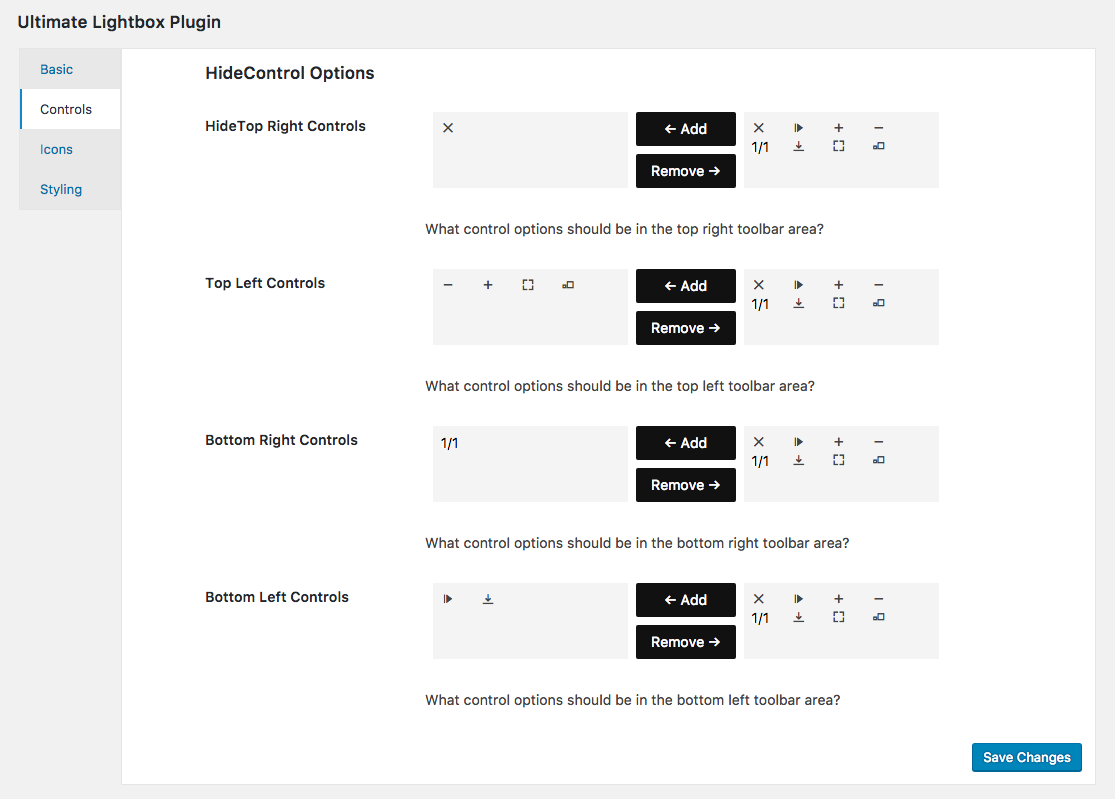
- Assign specific controls to specific corners of the lightbox screen
- Advanced styling options that allow you to modify the color, size and font size for virtually every element within the lightbox
- And more!
Instalação
- Upload the ‘ultimate-lightbox’ folder to the ‘/wp-content/plugins/’ directory
- Ative o plugin através do menu 'Plugins' em WordPress
ou
- Go to the ‘Plugins’ menu in WordPress and click ‘Add New’
- Search for ‘Ultimate Lightbox’ and select ‘Install Now’
- Activate the plugin when prompted
Getting Started
-
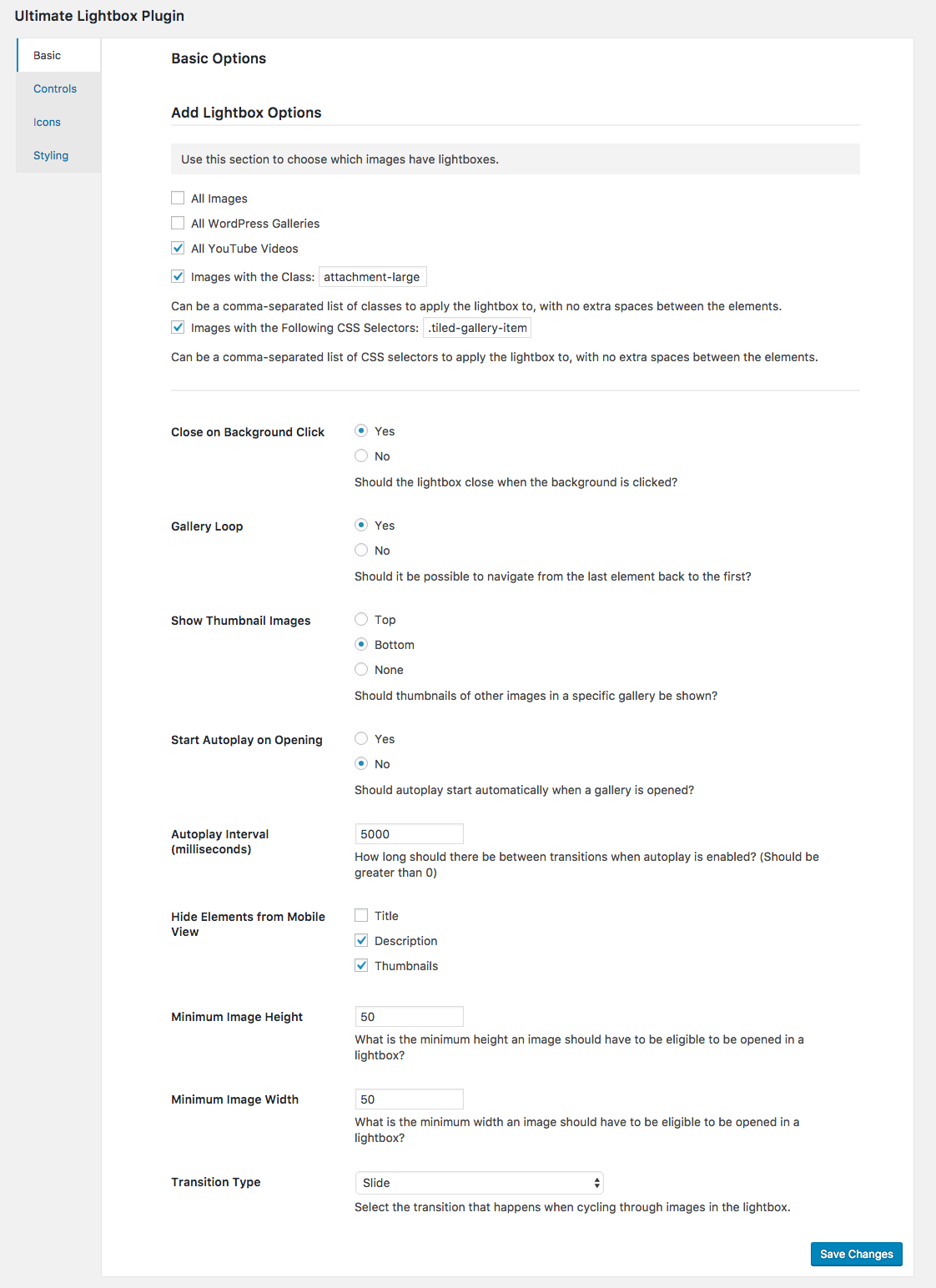
Click “Lightbox” in your WordPress admin menu to bring up the Ultimate Lightbox options. In the “Basic” area, use the “Add Lightbox Options” section to choose which images you would like to apply the lightbox functionality to.
-
Use the “Controls” area in the options to set which controls you would like to appear in your lightbox, and where on the lightbox screen you would like them to display.
-
Use the “Icons” area in the options to choose which arrow graphic you’d like to use as well as which icon set you’d like to use for your controls
-
Customize your lightbox experience by making use of the available settings and options, including adding a thumbnail strip to the lightbox, lightbox autoplay, gallery loop, and more.
-
Style your lightbox to fit the look and feel of your site by making use of the multitude of available color, size and font size settings in the “Styling” area of the lightbox options.
For a list of specific features, see the Ultimate Lightbox description page here: https://wordpress.org/plugins/ultimate-lightbox/installation/.
For help and support, please see:
- Our FAQ page, here: https://wordpress.org/plugins/ultimate-lightbox/faq/
- The Ultimate Lightbox support forum, here: https://wordpress.org/support/plugin/ultimate-lightbox
Log de Changes
1.1.12 (2026-07-29)
- Added a direct support option to the deactivation survey, making it easier to get help right away if you’re uninstalling due to an issue.
1.1.11 (2026-05-15)
- Compatible with WordPress 7.0.
1.1.10 (2025-04-29)
- Tested with WordPress 6.8.
1.1.9 (2024-11-25)
- Tested with WordPress 6.7.
1.1.8 (2024-07-16)
- Tested with WordPress 6.6.
1.1.7 (2024-04-03)
- Removed the arrows when there is only one element in the lightbox.
- Tested for compatibility with PHP 8.2 and eliminated/fixed deprecated notices associated with this.
Capturas de tela


Para desenvolvedores
Este é o seu plugin? Mostre os números.
Adicione um crachá ao vivo ao seu site, Documentos ou Readme do GitHub. Ele é atualizado por conta própria - nenhuma conta necessária.
Best Ultimate Lightbox alternatives
All image lightbox plugins →FAQ
Ultimate Lightbox: quick answers
Respostas diretas, extraídas de dados ao vivo WordPress.org.
Fonte: WordPress.org
Is Ultimate Lightbox free?
Yes. Ultimate Lightbox is free to download and use from the official WordPress.org plugin directory.
Is Ultimate Lightbox safe to use in 2026?
Ultimate Lightbox is a solid plugin choice in 2026, with a few things worth checking first. It runs on 1K+ sites, is rated 4.1/5 and was last updated 4 months ago, and scores 67/100 on our health check.
How many websites use Ultimate Lightbox?
Ultimate Lightbox is active on 1K+ WordPress websites and has been downloaded 61,155 times since it launched in August 2016. It was downloaded 671 times in the last 30 days.
Does Ultimate Lightbox work with WordPress 7.1?
Ultimate Lightbox is officially tested up to WordPress 7.0.9, while the latest release is 7.1.5. It may still work, but try it on a staging site first.
When was Ultimate Lightbox last updated?
The latest version, 1.1.12, was released on July 29, 2026 (4 months ago).
Who makes Ultimate Lightbox?
Ultimate Lightbox is developed and maintained by Rustaurius.
What are the best alternatives to Ultimate Lightbox?
The most popular alternatives to Ultimate Lightbox are Gallery Lightbox (10K+ installs), Image and Video Lightbox, I… (1K+ installs) and Master Image Feed for Eleme… (10+ installs).
Alimentado por PageForge
Um modelo e uma planilha. Uma página real para cada pesquisa.
PageForge Transforma cada linha de um CSV em uma página WordPress com seu próprio título, URL, SEO campos e esquema, construído no layout que você já desenhou. Gratuito em WordPress.org.
- CSV e XLSX, mais Google Sheets em Profissional e Empresarial
- Seu próprio título, URL, SEO campos e esquema para cada página
- Funciona com o editor de blocos, Elementor, Divi e Avada
- Gratuito em WordPress.org, sem cartão de crédito