


StreamCast – bring live radio to your site with a sleek player
Embed a responsive live radio streaming player in WordPress – IceCast, Shoutcast, RadioCo, RadioJar & more via shortcode or Gutenberg block.

Escolha segura
Yes — StreamCast is a safe, well-maintained plugin to use in 2026. It runs on 1K+ sites, is rated 4.9/5 and was last updated 5 days ago, and scores 82/100 on our health check.
- Desenvolvido ativamente — última atualização 5 dias atrás
- Testado com as últimas WordPress (7.1)
Como ele se acumula?
Lado a lado em instalações, atualizações, avaliações e suporte



Downloads diários
Os picos de download geralmente seguem uma nova versão — cada site que atualiza automaticamente é um download.
Rankings
Where StreamCast stands todayWordPress.org Classificações de pesquisa
Posição ao vivo na pesquisa de plugins, top 100| Palavra chave | Posição |
|---|---|
| audio player | #36 |
| icecast | #5 |
| Live Stream | #6 |
| radio player | #9 |
| shoutcast | #4 |
Adoção da versão
Compartilhamento de sites ativos por lançamento.
Divisão de classificação
★★★★★★★★★★ 4.9 from 7 reviews
About StreamCast
From the official readme · v2.4.8Descrição
Put your live radio stream on any WordPress page in minutes – a beautiful, responsive player your listeners can enjoy on every device, no code required.
StreamCast | Documentation | Pricing | Support | Demo
StreamCast is a simple, accessible, and fully customizable online radio streaming player for WordPress.
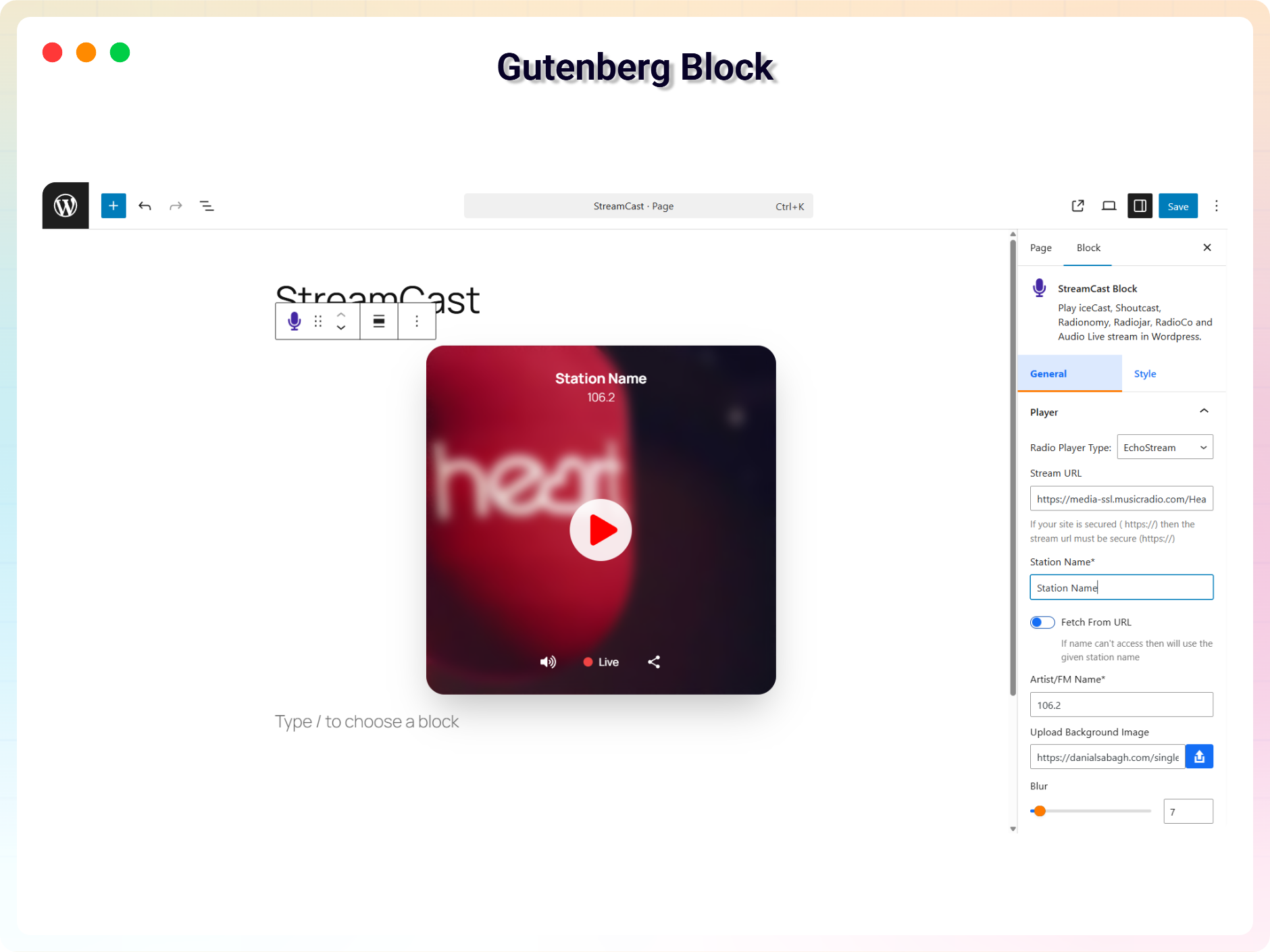
Play IceCast, Shoutcast, RadioCo, RadioJar, Radionomy, and many more stream types using shortcodes or Gutenberg blocks — without writing code.
It’s lightweight, fast, responsive, and works across all major browsers and devices.
Whether you run an online radio station, podcast live stream, community FM, or educational broadcast—StreamCast lets you embed your live stream beautifully inside WordPress.
How To Use It? Learn Quick
Key Features (Free)
- Responsive Radio Player – Works on desktop, tablet, and mobile.
- Supports Major Providers – IceCast, Shoutcast, Radiojar, Radionomy, RadioCo & more.
- No-Code Setup – Add with a simple shortcode or Gutenberg block.
- Customizable Skins – Adjust background colors and styles.
- Cross-Browser Compatible – Chrome, Firefox, Safari, Edge.
- Lightweight & Fast – Minimal load, no performance issues.
- Single Station Player – Designed for one stream per page.
- Background Color Support – Personalize using shortcode attributes.
🎧 StreamCast Pro – Premium Version Features
The StreamCast Premium version includes advanced player controls, professional skins, and full customization options.
Pro Features Include:
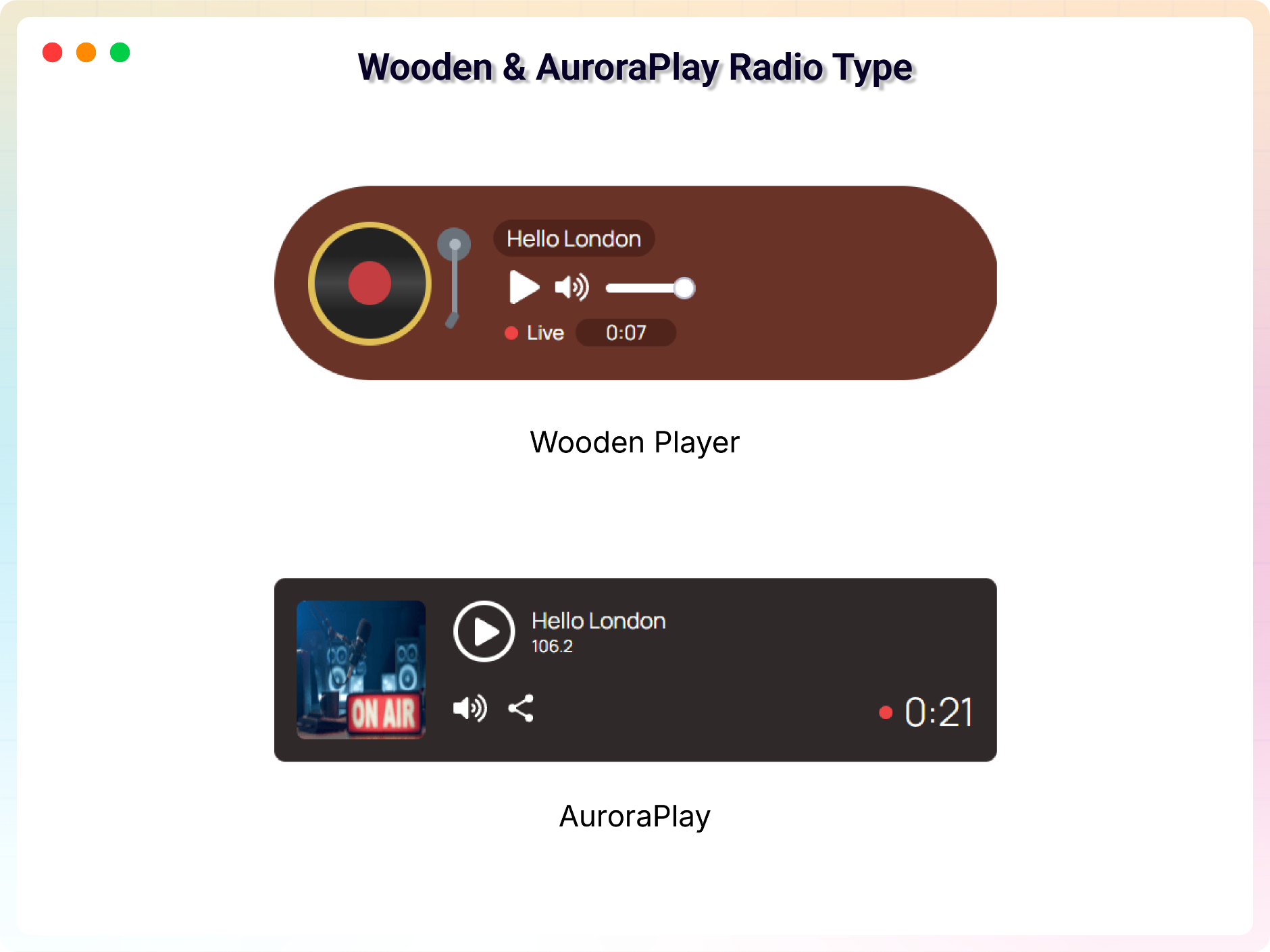
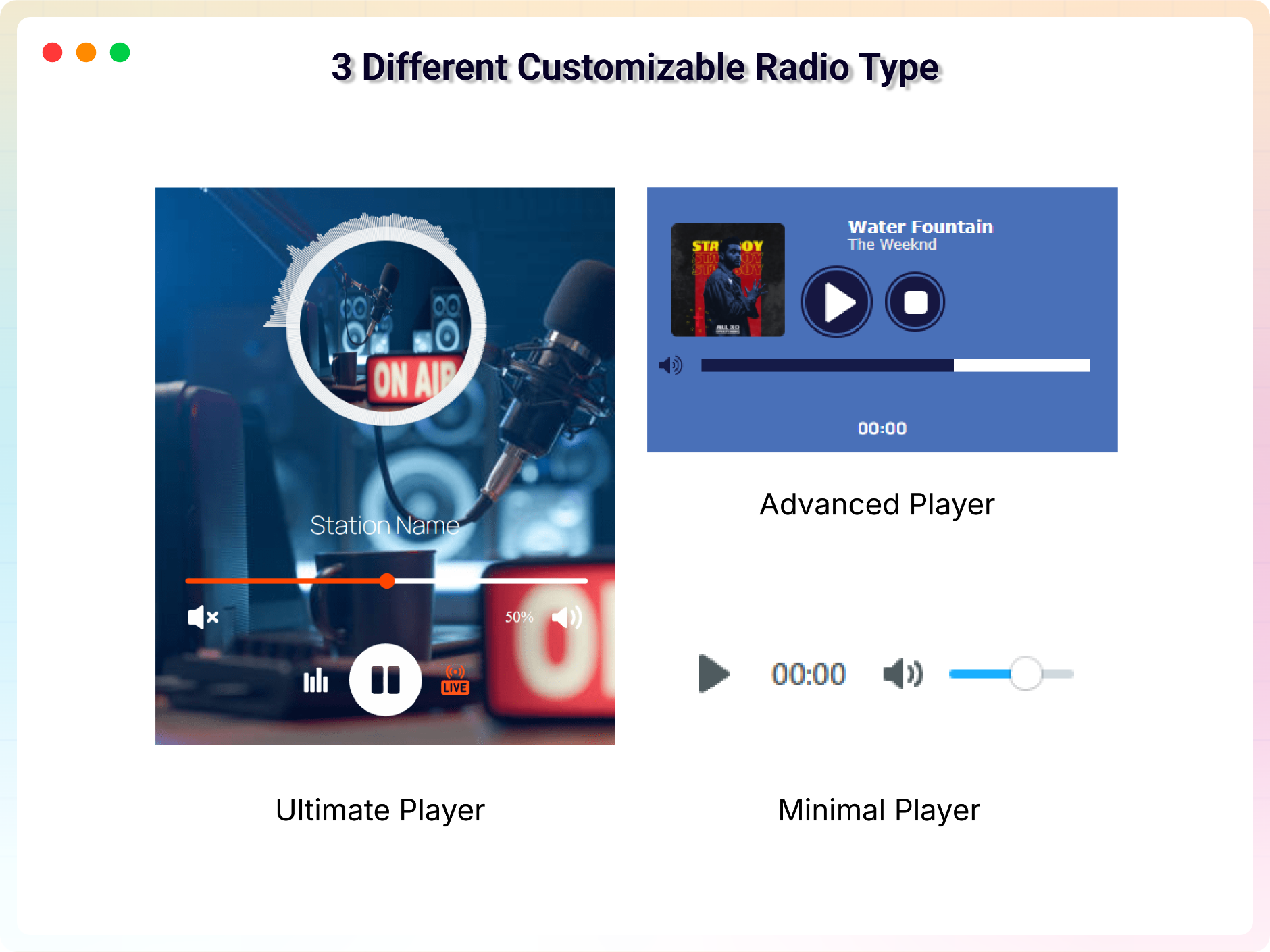
- Advanced Player UI (85+ Radio Player)
- Professional Skin Library
- Automatic Station Name From Stream URL
- Brand Color Picker & Custom Colors
- Text Color & Typography
- Ultimate Player Type
- More Stream Compatibility
- Custom CSS Styling
- Priority Support & Future Updates
How to Use
Add a Simple Player
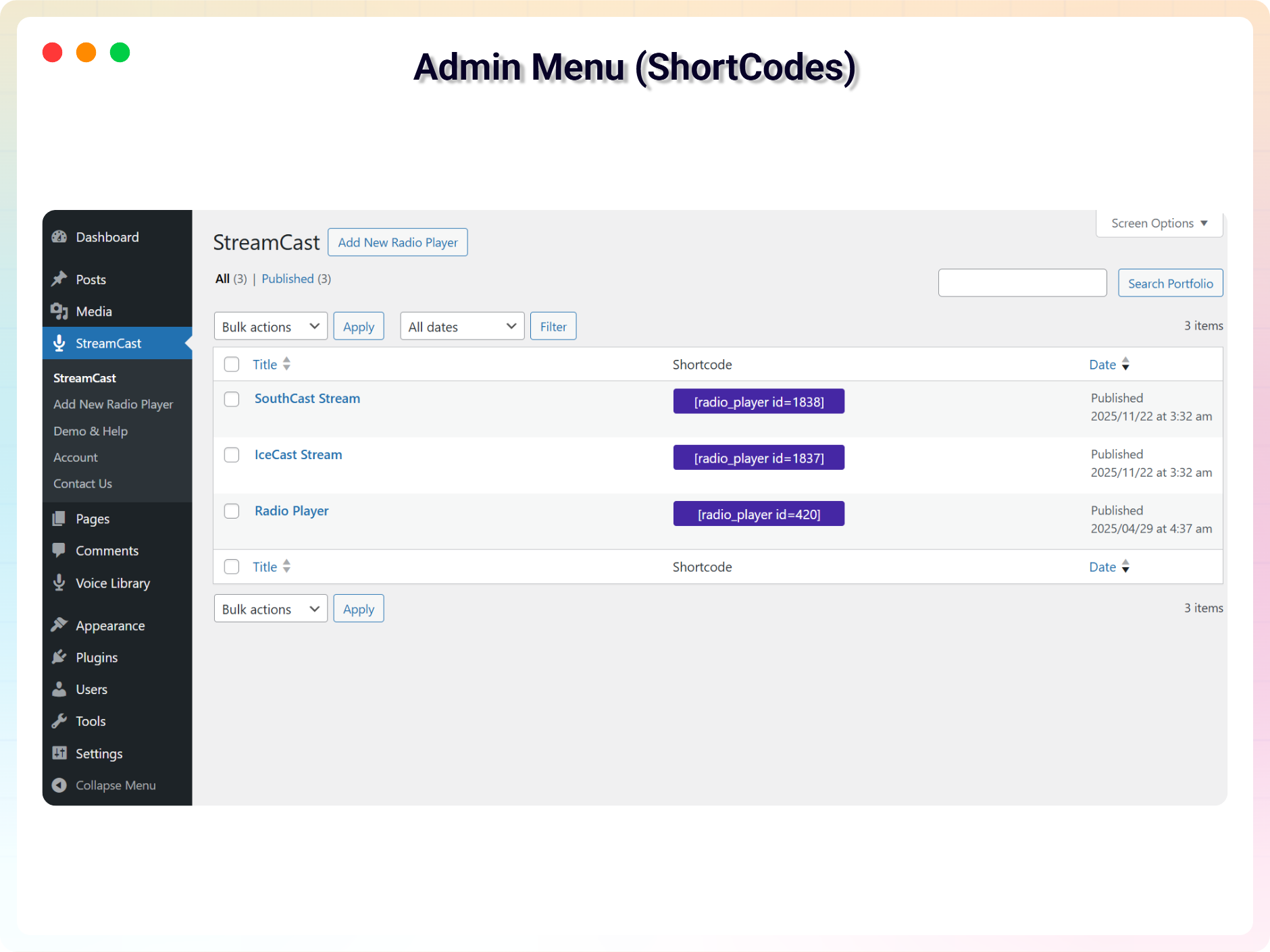
Use this shortcode: [stream url=”YOUR_STREAM_URL”]
Add a Background Color
[stream url=”YOUR_STREAM_URL” background=”#333333″]
Supports color names or hex values.
Or use the Gutenberg StreamCast Block for a visual setup.
Notas importantes
⚠️ Chrome 80+ Restriction
If your website uses HTTPS but your stream is HTTP, Chrome will block playback.
✔ Both website and stream must use the same protocol (preferably HTTPS).
More info: https://blog.chromium.org/2019/10/no-more-mixed-messages-about-https.html
Casos de uso
- Online radio stations
- Internet broadcast channels
- Podcast live streams
- Religious or community radio
- Live music streams
- FM/AM radio going digital
- Educational radio broadcasts
User Feedback
⭐⭐⭐⭐⭐ “This is exactly what I was looking for – I have a station on Live365 and their ‘player’ is too large, I wanted a simple player without all the mumbo jumbo. So far so good.”
⭐⭐⭐⭐⭐ “It’s best radio player, so many features. can put player anywhere by short code.
I recommended”
Have suggestions? Let us know: https://bplugins.com/contact
Código fonte
You can find the source code, report bugs, and contribute to the development of this plugin on our GitHub repository:
StreamCast on GitHub
Serviços externos
This plugin connects to the following external services to provide enhanced functionality:
-
Muses Radio Player API (muses.org)
- Used for: Fetching player skins and sending anonymous usage statistics
- Data sent: Player configuration and anonymous listener data (legacy player reports)
- Loaded on: Pages where the radio player block or shortcode is displayed
- Terms: https://www.muses.org/terms-and-conditions | Privacy Policy: https://www.muses.org/privacy-policy
-
Plyr Video Player Assets (Local)
- Used for: Localized SVG icons and blank video assets for the Plyr player
- Data sent: None (Assets are bundled locally)
- Loaded on: Pages using the shortcode or block
- Terms: https://plyr.io/ | Privacy Policy: https://plyr.io/
-
YouTube Data API (googleapis.com)
- Used for: Fetching video/stream metadata (title) by video ID
- Data sent: YouTube video ID and API key
- Loaded on: Pages where a YouTube stream source is configured
- Terms: https://policies.google.com/terms | Privacy: https://policies.google.com/privacy
-
Google IMA SDK (imasdk.googleapis.com)
- Used for: Loading video ad support (VAST/VMAP ads)
- Data sent: Standard ad request data
- Loaded on: Pages
- Terms: https://policies.google.com/terms | Privacy: https://policies.google.com/privacy
-
Vimeo API (vimeo.com)
- Used for: Fetching Vimeo video metadata
- Data sent: Vimeo video ID
- Loaded on: Pages where a Vimeo stream source is configured
- Terms: https://vimeo.com/terms | Privacy: https://vimeo.com/privacy
-
AniView Ad Server (go.aniview.com)
- Used for: Serving VAST video ads
- Data sent: Standard VAST ad request parameters
- Loaded on: Pages where AniView ads are enabled
- Terms: https://www.aniview.com/terms-of-service/ | Privacy Policy: https://www.aniview.com/privacy-policy/
-
bPlugins Templates (templates.bplugins.com)
- Used for: Loading default radio station artwork and player skins
- Data sent: Asset request (no personal data)
- Loaded on: Admin dashboard and player initialization
- Terms: https://bplugins.com/terms-of-service/ | Privacy Policy: https://bplugins.com/privacy-policy/
Third-Party Libraries
This plugin bundles the following third-party JavaScript/PHP libraries.
Codestar Framework
- Source: http://codestarframework.com/
- GitHub: https://github.com/Codestar/codestar-framework
- License: GPLv2 or later – https://github.com/Codestar/codestar-framework/blob/master/LICENSE.md
- Purpose: Provides the options framework for the plugin’s settings and shortcode generator.
Freemius SDK
- Source: https://freemius.com/
- GitHub: https://github.com/Freemius/wordpress-sdk
- License: GPLv3 – https://github.com/Freemius/wordpress-sdk/blob/master/LICENSE.txt
- Purpose: Provides opt-in usage tracking and analytics to help improve the plugin.
bpl-tools
- Source / GitHub: https://github.com/bPlugins/bpl-tools
- License: GPL-2.0-or-later – https://www.gnu.org/licenses/gpl-2.0.html
- Purpose: Shared utility library providing admin dashboard components and common Gutenberg editor controls.
- External Services: The library may connect to bPlugins, WordPress.org, and Freemius services for product data and checkout functionality. See full details: https://github.com/bPlugins/bpl-tools#external-requests–why-they-are-made
Instalação
You can install the Streamcast plugin in three ways.
From the WordPress Dashboard
- Log in to your WordPress admin dashboard.
- Go to Plugins > Add New.
- Search for “Streamcast” (developed by bPlugins).
- Click Install Now.
- Após a instalação, clique em Ativar.
Download & Upload
- Download the Streamcast plugin (streamcast.zip).
- Log in to your WordPress admin dashboard.
- Go to Plugins > Add New.
- Click Upload Plugin.
- Select the streamcast.zip file and click Install Now.
- Activate the plugin after installation.
Manual Installation
- Download the Streamcast plugin.
- Extract the zip file.
- Upload the streamcast folder to the /wp-content/plugins/ directory using FTP or File Manager.
- Log in to your WordPress admin dashboard.
- Go to Plugins > Installed Plugins.
- Activate Streamcast from the plugins list.
Log de Changes
2.4.8 – 17 Nov, 2026
- Enhancement: Added Black Friday promotional banner and campaign notices.
2.4.7 – 27 October 2026
- Security: Completed the SSRF fix from 2.4.6 (CVE-2026-62030).
- Security: Fixed a stored XSS in the Standard player’s title and welcome message.
- Fix: Restored now-playing metadata for streams on ports like 8000.
- Fix: Fixed the Standard player’s B Circle skin not loading (broken since 2.4.0).
- Tweak: Resolved WordPress Plugin Check warnings.
2.4.6 – 15 October 2026
- Fix: Fixed a Server-Side Request Forgery (SSRF) vulnerability in the stream metadata AJAX endpoint.
2.4.5 – 25 August 2026
- New: Added a “Where It Plays” panel to the classic editor side column, showing the native block and every page builder the shortcode works in, with one-click shortcode copy.
- New: Added a Pro panel to the side column listing the settings the free build keeps locked, so it is clear what an upgrade unlocks without hunting through the form.
- Update: Made the radio player edit screen easier to work with — the shortcode and placement options are now beside Save instead of buried in the configuration form.
2.4.4 – 22 July 2026
- Fix: Resolved early text domain loading notice (
_load_textdomain_just_in_time) triggered beforeinitaction in WordPress 6.7+.
2.4.3 – 5 July 2026
- Refactor: Reorganized plugin architecture by keeping blocks under src/blocks/streamcast/ and admin dashboard under src/admin-dashboard/.
- Refactor: Realigned all backend PHP file and folder structures, namespaces, classes, and constants to match the StreamCast free repository on GitHub while preserving all premium-only features.
- Update: Upgraded admin dashboard welcome layout to use the unified bpl-tools Admin experience.
Capturas de tela
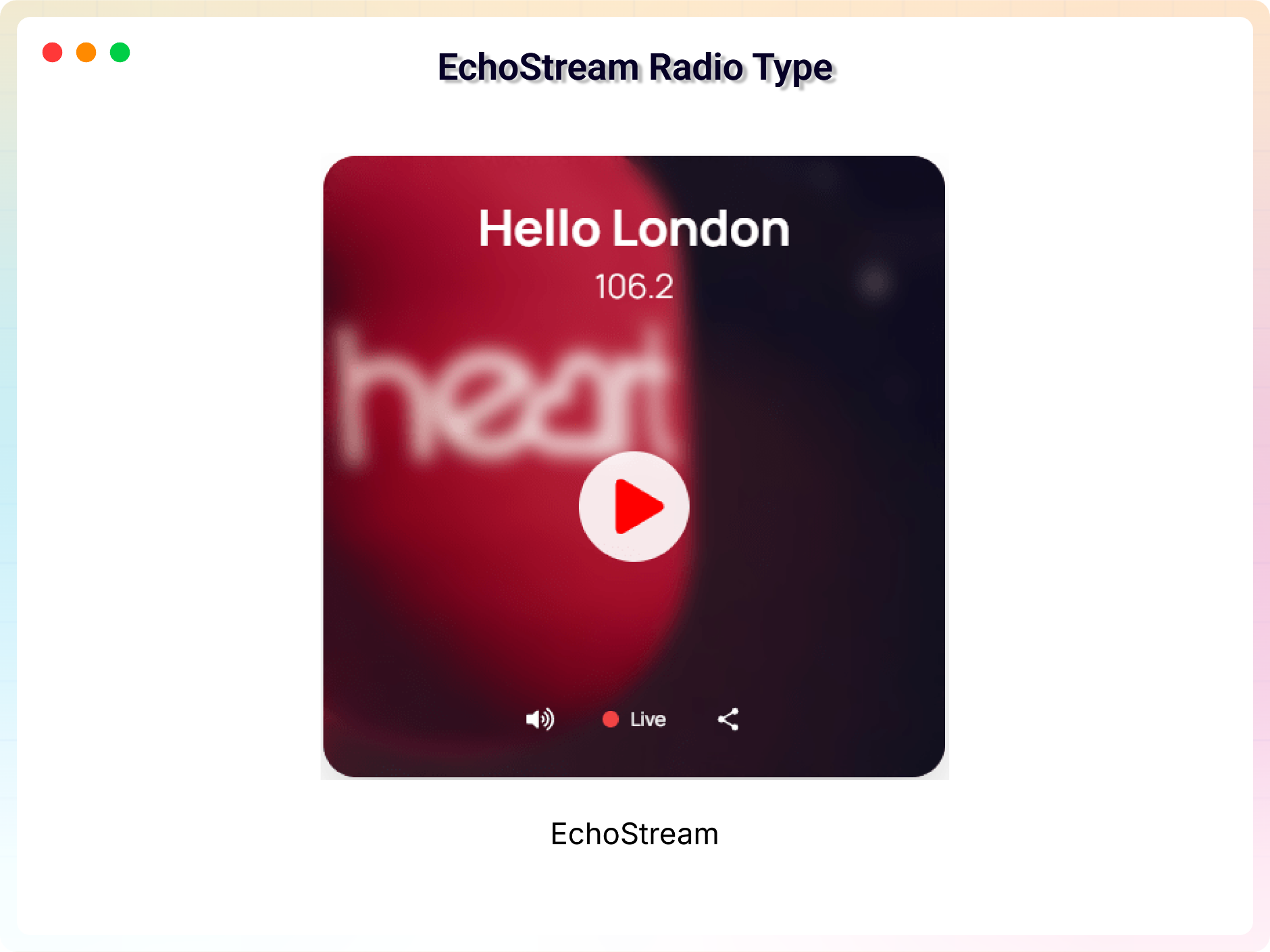
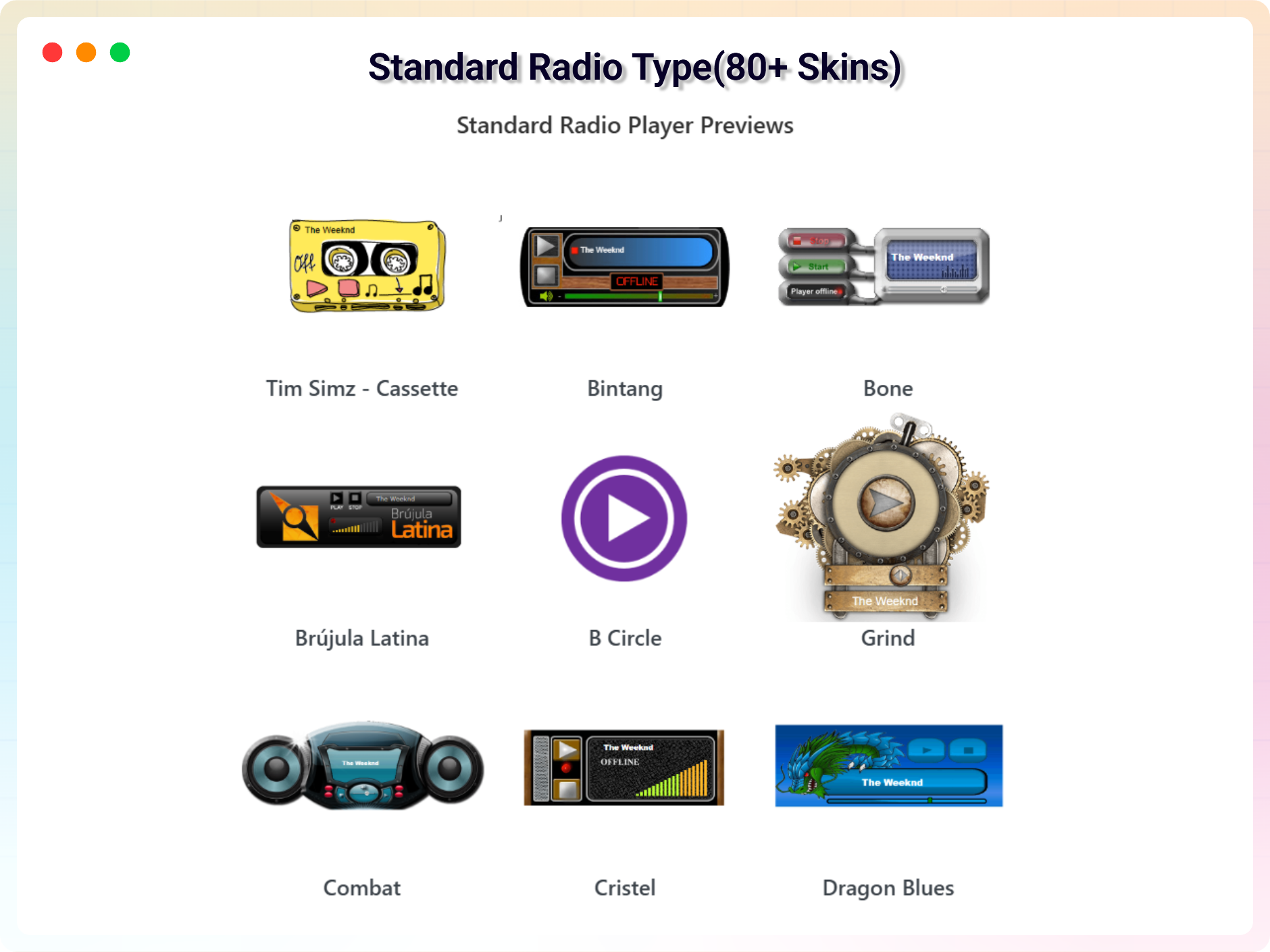
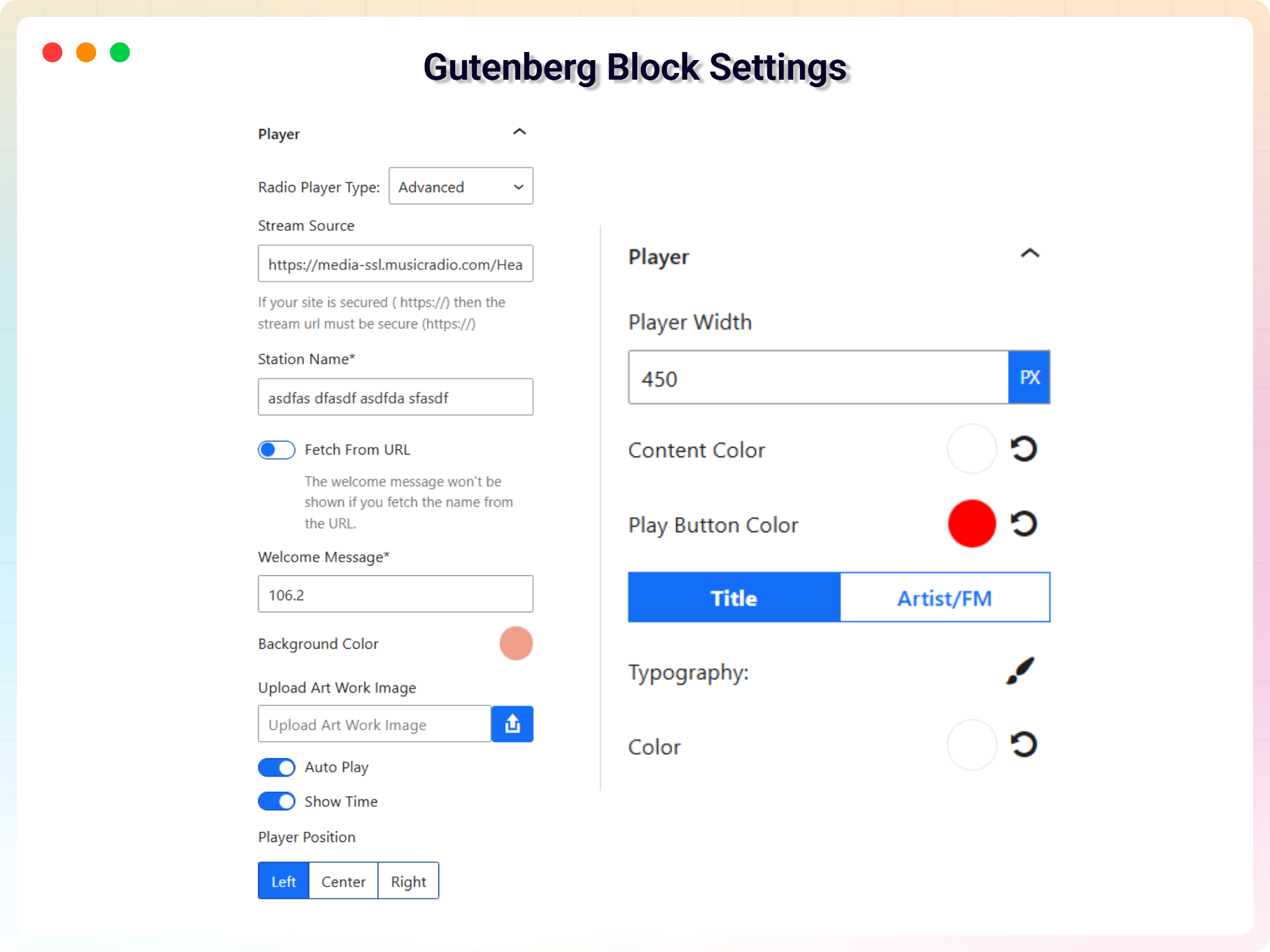
Para desenvolvedores
Este é o seu plugin? Mostre os números.
Adicione um crachá ao vivo ao seu site, Documentos ou Readme do GitHub. Ele é atualizado por conta própria - nenhuma conta necessária.
Best StreamCast alternatives
All audio player plugins →




FAQ
StreamCast: quick answers
Respostas diretas, extraídas de dados ao vivo WordPress.org.
Fonte: WordPress.org
Is StreamCast free?
Yes. StreamCast is free to download and use from the official WordPress.org plugin directory.
Is StreamCast safe to use in 2026?
Yes — StreamCast is a safe, well-maintained plugin to use in 2026. It runs on 1K+ sites, is rated 4.9/5 and was last updated 5 days ago, and scores 82/100 on our health check.
How many websites use StreamCast?
StreamCast is active on 1K+ WordPress websites and has been downloaded 84,459 times since it launched in March 2020. It was downloaded 2,585 times in the last 30 days.
Does StreamCast work with WordPress 7.1?
Yes. The developer has tested StreamCast up to WordPress 7.1.5, the latest release. It requires WordPress 6.2 or newer.
What PHP version does StreamCast need?
StreamCast requires PHP 7.1 or higher. Most hosts run PHP 8.x today, so it works on any modern WordPress hosting.
When was StreamCast last updated?
The latest version, 2.4.8, was released on November 25, 2026 (5 days ago).
Who makes StreamCast?
StreamCast is developed and maintained by bPlugins.
What are the best alternatives to StreamCast?
The most popular alternatives to StreamCast are MP3 Audio Player (20K+ installs), Compact WP Audio Player (20K+ installs) and AudioIgniter Music Player (10K+ installs).
Alimentado por PageForge
Um modelo e uma planilha. Uma página real para cada pesquisa.
PageForge Transforma cada linha de um CSV em uma página WordPress com seu próprio título, URL, SEO campos e esquema, construído no layout que você já desenhou. Gratuito em WordPress.org.
- CSV e XLSX, mais Google Sheets em Profissional e Empresarial
- Seu próprio título, URL, SEO campos e esquema para cada página
- Funciona com o editor de blocos, Elementor, Divi e Avada
- Gratuito em WordPress.org, sem cartão de crédito