


Scroll Down Arrow
Encourage your website visitors to scroll down and view more content with this simple plugin.

Escolha sólida
Scroll Down Arrow is a solid plugin choice in 2026, with a few things worth checking first. It runs on 900+ sites, is rated 5/5 and was last updated 3 months ago, and scores 67/100 on our health check.
- Testado com as últimas WordPress (7.1)
- Pequena base de usuários (900+ instalações ativas)
- Muito poucos comentários até agora
Como ele se acumula?
Lado a lado em instalações, atualizações, avaliações e suporte



Downloads diários
Os picos de download geralmente seguem uma nova versão — cada site que atualiza automaticamente é um download.
Rankings
Where Scroll Down Arrow stands todayWordPress.org Classificações de pesquisa
Posição ao vivo na pesquisa de plugins, top 100| Palavra chave | Posição |
|---|---|
| arrow | #1 |
| conteúdo | >100 |
| down | #1 |
| page down | #2 |
| scroll | #7 |
Adoção da versão
Compartilhamento de sites ativos por lançamento.
Divisão de classificação
★★★★★ ★★★★★ 5 de 2 comentários
About Scroll Down Arrow
Do Readme oficial · v1.3.3Descrição
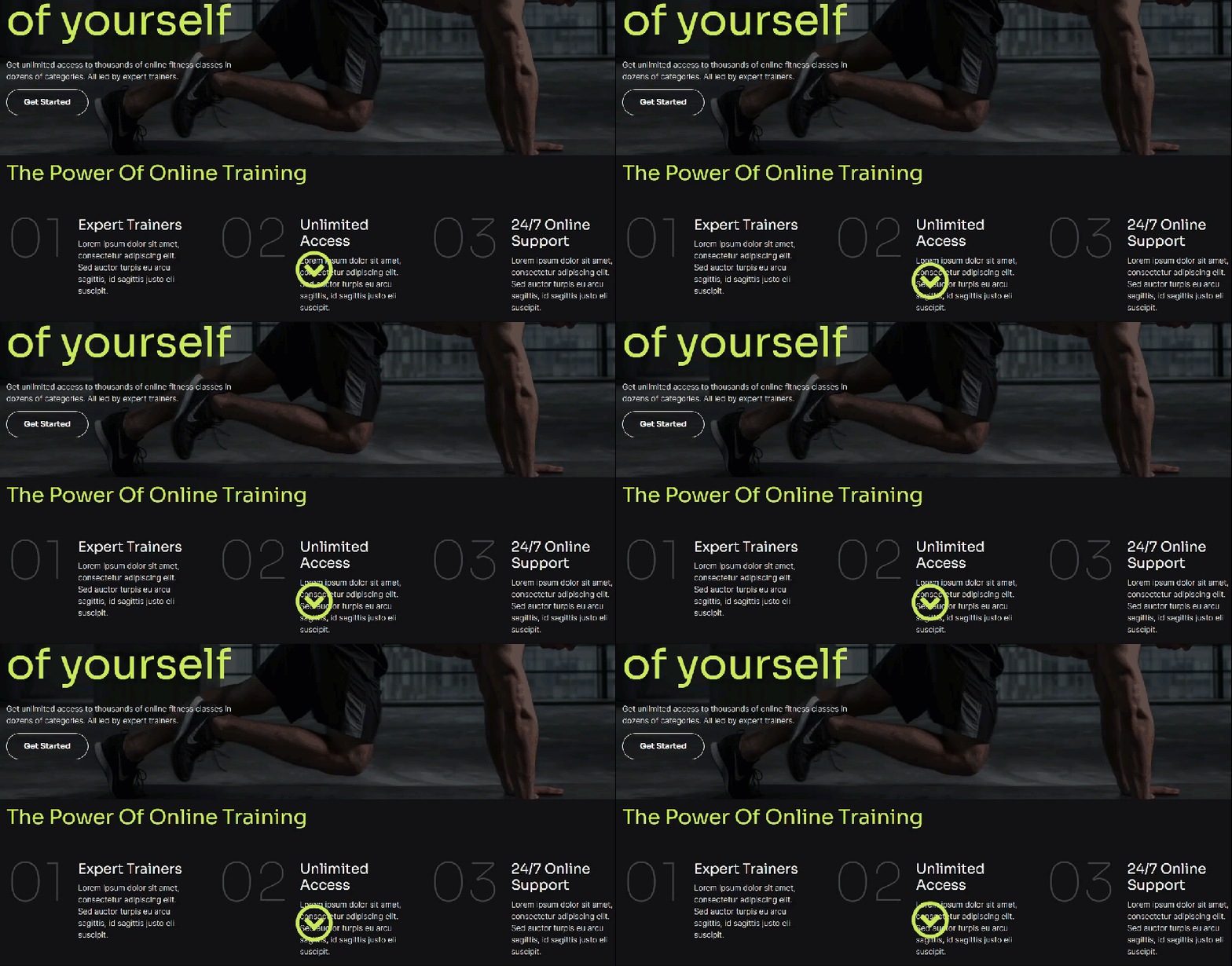
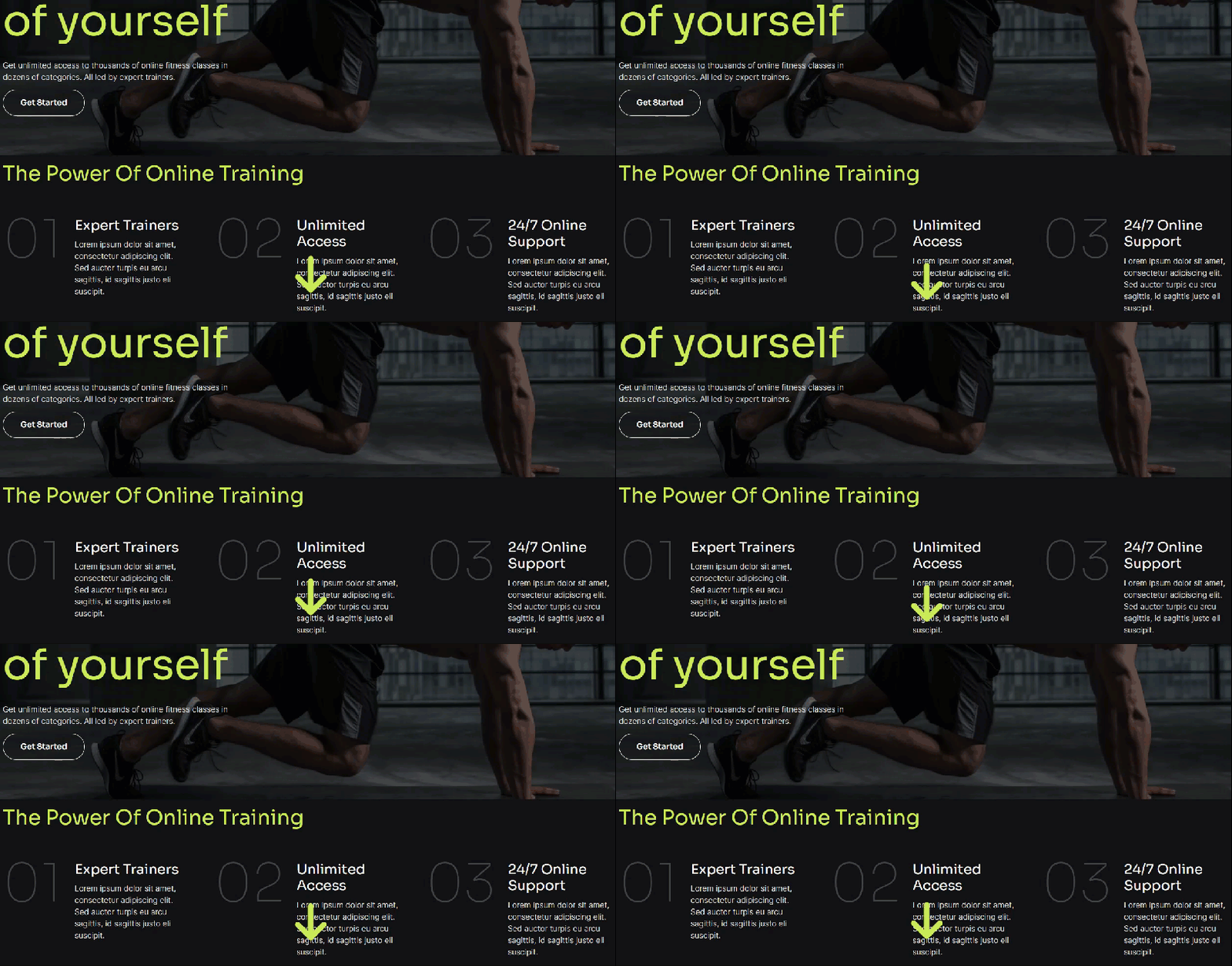
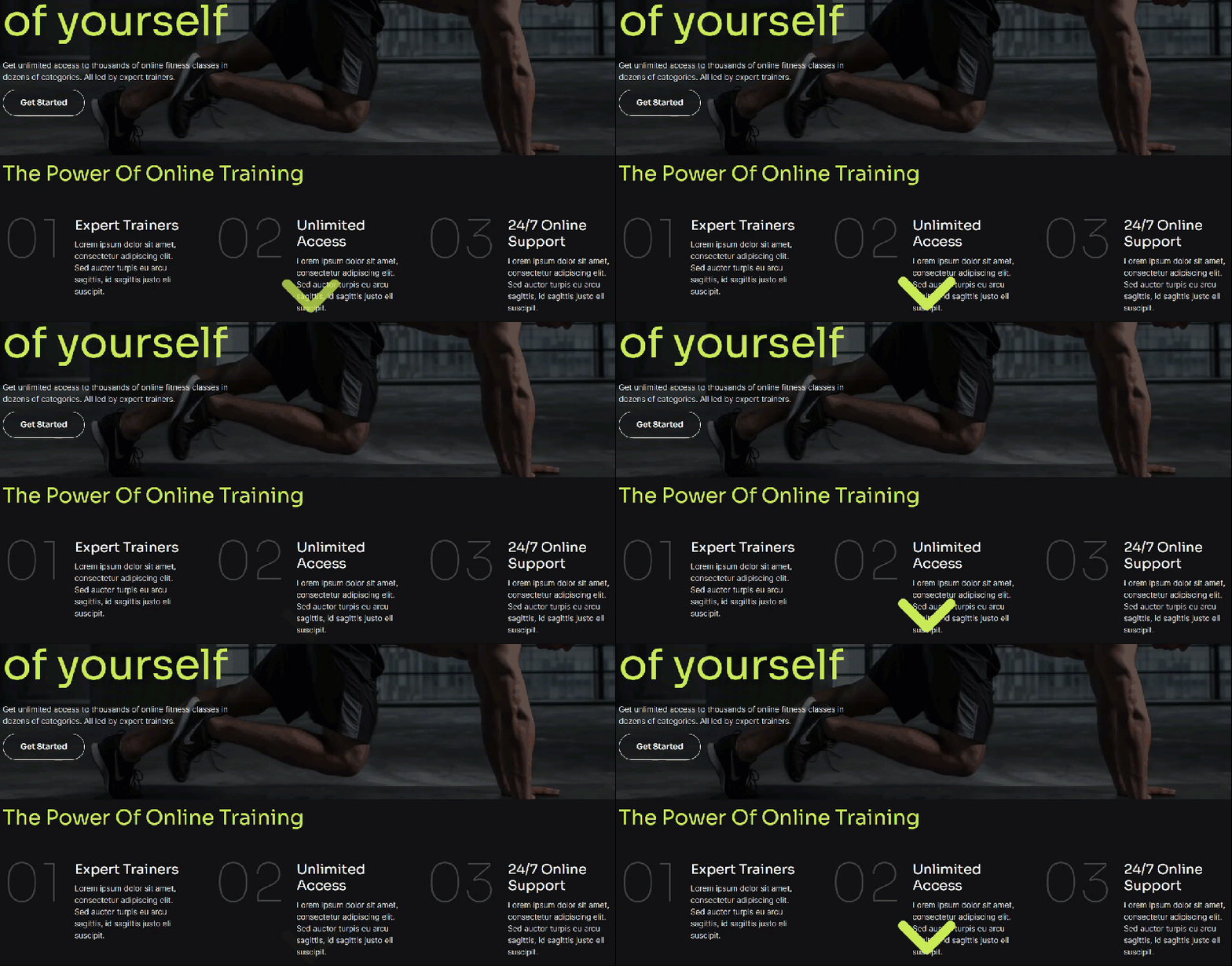
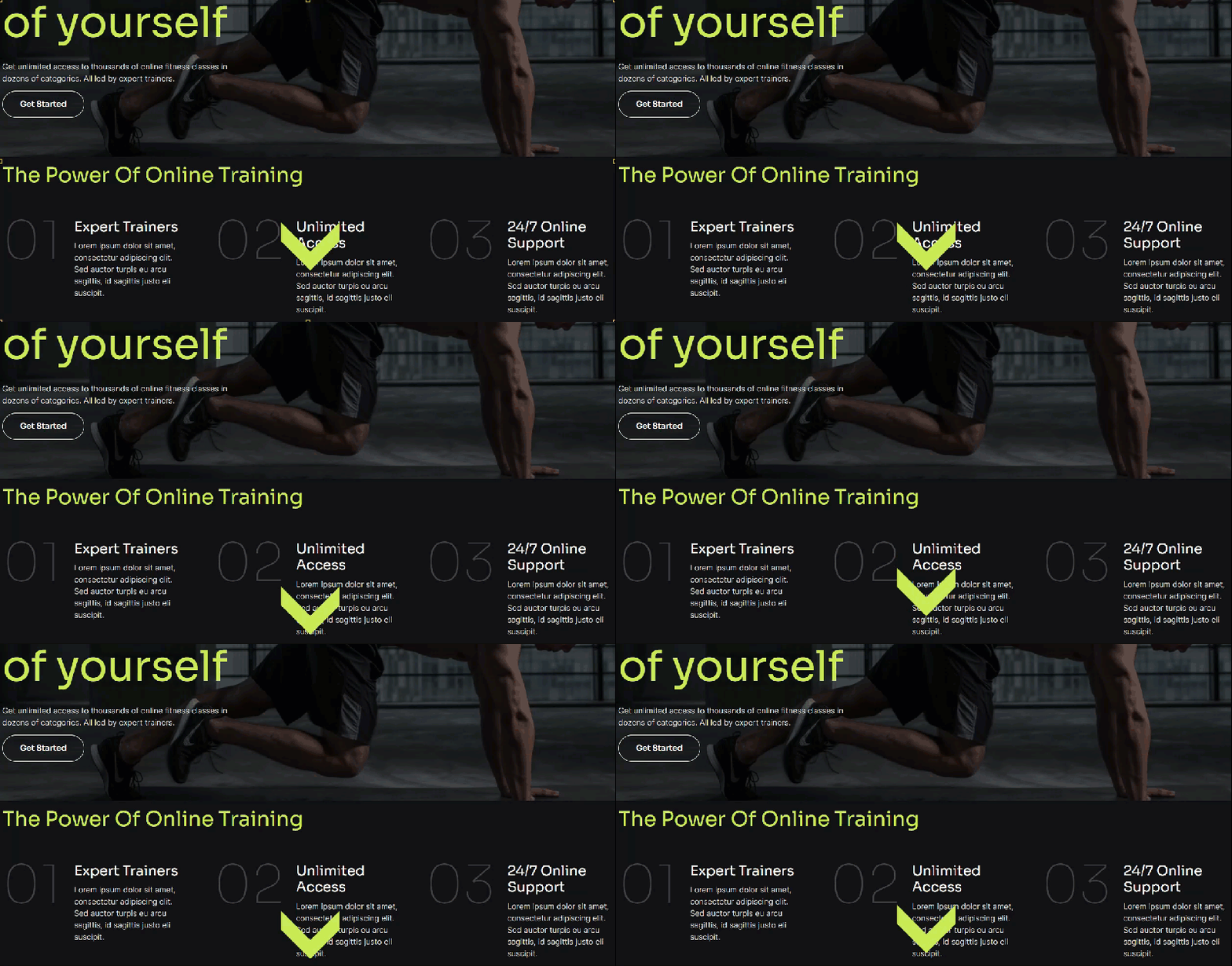
Scroll Down Arrow is an easy-to-use WordPress plugin that displays a downward-pointing arrow. It provides users with a visual cue that there is more content further down the page.
Features of the plugin include:
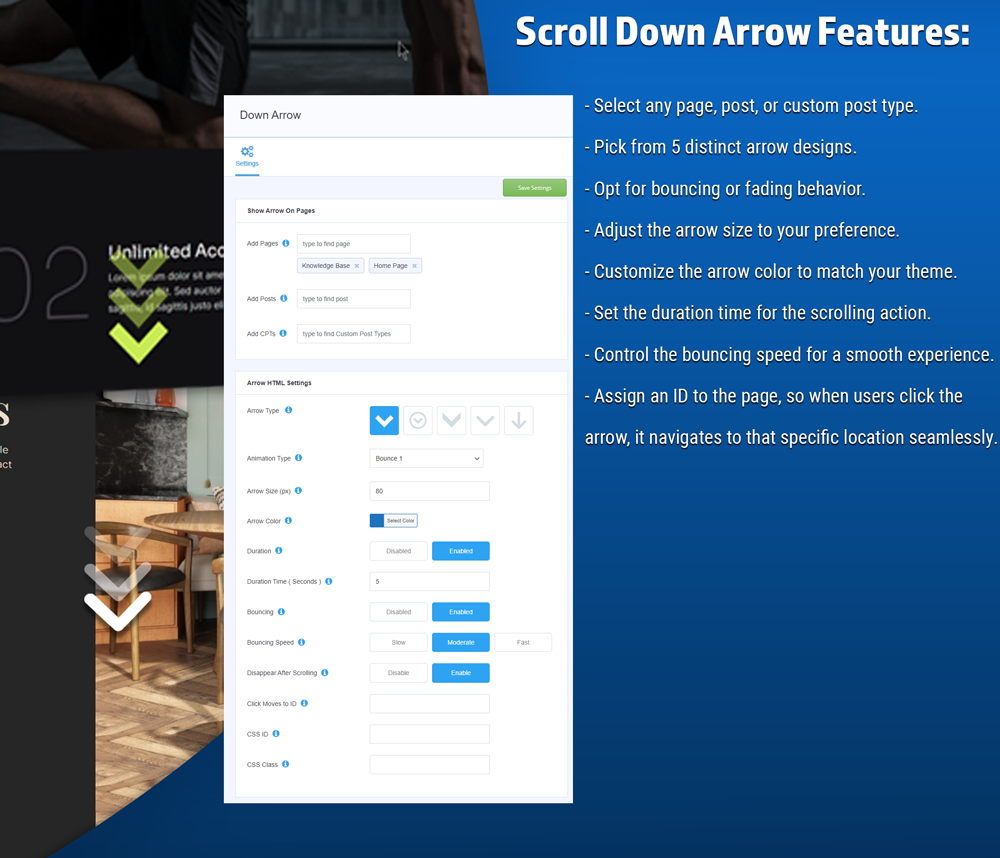
- Adds an arrow to any page
- Adds an arrow to any post type
- Compatible with themes
- Offers 5 arrow shapes
- Offers custom image uploads [ NEW ]
- Requires no coding
- Allows independent customization of each arrow
- Sets the duration of arrow visibility
- Choose any size and color
- Bouncing animation to attract attention
- Selectable bouncing speed
- Option to disable bouncing
- Configurable permanent display of the arrow
- Customizable fade-away of the arrow upon scrolling
- Adds CSS Classes for further customization
- Enables linking to specific page sections, guiding users to a chosen CSS ID upon arrow click
More information can be found at Echo Knowledge Base.com.
⭐ OUR FREE COMPLEMENTARY PLUGINS ⭐
✅ Echo Knowledge Base is a documentation plugin for WordPress. Create knowledge base, docs, FAQs, and wikis easily. Learn More
✅ Help Dialog Chat offers a chatbot-like dialog for better customer support and increased leads and sales. The Help Dialog Chat includes FAQs, search, and a contact form. Learn More
✅ Creative Add-Ons for Elementor helps you write articles and documents faster and more easily using our powerful and practical Elementor widgets. Learn More
✅ Show IDs reveals IDs on admin screens, including posts, pages, custom post types and taxonomies, and others. Learn More
Instalação
You can install the Scroll Down Arrow from your WordPress Dashboard or manually upload it through FTP.
OPTION 1: Install Scroll Down Arrow Plugin from WordPress Dashboard
- Navigate to Plugins -> Add New.
- Search for ‘Scroll Down Arrow’ and install the plugin.
- Activate the plugin in the Plugins menu.
- Optional step: configure the plugin in the Admin menu, in admin > Settings > Scroll Down Arrow page.
OPTION 2: Manually Upload Plugin Files
- Download the plugin file from the plugin page: scroll-down-arrow.zip.
- Unzip the file scroll-down-arrow.zip.
- Upload the ‘scroll-down-arrow’ folder to your ‘/wp-content/plugins’ directory (do not rename the folder).
- Optional step: configure the plugin in the Admin menu, in admin > Settings > Scroll Down Arrow page.
Log de Changes
1.3.3 Aug 24, 2026
- Update: WordPress 7.1
- Fix: error messages on the settings page
- Update: remove unused jQuery UI dependencies from the settings page
1.3.2 May 18, 2026
- Update: WordPress 7.0
1.3.1 Dec 9, 2025
- Update: WordPress 6.7
1.3.0 Mar 31, 2025
- New: Upload image for arrow icon
1.2.0 Nov 8, 2024
- Update: WordPress 6.7
1.1.0, Jul 12, 2023
- Update: WordPress 6.6
Capturas de tela

Para desenvolvedores
Este é o seu plugin? Mostre os números.
Adicione um crachá ao vivo ao seu site, Documentos ou Readme do GitHub. Ele é atualizado por conta própria - nenhuma conta necessária.
Best Scroll Down Arrow alternatives
All arrow plugins →


FAQ
Scroll Down Arrow: quick answers
Respostas diretas, extraídas de dados ao vivo WordPress.org.
Fonte: WordPress.org
Is Scroll Down Arrow free?
Yes. Scroll Down Arrow is free to download and use from the official WordPress.org plugin directory.
Is Scroll Down Arrow safe to use in 2026?
Scroll Down Arrow is a solid plugin choice in 2026, with a few things worth checking first. It runs on 900+ sites, is rated 5/5 and was last updated 3 months ago, and scores 67/100 on our health check.
How many websites use Scroll Down Arrow?
Scroll Down Arrow is active on 900+ WordPress websites and has been downloaded 8,253 times since it launched in April 2024. It was downloaded 421 times in the last 30 days.
Does Scroll Down Arrow work with WordPress 7.1?
Yes. The developer has tested Scroll Down Arrow up to WordPress 7.1.5, the latest release. It requires WordPress 5.2 or newer.
What PHP version does Scroll Down Arrow need?
Scroll Down Arrow requires PHP 5.6 or higher. Most hosts run PHP 8.x today, so it works on any modern WordPress hosting.
When was Scroll Down Arrow last updated?
The latest version, 1.3.3, was released on August 30, 2026 (3 months ago).
Who makes Scroll Down Arrow?
Scroll Down Arrow is developed and maintained by echoplugins.
What are the best alternatives to Scroll Down Arrow?
The most popular alternatives to Scroll Down Arrow are Indicate External Links (600+ installs), Sticky Back2Top Universal (100+ installs) and WP Keyboard Navigation (30+ installs).
Alimentado por PageForge
Um modelo e uma planilha. Uma página real para cada pesquisa.
PageForge Transforma cada linha de um CSV em uma página WordPress com seu próprio título, URL, SEO campos e esquema, construído no layout que você já desenhou. Gratuito em WordPress.org.
- CSV e XLSX, mais Google Sheets em Profissional e Empresarial
- Seu próprio título, URL, SEO campos e esquema para cada página
- Funciona com o editor de blocos, Elementor, Divi e Avada
- Gratuito em WordPress.org, sem cartão de crédito