


Plugin Detective – Troubleshooting Conflicts
Quickly find and fix WordPress plugin conflicts, recover from fatal errors, and clear stuck maintenance mode without any coding.

Escolha sólida
Plugin Detective is a solid plugin choice in 2026, with a few things worth checking first. It runs on 5K+ sites, is rated 4/5 and was last updated 3 weeks ago, and scores 73/100 on our health check.
- Desenvolvido ativamente — última atualização 3 semanas atrás
- Testado com as últimas WordPress (7.1)
Como ele se acumula?
Lado a lado em instalações, atualizações, avaliações e suporte



Downloads diários
Os picos de download geralmente seguem uma nova versão — cada site que atualiza automaticamente é um download.
Rankings
Where Plugin Detective stands todayWordPress.org Classificações de pesquisa
Posição ao vivo na pesquisa de plugins, top 100| Palavra chave | Posição |
|---|---|
| conflicts | #1 |
| debug | #52 |
| execução | >100 |
| site health | #22 |
| troubleshoot | #3 |
Adoção da versão
Compartilhamento de sites ativos por lançamento.
Divisão de classificação
★★★★★★★★★★ 4 from 49 reviews
About Plugin Detective
From the official readme · v1.2.38Descrição
Plugin Detective helps you troubleshoot issues on your site quickly and easily to find the cause of a problem. Once the culprit is found, the problem plugin can be quickly deactivated. You can even fix your site when it has the white screen of death (fatal error). You’ll want to have Plugin Detective installed, so if your site crashes from a conflict or bad plugin update, you can get it back up and running quickly!
Plugin Detective is your best friend when you need to:
– Troubleshoot WordPress plugin conflicts
– Remove stuck .maintenance files
– Recover your site from fatal errors caused by plugins
We’ve all been there–something’s broken on your site. You’ve looked around the web for advice about what to do and have stumbled across the typical wisdom: deactivate all your plugins and then reactivate them one by one, checking your site for the problem after each reactivation.
Ugh.
Sure, it works. But who has time for that?
Find Plugin Conflicts with Detective Otto Bot
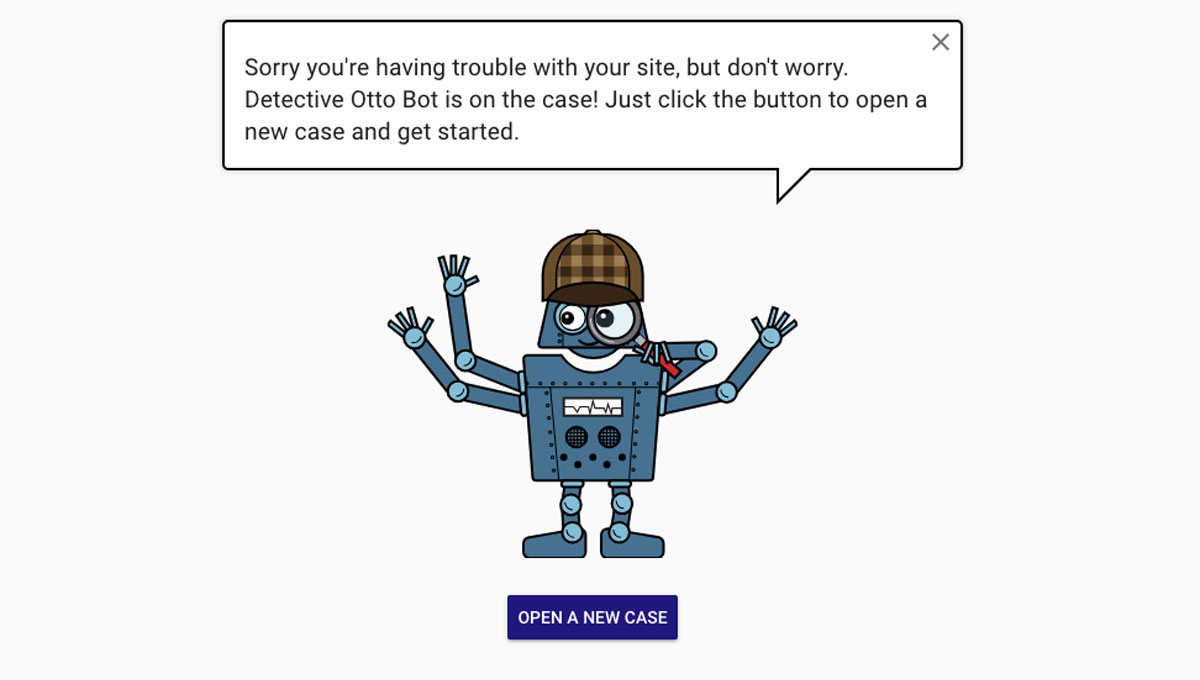
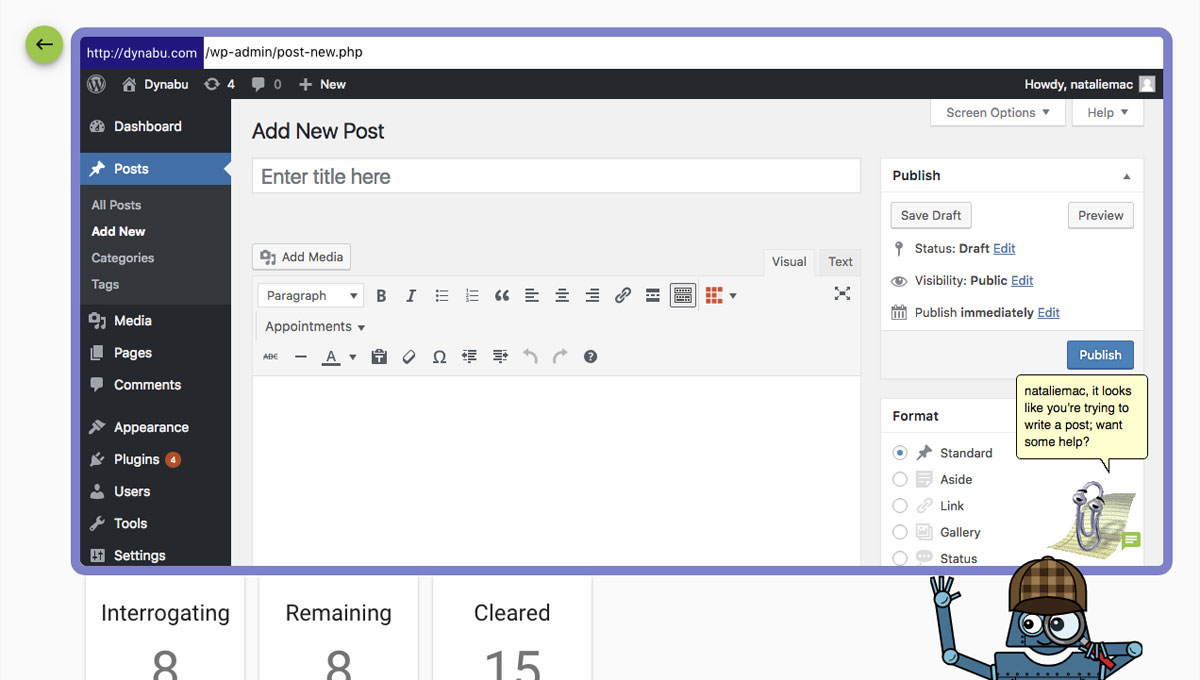
Detective Otto Bot walks you through solving your case one step at a time, all from one single screen.
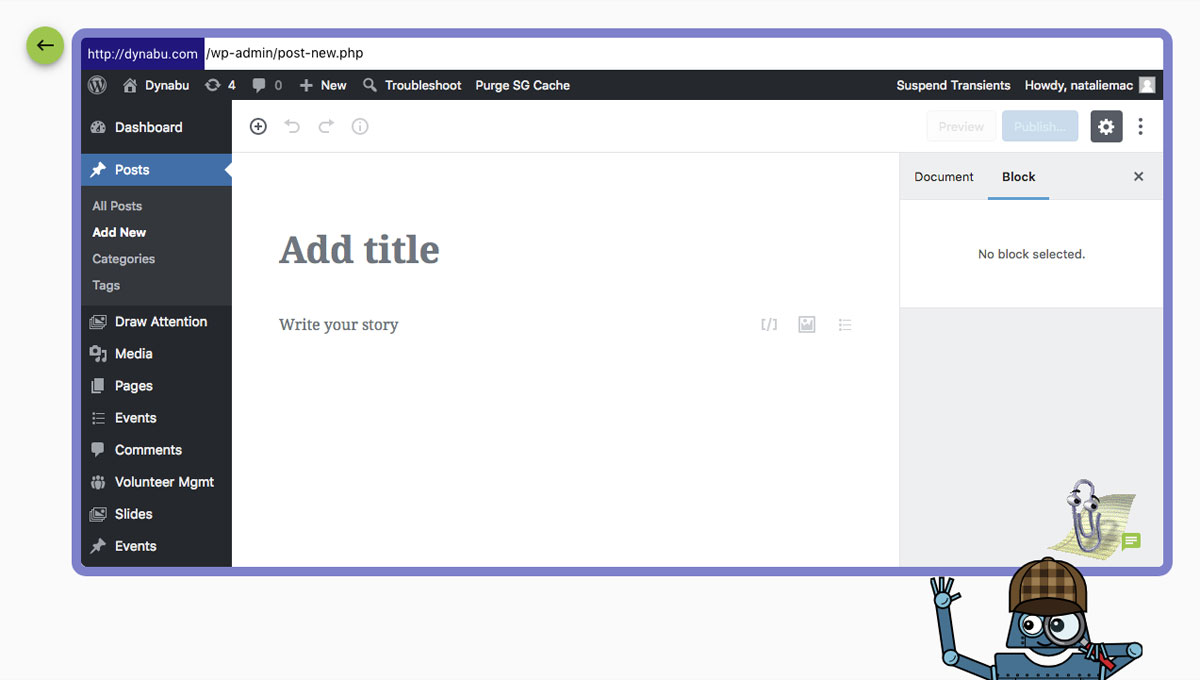
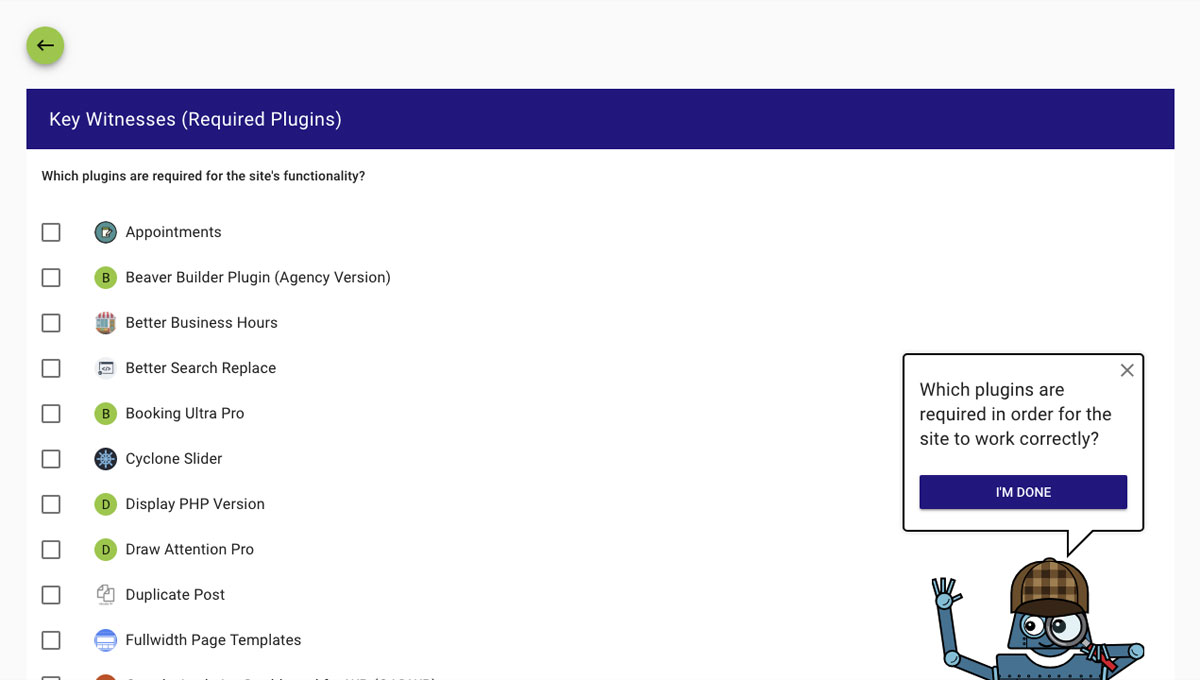
- Open a case and tell Detective Otto where you’re seeing the problem. If your site requires any plugins to run correctly, tell Otto about those, too.
- Then, Otto will interrogate the suspects and track clues, checking in with you from time to time.
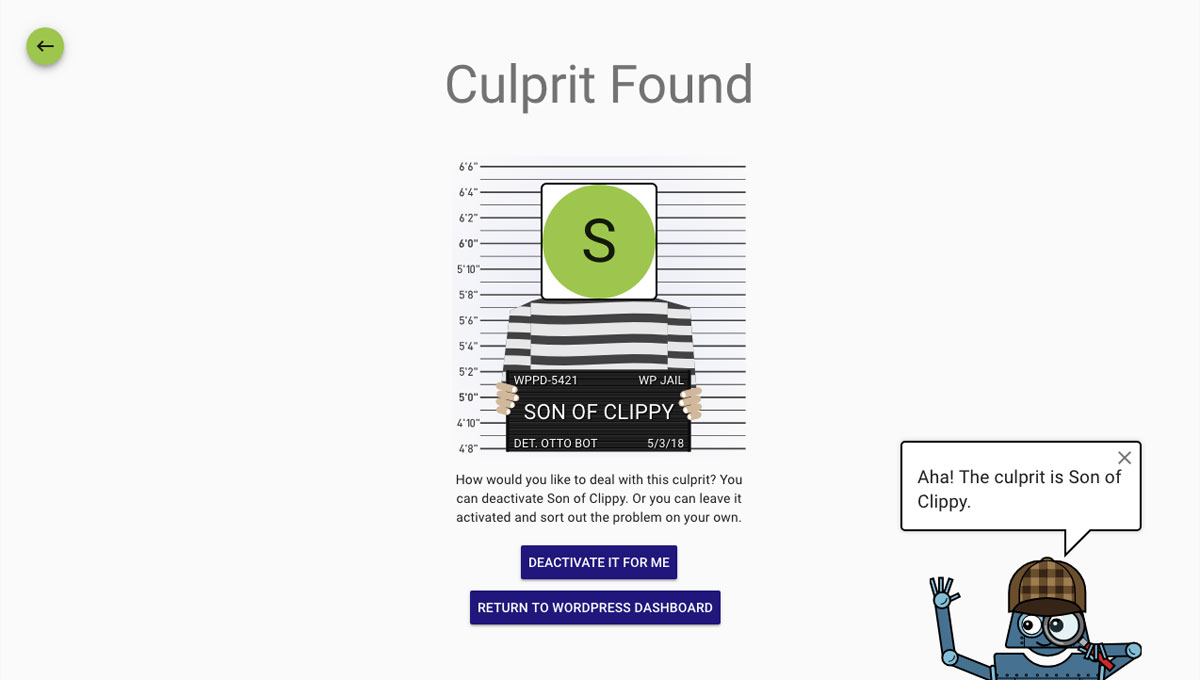
- All you need to do is answer “Yes, it’s fixed” or “No, it’s still broken” each time. Otto will do the rest and find the culprit in minutes.
Best of all – Plugin Detective can work even if you’re seeing the White Screen of Death on your site or if all you can see are PHP errors. Please have a look at the FAQ’s for how to access Plugin Detective and log into WordPress even if you can’t get to your login screen.
Once Otto has identified the culprit, you can quickly deactivate the troublesome plugin and go about your day.
Remove Stuck .Maintenance File or Scheduled Maintenance
Have you gotten stuck in maintenance mode on WordPress? The dreaded “Briefly unavailable for scheduled maintenance. Check back in a minute” message haunts you; the minute never ends!
With Plugin Detective installed you can quickly get out of these situations without the hassle of deleting files via your host or FTP. Just tack on this slug to the end of your website URL:
/wp-content/plugins/plugin-detective/troubleshoot/?restore=1
So that your URL looks like this:
https://yoursite.com/wp-content/plugins/plugin-detective/troubleshoot/?restore=1
This will prompt you to log in and automatically remove that stuck maintenance file for you.
Who Can Use This Troubleshooting Tool?
Plugin Detective is a tool that requires no coding experience or technical knowledge to use. For that reason, Plugin Detective is the ideal troubleshooting and conflict-checking tool for:
- Any WordPress website owner
- Developers and technical support engineers
- Plugin and theme owners and their support teams
Debug Tool Features
- Strategically activate and deactivate plugins on your site to help you find the plugin causing trouble
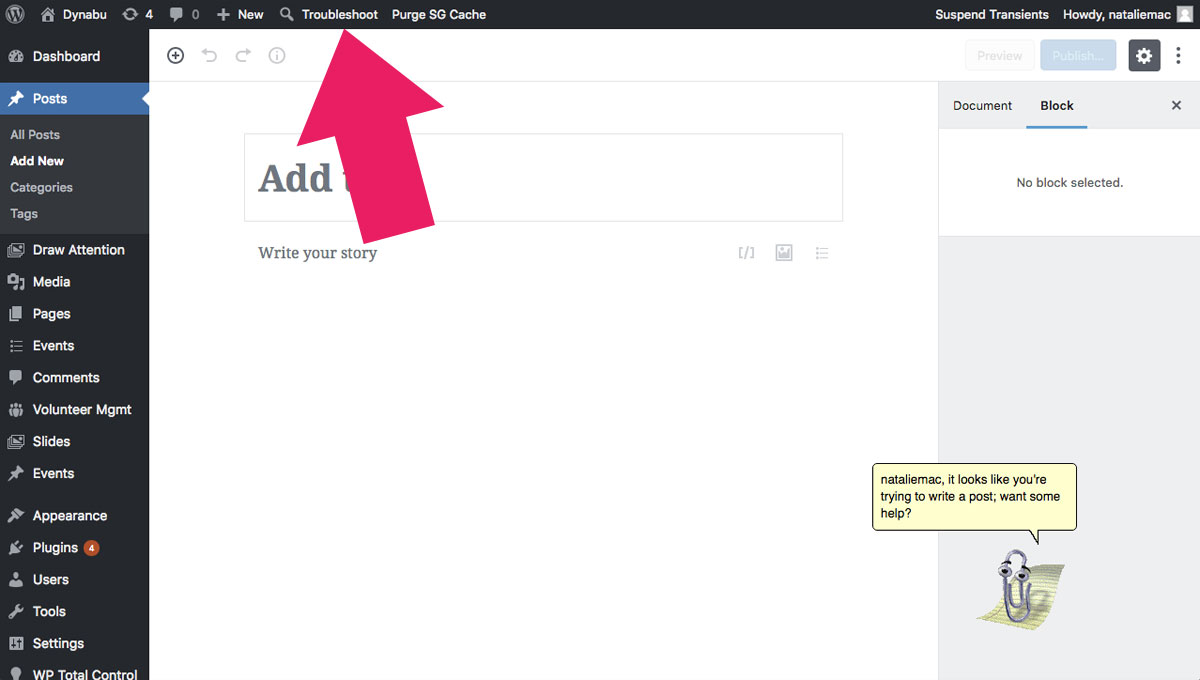
- Open Plugin Detective for troubleshooting on any page on your site – both in the backend and the frontend!
- Choose any subset of your active plugins as the baseline for your testing
Loved by Plugin Support Teams
The Simply Schedule Appointments and Draw Attention support teams love to share this conflict-checking tool with their customers.
Plugin Detective makes it easy for their clients to debug performance issues and figure out plugin conflicts in a jiffy!
1.2.14 – 2023-06-10
Features and Improvements
- Fix PHP 8.2 compatibility
1.2.13 – 2023-05-25
Features and Improvements
- Update required WP version to 6.1
1.2.12 – 2023-05-25
Features and Improvements
- Update required WP version to 6.1
1.2.11 – 2023-04-27
Features and Improvements
PR:#25 – Compatibility with WordPress 6.2
1.2.10 – 2023-04-11
Conserta
PR:#19 – Prevent fatal error on WP versions where WP_Textdomain_Registry doesn…
Features and Improvements
1.2.9 – 2023-03-28
Conserta
Features and Improvements
1.2.8 – 2023-03-28
Conserta
Features and Improvements
1.2.7 – 2023-03-28
Conserta
Features and Improvements
1.2.6 – 2023-02-24
- no changes
1.2.3
- Fixed for WP 6.1 compatibility
1.2.1
- Fixed for WP 5.9 compatibility
1.1.8
- Fixed for WP 5.8 compatibility
1.1.8
For older changelog entries, please see the additional changelog.txt file delivered with the plugin.
Instalação
Manual Installation
- Upload the entire
/plugin-detectivedirectory to the/wp-content/plugins/directory. - Activate Plugin Detective through the ‘Plugins’ menu in WordPress.
Capturas de tela
Para desenvolvedores
Este é o seu plugin? Mostre os números.
Adicione um crachá ao vivo ao seu site, Documentos ou Readme do GitHub. Ele é atualizado por conta própria - nenhuma conta necessária.
Best Plugin Detective alternatives
All conflicts plugins →



FAQ
Plugin Detective: quick answers
Respostas diretas, extraídas de dados ao vivo WordPress.org.
Fonte: WordPress.org
Is Plugin Detective free?
Yes. Plugin Detective is free to download and use from the official WordPress.org plugin directory.
Is Plugin Detective safe to use in 2026?
Plugin Detective is a solid plugin choice in 2026, with a few things worth checking first. It runs on 5K+ sites, is rated 4/5 and was last updated 3 weeks ago, and scores 73/100 on our health check.
How many websites use Plugin Detective?
Plugin Detective is active on 5K+ WordPress websites and has been downloaded 249,012 times since it launched in May 2018. It was downloaded 5,853 times in the last 30 days.
Does Plugin Detective work with WordPress 7.1?
Yes. The developer has tested Plugin Detective up to WordPress 7.1.5, the latest release. It requires WordPress 6.1 or newer.
What PHP version does Plugin Detective need?
Plugin Detective requires PHP 5.3 or higher. Most hosts run PHP 8.x today, so it works on any modern WordPress hosting.
When was Plugin Detective last updated?
The latest version, 1.2.38, was released on November 3, 2026 (3 weeks ago).
Who makes Plugin Detective?
Plugin Detective is developed and maintained by NSquared.
What are the best alternatives to Plugin Detective?
The most popular alternatives to Plugin Detective are Check Conflicts (1K+ installs), Editor Cleanup For Elemento… (200+ installs) and Editor Cleanup For Oxygen:… (80+ installs).
Alimentado por PageForge
Um modelo e uma planilha. Uma página real para cada pesquisa.
PageForge Transforma cada linha de um CSV em uma página WordPress com seu próprio título, URL, SEO campos e esquema, construído no layout que você já desenhou. Gratuito em WordPress.org.
- CSV e XLSX, mais Google Sheets em Profissional e Empresarial
- Seu próprio título, URL, SEO campos e esquema para cada página
- Funciona com o editor de blocos, Elementor, Divi e Avada
- Gratuito em WordPress.org, sem cartão de crédito