


Missing Menu Items
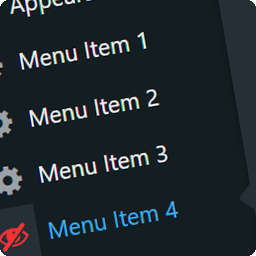
Adds missing menu items into your Appearance menu in the WordPress admin area to make maneuvering to useful WordPress editor features easy.

Escolha sólida
Missing Menu Items is a solid plugin choice in 2026, with a few things worth checking first. It runs on 100+ sites, is rated 5/5 and was last updated 3 months ago, and scores 65/100 on our health check.
- Testado com as últimas WordPress (7.1)
- Base de usuários pequenas (mais de 100 instalações ativas)
- Muito poucos comentários até agora
Como ele se acumula?
Lado a lado em instalações, atualizações, avaliações e suporte


Downloads diários
Os picos de download geralmente seguem uma nova versão — cada site que atualiza automaticamente é um download.
Rankings
Where Missing Menu Items stands todayWordPress.org Classificações de pesquisa
Posição ao vivo na pesquisa de plugins, top 100| Palavra chave | Posição |
|---|---|
| admin menu | #95 |
| Bloco-editor | >100 |
| full-site-editing | #52 |
| navigation | >100 |
| site editor | >100 |
Adoção da versão
Compartilhamento de sites ativos por lançamento.
Divisão de classificação
★★★★★ ★★★★★ 5 de 4 comentários
About Missing Menu Items
Do Readme oficial · v1.3.1Descrição
Frustrated navigating around the latest WordPress admin whild building your site? Why does it take so many clicks to get to Editor Templates?
The Missing Menu Items for WordPress plugin adds useful Editor related links to the admin navigation.
Missing Menu Items can add the following links (each one can be turned on or off in Settings → Missing Menu Items):
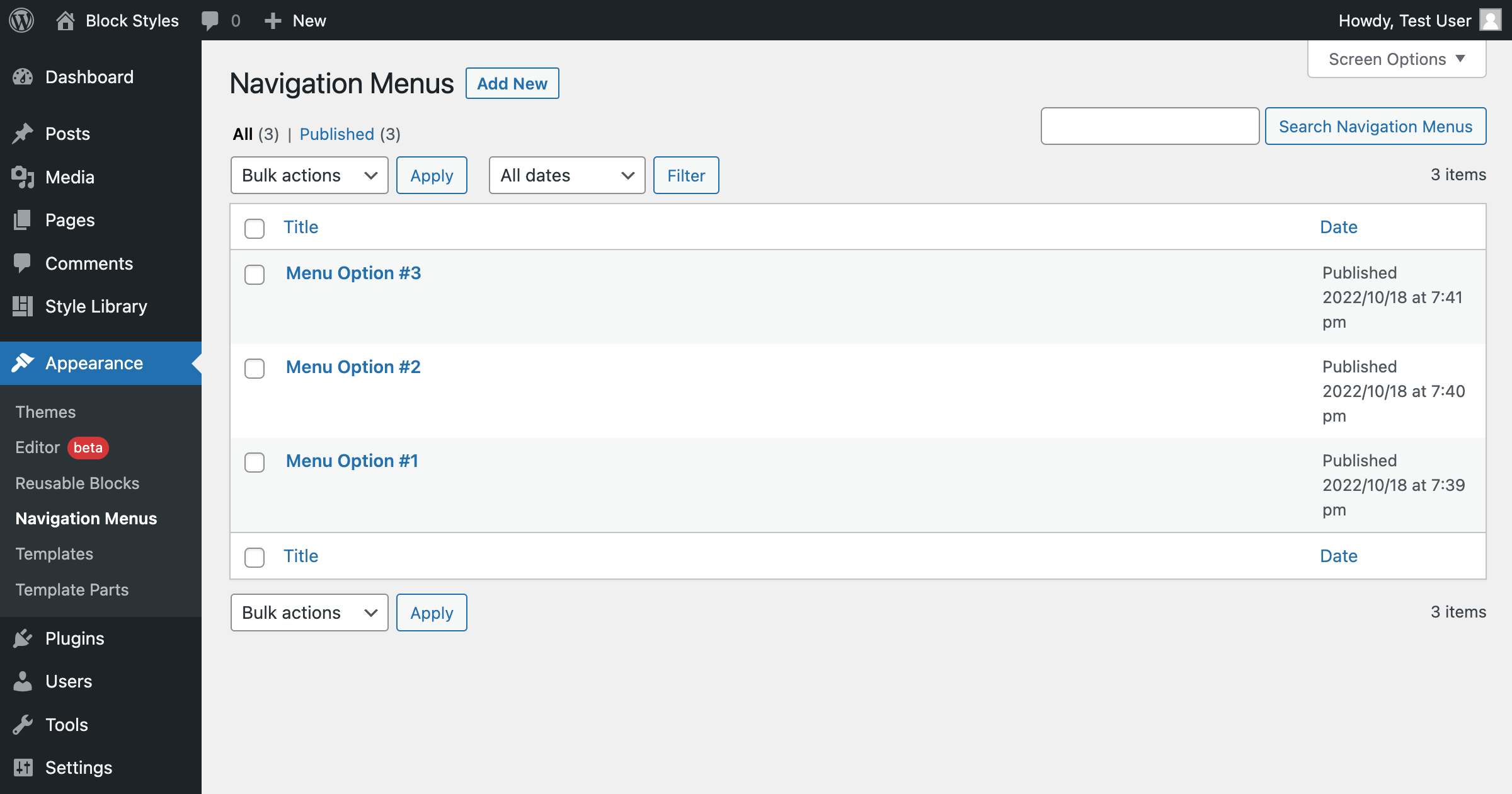
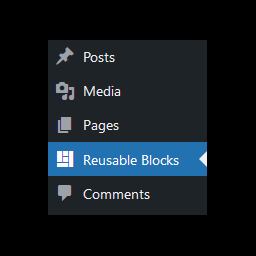
* Reusable Blocks, Navigation Menus, Templates, and Template Parts (Appearance)
* Site Editor, Styles, and Add New Theme (Appearance)
* Menus, Widgets, and Customizer — shown only when your theme hides them (e.g. block themes)
* Upload Plugin, Add New Plugin, and Plugin Updates (Plugins)
Plus:
* Choose whether links nest in their native menus or group together under Appearance
* Limit which user roles see the links
* Keep Site Editor content (templates, template parts, styles) reachable after switching to a classic theme, so you can copy or export it
Apoio
You can get support from the community here, or in our growing Facebook Group and find information in our documentation.
Direct support is offered to BlockStyles members.
Stay Connected
Stay up-to-date on Missing Menu Items updates and Gutenberg development, using the links below. The plugin is also being built transparently on GitHub, so give it a star and follow along! 😉
Missing Menu Items is a part of BlockStyles, a collection of tools that transforms the default WordPress Block Editor into a true page builder.
Instalação
From WordPress Backend
Navigate to Plugins → Add New
Click “Upload Plugin” next to the “Add plugins” title
Upload the downloaded zip file and activate it.
Direct Upload
Upload the downloaded zip file into your ‘wp-content/plugins/’ folder.
Unzip the uploaded zip file.
Navigate to the Plugins menu on your WordPress admin area.
Activate the plugin.
Once activated, you will see the missing menu items under the Appearance menu in the WordPress admin area.
Log de Changes
Big update: settings page to choose your links, new Plugins-menu shortcuts, role visibility, and Site Editor content access after theme switches. Existing links keep working as before.
1.3.1
- Fixed: release packaging no longer includes build artifacts (stray zip files and a nested plugin copy) in the WordPress.org deploy
- Changed: trimmed directory tags to the five WordPress.org honors
1.3.0
- New: link registry with per-link on/off settings page (Settings → Missing Menu Items)
- New: links appear only where they exist for your WordPress version and your capabilities
- New: placement choice — nest links in their native menus or keep them together under Appearance
- New: optional role visibility — limit which roles see the links
- New: Menus, Widgets, and Customizer links that appear only when your theme hides them (no duplicates)
- New: Upload Plugin, Add New Plugin, and Plugin Updates links under the Plugins menu
- New: Site Editor, Styles, and Add New Theme links (off by default)
- New: Full Site Editing archive — keeps Site Editor content reachable after switching to a classic theme
- Fixed: translations never loaded due to a wrong text domain
- Fixed: “Domain Path” plugin header typo
- Dev: WordPress Coding Standards toolchain (WPCS 3.x), PHP 7.4–8.x compatibility checks, code restructured into classes
- Cleanup: settings are now removed when the plugin is deleted
1.2.3
- Changed text domain for plugin repo
1.2.2
- Added localization
1.2.1
- Move assets
- Update author
1.2.0
- Initial Release
Capturas de tela




Para desenvolvedores
Este é o seu plugin? Mostre os números.
Adicione um crachá ao vivo ao seu site, Documentos ou Readme do GitHub. Ele é atualizado por conta própria - nenhuma conta necessária.
Best Missing Menu Items alternatives
All admin menu plugins →




FAQ
Missing Menu Items: quick answers
Respostas diretas, extraídas de dados ao vivo WordPress.org.
Fonte: WordPress.org
Is Missing Menu Items free?
Yes. Missing Menu Items is free to download and use from the official WordPress.org plugin directory.
Is Missing Menu Items safe to use in 2026?
Missing Menu Items is a solid plugin choice in 2026, with a few things worth checking first. It runs on 100+ sites, is rated 5/5 and was last updated 3 months ago, and scores 65/100 on our health check.
How many websites use Missing Menu Items?
Missing Menu Items is active on 100+ WordPress websites and has been downloaded 5,530 times since it launched in October 2022. It was downloaded 174 times in the last 30 days.
Does Missing Menu Items work with WordPress 7.1?
Yes. The developer has tested Missing Menu Items up to WordPress 7.1.5, the latest release. It requires WordPress 6.0 or newer.
What PHP version does Missing Menu Items need?
Missing Menu Items requires PHP 7.4 or higher. Most hosts run PHP 8.x today, so it works on any modern WordPress hosting.
When was Missing Menu Items last updated?
The latest version, 1.3.1, was released on August 20, 2026 (3 months ago).
Who makes Missing Menu Items?
Missing Menu Items is developed and maintained by Block Styles.
What are the best alternatives to Missing Menu Items?
The most popular alternatives to Missing Menu Items are Admin Menu Search (3K+ installs), My Wp Brand (2K+ installs) and Wider Admin Menu (2K+ installs).
Alimentado por PageForge
Um modelo e uma planilha. Uma página real para cada pesquisa.
PageForge Transforma cada linha de um CSV em uma página WordPress com seu próprio título, URL, SEO campos e esquema, construído no layout que você já desenhou. Gratuito em WordPress.org.
- CSV e XLSX, mais Google Sheets em Profissional e Empresarial
- Seu próprio título, URL, SEO campos e esquema para cada página
- Funciona com o editor de blocos, Elementor, Divi e Avada
- Gratuito em WordPress.org, sem cartão de crédito