


Logto – User Authentication and Authorization
Enable beautiful and secure user authentication, including passwordless, social login, single sign-on, multi-factor authentication (MFA), and more.

Considere uma alternativa
Logto shows warning signs in 2026 — compare the alternatives below before installing. It runs on 20+ sites and was last updated 2 years ago, and scores 27/100 on our health check.
- Base de usuários pequenas (mais de 20 instalações ativas)
- Muito poucos comentários até agora
- Nenhuma atualização em mais de um ano
- Testado apenas até WordPress 6.7 (mais recente é 7.1)
Como ele se acumula?
Lado a lado em instalações, atualizações, avaliações e suporte



Downloads diários
Os picos de download geralmente seguem uma nova versão — cada site que atualiza automaticamente é um download.
Rankings
Where Logto stands todayWordPress.org Classificações de pesquisa
Posição ao vivo na pesquisa de plugins, top 100| Palavra chave | Posição |
|---|---|
| login | >100 |
| oauth | >100 |
| oidc | #32 |
| SAML | #33 |
| sso | >100 |
Adoção da versão
Compartilhamento de sites ativos por lançamento.
About Logto
From the official readme · v1.0.1Descrição
Thank you for choosing Logto! By integrating Logto into your WordPress site, you are not only enhancing the security and user experience of your site, but also enabling a unified login experience across all your applications.
Why Logto?
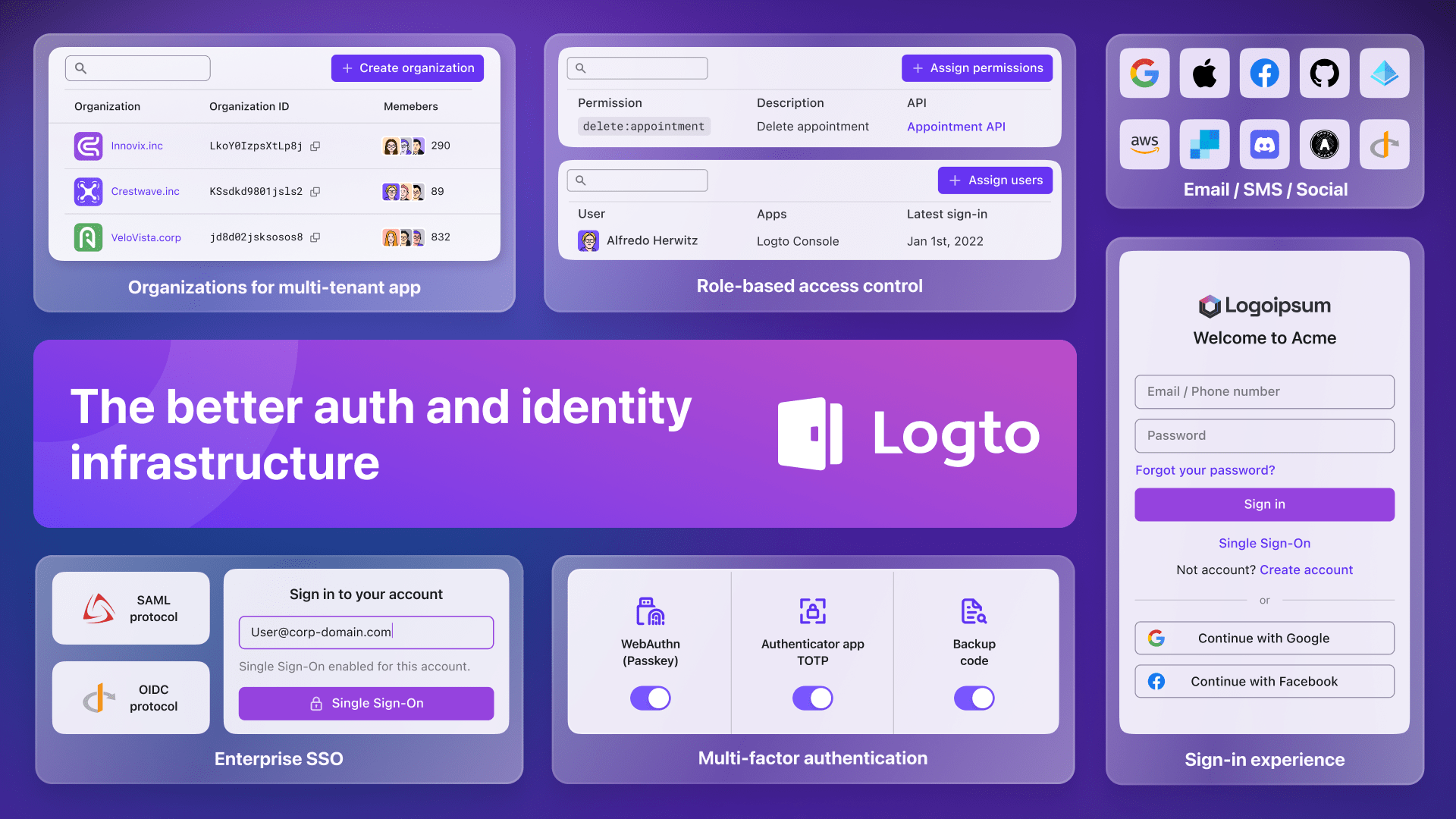
Logto is an open-source Auth0 alternative and a modern authentication and authorization solution for all your applications, including your WordPress sites. With Logto, you can:
- Enable passwordless login, social login, single sign-on (SSO), and multi-factor authentication (MFA) for your WordPress site.
- Use role-based access control (RBAC) to manage user permissions.
- Support generic OAuth2, OpenID Connect, and SAML protocols.
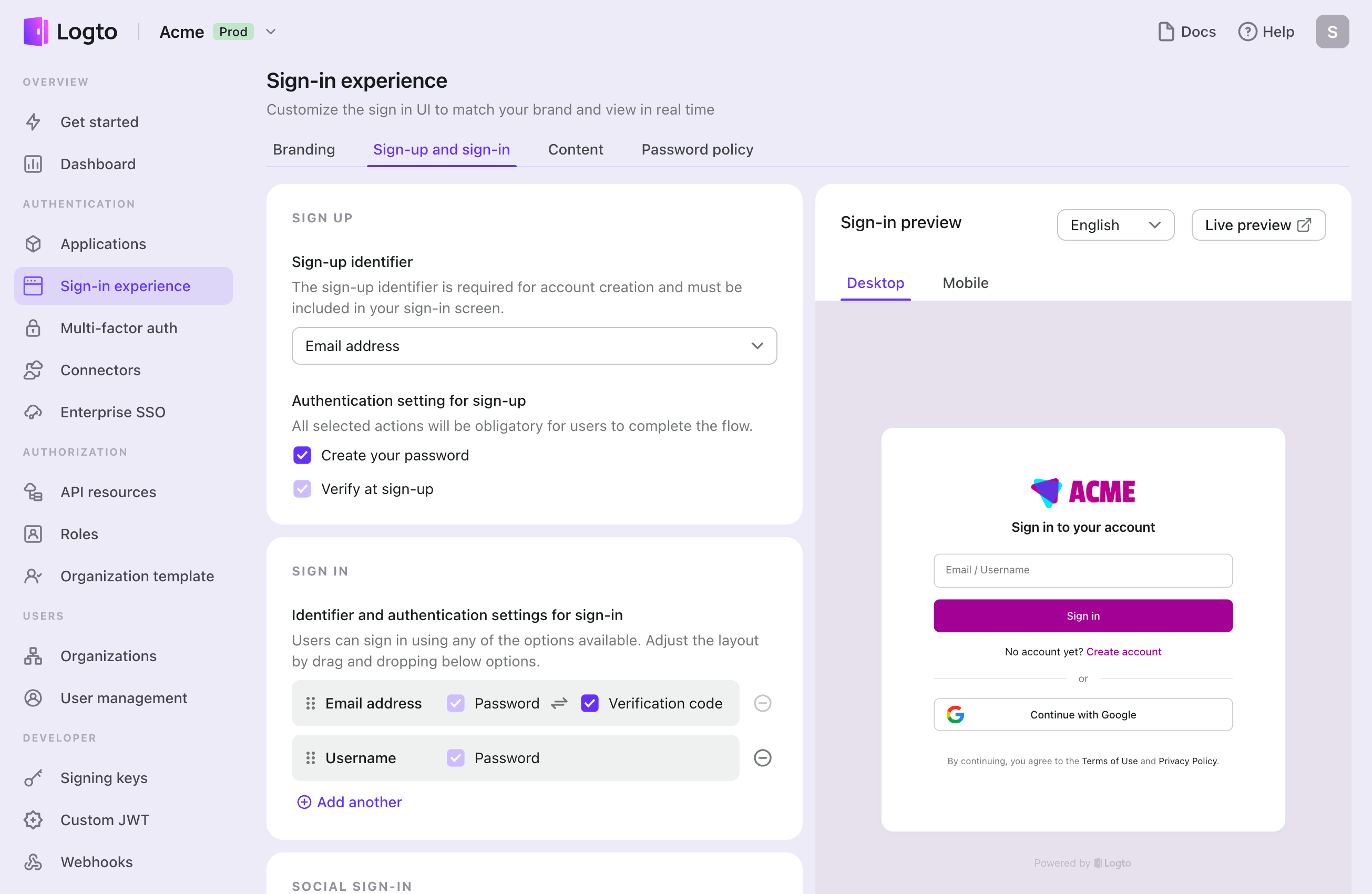
- Customize the login and registration pages to match your brand.
In addition, Logto offers dozens of out-of-the-box integrations with popular social login providers, including Google, GitHub, Entra ID (Azure AD), Facebook, and more. Check out the full list of built-in integrations and social login providers.
Começar
If you are new to Logto, we recommend checking out our introduction page to have a quick overview of Logto concepts and features.
If you are looking for a step-by-step guide to set up Logto, please refer to our WordPress plugin quick start guide.
If you have any questions or feedback, please feel free to:
- Join our Discord server to get help from the community.
- Open an issue on GitHub to report bugs or request features.
- Subscribe to a paid plan to get access to official support and more features.
From WordPress admin panel
- Go to Plugins > Add New.
- Search for “Logto”.
- Clique em Instale agora.
- Clique em ativar.
- Go to Settings > Logto to configure the plugin.
- Follow the quick start guide to set up Logto.
From WordPress.org
- Search for “Logto” in the WordPress.org plugin directory.
- Download the plugin ZIP file.
- Go to Plugins > Add New in your WordPress admin panel.
- Click Upload Plugin.
- Select the downloaded ZIP file and click Install Now.
- Clique em ativar.
- Go to Settings > Logto to configure the plugin.
- Follow the quick start guide to set up Logto.
Capturas de tela
Para desenvolvedores
Este é o seu plugin? Mostre os números.
Adicione um crachá ao vivo ao seu site, Documentos ou Readme do GitHub. Ele é atualizado por conta própria - nenhuma conta necessária.
Best Logto alternatives
All login plugins →





FAQ
Logto: quick answers
Respostas diretas, extraídas de dados ao vivo WordPress.org.
Fonte: WordPress.org
Is Logto free?
Yes. Logto is free to download and use from the official WordPress.org plugin directory.
Is Logto safe to use in 2026?
Logto shows warning signs in 2026 — compare the alternatives below before installing. It runs on 20+ sites and was last updated 2 years ago, and scores 27/100 on our health check.
How many websites use Logto?
Logto is active on 20+ WordPress websites and has been downloaded 1,464 times since it launched in March 2025. It was downloaded 103 times in the last 30 days.
Does Logto work with WordPress 7.1?
Logto is officially tested up to WordPress 6.7.12, while the latest release is 7.1.5. It may still work, but try it on a staging site first.
What PHP version does Logto need?
Logto requires PHP 8.1 or higher. Most hosts run PHP 8.x today, so it works on any modern WordPress hosting.
When was Logto last updated?
The latest version, 1.0.1, was released on April 2, 2025 (2 years ago).
Who makes Logto?
Logto is developed and maintained by logto.
What are the best alternatives to Logto?
The most popular alternatives to Logto are WPS Hide Login (2M+ installs), Loginizer (1M+ installs) and Security Optimizer (1M+ installs).
Alimentado por PageForge
Um modelo e uma planilha. Uma página real para cada pesquisa.
PageForge Transforma cada linha de um CSV em uma página WordPress com seu próprio título, URL, SEO campos e esquema, construído no layout que você já desenhou. Gratuito em WordPress.org.
- CSV e XLSX, mais Google Sheets em Profissional e Empresarial
- Seu próprio título, URL, SEO campos e esquema para cada página
- Funciona com o editor de blocos, Elementor, Divi e Avada
- Gratuito em WordPress.org, sem cartão de crédito