


All In One Lightbox – show any media in beautiful popups
Lightbox Block lets you display images, audio, video, and custom content in responsive lightbox galleries or media popups.

Escolha segura
Yes — All In One Lightbox is a safe, well-maintained plugin to use in 2026. It runs on 3K+ sites, is rated 5/5 and was last updated 2 weeks ago, and scores 83/100 on our health check.
- Desenvolvido ativamente — última atualização 2 semanas atrás
- Testado com as últimas WordPress (7.1)
Como ele se acumula?
Lado a lado em instalações, atualizações, avaliações e suporte



Downloads diários
Os picos de download geralmente seguem uma nova versão — cada site que atualiza automaticamente é um download.
Rankings
Where All In One Lightbox stands todayWordPress.org Classificações de pesquisa
Posição ao vivo na pesquisa de plugins, top 100| Palavra chave | Posição |
|---|---|
| quadra | >100 |
| Gutenberg block | >100 |
| lightbox | #16 |
| popup | #74 |
| controle deslizante | >100 |
Adoção da versão
Compartilhamento de sites ativos por lançamento.
Divisão de classificação
★★★★★ ★★★★★ 5 de 7 comentários
About All In One Lightbox
Do Readme oficial · v1.3.0Descrição
Create Responsive Lightbox Popups and Galleries for Images, Audio, Video, PDFs, Iframes, and Custom Content Directly in the WordPress Block Editor.
Lightbox Block | Documentation | Pricing | Support | Demo
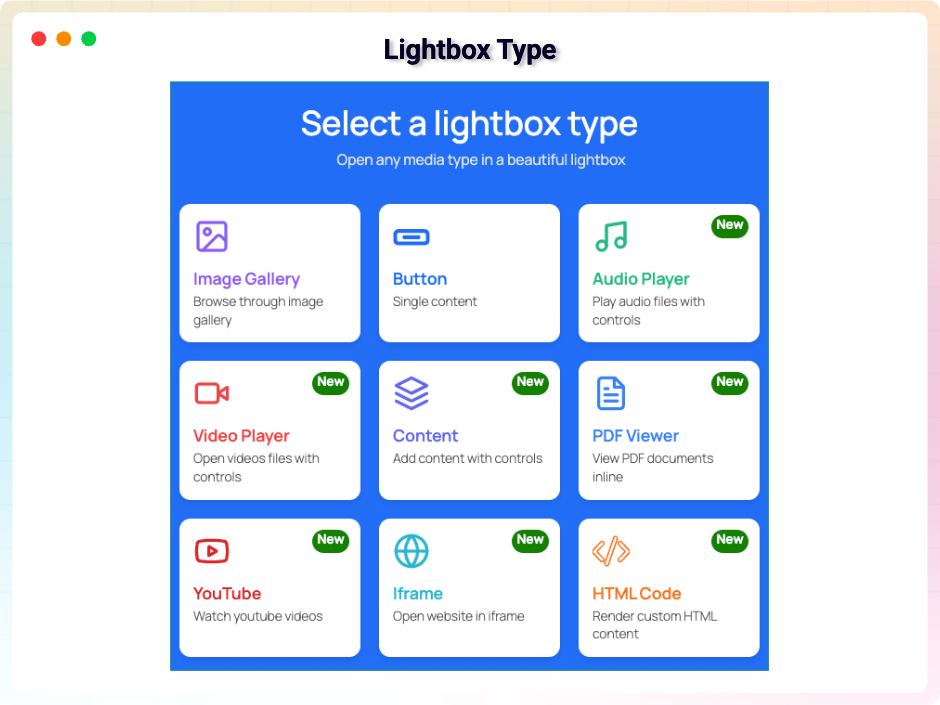
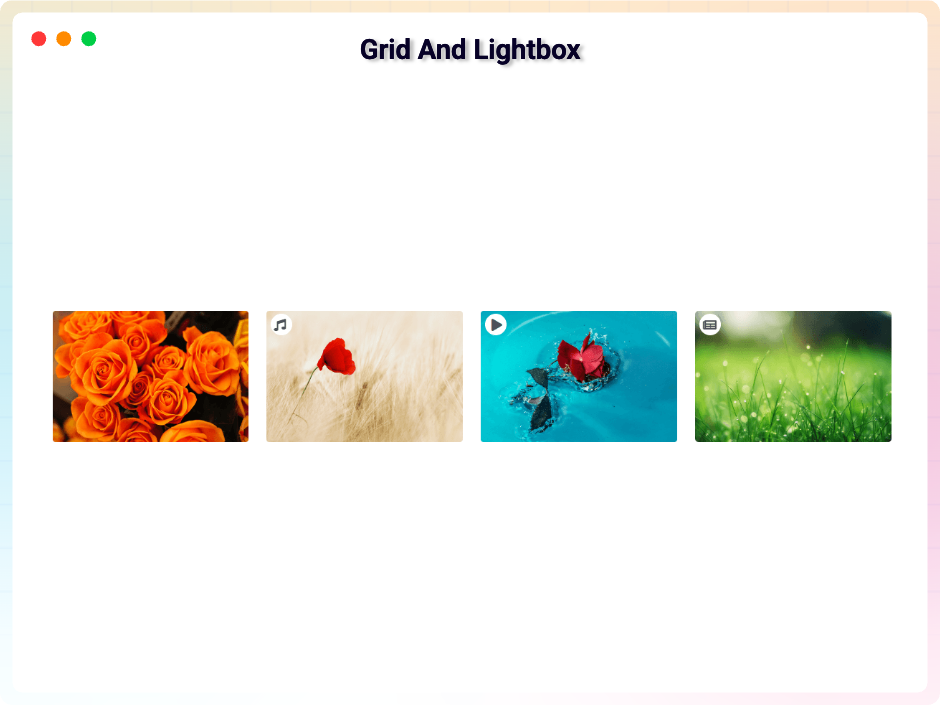
Lightbox Block is a Gutenberg plugin that helps you display different types of media inside a popup. You can create image galleries, audio playlists, video showcases, or show any custom content in a lightbox. The block is simple to use and does not require any coding knowledge.
The plugin is fully responsive, so your popups look good on desktops, tablets, and mobile devices. You can customize layouts, choose from different styles, and adjust settings to match your design. It is useful for portfolios, tutorials, product galleries, media libraries, and any website where you want to highlight content in a clean and interactive way.
Key Features – Free Version
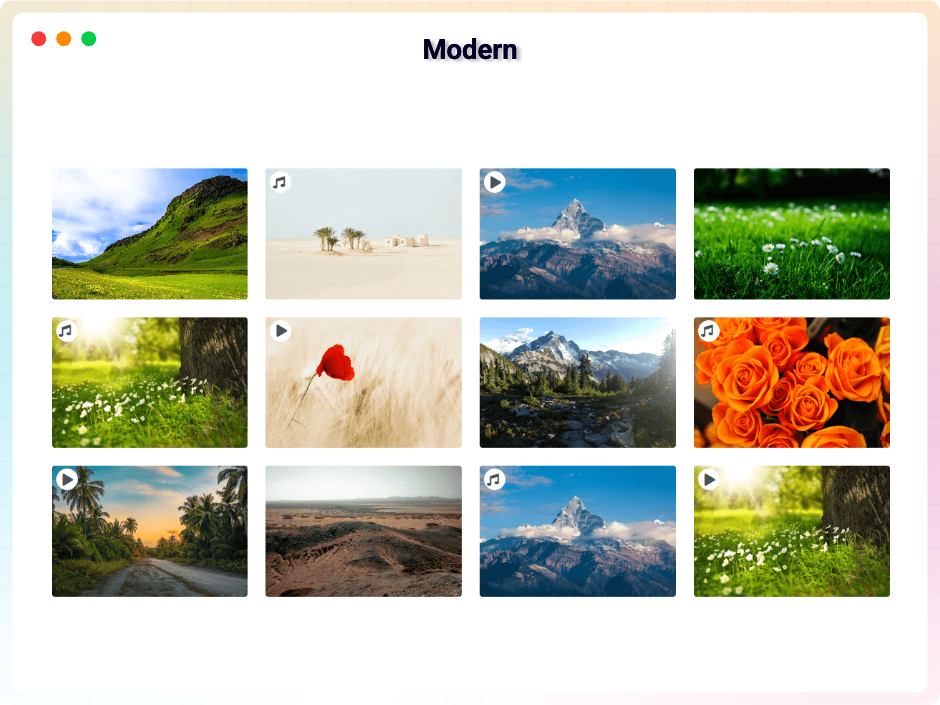
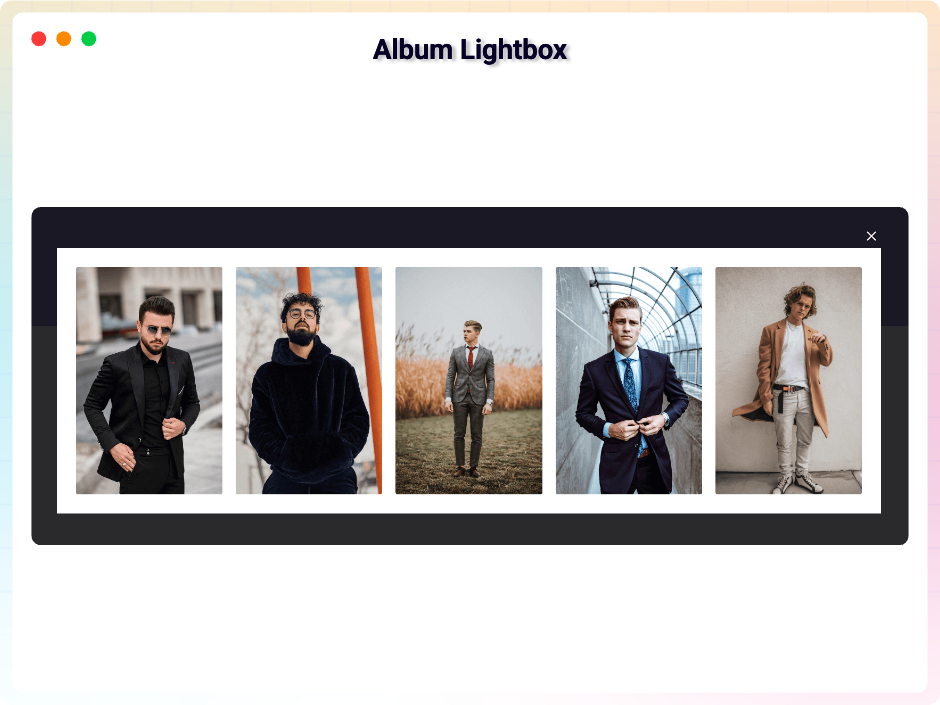
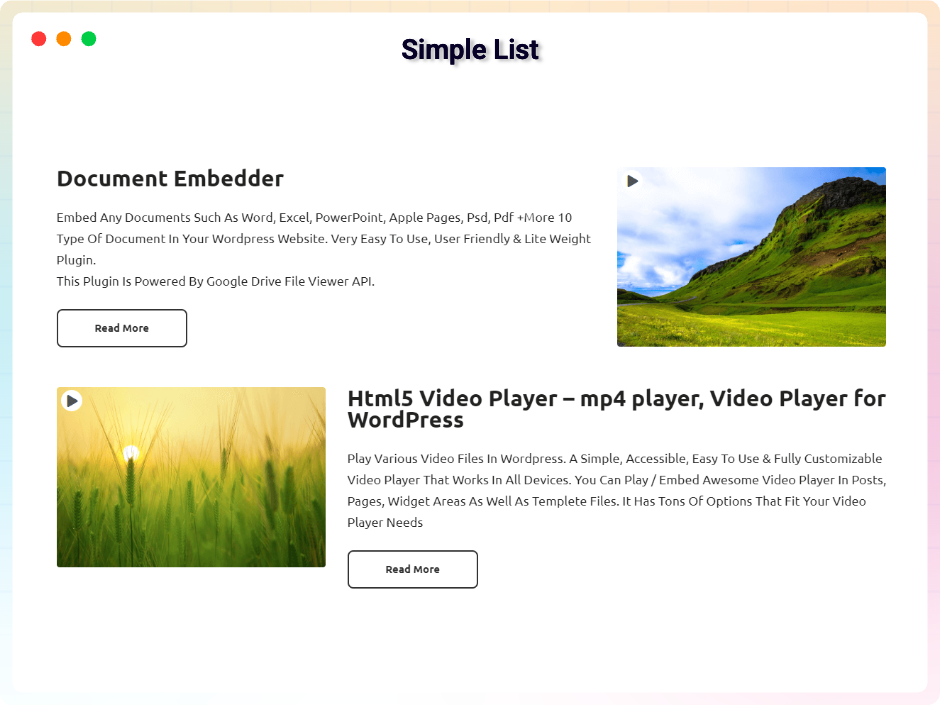
- Five Lightbox Types – Choose from Gallery, Button, Audio, Video, and Content lightboxes to display different kinds of media.
- Gallery Content Support – Build galleries with images, audio, video, or custom content blocks.
- Multiple Blocks on a Page – Add different lightbox types within the same page without conflicts.
- Button Lightbox – Trigger popups with customizable buttons, allowing flexible placement anywhere in your content.
- Embed External Media – Supports YouTube, Vimeo, and self-hosted videos for quick video playback.
- Mobile Responsive – Popups automatically adapt to all screen sizes for a seamless experience on phones and tablets.
- Slideshow & Fullscreen Modes – Present galleries as interactive slideshows or allow users to expand media fullscreen.
- Captions Support – Add titles or descriptions to each popup for context.
- Independent Galleries – Display multiple galleries on one site, each working separately.
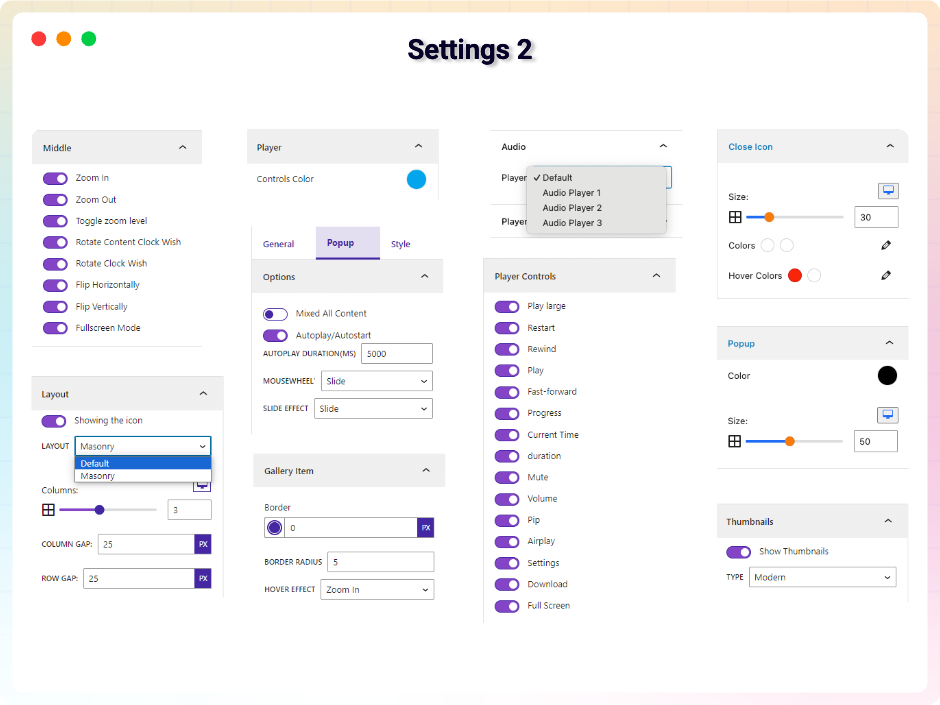
- Layout Options – Choose between the default grid or the Masonry layout for creative displays.
- Custom Layout Controls – Adjust row/column gaps and layout spacing for better design control.
- Lazy Load (New) – Gallery images load only when visitors scroll near them, with your own load distance and delay. Works for every media type.
- Responsive Images & Retina (New) – Each screen gets the right image size through srcset, sharp on 2x/3x screens, with the thumbnail size you choose.
- WebP Images (New) – Convert gallery images to WebP on your own server (usually 25–40% smaller). No external service or API key; original files are kept.
- Loaded Effect, Placeholder & Loading Icon (New) – Fade, zoom, slide or blur images in, show a color box or a spinner while they load.
- Crop Position (New) – Pick which part of the image stays visible when it is cropped to the grid box.
- Lazy-load Plugin Compatibility (New) – Works alongside WP Rocket, LiteSpeed, Smush, Jetpack and others, with a notice when one of them is active.
LightBox Block Pro – Unlock Premium Features
The Pro version adds more flexibility and advanced controls for managing video playback and customization:
What’s New in the Pro Version?
- Shortcode Support – Insert lightboxes anywhere on your site, even outside Gutenberg, using shortcodes.
- Extended Media Types – Go beyond basic content by embedding PDFs, iframes, YouTube videos, and custom HTML alongside images, audio, and video.
- Custom Overlay & Captions – Change caption style and overlay colors to match your site’s branding.
- Autoplay Slideshows – Automatically start popup slideshows for a smooth presentation.
- Mouse-Wheel Navigation – Let users scroll with their mouse wheel to zoom or move between slides.
- Advanced Slide Effects – Enhance transitions with Slide, CrossFade, Classic, or Default effects.
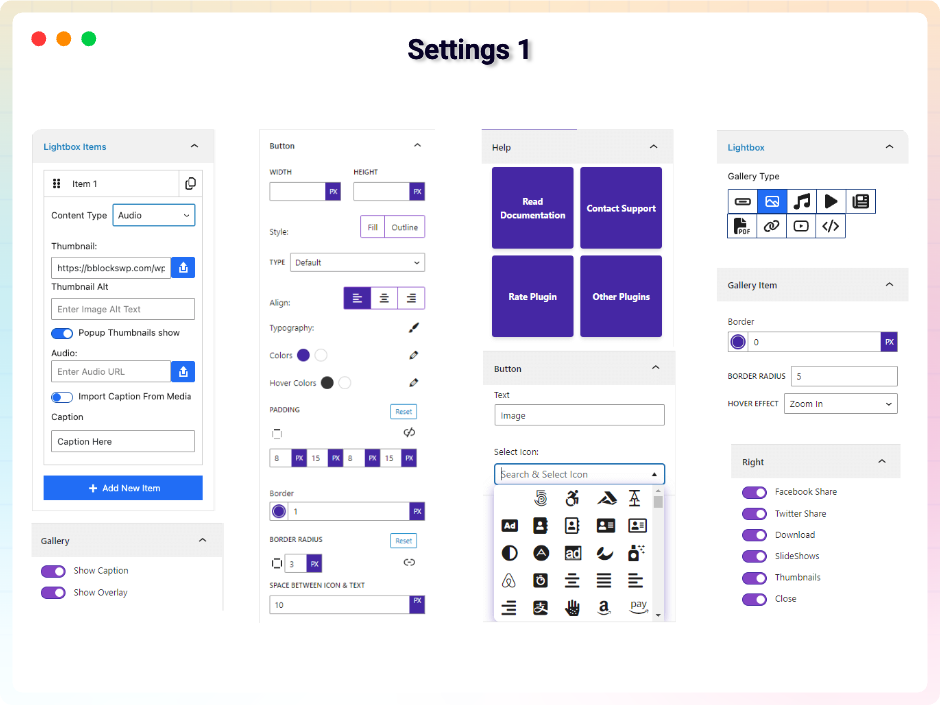
- Topbar Controls – Show slide counts and allow zooming, rotating (clockwise/counter-clockwise), flipping, and fullscreen toggle directly in the popup topbar.
- Toolbar Actions – Add sharing (Facebook, Twitter), downloads, slideshow controls, thumbnails, and close buttons inside the popup.
- Thumbnail Previews – Display gallery thumbnails in Classic or Modern styles for easy navigation.
- Advanced Media Player Controls – Full audio/video control panel including play/pause, restart, rewind, fast-forward, progress bar, duration, mute, volume, PiP, Airplay, settings, download, and fullscreen.
- Multiple Audio Players – Choose from four different audio player designs to suit your style.
- Hover Effects – Add engaging hover animations such as Zoom, Rotate, or Shine for gallery items.
- Gallery Styling Options – Customize border radius and choose from five aspect ratios (Landscape, Square, Horizontal, Vertical, Portrait).
- Color & Size Controls – Personalize the modal background, close icon colors, and adjust modal/icon sizes per device.
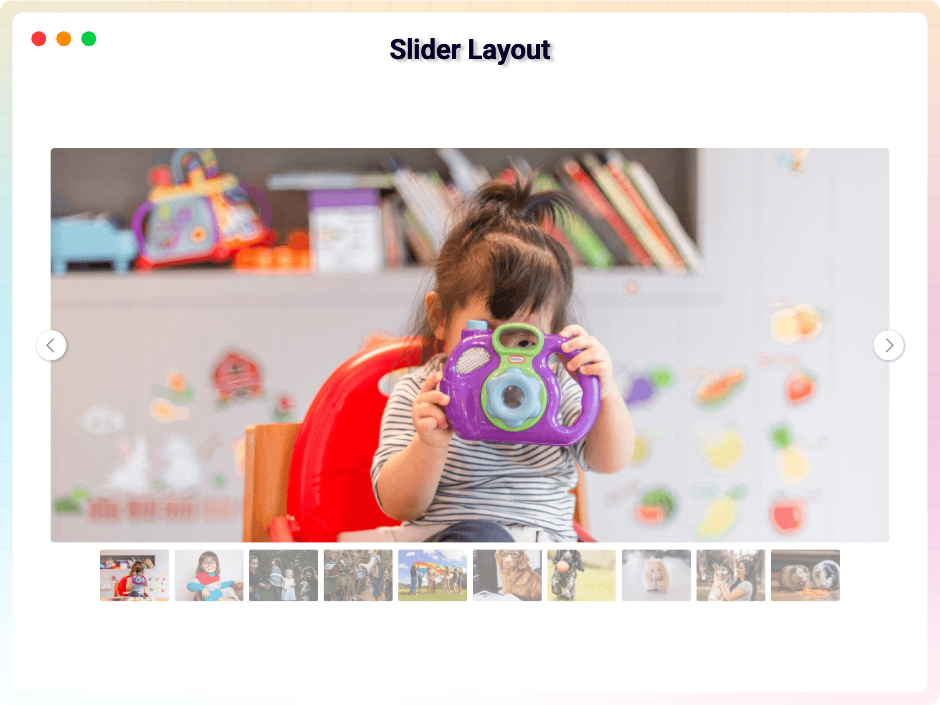
- Slider Layout – Use a slider format for galleries instead of grid or masonry when needed.
- Global Lazy Load Settings (New) – Set lazy load once for every gallery from Lightbox → Settings, with a live preview; any gallery can still use its own settings.
- 10 Loading Icons + Your Own (New) – Material, iOS lines, ripple, grid and more, or upload a GIF/SVG/PNG loader, with icon size and color.
- Blur Placeholder / LQIP (New) – A tiny blurred preview fades into the sharp image.
- One-click WebP Conversion (New) – Convert every gallery image at once with your own quality setting.
- Pagination (New) – Load More button, Infinite Scroll or Numbered Pages for big galleries, with items per page, a “Showing X of Y” counter and global or per-gallery button style.
Try the Pro Version – Unlock all premium features today!
How to Use Lightbox Block – Quick Start Guide
Follow these steps:
Step-by-Step Setup
- Install and activate Lightbox Block.
- In the Gutenberg editor, add a Lightbox Block from the Widgets section.
- Select your lightbox type (Gallery, Button, Audio, Video, Content).
- Upload media or embed from YouTube/Vimeo.
- Adjust layout, spacing, and display options from the block sidebar.
(Optional) Upgrade to Pro for advanced customization, shortcode support, and extended media types. - Publish your post or page and enjoy your new interactive lightbox!
That’s it!
Live Demo | Try the Pro Version
Make Your Galleries Load Fast – Lazy Load Tutorial
See how Lazy Load, WebP, Thumbnail Size, Loaded Effects and Pagination make a 30-photo gallery open with 0.46 MB instead of 11.9 MB.
Experiência
- Did you Like that plugin? Hate it? Want a new feature? Send me some feedback
Check out our other WordPress Plugins
- Html5 Video Player – Best video player plugin for WordPress.
- HTML5 Audio Player – Best audio player plugin for WordPress.
- PDF Poster – A fully-featured PDF Viewer Plugin for WordPress.
- StreamCast – A fully-featured Radio Player Plugin for WordPress.
- 3D Viewer – Display interactive 3D models on the webs.
Código fonte
You can find the source code, report bugs, and contribute to the development of this plugin on our GitHub repository:
Lightbox Block on GitHub
Third-party Libraries
@fancyapps/ui (Fancybox & Carousel)
- Used for: Lightbox popup, carousel slider, and thumbnail navigation
- Version: 5.0.36
- Source: https://fancyapps.com/
- License: Fancyapps UI License
- License URI: https://fancyapps.com/pricing/
Font Awesome Free
- Used for: Icons throughout the plugin interface
- Version: 6.4.2
- Source: https://fontawesome.com/
- License: Icons: CC BY 4.0, Fonts: SIL OFL 1.1, Code: MIT License
- License URI: https://fontawesome.com/license/free
Plyr
- Used for: Audio and video media player controls
- Version: 3.x
- Source: https://plyr.io/
- License: MIT
- License URI: https://opensource.org/licenses/MIT
bpl-tools
- Source / GitHub: https://github.com/bPlugins/bpl-tools
- License: GPL-2.0-or-later – https://www.gnu.org/licenses/gpl-2.0.html
- Purpose: Shared utility library providing admin dashboard components and common Gutenberg editor controls.
- External Services: The library may connect to bPlugins, WordPress.org, and Freemius services for product data and checkout functionality. See full details: https://github.com/bPlugins/bpl-tools#external-requests–why-they-are-made
Freemius Lite SDK
- Source: https://bplugins.com/
- GitHub: https://github.com/bPlugins/freemius-lite-sdk
- License: GPL-2.0-or-later – https://www.gnu.org/licenses/gpl-2.0.html
- Purpose: Provides an opt-in consent form for usage tracking and analytics to help improve the plugin. No data is sent before explicit user consent.
- External Services: Communicates with
api.bplugins.com(activation events) andwp.freemius.com(opt-in processing) only after user opt-in. See bPlugins Privacy Policy and Freemius Privacy Policy.
Instalação
From Gutenberg Editor:
- Go to the WordPress Block/Gutenberg Editor
- Search For Lightbox block
- Click on the Lightbox block to add the block
Download & Upload:
- Download the Lightbox block plugin (.zip file)
- In your admin area, go to the Plugins menu and click on Add New
- Click on Upload Plugin and choose the
lightbox-block.zipfile and click on Install Now - Activate the plugin and Enjoy!
Manually:
- Download and upload the Lightbox-block plugin to the
/wp-content/plugins/directory - Activate the plugin through the Plugins menu in WordPress
Log de Changes
New: Auto Lightbox opens the Image and Gallery block images on your whole site in the lightbox, old posts included. It is off after the update; turn it on in Lightbox → Settings → Auto Lightbox.
1.3.0 – 14 Nov, 2026
- New: Auto Lightbox (Lightbox → Settings → Auto Lightbox). One switch opens every WordPress Image and Gallery block image in the lightbox across the whole site, old posts included. No block to insert.
- New: Auto Lightbox also opens images added with the Classic editor (classic posts, Classic block, images with a caption).
- New: Auto Lightbox for WooCommerce product descriptions: images and galleries in the Description tab open in the lightbox, with their own on/off switch in the new WooCommerce card.
- Improvement: Gallery images open as one set with Next / Previous and thumbnails; images linked to another page keep their link, and the “no-lightbox” CSS class leaves an image out.
- Improvement: WordPress’s own “Expand on click” is turned off for these images, so only one lightbox opens.
- Improvement: Auto Lightbox images can be opened from the keyboard, and the script loads only on pages that have such an image.
1.2.2 – 27 Oct, 2026
- Fix: Portrait images were cropped at the top and bottom inside the lightbox.
- Fix: Links in the lightbox caption used the theme link color and could be hard to read; they now use the caption text color.
- Fix: HTML in the gallery caption showed as raw tags.
- Security: Caption links can no longer use style or class, so a link cannot be stretched invisibly over the whole lightbox.
1.2.1 – 26 Oct, 2026
- Security: Fixed a stored XSS issue where a Contributor could add a javascript: link as a video item URL. Item URLs now only allow http and https, and only real https://*.cloudflarestream.com links load in the Cloudflare Stream player.
- Fix: Cloudflare Stream videos did not start playing in the lightbox.
1.2.0 – 19 Oct, 2026
- New: Lazy Load for gallery images — load distance, delay, loaded effect, color placeholder and loading spinner (block → General → Lazy Load).
- New: Responsive images (srcset) with a Thumbnail Size option; Retina screens get sharper files automatically.
- New: WebP images, converted in the background on your own server; the lightbox shows the WebP copy and Download still gives the original file.
- New: Crop Position (3×3 grid) for cropped gallery images.
- New: Notice when another lazy-load plugin (WP Rocket, LiteSpeed, Smush, Jetpack…) is active; gallery images are marked so those plugins skip them.
- New: Lightbox → Settings page, and a “Try it in a new page” button that opens a page with a Lightbox block ready.
- Improvement: Audio files are no longer downloaded until they are played.
- Improvement: The lightbox thumbnail strip uses small thumbnails instead of full-size images.
- Fix: Portrait images in the grid no longer show black bars on both sides.
- Fix: Cloudflare Stream videos showed their thumbnail twice and loaded before being opened.
1.1.45 – 17 July, 2026
- When I added a block from the block editor search, I was not getting CSS and JS, but now it is fixed.
1.1.44- 23 June, 2026
- Update: Added new modern dashboard.
Capturas de tela
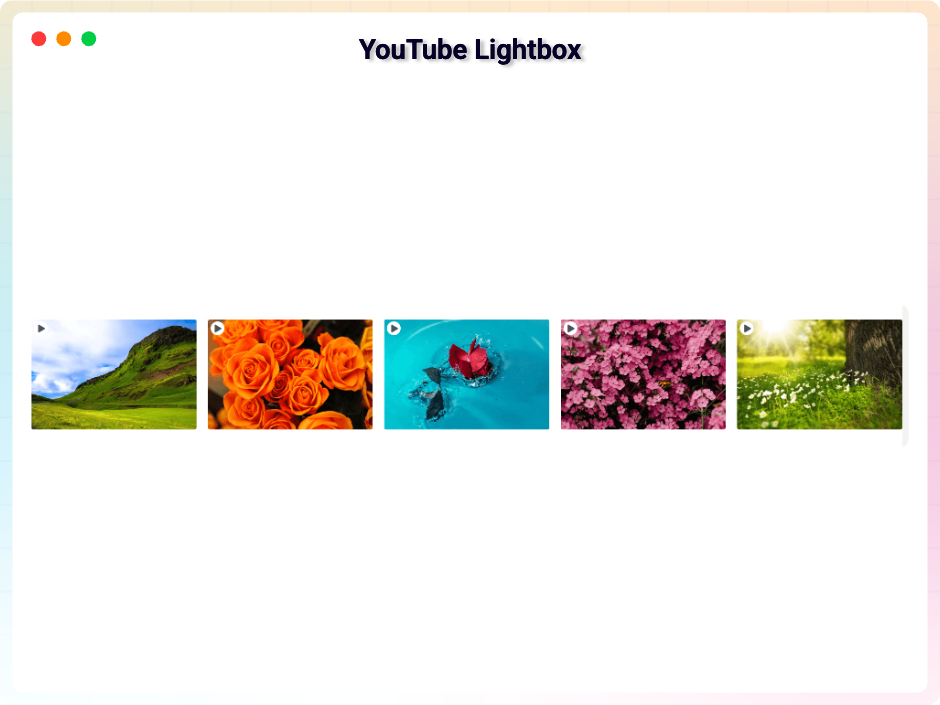
Para desenvolvedores
Este é o seu plugin? Mostre os números.
Adicione um crachá ao vivo ao seu site, Documentos ou Readme do GitHub. Ele é atualizado por conta própria - nenhuma conta necessária.
Best All In One Lightbox alternatives
Todos os plugins de bloco →





FAQ
All In One Lightbox: quick answers
Respostas diretas, extraídas de dados ao vivo WordPress.org.
Fonte: WordPress.org
Is All In One Lightbox free?
Yes. All In One Lightbox is free to download and use from the official WordPress.org plugin directory.
Is All In One Lightbox safe to use in 2026?
Yes — All In One Lightbox is a safe, well-maintained plugin to use in 2026. It runs on 3K+ sites, is rated 5/5 and was last updated 2 weeks ago, and scores 83/100 on our health check.
How many websites use All In One Lightbox?
All In One Lightbox is active on 3K+ WordPress websites and has been downloaded 86,216 times since it launched in October 2022. It was downloaded 3,637 times in the last 30 days.
Does All In One Lightbox work with WordPress 7.1?
Yes. The developer has tested All In One Lightbox up to WordPress 7.1.5, the latest release. It requires WordPress 6.5 or newer.
What PHP version does All In One Lightbox need?
All In One Lightbox requires PHP 7.1 or higher. Most hosts run PHP 8.x today, so it works on any modern WordPress hosting.
When was All In One Lightbox last updated?
The latest version, 1.3.0, was released on November 17, 2026 (2 weeks ago).
Who makes All In One Lightbox?
All In One Lightbox is developed and maintained by bPlugins.
What are the best alternatives to All In One Lightbox?
The most popular alternatives to All In One Lightbox are Spectra Legacy (1M+ installs), Breadcrumb NavXT (700K+ installs) and PDF Embedder (300K+ installs).
Alimentado por PageForge
Um modelo e uma planilha. Uma página real para cada pesquisa.
PageForge Transforma cada linha de um CSV em uma página WordPress com seu próprio título, URL, SEO campos e esquema, construído no layout que você já desenhou. Gratuito em WordPress.org.
- CSV e XLSX, mais Google Sheets em Profissional e Empresarial
- Seu próprio título, URL, SEO campos e esquema para cada página
- Funciona com o editor de blocos, Elementor, Divi e Avada
- Gratuito em WordPress.org, sem cartão de crédito