


Gregius Data
Give WordPress developers a foundation to build AI-powered features.

Escolha sólida
Gregius Data is a solid plugin choice in 2026, with a few things worth checking first. Was last updated 4 days ago, and scores 64/100 on our health check.
- Desenvolvido ativamente — última atualização 4 dias atrás
- Testado com as últimas WordPress (7.1)
- Base de usuários pequenas (<10 instalações ativas)
- Muito poucos comentários até agora
- Precisa de PHP 8.2 ou mais recente
Como ele se acumula?
Lado a lado em instalações, atualizações, avaliações e suporte


Downloads diários
Os picos de download geralmente seguem uma nova versão — cada site que atualiza automaticamente é um download.
Rankings
Where Gregius Data stands todayWordPress.org Classificações de pesquisa
Posição ao vivo na pesquisa de plugins, top 100| Palavra chave | Posição |
|---|---|
| Ai | >100 |
| embeddings | >100 |
| PostgreSQL | #12 |
| rag | #61 |
| semantic search | >100 |
About Gregius Data
Do Readme oficial · v1.0.4Descrição
Gregius Data is an open-source orchestration layer for AI workflows in WordPress.
It connects WordPress content with PostgreSQL-backed retrieval and AI provider workflows using familiar WordPress patterns.
WordPress remains the source of truth. PostgreSQL runs alongside as a secondary execution layer for retrieval and vector operations.
Características principais:
- RAG Workflow – Retrieval, governance, answer generation, and source attribution
- Provider Architecture – Database backends and AI providers behind stable contracts
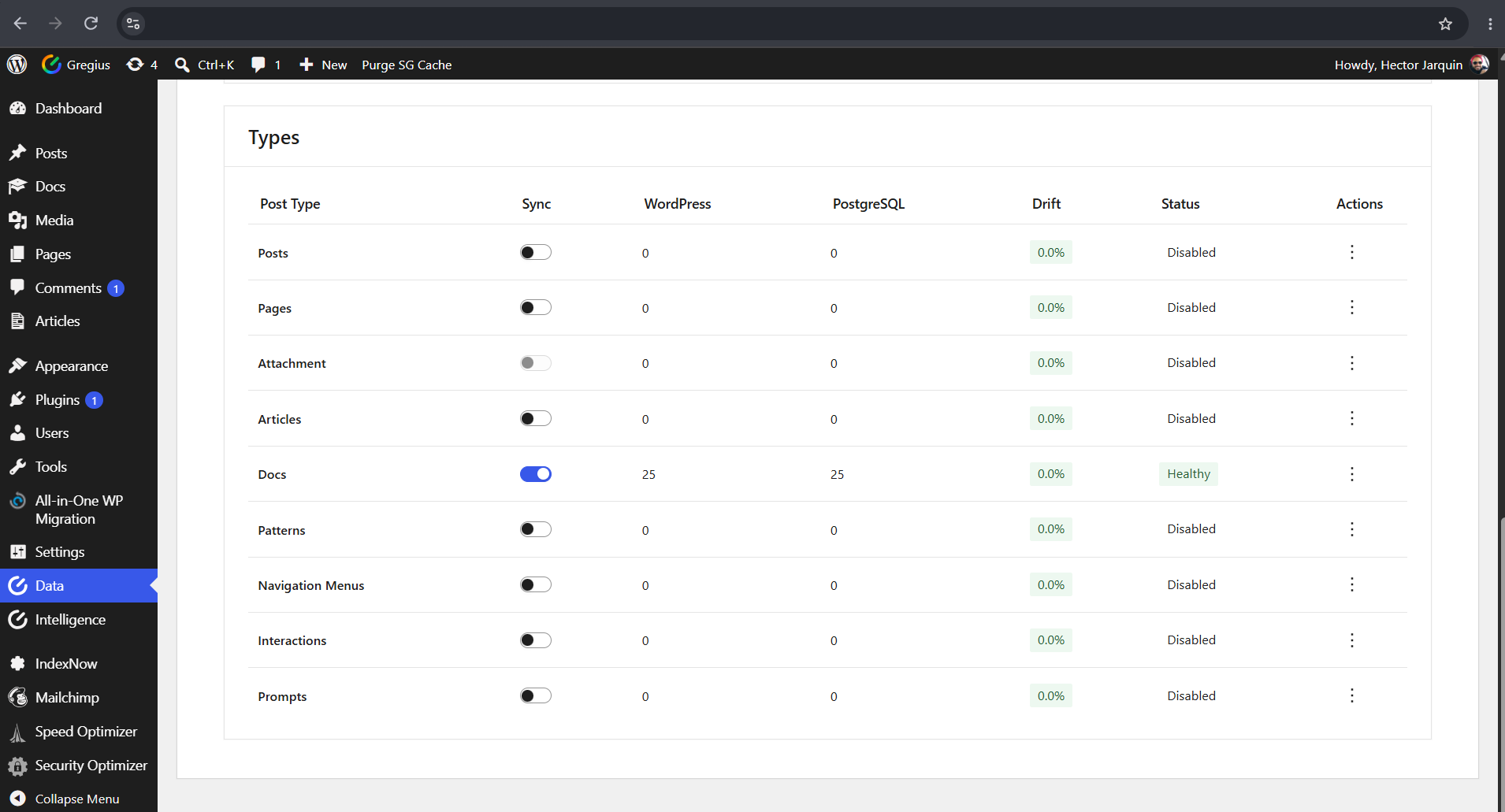
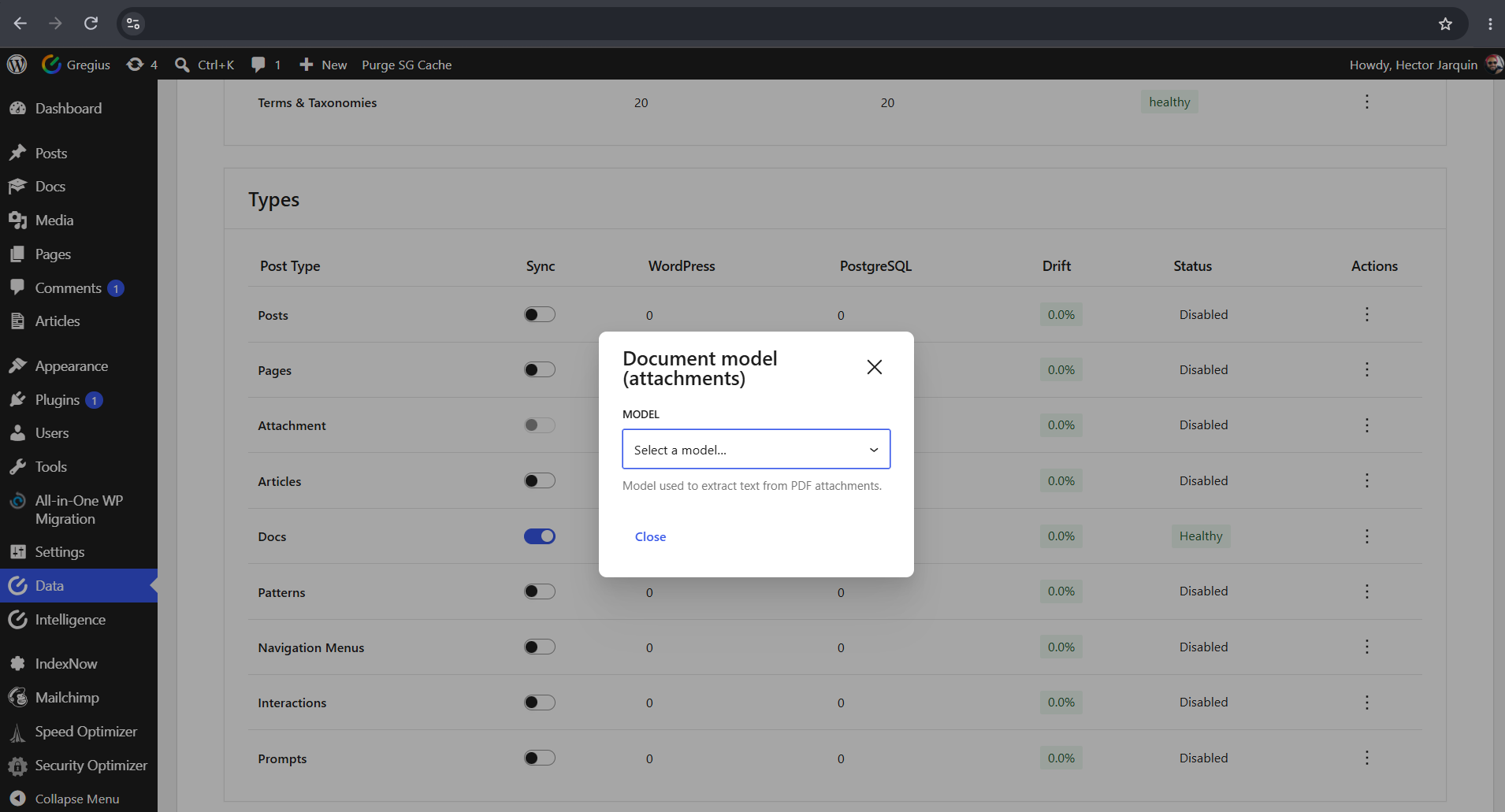
- Selective Sync – Choose which post types are synchronized to PostgreSQL
- Interaction and Logs – Operational visibility for request flows and outcomes
- Orchestration Controls – Retrieval, model selection, and policy controls in one workflow
- Integration Surface – REST API, WP-CLI, and hooks for extension and automation
- RAG Assistant Block – Drop a retrieval-augmented chat assistant into any page with its own model and prompt controls
How It Works
- Syncs your WordPress content to PostgreSQL (you choose what syncs)
- Runs retrieval operations from PostgreSQL-backed data
- Executes RAG generation with your configured AI provider (optional)
- Returns answer data with source metadata and governance context
- Captures interaction/log details for monitoring and review
Your WordPress stays on MySQL. PostgreSQL runs alongside as a secondary execution layer.
Casos de uso
- Grounded site assistants based on your published WordPress content
- RAG-driven Q&A experiences where source attribution is required
- Recommendation engines that suggest relevant content using semantic similarity
- Developer-oriented AI integrations using REST API, hooks, and WP-CLI
Contributors & Developers
Gregius Data is open source software. The following people have contributed to this plugin.
- Hector Jarquin — Lead developer and maintainer
- Gregius — Product owner and sponsor
Visit the contributor profiles on WordPress.org:
* https://profiles.wordpress.org/hectorjarquin/
* https://profiles.wordpress.org/gregiusteam/
Repository
Source code and build instructions:
https://github.com/gregius/gregius-data
This plugin uses composer for PHP dependency management and @wordpress/scripts for asset compilation. Source JavaScript lives in assets/src/ and compiles to assets/build/. All PHP source is human-readable.
Política de privacidade
This plugin syncs publicly visible WordPress content (posts, pages, custom post types you select) to an external PostgreSQL database you control. No user data, passwords, or sensitive information is synced. Connection details are stored using standard WordPress options API.
Serviços externos
This plugin connects to services you configure:
- PostgreSQL database provider (required):
– You provide and control this database connection (self-hosted or managed provider). When using Supabase, the plugin connects to your project’s servers (e.g. *.supabase.co for the REST API).
- AI provider APIs (optional):
– OpenAI, Anthropic, Google Gemini, DeepSeek, Cohere, and TypeSafe are used only if you configure them. An account and API key are required for each provider.
– Servers called: OpenAI (api.openai.com), Anthropic (api.anthropic.com), Google Gemini (generativelanguage.googleapis.com), DeepSeek (api.deepseek.com), Cohere (api.cohere.com), and TypeSafe (api.typesafe.ai).
– Requests to generation/embedding/rerank workflows send request data to the provider you selected. Data is sent only when a workflow runs (a query, sync, embedding, or rerank operation) and only after you have configured that provider.
– OpenAI Terms: https://openai.com/policies/terms-of-use/ | Privacy: https://openai.com/policies/privacy-policy/
– Anthropic Terms: https://www.anthropic.com/legal/consumer-terms | Privacy: https://www.anthropic.com/privacy
– Google Gemini Terms: https://policies.google.com/terms | Privacy: https://policies.google.com/privacy
– DeepSeek Terms: https://cdn.deepseek.com/policies/en-US/deepseek-terms-of-use.html | Privacy: https://cdn.deepseek.com/policies/en-US/deepseek-privacy-policy.html
– Cohere Terms: https://cohere.com/terms-of-use | Privacy: https://cohere.com/privacy
– TypeSafe Terms: https://typesafe.ai/terms | Privacy: https://typesafe.ai/privacy
You are responsible for each configured provider’s terms and privacy policy.
Instalação
Requisitos
- WordPress 6.9 or higher (required for the Abilities API)
- PHP 8.2 or higher
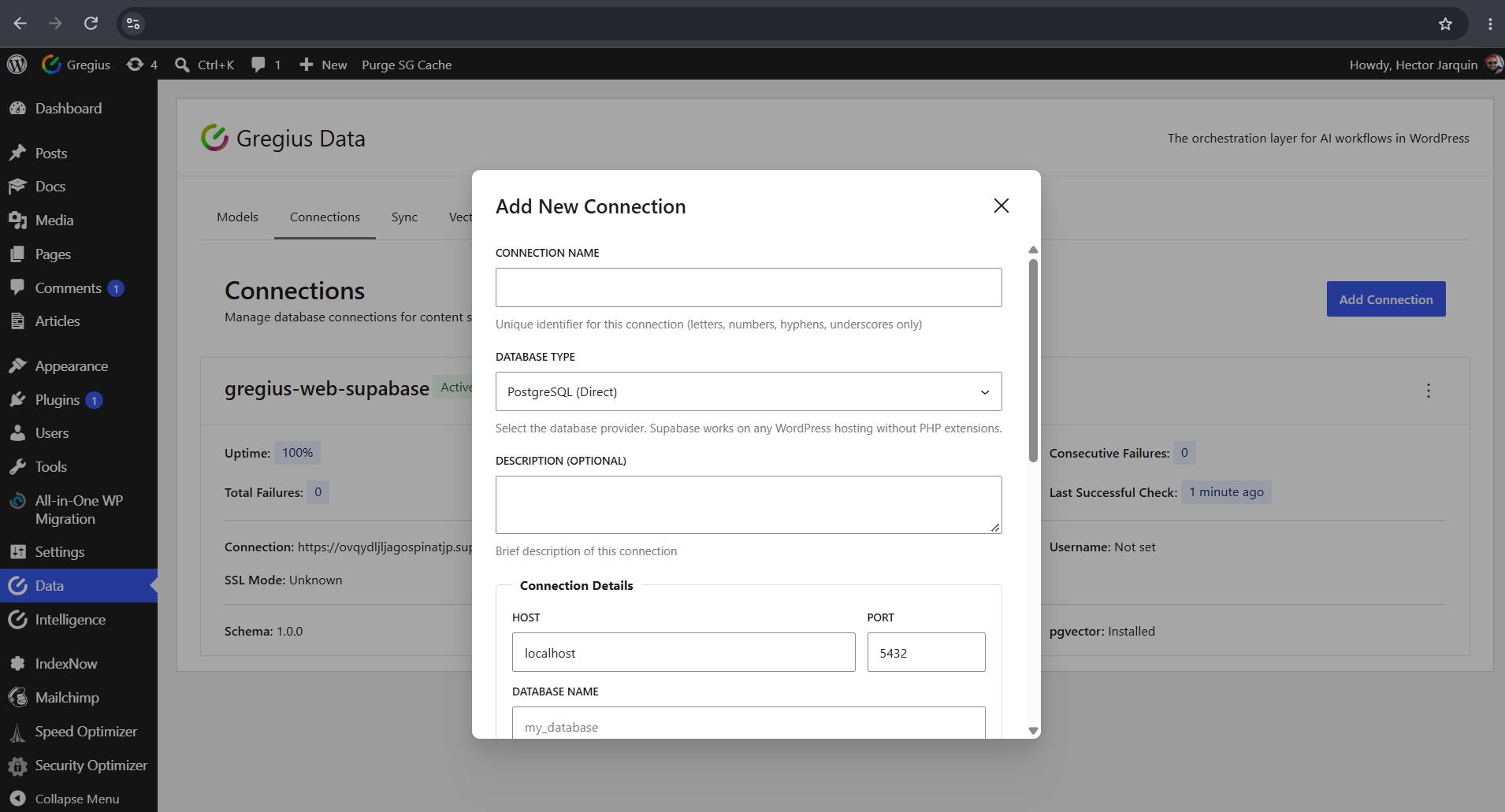
- Connection mode (choose one): Supabase (managed, recommended) or Direct PostgreSQL 12+ with pgvector (self-hosted/direct path; requires PDO + pdo_pgsql)
- Optional AI provider credentials for generation workflows
Database Setup
Managed (Recommended):
* Supabase
Direct PostgreSQL (Alternative):
* Install PostgreSQL 12+ with the pgvector extension
* Run: CREATE EXTENSION IF NOT EXISTS vector;
Plugin Installation
- Navigate to Plugins
- Install and activate
- Navigate to Data
WP-CLI Commands
Core command examples:
wp gregius-data list-connectionswp gregius-data answer "What is dementia care?" --format=jsonwp gregius-data evaluation validate-configwp gregius-data evaluation run --framework=ragas
Evaluation config templates are shipped inside the plugin under:
wp-content/plugins/gregius-data/includes/cli/resources/evaluation/
Recommended writable local config location:
wp-content/uploads/gregius-data/config/
Evaluation artifacts are written outside the plugin directory by default so they are not lost on plugin updates:
wp-content/uploads/gregius-data/artifacts/
Log de Changes
No action required — no schema or database changes. This is a maintenance release.
1.0.4
- Fixed the retry queue so a failed post deletion retries through the default connection instead of an undefined connection key
- Removed a duplicated option prefix from the uninstaller cleanup
- Removed an unused test stub file
1.0.3
- Coding standards compliance and internal cleanup — no user-facing behavior change
- Removed an unused internal database method (
Gregius_Data_DB::delete_term_relationships()) that had no callers - Removed unused commented-out provider aliases from the provider factory
1.0.2
- RAG progress feedback: emit a “Preparing follow-up questions…” stage when generating follow-up questions, and a “Retrieving relevant content…” stage during passage retrieval
- Entity-grounded answers on PostgREST connections now use the same cleaned content (shortcodes stripped, 10-character minimum) as direct PostgreSQL connections
- Note: REST (non-streaming) answers still return a single response and therefore do not emit intermediate progress stages
1.0.1
- Supabase (PostgREST) sync parity: metadata tracking, validation counts, and drift alerts operate through the provider layer
- Simultaneous synchronization to every active connection (direct PostgreSQL and Supabase together)
- Attachments sync their mime type and parent column on both backends; detached or deleted attachments are removed from every active connection
- Postmeta drift counts mirror the WordPress-side meta key filtering on both backends
- Dashboard validation reads a pre-aggregated read model for fast drift status on load
- Real-time sync is enabled by default and governs post-save sync
- Dedicated schema versioning with a Supabase schema-update flow
- Supabase count functions for postmeta and cleaning-needed validation
- The schema update banner compares against a dedicated schema version
1.0.0
- Lançamento inicial
- Selective WordPress to PostgreSQL synchronization for chosen post types
- Retrieval and semantic search workflows over PostgreSQL-backed data
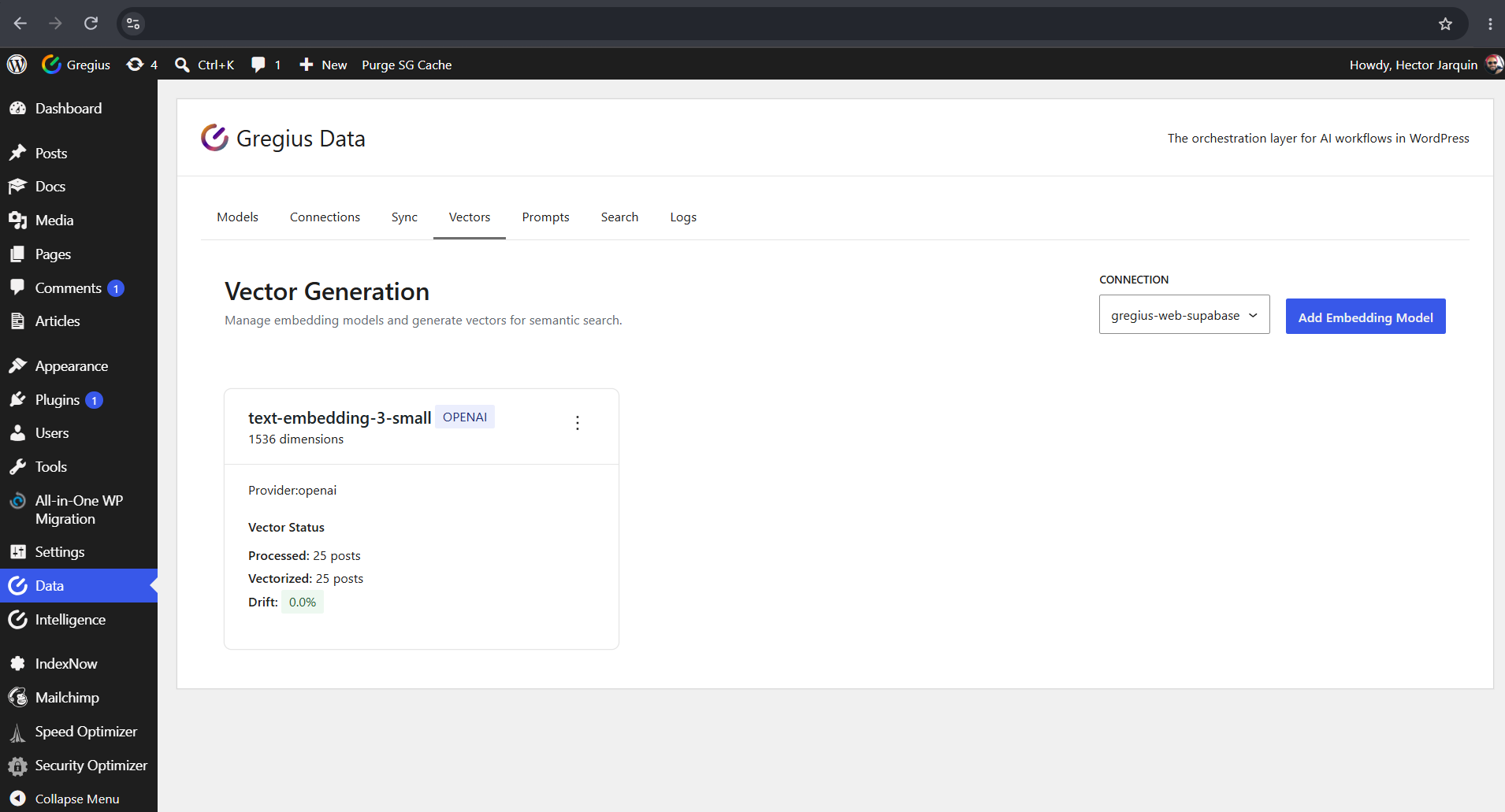
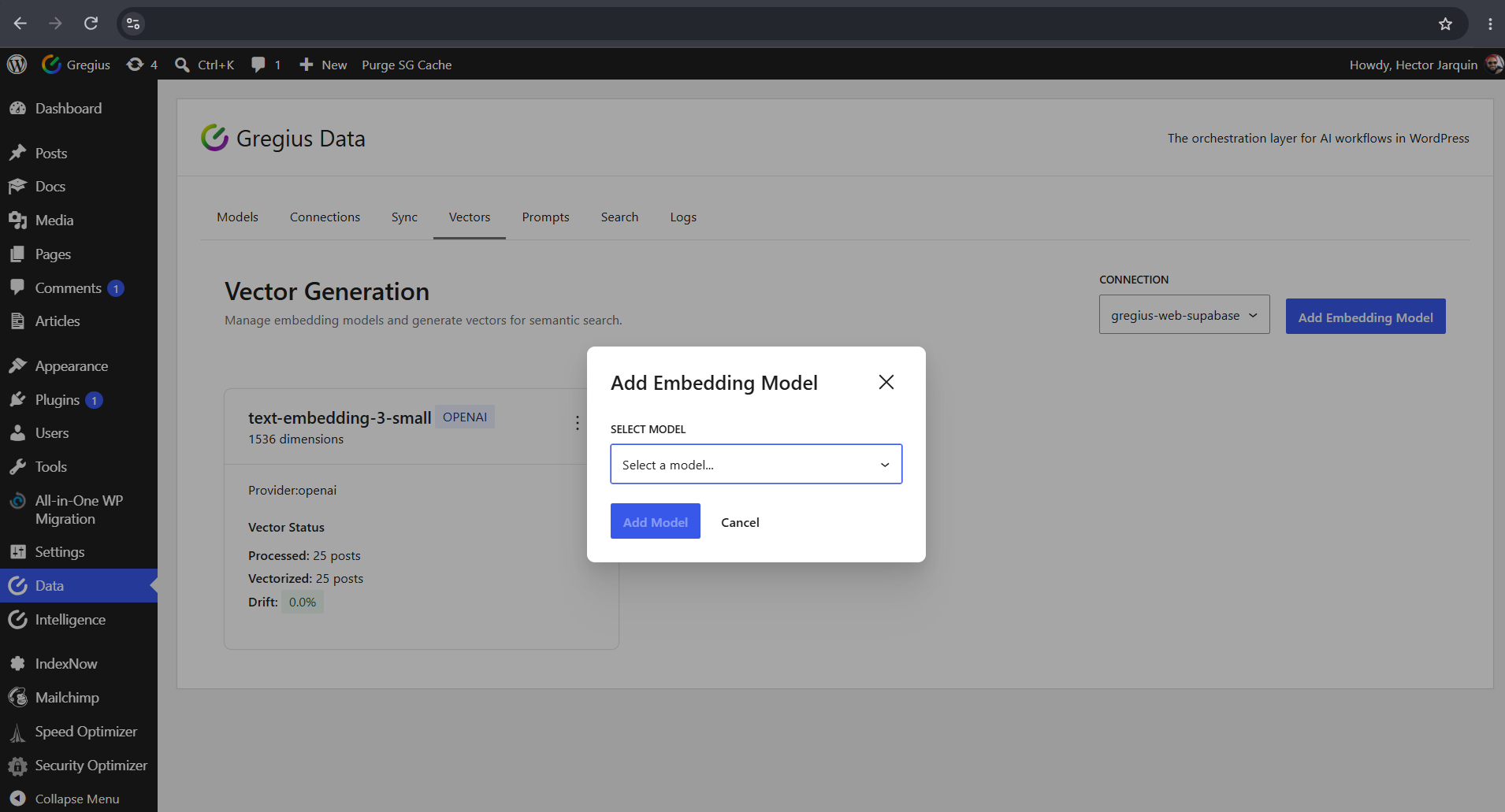
- Vector and embeddings management workflows
- RAG orchestration with source-aware response metadata
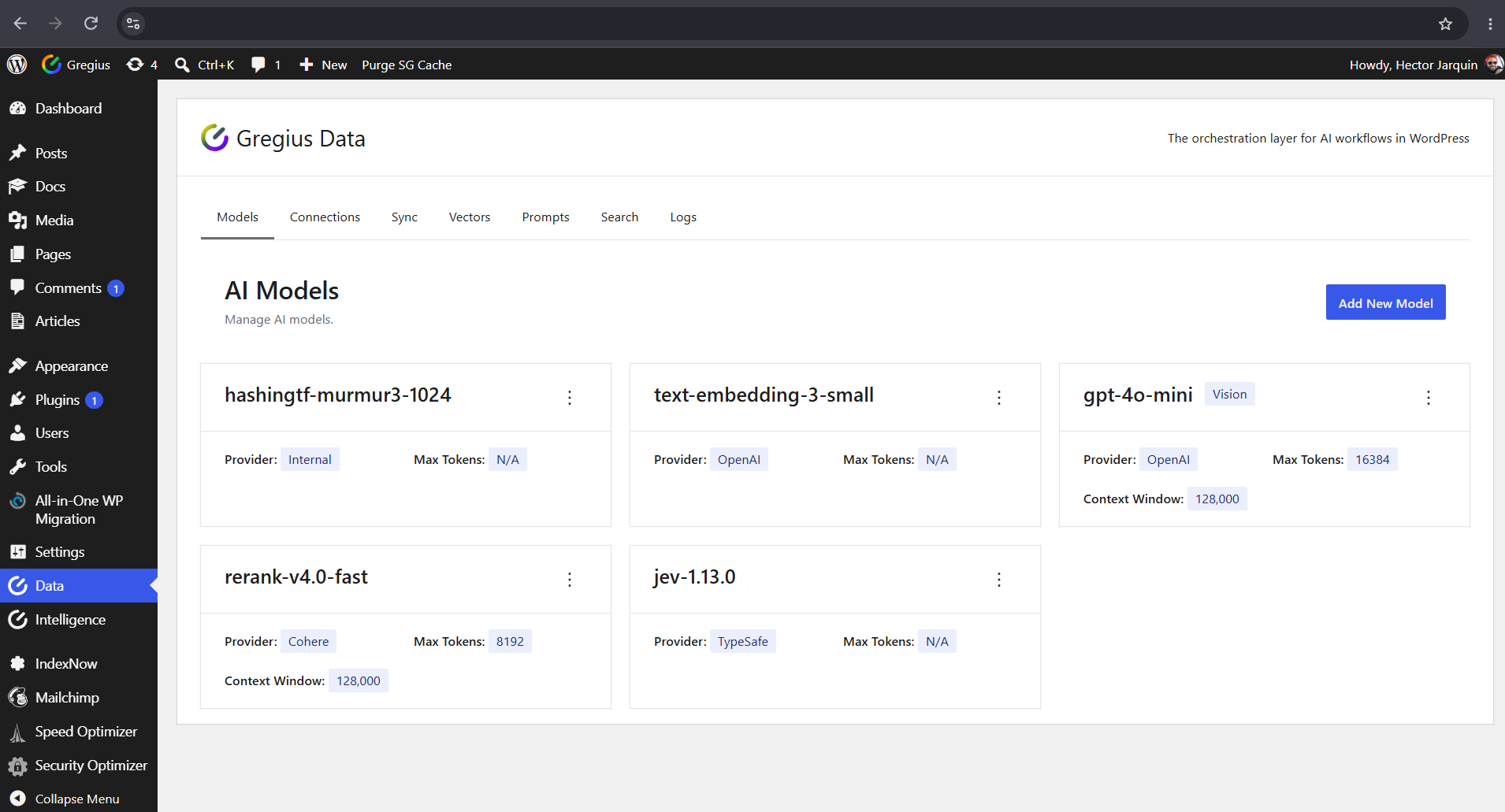
- Multi-provider AI support (OpenAI, Anthropic, Google Gemini, DeepSeek, Cohere, TypeSafe)
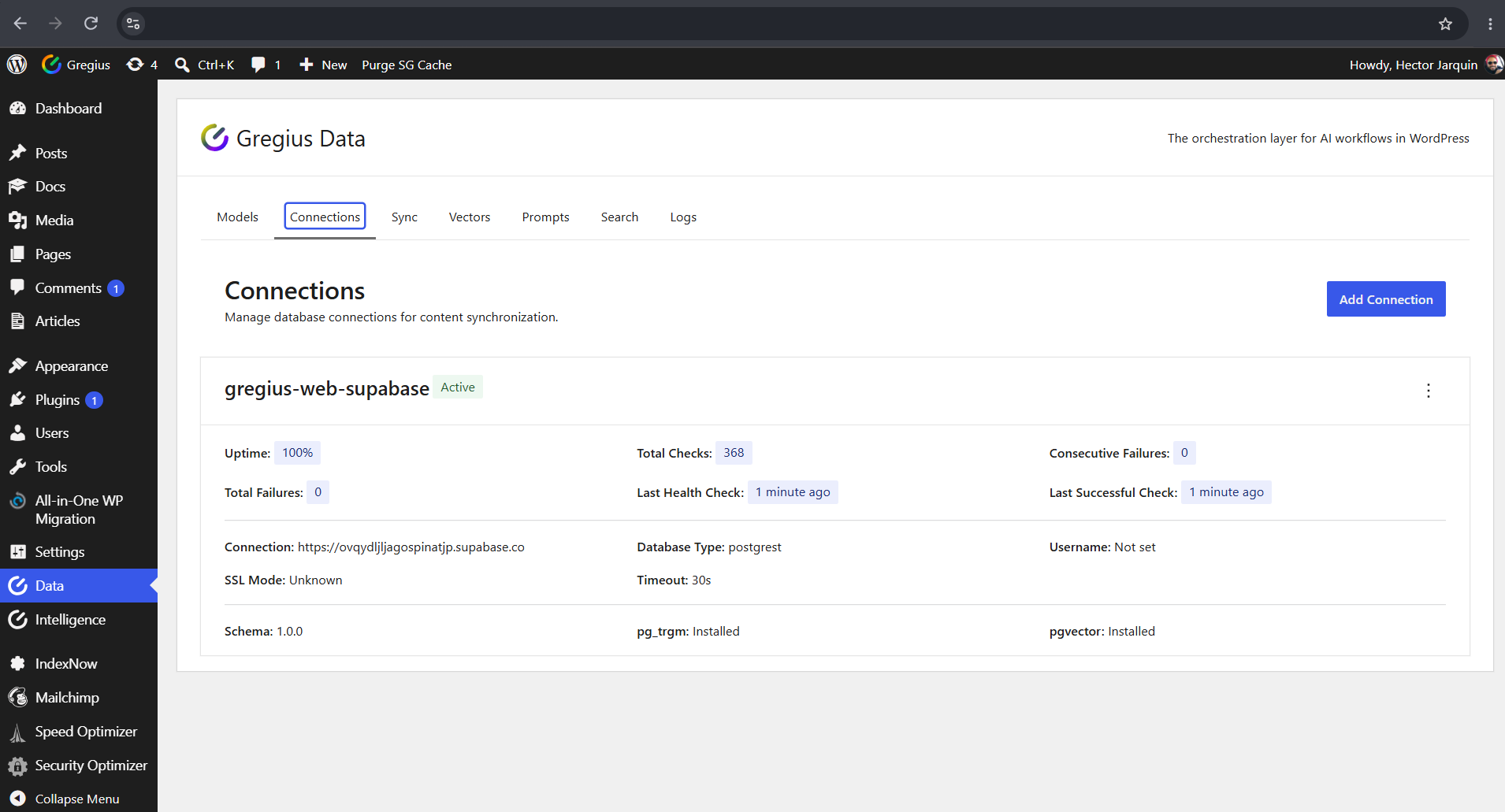
- Connection health checks and schema setup tooling
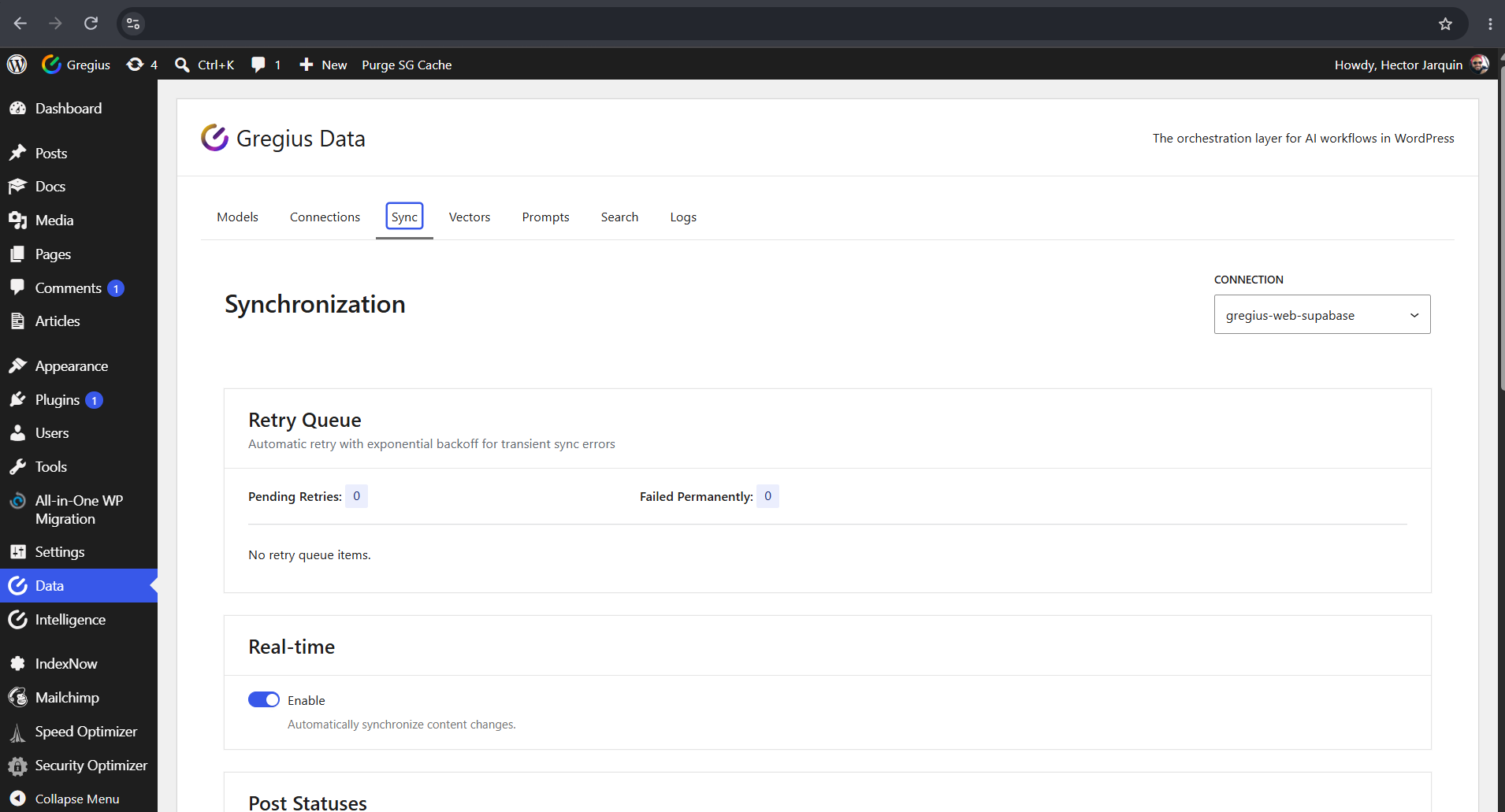
- Retry queue for failed synchronization operations
- Admin dashboard modules: Models, Connections, Sync, Vectors, Prompts, Search, and Logs
- REST API, WP-CLI commands, and hooks for developer integrations
Capturas de tela

Para desenvolvedores
Este é o seu plugin? Mostre os números.
Adicione um crachá ao vivo ao seu site, Documentos ou Readme do GitHub. Ele é atualizado por conta própria - nenhuma conta necessária.
Best Gregius Data alternatives
Todos os plugins de IA →





FAQ
Gregius Data: quick answers
Respostas diretas, extraídas de dados ao vivo WordPress.org.
Fonte: WordPress.org
Is Gregius Data free?
Yes. Gregius Data is free to download and use from the official WordPress.org plugin directory.
Is Gregius Data safe to use in 2026?
Gregius Data is a solid plugin choice in 2026, with a few things worth checking first. Was last updated 4 days ago, and scores 64/100 on our health check.
How many websites use Gregius Data?
Gregius Data is active on <10 WordPress websites and has been downloaded 526 times since it launched in October 2026. It was downloaded 428 times in the last 30 days.
Does Gregius Data work with WordPress 7.1?
Yes. The developer has tested Gregius Data up to WordPress 7.1.5, the latest release. It requires WordPress 6.9 or newer.
What PHP version does Gregius Data need?
Gregius Data requires PHP 8.2 or higher. Most hosts run PHP 8.x today, so it works on any modern WordPress hosting.
When was Gregius Data last updated?
The latest version, 1.0.4, was released on November 22, 2026 (4 days ago).
Who makes Gregius Data?
Gregius Data is developed and maintained by Gregius.
What are the best alternatives to Gregius Data?
The most popular alternatives to Gregius Data are Elementor Agent Ready Websi… (10M+ installs), Jetpack (3M+ installs) and All in One SEO (2M+ installs).
Alimentado por PageForge
Um modelo e uma planilha. Uma página real para cada pesquisa.
PageForge Transforma cada linha de um CSV em uma página WordPress com seu próprio título, URL, SEO campos e esquema, construído no layout que você já desenhou. Gratuito em WordPress.org.
- CSV e XLSX, mais Google Sheets em Profissional e Empresarial
- Seu próprio título, URL, SEO campos e esquema para cada página
- Funciona com o editor de blocos, Elementor, Divi e Avada
- Gratuito em WordPress.org, sem cartão de crédito