


IU do tipo de postagem personalizada
Admin UI for creating custom content types like post types and taxonomies

Escolha segura
Yes — Custom Post Type UI is a safe, well-maintained plugin to use in 2026. It runs on 1M+ sites, is rated 4.6/5 and was last updated 5 months ago, and scores 81/100 on our health check.
- Um dos plugins mais usados na web: 1M+ sites ativos
- Loved by users — 4.6/5 from 276 reviews
Como ele se acumula?
Lado a lado em instalações, atualizações, avaliações e suporte



Downloads diários
Os picos de download geralmente seguem uma nova versão — cada site que atualiza automaticamente é um download.
Rankings
Where Custom Post Type UI stands todayWordPress.org Classificações de pesquisa
Posição ao vivo na pesquisa de plugins, top 100| Palavra chave | Posição |
|---|---|
| content types | #3 |
| Tipos de postagem personalizados | #1 |
| Tipo de postagem | #1 |
| taxonomy | #19 |
| types | #3 |
Adoção da versão
Compartilhamento de sites ativos por lançamento.
Divisão de classificação
★★★★★★★★★★ 4.6 from 276 reviews
About Custom Post Type UI
From the official readme · v1.19.3Descrição
Custom Post Type UI provides an easy-to-use interface for registering and
managing custom post types and taxonomies for your WordPress website — no
coding required.
Used by more than 1,000,000 active WordPress sites, CPTUI is the trusted
foundation for building structured content in WordPress. Whether you are
creating a portfolio, events calendar, product catalog, staff directory, or
any other custom content type, CPTUI gives you the tools to define it quickly
and correctly.
Ready to go further? Meet CPT UI Pro
CPTUI handles registration. CPT UI Pro handles everything else.
CPT UI Pro
is the official premium add-on built by the same WebDevStudios team that
created and maintains this plugin. It extends CPTUI into a complete content
operations stack — front-end display blocks, admin list table controls,
multisite management, and a full developer API.
Front-end display tools
- Ten built-in layout options: Default, List, Single Post Type, Taxonomy
List, Post Slider, Post Cards, Featured Plus, Grid, and Grid With Overlay - Taxonomy Filter Blocks so visitors can filter content by term
- Single Post Block Templates to control individual post output
- Shortcode Builder for reusable, configurable display output
Admin list table management
- Column Builder with drag-and-drop column control for any post type
- Advanced Filters by taxonomy, meta field, date, author, and status
- Screen Options Panel for per-user admin table visibility
Multisite management
- Network-level CPT registration from one central location
- Push config to subsites to keep site structures consistent
- Per-site inheritance control for flexible network governance
Developer-focused workflow
cptui_pro_post_typesfilter to merge, modify, or replace registrations- Auto-discovery hooks so themes and plugins can register CPTs without
manual setup - Programmatic registration API for JSON-driven or CI-driven workflows
- Extended REST API support on top of core CPTUI REST capabilities
Get CPT UI Pro at Pluginize.com
Plugin development
Custom Post Type UI development is managed on GitHub, with official releases
published on WordPress.org. The GitHub repo can be found at
https://github.com/WebDevStudios/custom-post-type-ui.
Please use the WordPress.org support tab for potential bugs, issues, or
enhancement ideas.
Instalação
Admin installer via search
- Visit the Add New plugin screen and search for “custom post type ui”.
- Click the “Install Now” button.
- Ative o plugin.
- Navigate to the “CPTUI” menu.
Admin installer via zip
- Visit the Add New plugin screen and click the “Upload Plugin” button.
- Click the “Browse…” button and select the zip file from your computer.
- Click “Install Now” button.
- Once done uploading, activate Custom Post Type UI.
Manual
- Upload the Custom Post Type UI folder to the plugins directory in your
WordPress installation. - Ative o plugin.
- Navigate to the “CPTUI” menu.
That’s it! Now you can easily start creating custom post types and taxonomies
in WordPress.
Log de Changes
1.19.3 – 2026-07-14
- Fixed: Debug info email failing to send due to nonce field name being passed to
wp_verify_nonce()instead of the nonce field value. Props @thisismyurl. - Fixed: Export textareas for post types and taxonomies outputting unescaped content; use
esc_textarea()for correct HTML encoding. Props @thisismyurl. - Updated: Revised how we’re registering strings with WPML for better performance.
1.19.2 – 2026-05-07
- Fixed: JS error with changed icon picker on settings pages without an icon picker.
- Updated: CPTUI-Extended promotion has been changed to CPTUI-Pro new addon.
1.19.1 – 2026-05-04
- Fixed: Escaped output on get code tab when no content types registered.
- Fixed: Force lowercase slugs on server side during save.
- Updated: Extra WPML support for labels.
- Updated: Pro product upsells.
1.19.0 – 2026-04-23
- Added: Support for “Filter by category” and “Filter by date” labels. Thanks aloMalbarez.
- Fixed: PHP notices from upsell notification display check.
- Updated: Various capitalization for CPTUI submenu labels.
- Updated: developer.wordpress.org URLs that had redirects.
- Updated: jQuery-less Dashicon picker.
1.18.3 – 2026-01-08
- Fixed: Remove double escaping in tools section for some output.
- Added: Dismissable upsell notifications for CPTUI Pro.
1.18.2 – 2025-12-05
- Fixed: Security issue around Get Code functionality.
- Fixed: Potential security issue around post type descriptions.
- Updated: Various internationalization details.
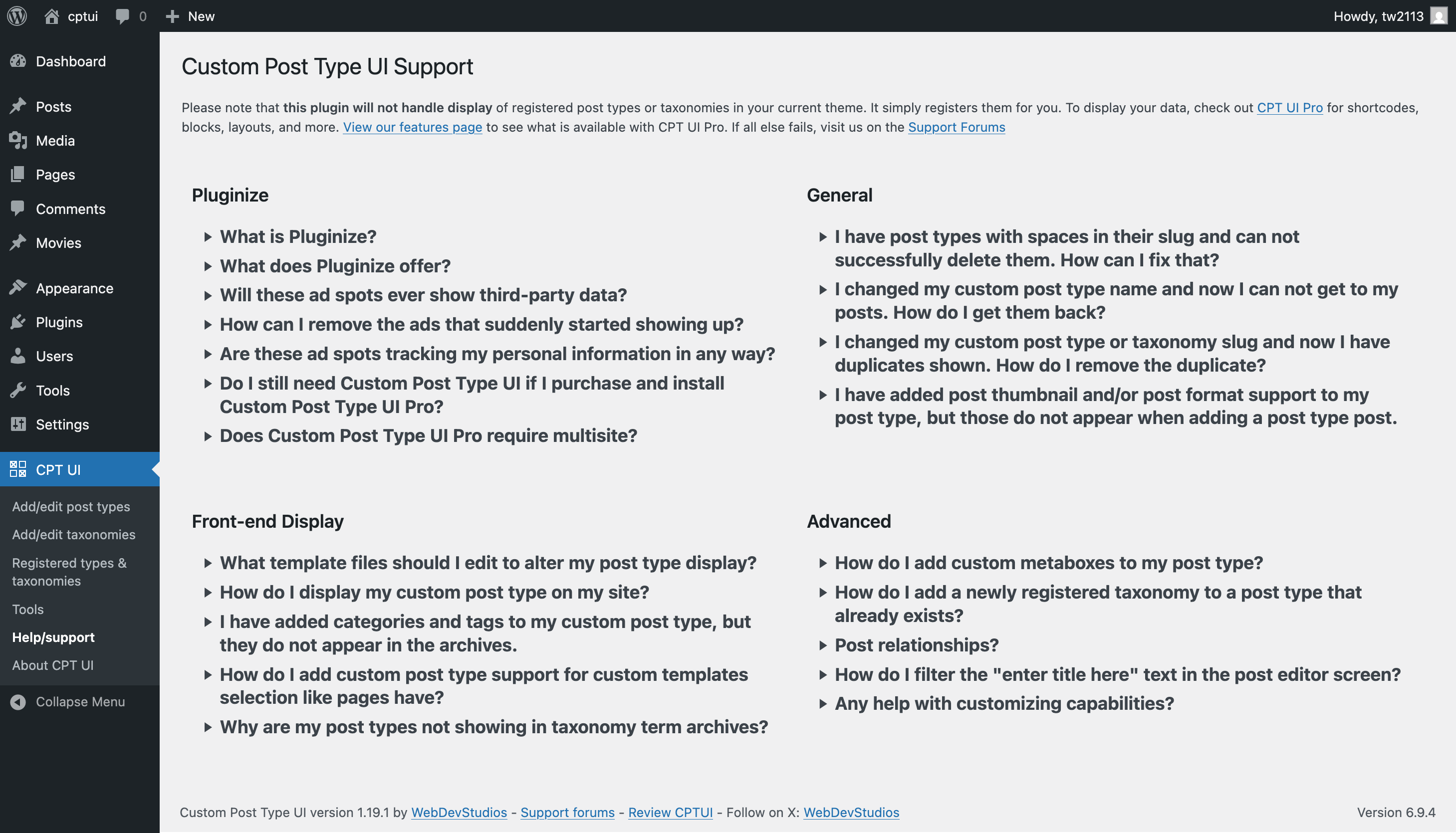
Capturas de tela
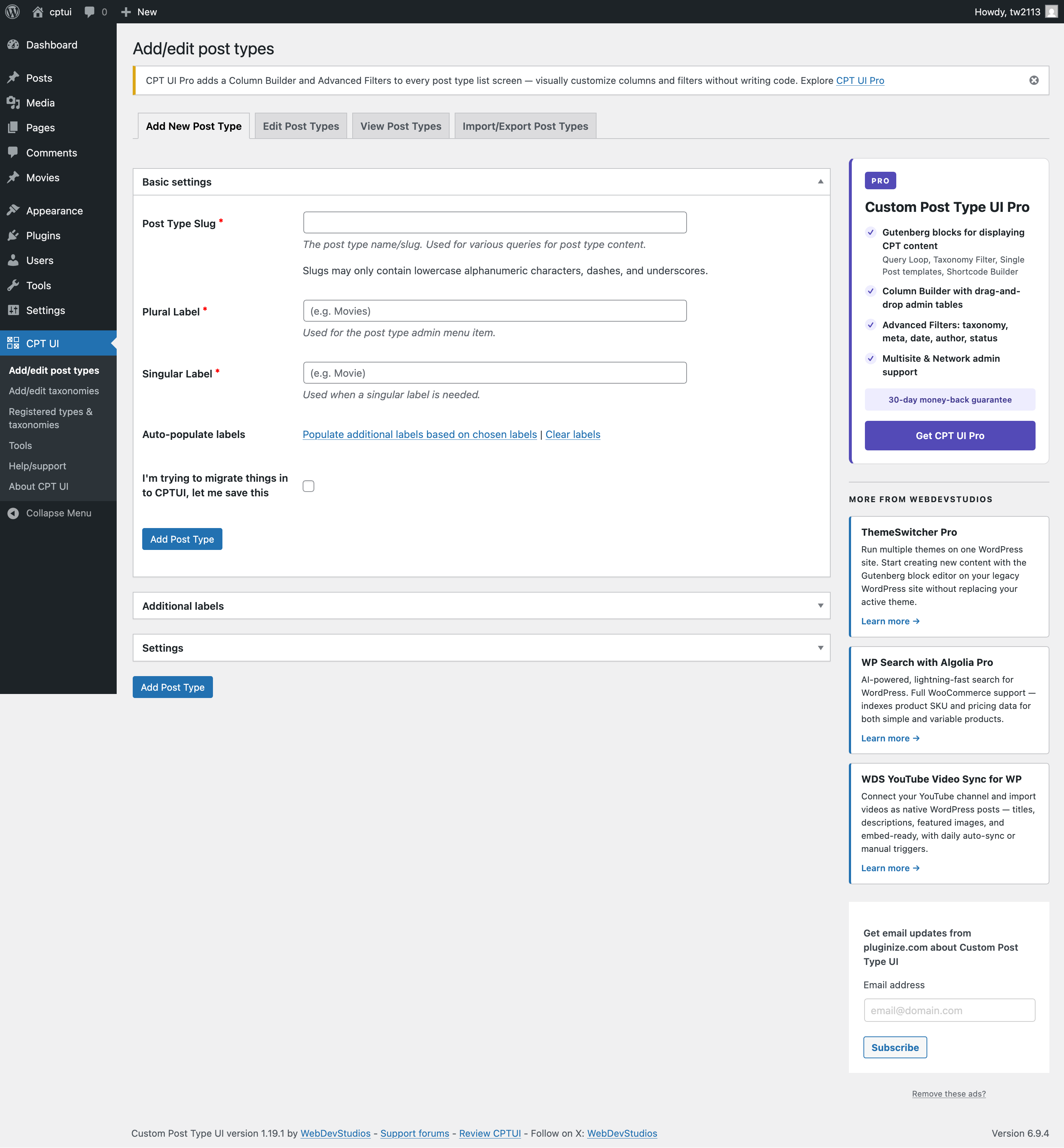
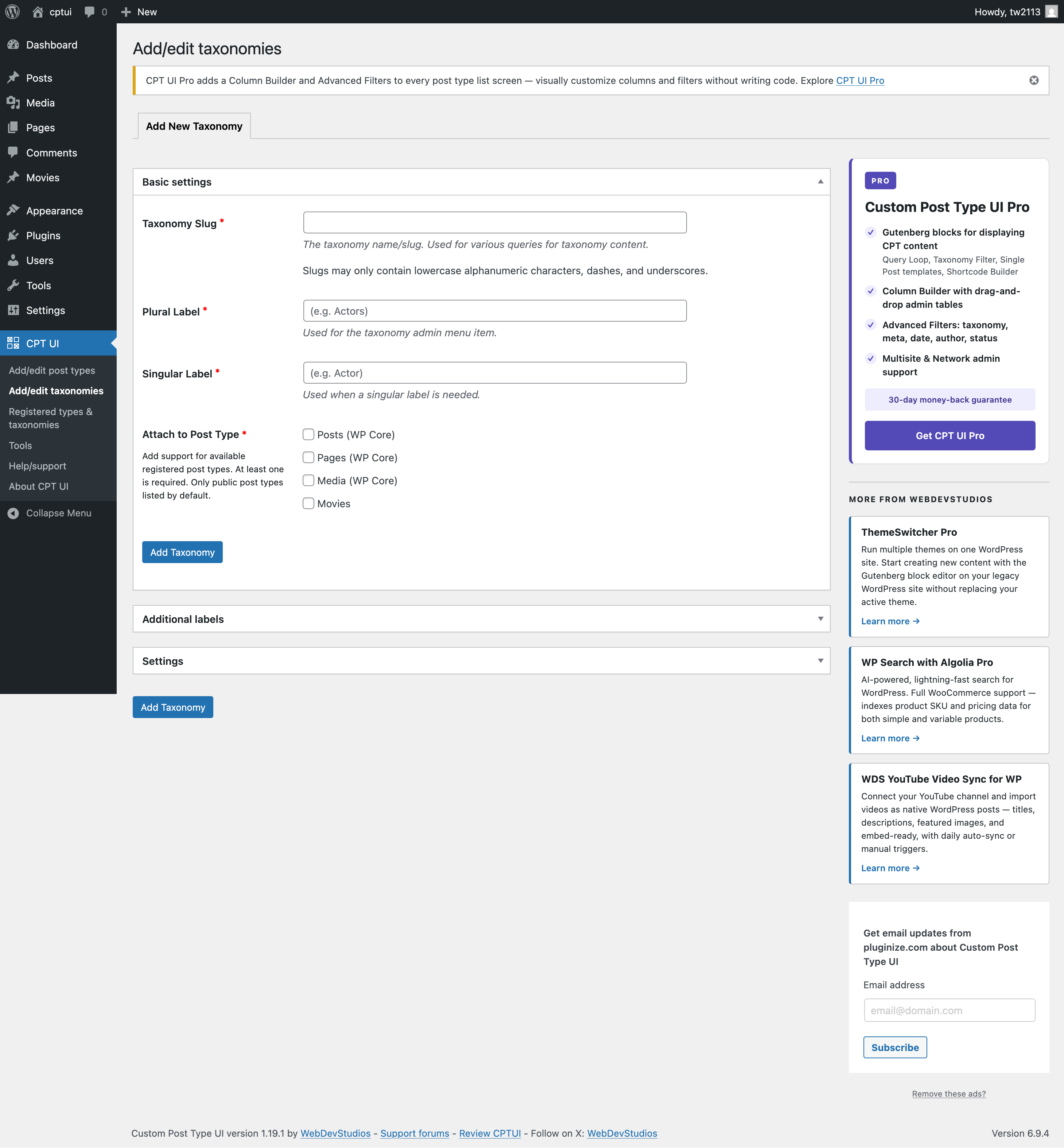
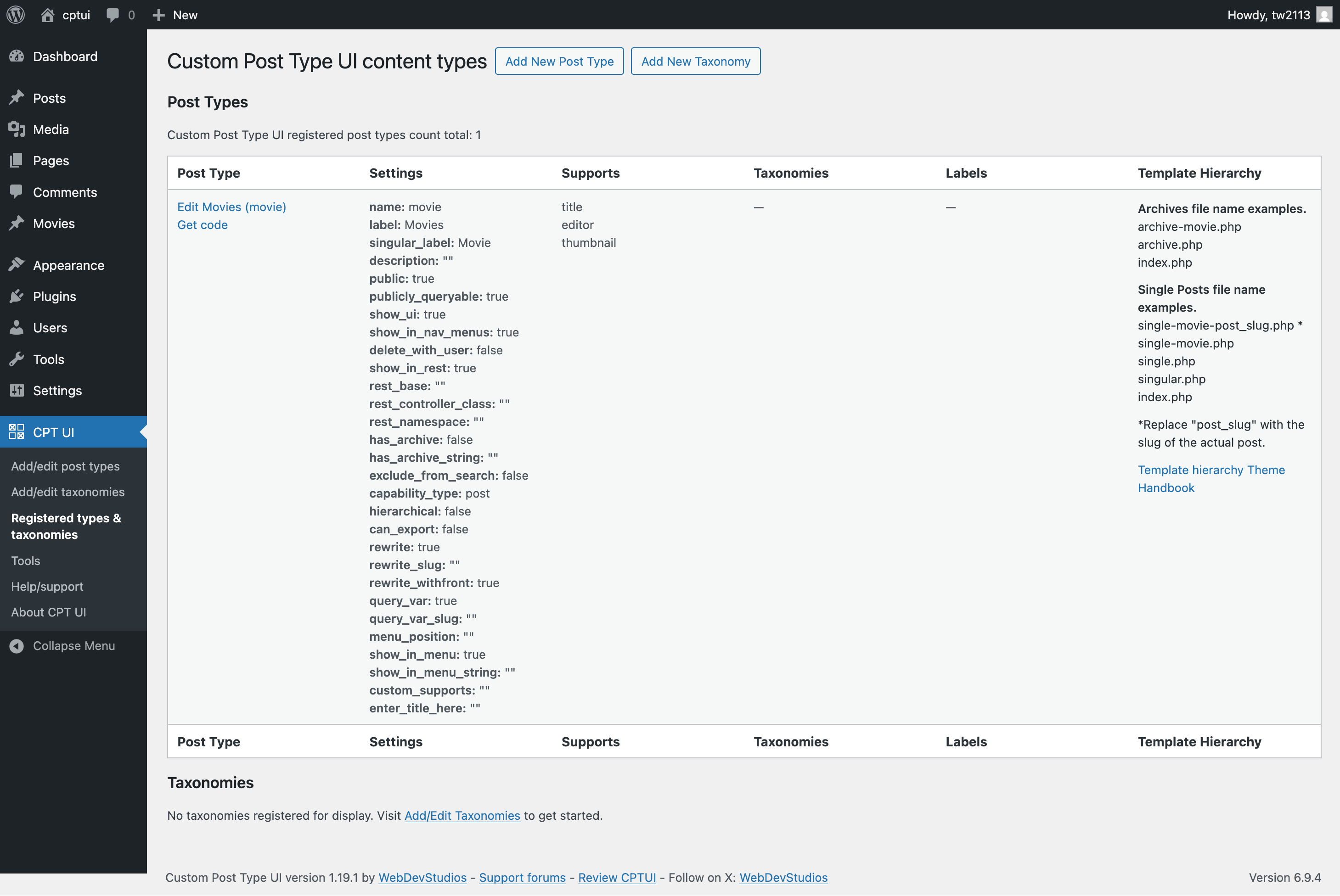
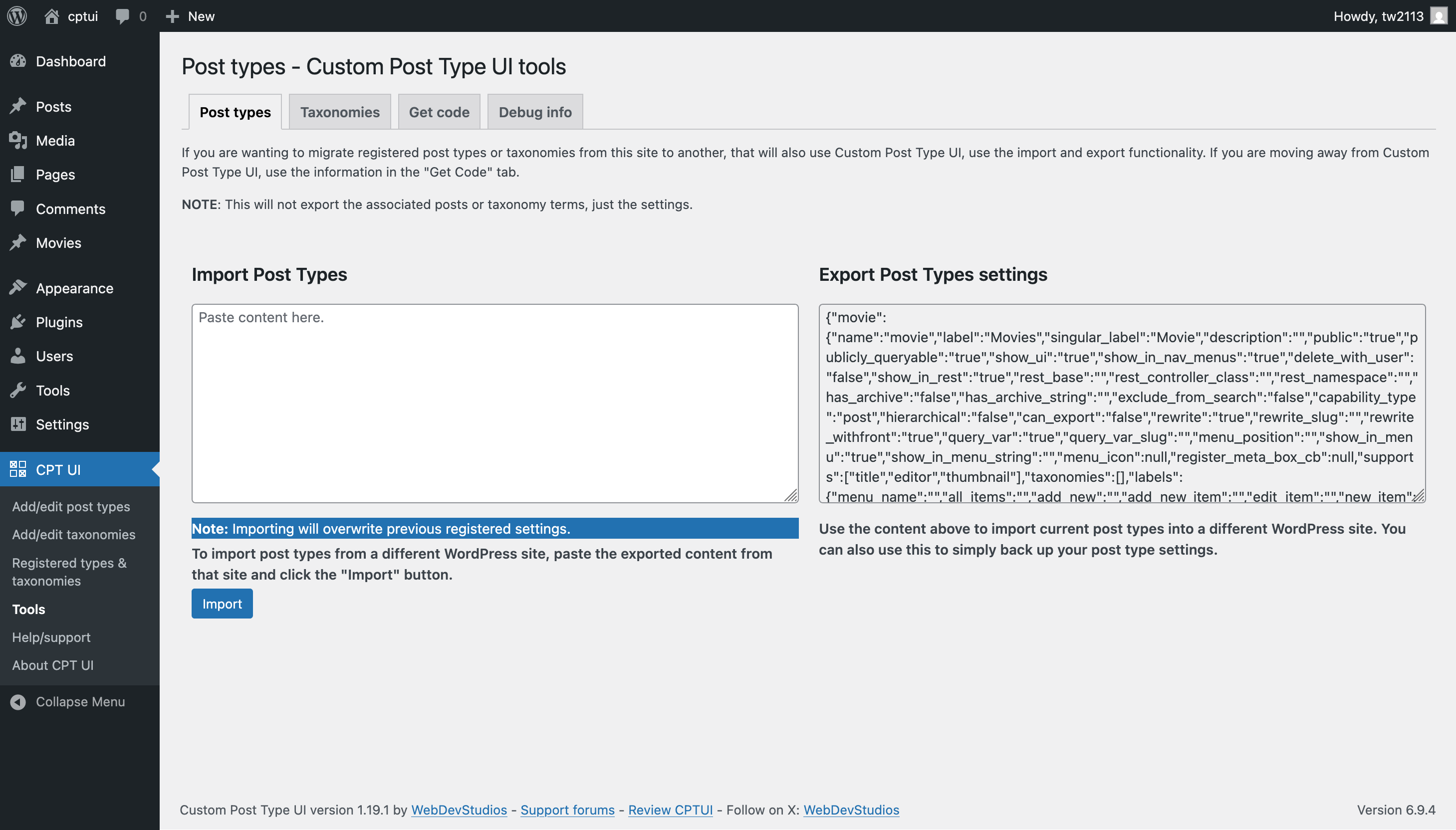
Para desenvolvedores
Este é o seu plugin? Mostre os números.
Adicione um crachá ao vivo ao seu site, Documentos ou Readme do GitHub. Ele é atualizado por conta própria - nenhuma conta necessária.
Best Custom Post Type UI alternatives
All content types plugins →


FAQ
Custom Post Type UI: quick answers
Respostas diretas, extraídas de dados ao vivo WordPress.org.
Fonte: WordPress.org
Is Custom Post Type UI free?
Yes. Custom Post Type UI is free to download and use from the official WordPress.org plugin directory.
Is Custom Post Type UI safe to use in 2026?
Yes — Custom Post Type UI is a safe, well-maintained plugin to use in 2026. It runs on 1M+ sites, is rated 4.6/5 and was last updated 5 months ago, and scores 81/100 on our health check.
How many websites use Custom Post Type UI?
Custom Post Type UI is active on 1M+ WordPress websites and has been downloaded 25,008,498 times since it launched in February 2010. It was downloaded 99,522 times in the last 30 days.
Does Custom Post Type UI work with WordPress 7.1?
Custom Post Type UI is officially tested up to WordPress 7.0.9, while the latest release is 7.1.5. It may still work, but try it on a staging site first.
What PHP version does Custom Post Type UI need?
Custom Post Type UI requires PHP 7.4 or higher. Most hosts run PHP 8.x today, so it works on any modern WordPress hosting.
When was Custom Post Type UI last updated?
The latest version, 1.19.3, was released on July 14, 2026 (5 months ago).
Who makes Custom Post Type UI?
Custom Post Type UI is developed and maintained by webdevstudios.
What are the best alternatives to Custom Post Type UI?
The most popular alternatives to Custom Post Type UI are Pods (100K+ installs), Essential Content Types (20K+ installs) and Query All The Post Types (20+ installs).
Alimentado por PageForge
Um modelo e uma planilha. Uma página real para cada pesquisa.
PageForge Transforma cada linha de um CSV em uma página WordPress com seu próprio título, URL, SEO campos e esquema, construído no layout que você já desenhou. Gratuito em WordPress.org.
- CSV e XLSX, mais Google Sheets em Profissional e Empresarial
- Seu próprio título, URL, SEO campos e esquema para cada página
- Funciona com o editor de blocos, Elementor, Divi e Avada
- Gratuito em WordPress.org, sem cartão de crédito