


Contact Button – The All-in-One Website Widget
Convert website visitors into contacts with 15 easy to use Contact Button apps. Widget apps include, Contact Forms, Call Now Buttons and more!

Use com cautela
Contact Button works, but test it on a staging site before relying on it in 2026. It runs on 200+ sites, is rated 5/5 and was last updated 5 months ago, and scores 61/100 on our health check.
- Pequena base de usuários (mais de 200 instalações ativas)
- Muito poucos comentários até agora
Downloads diários
Os picos de download geralmente seguem uma nova versão — cada site que atualiza automaticamente é um download.
Rankings
Where Contact Button stands todayWordPress.org Classificações de pesquisa
Posição ao vivo na pesquisa de plugins, top 100| Palavra chave | Posição |
|---|---|
| communication tools | #8 |
| contact button | #5 |
| formulário de contato | >100 |
| customer engagement | #51 |
| website widget | #34 |
Adoção da versão
Compartilhamento de sites ativos por lançamento.
Divisão de classificação
★★★★★ ★★★★★ 5 de 2 comentários
About Contact Button
Do Readme oficial · v1.0.4Descrição
Contact Button helps you get more leads by providing website visitors with 1-click access to 15 highly-customizable apps designed to solve the most common small business use cases. Once you’ve successfully installed this plugin, your Contact Button will immediately show up in the corner of your website.
The easiest way to think of this plugin is that it’s comparable to adding a smartphone to the corner of your site. But instead of building your own mobile app that no-one will ever download, you can use Contact Button to help people conveniently get the information or help they’re looking for all via an interface that feels like you’re using mobile apps.
KEY BENEFITS
📱 Simplify Your Website
Don’t make it a struggle to find key information on your website. Centralize it all via one familiar interface instead.
👋 Boost User Engagement
Let website visitors contact you how they want to. Give them multiple ways to connect with your business.
🎯 Capture More Leads
Turn every page on your site into a lead source with 1-click access to contact forms, booking tools & more!
📈 Increase Local Sales
Drive in-store foot traffic by making it easier to find business info or get answers right inside your button.
CONTACT BUTTON APPS
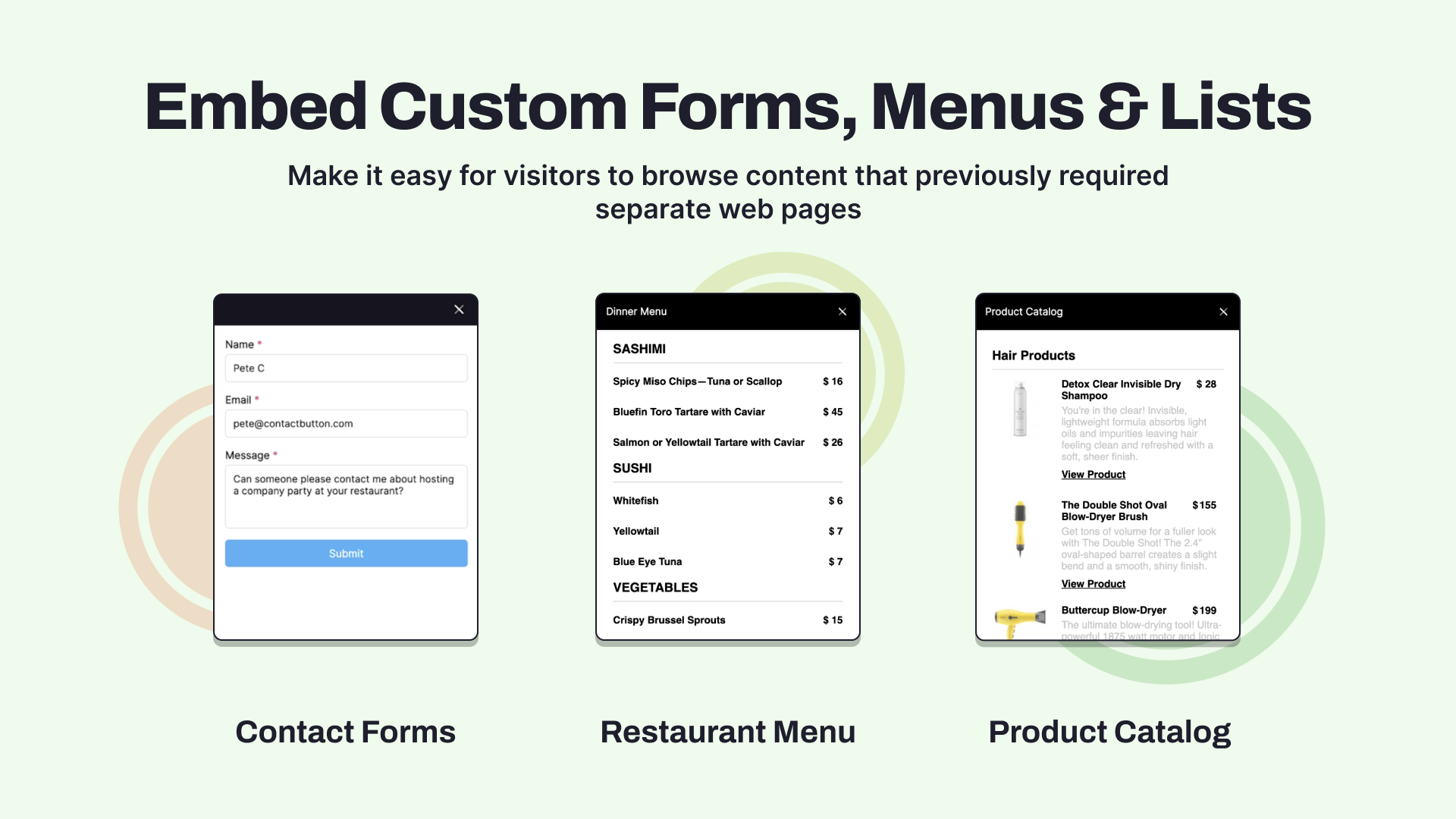
🖊️ Contact Forms
Create custom forms to display inside your contact button menu.
📬 Email Subscriptions
Automatically add visitor email info to your preferred mailing list.
🗓️ Reservations & Bookings
Embed the booking screens of popular appointment software.
📖 Lists & Menus
Great for restaurant menus, product catalogs, and job boards.
🖼️ Images & PDFs
Display an image, QR code or PDF file in the button menu.
🕔 Business Hours
Display your daily operating hours in a simple text format.
📍 Map Links
Add a link to your location or embed a dynamic Google Map.
❤️ Social Links
Link to your profile pages on the most popular social apps.
🔗 Website Links
Send people to the internal or external website URL of your choice.
📞 Click-to-Call
Make it easy for visitors to call your number via a mobile device.
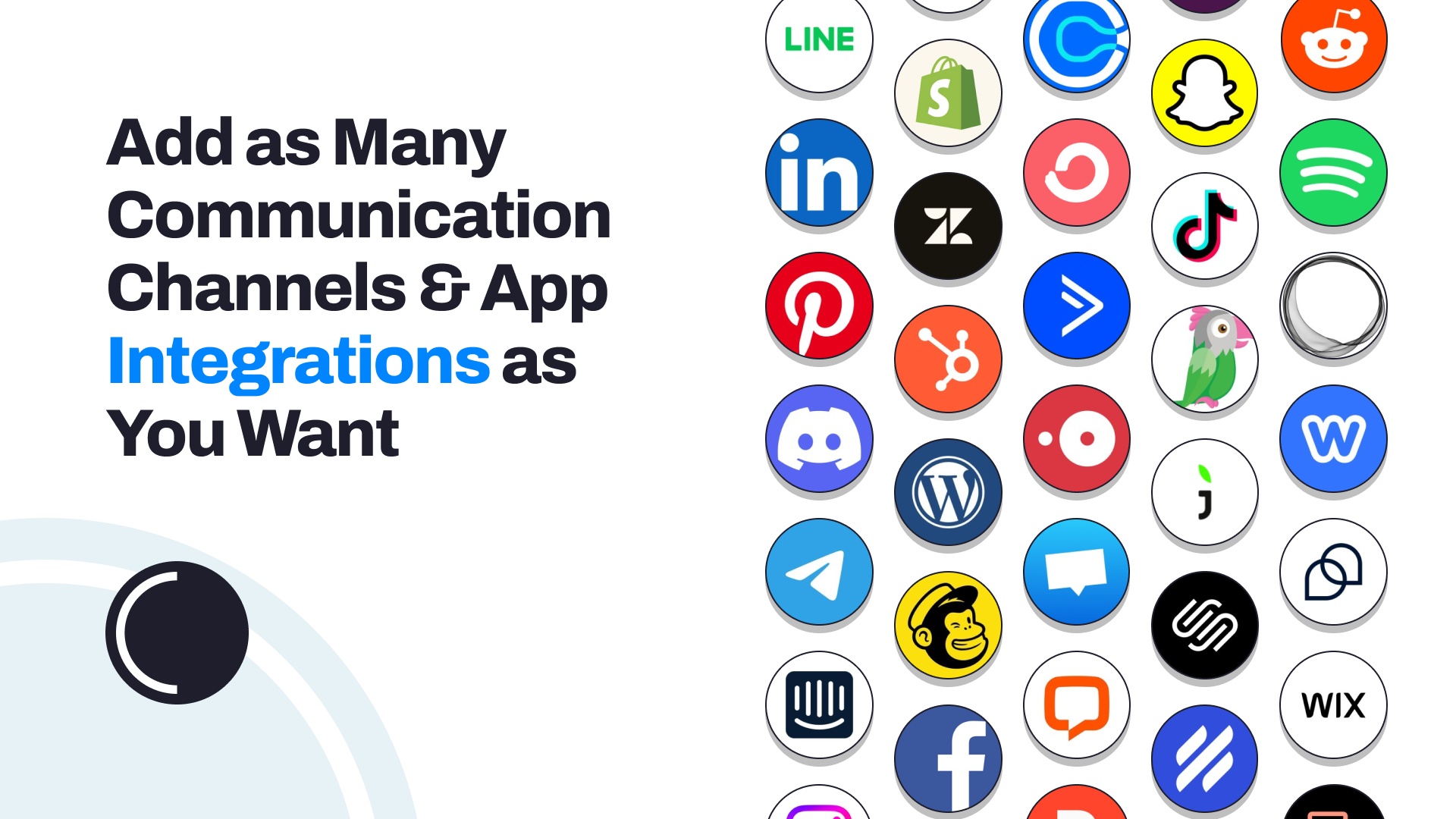
💬 Chat Widgets
Integrate your contact button with popular chat widget software.
📧 Send Messages
Make it easy for leads to reach you via SMS or email.
👍 Facebook Messenger
Send conversations directly to your Facebook Messenger account.
🟢 WhatsApp Business
Help website visitors message you on WhatsApp via a link or QR code.
</> HTML Embed
Insert 3rd party code or iframes inside your contact button menu.
SUPPORT
You can reach us anytime by clicking the Contact Button on contactbutton.com or sending an email to support@contactbutton.com
Instalação
Install via WordPress Plugins
- Search for
Contact Buttonplugin in your WordPress admin - Activate the plugin through the
Pluginsmenu in WordPress - Log in to app.contactbutton.com. (If you don’t have an account, please register first.)
- Make sure you have at least one Widget App and one Contact Button active in your account.
- Open the Settings page by using the side menu
- Make sure you’re on the
Test & Installtab - Click the
Installbutton of the Contact Button you want to activate - Click on
Manually Add HTML Code - Copy the ID associated with your button
- Paste copied text into the white box below and click the Save and Verify button
Once activated your button should immediately start showing up on your website the next time you refresh the page you’re on.
If your Contact Button doesn’t show up after following these steps, please email support@contactbutton.com for assistance.
Download the ZIP via WordPress.org
- Download the plugin via WordPress.org
- Upload the ZIP file through the
Plugins > Add New > Uploadscreen in your WordPress dashboard - Activate the plugin through the
Pluginsmenu in WordPress - Log in to app.contactbutton.com. (If you don’t have an account, please register first.)
- Make sure you have at least one Widget App and one Contact Button active in your account.
- Open the Settings page by using the side menu
- Make sure you’re on the
Test & Installtab - Click the
Installbutton of the Contact Button you want to activate - Click on
Manually Add HTML Code - Copy the ID associated with your button
- Paste copied text into the white box below and click the Save and Verify button
Once activated your button should immediately start showing up on your website the next time you refresh the page you’re on.
If your Contact Button doesn’t show up after following these steps, please email support@contactbutton.com for assistance.
Setup Guide
Log de Changes
Just released.
1.0.4
- Tested with WordPress 6.9
1.0.3
- Tested with WordPress 6.8
1.0.2
- Tested with WordPress 6.6.1
1.0.1
- Tested with WordPress 6.5.3
1.0.0
- First version
Capturas de tela



Para desenvolvedores
Este é o seu plugin? Mostre os números.
Adicione um crachá ao vivo ao seu site, Documentos ou Readme do GitHub. Ele é atualizado por conta própria - nenhuma conta necessária.
FAQ
Contact Button: quick answers
Respostas diretas, extraídas de dados ao vivo WordPress.org.
Fonte: WordPress.org
Is Contact Button free?
Yes. Contact Button is free to download and use from the official WordPress.org plugin directory.
Is Contact Button safe to use in 2026?
Contact Button works, but test it on a staging site before relying on it in 2026. It runs on 200+ sites, is rated 5/5 and was last updated 5 months ago, and scores 61/100 on our health check.
How many websites use Contact Button?
Contact Button is active on 200+ WordPress websites and has been downloaded 5,382 times since it launched in March 2024. It was downloaded 240 times in the last 30 days.
Does Contact Button work with WordPress 7.1?
Contact Button is officially tested up to WordPress 7.0.9, while the latest release is 7.1.5. It may still work, but try it on a staging site first.
What PHP version does Contact Button need?
Contact Button requires PHP 7.4 or higher. Most hosts run PHP 8.x today, so it works on any modern WordPress hosting.
When was Contact Button last updated?
The latest version, 1.0.4, was released on July 13, 2026 (5 months ago).
Who makes Contact Button?
Contact Button is developed and maintained by Contact Button.
Alimentado por PageForge
Um modelo e uma planilha. Uma página real para cada pesquisa.
PageForge Transforma cada linha de um CSV em uma página WordPress com seu próprio título, URL, SEO campos e esquema, construído no layout que você já desenhou. Gratuito em WordPress.org.
- CSV e XLSX, mais Google Sheets em Profissional e Empresarial
- Seu próprio título, URL, SEO campos e esquema para cada página
- Funciona com o editor de blocos, Elementor, Divi e Avada
- Gratuito em WordPress.org, sem cartão de crédito