


Smart Grid-Layout Design for Contact Form 7
Pure CSS responsive grid layouts for contact form 7. It enables rich interlinking of your CMS data via taxonomy/posts populated dropdown fields.

Escolha sólida
Smart Grid-Layout Design for Co… is a solid plugin choice in 2026, with a few things worth checking first. It runs on 10K+ sites, is rated 4.5/5 and was last updated 1 month ago, and scores 75/100 on our health check.
- Comprovado em escala em sites ativos de mais de 10 mil
- Loved by users — 4.5/5 from 72 reviews
- Desenvolvido ativamente — última atualização 1 mês atrás
- Momentum — downloads up 147% vs the previous 30 days
- Slow support — only 20% of recent threads resolved
- Precisa de PHP 8.3 ou mais recente
Como ele se acumula?
Lado a lado em instalações, atualizações, avaliações e suporte


Downloads diários
Os picos de download geralmente seguem uma nova versão — cada site que atualiza automaticamente é um download.
Rankings
Where Smart Grid-Layout Design fo… stands todayWordPress.org Classificações de pesquisa
Posição ao vivo na pesquisa de plugins, top 100| Palavra chave | Posição |
|---|---|
| contact form 7 extension | #18 |
| Construtor de formulários | >100 |
| Multi-Step Form | #25 |
| repetitive fields | #1 |
Adoção da versão
Compartilhamento de sites ativos por lançamento.
Divisão de classificação
★★★★★★★★★★ 4.5 from 72 reviews
About Smart Grid-Layout Design for Contact Fo…
From the official readme · v4.19.0Descrição
The plugin uses the smart-grid CSS plugin to build beautiful form layouts. It introduces a graphical editor to design your forms, as well as a coloured html syntax editor built using the excellent CodeMirror editor. It is now possible to design smart layouts with ease.
v4.0 introduced a tutorial sections within the dashboard for quick reference to various YouTube tutorials. For a full list of available tutorials visit this playlist.
In addition, the plugin also introduces multiple smart input functionalities, such as,
- tabled input sections: these allow you to group several repetitive input fields as table rows, the plugin will automatically add an ‘Add Row’ button to your front end form, giving your users the ability to add multiple rows of your grouped fields.
- tabbed sections: with this plugin you can build tabbed sections of repetitive fields, allowing your users to add additional tabs. It is a similar concept to the tabled input section above, but in a tabbed layout instead.
- collapsible sections: for long and complex forms you can now group your front-end fields into collapsible sections, making it easier for user to see the big picture.
- toggled collapsible sections for optional sections. A toggle with a default Yes/No value is inserted, allowing your users to submit optional fields which within the section can be set to required in your design (See FAQ section for more info).
- grouped toggled sections for either/or optional sections.
- reusable sub-forms: if you have fields which repeat across multiple forms, you can now build a sub-form which you can include in your form, saving you the trouble of redesigning the form each time, but also making large forms much easier to maintain.
- form categories: the plugin introduces form taxonomy to classify your forms for the use of online registration where users may need to be associated with a given set of forms to access.
- dynamic dropdown fields: these are special select fields which you can populate with either existing post titles, or managed lists such as units, or even using a custom filter. This makes dynamic interlinking of existing CMS data in your dashboard a piece of cake, giving you a very powerful tool for data capture.
- plays nice with Post My CF7 Form plugin: and best of all you can map all your forms to custom posts using the now stable Post My CF7 Form plugin.
- redesign the form editor: this plugin now uses the WordPress default post editor page to edit/build forms, therefore making it easier for developer to plugin their functionality on top, while preserving all the hooks of Contact Form 7.
Looking for Collaborators
Are you a WordPress developer or an HTML/JavaScript wizard? Want to collaborate on this plugin? There are some really great pieces of functionality that are in the roadmap for this plugin, but I just don’t have the time or resources to get them all on file in a timely manner. So join me on GitHub if you want to collaborate.
For plugin developers
If you wish to leverage the in-editor helper code functionality for your CF7 plugin, you need to use the following hooks,
cf7sg_ui_grid_js_helper_hooks – include js bind event code helpers.
cf7sg_ui_grid_helper_hooks – include php filter/action hooks code helpers.
cf7sg_enqueue_admin_editor_scripts – to enqueue scripts on the admin editor page to bind to editor events for further dynamic code helpers.
If you wish to see an example on how to use this, please check the Google Map CF7 extension plugin code. The cf7-google-map/includes/class-cf7-googleMap.php list the above hooks and the function calls are in the cf7-google-map/admin/class-cf7-googleMap-admin.php file.
Checkout our other CF7 plugin extensions
-
CF7 Polylang Module – this plugin allows you to create forms in different languages for a multi-language website. The plugin requires the Polylang plugin to be installed in order to manage translations.
-
CF7 Multi-slide Module – this plugin allows you to build a multi-step form using a slider. Each slide has cf7 form which are linked together and submitted as a single form.
-
Post My CF7 Form – this plugin allows you to save you cf7 form to a custom post, map your fields to meta fields or taxonomy. It also allows you to pre-fill fields before your form is displayed.
-
CF7 Google Map – allows Google Maps to be inserted into a Contact Form 7. Unlike other plugins, this one allows map settings to be done at the form level, enabling diverse maps to be configured for each form.
-
Smart Grid-Layout Design for CF7 – allows responsive grid layout Contact Form 7 form designs, enabling modular designs of complex forms, and rich inter-linking of your CMS data with taxonomy/posts populated dynamic dropdown fields.
Documentação
This plugin has a substantial set of FAQs and screenshots that is has a lot of information. Please go through the FAQs and screenshot captions to understand how to use the basic functionality.
The plugin has a number of hooks (filters and actions) which can be leveraged to further customise your form layouts and fields. Please refer to the Helper Metabox available in the form post editor when you create/edit a form. The helpers have commented code snippets which you can copy to and paste in your functions.php file to further understand how to use them. (See screenshot #21).
Support Open-source effort
This plugin would not have been possible without the following open-source efforts. Please consider visiting these plugins pages and making a donation to its authors to say thank you. Even small amount of beer money is always appreciated. Alternatively/additionally you can help in the maintenance or translation effort.
- Beautify – a jQuery plugin to beautify html text, used in the text editor of this plugin.
- CodeMirror – a remarkable jQuery text editor that allows for colour-coded highlighting among many other functionality. Used to edit form source code in text editor of this plugin.
- CSS Smart Grid – a CSS plugin that allows for intuitive CSS styling of responsive grid layouts. Used for building the responsive form layouts.
- jQuery Clipboard – copy text to the clipboard, used for helper links.
- jQuery Nice Select – makes beautiful dropdown fields.
- jQuery Select2 – this plugin converts dropdowns into powerful searchable dropdown fields.
- jQuery Toggles – enables pretty toggle switches on collapsible sections.
- PHP Simple HTML Dom – a php library that enables traversing and manipulation of html documents using CSS selectors like jQuery. This is used to build the modular functionality of form designs.
- Glider.js slider – a A blazingly fast, crazy small, fully responsive, mobile-friendly, dependency free, native scrolling list with paging controls!
Thanks to
Birmania @birmania for providing:
- a fix for JS toggles.
- a fix for file fields in tabs as mail attachments
Andrew Browning @altworks for providing:
- an IE polyfill for frontend table fields.
PenhTech @penhtech
- a fix for continue warnings in php7.3
Thomas Fellinger @netzgestaltung
- a fix for Really Simple Captcha plugin.
Privacy Notices
This plugin, in itself, does not:
- track users by stealth;
- write any user personal data to the database;
- send any data to external servers;
- use cookies.
Instalação
- Install the Contact Form 7 plugin.
- Unpack this plugin archive file into your wp-content/plugins folder.
- Activate the plugin through the ‘Plugins’ menu on WordPress.
- Create a new form to leverage the grid editor, existing forms can only be edited in text mode.
- Read the FAQs & Screenshot captions to understand how to use this plugin.
Log de Changes
4.19.0
- fix SWV issue to change of library in CF7 plugin.
4.18.0
- remove deprecated Simple HTML Dom library and use native PHP DOMDocument instead for modular form updates.
4.17.0
- replace clipboard.js plugin with HTML Clipboard API.
4.16.0
- fix form editor issues due to changes in CF7 plugin tag generator update.
- use
buttonelement instead of void links for UI editor buttons
4.15.8
- fix prefill input field selection.
4.15.7
- fix field tag textarea dimension scanning.
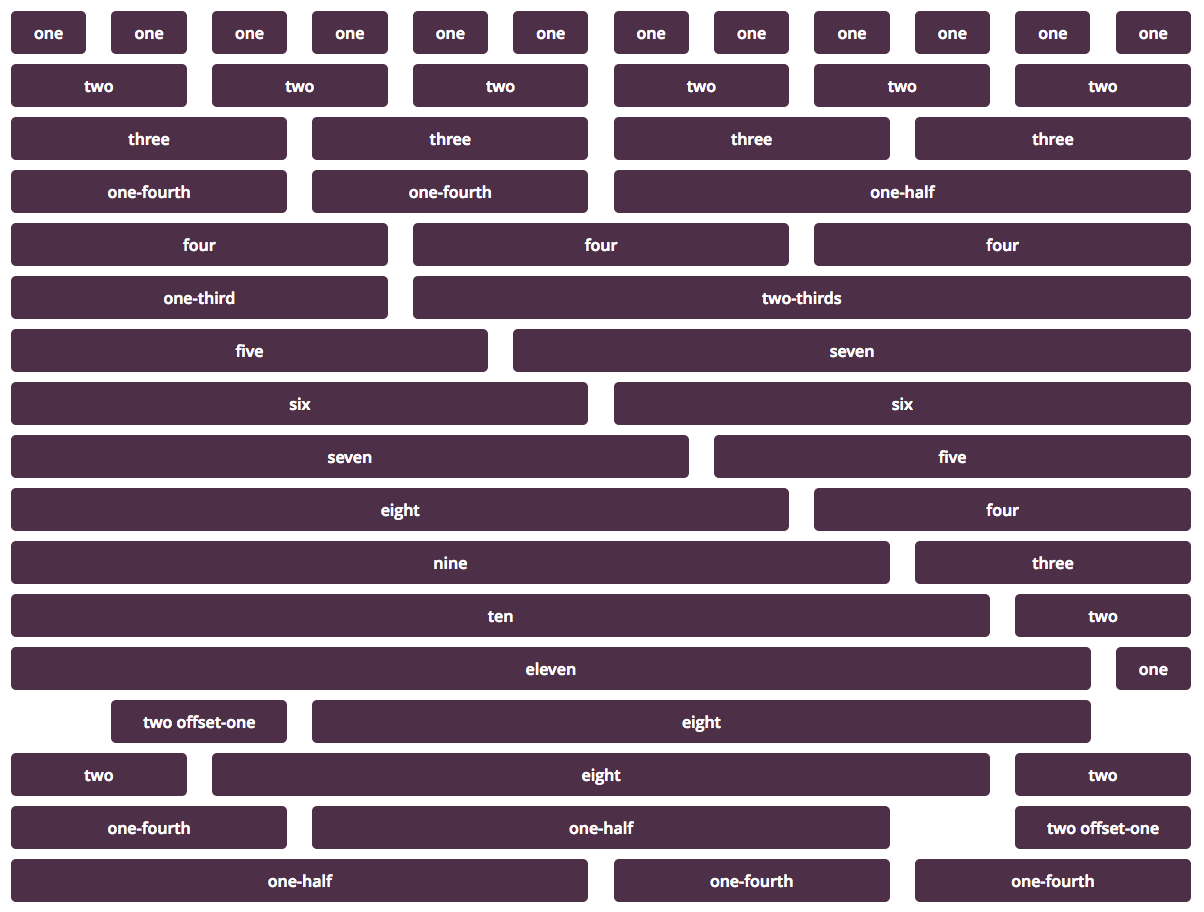
Capturas de tela




Para desenvolvedores
Este é o seu plugin? Mostre os números.
Adicione um crachá ao vivo ao seu site, Documentos ou Readme do GitHub. Ele é atualizado por conta própria - nenhuma conta necessária.
Best Smart Grid-Layout Design for… alternatives
All contact form 7 extension plugins →

FAQ
Smart Grid-Layout Design for Contac…: quick answers
Respostas diretas, extraídas de dados ao vivo WordPress.org.
Fonte: WordPress.org
Is Smart Grid-Layout Design for Co… free?
Yes. Smart Grid-Layout Design for Co… is free to download and use from the official WordPress.org plugin directory.
Is Smart Grid-Layout Design for Co… safe to use in 2026?
Smart Grid-Layout Design for Co… is a solid plugin choice in 2026, with a few things worth checking first. It runs on 10K+ sites, is rated 4.5/5 and was last updated 1 month ago, and scores 75/100 on our health check.
How many websites use Smart Grid-Layout Design for Co…?
Smart Grid-Layout Design for Co… is active on 10K+ WordPress websites and has been downloaded 654,802 times since it launched in October 2017. It was downloaded 5,664 times in the last 30 days.
Does Smart Grid-Layout Design for Co… work with WordPress 7.1?
Smart Grid-Layout Design for Co… is officially tested up to WordPress 7.0.9, while the latest release is 7.1.5. It may still work, but try it on a staging site first.
What PHP version does Smart Grid-Layout Design for Co… need?
Smart Grid-Layout Design for Co… requires PHP 8.3 or higher. Most hosts run PHP 8.x today, so it works on any modern WordPress hosting.
When was Smart Grid-Layout Design for Co… last updated?
The latest version, 4.19.0, was released on October 30, 2026 (1 month ago).
Who makes Smart Grid-Layout Design for Co…?
Smart Grid-Layout Design for Co… is developed and maintained by Aurovrata Venet.
What are the best alternatives to Smart Grid-Layout Design for Co…?
The most popular alternatives to Smart Grid-Layout Design for Co… are Contact Form 7 Polylang Mod… (4K+ installs), Post My CF7 Form (2K+ installs) and Contact Form 7 extension fo… (500+ installs).
Alimentado por PageForge
Um modelo e uma planilha. Uma página real para cada pesquisa.
PageForge Transforma cada linha de um CSV em uma página WordPress com seu próprio título, URL, SEO campos e esquema, construído no layout que você já desenhou. Gratuito em WordPress.org.
- CSV e XLSX, mais Google Sheets em Profissional e Empresarial
- Seu próprio título, URL, SEO campos e esquema para cada página
- Funciona com o editor de blocos, Elementor, Divi e Avada
- Gratuito em WordPress.org, sem cartão de crédito