


BuddyMeet
Adds video and audio conferencing rooms to BuddyPress! Powered by Jitsi Meet!

Use com cautela
BuddyMeet works, but test it on a staging site before relying on it in 2026. It runs on 600+ sites, is rated 4.7/5 and was last updated 1 year ago, and scores 47/100 on our health check.
- Base de usuários pequenas (600+ instalações ativas)
- Nenhuma atualização em mais de um ano
- Testado apenas até WordPress 6.8 (mais recente é 7.1)
Downloads diários
Os picos de download geralmente seguem uma nova versão — cada site que atualiza automaticamente é um download.
Rankings
Where BuddyMeet stands todayWordPress.org Classificações de pesquisa
Posição ao vivo na pesquisa de plugins, top 100| Palavra chave | Posição |
|---|---|
| BuddyMeet | #1 |
| buddypress | >100 |
| Conference | #71 |
| jitsi | #7 |
| vídeo | >100 |
Adoção da versão
Compartilhamento de sites ativos por lançamento.
Divisão de classificação
★★★★★★★★★★ 4.7 from 14 reviews
About BuddyMeet
From the official readme · v2.6.0Descrição
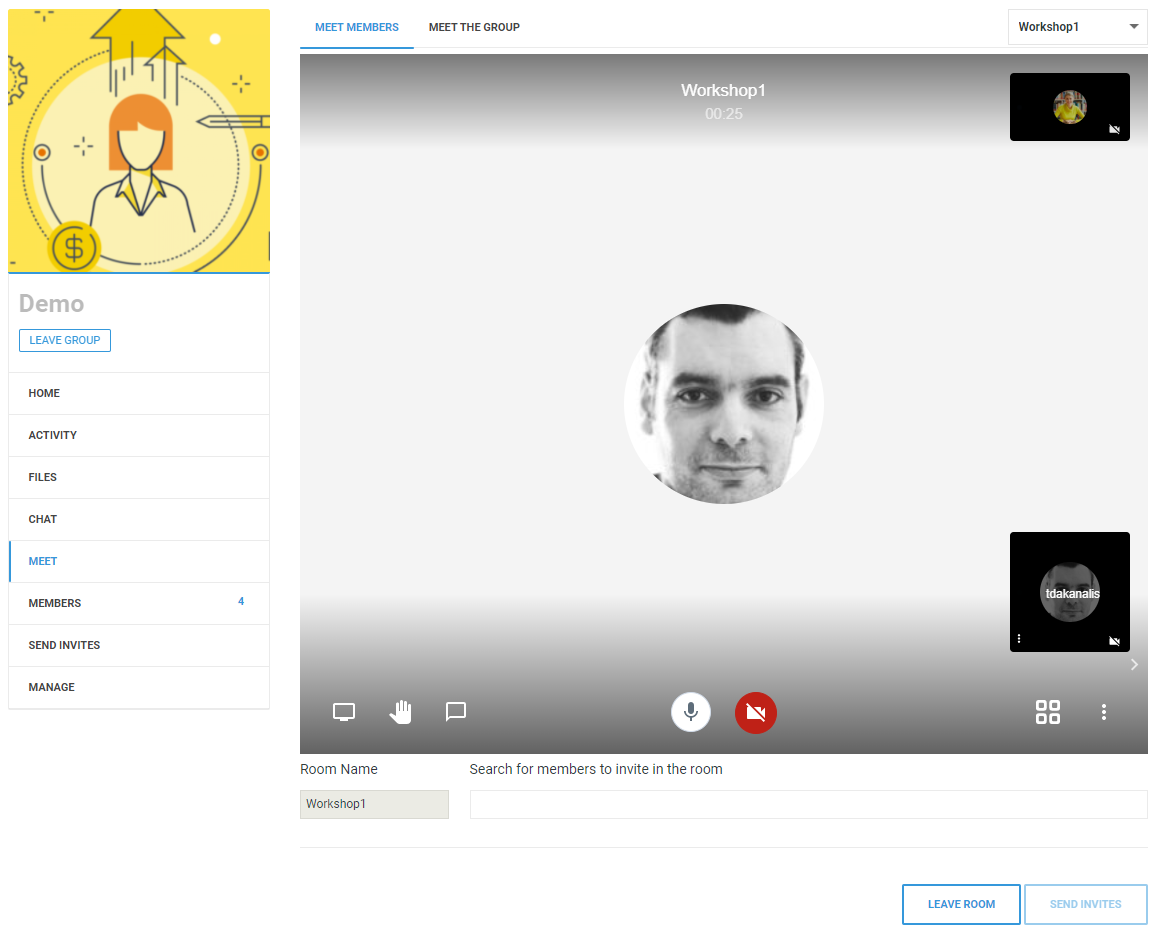
BuddyMeet is a BuddyPress (2.5+) plugin that uses Jitsi Meet to allow the members of a community to participate into virtual conference rooms with video and audio capabilities. BuddyMeet’s features include:
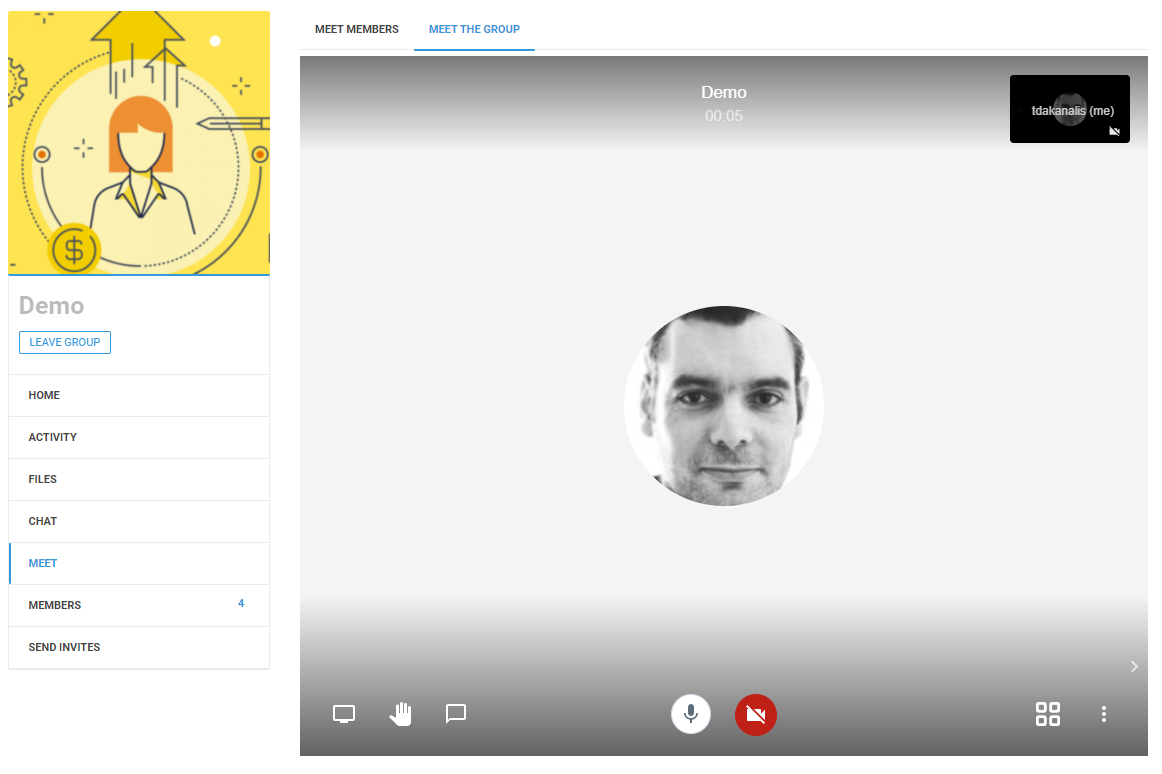
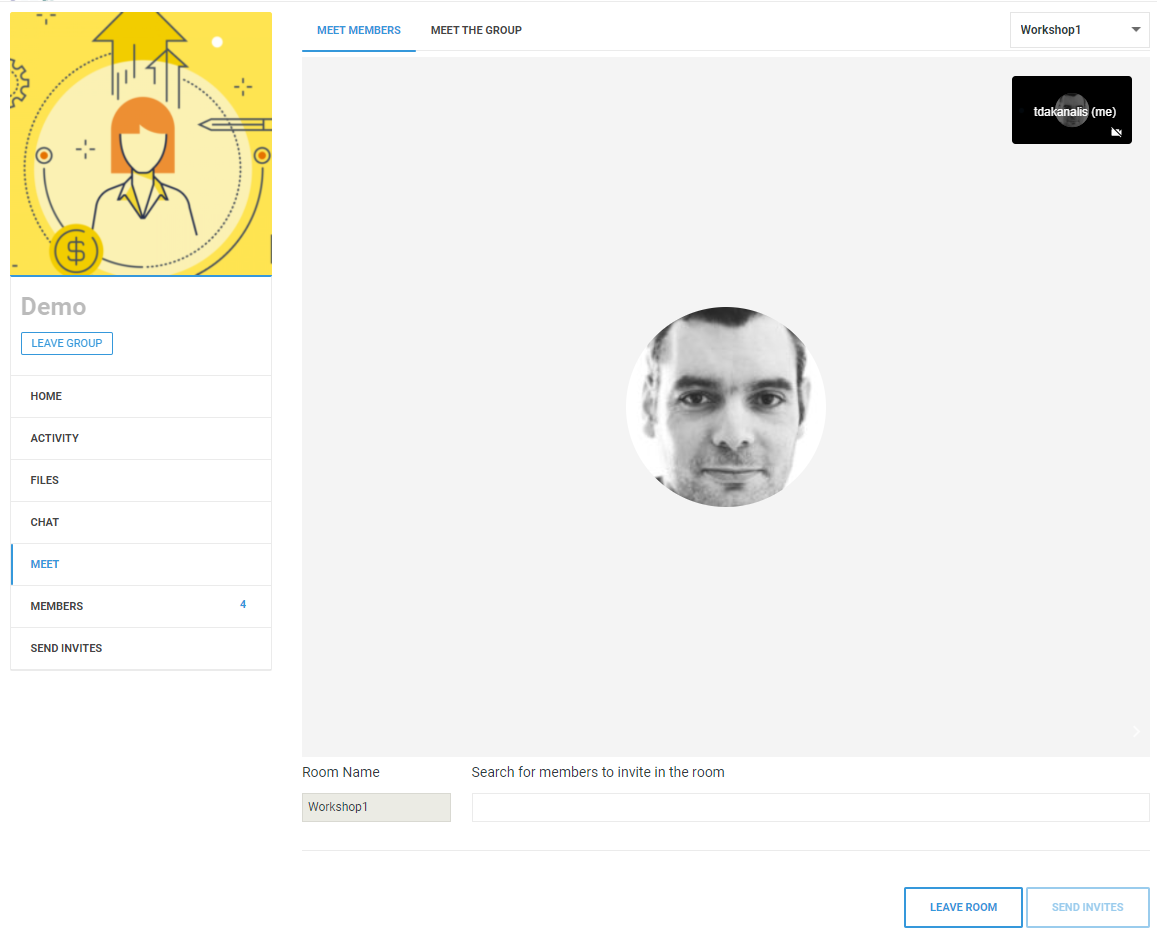
- A room where all members of a group can meet each other
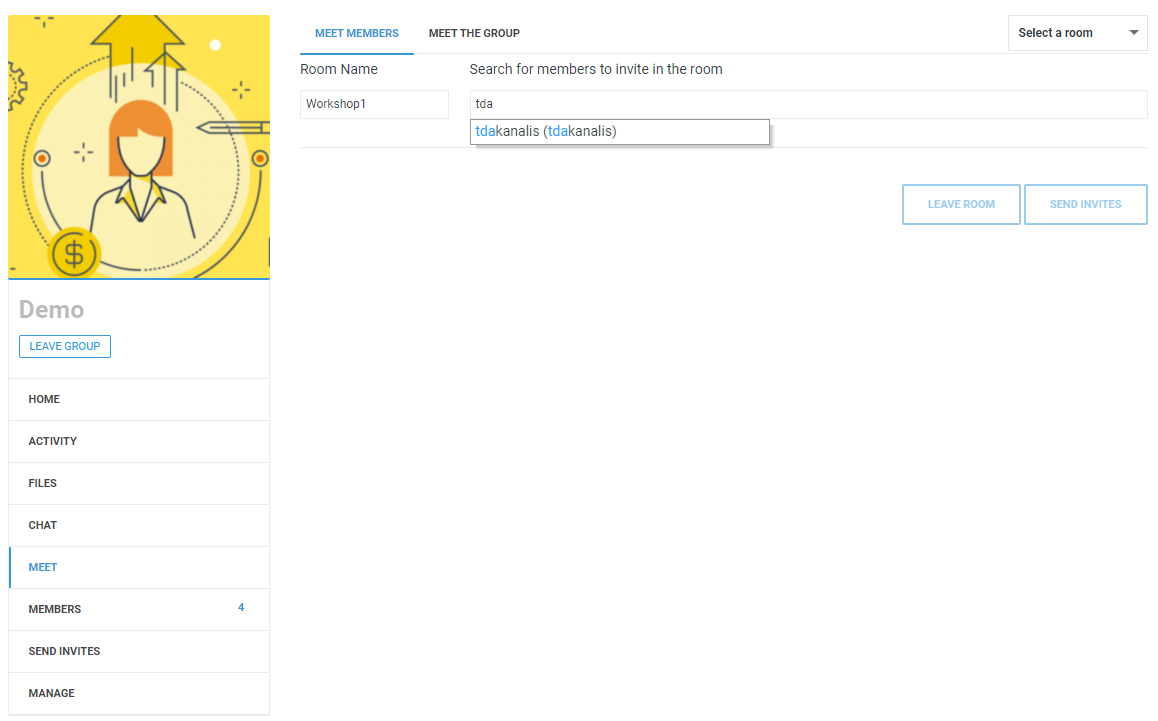
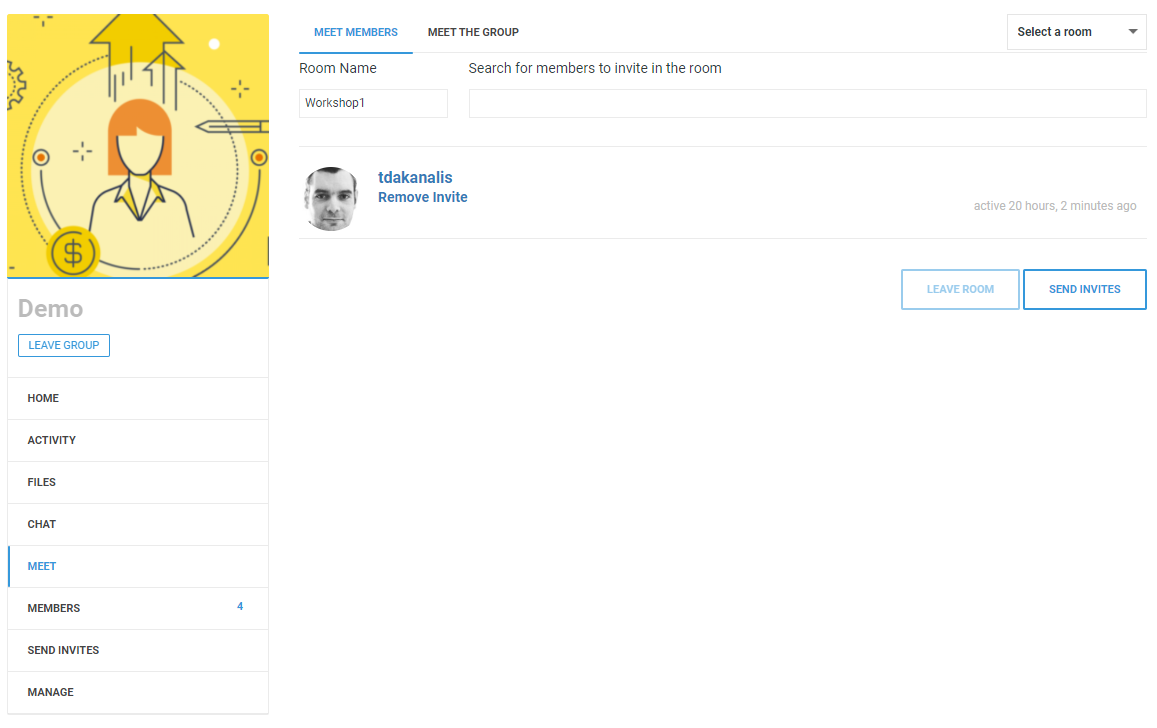
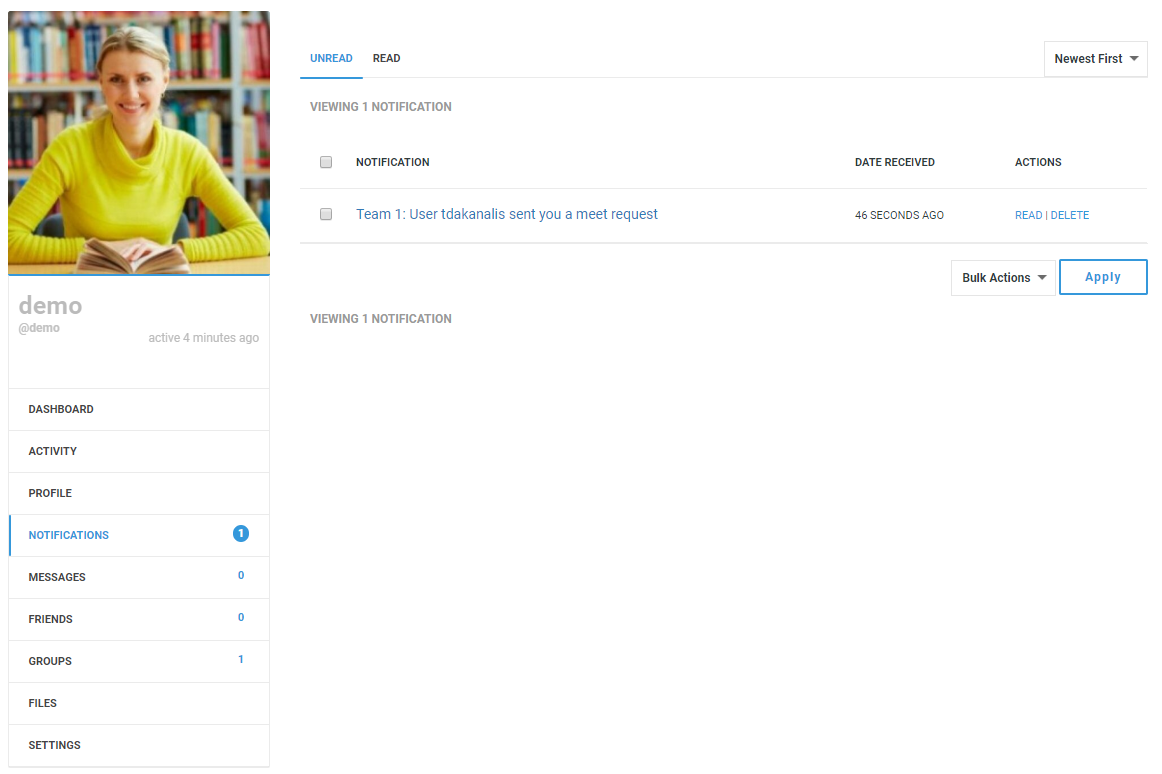
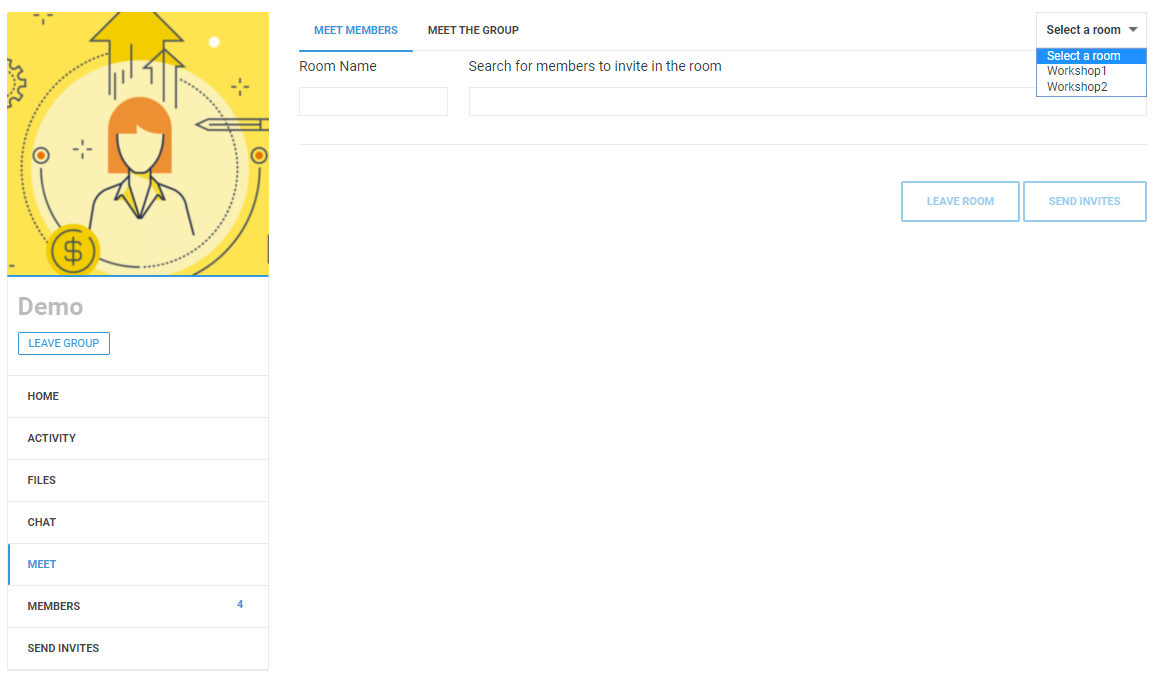
- On demand rooms among specific invited group members
- Automatic customization of the room’s subject and the name/avatar of the participants
- Customization of all the parameters that Jitsi Meet API supports
- Support for RS256-signed JWT authentication. This enables secure connections to 8×8 JaaS (8×8.vc domain) and self-hosted Jitsi servers using RSA SHA-256 verified tokens.
Moreover, you can use the shortcode [buddymeet room=ROOM_HERE subject=SUBJECT_HERE] to add a conference room to any WordPress page. In that case, you have to pass any configuration by using the following shortcode parameters:
- domain: The domain of the Jitsi Meet installation. BuddyMeet uses by default the 8×8.vc service.
- room: The identifier of the room.
- subject: The subject of the room. If empty the room is being displayed as the subject.
- password: A password for the room. The first to enter the room sets that password and all other participants have to put it to enter.
- show_watermark: Whether to show the Jitsi.org watermark or not.
- show_brand_watermark: Whether to show a custom branded watermark or not.
- brand_watermark_link: the custom brand watermark to show.
- width: The width of the embedded window.
- height: The height of the embedded window.
- start_audio_only: Start the meet with the microphone only enabled and the camera off.
- film_strip_only: Start the meet in filmstrip only mode.
- disable_video_quality_label: Disable the video quality indicator.
- mobile_open_in_browser: Launch the meet directly within the browser in mobile devices without opening the jitsi mobile app.
- user: The user to display. Leave empty to automatically set the display name of the logged-in user.
- avatar: The url with the avatar to display. Leave empty to automatically set the avatar of the logged-in user.
- settings: A csv with the Jitsi Meet settings to get enabled. For the available options check here
- toolbar: A csv with the Jitsi Meet toolbar options to get enabled. For the available options check here.
- background_color: The background color of the window
- default_language: The default language of the Jitsi Meet interface.
BuddyMeet uses by default the 8×8.vc service which is maintained by the Jitsi team at 8×8. Upon the initialization of a room, BuddyMeet sends the following information to the service:
- The name of the current buddypress group as the subject of the call
- The name, the surname and the avatar of the currently logged-in user
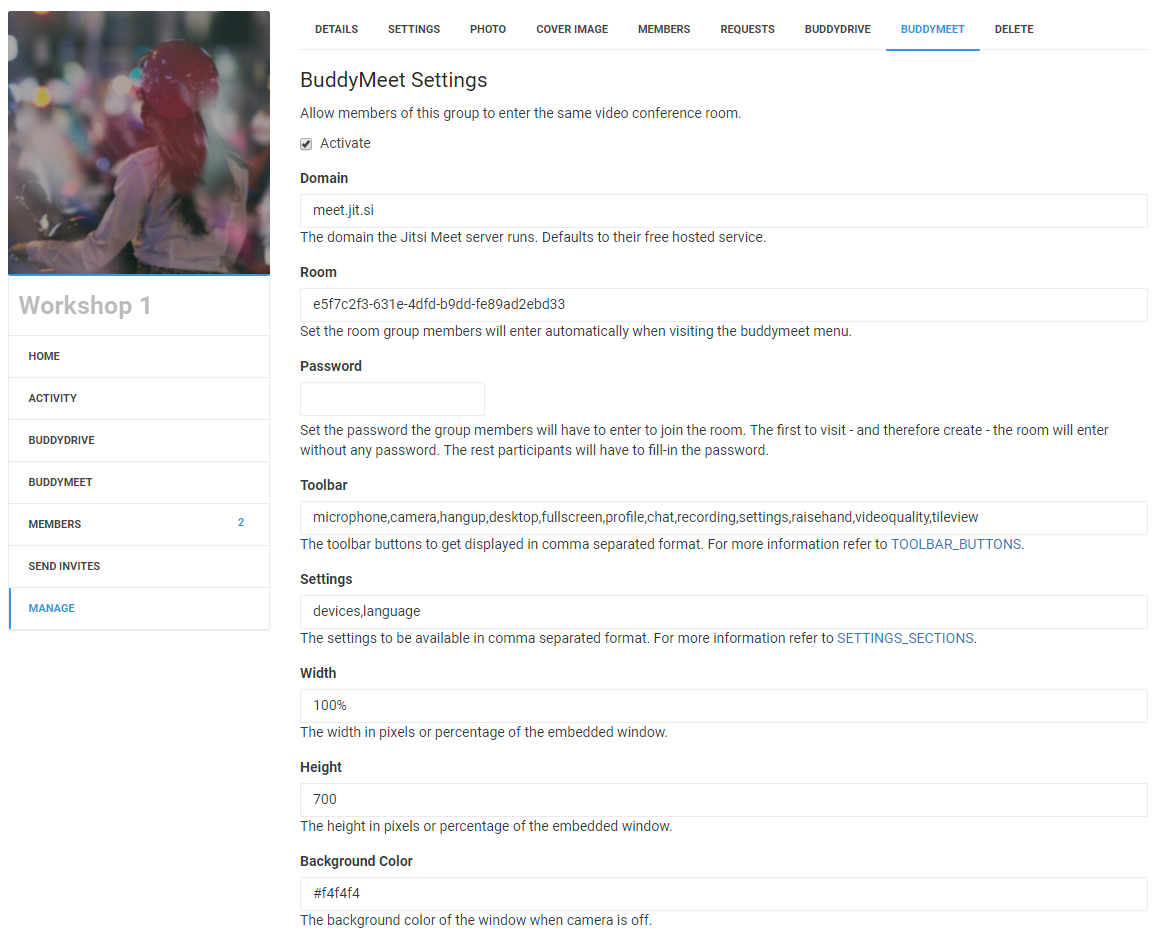
However, if you want to use your own hosted installation of Jitsi Meet, you can just configure the corresponding domain via the “Manage” menu of a BuddyPress group. For more information about Jitsi Meet please follow the links below:
- What is Jitsi?
- FAQ
- Jitsi Meet API
- Jitsi License
- Jitsi Community Forum
- 8×8 Terms and Conditions and Policies
This plugin is currently available only in english.
Instalação
You can download and install BuddyMeet using the built-in WordPress plugin installer. If you download BuddyMeet manually, make sure it is uploaded to “/wp-content/plugins/buddymeet/”.
Log de Changes
In case you had overridden the templates of the plugin you might now have to move the home.php file under a legacy folder.
2.6.0
- Added support for RS256-signed JWT authentication. This enables secure connections to 8×8 JaaS (8×8.vc) and self-hosted Jitsi servers using RSA SHA-256 verified tokens.
2.5.0
- Removed the client disposal logic upon receiving the videoConferenceLeft event because this event is triggered when starting the login flow.
2.4.0
- Added compatibility with BuddyPress 12.0
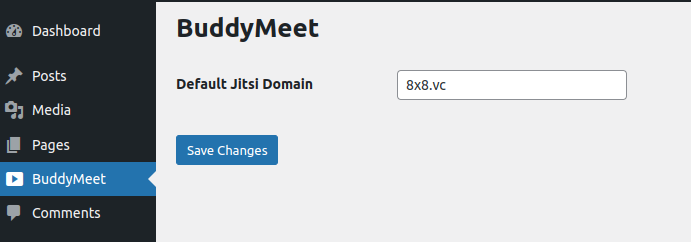
- Added admin menu that enables WordPress administrators to set the default Jitsi domain. This domain will serve as the default for all newly created BuddyPress Groups and shortcodes. Users retain the option to override this value via group settings or shortcode parameters.
2.3.0
- Added short code input sanitization to prohibit possible XSS attacks.
- Updated all references to the documentation of Jitsi Meet settings and toolbar options.
2.2.0
- Changed the default public domain from meet.jit.si to 8×8.vc.
2.1.0
- Added the setting mobile_open_in_browser. When enabled the meet launches directly within the browser in mobile devices without opening the jitsi mobile app.
Capturas de tela
Para desenvolvedores
Este é o seu plugin? Mostre os números.
Adicione um crachá ao vivo ao seu site, Documentos ou Readme do GitHub. Ele é atualizado por conta própria - nenhuma conta necessária.
FAQ
BuddyMeet: quick answers
Respostas diretas, extraídas de dados ao vivo WordPress.org.
Fonte: WordPress.org
Is BuddyMeet free?
Yes. BuddyMeet is free to download and use from the official WordPress.org plugin directory.
Is BuddyMeet safe to use in 2026?
BuddyMeet works, but test it on a staging site before relying on it in 2026. It runs on 600+ sites, is rated 4.7/5 and was last updated 1 year ago, and scores 47/100 on our health check.
How many websites use BuddyMeet?
BuddyMeet is active on 600+ WordPress websites and has been downloaded 38,238 times since it launched in February 2020. It was downloaded 317 times in the last 30 days.
Does BuddyMeet work with WordPress 7.1?
BuddyMeet is officially tested up to WordPress 6.8.13, while the latest release is 7.1.5. It may still work, but try it on a staging site first.
What PHP version does BuddyMeet need?
BuddyMeet requires PHP 5.3 or higher. Most hosts run PHP 8.x today, so it works on any modern WordPress hosting.
When was BuddyMeet last updated?
The latest version, 2.6.0, was released on July 3, 2025 (1 year ago).
Who makes BuddyMeet?
BuddyMeet is developed and maintained by Cytech.
Alimentado por PageForge
Um modelo e uma planilha. Uma página real para cada pesquisa.
PageForge Transforma cada linha de um CSV em uma página WordPress com seu próprio título, URL, SEO campos e esquema, construído no layout que você já desenhou. Gratuito em WordPress.org.
- CSV e XLSX, mais Google Sheets em Profissional e Empresarial
- Seu próprio título, URL, SEO campos e esquema para cada página
- Funciona com o editor de blocos, Elementor, Divi e Avada
- Gratuito em WordPress.org, sem cartão de crédito