


Block Manager
Disable unwanted blocks and patterns, organize blocks by changing categories - complete control over your WordPress Block Editor experience.

Escolha sólida
Block Manager is a solid plugin choice in 2026, with a few things worth checking first. It runs on 4K+ sites, is rated 4.9/5 and was last updated 5 months ago, and scores 69/100 on our health check.
- Momentum — downloads up 20.8% vs the previous 30 days
Downloads diários
Os picos de download geralmente seguem uma nova versão — cada site que atualiza automaticamente é um download.
Rankings
Where Block Manager stands todayWordPress.org Classificações de pesquisa
Posição ao vivo na pesquisa de plugins, top 100| Palavra chave | Posição |
|---|---|
| block category | #8 |
| disable blocks | #35 |
| disable patterns | #9 |
| remove blocks | #19 |
| remove patterns | #5 |
Adoção da versão
Compartilhamento de sites ativos por lançamento.
Divisão de classificação
★★★★★★★★★★ 4.9 from 13 reviews
About Block Manager
From the official readme · v3.2.1Descrição
Block Manager gives you complete control over the WordPress Block Editor by allowing you to:
✅ Disable Blocks – Remove unwanted blocks from the Block Inserter and Editor
✅ Disable Patterns – Hide block patterns you don’t need with a single click
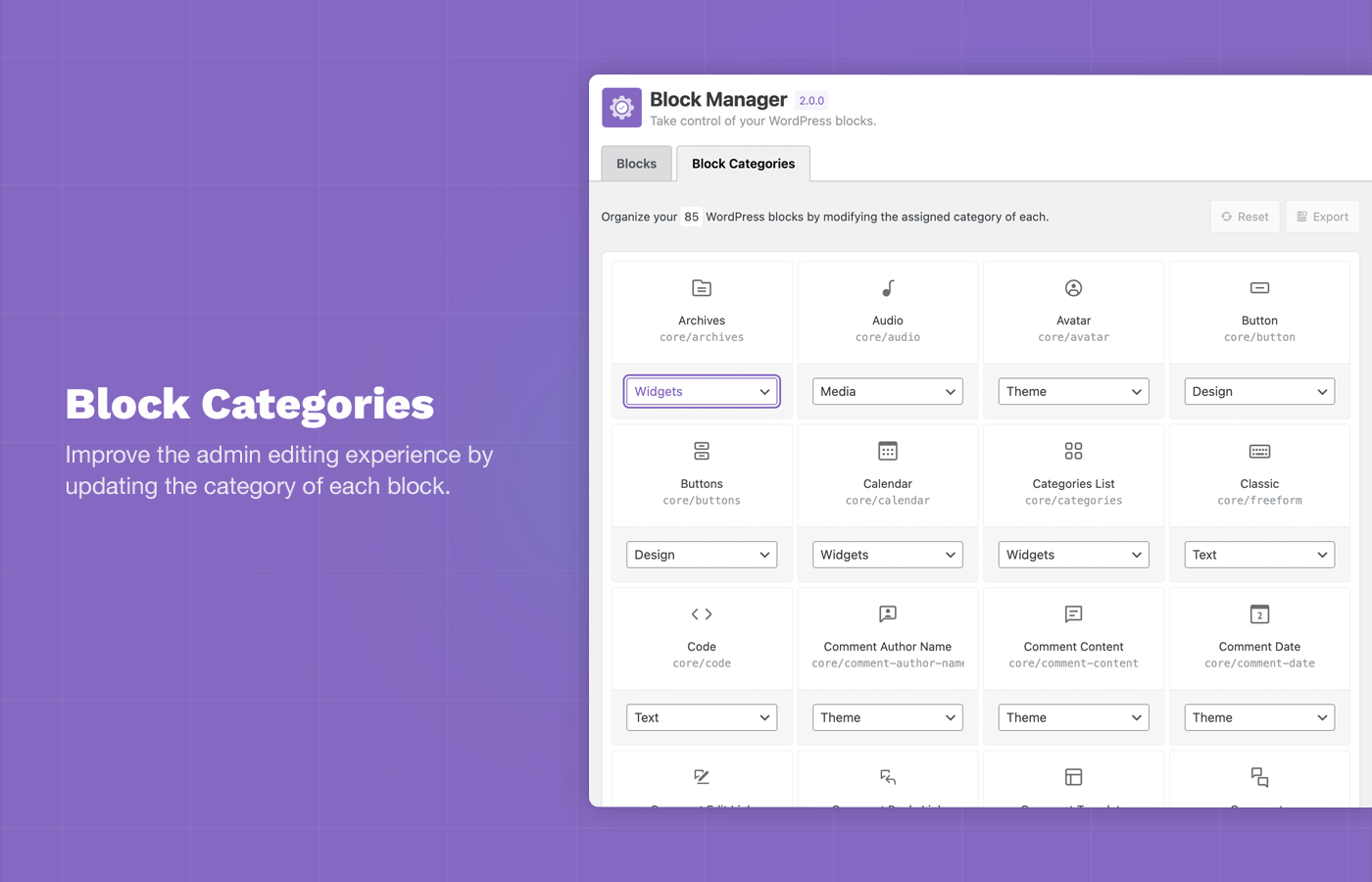
✅ Change Block Categories – Reorganize blocks by updating their categories for better workflow
Simplify your WordPress editing experience by removing clutter and organizing blocks exactly how you need them. Perfect for client sites, custom workflows, and maintaining a clean, focused Block Editor.
Key Features
Disable Blocks
– Globally remove any block from the Block Inserter and Block Editor.
– Disable block variations individually while keeping the core block.
– Control Embed blocks (Twitter, Facebook, YouTube, etc.) to remove unwanted options.
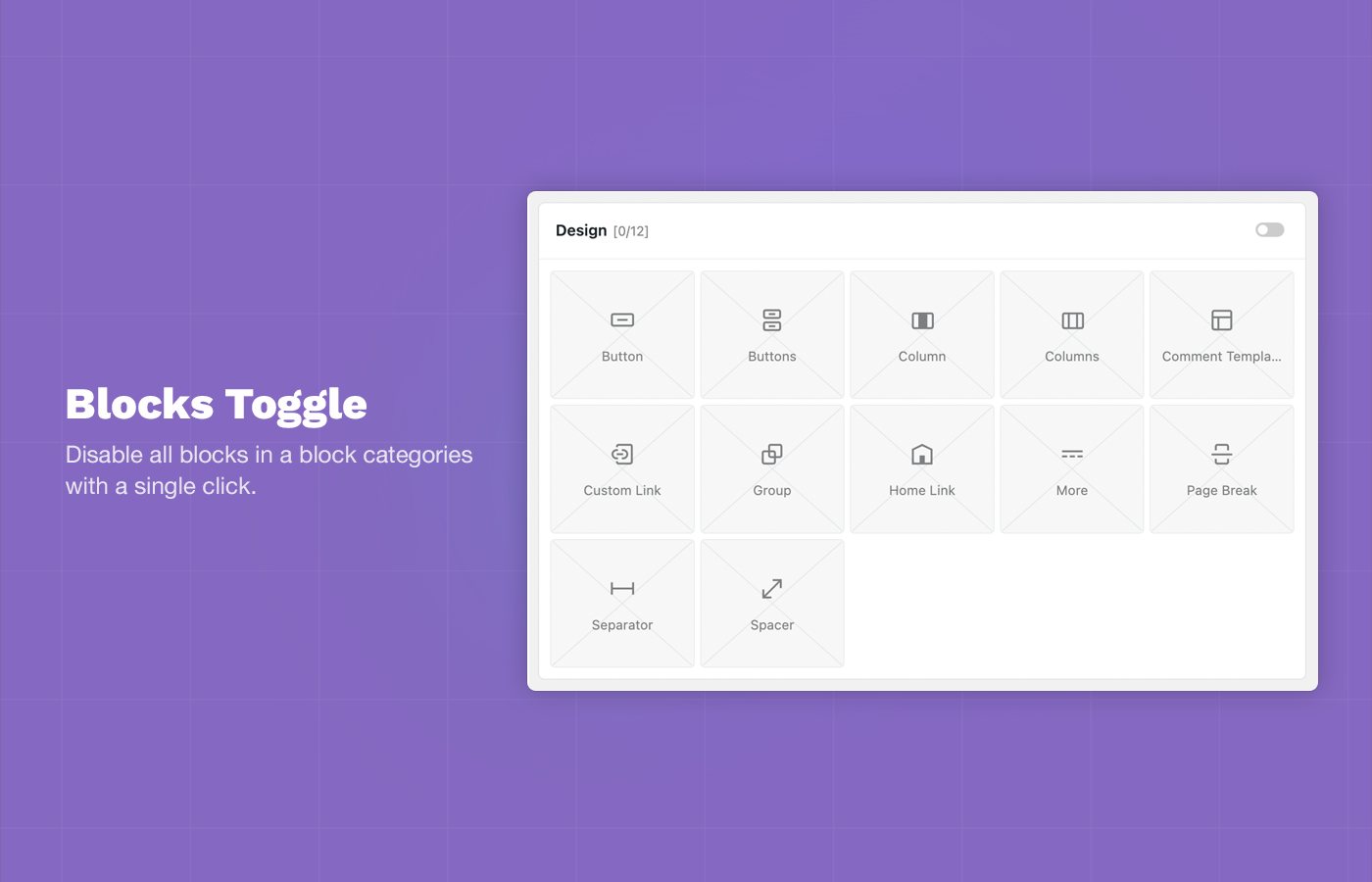
– Toggle entire block categories on/off with one click.
Disable Block Patterns
– Remove unwanted block patterns with a simple toggle.
– Hide core WordPress patterns that don’t fit your site.
– Clean up the pattern library for a focused editing experience.
Change Block Categories
– Update the category of any block to better organize your Block Inserter.
– Create a custom workflow that matches your editing process.
– Improve findability by grouping related blocks together.
Additional Features
– Code Hooks: Use filters to control blocks and patterns via functions.php.
– Search and Filter: Quickly locate blocks and patterns with built-in search.
– Export Options: Generate code snippets for syncing across environments.
– Status Reports: View active and disabled blocks at a glance.
Hooks & Filters
Use Block Manager hooks to controls blocks via code and sync options across multiple WordPress environments.
gbm_disabled_blocks
Use the gbm_disabled_blocks hook to remove blocks via backend code.
// functions.php
add_filter( 'gbm_disabled_blocks', function() {
    return [
        'core/buttons',
        'core/columns',
        'core/freeform',
        'core/table'
    ];
});
gbm_disabled_patterns
Use the gbm_disabled_patterns hook to remove block patterns via backend code.
// functions.php
add_filter( 'gbm_disabled_patterns', function() {
   return ['gbm/core-patterns', 'core/query-standard-posts', 'core/query-medium-posts'];
});
gbm_block_categories
Use the gbm_block_categories hook to update block categories via backend code.
// functions.php
add_filter( 'gbm_block_categories', function() {
    return [
        [ 'block' => 'core/html', 'cat' => 'design' ],
        [ 'block' => 'core/cover', 'cat' => 'design' ],
        [ 'block' => 'core/details', 'cat' => 'design' ]
    ];
});
block_manager_user_role
Update the minimum user role allowed to access the Block Manager plugin.
// functions.php
add_filter(
    'block_manager_user_role',
    'edit_theme_options' // Default: activate_plugins
);
Instalação
How to install Block Manager.
Using The WordPress Dashboard
- Navigate to the ‘Add New’ in the plugins dashboard
- Search for ‘Block Manager’
- Click ‘Install Now’
- Activate the plugin on the Plugin dashboard
Uploading in WordPress Dashboard
- Navigate to the ‘Add New’ in the plugins dashboard
- Navigate to the ‘Upload’ area
- Select
block-manager.zipfrom your computer - Click ‘Install Now’
- Activate the plugin in the Plugin dashboard
Using FTP
- Baixar
block-manager.zip - Extract the
block-managerdirectory to your computer - Carregue o diretório
block-managerpara o diretório/wp-content/plugins/ - Activate the plugin in the Plugin dashboard
Then navigate to wp-admin -> Settings -> Block Manager to use the plugin.
Log de Changes
3.2.1 – June 10, 2026
- UPDATE: Added compatibility check with WP 7.0.
- UPDATE: Various code refactoring and organization.
3.2.0 – January 14, 2026
- NEW: Added support for Stretchy Paragraph and Stretchy Heading block variations.
- Fix: Fixed issue with Embed block variation display.
- NEW: Added WordPress version detection to improve compatibility with future WP releases.
- UPDATE: Project dependency updates.
- UPDATE: Various code refactoring and organization.
3.1.2 – December 8, 2025
- FIX: Fixed issue WP 6.9 and missing required sprintf package.
- UPDATE: Project dependency updates.
3.1.1 – March 15, 2025
- FIX: Fixed issue with rendering block icons of various plugins. Now using default WP block editor
BlockIconrendering. - FIX: Fixed issue with blocks not showing in Block Manager when being registered using
enqueue_block_assetshook. - UPDATE: Admin UI/UX updates.
3.1.0 – November 3, 2024
- UPDATE: New admin UI.
- UPDATE: Various changes for upcoming Block Manager Pro plugin.
3.0.0 – April 3, 2024
- NEW: Added support for disabling block patterns and core block patterns.
- FIX: Fixed incorrect number of filtered blocks display in Blocks sidebar.
- FIX: Fixed issue with return value in admin_footer text.
- UPDATE: Updated plugin installer vendor file.
- UPDATE: Various code refactoring and organization.
- UPDATE: Various security updates.
Capturas de tela



Para desenvolvedores
Este é o seu plugin? Mostre os números.
Adicione um crachá ao vivo ao seu site, Documentos ou Readme do GitHub. Ele é atualizado por conta própria - nenhuma conta necessária.
FAQ
Block Manager: quick answers
Respostas diretas, extraídas de dados ao vivo WordPress.org.
Fonte: WordPress.org
Is Block Manager free?
Yes. Block Manager is free to download and use from the official WordPress.org plugin directory.
Is Block Manager safe to use in 2026?
Block Manager is a solid plugin choice in 2026, with a few things worth checking first. It runs on 4K+ sites, is rated 4.9/5 and was last updated 5 months ago, and scores 69/100 on our health check.
How many websites use Block Manager?
Block Manager is active on 4K+ WordPress websites and has been downloaded 105,036 times since it launched in January 2020. It was downloaded 3,251 times in the last 30 days.
Does Block Manager work with WordPress 7.1?
Block Manager is officially tested up to WordPress 7.0.9, while the latest release is 7.1.5. It may still work, but try it on a staging site first.
What PHP version does Block Manager need?
Block Manager requires PHP 7.0 or higher. Most hosts run PHP 8.x today, so it works on any modern WordPress hosting.
When was Block Manager last updated?
The latest version, 3.2.1, was released on June 10, 2026 (5 months ago).
Who makes Block Manager?
Block Manager is developed and maintained by Darren Cooney.
Alimentado por PageForge
Um modelo e uma planilha. Uma página real para cada pesquisa.
PageForge Transforma cada linha de um CSV em uma página WordPress com seu próprio título, URL, SEO campos e esquema, construído no layout que você já desenhou. Gratuito em WordPress.org.
- CSV e XLSX, mais Google Sheets em Profissional e Empresarial
- Seu próprio título, URL, SEO campos e esquema para cada página
- Funciona com o editor de blocos, Elementor, Divi e Avada
- Gratuito em WordPress.org, sem cartão de crédito