


Visual Link Preview
Display a fully customizable visual link preview for any internal or external link.

Choix
Yes — Visual Link Preview is a safe, well-maintained plugin to use in 2026. It runs on 10K+ sites, is rated 4.5/5 and was last updated 3 months ago, and scores 82/100 on our health check.
- Prouvé à grande échelle sur plus de 10 000 sites actifs
- Aimé par les utilisateurs — 4,5/5 sur 36 avis
- Testé avec le dernier WordPress (7.1)
- Momentum — downloads up 35.6% vs the previous 30 days
Comment s'accumule-t-il ?
Côte à côte sur les installations, les mises à jour, les évaluations et le support


Téléchargements quotidiens
Les pics de téléchargement suivent généralement une nouvelle version - chaque site qui met à jour automatiquement compte comme un téléchargement.
Classements
Where Visual Link Preview stands todayWordPress.org Classements de recherche
Position en direct dans la recherche de plugins, Top 100| Mot-clé | Position |
|---|---|
| link preview | #1 |
| snippet | #31 |
| summary | #12 |
| visual link | #1 |
Adoption de version
Part de sites actifs par version.
Répartition des notes
★★★★★ ★★★★★ 4,5 sur 36 avis
About Visual Link Preview
From the official readme · v2.4.2Description
Easily create a Facebook-like link preview for any link on your website. You can choose the image and text to display and create your very own custom template. The default template can be styled from the settings to match your website.
Some examples of what you could use this for:
- A call to action for your affiliate links
- Promote WooCommerce products on your website
- List sources for your article
- A weekly posty of interesting websites you’ve found
- Link to related posts on your own website
- …
It does not require any database lookups, which means even having many of these blocks on a page should not affect performance.
Compatible with both the Classic and Gutenberg Block Editor using shortcodes and blocks. Also includes full Elementor support with a dedicated widget for easy integration into your Elementor pages.
The plugin includes multiple URL metadata providers (PHP, Microlink API, and LinkPreview API) with automatic fallback switching. If one provider fails to fetch link information, the plugin automatically tries the next available provider. You can also manually retry with a different provider if needed.
Need help?
Check out our documentation!
This plugin is in active development. Feel free to contact us with any feature requests or ideas.
Installation
- Upload the
visual-link-previewdirectory (directory included) to the/wp-content/plugins/directory - Activez le plugin via le menu « Plugins » dans WordPress
- Check out our getting started documentation
Journal de modifications
Update to ensure WordPress 7.0 compatibility
2.4.2
- Improvement: Block Editor iFrame compatibility
- Fix: Prevent subscribers from accessing VLP preview endpoint
2.4.1
- Fix: Prevent long post titles from causing horizontal scroll
2.4.0
- Feature: Create VLP blocks in bulk from a list of websites
- Improvement: Show 20 most recent posts
- Improvement: Featured image in post selection
- Fix: Prevent optional Microlink API key to be accessible by logged in users
2.3.1
- Fix: Harden external URL metadata and image fetch endpoints against authenticated SSRF attempts by blocking localhost, private/reserved IP ranges, and unsafe ports
2.3.0
- Feature: Elementor Widget for visual links
- Feature: Use PHP to retrieve URL metadata
- Feature: Use LinkPreview API to retrieve URL metadata
- Feature: Automatic fallback to different provider
- Feature: Manually retry using a different provider
- Fix: Only show posts in search and summary that the current user is allowed to read
2.2.9
- Improvement: Choose how visual links should render inside RSS feeds
Captures d'écran
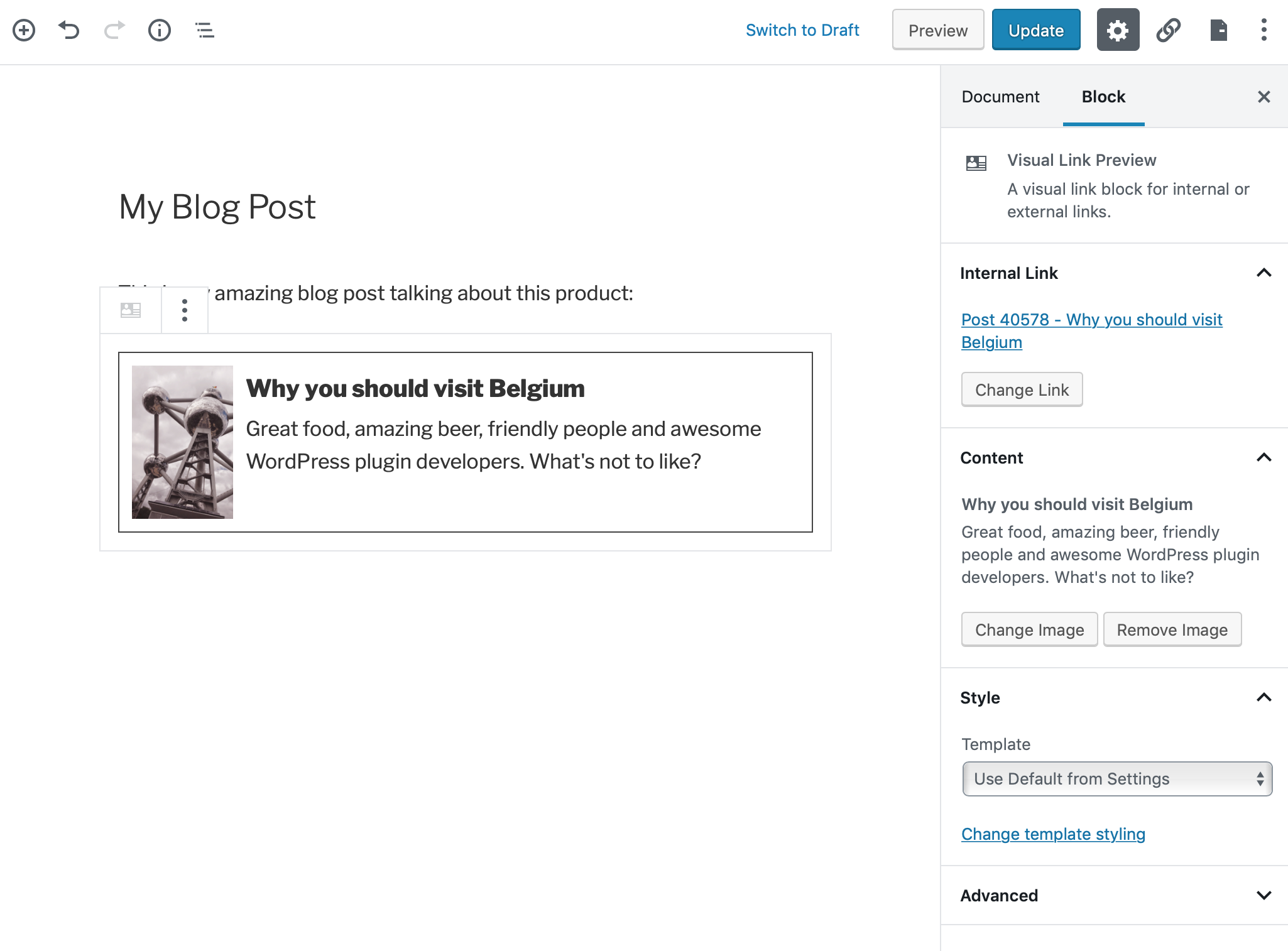


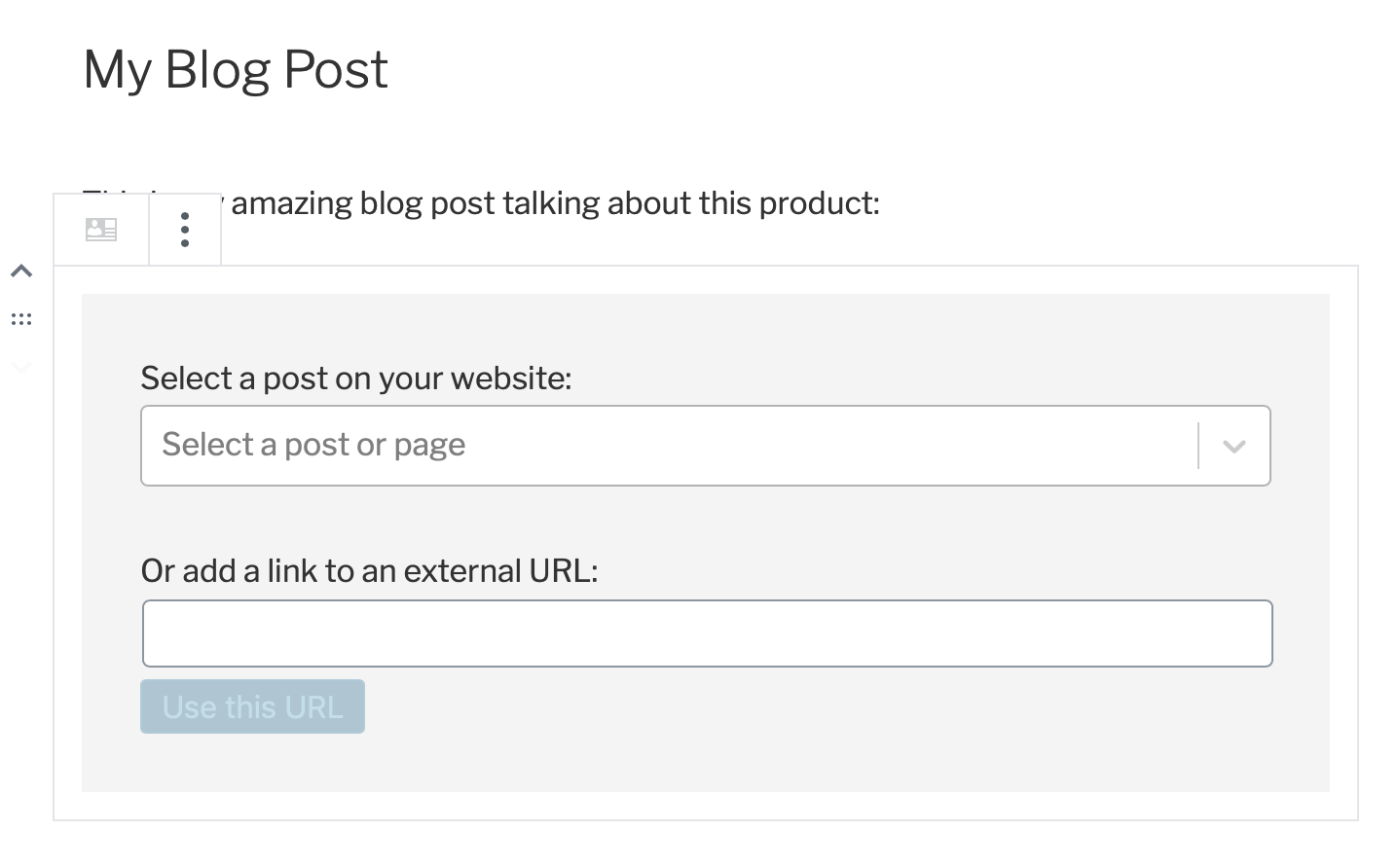
Pour les développeurs
Est-ce votre plugin ? Montrez les chiffres.
Ajoutez un badge en direct à votre site, docs ou github readme. Il se met à jour par lui-même - aucun compte n'est nécessaire.
Best Visual Link Preview alternatives
All link preview plugins →





FAQ
Visual Link Preview: quick answers
Réponses directes, extraites des données en direct WordPress.org.
Source : WordPress.org
Is Visual Link Preview free?
Yes. Visual Link Preview is free to download and use from the official WordPress.org plugin directory.
Is Visual Link Preview safe to use in 2026?
Yes — Visual Link Preview is a safe, well-maintained plugin to use in 2026. It runs on 10K+ sites, is rated 4.5/5 and was last updated 3 months ago, and scores 82/100 on our health check.
How many websites use Visual Link Preview?
Visual Link Preview is active on 10K+ WordPress websites and has been downloaded 198,102 times since it launched in May 2017. It was downloaded 2,080 times in the last 30 days.
Does Visual Link Preview work with WordPress 7.1?
Yes. The developer has tested Visual Link Preview up to WordPress 7.1.5, the latest release. It requires WordPress 4.4 or newer.
When was Visual Link Preview last updated?
The latest version, 2.4.2, was released on August 19, 2026 (3 months ago).
Who makes Visual Link Preview?
Visual Link Preview is developed and maintained by Brecht.
What are the best alternatives to Visual Link Preview?
The most popular alternatives to Visual Link Preview are Bookmark Card (700+ installs), WP Link Preview (400+ installs) and Activity Link Preview For B… (100+ installs).
Propulsé par PageForge
Un modèle et une feuille de calcul. Une vraie page pour chaque recherche.
PageForge transforme chaque ligne d'un CSV en une page WordPress avec son propre titre, URL, SEO et schéma, construit sur la mise en page que vous Déjà conçu. Gratuit sur WordPress.org.
- CSV et XLSX, plus Google Sheets sur les professionnels et les entreprises
- Son propre titre, URL, SEO champs et schéma pour chaque page
- Fonctionne avec l'éditeur de blocs, Elementor, Divi et Avada
- Gratuit sur WordPress.org, pas de carte de crédit