


Video Background Block – Add Stunning Video Backgrounds to Any Section
Add self-hosted, YouTube, or Vimeo video backgrounds with customizable overlays and responsive controls.

Choix solide
Video Background Block is a solid plugin choice in 2026, with a few things worth checking first. It runs on 2K+ sites, is rated 4.5/5 and was last updated 2 days ago, and scores 77/100 on our health check.
- Actively developed — last update 2 days ago
- Testé avec le dernier WordPress (7.1)
- Momentum — downloads up 200.3% vs the previous 30 days
- Très peu de critiques jusqu'à présent
Comment s'accumule-t-il ?
Côte à côte sur les installations, les mises à jour, les évaluations et le support



Téléchargements quotidiens
Les pics de téléchargement suivent généralement une nouvelle version - chaque site qui met à jour automatiquement compte comme un téléchargement.
Classements
Where Video Background Block stands todayWordPress.org Classements de recherche
Position en direct dans la recherche de plugins, Top 100| Mot-clé | Position |
|---|---|
| background video | #1 |
| block | >100 |
| Gutenberg | >100 |
| video | #24 |
| video background | #1 |
Adoption de version
Part de sites actifs par version.
Répartition des notes
★★★★★★★★★★ 4.5 from 4 reviews
About Video Background Block
From the official readme · v2.0.5Description
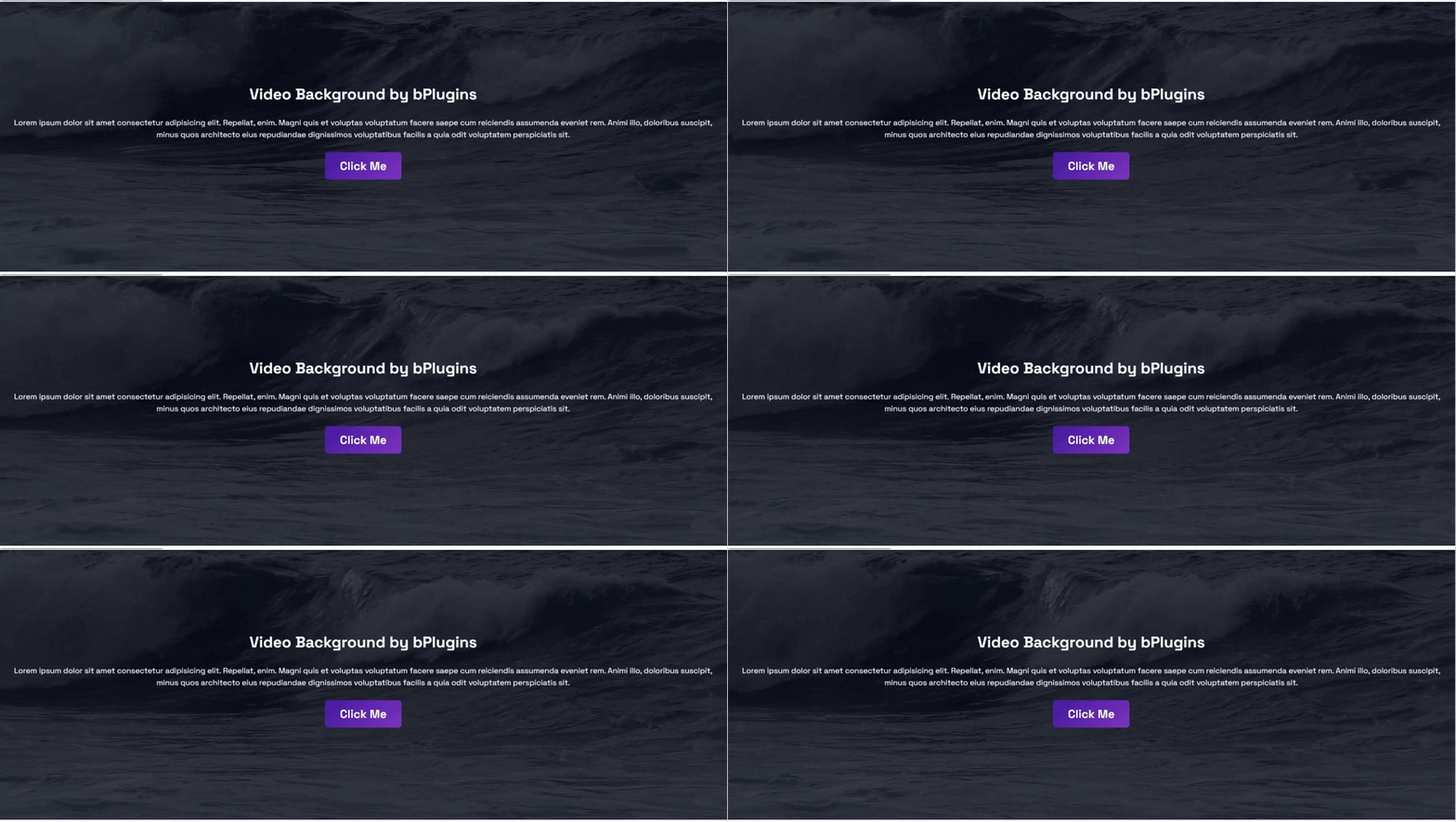
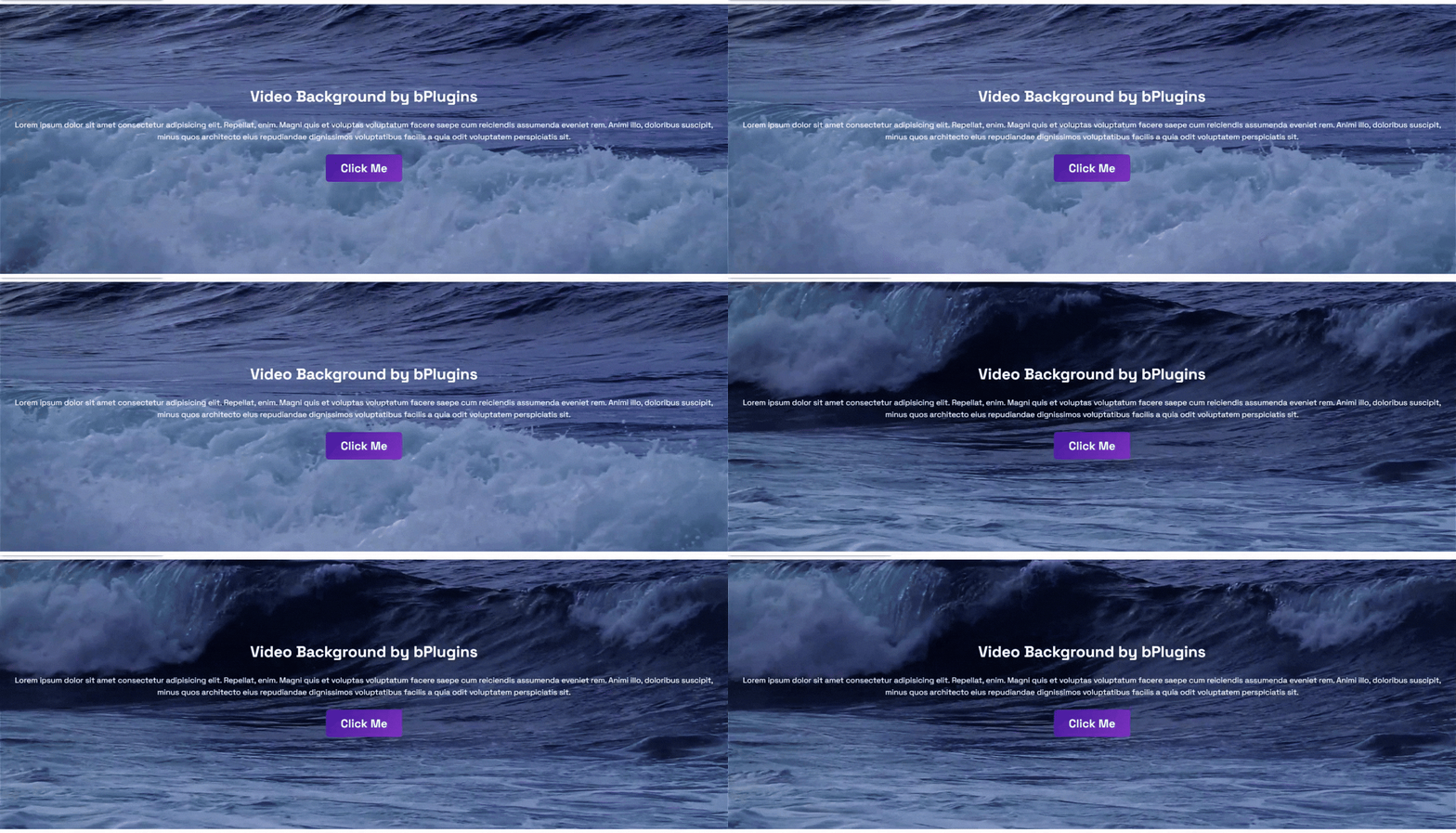
Video Background Block lets you create beautiful sections with background videos directly in the Gutenberg editor. You can use self-hosted videos, YouTube videos, or Vimeo videos to build engaging hero sections, banners, landing pages, and promotional content without writing any code.
Video Background | Live Demos | Pricing
The plugin is lightweight, easy to use, and works with the Block Editor. It also provides universal shortcodes, so you can display video backgrounds with other page builders if needed.
Whether you’re creating a business website, portfolio, agency site, product landing page, or personal blog, Video Background Block helps you create eye-catching sections that improve the visual experience.
Key Features – Free Version
The free version includes everything you need to get started with video backgrounds.
- Universal Shortcodes – Use video backgrounds with Gutenberg and other popular page builders.
- Background Video – Display a video as the background of any section.
- Fallback Image – Show an image when the video cannot be loaded.
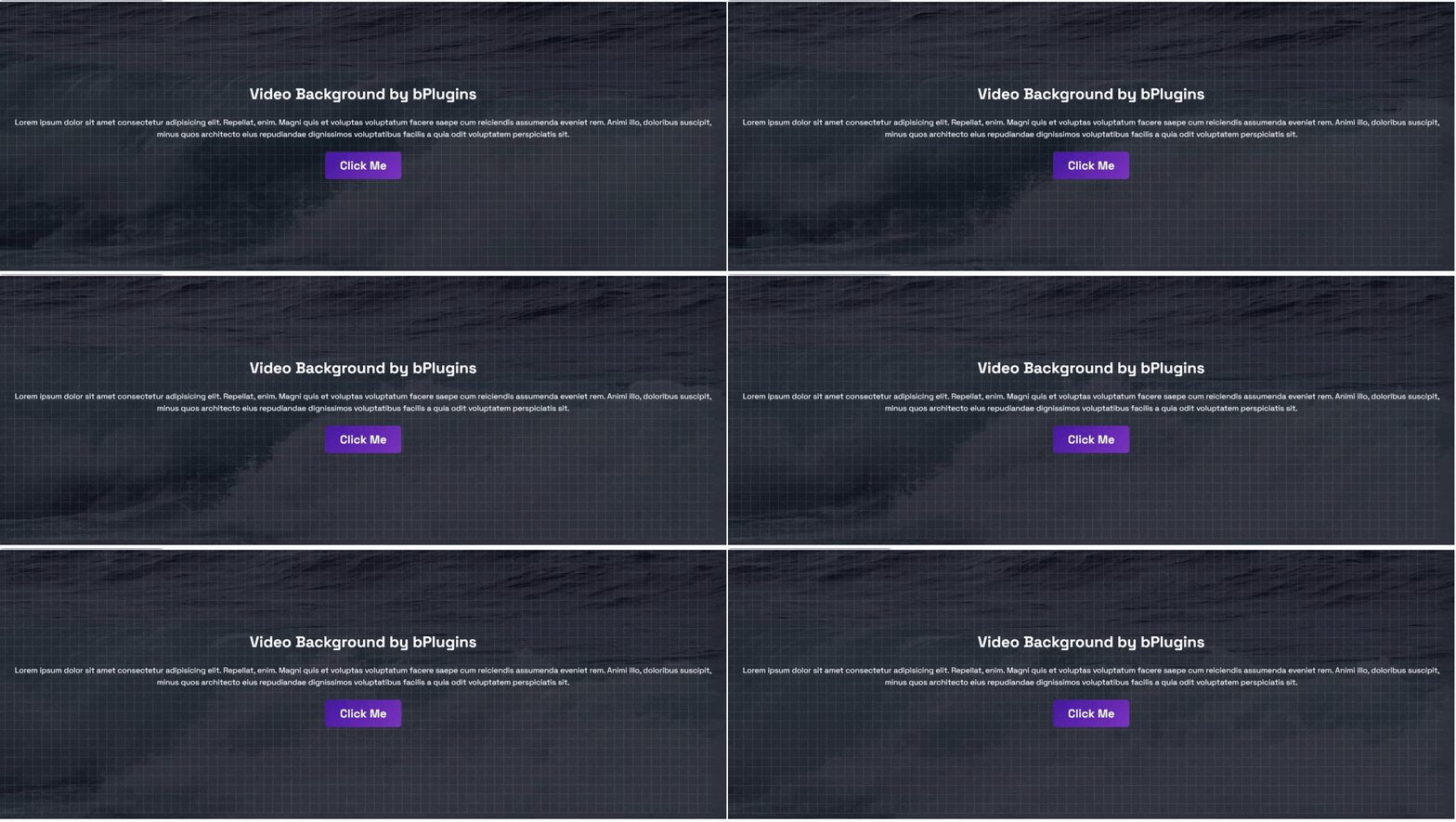
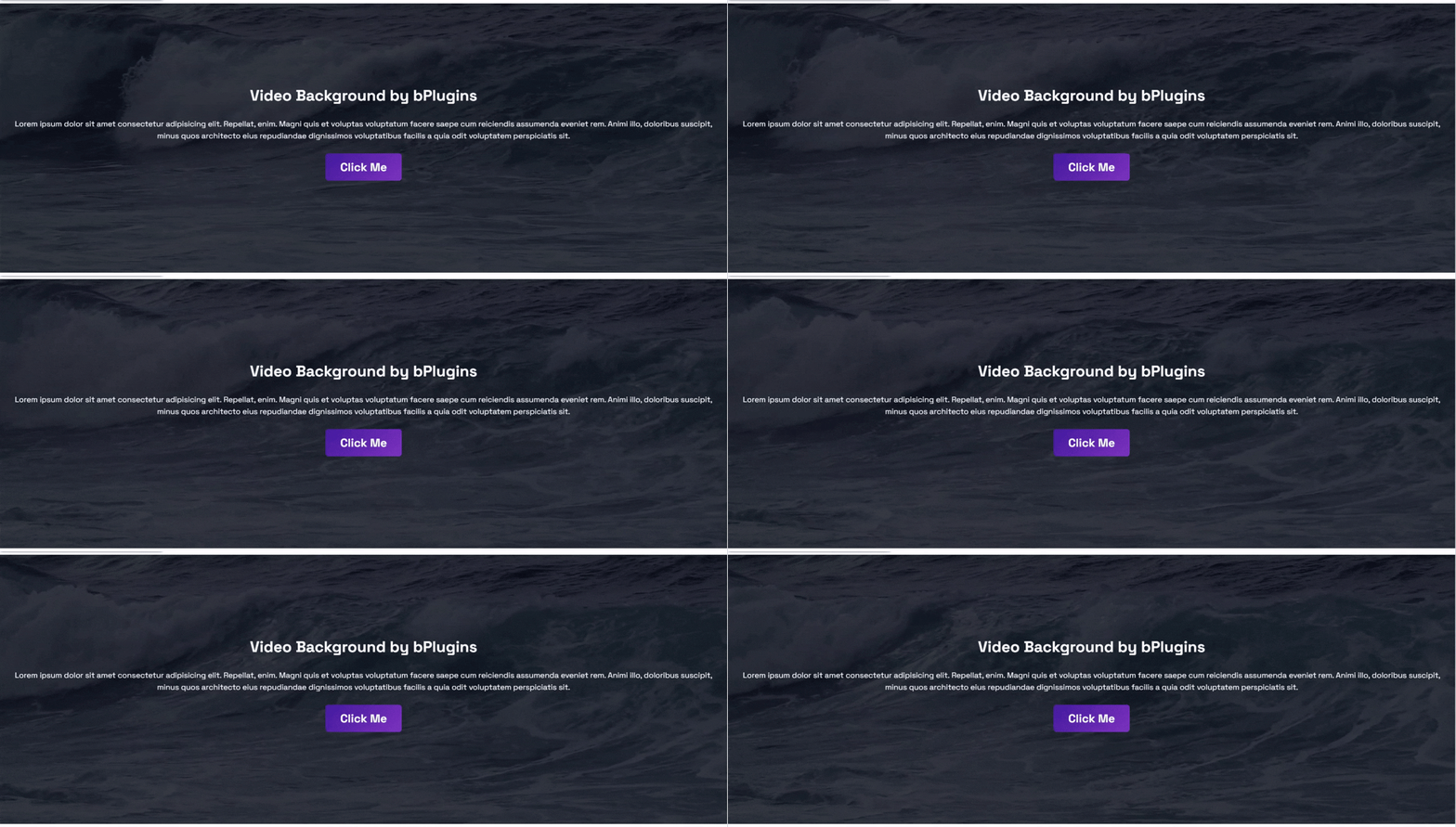
- Overlay Color – Add a color overlay to improve text readability.
- Custom Height – Set the section height to fit your design.
- Padding Controls – Adjust the spacing around your content.
Video Background Block Pro – Unlock Premium Features
Upgrade to pro to unlock more customization and advanced video background controls.
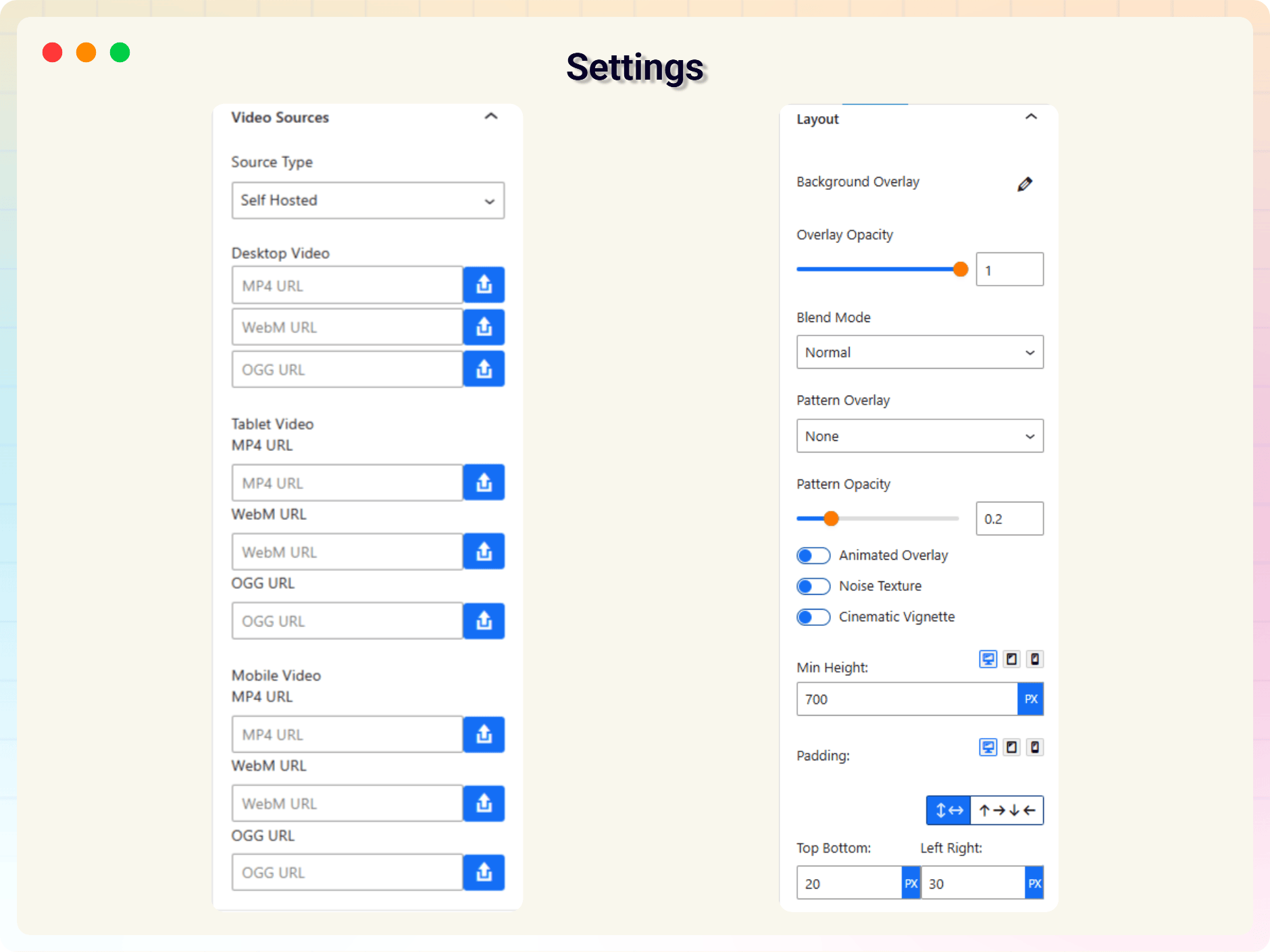
- Self-hosted Video Support – Use MP4, WebM, and OGG videos.
- YouTube Background Videos – Display YouTube videos as section backgrounds.
- Vimeo Background Videos – Add Vimeo videos with background playback.
- Responsive Video Sources – Use different videos for desktop, tablet, and mobile devices.
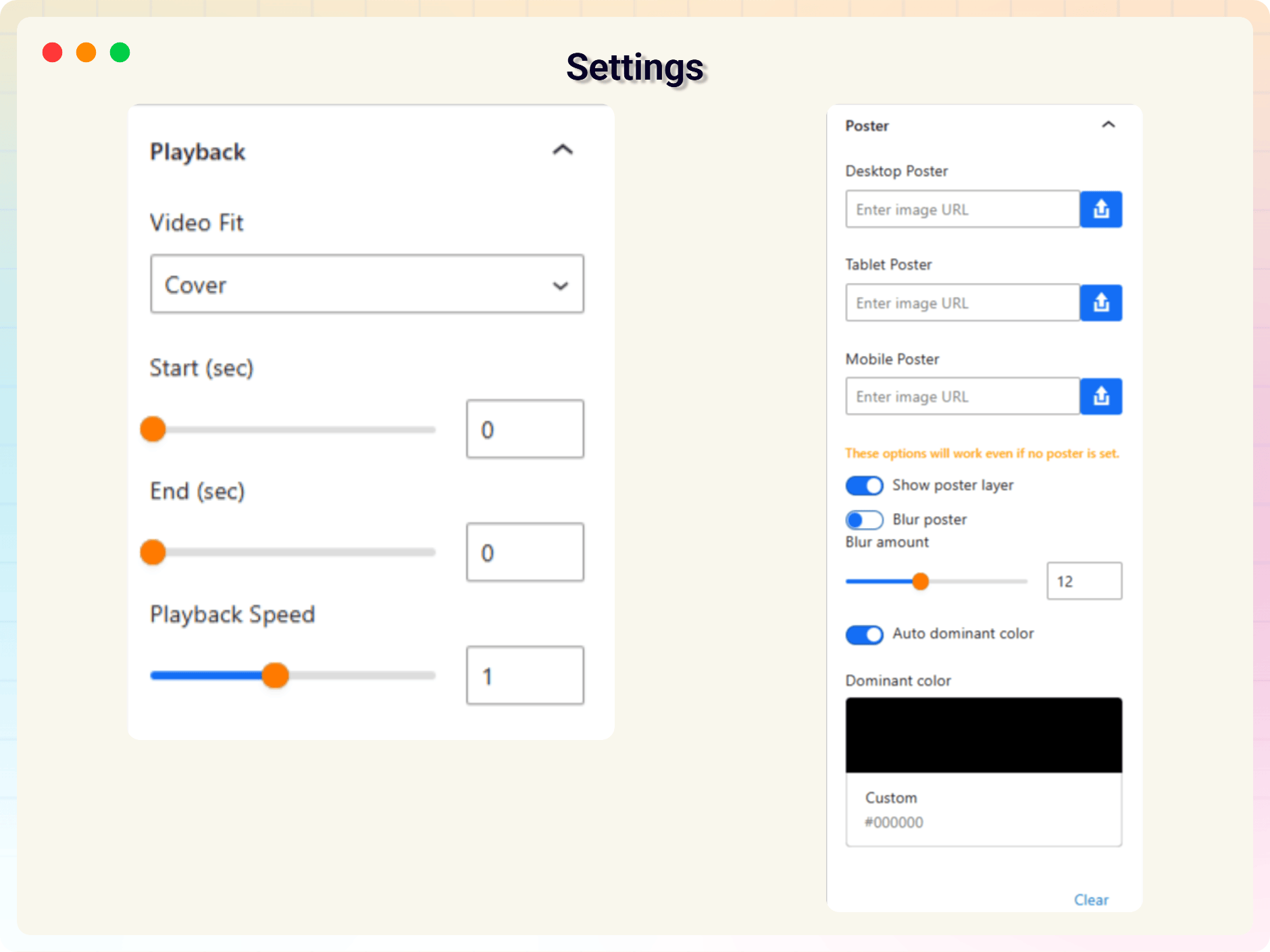
- Responsive Poster Images – Set separate poster images for different screen sizes.
- Poster Image Options – Show or hide the poster image, apply blur effects, or use automatic or custom dominant colors.
- YouTube No-Cookie Mode – Improve user privacy with YouTube’s no-cookie domain.
- Advanced Overlay Controls – Customize overlay colors, gradients, opacity, and blend modes.
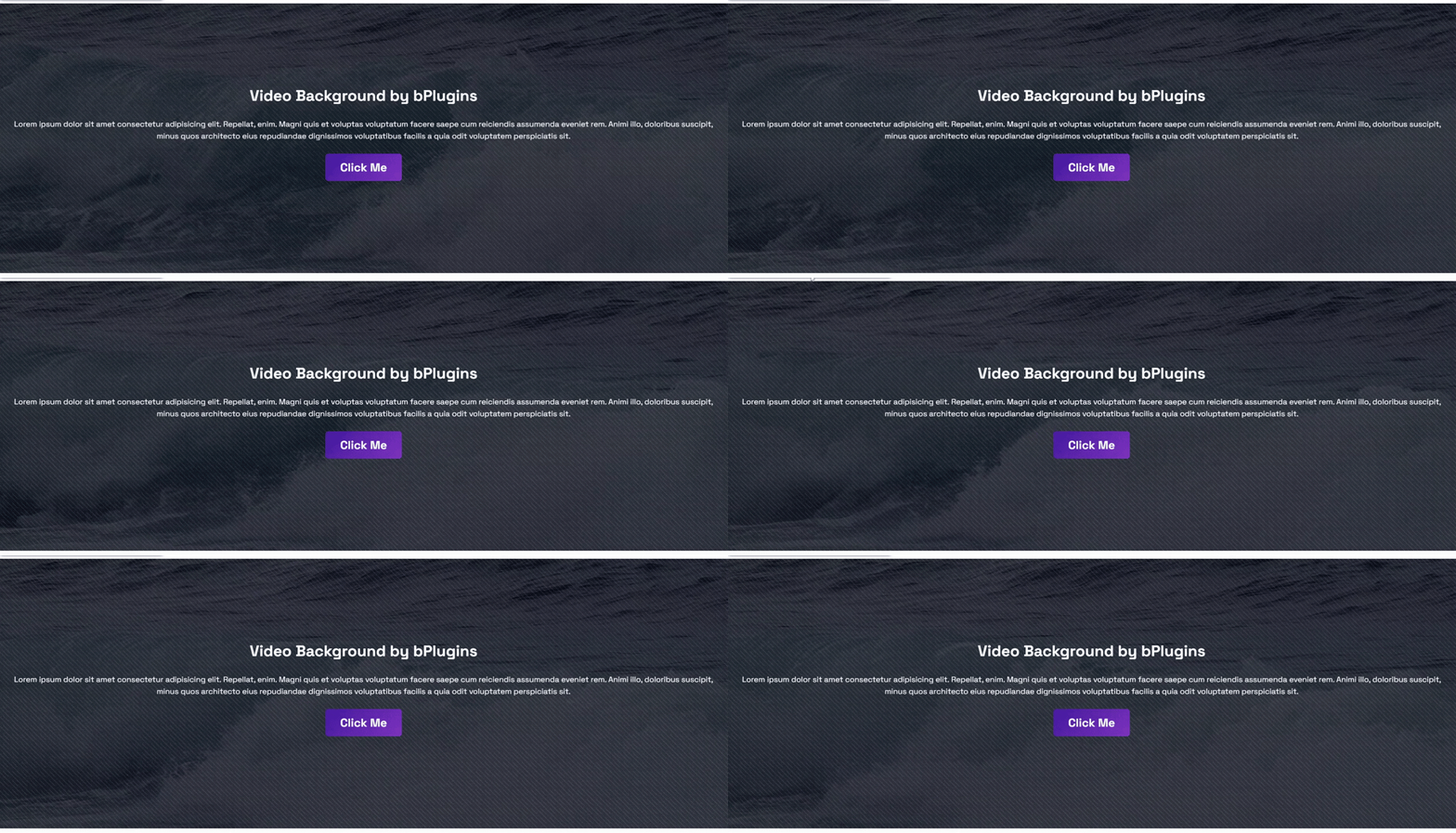
- Overlay Patterns – Add dot, grid, or diagonal patterns with adjustable opacity.
- Animated Overlay Effects – Create subtle motion for a more dynamic design.
- Noise Texture Overlay – Add texture for a modern visual style.
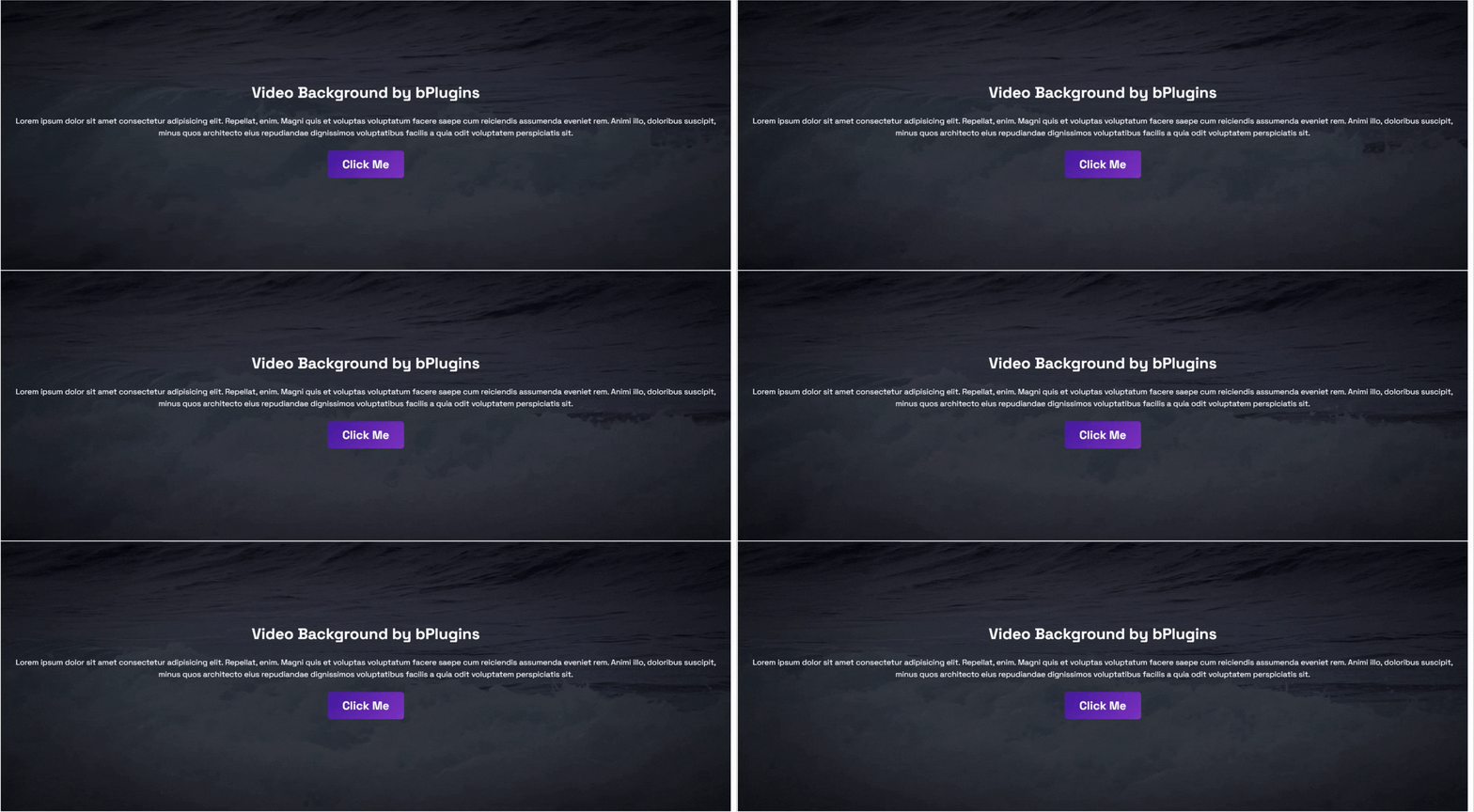
- Cinematic Vignette– Highlight your content with a soft vignette effect.
- Responsive Height and Padding – Set different minimum heights and spacing for desktop, tablet, and mobile.
- Video Fit Options – Choose Cover, Contain, or Fill based on your layout.
- Segment Loop – Play only a selected portion of the video by setting start and end times.
- Playback Speed Control – Adjust the video playback speed to match your design.
- Audio Support – Add background music to your videos for a more immersive experience.
- Display Conditions – Control where the video background appears on your site.
Try the Pro Version – Unlock all premium features today!
How to Use Video Background Block – Quick Start Guide
Getting started is easy!
-
Install and activate the Video Background Block plugin.
-
Open a page or post in the Gutenberg editor.
-
Add the Video Background block.
-
Select your video source and customize the settings from the right sidebar.
-
Publish or update your page and enjoy your new video background.
For step-by-step installation instructions, see the Installation tab below.
Live Demos | Explore Premium Features
Why Use Video Background Block?
- Works with any WordPress theme, out of the box
- Universal Shortcodes — use it inside any page builder, not just Gutenberg
- Lightweight — scripts only load when the block is actually used
- Simple, sidebar-based settings — no technical setup
Feedback & Support
Have a feature request, found a bug, or just want to say hello? Send us your feedback — we’d love to hear from you.
More From bPlugins
Parent Plugin
bBlocks – A full blocks collection and page-building toolkit for Gutenberg.
Other Plugins You Might Like
* HTML5 Video Player – Single and playlist video display in multiple skins.
* PDF Poster – Display and embed PDF files in various styles.
* HTML5 Audio Player – Play audio with rich, animated visuals.
* StreamCast – A customizable radio player with multiple skins.
* 3D Viewer – Embed interactive 3D models and products.
* Advanced Post Block – Display posts and custom post types in flexible layouts.
Installation
Option 1: From the Gutenberg Editor
- Open the WordPress block editor.
- Search for Video Background Block in the block inserter.
- Click to add the Video Background block.
Option 2: Upload via WordPress Admin
- Download the Video Background Block plugin as a
.zipfile. - In your WordPress admin, go to Plugins → Add New.
- Click Upload Plugin, select
video-background-block.zip, and click Install Now. - Activate the plugin.
Option 3: Manual Installation (FTP)
- Download and unzip the plugin.
- Upload the plugin folder to
/wp-content/plugins/. - Activate the plugin from the Plugins menu in WordPress.
Journal de modifications
Free and Pro code has been separated for better performance. No action needed — your existing settings are preserved.
2.0.5
- Added Black Friday & Cyber Monday (BFCM) promotional banner.
2.0.4 – 28 October 2026
- Security: Fixed a stored XSS issue in prefilled page content and improved sanitization of block style attributes.
2.0.3 – 5 September 2026
- New: Audio support to add background music to videos
- New: Display conditions to control where the video background appears
2.0.2 – 9 July 2026
- Improved: Separated Free and Pro codebases for better performance and maintainability.
2.0.1 – 22 June 2026
- Added: A modern, more intuitive dashboard layout.
2.0.0 – 10 March 2026
- Added: Universal Shortcodes for compatibility with all major page builders.
- Added: Advanced video background features (see Pro Features above).
- Added: A redesigned plugin dashboard.
Captures d'écran
Pour les développeurs
Est-ce votre plugin ? Montrez les chiffres.
Ajoutez un badge en direct à votre site, docs ou github readme. Il se met à jour par lui-même - aucun compte n'est nécessaire.
Best Video Background Block alternatives
All background video plugins →FAQ
Video Background Block: quick answers
Réponses directes, extraites des données en direct WordPress.org.
Source : WordPress.org
Is Video Background Block free?
Yes. Video Background Block is free to download and use from the official WordPress.org plugin directory.
Is Video Background Block safe to use in 2026?
Video Background Block is a solid plugin choice in 2026, with a few things worth checking first. It runs on 2K+ sites, is rated 4.5/5 and was last updated 2 days ago, and scores 77/100 on our health check.
How many websites use Video Background Block?
Video Background Block is active on 2K+ WordPress websites and has been downloaded 31,491 times since it launched in April 2022. It was downloaded 3,646 times in the last 30 days.
Does Video Background Block work with WordPress 7.1?
Yes. The developer has tested Video Background Block up to WordPress 7.1.5, the latest release. It requires WordPress 6.5 or newer.
What PHP version does Video Background Block need?
Video Background Block requires PHP 7.4 or higher. Most hosts run PHP 8.x today, so it works on any modern WordPress hosting.
When was Video Background Block last updated?
The latest version, 2.0.5, was released on November 17, 2026 (2 days ago).
Who makes Video Background Block?
Video Background Block is developed and maintained by bPlugins.
What are the best alternatives to Video Background Block?
The most popular alternatives to Video Background Block are Video Backgrounds for SiteO… (2K+ installs), AweSplash – Just Splash Page (400+ installs) and Background Videos for Visua… (100+ installs).
Propulsé par PageForge
Un modèle et une feuille de calcul. Une vraie page pour chaque recherche.
PageForge transforme chaque ligne d'un CSV en une page WordPress avec son propre titre, URL, SEO et schéma, construit sur la mise en page que vous Déjà conçu. Gratuit sur WordPress.org.
- CSV et XLSX, plus Google Sheets sur les professionnels et les entreprises
- Son propre titre, URL, SEO champs et schéma pour chaque page
- Fonctionne avec l'éditeur de blocs, Elementor, Divi et Avada
- Gratuit sur WordPress.org, pas de carte de crédit