


Slider Pro
Slider Pro is a responsive slider plugin that offers Premium features for FREE, including animated layers, post content, full width layout and more.

Choix
Yes — Slider Pro is a safe, well-maintained plugin to use in 2026. It runs on 4K+ sites, is rated 5/5 and was last updated 1 month ago, and scores 80/100 on our health check.
- Testé avec le dernier WordPress (7.1)
Comment s'accumule-t-il ?
Côte à côte sur les installations, les mises à jour, les évaluations et le support



Téléchargements quotidiens
Les pics de téléchargement suivent généralement une nouvelle version - chaque site qui met à jour automatiquement compte comme un téléchargement.
Classements
Where Slider Pro stands todayWordPress.org Classements de recherche
Position en direct dans la recherche de plugins, Top 100| Mot-clé | Position |
|---|---|
| content slider | #38 |
| post slider | #48 |
| responsive slider | #54 |
| curseur | #58 |
| touch slider | #9 |
Adoption de version
Part de sites actifs par version.
Répartition des notes
★★★★★★★★★★ 5 from 12 reviews
About Slider Pro
From the official readme · v4.8.17Description
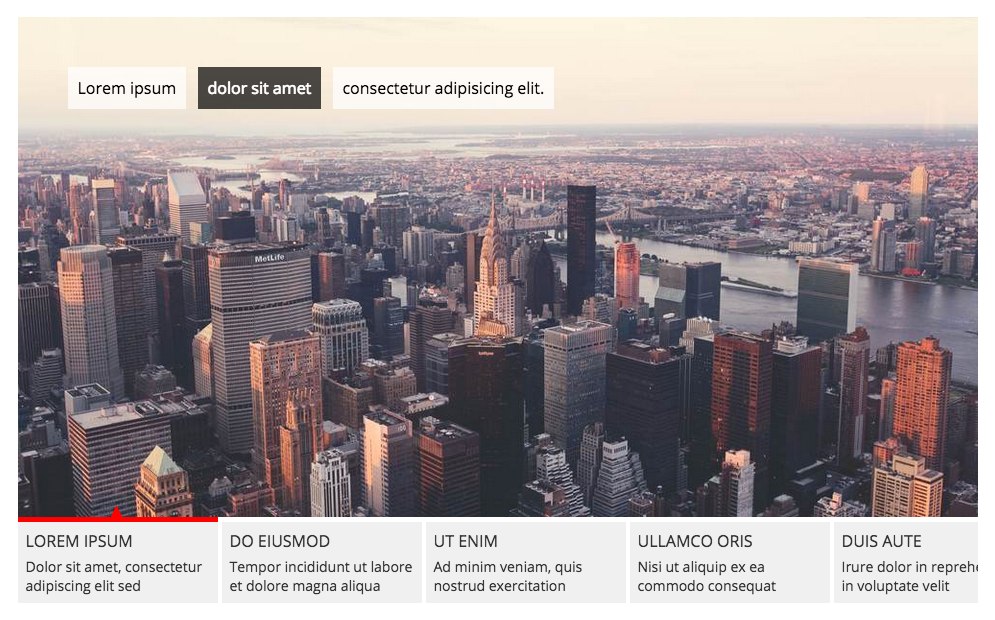
Slider Pro is a fully responsive and touch-enabled WordPress slider plugin that allows you to create professional and elegant sliders. This slider plugin was built with user experience in mind, providing a clean and intuitive user interface in the admin area and a smooth navigation experience for the end-users.
See a few examples on the slider’s presentation page.
Caractéristiques :
- Fully responsive on any device
- Touch support for touch-enabled screens
- Set different configurations for the same slider, based on screen sizes (using breakpoints)
- Load images conditionally based on the size of the slider (different image sizes for different screen sizes)
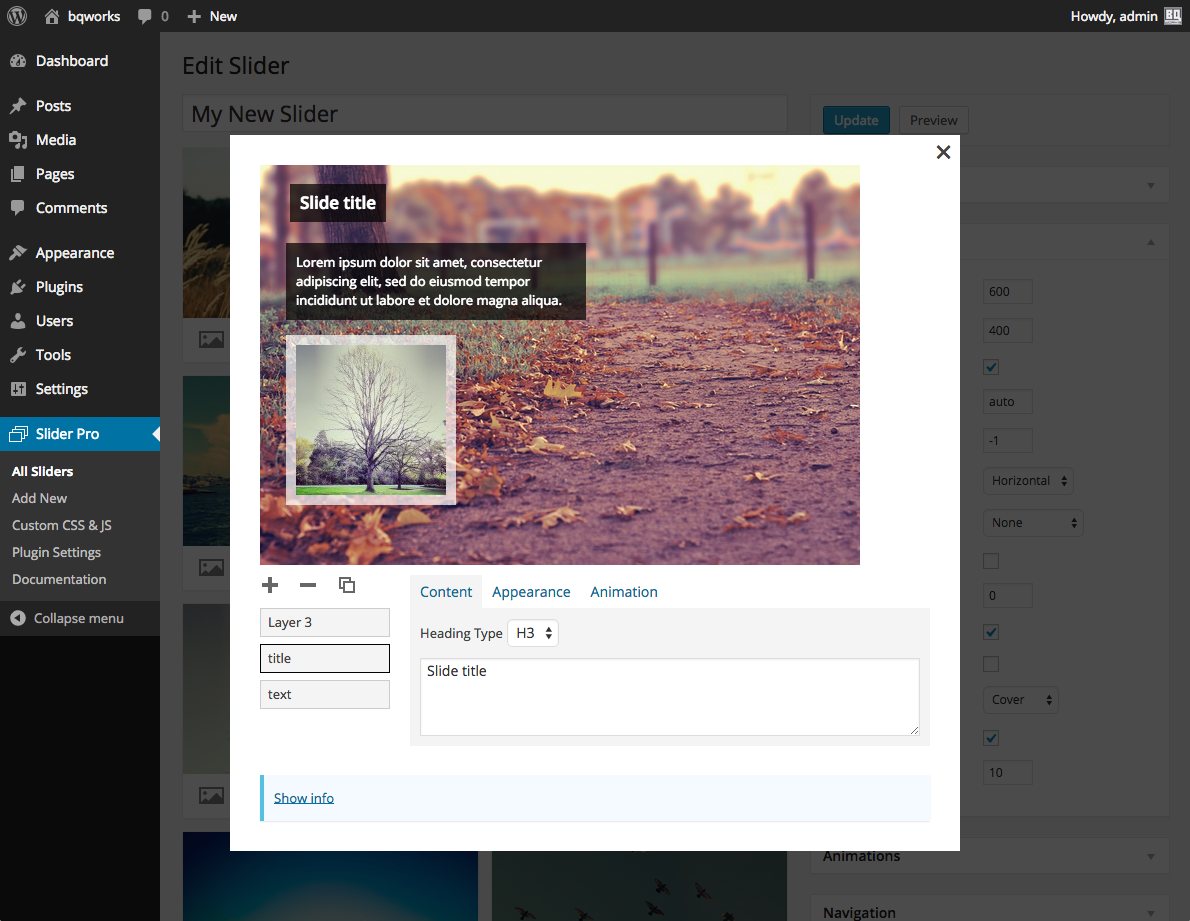
- Animated and static layers, which can contain text, images or any HTML content
- Lightbox integration
- Full Width and Full Window support
- Carousel layout with looping/infinite scrolling
- Thumbnails that contain both images and text.
- Auto height based on inner content size
- Lazy loading for images
- Deep linking (link to specific slide inside the slider)
- Keyboard navigation
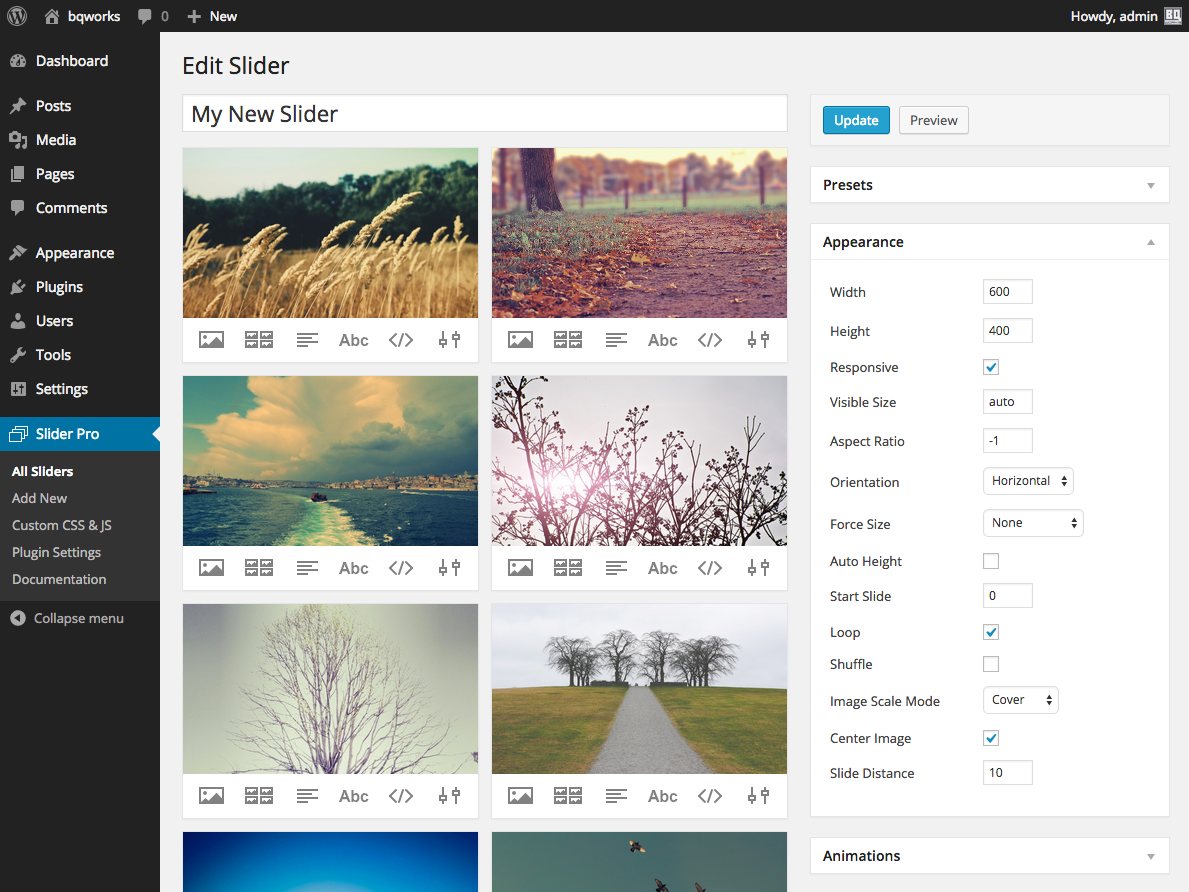
- Clean and intuitive admin interface
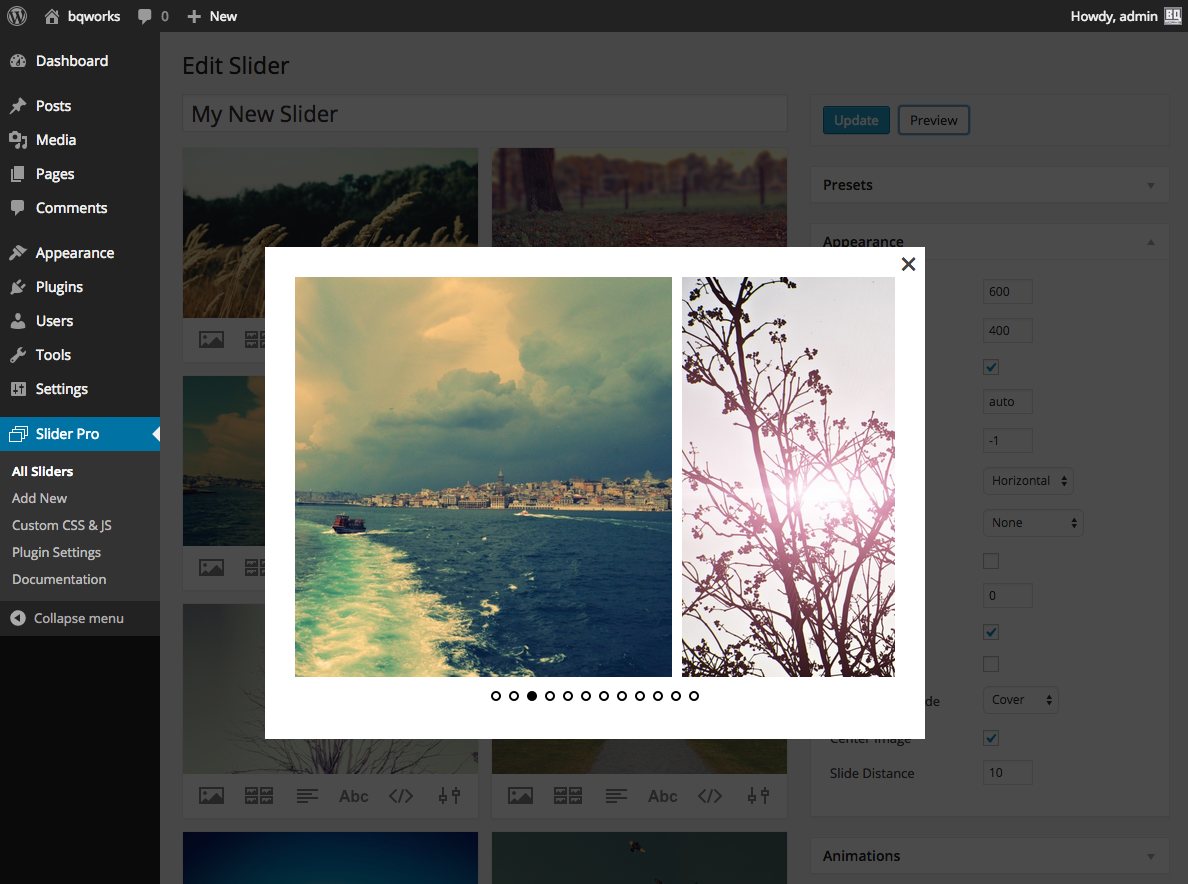
- Preview sliders directly in the admin area
- Drag and drop slide sorting for easy management of the slides’ order
- Publish sliders in any post (including pages and custom post types), in PHP code, and widget areas
- Caching system for quick loading times
- Optimized file loading. The JavaScript and CSS files are loaded only in pages where there are sliders
- Load images (e.g., featured images) and content dynamically, from posts (including custom post types), WordPress galleries and Flickr
- Action and filter hooks to add to the functionality of the slider
- Import and export sliders between different plugin installations
These videos demonstrate the full capabilities of the plugin.
Premium Add-ons allow you to further extend the functionality of the slider:
- Custom CSS and JavaScript: Allows you to add custom CSS and JavaScript code to your sliders in a syntax highlighting code editor. It also features a revisions system that will backup all your code edits, allow you to compare between multiple revisions and restore a certain revision.
- Revisions: Automatically stores a record of each edit/update of your sliders, for comparison or backup purposes. Each slider will have its own list of revisions, allowing you to easily preview a revision, analyze its settings, compare it to other revisions or restore it.
Installation
To install the plugin:
- Install the plugin through Plugins > Add New > Upload or by copying the unzipped package to wp-content/plugins/.
- Activate the Slider Pro plugin through the ‘Plugins > Installed Plugins’ menu in WordPress.
To create sliders:
- Go to Slider Pro > Add New and click the ‘Add Panels’ button.
- Select one or more images from the Media Library and click ‘Insert into post’.
- After you customized the slider, click the ‘Create’ button.
To publish sliders:
Copy the [sliderpro id=”1″] shortcode in the post or page where you want the slider to appear. You can also insert it in PHP code by using , or in the widgets area by using the built-in Slider Pro widget.
Journal de modifications
4.8.17
- improve loading performance for images
4.8.16
- validate the breakpoint width as numeric before rendering it in the inline script
4.8.15
- sanitize the slider id attribute and escape it when rendering the inline script
4.8.14
- add nonce verification when previewing the slider
4.8.13
- sanitize shortcode elements, to prevent JavaScript code
added by users who have permission to add content
4.8.12
- patch fancybox script, to disallow html content in captions
Captures d'écran




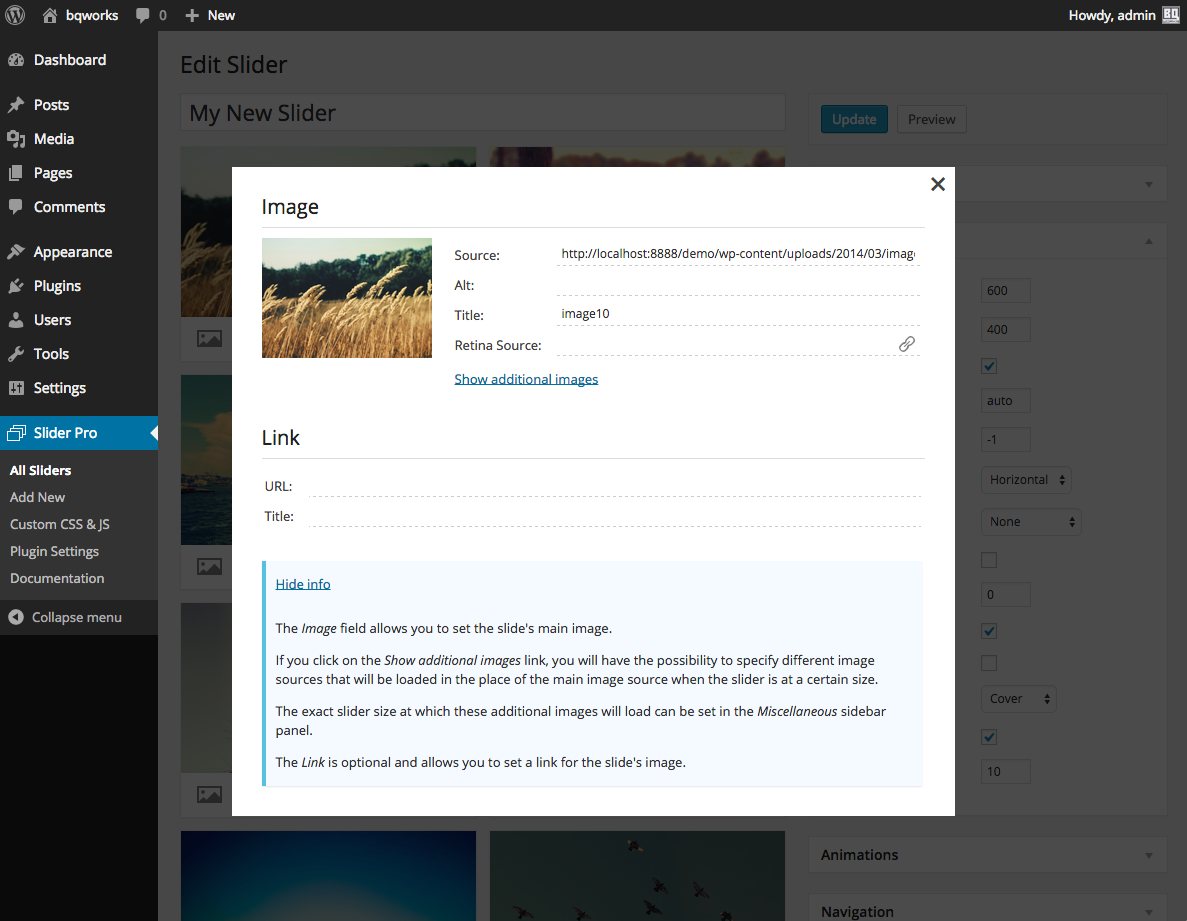
Pour les développeurs
Est-ce votre plugin ? Montrez les chiffres.
Ajoutez un badge en direct à votre site, docs ou github readme. Il se met à jour par lui-même - aucun compte n'est nécessaire.
Best Slider Pro alternatives
All content slider plugins →





FAQ
Slider Pro: quick answers
Réponses directes, extraites des données en direct WordPress.org.
Source : WordPress.org
Is Slider Pro free?
Yes. Slider Pro is free to download and use from the official WordPress.org plugin directory.
Is Slider Pro safe to use in 2026?
Yes — Slider Pro is a safe, well-maintained plugin to use in 2026. It runs on 4K+ sites, is rated 5/5 and was last updated 1 month ago, and scores 80/100 on our health check.
How many websites use Slider Pro?
Slider Pro is active on 4K+ WordPress websites and has been downloaded 76,160 times since it launched in July 2021. It was downloaded 1,597 times in the last 30 days.
Does Slider Pro work with WordPress 7.1?
Yes. The developer has tested Slider Pro up to WordPress 7.1.5, the latest release. It requires WordPress 4.0 or newer.
When was Slider Pro last updated?
The latest version, 4.8.17, was released on October 17, 2026 (1 month ago).
Who makes Slider Pro?
Slider Pro is developed and maintained by bqworks.
What are the best alternatives to Slider Pro?
The most popular alternatives to Slider Pro are Ditty (30K+ installs), Super block slider (8K+ installs) and Testimonial Slider (3K+ installs).
Propulsé par PageForge
Un modèle et une feuille de calcul. Une vraie page pour chaque recherche.
PageForge transforme chaque ligne d'un CSV en une page WordPress avec son propre titre, URL, SEO et schéma, construit sur la mise en page que vous Déjà conçu. Gratuit sur WordPress.org.
- CSV et XLSX, plus Google Sheets sur les professionnels et les entreprises
- Son propre titre, URL, SEO champs et schéma pour chaque page
- Fonctionne avec l'éditeur de blocs, Elementor, Divi et Avada
- Gratuit sur WordPress.org, pas de carte de crédit