

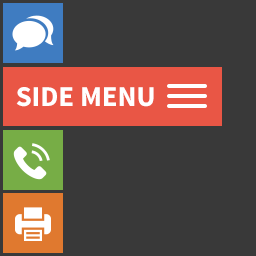
Side Menu Lite – Sticky Floating Side Menu
Create a sticky vertical sidebar menu that enhances navigation and highlights important links on your website.

Choix solide
Side Menu Lite is a solid plugin choice in 2026, with a few things worth checking first. It runs on 7K+ sites, is rated 4/5 and was last updated 3 months ago, and scores 76/100 on our health check.
- Testé avec le dernier WordPress (7.1)
- Momentum — downloads up 38.7% vs the previous 30 days
Comment s'accumule-t-il ?
Côte à côte sur les installations, les mises à jour, les évaluations et le support



Téléchargements quotidiens
Les pics de téléchargement suivent généralement une nouvelle version - chaque site qui met à jour automatiquement compte comme un téléchargement.
Classements
Where Side Menu Lite stands todayWordPress.org Classements de recherche
Position en direct dans la recherche de plugins, Top 100| Mot-clé | Position |
|---|---|
| fixed menu | #8 |
| floating button | #31 |
| floating menu | #5 |
| nav menu | #9 |
| sidebar menu | #13 |
Adoption de version
Part de sites actifs par version.
Répartition des notes
★★★★★★★★★★ 4 from 12 reviews
About Side Menu Lite
From the official readme · v5.5.3Description
Side Menu Lite is a free and lightweight WordPress plugin that lets you add customizable sticky side menus to the left or right edge of your site. These floating buttons serve as shortcuts, improving site navigation and user engagement.
Perfect for:
– Quick access menus
– Feedback or contact links
– Promotion of offers or calculators
– Integration with popups, modals, and more
✅ Increase engagement with intuitive and accessible navigation.
🌟 Features
- Create unlimited side menus
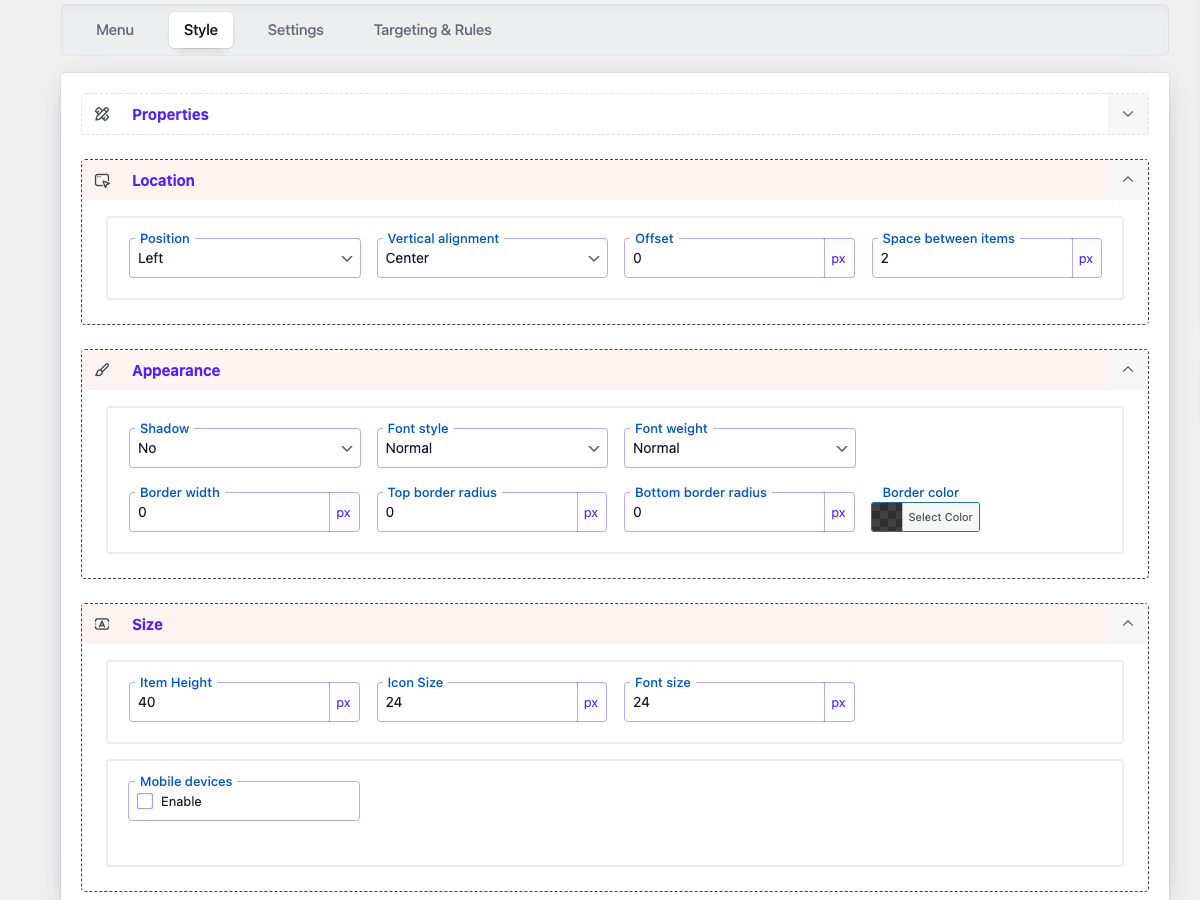
- Left or right side placement
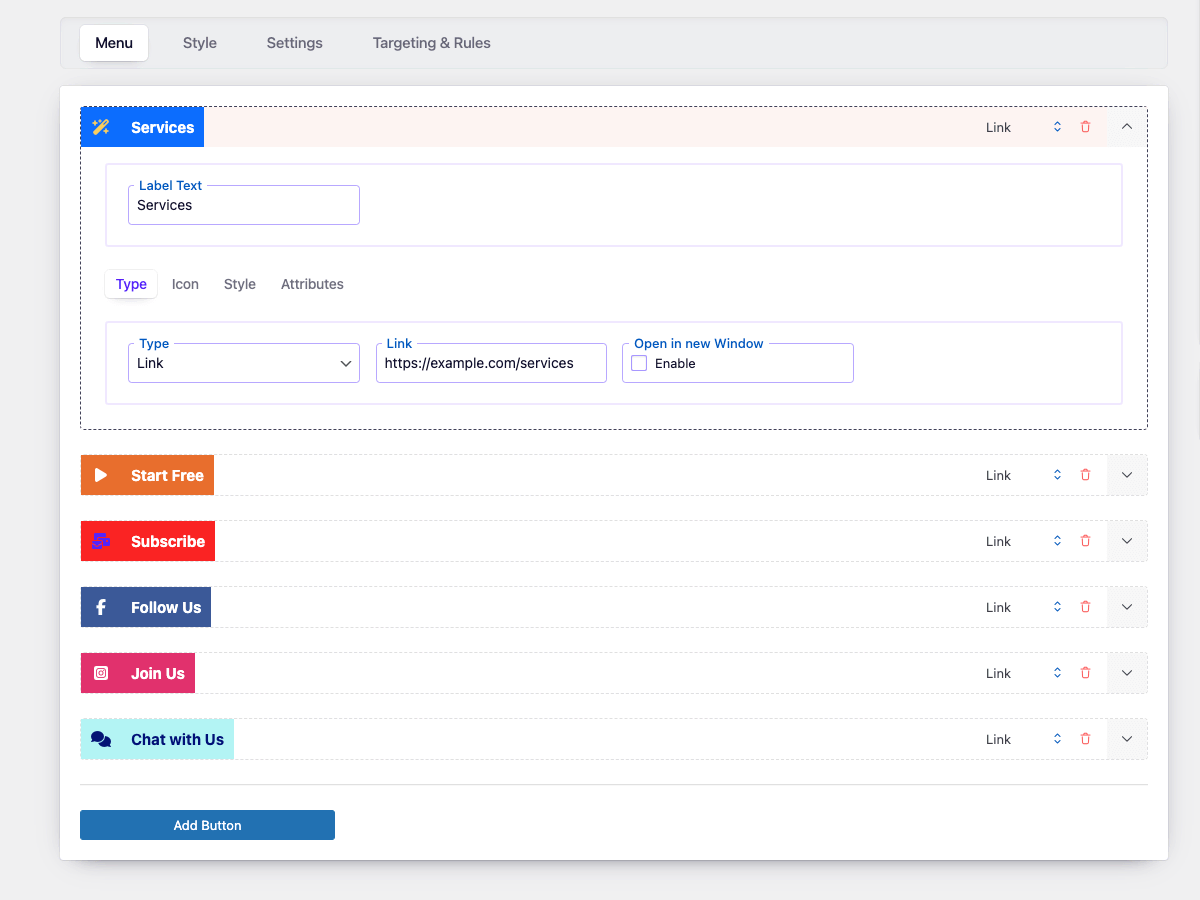
- Insert custom links
- Open links in a new tab
- Customize icon size and font size
- Add animated icons
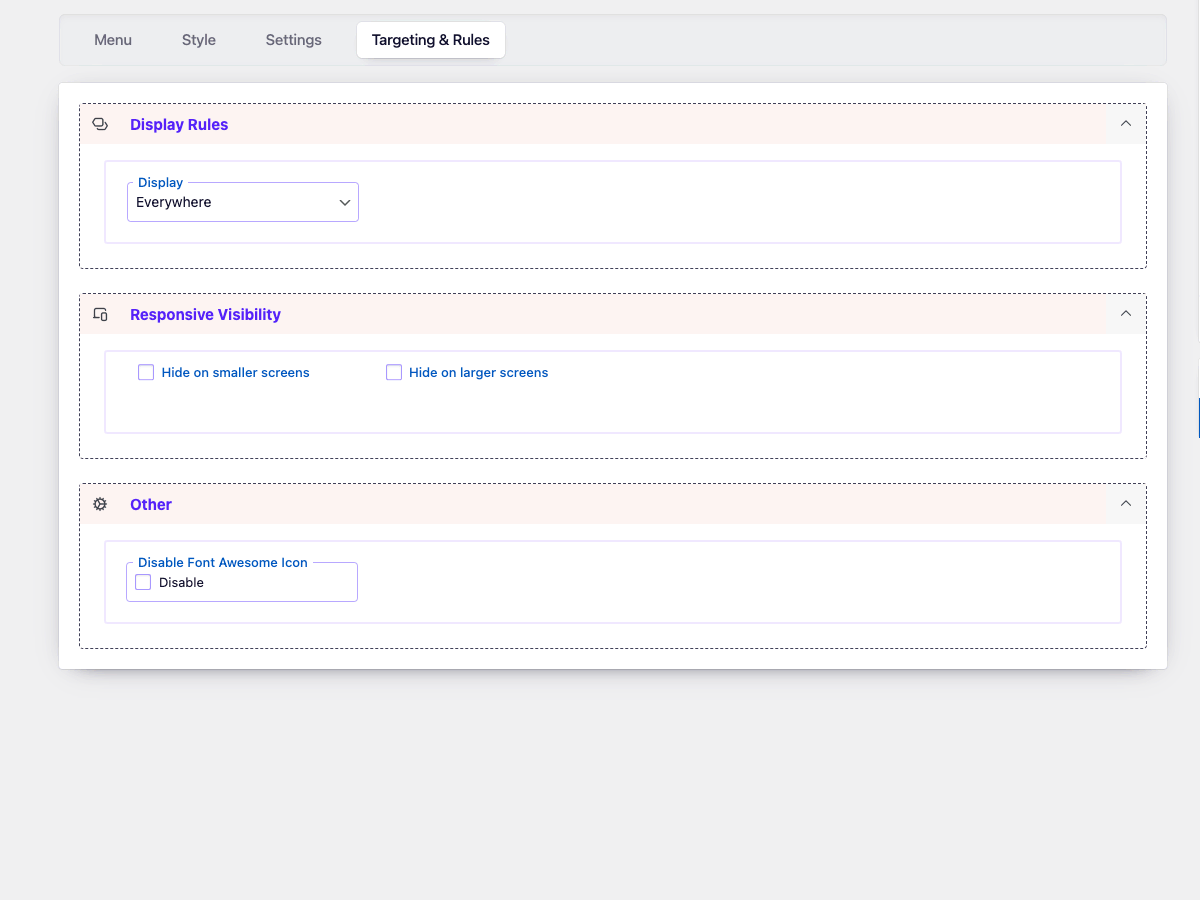
- Display menus on specific devices
- Use custom IDs and classes
- Includes 2000+ Font Awesome 6 icons
🔥 Benefits
- Highlight essential actions, links, or pages
- Combine with popups or calculators for more conversions
- Boost user experience and retention
- Great for both desktop and mobile
🚀 Upgrade to Pro
Unlock powerful features with Side Menu Pro:
- Submenus for better organization
- Extended Labels & Hold Label Open
- Translate link
- Share link (30+ social platforms)
- Next/Previous post navigation
- Smooth scroll / Scroll to top or bottom
- ScrollSpy
- Print page
- Built-in search
- One-click call / Email / Bookmark
- Login / Register / Logout / Recover password
- Visibility by scroll position
- Visibility by timer delay
- Activate by URL
- Activate by Referrer URL
- Multilingual Support
- Add emoji or letter icons
- Upload custom icons
- Full visibility control (page types, categories, shortcodes)
- Show menu by device, language, user role
- Schedule menu appearance (by date, time, day)
- Browser compatibility rules
🎥 Demo Pro
🔗 Complementary Plugins
Maximize functionality by combining with these free tools:
🧭 Related Menu Plugins
- Floating Button – Floating call-to-action buttons
- Sticky Buttons – Floating multi-action sticky buttons
- Bubble Menu – Circular floating menu with icons
- Float Menu – Customizable vertical float menu
📩 Support
Need help? Visit our Support Forum for quick answers and assistance.
Installation
📌 Option 1: Install via WordPress Admin
- Go to your WordPress dashboard →
Plugins→Add New. - Search for Side Menu Lite.
- Cliquez sur Installer maintenant, puis sur activer.
- Navigate to the new
Side Menu Litesection in your dashboard menu. - Click Add New to create your first menu.
- Customize your menu settings and click Save.
📌 Option 2: Manual Upload
- Download the plugin ZIP file from wordpress.org.
- Go to
Plugins→Add New→Upload Plugin. - Upload the ZIP file and click Install Now.
- Click Activate once the installation is complete.
- Create and manage side menus from the
Side Menu Litesection in the dashboard.
📌 Option 3: Install via FTP
- Download and unzip the plugin ZIP file.
- Upload the extracted
side-menu-litefolder to/wp-content/plugins/via FTP. - Go to
Pluginsin your dashboard and click Activate next to Side Menu Lite.
Journal de modifications
5.5.3
- Fixed a minor bug with output tags
- Fixed: a minor bug with code quality
5.5.2
- Fixed: minor bug with Content::create()
- Fixed: minor bug with Settings::option()
- Fixed: grammar error in ListTable
= 5.5.1=
* Updated: Font Awesome library upgraded to version 7.1.
* Updated: wp-color-picker-alpha to version 3.0.4.
5.5
- Updated: Font Awesome library upgraded to version 7.0.0.
5.4.4
- Improved: Reorganized method order in the DBManager class for better readability and maintenance
5.4.3
- Fixed: incorrect user capabilities handling
- Fixed: menu detection issue in Script Maker
5.4.2
- Improved: Screen reader support for the side menu by adding role=”navigation” and aria-label attributes.
Captures d'écran


Pour les développeurs
Est-ce votre plugin ? Montrez les chiffres.
Ajoutez un badge en direct à votre site, docs ou github readme. Il se met à jour par lui-même - aucun compte n'est nécessaire.
Best Side Menu Lite alternatives
All fixed menu plugins →
FAQ
Side Menu Lite: quick answers
Réponses directes, extraites des données en direct WordPress.org.
Source : WordPress.org
Is Side Menu Lite free?
Yes. Side Menu Lite is free to download and use from the official WordPress.org plugin directory.
Is Side Menu Lite safe to use in 2026?
Side Menu Lite is a solid plugin choice in 2026, with a few things worth checking first. It runs on 7K+ sites, is rated 4/5 and was last updated 3 months ago, and scores 76/100 on our health check.
How many websites use Side Menu Lite?
Side Menu Lite is active on 7K+ WordPress websites and has been downloaded 157,922 times since it launched in February 2019. It was downloaded 1,505 times in the last 30 days.
Does Side Menu Lite work with WordPress 7.1?
Yes. The developer has tested Side Menu Lite up to WordPress 7.1.5, the latest release. It requires WordPress 4.3 or newer.
What PHP version does Side Menu Lite need?
Side Menu Lite requires PHP 7.4 or higher. Most hosts run PHP 8.x today, so it works on any modern WordPress hosting.
When was Side Menu Lite last updated?
The latest version, 5.5.3, was released on August 25, 2026 (3 months ago).
Who makes Side Menu Lite?
Side Menu Lite is developed and maintained by Wow-Company.
What are the best alternatives to Side Menu Lite?
The most popular alternatives to Side Menu Lite are Fixed And Sticky Header (1K+ installs), DeveloPress Sticky Footer B… (300+ installs) and Fixed Menu Anchor (100+ installs).
Propulsé par PageForge
Un modèle et une feuille de calcul. Une vraie page pour chaque recherche.
PageForge transforme chaque ligne d'un CSV en une page WordPress avec son propre titre, URL, SEO et schéma, construit sur la mise en page que vous Déjà conçu. Gratuit sur WordPress.org.
- CSV et XLSX, plus Google Sheets sur les professionnels et les entreprises
- Son propre titre, URL, SEO champs et schéma pour chaque page
- Fonctionne avec l'éditeur de blocs, Elementor, Divi et Avada
- Gratuit sur WordPress.org, pas de carte de crédit