


PublishPress Planner – Editorial Calendar, Marketing Content, Kanban Board
PublishPress Planner has all the tools you need to plan WordPress content including a Content Calendar, Content Overview, and Kanban Board.

Choix
Yes — PublishPress Planner is a safe, well-maintained plugin to use in 2026. It runs on 6K+ sites, is rated 4.9/5 and was last updated 2 weeks ago, and scores 93/100 on our health check.
- Loved by users — 4.9/5 from 178 reviews
- Développé activement — Dernière mise à jour il y a 2 semaines
- Testé avec le dernier WordPress (7.1)
- Nécessite PHP 8.2 ou plus récent
Comment s'accumule-t-il ?
Côte à côte sur les installations, les mises à jour, les évaluations et le supportTéléchargements quotidiens
Les pics de téléchargement suivent généralement une nouvelle version - chaque site qui met à jour automatiquement compte comme un téléchargement.
Classements
Where PublishPress Planner stands todayWordPress.org Classements de recherche
Position en direct dans la recherche de plugins, Top 100| Mot-clé | Position |
|---|---|
| content overview | #3 |
| editorial calendar | #2 |
| kanban board | #1 |
| commercialisation | #21 |
| marketing calendar | #3 |
Adoption de version
Part de sites actifs par version.
Répartition des notes
★★★★★★★★★★ 4.9 from 178 reviews
About PublishPress Planner
From the official readme · v4.9.0Description
PublishPress Planner has all the tools you need to plan WordPress content including a Content Calendar, Content Overview, Kanban Board, content notifications, and more.
PublishPress Planner is ideal for WordPress sites that publish and promote high-quality content. Our goal is to help you publish content from inside WordPress. Our aim is to build SaaS-style features in WordPress so people don’t need an extra service to plan your content. Why use Trello, ClickUp, Notion, CoSchedule, or other products when you already have WordPress?
PublishPress Planner Pro
Upgrade to PublishPress Planner Pro
This plugin is the free version of the PublishPress Planner plugin. The Pro version comes with all the features you need to plan and schedule WordPress content. Click here to purchase the best premium WordPress content scheduling plugin now!
Content Calendar
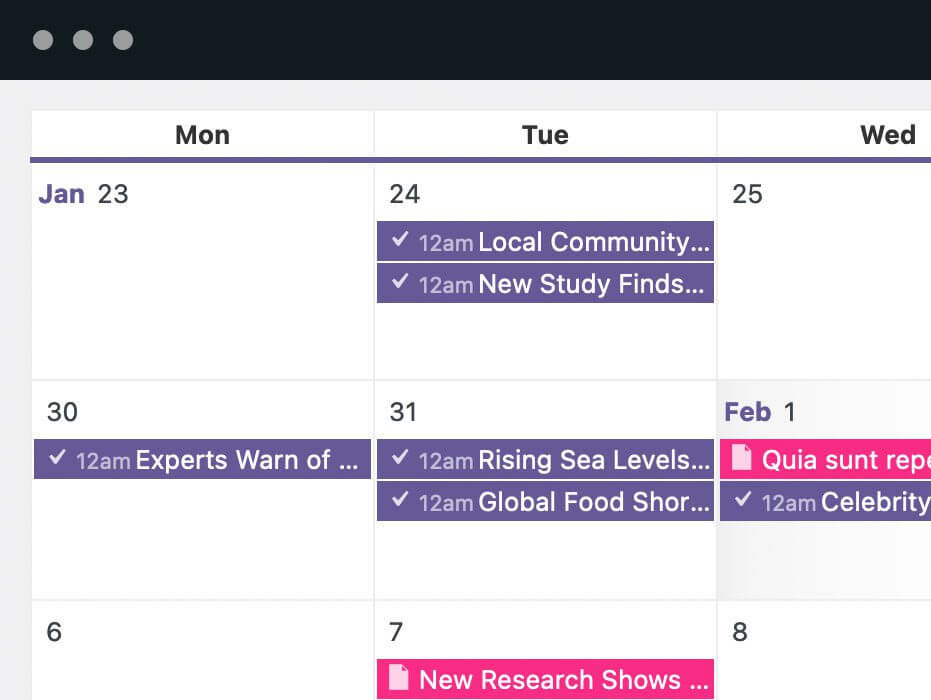
The Content Calendar gives you a powerful overview of your publishing schedule. This screen works as a marketing calendar and an editorial calendar. You can easily see when content is planned, and when it was published. You can also drag-and-drop content to a new publication date. By default, you see all the WordPress content you have planned for the next few weeks. If you need to drill down, you can filter the calendar by post status, categories, users or post types.
Click here to read about the Content Calendar.
Content Overview
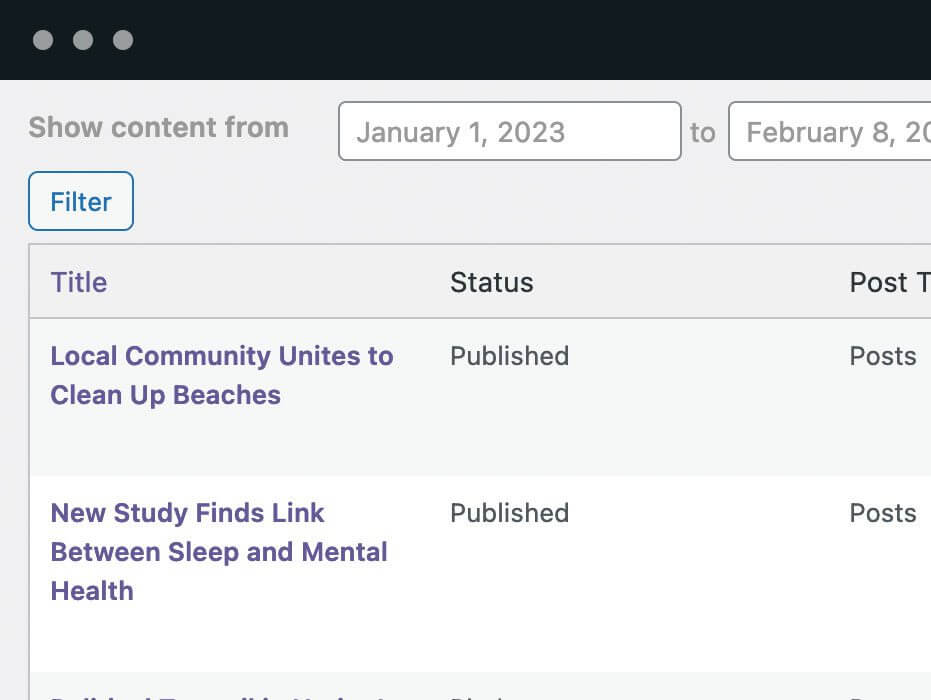
The Content Overview screen is a companion to the Calendar screen. Whereas the Calendar allows you to see content organized by dates, Content Overview allows you to drill down and see content organized by status, categories, or users. This content organizer allows to choose any data from WordPress to show in columns. In the top-right corner is a “Print” button. Click this to get a printable overview of all your planned content.
Click here to read about the Content Overview.
Content Board
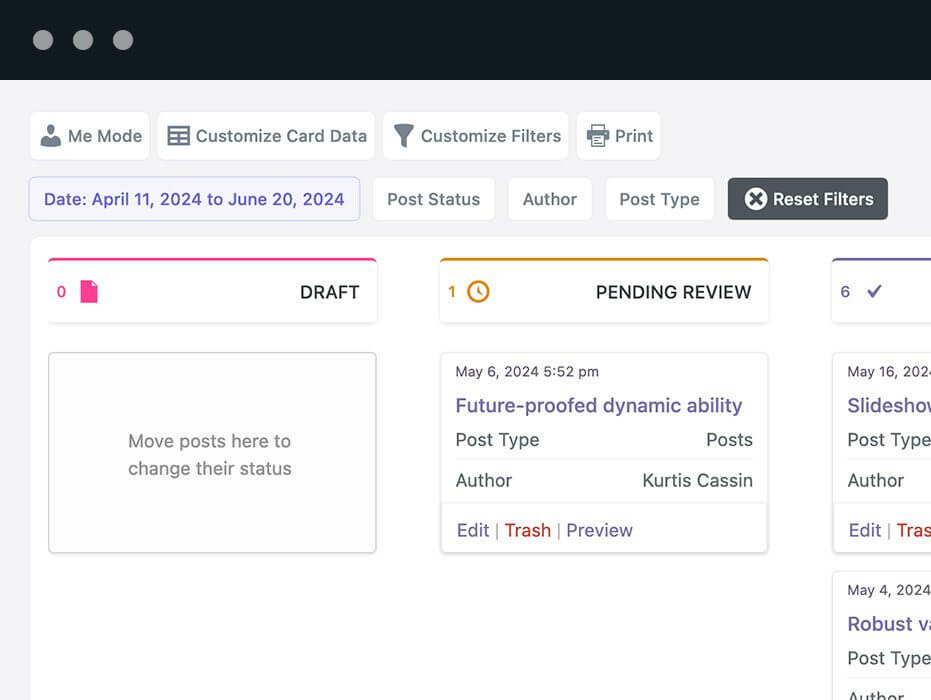
The Content Board screen is a kanban board that you can use to organize your content. The Content Board provides one column for each status. You can drag-and-drop posts to change their status between Draft, Pending Review, Published, Scheduled, and more.
Click here to read about the Content Board.
Notifications
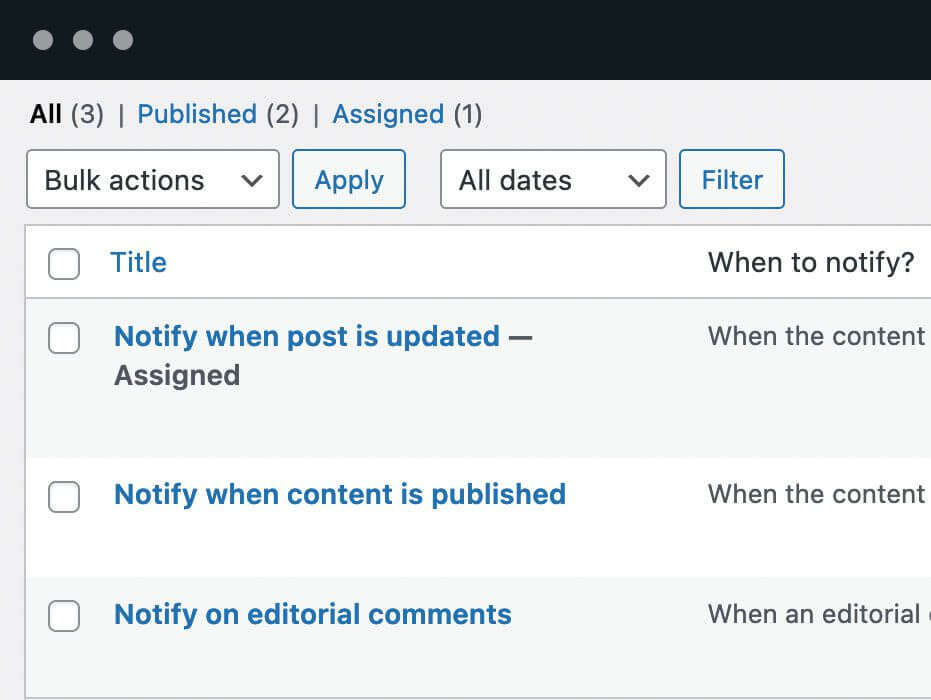
Notifications keep you and your team up to date on changes to important content. Users can be subscribed to notifications for any post, either individually or by selecting user groups. PublishPress Planner allows you to create powerful notification workflows based on post types, categories, status changes and much more.
Click here to read about the Content Notifications.
Slack Notifications
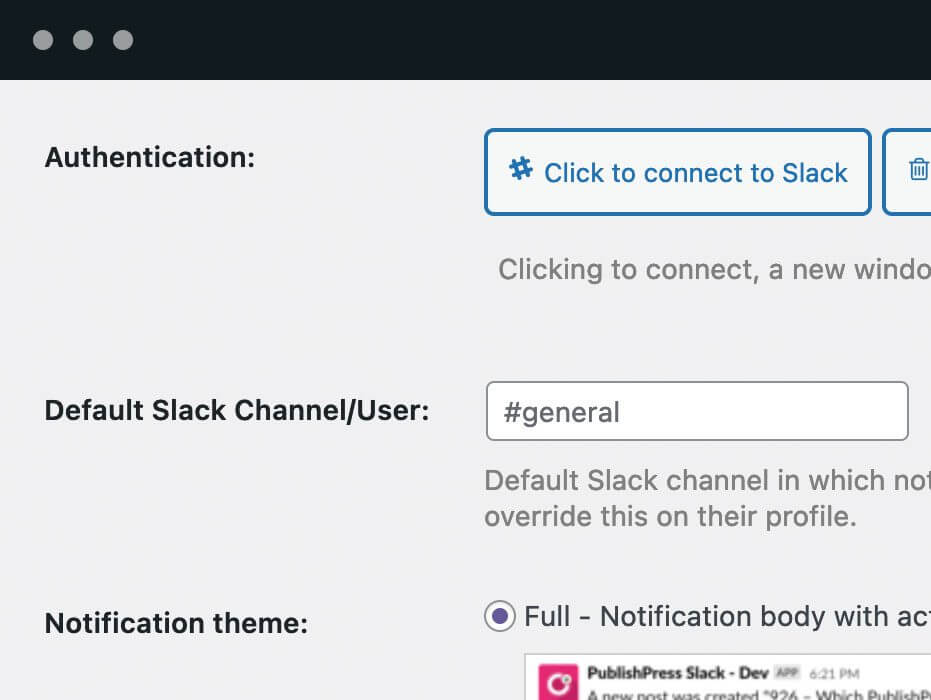
This PublishPress Planner Pro feature integrates your notifications with Slack. You can send notifications directly to a Slack channel and even reply without logging into WordPress.
Click here to read about the Slack Notifications.
Reminder Notifications
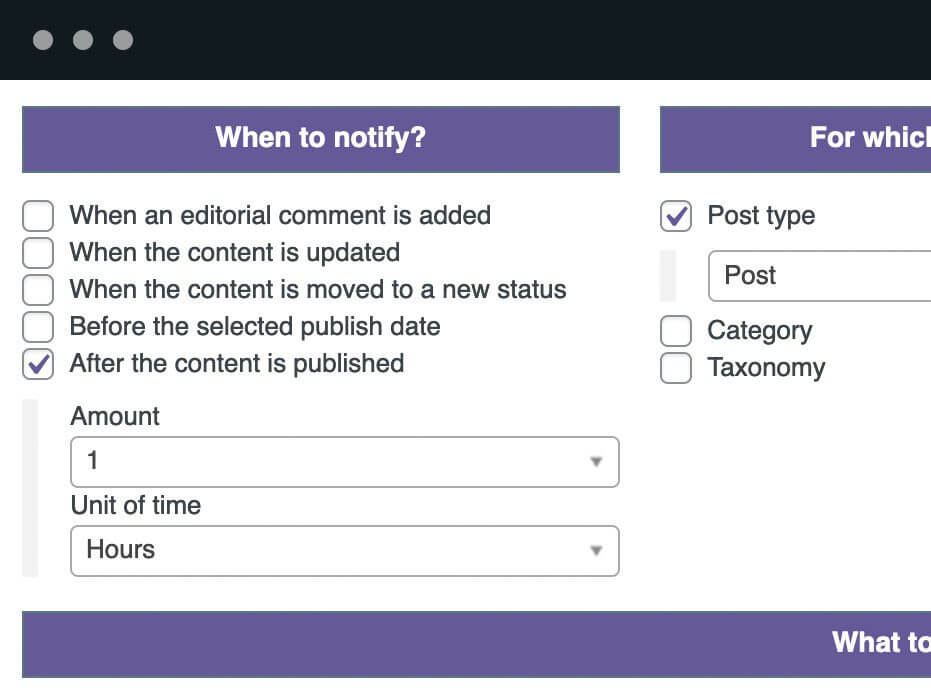
This PublishPress Planner Pro feature allows you to send notifications either before or after the publishing date for content. For example, before publication, you can send a reminder to editors, asking them to proof-read the post for publication. Or two or three days after publication, you can send a reminder to various team members, asking them to promote the post on social media.
Click here to read about the Reminder Notifications.
Join PublishPress and get the Pro plugins
The Pro versions of the PublishPress plugins are well worth your investment. The Pro versions have extra features and faster support. Click here to join PublishPress.
Join PublishPress and you’ll get access to these Pro plugins:
- PublishPress Authors Pro allows you to add multiple authors and guest authors to WordPress posts.
- PublishPress Blocks Pro has everything you need to build professional websites with the WordPress block editor.
- PublishPress Capabilities Pro is the plugin to manage your WordPress user roles, permissions, and capabilities.
- PublishPress Checklists Pro enables you to define tasks that must be completed before content is published.
- PublishPress Future Pro allows you to schedule changes to WordPress Posts.
- PublishPress Permissions Pro is the plugin for advanced WordPress permissions.
- PublishPress Planner Pro is the plugin for managing and scheduling WordPress content.
- PublishPress Revisions Pro allows you to update your published pages with teamwork and precision.
- PublishPress Series Pro enables you to group content together into a series.
- PublishPress Shortlinks Pro allows you to create custom URLs for your posts and external links.
- PublishPress Statuses Pro enables you to create additional publishing steps for your posts.
Together, these plugins are a suite of powerful publishing tools for WordPress. If you need to create a professional workflow in WordPress, with moderation, revisions, permissions and more… then you should try PublishPress.
How Does Planner Compare to Other Plugins?
There are other Editorial Options for WordPress including SchedulePress, Nelio Content, Edit Flow, Coschedule and more. PublishPress Planner is significantly cheaper than CoSchedule with is a hosted SaaS service. Most people use Planner for free, whereas Coschedule costs for more than just 1 user. When compared to WordPress plugins, Planner stands out for its power and flexibility. Our aim is to give you all the power of a SaaS service, directly inside your WordPress site. PublishPress Planner was originally based on the Edit Flow plugin but has had more updates in recent years.
Bug Reports
Bug reports for PublishPress Planner are welcomed in our repository on GitHub. Please note that GitHub is not a support forum, and that issues that are not properly qualified as bugs will be closed.
Follow the PublishPress team
Journal de modifications
The full changelog can be found on GitHub.
Captures d'écran
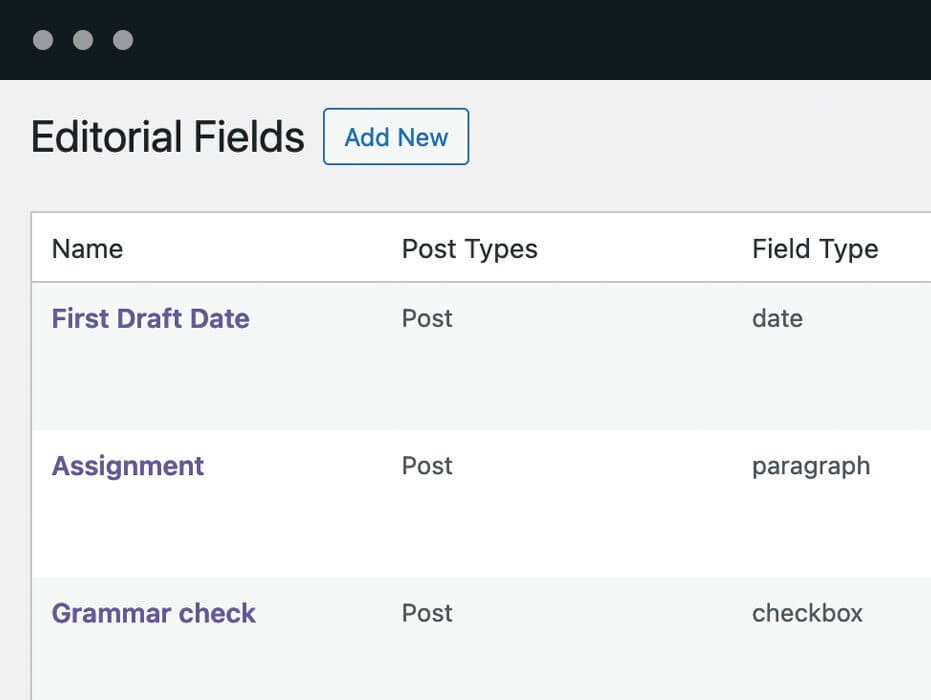
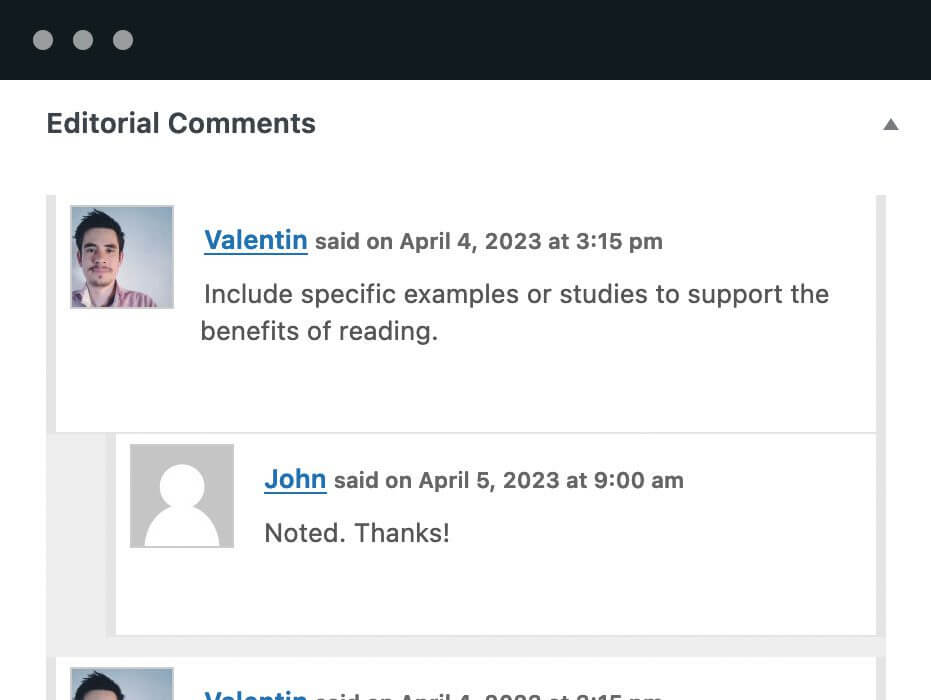
Pour les développeurs
Est-ce votre plugin ? Montrez les chiffres.
Ajoutez un badge en direct à votre site, docs ou github readme. Il se met à jour par lui-même - aucun compte n'est nécessaire.
Best PublishPress Planner alternatives
All content overview plugins →| Rang | Plugin | Installations actives |
|---|---|---|
| 2 |
 Scheduled Content Dashboard
Editorial calendar with drag-and-drop, a grouped content overview, and a dashboard widget… |
<10 |
FAQ
PublishPress Planner: quick answers
Réponses directes, extraites des données en direct WordPress.org.
Source : WordPress.org
Is PublishPress Planner free?
Yes. PublishPress Planner is free to download and use from the official WordPress.org plugin directory.
Is PublishPress Planner safe to use in 2026?
Yes — PublishPress Planner is a safe, well-maintained plugin to use in 2026. It runs on 6K+ sites, is rated 4.9/5 and was last updated 2 weeks ago, and scores 93/100 on our health check.
How many websites use PublishPress Planner?
PublishPress Planner is active on 6K+ WordPress websites and has been downloaded 477,659 times since it launched in January 2017. It was downloaded 8,895 times in the last 30 days.
Does PublishPress Planner work with WordPress 7.1?
Yes. The developer has tested PublishPress Planner up to WordPress 7.1.5, the latest release. It requires WordPress 5.5 or newer.
What PHP version does PublishPress Planner need?
PublishPress Planner requires PHP 8.2 or higher. Most hosts run PHP 8.x today, so it works on any modern WordPress hosting.
When was PublishPress Planner last updated?
The latest version, 4.9.0, was released on November 16, 2026 (2 weeks ago).
Who makes PublishPress Planner?
PublishPress Planner is developed and maintained by PublishPress.
What are the best alternatives to PublishPress Planner?
The most popular alternatives to PublishPress Planner are Scheduled Content Dashboard (<10 installs).
Propulsé par PageForge
Un modèle et une feuille de calcul. Une vraie page pour chaque recherche.
PageForge transforme chaque ligne d'un CSV en une page WordPress avec son propre titre, URL, SEO et schéma, construit sur la mise en page que vous Déjà conçu. Gratuit sur WordPress.org.
- CSV et XLSX, plus Google Sheets sur les professionnels et les entreprises
- Son propre titre, URL, SEO champs et schéma pour chaque page
- Fonctionne avec l'éditeur de blocs, Elementor, Divi et Avada
- Gratuit sur WordPress.org, pas de carte de crédit