


Portfolio by BestWebSoft – Work and Projects Presentation Plugin for WordPress
Portfolio plugin is the best way to create and add past projects to your WordPress website. Create, configure and manage unlimited number of portfolio projects.

Utiliser avec prudence
Portfolio by BestWebSoft works, but test it on a staging site before relying on it in 2026. It runs on 600+ sites, is rated 3.5/5 and was last updated 1 year ago, and scores 46/100 on our health check.
- Momentum — downloads up 77.1% vs the previous 30 days
- Petite base d'utilisateurs (600+ installations actives)
- Pas de mise à jour depuis plus d'un an
- Uniquement testé jusqu'à WordPress 6,8 (le dernier est de 7,1)
Téléchargements quotidiens
Les pics de téléchargement suivent généralement une nouvelle version - chaque site qui met à jour automatiquement compte comme un téléchargement.
Classements
Where Portfolio by BestWebSoft stands todayWordPress.org Classements de recherche
Position en direct dans la recherche de plugins, Top 100| Mot-clé | Position |
|---|---|
| add portfolio | #39 |
| add portfolio widget | #46 |
| fancybox | #37 |
| portfolio | #61 |
| portfolio plugin | #44 |
Adoption de version
Part de sites actifs par version.
Répartition des notes
★★★★★★★★★★ 3.5 from 26 reviews
About Portfolio by BestWebSoft
From the official readme · v2.58Description
Portfolio plugin is the best way to create and add past projects to your WordPress website. Create, configure and manage unlimited number of portfolio projects.
Include project details, short and long description, URL, screenshots, date of completion along with each project and much more.
Showcase your recent work to get more jobs and grow your business!
Fonctions gratuites
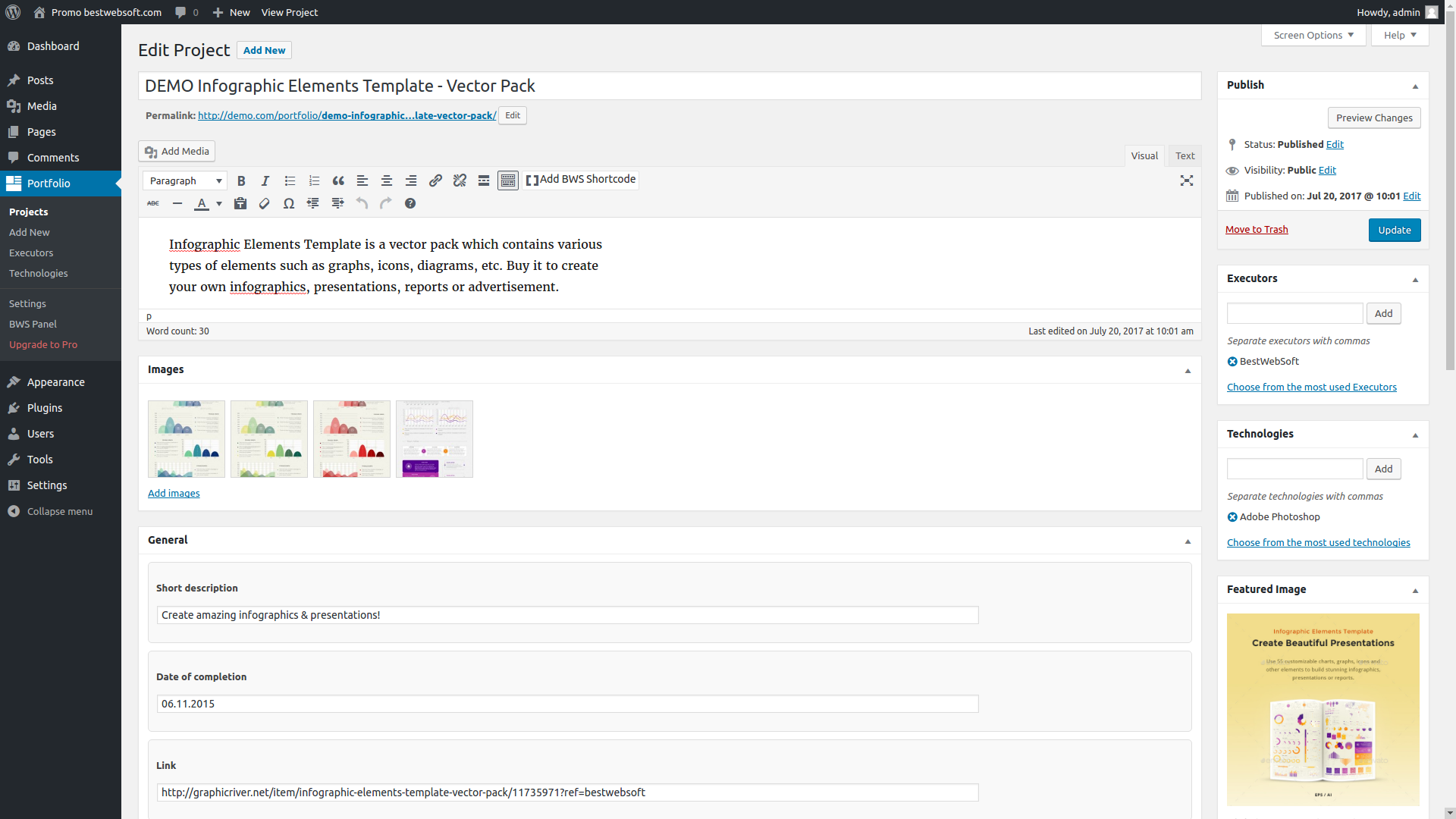
- Add unlimited number of portfolio projects with the following info:
- Titre
- Description
- Short description
- Images
- Completion date
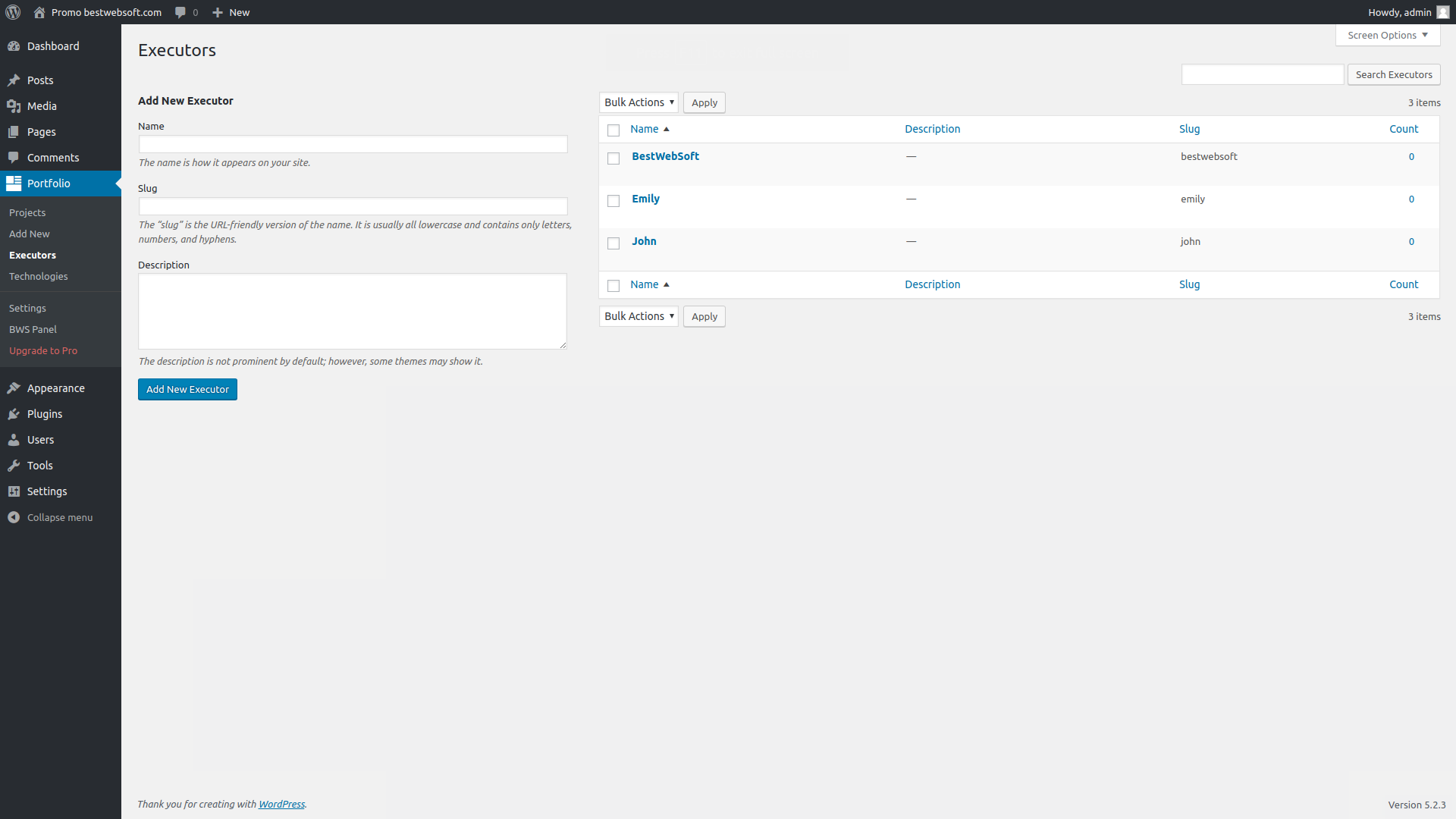
- Executor profiles
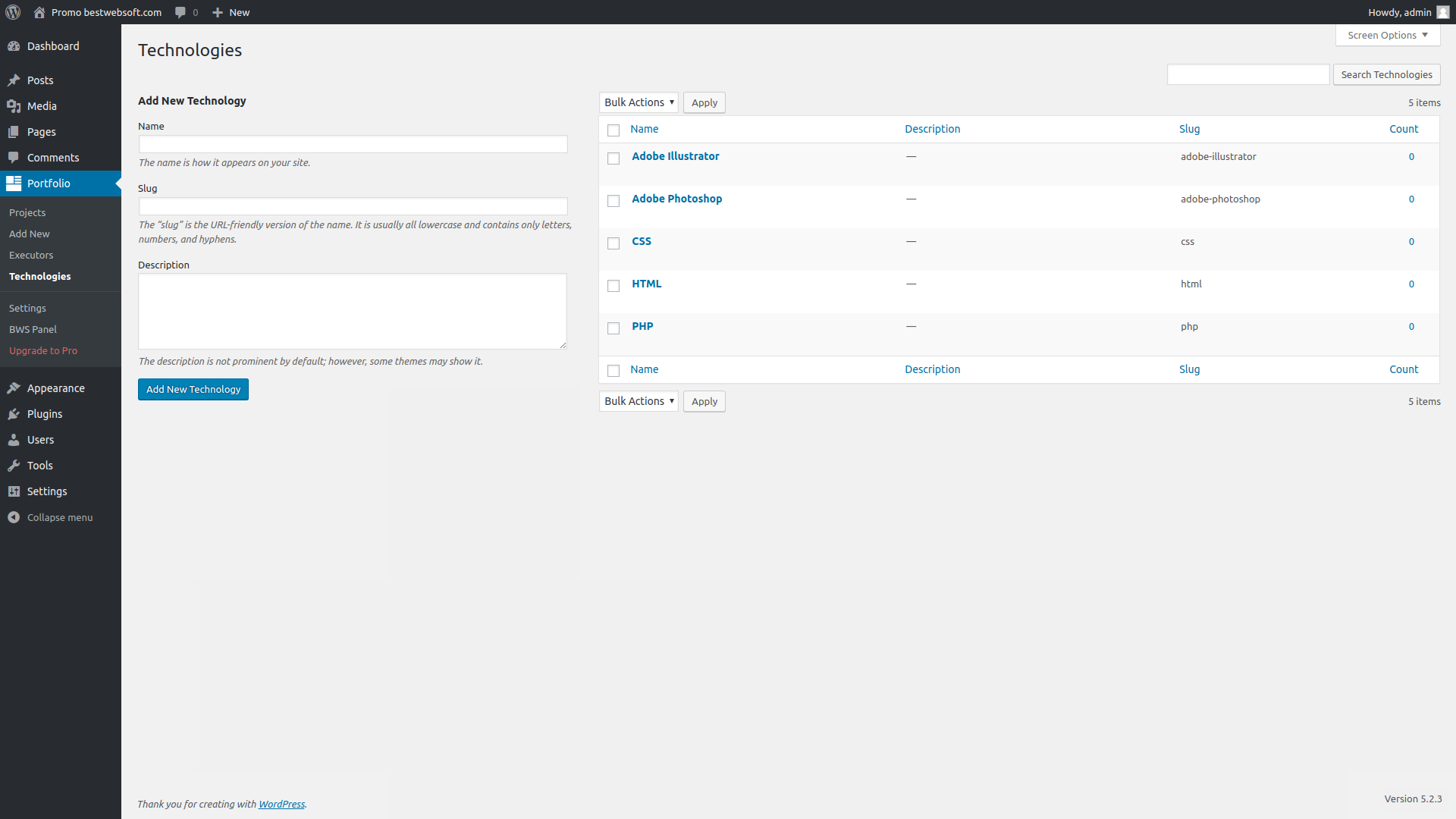
- Technologies
- Project, URL
- Source Files, URL
- Change image size for:
- Album cover
- Vignettes
- Set default portfolio projects sorting order by:
- Ça
- Titre
- Date created
- Menu order
- Fait au hasard
- ASC (ascending order from lowest to highest values)
- DESC (descending order from highest to lowest values)
- Set the number of images to display per row
- Set the number of portfolio columns
- Compatible with Multilanguage
- Install/Delete demo data
- Add labels for additional fields
- Change a slug for portfolio project
- Add portfolio projects to the search results using Custom Search
- Compatible with latest WordPress version
- Incredibly simple settings for fast setup without modifying code
- Detailed step-by-step documentation and videos
- Multilingual and RTL ready
- Compatible with Sender Pro
Fonctionnalités Pro
All features from Free version included plus:
- Create and display portfolio:
- Catégories
- Sectors
- Prestations de services
- Add info about the client
- Add the widget with portfolio categories
- Sort portfolio projects by date and title
- Change the size for slider images
- Enable lightbox helper:
- Bouton
- La vignette
- Add the slider with featured portfolios
- Configure all subsites on the network
- Get answer to your support question within one business day (Support Policy)
If you have a feature suggestion or idea you’d like to see in the plugin, we’d love to hear about it! Suggest a Feature
Documentation et vidéos
Aide et assistance
Visit our Help Center if you have any questions, our friendly Support Team is happy to help – https://support.bestwebsoft.com/
Affiliate Program
Earn 20% commission by selling the premium WordPress plugins and themes by BestWebSoft — https://bestwebsoft.com/affiliate/
Traduction
- Czech (cs_CZ) (thanks to PaMaDeSSoft, www.pamadessoft.cz)
- Russe (ru_ru)
- Ukrainien (Royaume-Uni)
Some of these translations are not complete. We are constantly adding new features which should be translated. If you would like to create your own language pack or update the existing one, you can send the text of PO and MO files to BestWebSoft and we’ll add it to the plugin. You can download the latest version of the program for work with PO and MO files Poedit.
Plugins recommandés
- Updater – Automatically check and update WordPress website core with all installed plugins and themes to the latest versions.
- Multilanguage – Translate WordPress website content to other languages manually. Create multilingual pages, posts, widgets, menus, etc.
Facebook Button – Add Facebook Like, Share and Profile buttons to WordPress posts, pages and widgets. - Custom Search – Add custom post types to WordPress website search results.
Installation
- Upload the folder
portfolioto the directory/wp-content/plugins/ - Activate the plugin via the ‘Plugins’ menu in WordPress
- Please check if you have the template files ‘portfolio.php’ and ‘portfolio-post.php’ in your templates directory. If you can’t find these files, then just copy them from the directory ‘/wp-content/plugins/portfolio/template/’ to your templates directory.
- Create a page and select a template in the Page Attributes block.
- Create (if necessary) Technologies and Executor profiles.
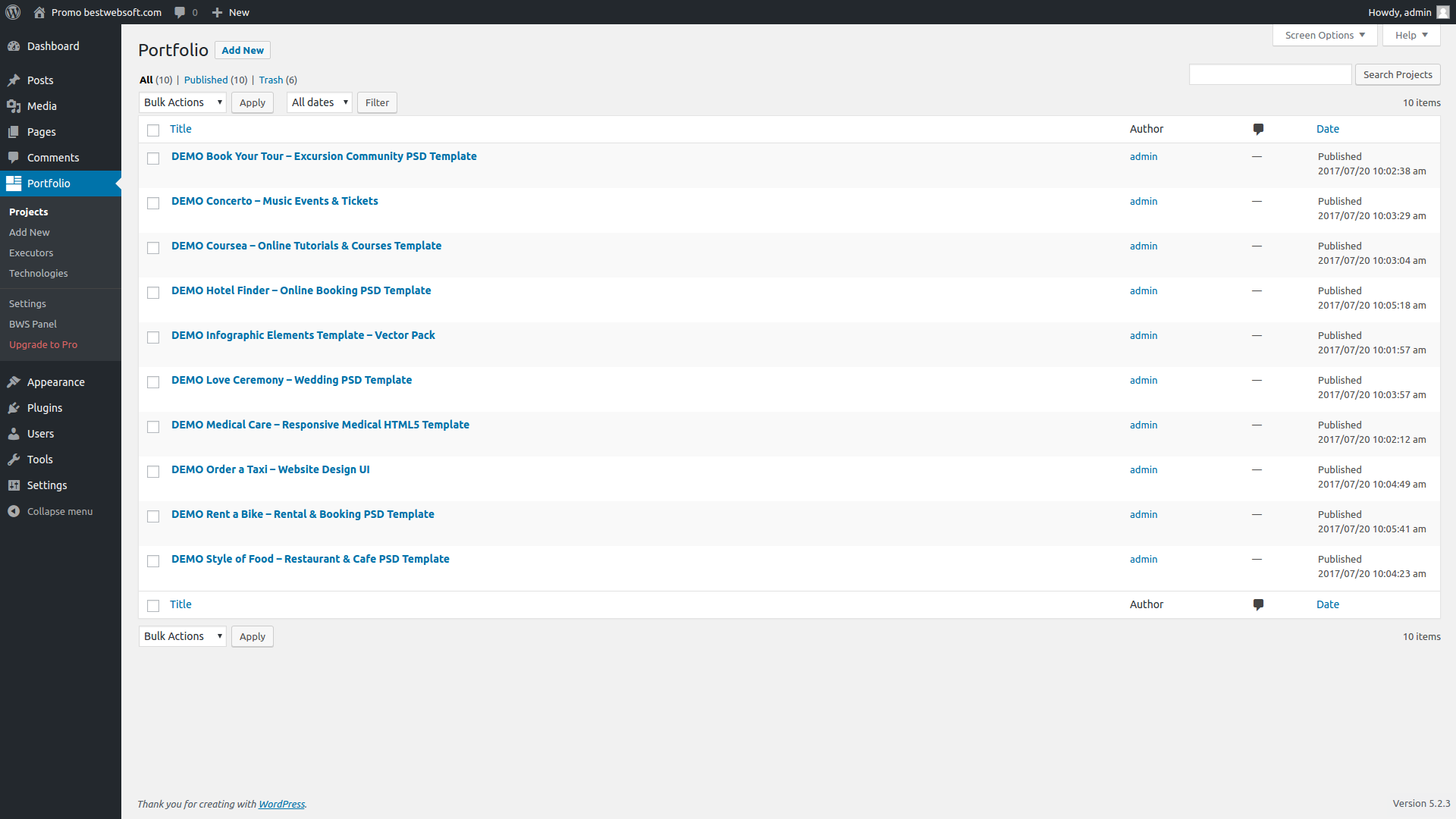
- Create portfolio item, add title, description, short description, and upload the images one of which should be set as featured. Publish portfolio then.
View a PDF version of Step-by-step Instruction on Portfolio Installation
Journal de modifications
The compatibility with new WordPress version updated. Bug fixed.
V2.58 – 24.12.2024
- Update : All functionality was updated for WordPress 6.5.
- Update : BWS plugins section is updated.
- Bugfix : Bugs has been fixed.
V2.57 – 24.05.2024
- Update : All functionality was updated for WordPress 6.5.
- Update : BWS plugins section is updated.
- Update : Fancybox to the latest version.
- Bugfix : Compatibility with Multilanguage has been fixed.
- Bugfix : Small bugs has been fixed.
V2.56 – 26.04.2022
- Bugfix : Deactivation Feedback fix.
V2.55 – 23.03.2022
- Update : All functionality was updated for WordPress 5.9.
- Update : BWS plugins section is updated.
V2.54 – 06.10.2021
- Update : All functionality was updated for WordPress 5.8.1.
- Update : BWS plugins section is updated.
- Bugfix : Small bugs has been fixed.
- PRO : Compatibility with Sender by BestWebSoft has been added.
V2.53 – 29.09.2020
- Update : Added a checkbox that allows viewing Source Files for unregistered users.
- Mise à jour : la section du panneau BWS a été mise à jour.
Captures d'écran
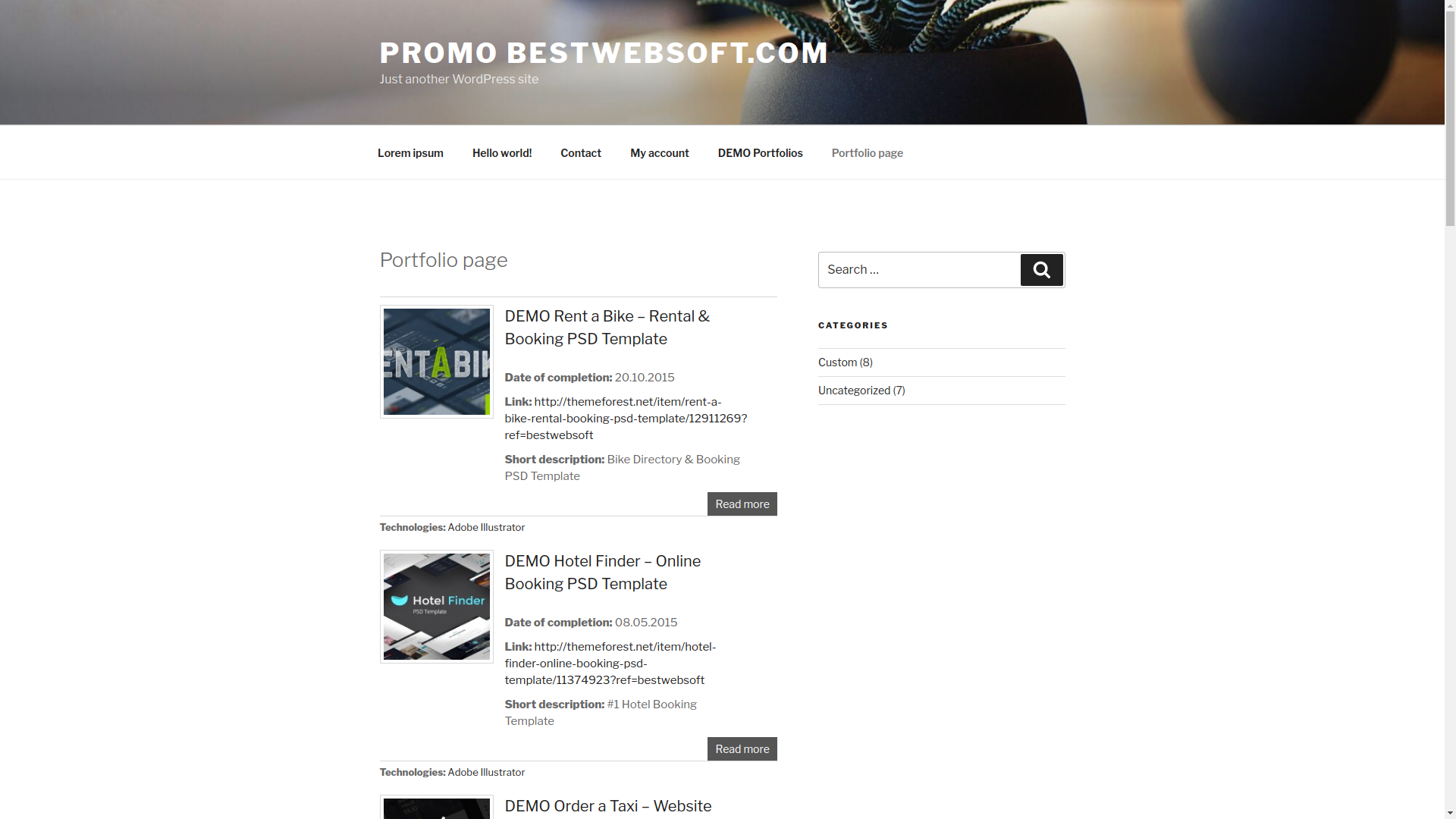
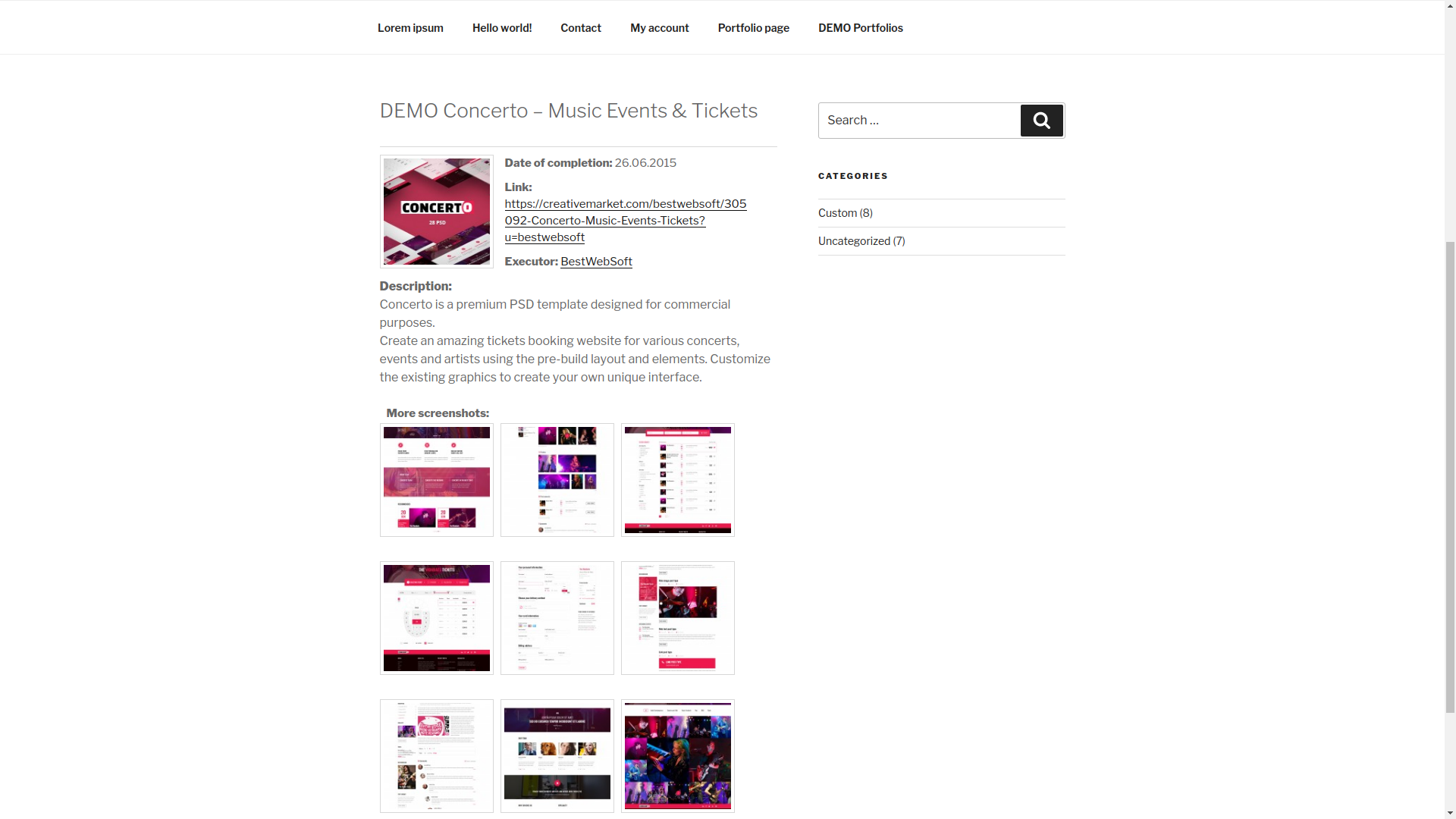
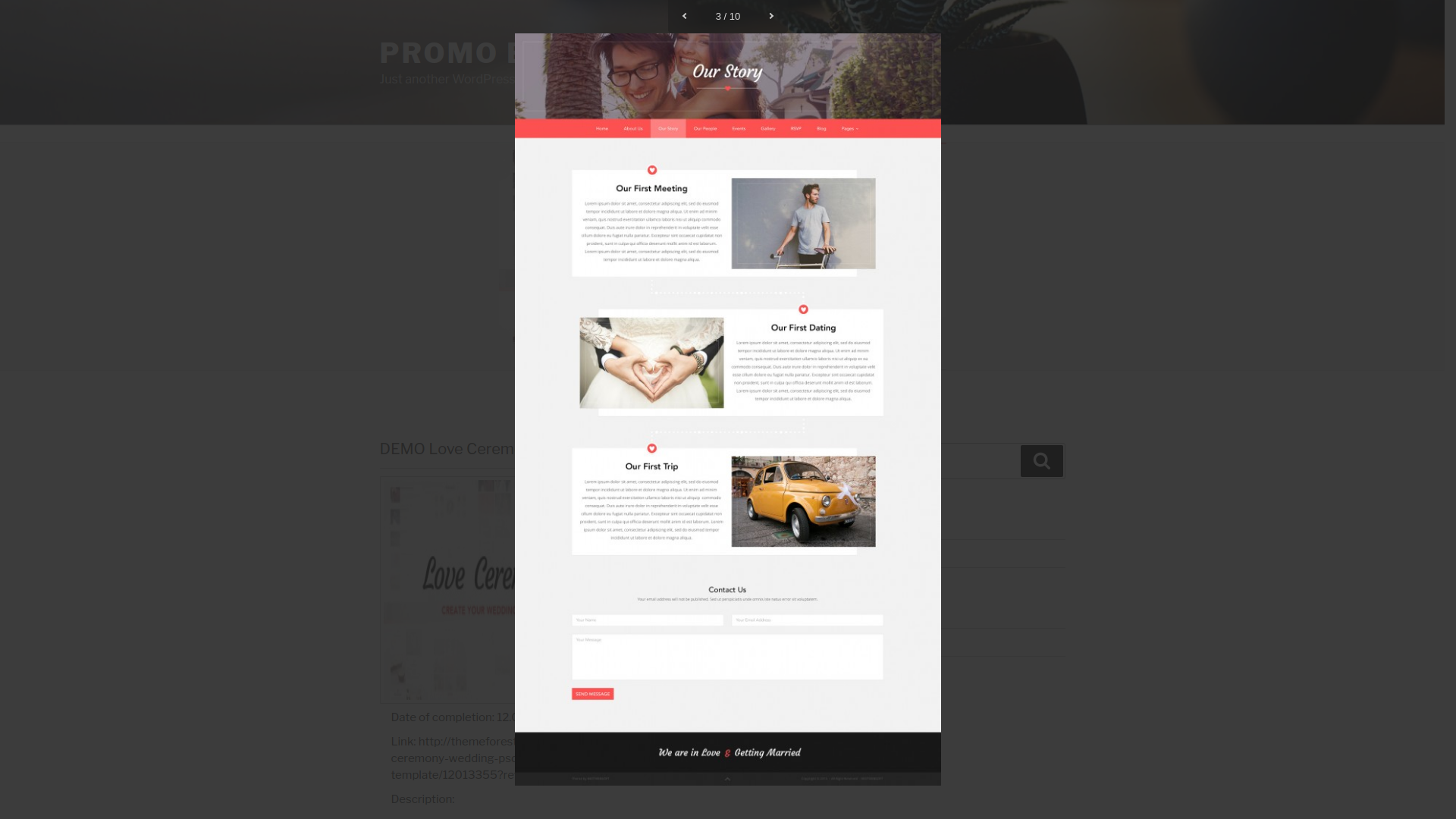
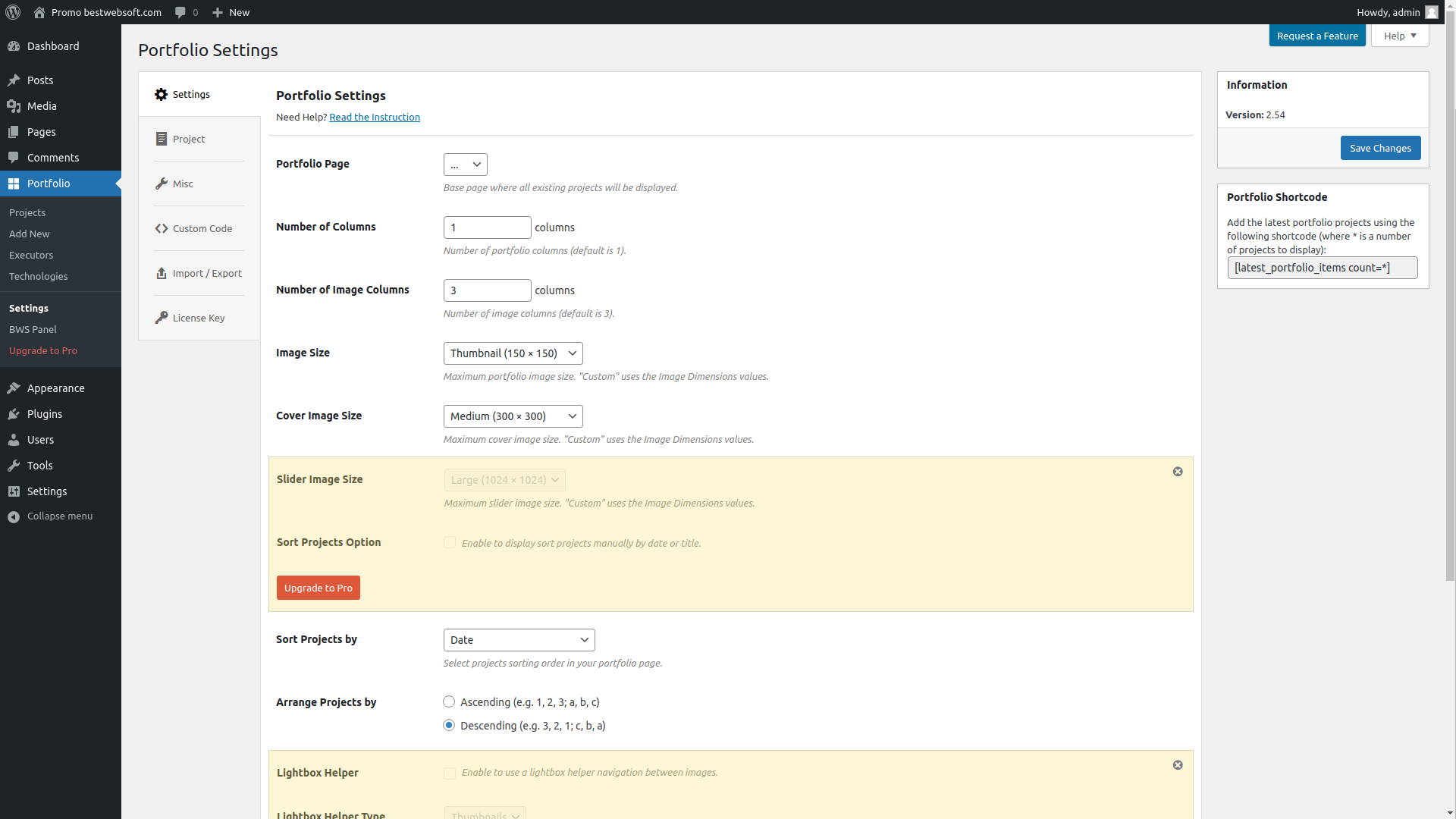
Pour les développeurs
Est-ce votre plugin ? Montrez les chiffres.
Ajoutez un badge en direct à votre site, docs ou github readme. Il se met à jour par lui-même - aucun compte n'est nécessaire.
FAQ
Portfolio by BestWebSoft: quick answers
Réponses directes, extraites des données en direct WordPress.org.
Source : WordPress.org
Is Portfolio by BestWebSoft free?
Yes. Portfolio by BestWebSoft is free to download and use from the official WordPress.org plugin directory.
Is Portfolio by BestWebSoft safe to use in 2026?
Portfolio by BestWebSoft works, but test it on a staging site before relying on it in 2026. It runs on 600+ sites, is rated 3.5/5 and was last updated 1 year ago, and scores 46/100 on our health check.
How many websites use Portfolio by BestWebSoft?
Portfolio by BestWebSoft is active on 600+ WordPress websites and has been downloaded 271,318 times since it launched in April 2011. It was downloaded 595 times in the last 30 days.
Does Portfolio by BestWebSoft work with WordPress 7.1?
Portfolio by BestWebSoft is officially tested up to WordPress 6.8.13, while the latest release is 7.1.5. It may still work, but try it on a staging site first.
When was Portfolio by BestWebSoft last updated?
The latest version, 2.58, was released on June 9, 2025 (1 year ago).
Who makes Portfolio by BestWebSoft?
Portfolio by BestWebSoft is developed and maintained by bestweblayout.
Propulsé par PageForge
Un modèle et une feuille de calcul. Une vraie page pour chaque recherche.
PageForge transforme chaque ligne d'un CSV en une page WordPress avec son propre titre, URL, SEO et schéma, construit sur la mise en page que vous Déjà conçu. Gratuit sur WordPress.org.
- CSV et XLSX, plus Google Sheets sur les professionnels et les entreprises
- Son propre titre, URL, SEO champs et schéma pour chaque page
- Fonctionne avec l'éditeur de blocs, Elementor, Divi et Avada
- Gratuit sur WordPress.org, pas de carte de crédit