


Marker.io – Visual Website Feedback
Collect visual website feedback from colleagues and clients on your WordPress site.

Utiliser avec prudence
Marker.io works, but test it on a staging site before relying on it in 2026. It runs on 4K+ sites, is rated 5/5 and was last updated 11 months ago, and scores 61/100 on our health check.
- Loved by users — 5/5 from 44 reviews
- Uniquement testé jusqu'à WordPress 6,9 (le dernier est de 7,1)
Comment s'accumule-t-il ?
Côte à côte sur les installations, les mises à jour, les évaluations et le support



Téléchargements quotidiens
Les pics de téléchargement suivent généralement une nouvelle version - chaque site qui met à jour automatiquement compte comme un téléchargement.
Classements
Where Marker.io stands todayWordPress.org Classements de recherche
Position en direct dans la recherche de plugins, Top 100| Mot-clé | Position |
|---|---|
| bug-tracking | #39 |
| retour d'information | #15 |
| feedback widget | #18 |
| visual feedback | #4 |
| website feedback | #4 |
Adoption de version
Part de sites actifs par version.
Répartition des notes
★★★★★★★★★★ 5 from 44 reviews
About Marker.io – Visual Website Feedback
À partir du Lisez-moi officiel · v1.2.2Description
Marker.io is the best way for agencies and product teams to collect visual and developer-friendly feedback from colleagues and clients on your WordPress site without driving developers crazy.
Get feedback with screenshots & technical metadata directly into your favorite project management tool.
Say goodbye to messy emails, spreadsheets and powerpoint. There is a better way!
Comment cela fonctionne
With Marker.io, your clients and colleagues can submit their feedback and bug reports directly on your WordPress site.
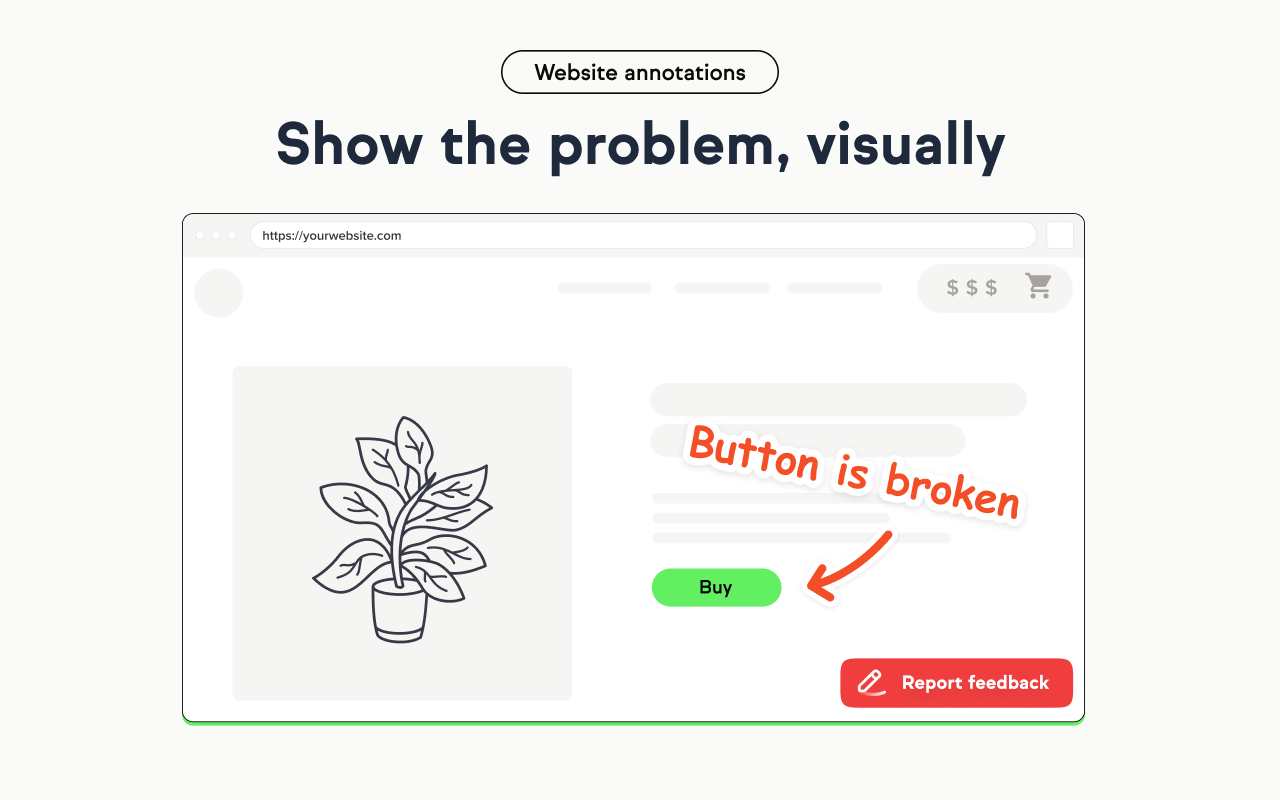
The feedback widget automatically captures a screenshot that your reporter can annotate to get their point across.
All issues are sent into your favorite project management tool, with all the technical data needed by developers to understand and reproduce issues.
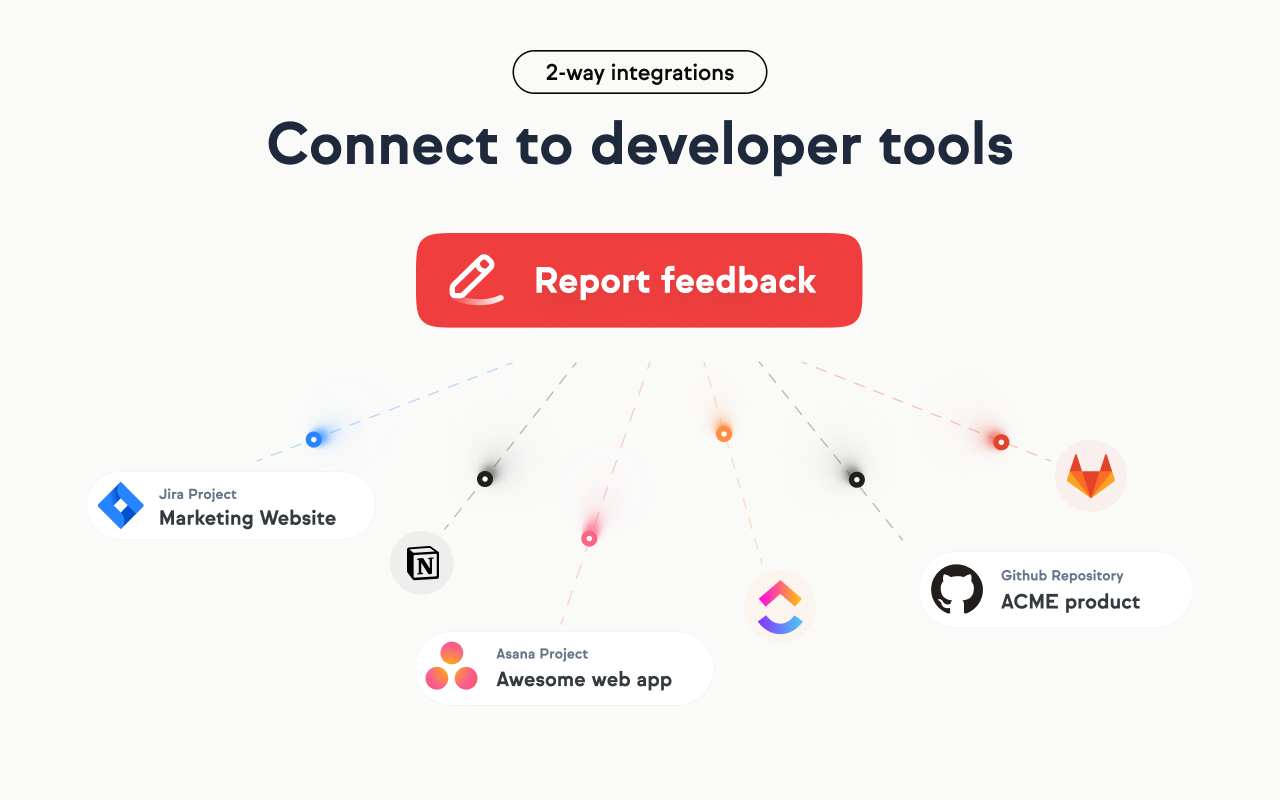
Thanks to our 2-way sync integrations, you can chat and notify status changes to your clients without ever leaving your favorite project management tool.
Best features
- On-site reporting: Your clients and colleagues don’t need to install anything to send feedback and bug reports.
- Screenshot and annotations: All feedback will include a screenshot of the page that reporters can annotate directly on your site.
- Destinations: Connect your website directly to your favorite issue tracker or project management tool.
- Widget customization: Build your own form and customize the look and feel to match your branding.
- Field synchronization: All your fields from your favorite tools are pulled into your Marker.io forms, even the custom fields.
- Responsive and mobile-ready: Report feedback on any browser and mobile device.
- 2-way sync integration: Notify reporters as soon as your team closes an issue inside your favorite project management tool.
- Technical metadata: All issues come with useful developer-friendly data like the page URL, browser version, screen size and more.
- Console log recording: Client-side errors and logs in the console are automatically recorded and added to your issues.
- Commenting: Ask questions, get approvals and chat with clients on individual issues.
- Feedback portal: Give your best clients an overview of all the feedback they have previously reported.
WordPress plugin features
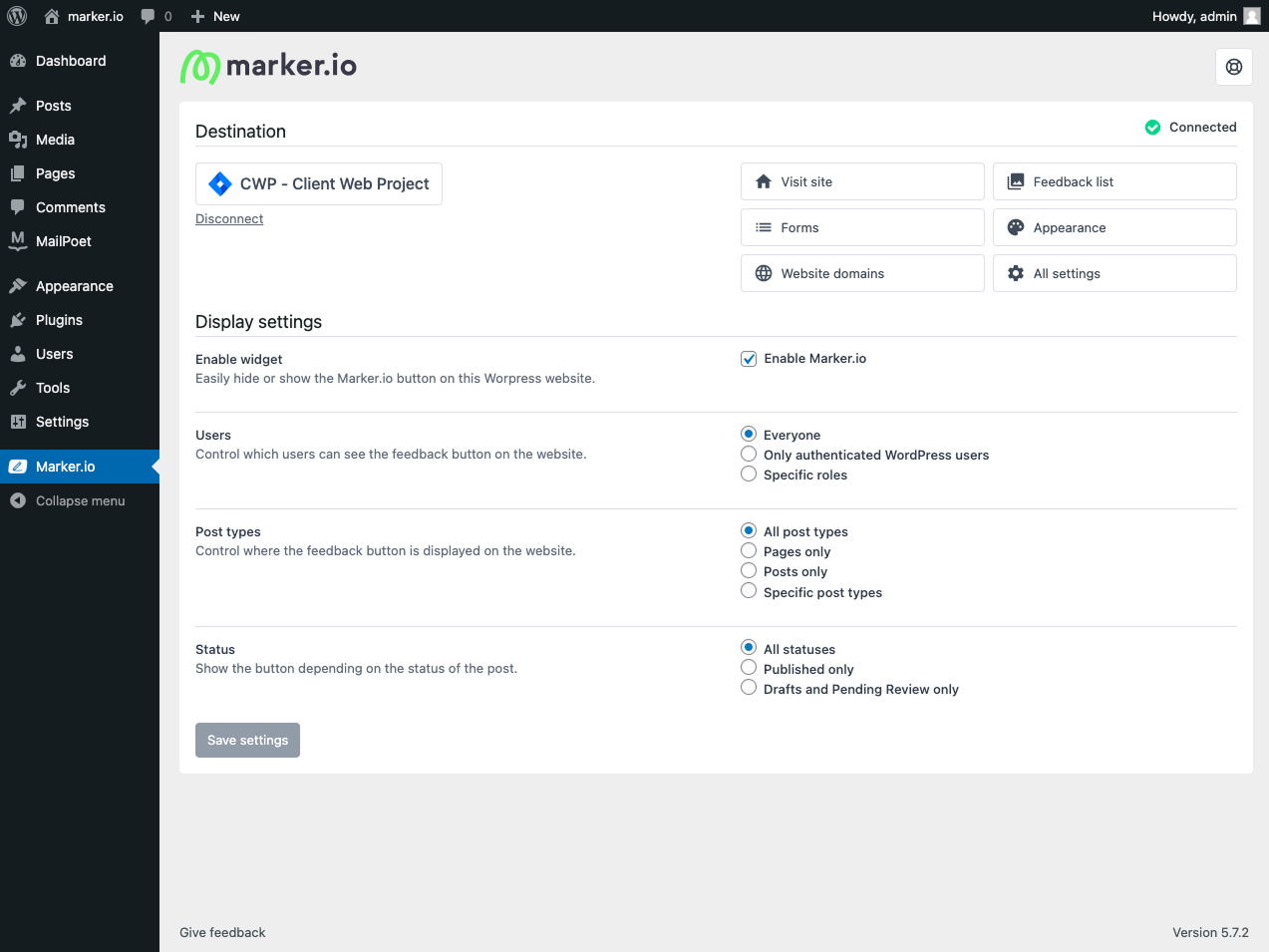
- No-code installation: Install the Marker.io website widget without having to manually embed a snippet code.
- WordPress users only: Activate the feedback widget for every website visitor or limit visibility only to users that are logged in to your WordPress site.
- Reporter email and name auto-fill: Your WordPress user email and name will be automatically populated when reporting issues.
- Feedback portal: Clients can access the feedback they previously reported directly in WordPress.
For more information on installation, you can read our guide here.
2-way sync with your favorite tool
Connect your WordPress site to your favorite bug tracking and project management tools such as:
- Asana
- Bitbucket
- ClickUp
- Github
- GitLab
- Jira
- Linear
- Monday.com
- Notion
- Shortcut
- Mou
- Teamwork
- Trello
- Wrike
What customers are saying
Marker.io is used by 1500+ product teams and digital agencies. Here is what they say:
“Clients used to send us emails, documents, spreadsheets and even PowerPoints for feedback. Now we just use Marker.io.” – Nathan Monk, Founder at Smile Agency
“Our developers can now see bugs through the reporters’ eyes, with no information getting lost.” – Monty Kosma, CTO at Darcy Partners
Start a free trial
Anyone can start a 15-day free trial, no credit card needed. You can start a free trial here.
Journal de modifications
1.2.2
- Support for WordPress 6.9
1.2.1
- Resolved an issue related to project connection functionality
1.2.0
- Compatibility updates
1.1.10
- Support for WordPress 6.6
1.1.9
- Mise à jour de sécurité
1.1.8
- Updating marketplace listing tags
Captures d'écran


Pour les développeurs
Est-ce votre plugin ? Montrez les chiffres.
Ajoutez un badge en direct à votre site, docs ou github readme. Il se met à jour par lui-même - aucun compte n'est nécessaire.
Best Marker.io alternatives
All bug-tracking plugins →





FAQ
Marker.io – Visual Website Feedback: quick answers
Réponses directes, extraites des données en direct WordPress.org.
Source : WordPress.org
Is Marker.io free?
Yes. Marker.io is free to download and use from the official WordPress.org plugin directory.
Is Marker.io safe to use in 2026?
Marker.io works, but test it on a staging site before relying on it in 2026. It runs on 4K+ sites, is rated 5/5 and was last updated 11 months ago, and scores 61/100 on our health check.
How many websites use Marker.io?
Marker.io is active on 4K+ WordPress websites and has been downloaded 305,524 times since it launched in June 2021. It was downloaded 8,107 times in the last 30 days.
Does Marker.io work with WordPress 7.1?
Marker.io is officially tested up to WordPress 6.9.12, while the latest release is 7.1.5. It may still work, but try it on a staging site first.
What PHP version does Marker.io need?
Marker.io requires PHP 5.6 or higher. Most hosts run PHP 8.x today, so it works on any modern WordPress hosting.
When was Marker.io last updated?
The latest version, 1.2.2, was released on December 18, 2025 (11 months ago).
Who makes Marker.io?
Marker.io is developed and maintained by Marker.io.
What are the best alternatives to Marker.io?
The most popular alternatives to Marker.io are BugHerd (2K+ installs), Userback (1K+ installs) and Feedbucket (1K+ installs).
Propulsé par PageForge
Un modèle et une feuille de calcul. Une vraie page pour chaque recherche.
PageForge transforme chaque ligne d'un CSV en une page WordPress avec son propre titre, URL, SEO et schéma, construit sur la mise en page que vous Déjà conçu. Gratuit sur WordPress.org.
- CSV et XLSX, plus Google Sheets sur les professionnels et les entreprises
- Son propre titre, URL, SEO champs et schéma pour chaque page
- Fonctionne avec l'éditeur de blocs, Elementor, Divi et Avada
- Gratuit sur WordPress.org, pas de carte de crédit