


Mail Mint – Email Marketing, Automatisation et WooCommerce E-mails avec AI Assistance
AI-powered email marketing automation plugin for WordPress & WooCommerce - capture leads, create campaigns, and automate workflows with AI assistance.

Choix
Yes — Mail Mint is a safe, well-maintained plugin to use in 2026. It runs on 4K+ sites, is rated 4.7/5 and was last updated 5 days ago, and scores 92/100 on our health check.
- Loved by users — 4.7/5 from 125 reviews
- Développé activement — Dernière mise à jour il y a 5 jours
- Testé avec le dernier WordPress (7.1)
Comment s'accumule-t-il ?
Côte à côte sur les installations, les mises à jour, les évaluations et le support


Téléchargements quotidiens
Les pics de téléchargement suivent généralement une nouvelle version - chaque site qui met à jour automatiquement compte comme un téléchargement.
Classements
Where Mail Mint stands todayWordPress.org Classements de recherche
Position en direct dans la recherche de plugins, Top 100| Mot-clé | Position |
|---|---|
| IA | #91 |
| #22 | |
| email automation | #8 |
| Email marketing | #13 |
| E-mails WooCommerce | #9 |
Adoption de version
Part de sites actifs par version.
Répartition des notes
★★★★★★★★★★ 4.7 from 125 reviews
About Mail Mint
From the official readme · v1.32.1Description
If you are looking to increase sales and repeat purchases using email marketing automation, then we introduce you to Mail Mint!
The self hosted, AI email marketing plugin for WordPress and WooCommerce stores.
✅ Capture unlimited leads & subscribers
✅ Run targeted email campaigns
✅ Automate lead nurturing
✅ Design and send newsletter emails
✅ Promote WooCommerce products via emails
✅ Set up Behavior-based automation workflows (Pro)
✅ Get everything done for you with AI assistance
Mail Mint is built to work seamlessly with WooCommerce and traditional WordPress sites without having to leave your dashboard.
Unlike SaaS email marketing tools, with Mail Mint, you get full ownership of data and scale up without growing fees or any tech-overwhelm.
No need to pay those hefty monthly fees or get tied to contact limits of SaaS tools.
In short, you get to increase customer interactions, run conversion-focused campaigns, and automate email follow-ups (Pro) easily without the unfair high costs.
Key Solutions You Get To Scale Your Growth
Self-Hosted, No Limits
All data and leads stay on your server and uses your default SMTP. So, you can collect unlimited leads and send unlimited emails with no cost on Mail Mint.
Easy Email Campaign Builder
Use a visual drag-and-drop email builder to design conversion-optimized emails easily.
Product Promotion On Emails
Get dedicated products block to display WooCommerce products on your email campaigns and get more sales.
Visual Email Automation Workflows
Set up email automation flows on based leads collection, order status (Pro) or customer behavior (Pro) to trigger more conversions.
Customize Default WooCommerce Emails
Update the boring default emails by WooCommerce upon order placement, completion, etc., using our visual email builder.
Learn more in the next section.
👉 Documentation | Video Tutorials
👉 Join our Facebook Community
👉 Check Out Our Public Roadmap
👥 Generate Leads 👤 Segment leads 📧 Send Email Campaigns ⚙️ Email Automation Workflows
🛒 Recover Abandoned Carts 🗞️ Weekly Newsletters 🎨 Customize WooCommerce Emails
Why Use Mail Mint?
Email marketing is one of the most effective ways to drive sales and retain customers.
So you need a reliable email marketing solution: quality lead generation, good email campaigns, email automation.
But most solutions are incomplete. You need multiple tools pull it off.
Mail Mint let’s you do all of that.. No extra plugins needed!
-
For starters, the plugin has its lead form builder, which allow you to collect leads from anywhere on your website.
-
You can segment your leads and organize them to run targeted email marketing campaigns.
Moreover, it has direct integration with
– WordPress ✅
– WooCommerce (Pro) ✅, and
– Easy Digital Downloads (Pro) ✅
– and several other WordPress plugins.
So, you get lead management, email campaigns, and automation workflows, all in a single tool.
Plus, you may combine Mail Mint with WPFunnels, the easiest funnel builder in WordPress, to plan and craft funnel journeys for WooCommerce, including custom checkout, order bump and upsell offers, and email automation flows, on a single visual canvas.
No more juggling multiple tools!
A complete solution for your customer journey – lead gen, conversion & sales funnels, email marketing and automation, customer retention.
Achieve 3x more results with less time and effort.
Everything You Need To Make Email Marketing Automation Effortless
Mail Mint is your go-to WordPress email marketing plugin, packed with features to help you collect leads, promote products, run email campaigns, send newsletters, and set up email automation, without losing focus.
👉 Easy Contact Management In WordPress
Mail Mint comes with an easy UI to manage leads for effective email campaigns, newsletters, and email automation.
- Unlimited contacts/leads
- Add contacts manually
- Bulk upload leads using CSV
- Paste contact data
- Create tags, lists.
Import as contacts
* WordPress users
* WooCommerce customers
* Easy Digital Downloads customers
* Existing Mailchimp Contacts
You may also segment your leads (Pro) for targeted email marketing based on their attributes or data such as gender, location, etc.
Additionally, you get a full 360-degree contact view (Pro) to manage contact details and track interaction history, helping you build customer relationships via lightweight CRM functionality inside WordPress.
Learn More about Mail Mint’s Contact Management
👉 Email Marketing Campaigns
Once you have leads, you can run email marketing campaigns to interact with your contacts.
- Regular Email Campaigns
- Scheduled Email Campaigns
- Email Sequences (with automated time delays) (Pro)
- Weekly Newsletters
- Recurring Campaigns (Daily, Weekly, Monthly)
- Post Notification Emails
- Product Launch Emails
- Follow-up Emails
- Event Invitation Emails
- Lead Nurturing Emails
- Upsell and Cross-sell email campaigns
- Post-Purchase Email Campaigns
… and many more.
Whether you are a WooCommerce store owner, blogger, or funnel agency, Mail Mint help you run effective email marketing campaigns for lead nurturing or promotional offers.
You will get niche-specific email templates, or use AI-powered assistance to create email campaigns, newsletters, email automation workflows, abandoned cart recovery campaigns, etc., in just a few minutes.
Learn More about Mail Mint’s Email Campaigns
👉 Visual Drag And Drop Email Builder
You will love the drag and drop email builder to design your emails in Mail Mint.
- Drag and drop blocks
- Full control over design and layout
- Pre-made email templates
- Custom social icons block
- WooCommerce Product Details block
- Posts block (Recent/specific articles) (Pro)
- Merge tags for dynamic data and personalization.
Watch the visual email builder in action:
You may also use a classic editor or plain text editor instead.
👉 Self-Hosted and GDPR-Ready
Mail Mint runs entirely inside your WordPress installation. So all contacts and campaign data stay on your own server’s database, not on a third-party platform.
And it comes with GDPR compliance features:
* Double opt-in email confirmation
* Unsubscribe and email preference links
* IP anonymization
* Privacy checkbox on forms
👉 Simplified Email Automation Workflows
Mail Mint comes with a powerful visual automation workflow builder.
Automate email marketing and lead management for several triggers to reduce effort while getting more results from your campaigns.
- Visual automation workflow builder
- Pre-built automation recipes
- Automation triggers for WordPress
- Behavior and action-based triggers for WooCommerce (Pro)
- Automation workflows based on user activity
- 15+ Actions to create the workflow (Free + Pro)
- Conditional flows (Pro) based on open rate, link clicks, contact details, segmentation, etc.
… and many more.
Watch Mail Mint’s Automation Workflows in action:
👉Core Mail Mint Automation Triggers
– Form submitted – triggered when a Mail Mint form is submitted.
– Added To/Removed From List (Pro) – triggered when a contact is added/removed from specific lists.
– Tag Assigned/Removed (Pro) – triggered when a contact is added/removed from specific tags.
👉WordPress Email Automation Triggers
– New User Registration
– User Login
– Post Notification (Pro)
👉WooCommerce Email Automation Triggers (Pro)
– First Order In Store
– 5 Triggers Based on Orders – new orders, orders completed, changes in order status, and failed orders.
– Product Review Received
– Customer Win Back – automation to reach out to customers with no orders for a while.
– Price Dropped – triggered when you reduce prices of selected products.
👉Other Integrated Automation Triggers
You can use email marketing automation for several other plugins that Mail Mint integrates with, including:
– Easy Digital Downloads
– Gravity Form
– Jet Form Builder
– Fluent Forms
– Contact Form 7
– Elementor Form
– LearnDash
– MemberPress
– Tutor LMS
– Pabbly Connect
For any trigger, you can create automation workflows using the necessary actions below:
- Send An Email
- Set Time Delay
- Create Contact
- Assign Tag(s)
- Add To List(s)
- Remove Tag(s) (Pro)
- Remove From List(s) (Pro)
- Send Email Sequence (Pro)
- Stop Automation (Pro)
- Outgoing Webhook (Pro)
- Create Automated Coupon (Pro)
- Delete Coupon (Pro)
- If/Else for conditions (Pro)
Whether it’s creating the welcome email, onboarding process, running drip campaigns, or organizing email automation flows to manage leads, Mail Mint simplifies it all.
Learn More about Mail Mint’s Email Automation Workflows
👉 Custom Lead Forms To Capture Emails
Mail Mint has its own lead form builder to collect leads from anywhere on your website. You can use segmentation and send targeted email campaigns to get more results.
- Visual Form Builder (using Gutenberg)
- 10+ Lead Form Templates
- Form Types: Embedded, Pop-up, Fly In, Notification Bar
- Design Control & Animations
- Appearance Time Delay
Very convenient to collect leads and promote more products or to build customer rapport for repeat purchases.
Watch how the Lead Form Builder Works:
👉 Mail Mint + WPFunnels For Free Lead Generation
You may use WPFunnnels with Mail Mint to create lead generation funnels easily!
See how Darrel Wilson created a free lead generation funnel using WPFunnels and Mail Mint:
Plus, you can directly use Mail Mint forms on your funnel landing page through WPFunnels opt-in widget.
Learn how to create a free lead generation funnel in WordPress.
**👉 WPFunnels Integration For Marketing Funnel Automation [Pro] **
If you use WPFunnels and Mail Mint together, you can set up email automation workflows based on user actions in different stages of your funnel journey!
- Create a funnel in WPFunnels
- Define conditions
- Set up email automation workflows within the funnel building platform
It will help you use personalized email marketing for your buyers within your funnels and increase conversions.
You may create email marketing automation for
* Lead generation funnels
* Launch funnels
* Sales funnels
* Affiliate funnels
* Funnel cart abandonment recovery
or any other funnel of your choice.
👉 WooCommerce Abandoned Cart Recovery [Pro]
Mail Mint is a powerful plugin for WooCommerce cart abandonment recovery to win back lost sales on autopilot.
- Automatic abandoned cart tracking
- Cart details for abandoned customers
- Automation workflow for when cart is abandoned, lost, or recovered
- Cart block for abandoned products in email
- Auto-coupons for easier recovery
Learn more about Abandoned Cart Recovery Automation
👉 Recurring Email Campaign [Pro]
You can set up recurring email campaigns or newsletter automation.
When you collect leads, it is important to keep them nurtured and engaged via emails.
With Mail Mint, you can set up automatic recurring email campaigns to be sent every week, month, or specific days of the week.
You may send the latest posts, offer courses, send newsletters, or send monthly digests to subscribers automatically.
So, besides being a email marketing tool, Mail Mint is also a reliable WordPress newsletter plugin.
👉 Detailed Email Analytics
For every activity within Mail Mint, you get real-time analytics to make data-driven decisions and optimize email campaigns.
– Leads Growth Rate
– Email Open Rate
– Click Rate
– Bounce Rate
– Unsubscribe Rate
– Form Entries
– Performance over time
– Lead engagement
More insight to fine-tune your strategy.
👉 AI Email Assistant To Create Complete Email Campaigns & Automation Workflows
When you use Mail Mint’s AI Email Assistant (or as we call it, AI Email Engine), you no longer need to manually create an email campaign or automation workflow.
You can command what you want, and the plugin will build everything for you. All you need to do is review. Here’s what AI will do for you:
- Complete email campaign with subject line, preview text, design, and copy.
- Set up full email automation workflows with necessary triggers, emails, delays, etc.
- Analyze campaign performance and get suggestions to improve results.
You can BYOK with ChatGPT, Claude, Gemini, or any AI model connected via WordPress AI Connector, or connect Mail Mint to your AI platform through an MCP server to execute instructions directly in Mail Mint.
Learn more about Mail Mint’s AI Email Engine
👉 Customize WooCommerce Transactional Emails
Edit and customize the default WooCommerce Transactional Emails (order confirmation, receipts, etc.) via Mail Mint to make them more engaging and brand-optimized.
- Text Editor to customize WooCommerce emails
- Visual drag and drop builder to customize WooCommerce emails (Pro)
All Mail Mint Features For Email Marketers
Email Campaigns
- Regular Email Campaigns
- Email Sequences (Pro)
- Pre-made Email Templates
- AI Email Writing (via ChatGPT, Gemini, Claude)
- Drag and drop Email Builder
- Layout, Typography, & Color Customization
- Classic Text Editor
- Plain Text Editor
- Recurring Email Campaigns / Newsletter Automation (Pro)
- Post Block In Emails (Pro)
- Campaign & Engagement Analytics (Free + Pro)
WooCommerce-Specific Features
- Customize Default WooCommerce Emails
- Import WooCommerce Customers as contacts
- Subscription checkbox during WooCommerce checkout
- Product Details Block In Emails
- 4 Automation Recipes for WooCommerce
- Order Specific Automation Triggers (First Order, New Order, Product Order, Order Completed, Order Status, Order Failed) (Pro)
- More Automation Triggers (Review Received, Win Back Campaign, Price Drop / On Sale Notification) (Pro)
- Abandoned Cart Recovery (Cart Tracking, Automated Email Follow Ups, Reports & Analytics) (Pro)
Contact Management
- Unlimited leads or contacts/subscribers
- Unlimited Lists and Tags
- Dynamic Segmentation (Pro)
- Import contacts
- Double Opt-in Email Confirmation
- AI Analysis For Contact Details
… and more.
Automation Workflows
- Visual Automation Workflow Builder
- AI Email Automation Generation
- Automation Triggers (Form Submission, WordPress, etc.)
- Post Notification Triggers (Pro)
- Automation Triggers Pabbly Connect, 4+ Form Builders & 3+ LMS Tools (Pro)
- 8+ Actions After Trigger
- GDPR Compliance Features
… and more.
Lead Capture
- Lead Capture Form
- Modèles de formulaires prédéfinis
- Admin Notification
- Lead Capture from WPFunnels Opt-in Form
… and more.
Other Features
- Lead Magnets Management (Pro)
- Link Triggers (Pro)
- Email Automation on WPFunnels Visual Canvas (Pro)
Here’s a list of All Mail Mint Features
Join Our Facebook Community
Connect with thousands of WooCommerce store owners growing their business with email marketing automation.
Politique de confidentialité
If you opt in to usage tracking, we collect telemetry via PostHog to improve performance and troubleshoot issues.
What Data is Collected?
Only with your consent:
- System Info: WordPress version, PHP version, and active theme/plugin names.
- Plugin Details: Mail Mint version and non-sensitive configuration settings.
- Usage Patterns: Feature usage and in-plugin page views.
- Contact: Site admin email address.
Request Data Removal
Revoke consent anytime. To delete past data, email support@getwpfunnels.com
Installation
- Upload Mail Mint to the
/wp-content/plugins/directory - Activate it through the ‘Plugins’ menu in WordPress
- Follow the setup wizard.
Journal de modifications
1.32.1 (2026-11-25)
- New: Segment contacts by their Easy Digital Downloads purchases, including specific downloads, price options, categories, tags and order totals. (Pro)
- Fix: Security issue where abandoned cart data could be changed through cross-site requests.
1.32.0 (2026-11-19)
- Fix: Security issue where form and opt-in confirmation shortcodes could run injected scripts.
- Fix: reCAPTCHA token no longer shows up in form admin notification emails or gets saved to contact data.
1.31.9 (2026-11-18)
- New: Redesigned setup wizard that gets business details, email sending and AI connection ready before your first campaign.
- New: Getting Started page with a step-by-step checklist to track your setup progress.
- New: Mail Mint now flags sending problems like a missing SMTP or off-domain sender, with a quick fix link for each.
- New: Resume the setup wizard any time from the dashboard, WordPress dashboard or Tools & Utilities settings.
- New: WordPress dashboard reminders for draft campaigns, draft automations, empty contact lists and abandoned cart recovery.
- Improvement: Setup wizard shows a live preview of your email while you configure it.
- Fix: Import Contacts no longer opens with CSV upload preselected.
1.31.8 (2026-11-04)
- New: Test an automation from the trigger settings with an existing or new contact, with the option to skip delays.
- New: Stop, resume or restart a contact’s automation run from the automation report.
- New: Send SMS through Vonage from automations with the new Send Vonage SMS step. (Pro)
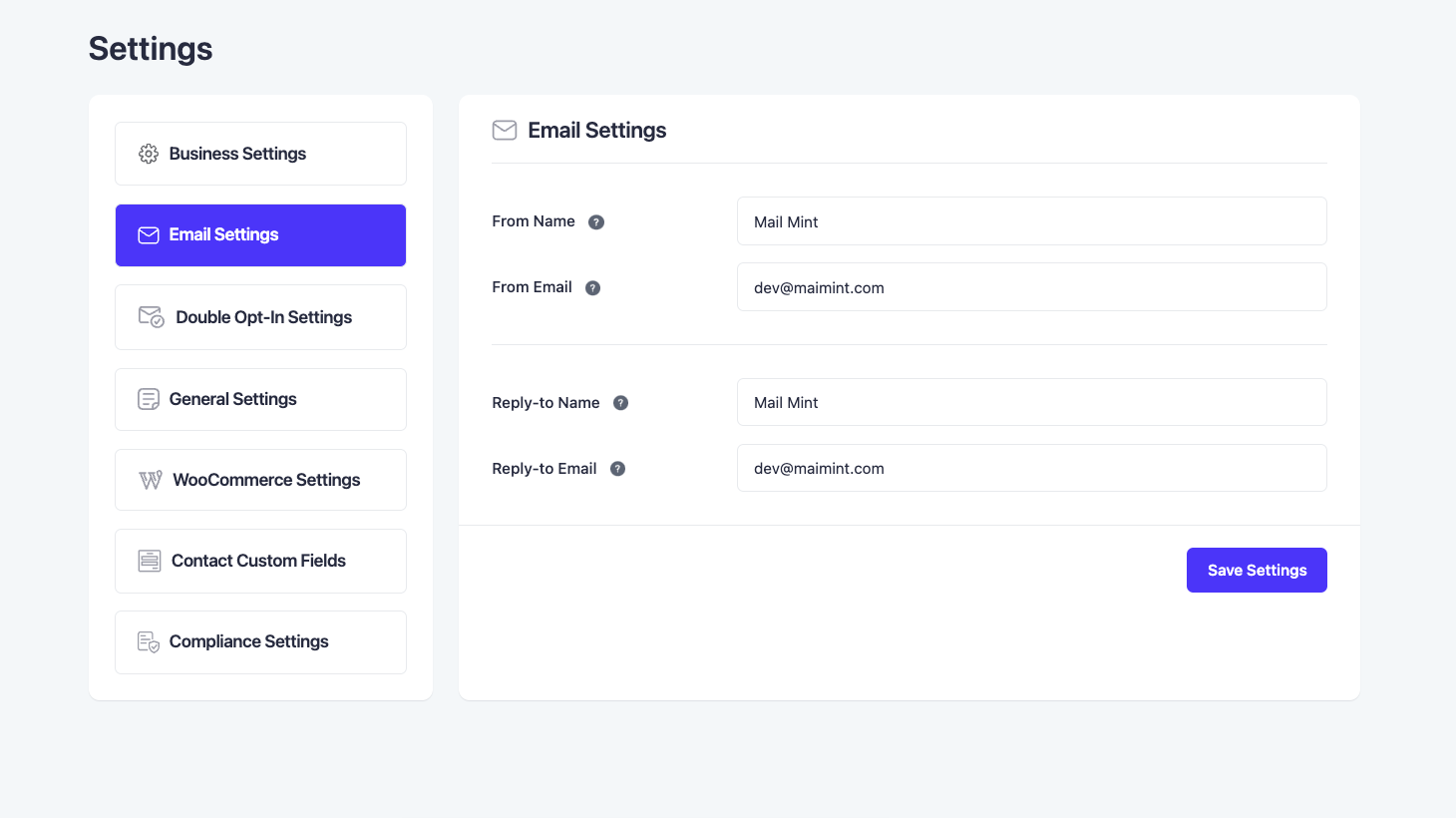
- New: Email Settings now warns about setup problems that stop emails from sending.
- Improvement: Refresh automation step stats on the canvas without reloading the page.
- Improvement: Pasting into the email editor no longer brings in unwanted inline styles.
- Fix: Contact counts, pagination and export now respect the applied advanced filter.
- Fix: Test emails now report whether they were actually sent.
- Fix: Failed emails now keep and show the real error message.
- Fix: Emails stuck in “sending” are now marked as failed instead of sent.
- Fix: Forms now show the correct message when a signup succeeds or fails.
- Fix: Emails failing to send on WordPress versions below 6.8 without Mail Mint Pro.
1.31.7 (2026-10-26)
- New: Send Telegram messages from automations with the new Send Telegram Message step. (Pro)
- New: Send WhatsApp messages from automations through the WhatsApp Cloud API. (Pro)
- Improvement: Contact emails tab now shows the actual time each email was sent.
- Improvement: Automation analytics emails tab now shows when each email was last sent.
- Improvement: Cleaner settings layout for the Send Message automation step.
- Fix: Product, post and coupon blocks no longer save empty in the email builder.
- Fix: Three-column product layout no longer breaks the email layout.
1.31.6 (2026-10-15)
- Improvement: UX Improvement on the Dashboard
Captures d'écran



Pour les développeurs
Est-ce votre plugin ? Montrez les chiffres.
Ajoutez un badge en direct à votre site, docs ou github readme. Il se met à jour par lui-même - aucun compte n'est nécessaire.
Best Mail Mint alternatives
Tous les plugins d'IA →





FAQ
Mail Mint: quick answers
Réponses directes, extraites des données en direct WordPress.org.
Source : WordPress.org
Is Mail Mint free?
Yes. Mail Mint is free to download and use from the official WordPress.org plugin directory.
Is Mail Mint safe to use in 2026?
Yes — Mail Mint is a safe, well-maintained plugin to use in 2026. It runs on 4K+ sites, is rated 4.7/5 and was last updated 5 days ago, and scores 92/100 on our health check.
How many websites use Mail Mint?
Mail Mint is active on 4K+ WordPress websites and has been downloaded 459,041 times since it launched in February 2023. It was downloaded 12,830 times in the last 30 days.
Does Mail Mint work with WordPress 7.1?
Yes. The developer has tested Mail Mint up to WordPress 7.1.5, the latest release. It requires WordPress 5.8 or newer.
What PHP version does Mail Mint need?
Mail Mint requires PHP 7.4 or higher. Most hosts run PHP 8.x today, so it works on any modern WordPress hosting.
When was Mail Mint last updated?
The latest version, 1.32.1, was released on November 25, 2026 (5 days ago).
Who makes Mail Mint?
Mail Mint is developed and maintained by WPFunnels.
What are the best alternatives to Mail Mint?
The most popular alternatives to Mail Mint are Elementor Agent Ready Websi… (10M+ installs), Jetpack (3M+ installs) and All in One SEO (2M+ installs).
Propulsé par PageForge
Un modèle et une feuille de calcul. Une vraie page pour chaque recherche.
PageForge transforme chaque ligne d'un CSV en une page WordPress avec son propre titre, URL, SEO et schéma, construit sur la mise en page que vous Déjà conçu. Gratuit sur WordPress.org.
- CSV et XLSX, plus Google Sheets sur les professionnels et les entreprises
- Son propre titre, URL, SEO champs et schéma pour chaque page
- Fonctionne avec l'éditeur de blocs, Elementor, Divi et Avada
- Gratuit sur WordPress.org, pas de carte de crédit