


Calculator Builder – Create an Online Calculator
A powerful and user-friendly tool for building custom online calculators.

Choix solide
Calculator Builder is a solid plugin choice in 2026, with a few things worth checking first. It runs on 1K+ sites, is rated 4.7/5 and was last updated 3 months ago, and scores 66/100 on our health check.
- Testé avec le dernier WordPress (7.1)
- Momentum — downloads up 56.5% vs the previous 30 days
Comment s'accumule-t-il ?
Côte à côte sur les installations, les mises à jour, les évaluations et le support


Téléchargements quotidiens
Les pics de téléchargement suivent généralement une nouvelle version - chaque site qui met à jour automatiquement compte comme un téléchargement.
Classements
Where Calculator Builder stands todayWordPress.org Classements de recherche
Position en direct dans la recherche de plugins, Top 100| Mot-clé | Position |
|---|---|
| calculate | #19 |
| calculator | #15 |
| calculator maker | #4 |
| calculator-builder | #5 |
| online calculator | #1 |
Adoption de version
Part de sites actifs par version.
Répartition des notes
★★★★★★★★★★ 4.7 from 18 reviews
About Calculator Builder
À partir du Lisezmoi officiel · v1.6.3Description
Introducing the Calculator Builder WordPress plugin – the ultimate WordPress plugin that allows you to create online calculators for any calculation. You can also add style to your calculator and customize it the way you want. Calculator Builder is a great plugin to have awesome and easy-to-use calculators. It has powerful tools to create an intuitive calculator and to use them for different purposes. Display any type of calculator on your website to make it more engaging and user-friendly, such as health and financial ones. The Calculator Builder plugin provides you with elements such as checkboxes, radio buttons, numbers, and dropdowns. It has an amazing set of features that will help you create the online calculator you want very quickly and effectively.
Principales caractéristiques
- Intuitive interface – the Calculator Builder plugin has a very intuitive interface and is very engaging. You can create a calculator that perfectly matches your website design, and is highly customizable.
- Easy to use – another important feature of the Calculator Builder WordPress plugin is that it is super easy to use. With its well-designed interface and structure, you can easily understand how to create calculators even if you are not a developer and don’t have coding skills. However, complex calculators will still require JavaScript skills.
- Unlimited items to use for calculators – Calculator Builder provides you with unlimited items to include in your individual calculator. This is also a great feature as not many calculator builders provide you with lots of items.
- User-friendly – Sometimes different types of calculators can look confusing, for instance, Financial Calculators. can look confusing. Many users pay attention to the user-friendly aspect of calculators. The Calculator Builder plugin provides you with a great user experience as it is made to make the calculation process easier and quicker.
- Highly customizable – CalcHub extension helps you to easily design the calculator the way you want. This will help you to brand your website by making the calculator an inseparable part of it.
- Live builder – Լive builder allows you to see the calculator created. This will save you time during the process of creation.
- Usage of Vanilla JS: without using the jQuery library
- Export/Import tool – Calculator Builder allows you to export and import calculator data
- Field types such as “Title”, “Separator”, “Spacer”, “Textarea”, and “Input”
Cas d'utilisation
1 Finance calculators
Do you write a blog? Own a car dealership? Or are otherwise involved in financial services? Then you should consider adding the Calculator Builder plugin to your website which will easily carry out financial calculations and ease the processes concerning any aspect of your finances.
You can do the following types of financial calculations:
- Mortgage Calculator
- Credit card minimum payment
- Loan amount
- Interest rate
- Loan monthly payment
- And more!
2 Health calculators
Do you own sports, diet, or health websites? Are you involved in health-related services? If yes, then you should start using the Calculator Builder WordPress plugin as a health-related calculator to make your work easier.
Examples online calculators
Éléments
The calculator elements of WordPress Calculator Builder include the following:
- Radio Button
- Dropdown
- Checkbox
- Numéro
- Textarea
- Date
- Temps
- Gamme
Field Types
Number – a control used for numbers. When supported, it shows a spinner and applies to default validation. Some devices with dynamic keypads show a numeric keypad.
Select – the select element depicts a control with a menu of choices
Radio – set the title and select a single value from multiple choices with the same name value –
Checkbox – select single values
Number and Select – insert Number and Select fields, set the title, choose the addon and write the preferred value
Buttons – write the title, and then set the “Calculate” and “Reset” buttons
Result – set the field containing the outcome. It is a read-only field.
Title – set the title without fields. You can control size and wight of the font;
Separator – add the separator to the calculator form as a line
Spacer – add space between fieldset
Textarea – add textarea to the form
Input – you can use the next type of the field: Text, Email, Date, DateTime, Month, Time, Week
Range – a slider or dial control.
Formules
Comparison and Conditional Formula – if(){}, else , if(){}, Else{}, >=, <=, ==, &&, ||
Math Static Properties – Math.E, Math.LN2, Math.LN10, Math.LOG2E, Math.LOG10E, Math.PI, Math.SQRT1_2, Math.SQRT2
Math Static Methods – Math.pow(), Math.sqrt(), Math.ceil(), Math.round(), Math.random(), Math.max(), Math.min(), Math.log(), Math.abs(), Math.acos(), Math.asin(), Math.atan(), Math.atan2(), Math.cos(), Math.exp(), Math.sin(), Math.tan(), Math.trunc()
Vidéo
How to Get Started with the WordPress Calculator Builder plugin
PRO Features
- Customize the calculator for each individual calculator.
- Add the button likes and calculation counter to your calculators and you’ll be able to track it easily.
- Easily add an online calculator print button as well as a copy URL button.
- Integration WordPress plugin Contact Form 7 with Calculator Builder. Easily send the calculator result by email.
Find your Bundle of the Calculators
EQUATION / FORMULA
To calculate the result, you must use the variables in the Formula field
- Variable x[] – the variable is used for the field that takes part in the calculation
-
Variable y[] – variable for displaying the result
y[1] = x[1] + x[2];
y[1] = x[1] – x[2];
y[1] = x[1] * x[2];
y[1] = x[1] / x[2];
Formula with additional variables
You can use the additional variables in the formula field for to facilitate writing the formula and displaying the result.
For Example, Formula Monthly payment for Loan:
let r = x[2] / 1200;
let A = x[1];
let N = x[3];

let result = ( r * A ) / ( 1 - Math.pow((1+r), -N));
y[1] = roundVal(result, 2);
roundVal(val, decimals) – function for rounding a number. The first parameter (val) is the number to be rounded, and the second parameter (decimals) is the number of numbers after the decimal point.
Conditional formula
You can use complex structures to calculate the results.
the ability to use the following comparison operators:
- < less
- > more
- == equal
For Example:
if( x[1] < 100 ) {
    y[1] = x[2] * 2;
} else if ( x[1] < 200 ) {
    y[1] = x[2] * 3;
} else {
    y[1] = x[2] * 4;
}
Soutien
If you have any questions concerning the plugin ask us at the WordPress forum.
Installation
Option 1
* Go to the WordPress dashboard
* Click “Add New” in the “Plugins” section
* Type the plugin name ‘Calculator Builder’ in the search line
* Find the plugin and activate
Option 2
* Download the ZIP file of the Calculator Builder
* Go to the “Plugins” section of the WordPress dashboard
* Upload the ZIP file
* Activate the “Calculator Builder” Plugin
* Build the calculator
* Click save
* Copy and Paste the shortcode of the calculator where you want it to be
* If you want it to appear everywhere on your site, you can insert it for example in your header.php, like this: <?php echo do_shortcode('[Calculator id=1]');?>
Journal de modifications
1.6.3
- Fixed: minor bug with include pages
1.6.2
- Fixed: main icon in the admin menu.
- Fixed: minor bugs
- Update: translate file
1.6.1
- Fixed: minor bug with saving the calculator
1.6
- Added: Add the field ‘Time with seconds’
- Added: Value to the field ‘Range’
1.5.6
- Fixed: problem with create the table in database.
1.5.5
- Fixed: don’t uncheck the option ‘Calculate when the parameters are changed’
Captures d'écran
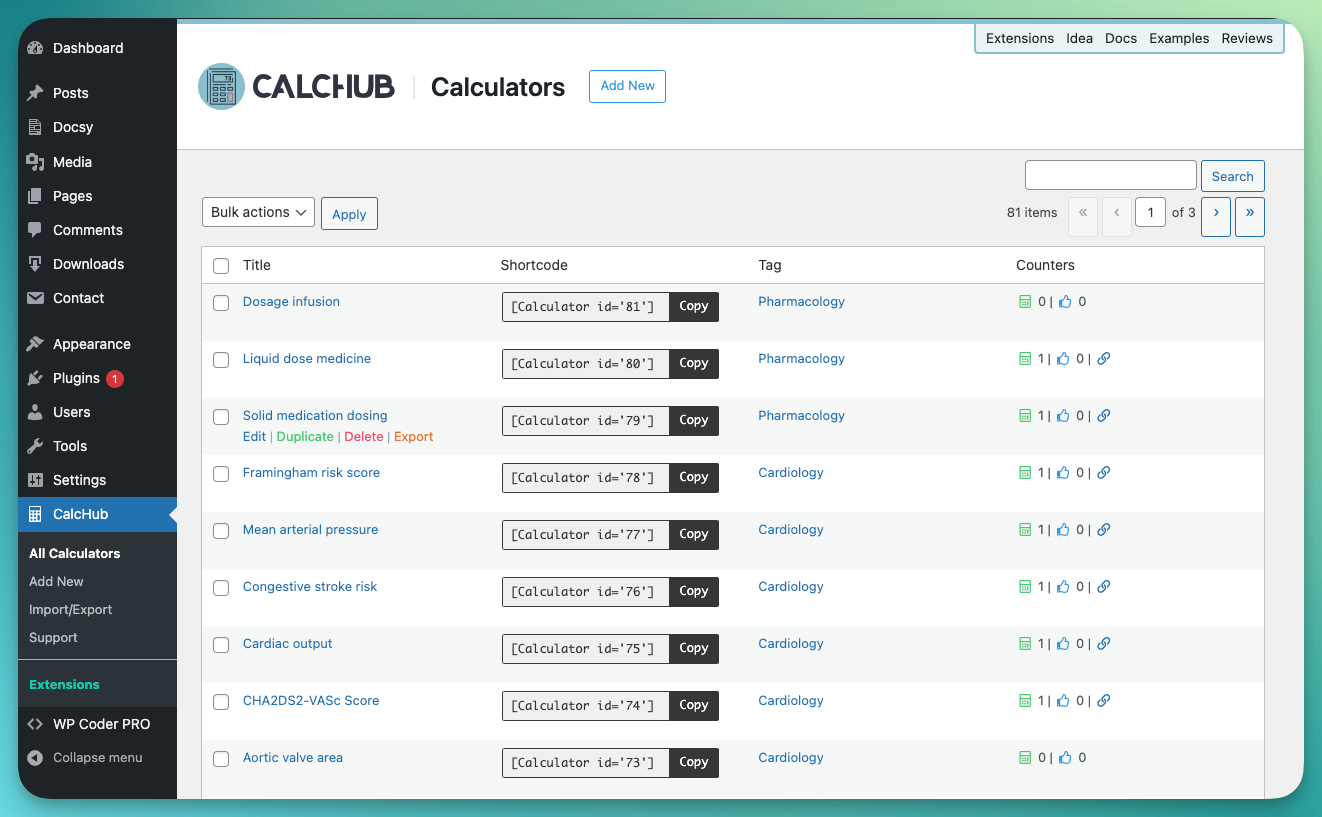
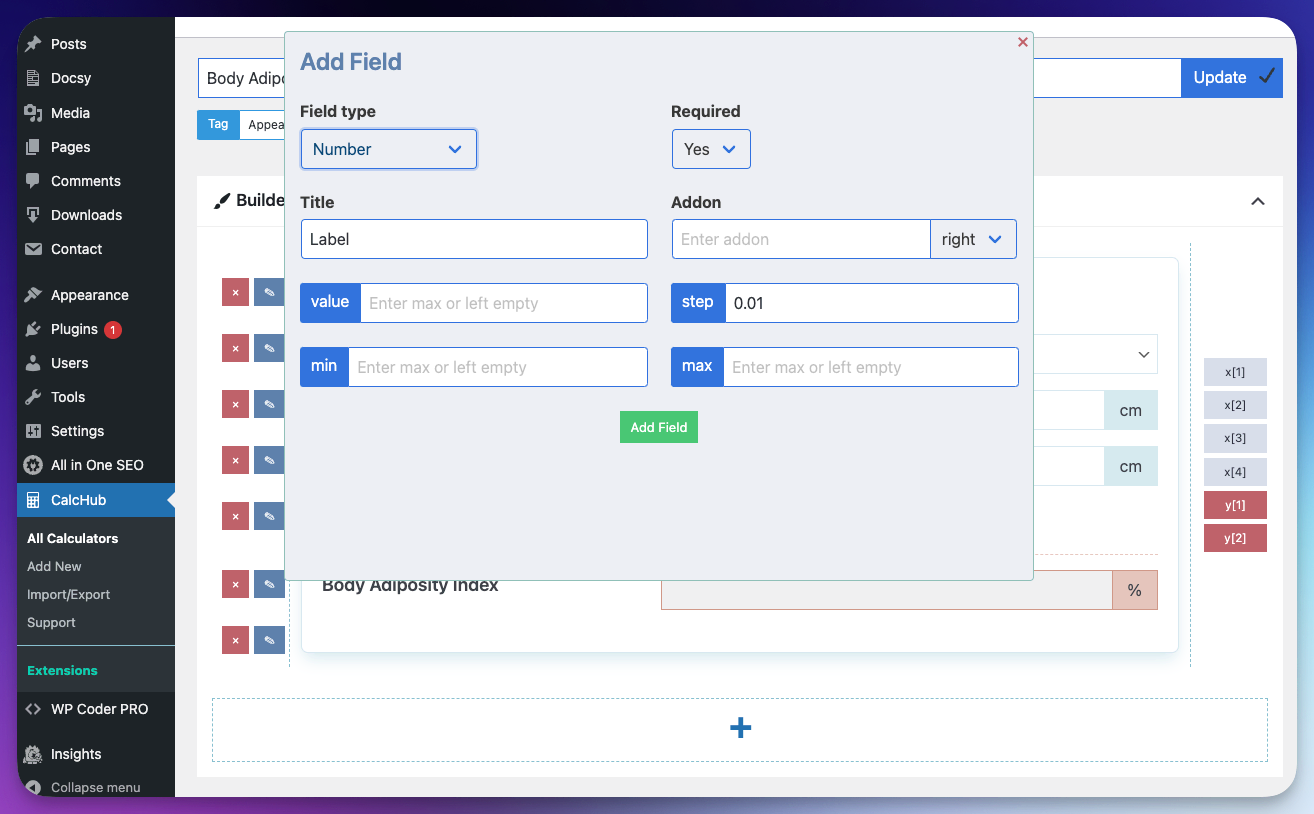
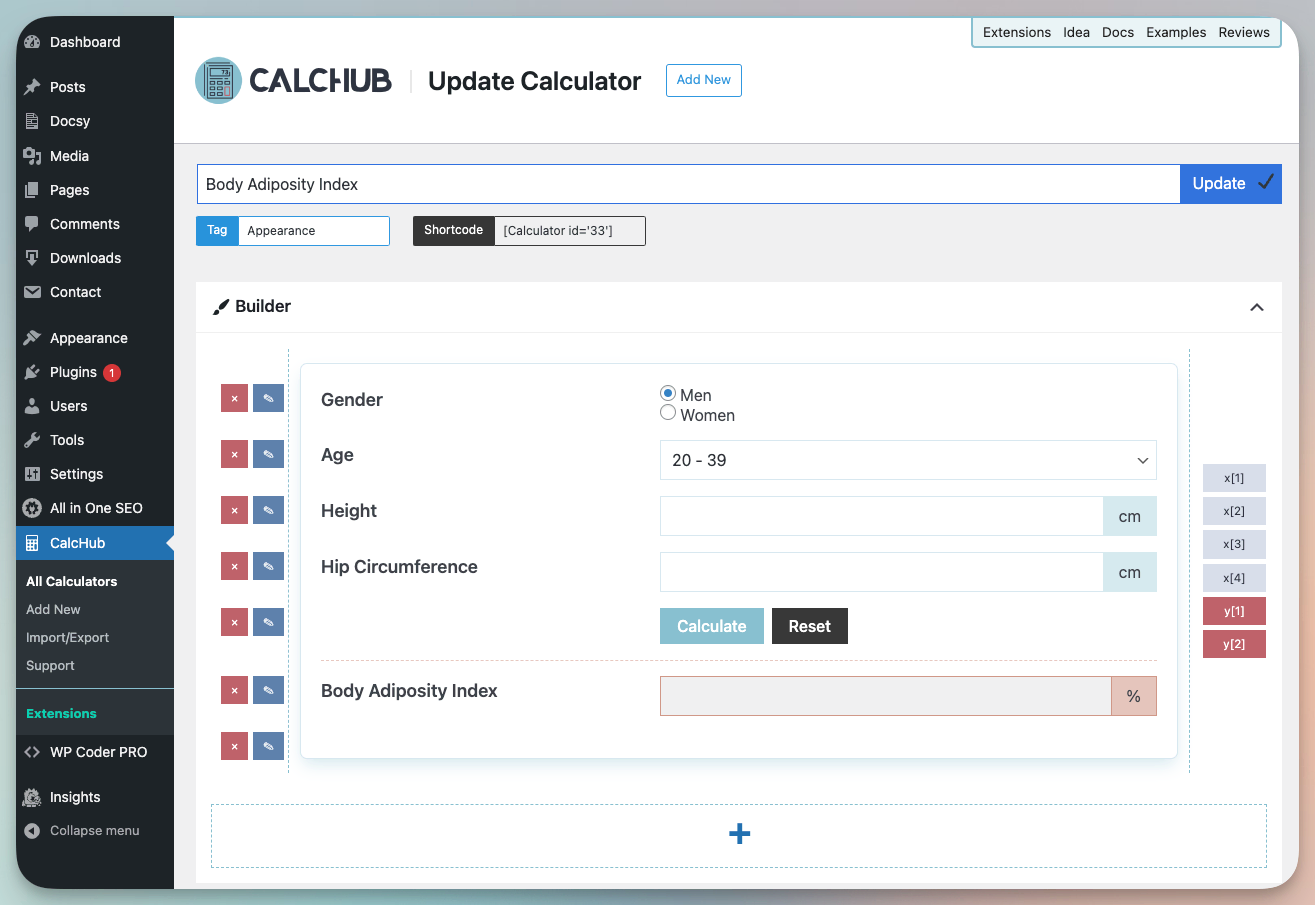

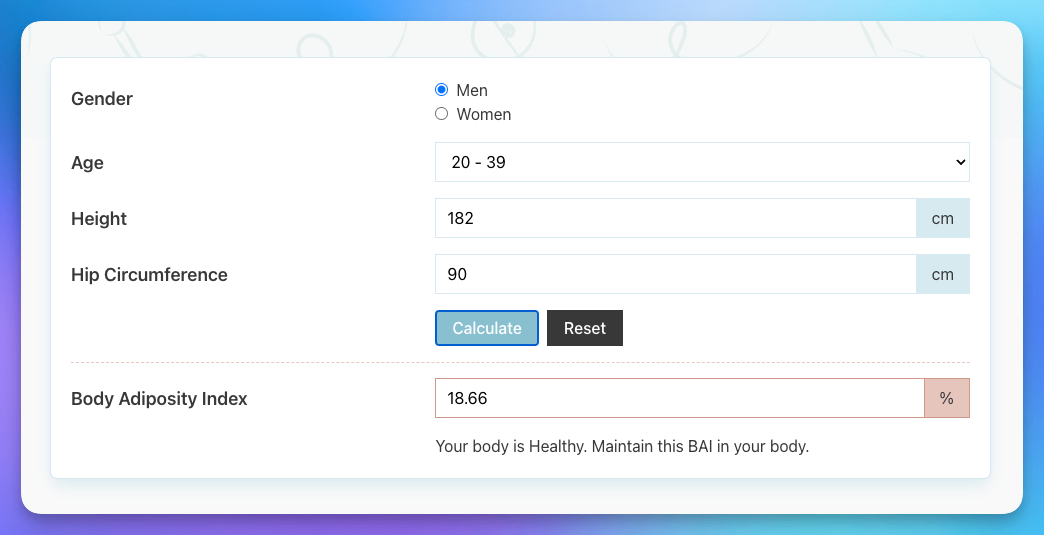
Pour les développeurs
Est-ce votre plugin ? Montrez les chiffres.
Ajoutez un badge en direct à votre site, docs ou github readme. Il se met à jour par lui-même - aucun compte n'est nécessaire.
Best Calculator Builder alternatives
All calculate plugins →FAQ
Calculator Builder: quick answers
Réponses directes, extraites des données en direct WordPress.org.
Source : WordPress.org
Is Calculator Builder free?
Yes. Calculator Builder is free to download and use from the official WordPress.org plugin directory.
Is Calculator Builder safe to use in 2026?
Calculator Builder is a solid plugin choice in 2026, with a few things worth checking first. It runs on 1K+ sites, is rated 4.7/5 and was last updated 3 months ago, and scores 66/100 on our health check.
How many websites use Calculator Builder?
Calculator Builder is active on 1K+ WordPress websites and has been downloaded 36,144 times since it launched in July 2021. It was downloaded 629 times in the last 30 days.
Does Calculator Builder work with WordPress 7.1?
Yes. The developer has tested Calculator Builder up to WordPress 7.1.5, the latest release. It requires WordPress 5.0 or newer.
What PHP version does Calculator Builder need?
Calculator Builder requires PHP 7.4 or higher. Most hosts run PHP 8.x today, so it works on any modern WordPress hosting.
When was Calculator Builder last updated?
The latest version, 1.6.3, was released on August 25, 2026 (3 months ago).
Who makes Calculator Builder?
Calculator Builder is developed and maintained by Wow-Company.
What are the best alternatives to Calculator Builder?
The most popular alternatives to Calculator Builder are Tiny Yardage Calculator (300+ installs), Date Calculator (200+ installs) and Easy Calculator (50+ installs).
Propulsé par PageForge
Un modèle et une feuille de calcul. Une vraie page pour chaque recherche.
PageForge transforme chaque ligne d'un CSV en une page WordPress avec son propre titre, URL, SEO et schéma, construit sur la mise en page que vous Déjà conçu. Gratuit sur WordPress.org.
- CSV et XLSX, plus Google Sheets sur les professionnels et les entreprises
- Son propre titre, URL, SEO champs et schéma pour chaque page
- Fonctionne avec l'éditeur de blocs, Elementor, Divi et Avada
- Gratuit sur WordPress.org, pas de carte de crédit