


Bobr Analytics
Self-hosted website statistics without cookies: visits, sources, AI referrals, bots, geography and page speed in your own database.

Utiliser avec prudence
Bobr Analytics works, but test it on a staging site before relying on it in 2026. Was last updated 1 month ago, and scores 60/100 on our health check.
- Testé avec le dernier WordPress (7.1)
- Petite base d'utilisateurs (<10 installations actives)
- Très peu de critiques jusqu'à présent
Comment s'accumule-t-il ?
Côte à côte sur les installations, les mises à jour, les évaluations et le support


Téléchargements quotidiens
Les pics de téléchargement suivent généralement une nouvelle version - chaque site qui met à jour automatiquement compte comme un téléchargement.
Classements
Where Bobr Analytics stands todayWordPress.org Classements de recherche
Position en direct dans la recherche de plugins, Top 100| Mot-clé | Position |
|---|---|
| IA | >100 |
| analytique | >100 |
| cookieless | #97 |
| intimité | >100 |
| statistiques | >100 |
About Bobr Analytics
From the official readme · v1.3.0Description
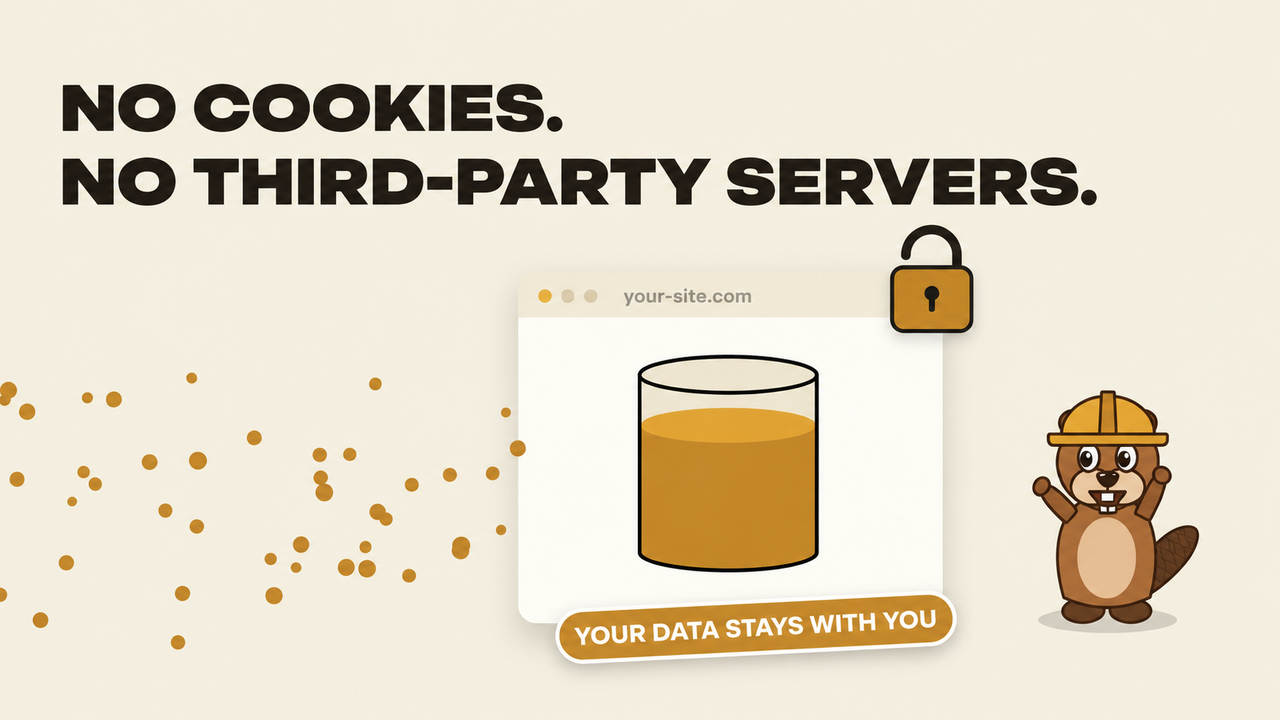
Bobr Analytics collects website statistics directly into your WordPress database. No cookies, no localStorage, no external analytics service. If a big analytics provider goes down, your statistics keep working as long as your site does.
It works next to Google Analytics or any other counter and does not touch them.
A tour of the dashboard
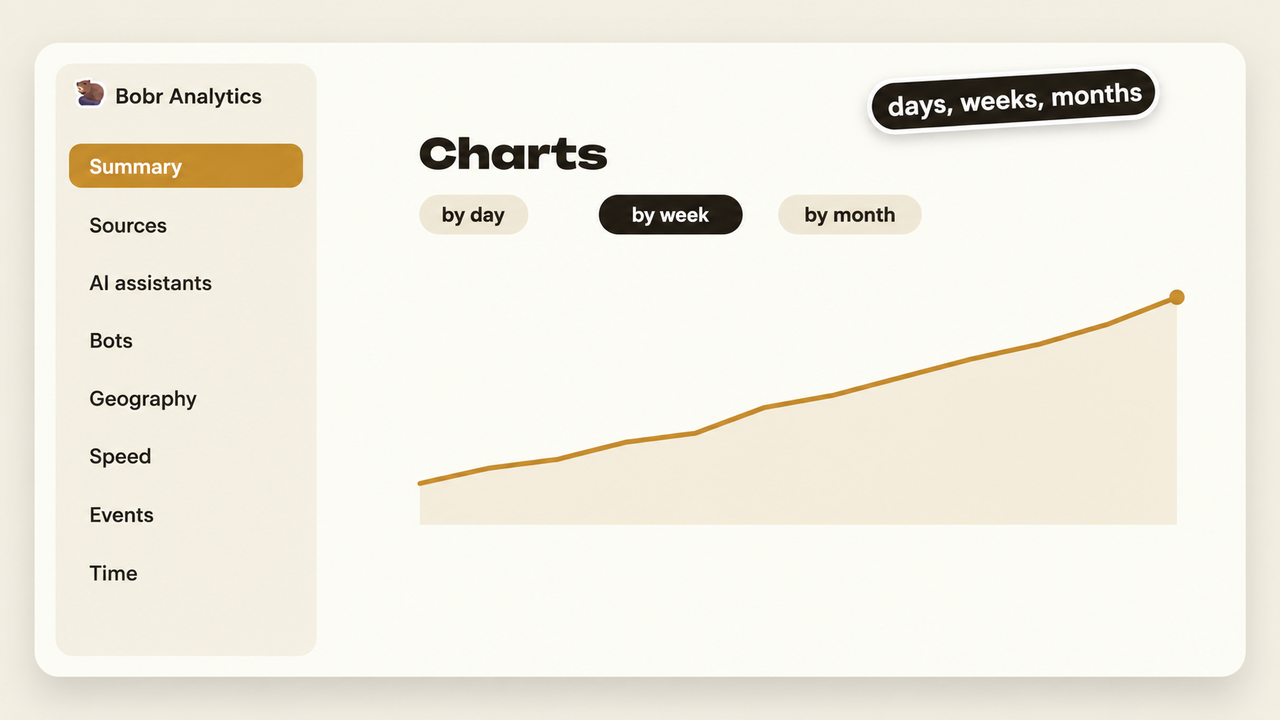
The plugin adds a Bobr Analytics menu to the WordPress admin with 15 sections. At the top of every section you choose the period (today, yesterday, 7 days, 30 days, this month or your own dates), the chart step (by day, week or month), turn on comparison with the previous period and filter by source type, device, city or page. Every table has search, sorting, pagination and CSV export.
- Summary. Visitors, visits, pageviews, bounce rate, pages per visit and time on site, with the change against the previous period. Traffic chart, visits by source type, top sources and top entry pages. A switch shows the same numbers for bots instead of people.
- Entry pages. Pages where visits start, with bounce rate and time. Click a page to see its own chart and where its visitors came from.
- All pages and exits. Every page with pageviews, visits, time on page and scroll depth, plus the pages where visits end.
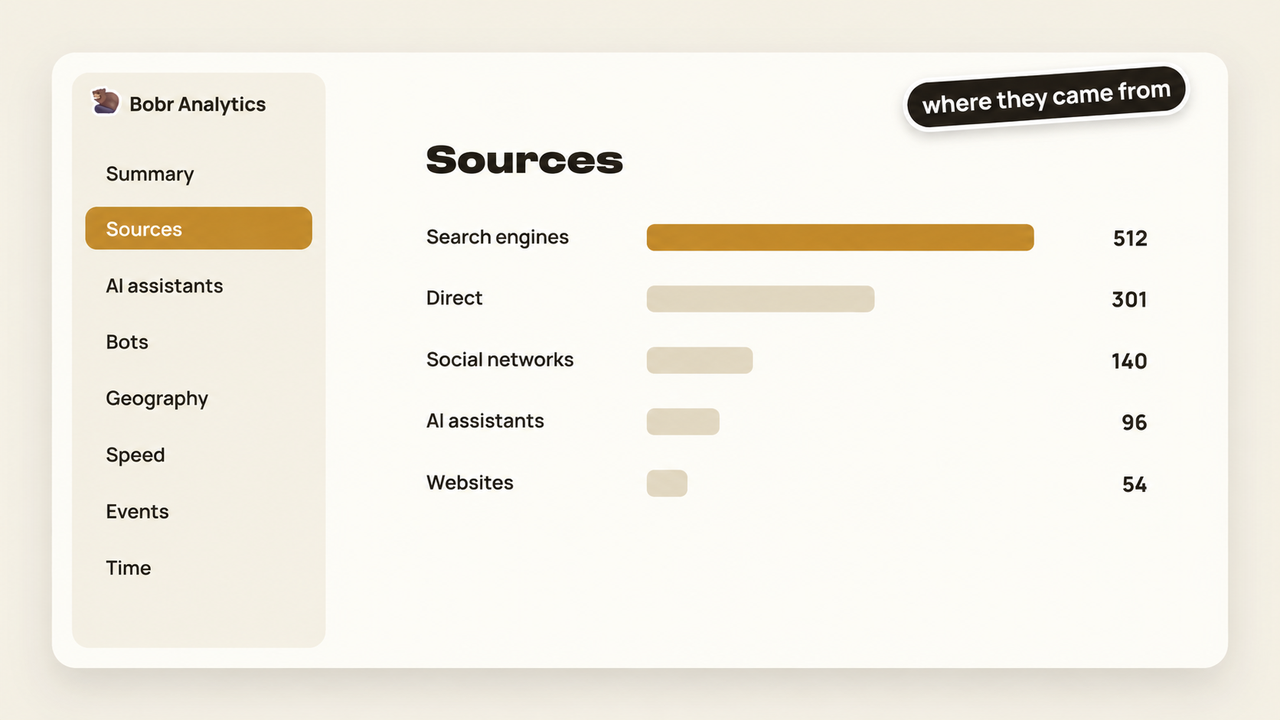
- Sources. Search engines, social networks, other websites, direct visits, internal navigation and UTM campaigns, each with a chart and a table. Click a source to see which pages it brings people to.
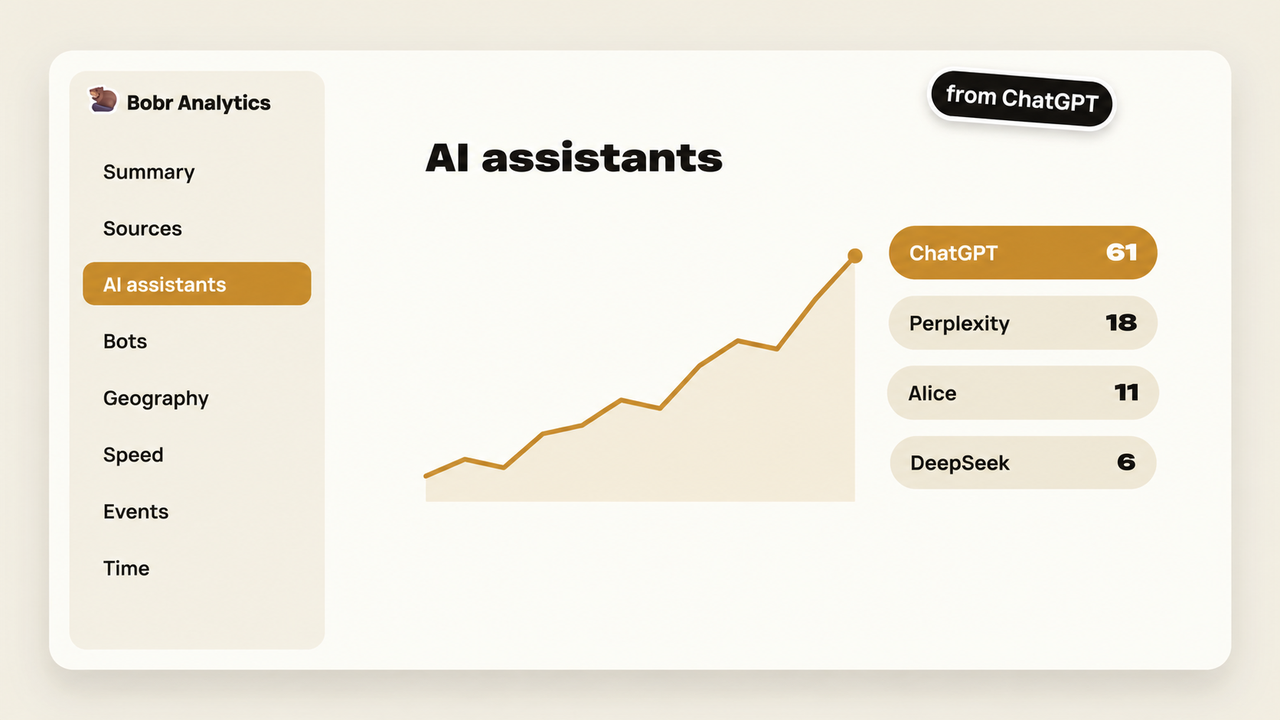
- AI assistants. Visits from ChatGPT, Perplexity, Gemini, Claude, Copilot, DeepSeek, Alice, GigaChat and other assistants, and the pages of your site they link to.
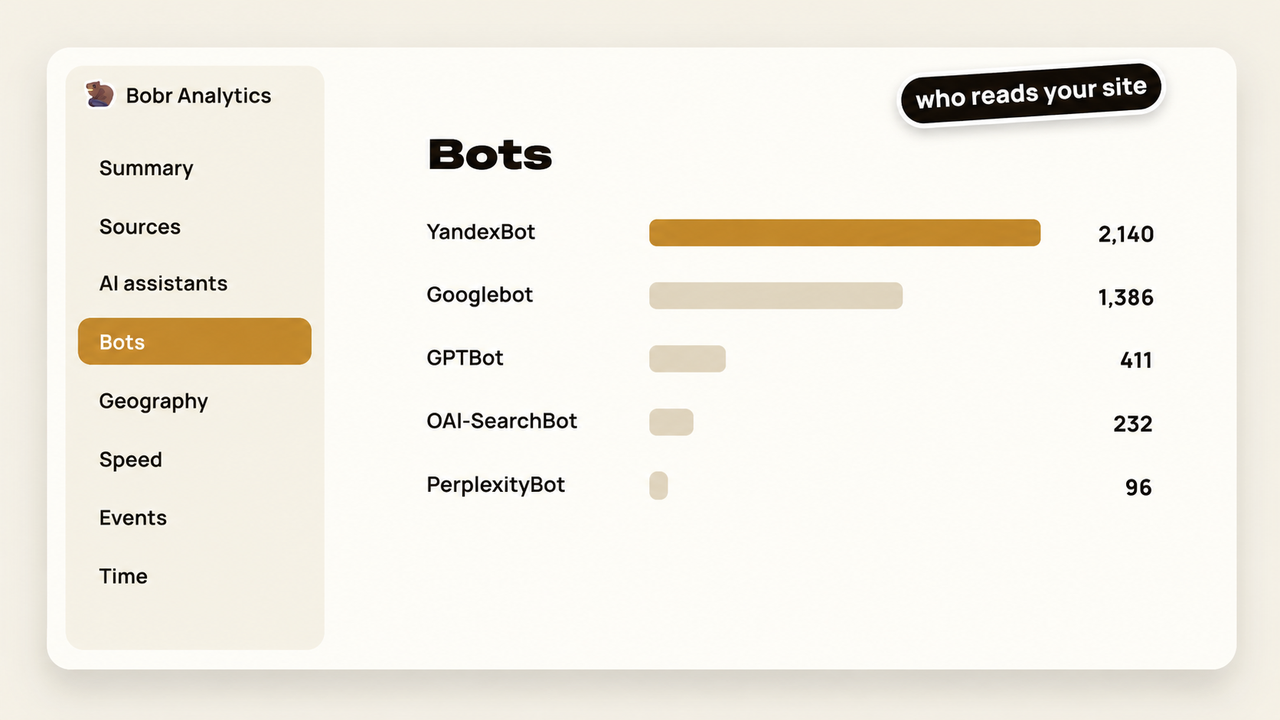
- Bots. Search engine crawlers and AI agents: requests, pages, errors, last visit, a heat map of when they come and a list of what AI agents read.
- Geography. Countries, regions and cities, and the top five cities over time. Without any setup the country is estimated from the browser time zone; cities need the free offline city database.
- Technology. Devices, operating systems, browsers and screen widths, and the mobile and desktop share over time.
- Time. Heat map by day of the week and hour, visits by hour and by weekday, in the site time zone.
- Behavior. Visible time on page and scroll depth over time, which pages people read to 75 percent and which ones they leave within 10 seconds.
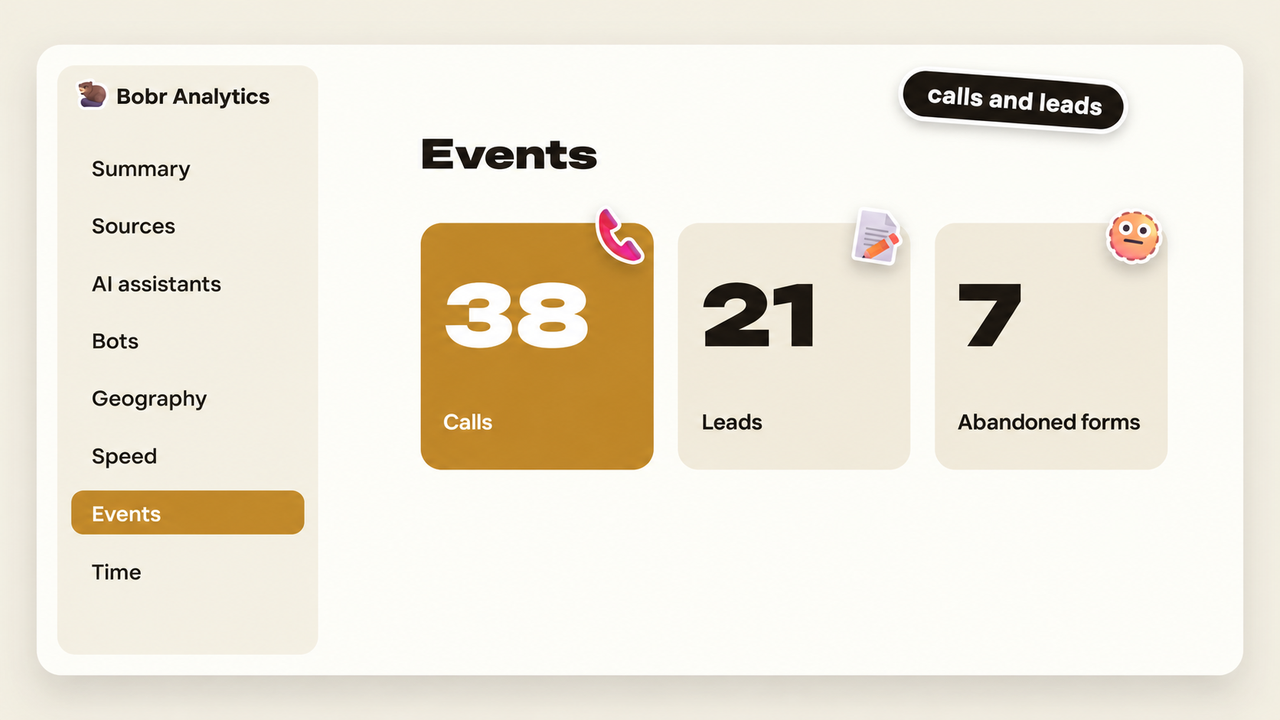
- Events. Phone and email link clicks, outbound links, submitted and abandoned forms, and the pages where they happen.
- 404 errors. Missing addresses that real visitors hit and where they came from.
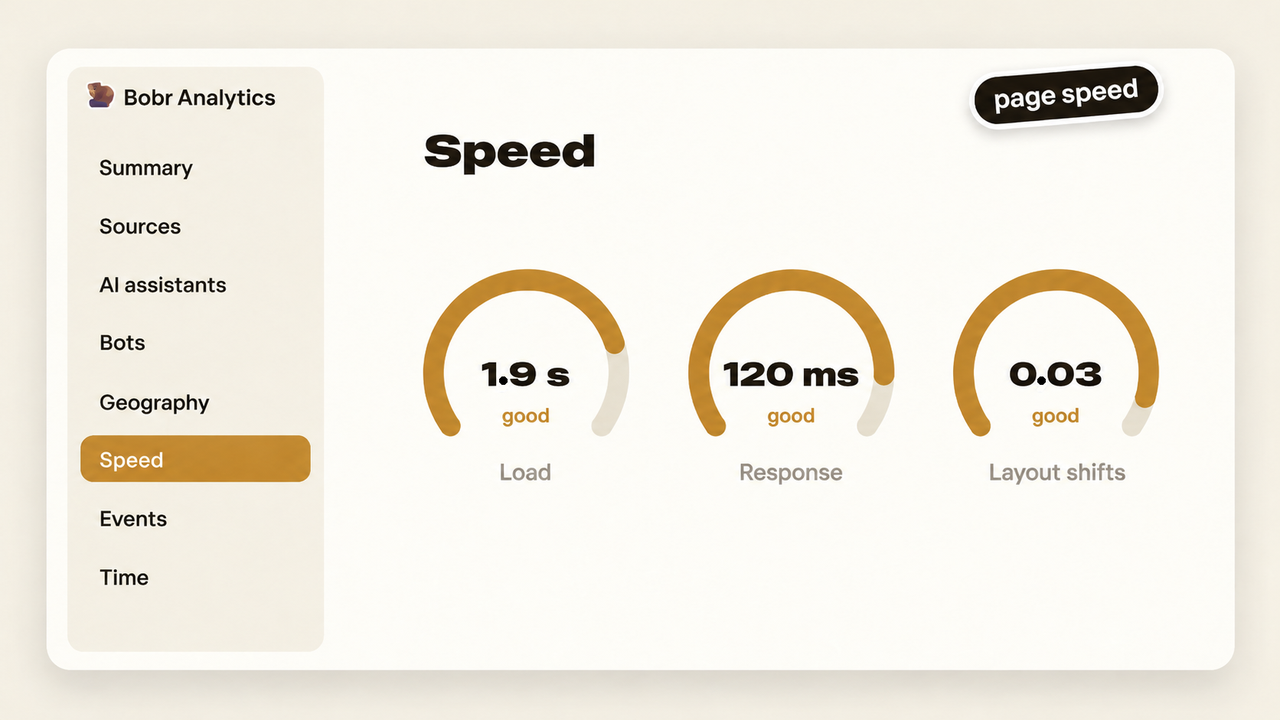
- Speed. Server response, first paint, LCP, INP and CLS measured on real visitors, 75th percentile, colored by the Google Core Web Vitals thresholds, for the whole site and for each page.
- Live now. Visits in the last 30 minutes with entry page, current page, source, device and city.
- Settings. User roles that are not counted, your own IP addresses, data retention, city detection, bot recording, the city database and recalculation of daily totals.
Intimité
- No cookies and no localStorage.
- IP addresses are never stored. When city detection is enabled, the IP is used once to look up the city in a local file and then discarded.
- The full user agent string is never stored, only device type, operating system and browser.
- A visitor is identified by a hash of IP, user agent, site address and a random salt that changes every day. The previous salt is deleted, so a visitor can be recognized only within one day.
- Form field values, phone numbers and email addresses are never read or sent.
- Logged-in administrators, editors and shop managers are not counted by default.
What it does not show
- Search queries. Only search engines know them, in their webmaster tools.
- Gender and age. Large services infer them from cross-site profiles. This plugin sees only your site and uses no cookies.
Langues
The plugin is translation ready. Translations are delivered through translate.wordpress.org, the interface language follows the site language.
Services externes
This plugin can download the free DB-IP IP to City Lite database to detect visitor cities. The download happens only when an administrator clicks the Download the city database button in Bobr Analytics, Settings. The plugin then requests a single file from db-ip.com (https://download.db-ip.com/free/dbip-city-lite-YYYY-MM.mmdb.gz). No visitor data and no site data are sent in this request. The file is stored in wp-content/uploads/bobr/ and all lookups happen locally on your server.
The database is provided by DB-IP under the Creative Commons Attribution 4.0 license.
- DB-IP website: https://db-ip.com
- Terms of use and license: https://db-ip.com/db/download/ip-to-city-lite
The plugin makes no other external requests. The tracking script sends data only to your own site (/wp-json/bobr/v1/hit).
Installation
- In the WordPress admin go to Plugins, Add New Plugin and search for Bobr Analytics, or upload the plugin zip file.
- Installez et activez le plugin.
- The tracker is added to your pages automatically, no code is needed. Open Bobr Analytics in the admin menu.
- Optional: in Bobr Analytics, Settings, exclude your own IP addresses and download the city database.
Journal de modifications
English interface, ready for translation.
1.3.0
- English interface, ready for translation.
1.2.0
- Settings and Feedback links on the Plugins page.
- Whole numbers on chart axes.
1.1.0
- Charts by day, week or month for all sections.
- Device share, top cities, speed and visitor actions over time.
1.0.0
- Première version.
Captures d'écran

Pour les développeurs
Est-ce votre plugin ? Montrez les chiffres.
Ajoutez un badge en direct à votre site, docs ou github readme. Il se met à jour par lui-même - aucun compte n'est nécessaire.
Best Bobr Analytics alternatives
Tous les plugins d'IA →





FAQ
Bobr Analytics: quick answers
Réponses directes, extraites des données en direct WordPress.org.
Source : WordPress.org
Is Bobr Analytics free?
Yes. Bobr Analytics is free to download and use from the official WordPress.org plugin directory.
Is Bobr Analytics safe to use in 2026?
Bobr Analytics works, but test it on a staging site before relying on it in 2026. Was last updated 1 month ago, and scores 60/100 on our health check.
How many websites use Bobr Analytics?
Bobr Analytics is active on <10 WordPress websites and has been downloaded 263 times since it launched in October 2026. It was downloaded 224 times in the last 30 days.
Does Bobr Analytics work with WordPress 7.1?
Yes. The developer has tested Bobr Analytics up to WordPress 7.1.5, the latest release. It requires WordPress 6.2 or newer.
What PHP version does Bobr Analytics need?
Bobr Analytics requires PHP 7.4 or higher. Most hosts run PHP 8.x today, so it works on any modern WordPress hosting.
When was Bobr Analytics last updated?
The latest version, 1.3.0, was released on October 20, 2026 (1 month ago).
Who makes Bobr Analytics?
Bobr Analytics is developed and maintained by loppadvp.
What are the best alternatives to Bobr Analytics?
The most popular alternatives to Bobr Analytics are Elementor Agent Ready Websi… (10M+ installs), Jetpack (3M+ installs) and All in One SEO (2M+ installs).
Propulsé par PageForge
Un modèle et une feuille de calcul. Une vraie page pour chaque recherche.
PageForge transforme chaque ligne d'un CSV en une page WordPress avec son propre titre, URL, SEO et schéma, construit sur la mise en page que vous Déjà conçu. Gratuit sur WordPress.org.
- CSV et XLSX, plus Google Sheets sur les professionnels et les entreprises
- Son propre titre, URL, SEO champs et schéma pour chaque page
- Fonctionne avec l'éditeur de blocs, Elementor, Divi et Avada
- Gratuit sur WordPress.org, pas de carte de crédit