


Custom iFrame – Embed PDFs, Videos, and External Content in WordPress (Elementor & Gutenberg)
Embed secure, responsive iFrames in WordPress with Elementor or Gutenberg. Supports lazy loading, auto-height, and dynamic URLs. No coding required.

Solid choice
Custom iFrame is a solid plugin choice in 2026, with a few things worth checking first. It runs on 4K+ sites, is rated 5/5 and was last updated 6 months ago, and scores 66/100 on our health check.
- Momentum — downloads up 46.2% vs the previous 30 days
- Only tested up to WordPress 6.9 (latest is 7.1)
Daily downloads
Download spikes usually follow a new release — each site that auto-updates counts as a download.
Rankings
Where Custom iFrame stands todayWordPress.org search rankings
Live position in the plugin search, top 100| Keyword | Position |
|---|---|
| 3d flip book | #6 |
| elementor | >100 |
| embed pdf | #11 |
| Embed youtube | #31 |
| iframe | #6 |
Version adoption
Share of active sites per release.
Rating breakdown
★★★★★★★★★★ 5 from 5 reviews
About Custom iFrame
From the official readme · v2.0.3Description
The Ultimate iFrame Solution for WordPress – Elementor & Gutenberg!
Want to embed external content seamlessly into your WordPress site? Custom iFrame lets you integrate PDFs, videos, music players, Google Maps, and third-party websites into your pages using either Elementor or the Gutenberg Block Editor – no coding required.
With lazy loading, security enhancements, and full customization, you get total control over how your iFrames look and function.
🔥 Key Features:
-
Embed Anything with Ease:
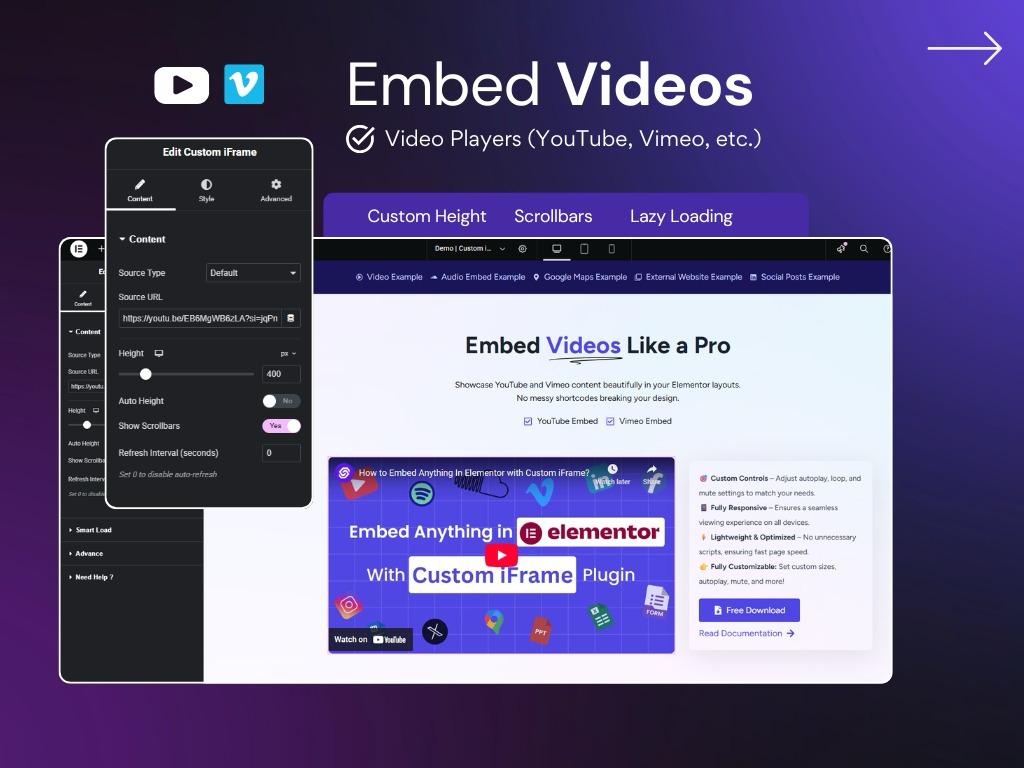
- YouTube & Vimeo – Supports autoplay, mute, and aspect ratios.
- SoundCloud & Spotify – Add playlists, podcasts, and music players.
- Google Maps – Fully interactive with zoom levels and custom styles.
- Third-Party Websites – Securely embed external pages into Elementor.
- Web Apps & Dashboards – Display analytics, widgets, and live content.
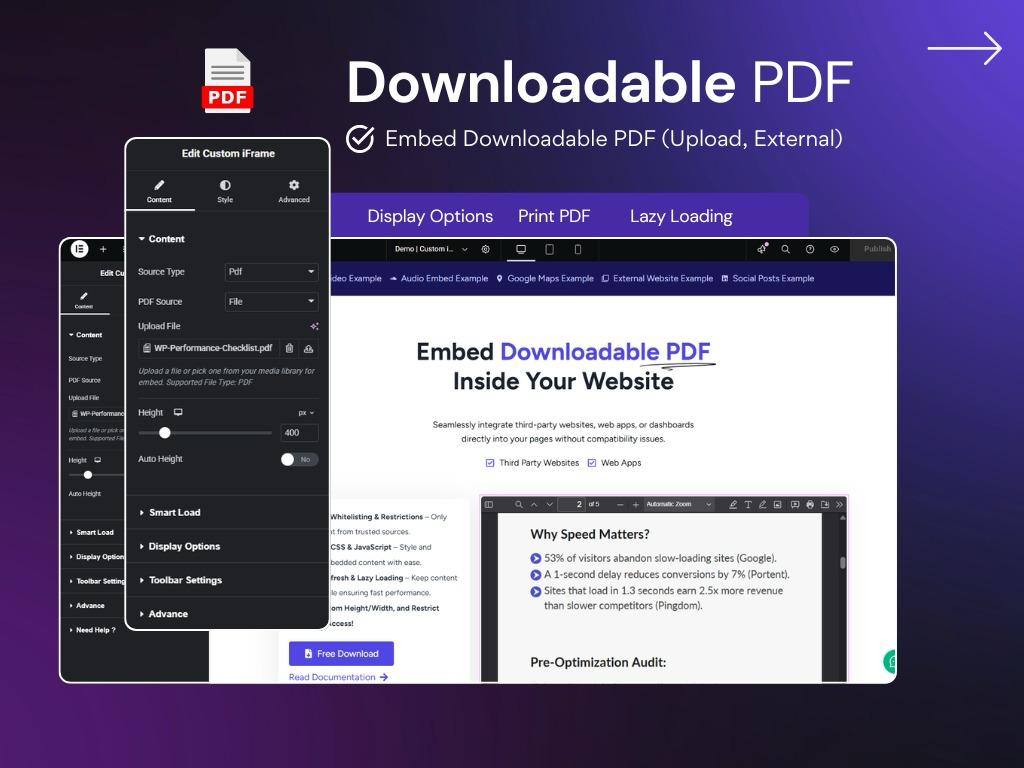
- PDF Files – Embed documents with scroll, zoom, and download options.
-
Performance & Customization:
- Responsive Height Control – Define height in pixels, percentages, or viewport units.
- Auto Height Adjustment – iFrame resizes automatically to match content.
- Lazy Loading & Placeholder Image – Improves page speed and UX.
- Auto-Refresh Option – Set refresh intervals for dynamic content updates.
- Custom Styling – Adjust borders, shadows, spacing, and more inside Elementor.
- Mobile-Friendly & SEO-Optimized – Ensures content displays perfectly on all devices.
🔥 Premium Features:
- Lifetime Updates – Get all future updates and improvements
- Premium Support – Priority support from our expert team
- 100+ Embed Sources – Support for extensive range of content sources
- Custom iFrame Attributes – Advanced control over iframe properties
- Advanced Security Options – Enhanced protection for embedded content
- YouTube & Vimeo Controls – Advanced settings for video embeds
- Enhanced X (Twitter) Options – Better control over X post embeds
- Custom Watermarks – Add your branding to embeds
- 3D Flipbook PDF Viewer – Interactive PDF viewing experience
- Device Frame Display – Show content in device frames
👉 Live Demo
👉 Get Premium Version
🔴 Watch the Video Tutorial ( Link )
Usage
Using Elementor:
1. Drag and drop the Custom iFrame Widget into your Elementor page.
2. Enter the URL of the external content (e.g., YouTube video, Google Maps).
3. Configure iframe settings such as height, lazy loading, and styling.
4. Preview and publish your page for seamless embedding.
Using Gutenberg:
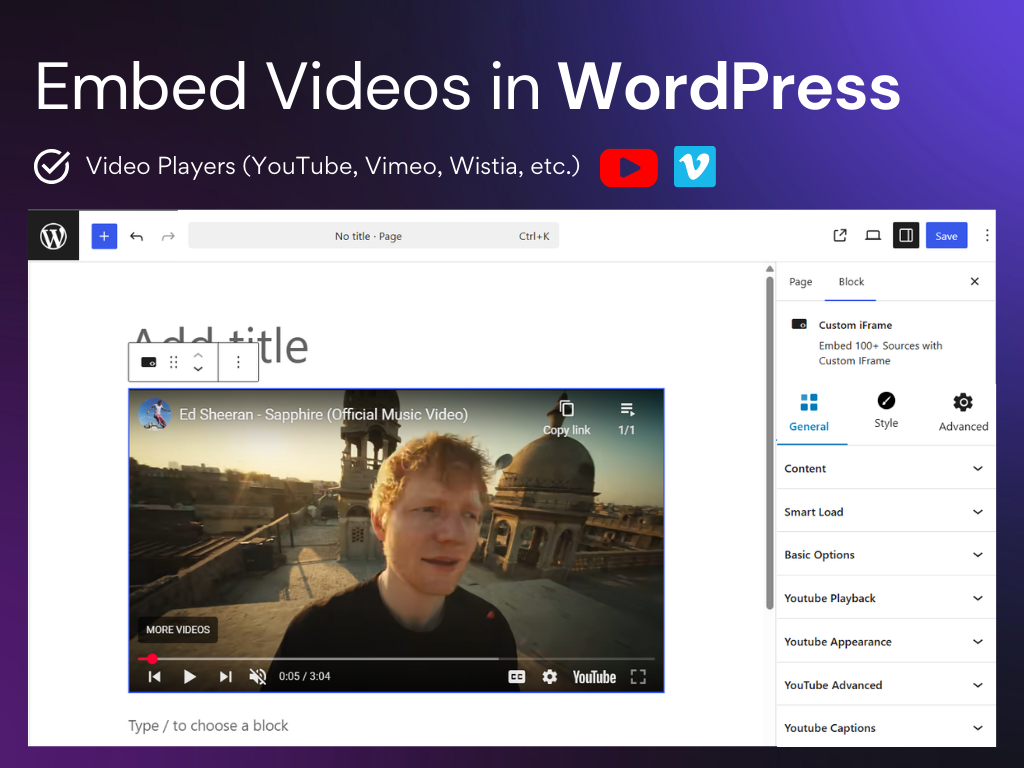
1. Add the Custom iFrame block to your post or page.
2. Enter the URL of the external content you want to embed.
3. Configure settings in the block sidebar (height, lazy loading, styling, etc.).
4. Preview and publish your content.
For detailed step-by-step tutorials, check out:
Embed Anything in Elementor:
– Embed Anything in Elementor
– Embed Videos in Elementor
– Embed Audio in Elementor
– Embed Documents in Elementor
– Embed Google Services in Elementor
– Embed Social Media in Elementor
– Embed Forms in Elementor
Embed Anything in Gutenberg:
– Embed Anything in Gutenberg
– Embed Videos in Gutenberg
– Embed Audio in Gutenberg
– Embed Documents in Gutenberg
– Embed Google Services in Gutenberg
– Embed Social Media in Gutenberg
– Embed Forms in Gutenberg
Support
Need help? We’re here for you!
💬 Website: customiframe.com
📖 Docs: View Documentation
🛠️ Support: Submit a Request
🌟 Love the plugin? Leave a review on WordPress.org! ⭐⭐⭐⭐⭐
Installation
- Download and upload the plugin to
/wp-content/plugins/custom-iframeor install it via the WordPress repository. - Activate the plugin via the ‘Plugins’ menu in WordPress.
- For Elementor: Open Elementor, add the Custom iFrame Widget, and configure your settings.
- For Gutenberg: Open the Block Editor, add the Custom iFrame block, and configure your settings.
Changelog
Upgrade now for enhanced security and better iframe embedding experience!
2.0.3 (April 19, 2026)
- Improvements : Gutenberg Block UI Improvements.
- Compatibility : Added support for Elementor 4.0.
- Fix : Minor Bug Fixes.
2.0.2 (February 04, 2026)
- Fix : Plugin Notice not Dismissed.
- Improvements : Widget Controller UI Improvements.
2.0.1 (February 03, 2026)
- Fix : Plugin Activation Notice not Dismissed.
2.0.0 (January 30, 2026)
- Added : Added Gutenberg Block.
- Added : Added Support for Elementor 3.4.
1.0.18 (December 30, 2025)
- Improvements : Improves admin dashboard design.
1.0.17 (December 26, 2025)
- Compatibility: Elementor Version Free & Pro 3.34.
Screenshots


For developers
Is this your plugin? Show off the numbers.
Add a live badge to your site, docs or GitHub README. It updates on its own — no account needed.
FAQ
Custom iFrame: quick answers
Straight answers, pulled from live WordPress.org data.
Source: WordPress.org
Is Custom iFrame free?
Yes. Custom iFrame is free to download and use from the official WordPress.org plugin directory. The developer also sells premium add-ons or a Pro version with extra features.
Is Custom iFrame safe to use in 2026?
Custom iFrame is a solid plugin choice in 2026, with a few things worth checking first. It runs on 4K+ sites, is rated 5/5 and was last updated 6 months ago, and scores 66/100 on our health check.
How many websites use Custom iFrame?
Custom iFrame is active on 4K+ WordPress websites and has been downloaded 27,929 times since it launched in February 2025. It was downloaded 1,143 times in the last 30 days.
Does Custom iFrame work with WordPress 7.1?
Custom iFrame is officially tested up to WordPress 6.9.12, while the latest release is 7.1.5. It may still work, but try it on a staging site first.
What PHP version does Custom iFrame need?
Custom iFrame requires PHP 7.4 or higher. Most hosts run PHP 8.x today, so it works on any modern WordPress hosting.
When was Custom iFrame last updated?
The latest version, 2.0.3, was released on June 15, 2026 (6 months ago).
Who makes Custom iFrame?
Custom iFrame is developed and maintained by Coderz Studio.
Powered by PageForge
One template and a spreadsheet. A real page for every search.
PageForge turns each row of a CSV into a WordPress page with its own title, URL, SEO fields and schema, built on the layout you already designed. Free on WordPress.org.
- CSV and XLSX, plus Google Sheets on Professional and Enterprise
- Its own title, URL, SEO fields and schema for every page
- Works with the block editor, Elementor, Divi and Avada
- Free on WordPress.org, no credit card