


WP Popular Posts
A highly customizable, easy-to-use popular posts plugin!

Sichere Auswahl
Yes — WP Popular Posts is a safe, well-maintained plugin to use in 2026. It runs on 100K+ sites, is rated 4.5/5 and was last updated 4 weeks ago, and scores 90/100 on our health check.
- Bewährt im Maßstab auf 100k+ aktiven Standorten
- Loved by users — 4.5/5 from 249 reviews
- Aktiv entwickelt — letztes Update vor 4 Wochen
- Getestet mit dem neuesten WordPress (7.1)
- Responsive Support – 71 % der letzten Threads wurden behoben
Wie stapelt es sich?
Side-by-side bei Installationen, Updates, Bewertungen und Support



Tägliche Downloads
Download-Spitzen folgen normalerweise einer neuen Version - jede Website, die automatisch aktualisiert wird, gilt als Download.
Ranglisten
Where WP Popular Posts stands todayWordPress.org Ranglisten suchen
Live-Position in der Plugin-Suche, Top 100| Stichwort | Position |
|---|---|
| popular | #1 |
| popularity | #1 |
| Beiträge | #1 |
| top | #17 |
| trending | #1 |
Versionsübernahme
Anteil aktiver Sites pro Release.
Bewertungsaufschlüsselung
★★★★★★★★★★ 4.5 from 249 reviews
About WP Popular Posts
From the official readme · v7.4.4Beschreibung
WP Popular Posts is a highly customizable plugin that displays your most popular posts.
PSA: Plugin has been renamed as WP Popular Posts!
See the announcement for more details.
Hauptmerkmale
- Multiple Popular Posts Lists – You can have several Popular Posts lists on your blog, each with its own settings!
- Time Range – List those posts of your blog that have been the most popular ones within a specific time range (eg. last 24 hours, last 7 days, last 30 days, etc)!
- Custom Post-type support – Want to show other stuff than just posts and pages, eg. Popular Products? You can!
- Thumbnails! – Display a thumbnail of your posts! (see the FAQ section for more details.)
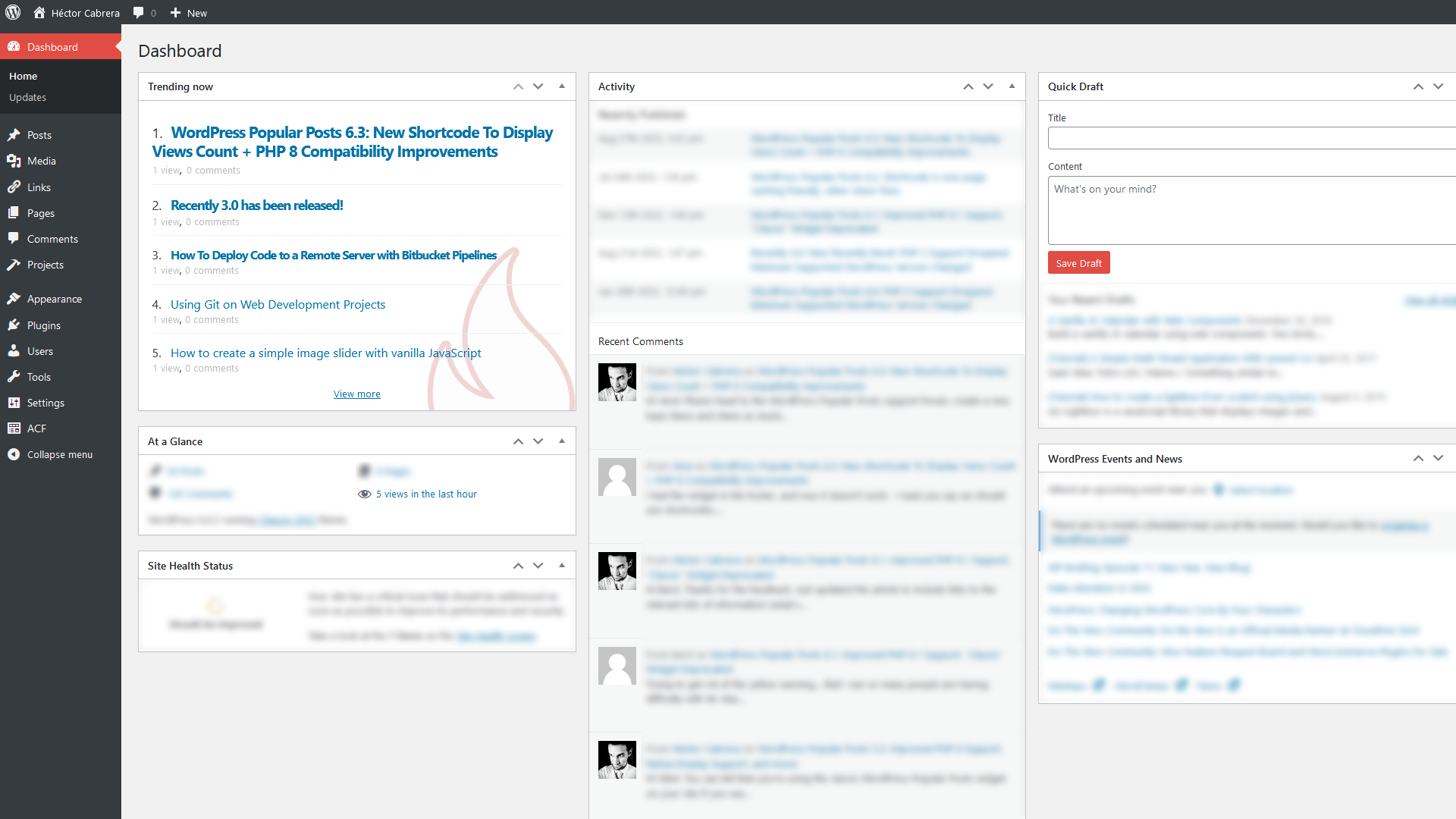
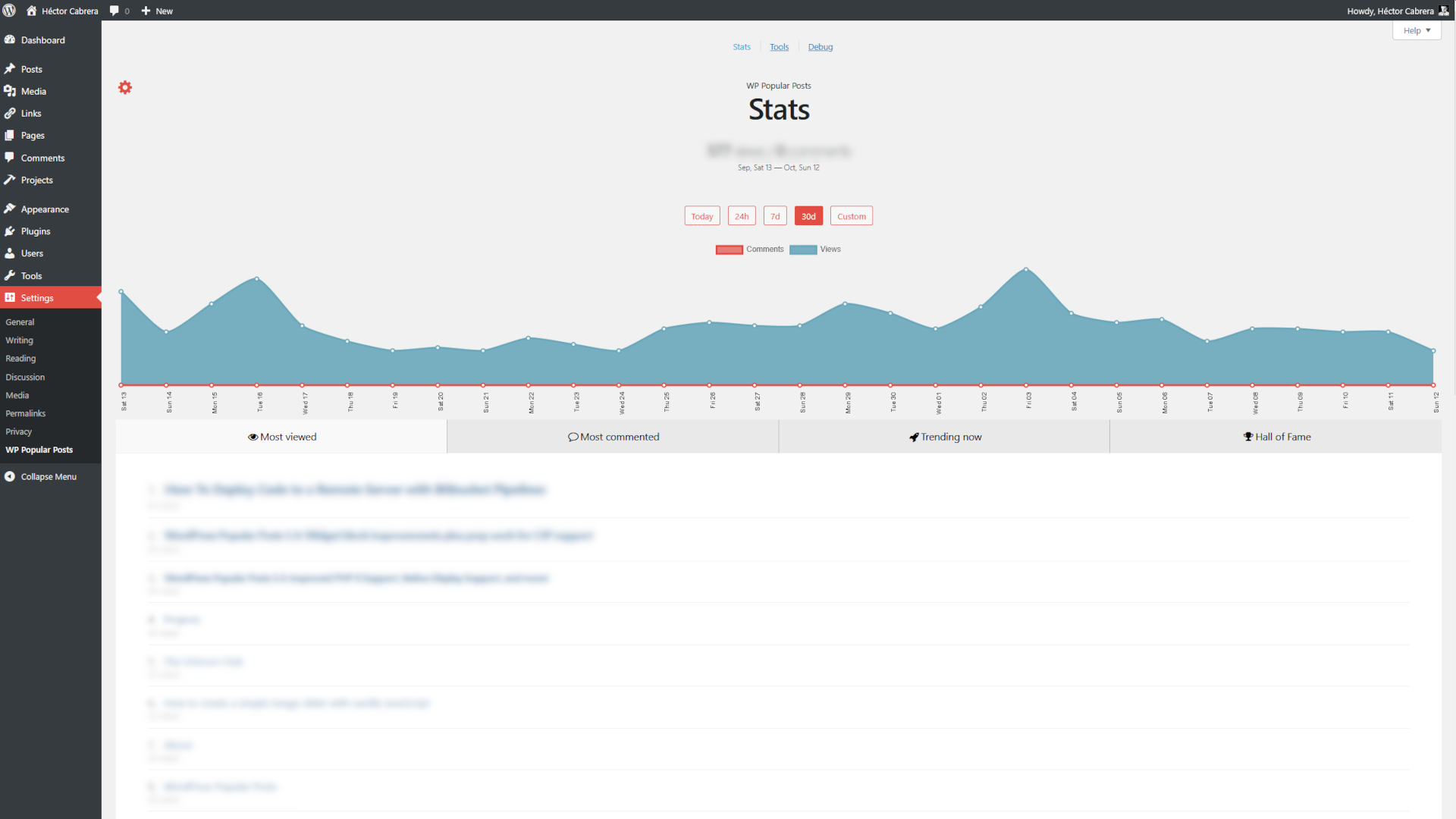
- Statistics dashboard – See how your popular posts are doing directly from your admin area.
- Sorting options – Order your popular list by comments, views (default) or average views per day!
- Custom themes – Out of the box, WP Popular Posts includes some themes so you can style your popular posts list (see Widget Themes for more details).
- Use your own layout! – WPP is flexible enough to let you customize the look and feel of your popular posts! (see customizing WPP’s HTML markup and How to style WP Popular Posts for more.)
- Performance Tools! – WP Popular Posts includes a few options to make sure your site’s performance stays as good as ever! (see Performance for more details.)
- REST API support – Embed your popular posts in your (web) app! (see REST API Endpoints for more.)
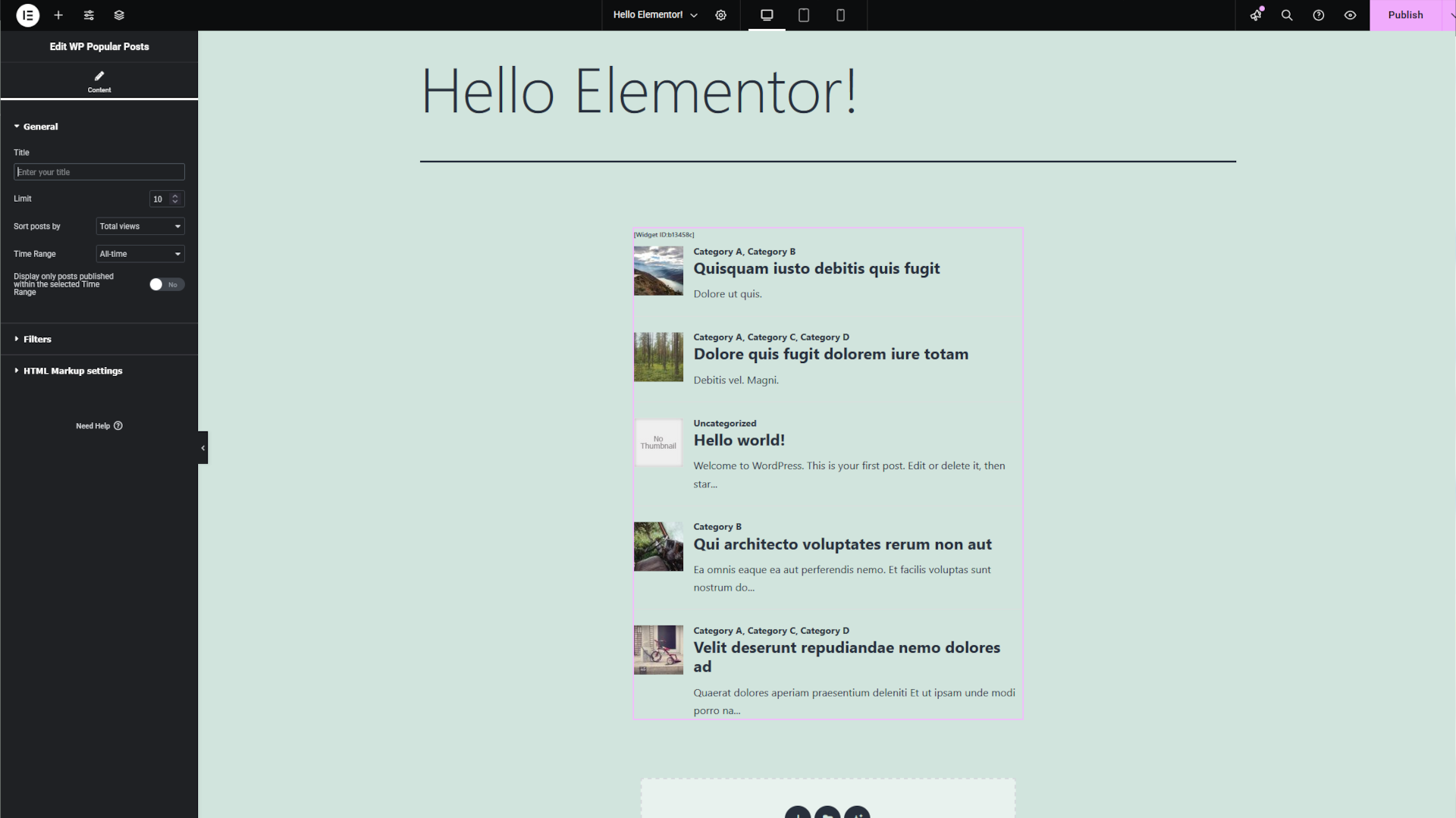
- Elementor support – Are you building sites with Elementor? There’s a popular posts widget for it too!
- Disqus support – Sort your popular posts by Disqus comments count!
- Polylang & WPML 3.2+ support – Show the translated version of your popular posts!
- WordPress Multisite support – Each site on the network can have its own popular posts list!
Other Features
- Shortcode support – Use the [wpp] shortcode to showcase your most popular posts on pages, too! For usage and instructions, please refer to the Installation section.
- Template tags – Don’t feel like using blocks? No problem! You can still embed your most popular entries on your theme using the
wpp_get_mostpopular()template tag. Additionally, thewpp_get_views()template tag allows you to retrieve the views count for a particular post. For usage and instructions, please refer to the Installation section. - Localization – Translate WPP into your own language.
- WP-PostRatings support – Show your visitors how your readers are rating your posts!
PSA: The classic WP Popular Posts widget has reached End-of-Life
The classic WP Popular Posts widget doesn’t work very well with the block-based Widgets editor introduced with WordPress 5.8.
This new Widgets editor expects WordPress blocks instead of regular WordPress widgets. If you’re using the classic WP Popular Posts widget please follow the Migration Guide to replace it with the WP Popular Posts block, the [wpp] shortcode, or the WP Popular Posts widget for Elementor.
Bjorn from wplearninglab.com was kind enough to create a video explaining how to use the new block for all of you visual learners:
Support the Project!
If you’d like to support my work and efforts to creating and maintaining more open source projects your donations and messages of support mean a lot!
WP Popular Posts is now also on GitHub!
Looking for a Recent Posts widget just as featured-packed as WP Popular Posts? Try Recently!
Credits
- Flame graphic by freevector/Vecteezy.com.
Installation
Please make sure your site meets the minimum requirements before proceeding.
Automatische Installation
- Log in into your WordPress dashboard.
- Go to Plugins > Add New.
- In the “Search Plugins” field, type in WP Popular Posts and hit Enter.
- Find the plugin in the search results list and click on the “Install Now” button.
Manuelle Installation
- Download the plugin and extract its contents.
- Laden Sie den Ordner
wordpress-popular-postsin das/wp-content/plugins/-Verzeichnis hoch. - Activate the WP Popular Posts plugin through the “Plugins” menu in WordPress.
Done! What’s next?
- Please see the Usage section below to learn how to add a popular post list to your site. Once you’re done, keep reading.
- If you have a caching plugin installed on your site, flush its cache now so WPP can start tracking your site.
- If you have a plugin that minifies JavaScript (JS) installed on your site please read this FAQ: Is WP Popular Posts compatible with plugins that minify/bundle JavaScript code?
- If you have a security / firewall plugin installed on your site, make sure you allow WPP access to the REST API so it can start tracking your site.
- Go to Appearance > Editor > Theme File Editor. Under “Theme Files”, click on “Theme Header” (
header.php) and make sure that the<?php wp_head(); ?>tag is present (it should be somewhere before the closing</head>tag). - (Optional but highly recommended) Are you running a medium/high traffic site? If so, it might be a good idea to check these suggestions to make sure your site’s performance stays up to par.
That’s it!
USAGE
WP Popular Posts can be used in four different ways:
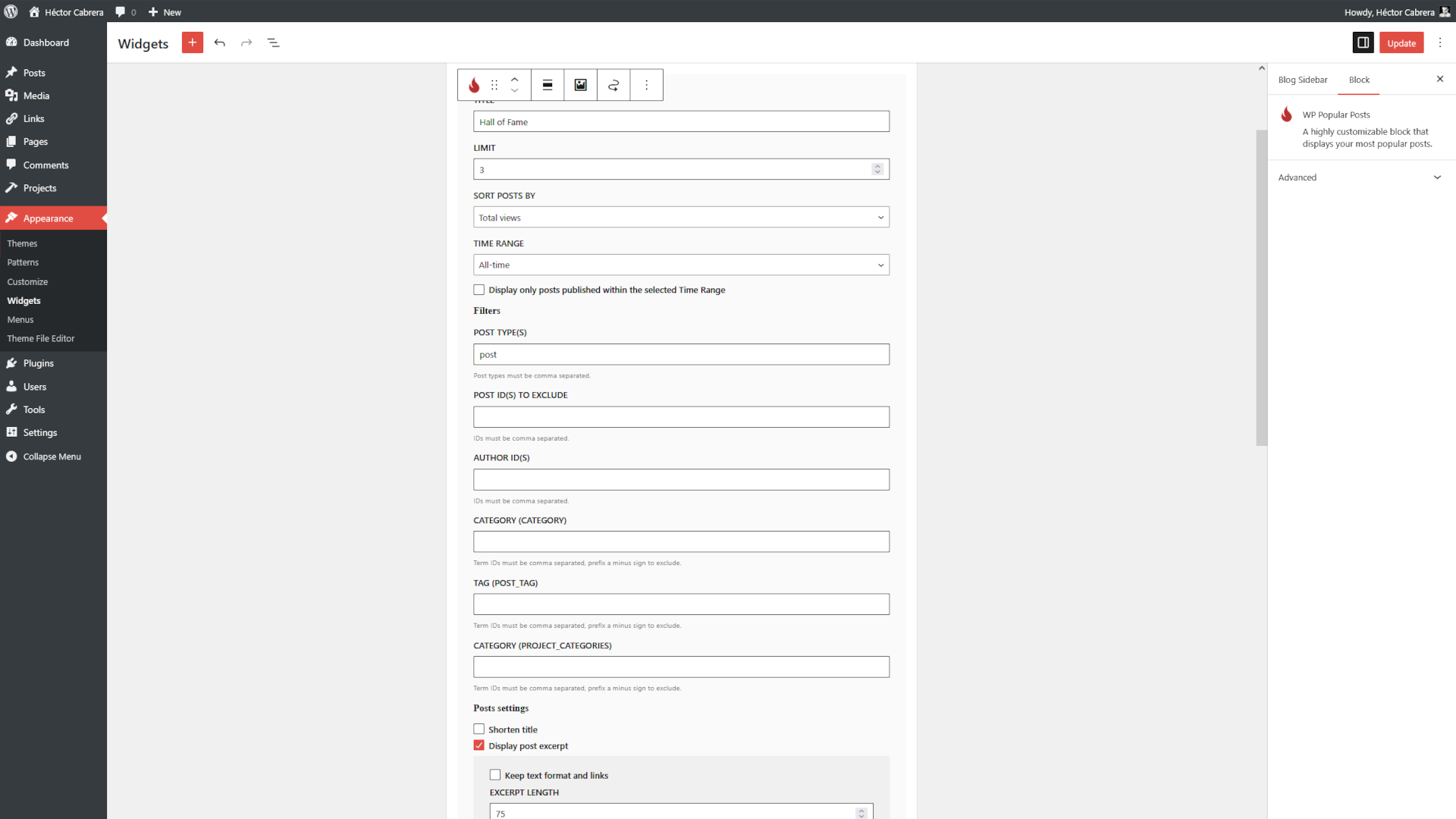
- If you’re using the Block Editor you can insert a WP Popular Posts block on your sidebar and even anywhere within your posts and pages.
- As a template tag: you can place it anywhere on your theme with
wpp_get_mostpopular(). - Via shortcode, so you can embed it inside a post or a page.
- If you’re using Elementor on your site you can use the WP Popular Posts widget for Elementor.
Make sure to stop by the Wiki as well, you’ll find even more info there!
Änderungsprotokoll
This release includes a couple of security enhancements, please update as soon as you're able to.
7.4.4
- Security enhancements (shoutout to the teams at Wordfence and WordPress Plugins!)
- REST API: The /v1/popular-posts/ endpoint now returns a maximum of 100 popular posts.
- REST API: Updated some validation rules for the /v2/widget endpoint. It now returns up to 100 posts as well.
- Fixed an issue where the /v1/popular-posts/ endpoint wouldn’t return popular posts when using custom posts types (props to @tmcmn!)
- PHPCS / WPCS improvements.
- Minor performance improvements.
- Updated dependencies.
7.4.3
- Fixes a build issue affecting version 7.4.2.
- Improved REST API endpoints validation rules (props to the Wordfence team!)
- PHPCS / WPCS improvements.
7.4.2
- Fixes a problem where the taxonomy fields were not working within the WP Popular Posts block. (props to @JRMora!)
- Updates dependencies.
7.4.1
- Only administrators can have access to plugin’s management screens now (props to @gamefa!)
- Improved compatibility with Site Optimizer.
- Various minor fixes and improvements.
7.4.0
- The Log Limit functionality is now enabled by default for new installs (see Log Limit for more details)
- New “Views” column in posts lists (see Views column for more)
- Fixed a bug affecting the Custom time range functionality (props to dxylott54 for reporting the issue!)
- Improved accessibility in the Stats screen.
- Plugin has finally dropped all jQuery dependencies!
- Other minor improvements.
Screenshots

Für Entwickler
Ist das dein Plugin? Zeigen Sie die Zahlen.
Fügen Sie Ihrer Website, Docs oder GitHub Readme ein Live-Badge hinzu. Es wird von selbst aktualisiert - kein Konto erforderlich.
Best WP Popular Posts alternatives
All popular plugins →




Fragen und Antworten
WP Popular Posts: quick answers
Gerade Antworten, gezogen von Live WordPress.org Daten.
Quelle: WordPress.org
Is WP Popular Posts free?
Yes. WP Popular Posts is free to download and use from the official WordPress.org plugin directory.
Is WP Popular Posts safe to use in 2026?
Yes — WP Popular Posts is a safe, well-maintained plugin to use in 2026. It runs on 100K+ sites, is rated 4.5/5 and was last updated 4 weeks ago, and scores 90/100 on our health check.
How many websites use WP Popular Posts?
WP Popular Posts is active on 100K+ WordPress websites and has been downloaded 9,014,068 times since it launched in November 2008. It was downloaded 76,402 times in the last 30 days.
Does WP Popular Posts work with WordPress 7.1?
Yes. The developer has tested WP Popular Posts up to WordPress 7.1.5, the latest release. It requires WordPress 6.2 or newer.
What PHP version does WP Popular Posts need?
WP Popular Posts requires PHP 7.4 or higher. Most hosts run PHP 8.x today, so it works on any modern WordPress hosting.
When was WP Popular Posts last updated?
The latest version, 7.4.4, was released on November 2, 2026 (4 weeks ago).
Who makes WP Popular Posts?
WP Popular Posts is developed and maintained by Hector Cabrera.
What are the best alternatives to WP Popular Posts?
The most popular alternatives to WP Popular Posts are WP-Stats (2K+ installs), WP Most Popular (1K+ installs) and Popular Posts by Webline (900+ installs).
Angetrieben von PageForge
Eine Vorlage und eine Tabelle. Eine echte Seite für jede Suche.
PageForge Verwandelt jede Zeile eines CSV in eine WordPress-Seite mit eigenem Titel, URL, SEO Felder und Schema entworfen. Kostenlos auf WordPress.org.
- CSV und XLSX, plus Google Sheets auf Beruf und Unternehmen
- seinen eigenen Titel, URL, SEO Felder und Schema für jede Seite
- Arbeitet mit dem Blockeditor, Elementor, Divi und Avada
- Kostenlos auf WordPress.org, keine Kreditkarte