


Sumtics – AI Summarizer & TL;DR Generator
AI summarizer for WordPress. Auto-generate TL;DR summaries on your posts and add one-click ChatGPT, Claude, Gemini & Perplexity summarize buttons.

Mit Vorsicht verwenden
Sumtics works, but test it on a staging site before relying on it in 2026. It runs on 50+ sites and was last updated 5 months ago, and scores 53/100 on our health check.
- Kleine Benutzerbasis (50+ aktive Installationen)
- Bisher sehr wenige Bewertungen
Wie stapelt es sich?
Side-by-side bei Installationen, Updates, Bewertungen und Support


Tägliche Downloads
Download-Spitzen folgen normalerweise einer neuen Version - jede Website, die automatisch aktualisiert wird, gilt als Download.
Ranglisten
Where Sumtics stands todayWordPress.org Ranglisten suchen
Live-Position in der Plugin-Suche, Top 100| Stichwort | Position |
|---|---|
| Ai | >100 |
| ai summary | >100 |
| ChatGPT | >100 |
| summarize | #26 |
| tldr | #6 |
Versionsübernahme
Anteil aktiver Sites pro Release.
About Sumtics
Aus der offiziellen Readme · V1.2.0Beschreibung
Sumtics is the AI summarizer for WordPress that turns long posts into clear, skimmable TL;DR summaries – automatically. It generates a real AI summary for every article using your WordPress AI connector, and adds one-click buttons that let readers summarize your content with ChatGPT, Claude, Gemini, Grok, Google AI, or Perplexity.
Long articles lose readers. Sumtics gives visitors the gist in seconds, boosts time-on-page and engagement, and helps your content stay readable in an AI-first world – including AI Overviews and answer engines that reward clear, summarizable content.
Sumtics homepage · Read the documentation · Get support
Why Sumtics?
- Real AI summaries, generated for you – not just a link out. Sumtics writes an actual TL;DR for each post.
- Uses your WordPress AI connector – works natively with the WordPress AI Client (WordPress 7.0+) and providers like Anthropic (Claude), Google (Gemini) and OpenAI (ChatGPT). Configure once in Settings → Connectors.
- Zero-cost fallback – a built-in on-server summary engine works even without any AI provider, so you always get a summary.
- No code required – set it up in minutes with a clean, modern settings panel.
Three ways to summarize
1. Inline AI Summary (TL;DR box)
Automatically generate a concise TL;DR for each post when it is published or updated, then display it inline above or below your content in a clean, collapsible box. Powered by the built-in WordPress AI connector, with an on-server extractive fallback. Set the length (1–5 sentences), choose your model, or let Sumtics pick a sensible default automatically.
2. External AI Summarize Buttons
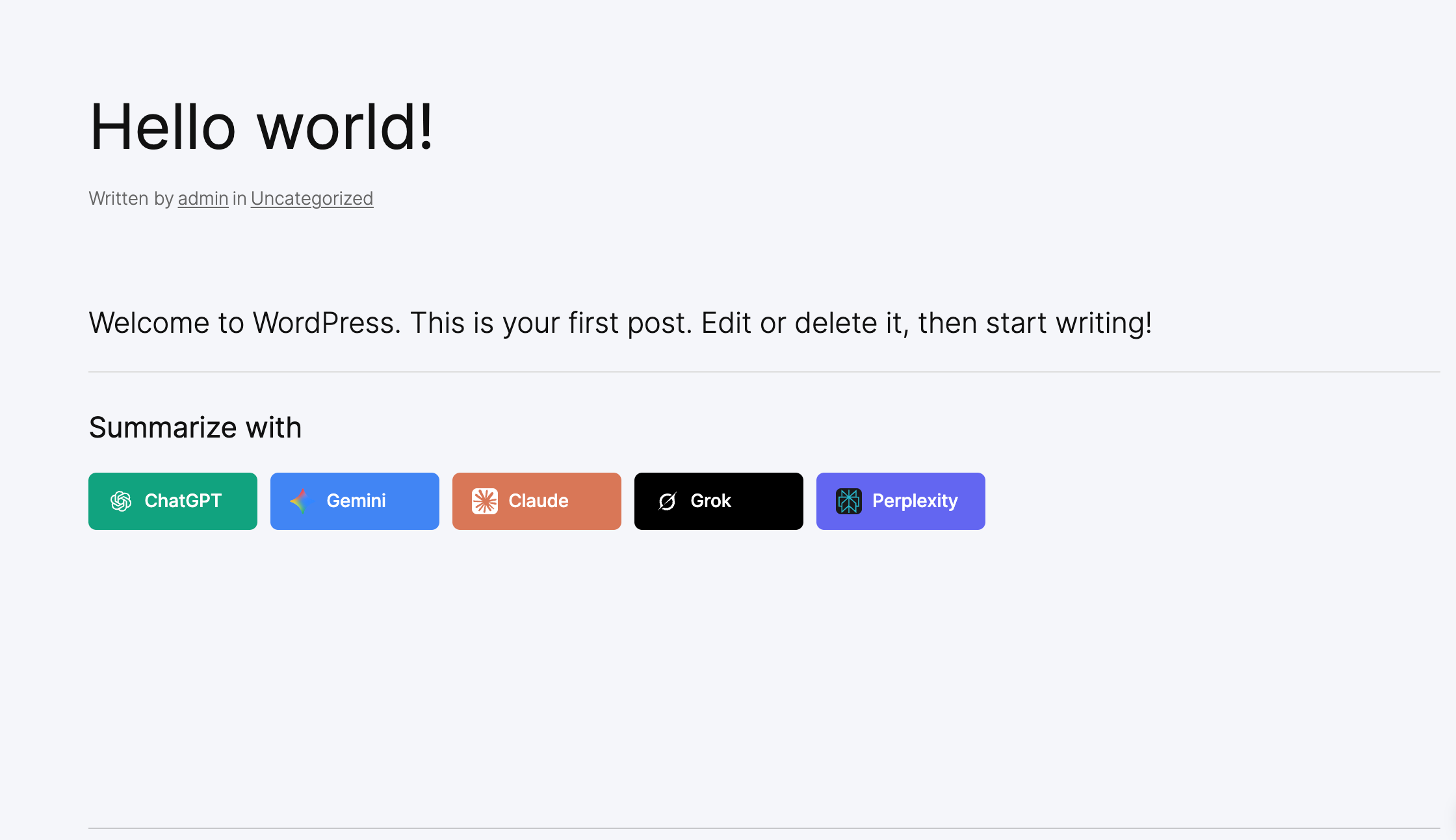
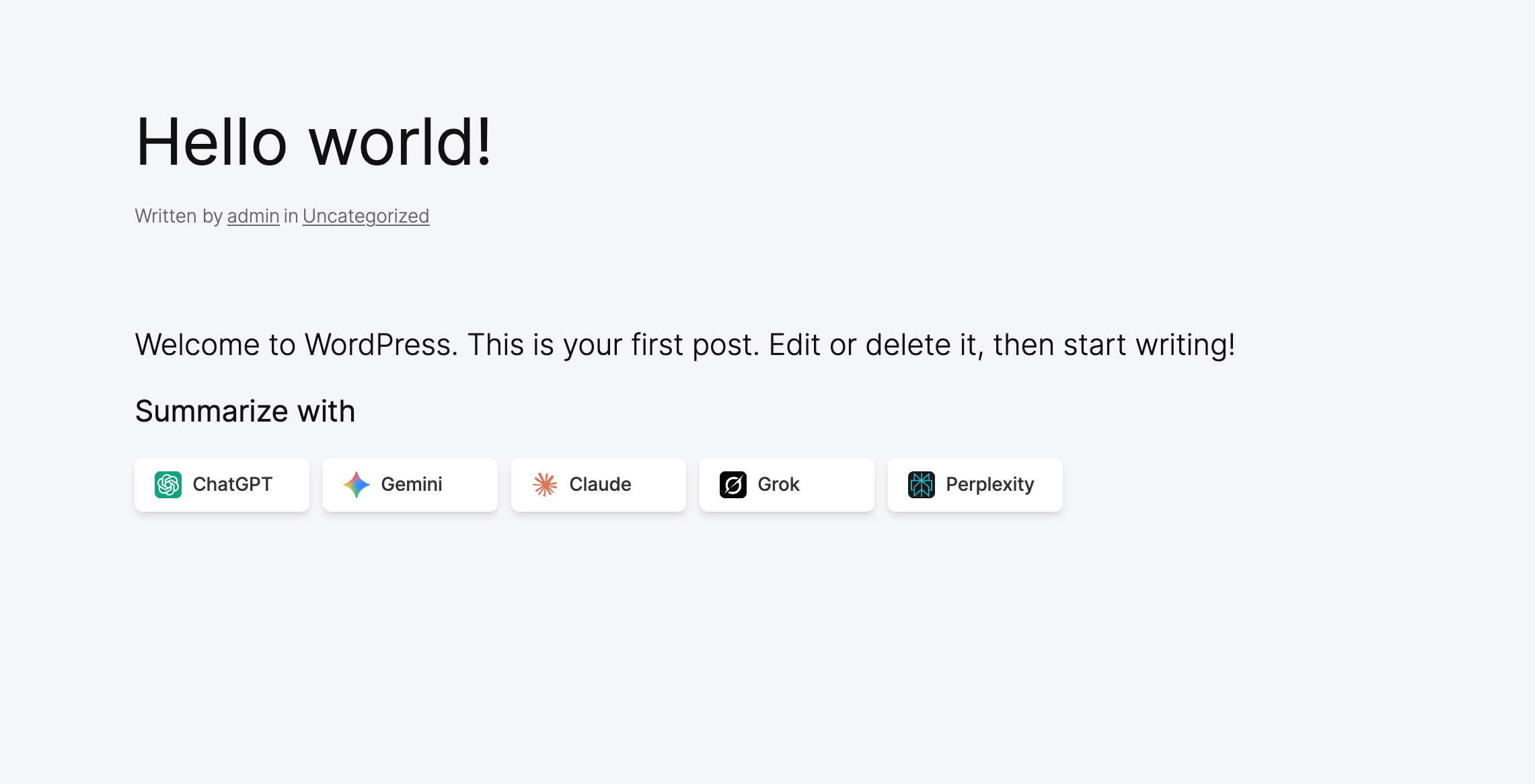
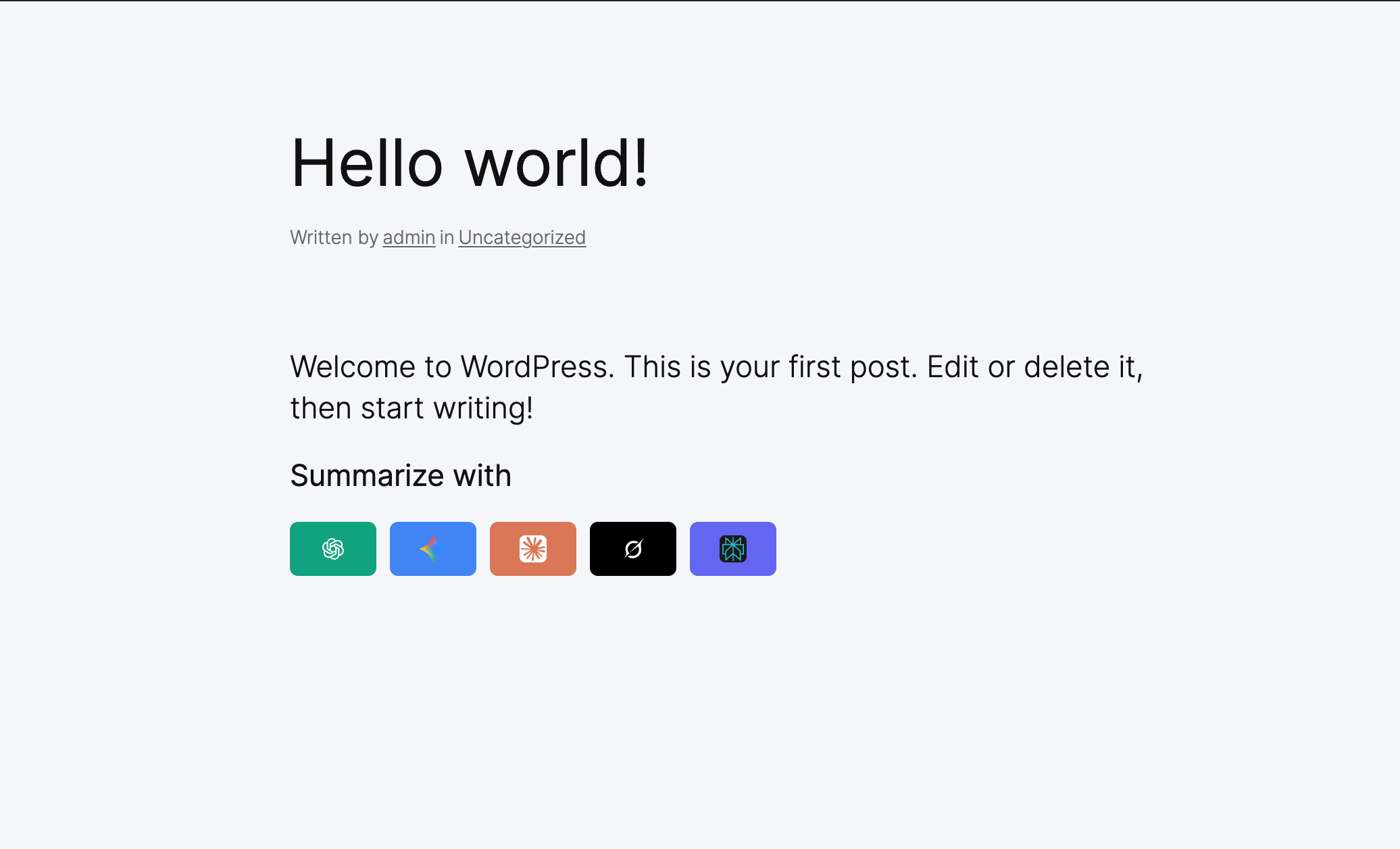
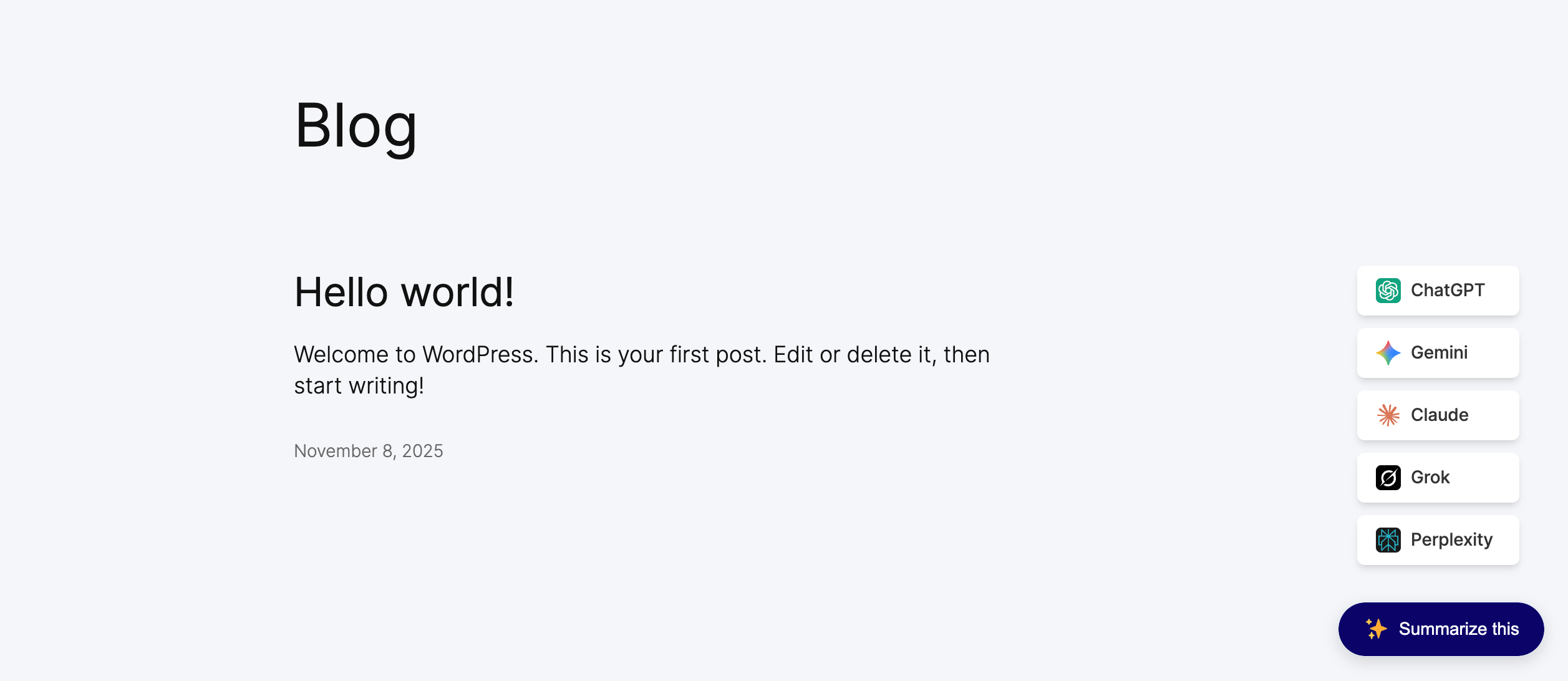
Add one-click buttons that open the reader’s favorite AI assistant – ChatGPT, Claude, Gemini, Grok, Google AI or Perplexity – pre-filled with a smart summarize prompt for your article. Great for engagement and AI-driven discovery.
3. Floating AI Button (FAB)
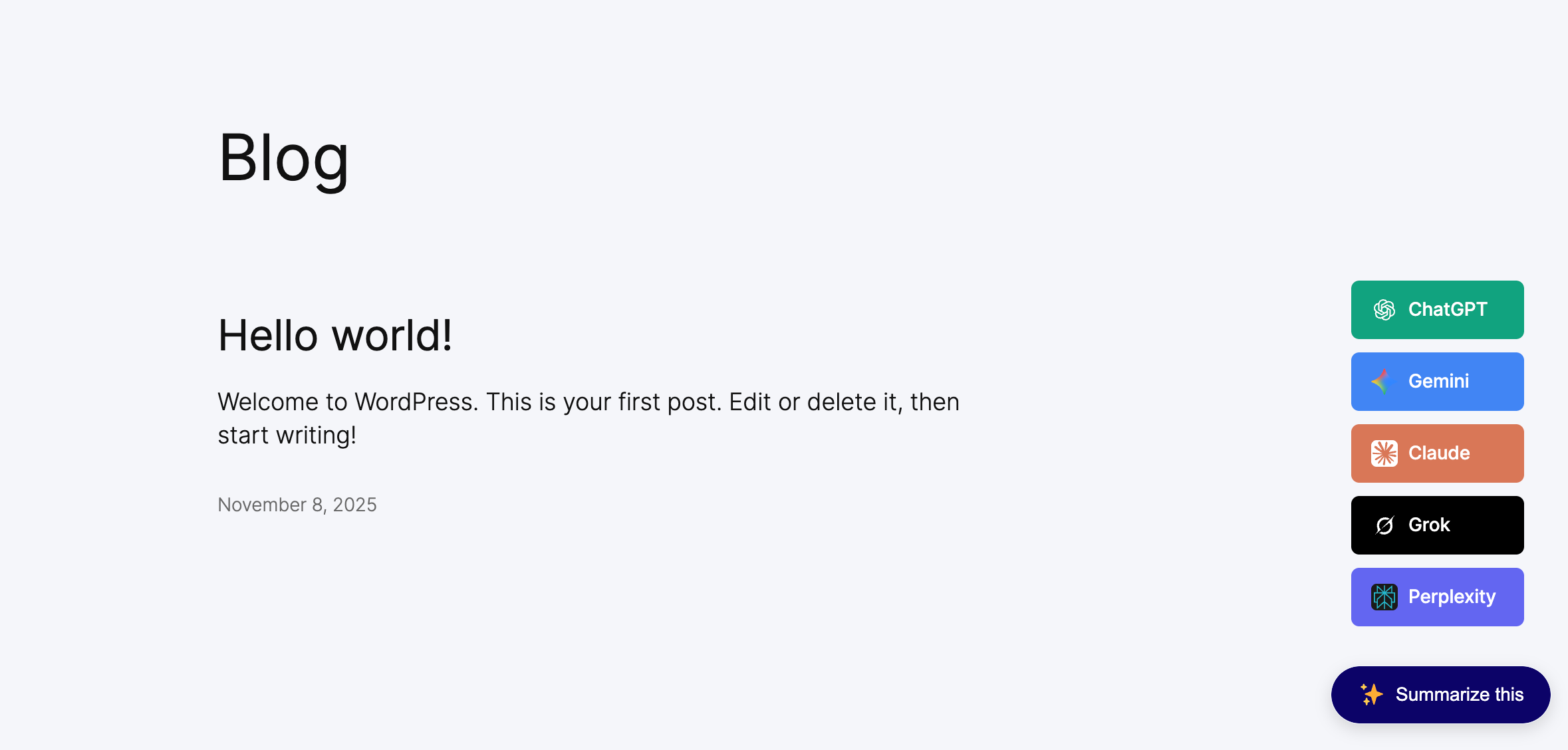
A floating “Summarize” button that follows the reader and expands to the AI tools you enable. Position it anywhere on screen.
Hauptmerkmale
- Automatic TL;DR generation – AI summaries created on publish/update, cached for fast loading
- WordPress AI connector support – native WP AI Client integration (Claude, Gemini, ChatGPT)
- On-server extractive summarizer – free, private fallback that never calls an external API
- Inline summary box – collapsible, theme-adaptive, transparent design that blends with any theme
- One-click AI summarize buttons – ChatGPT, Claude, Gemini, Grok, Google AI, Perplexity
- Floating action button (FAB) – six positions with custom offsets
- Per-post controls – edit, regenerate or override the summary for any post in the editor
- Bulk backfill – generate summaries for all existing posts in one click
- Content-type targeting – choose exactly which post types get summaries and buttons
- Custom prompts & lengths – global defaults with per-post overrides
- Shortcodes – drop summaries and buttons anywhere with
[sumtics_ai_summarize]and[sumtics_floating_button] - Modern settings UI – organized, fast and beginner-friendly
- Translation-ready & lightweight – built for performance and SEO
Supported AI Models
- ChatGPT (OpenAI)
- Claude (Anthropic)
- Gemini (Google)
- Grok (xAI)
- Perplexity
- Google AI-Modus
Perfekt für
Blogs, news and magazine sites, documentation, knowledge bases, online courses and any content-heavy website where readers want a fast TL;DR – and where you want your content optimized for SEO, AEO (answer engine optimization) and GEO (generative engine optimization).
Privacy & Cost
The inline AI summary uses the AI provider you connect in WordPress (Settings → Connectors); summary generation happens through that provider. The on-server extractive engine runs entirely on your site and never sends content to a third party. The external summarize buttons simply open the reader’s chosen AI tool in a new tab – no API key required.
Installation
- Upload the
sumticsfolder to the/wp-content/plugins/directory, or install Sumtics directly from Plugins → Add New. - Aktivieren Sie das Plugin über das Menü Plugins in WordPress.
- (For AI summaries) On WordPress 7.0+, connect an AI provider under Settings → Connectors (Anthropic, Google or OpenAI).
- Go to Sumtics → Settings to enable the inline summary, choose your engine/model, and configure the summarize buttons and floating button.
- Open Sumtics → Settings → Inline Summary → Generate for all existing posts to backfill summaries for older content.
Änderungsprotokoll
Major update: automatic AI TL;DR summaries powered by the WordPress AI connector, a free on-server fallback, per-post editing, bulk backfill, and a fully redesigned settings panel.
1.2.0
- New: Inline AI Summary – automatically generate a real TL;DR for every post using the built-in WordPress AI connector (WP AI Client, WordPress 7.0+) with Claude, Gemini and ChatGPT providers.
- New: On-server extractive summary engine – a zero-cost, private fallback that works without any AI provider.
- New: Simple generation controls – enable inline summaries, pick the AI or Basic engine, and optionally fall back to a basic summary if AI is unavailable.
- New: Per-post summary controls in the editor – view, edit and “Regenerate now”.
- New: Bulk “Generate for all existing posts” tool to backfill older content.
- New: Theme-adaptive inline TL;DR box (transparent background, inherits theme colors, collapsible).
- New: Completely redesigned settings interface – modern sidebar + cards with toggle switches.
- New: Settings reorganized into General, Inline Summary, External Summary, Floating Button, Prompts and Styling.
- New: “Shortcodes & Help” page with documentation, support links and related plugins.
- Improvement: Faster front-end output and clearer model selection.
1.0.2
- Tweak: Prompt optimization and caching for faster loading.
1.0.1
- New: Google AI support added.
- New: No-follow attribute option for button links.
- New: WordPress 6.9 compatibility.
1.0.0
- Erste Freigabe.
Screenshots
Für Entwickler
Ist das dein Plugin? Zeigen Sie die Zahlen.
Fügen Sie Ihrer Website, Docs oder GitHub Readme ein Live-Badge hinzu. Es wird von selbst aktualisiert - kein Konto erforderlich.
Best Sumtics alternatives
Alle AI-Plugins →





Fragen und Antworten
Sumtics: quick answers
Gerade Antworten, gezogen von Live WordPress.org Daten.
Quelle: WordPress.org
Is Sumtics free?
Yes. Sumtics is free to download and use from the official WordPress.org plugin directory.
Is Sumtics safe to use in 2026?
Sumtics works, but test it on a staging site before relying on it in 2026. It runs on 50+ sites and was last updated 5 months ago, and scores 53/100 on our health check.
How many websites use Sumtics?
Sumtics is active on 50+ WordPress websites and has been downloaded 3,236 times since it launched in November 2025. It was downloaded 473 times in the last 30 days.
Does Sumtics work with WordPress 7.1?
Sumtics is officially tested up to WordPress 7.0.9, while the latest release is 7.1.5. It may still work, but try it on a staging site first.
What PHP version does Sumtics need?
Sumtics requires PHP 7.4 or higher. Most hosts run PHP 8.x today, so it works on any modern WordPress hosting.
When was Sumtics last updated?
The latest version, 1.2.0, was released on June 23, 2026 (5 months ago).
Who makes Sumtics?
Sumtics is developed and maintained by Apselo.
What are the best alternatives to Sumtics?
The most popular alternatives to Sumtics are Elementor Agent Ready Websi… (10M+ installs), Jetpack (3M+ installs) and All in One SEO (2M+ installs).
Angetrieben von PageForge
Eine Vorlage und eine Tabelle. Eine echte Seite für jede Suche.
PageForge Verwandelt jede Zeile eines CSV in eine WordPress-Seite mit eigenem Titel, URL, SEO Felder und Schema entworfen. Kostenlos auf WordPress.org.
- CSV und XLSX, plus Google Sheets auf Beruf und Unternehmen
- seinen eigenen Titel, URL, SEO Felder und Schema für jede Seite
- Arbeitet mit dem Blockeditor, Elementor, Divi und Avada
- Kostenlos auf WordPress.org, keine Kreditkarte