


SaasPricing – Advanced Pricing & Comparison Tables for Elementor
Top Elementor Widget for Price Table, comparison table and real time pricing calculator With trendy design and different table style

Mit Vorsicht verwenden
SaasPricing works, but test it on a staging site before relying on it in 2026. It runs on 300+ sites, is rated 3.7/5 and was last updated 9 months ago, and scores 48/100 on our health check.
- Kleine Benutzerbasis (300+ aktive Installationen)
- Nur getestet bis WordPress 6.9 (letzt ist 7.1)
Wie stapelt es sich?
Side-by-side bei Installationen, Updates, Bewertungen und Support



Tägliche Downloads
Download-Spitzen folgen normalerweise einer neuen Version - jede Website, die automatisch aktualisiert wird, gilt als Download.
Ranglisten
Where SaasPricing stands todayWordPress.org Ranglisten suchen
Live-Position in der Plugin-Suche, Top 100| Stichwort | Position |
|---|---|
| comparison table | #29 |
| elementor table | >100 |
| price table | #74 |
| pricing box | #26 |
| pricing calculator | #18 |
Versionsübernahme
Anteil aktiver Sites pro Release.
Bewertungsaufschlüsselung
★★★★★★★★★★ 3.7 from 6 reviews
About SaasPricing
From the official readme · v1.2.7Beschreibung
SaasPricing is a fully responsive pricing and comparison table widget for Elementor
SaasPricing helps to create price tables and comparison tables for service-based businesses website and SaaS pricing page. It gives you flexibility to customize your pricing plan and comparison tables for your pricing page. It allows you to showcase your the pricing in different types of layouts like comparison tables, vertical price tables, horizontal price tables, real-time price calculators, and offer-based price lists.
Features like countdown timers, ribbons, reviews counter, tooltips, lightbox, and interactive pricing calculator makes your pricing table unique, user-friendly and attention-grabbing for your audience.
SaasPricing Table Features:
- Customization Flexibility : SaasPricing offers a highly customizable pricing table with exceptional flexibility. With an intuitive user interface, you have the option to personalize individual color and typography control for your price table presentation. Easily add table field row, columns, change colors, adjust spacing, adjust icons, and even alter the rating properties to suit your brand need.
- Upload Images & Icon : You can effortlessly upload images and icons, that allows you to personalize your pricing presentation with visuals that resonate with your brand.
- RTL & MultiLang Support : Not only can you customize the content, but you also have the unique feature of adjusting the table to your preferred language. SaasPricing goes the extra mile by supporting Right-to-Left (RTL) text format, which ensures seamless alignment and readability for languages that follow this orientation.
- Multi Currency : This table offers versatile multi-currency features. It supports various currencies such as BDT, Dollar, Euro, Baht, Franc, Guilder, Krona, Lira, Peseta, Peso, and more. Additionally, it provides a feature that allows you to customize the currency according to your preference.
- Offer Discounted Price : With this pricing table you can offer your discounted price to improve your sales growth. It helps to capture your audience’s attention with special offers, enticing them to choose your plans.
- Ribbons : The ribbons in this pricing table serve as visual cues to highlight key features or offers, such as “Most Popular” or ”Recommended” or “On Sale”. They help users quickly identify and make decisions based on the attractiveness of specific plans.
- Tooltips : The tooltips in this pricing table provide additional information without making the main display crowded. Users can easily access details about specific features by hovering over relevant elements.
- Drag & Drop Functionality : The drag and drop feature of this pricing table allows you to create an amazing pricing table without any coding knowledge.
- Lightbox : This pricing table also has a “lightbox” feature. It’s a popup window that opens when a user interacts with a specific element of this table, such as clicking on an image.
- Dual CTA Button Supported : Dual CTA Button Support ensures a great user experience. With this capability, users have the flexibility to choose between two compelling Calls-to-Action, either start their plan immediately or opt for the Learn More option.
- Reviews Counter : Reviews Counter provide valuable social proof, increase trust, offering insights about how many customers positively rated the product or service. They help potential customers make informed decisions by showcasing others’ positive experiences.
- Countdown Timer : The countdown timer feature adds a sense of urgency for potential customers. It creates a visual representation of a limited-time offer, encouraging users to make faster decisions and take advantage of the discounted prices.
- Multi Column supported up to 5 (Pro) : The Multi Column feature allows you to compare more than five different products or services side by side. This functionality makes it simple for users to analyze different options and select the one that suits them the most.
- Monthly & Yearly Content Switcher (Pro) : The SaasPricing pro includes a special feature that allows customers to easily switch between different pricing options, such as paying on a monthly or yearly basis.
- Spam Protection RecaptchaV3 Supported (Pro) : Create a Pricing table with advanced security. The Pro version integrates RecaptchaV3 support for robust spam protection. It ensures a secure and reliable environment for your users and prevents unwanted form submissions.
- Stripe Checkout Payment Supported (Pro) : Make it easier for your users to make payments with Stripe Checkout integration in the Pro version. You can securely and efficiently accept payments directly through the SaasPricing table, making the transaction experience smooth for both you and your customers.
- 20+ Prebuilt Attractive Pricing Table Template Import (Pro) : Upgrade to the Pro version and get more than 20+ ready-made and attractive pricing table templates. Import these templates to give your SaasPricing table a professional and attractive design that matches your brand’s style.
Different Table Options :
SaasPricing has five types of tables to choose from:
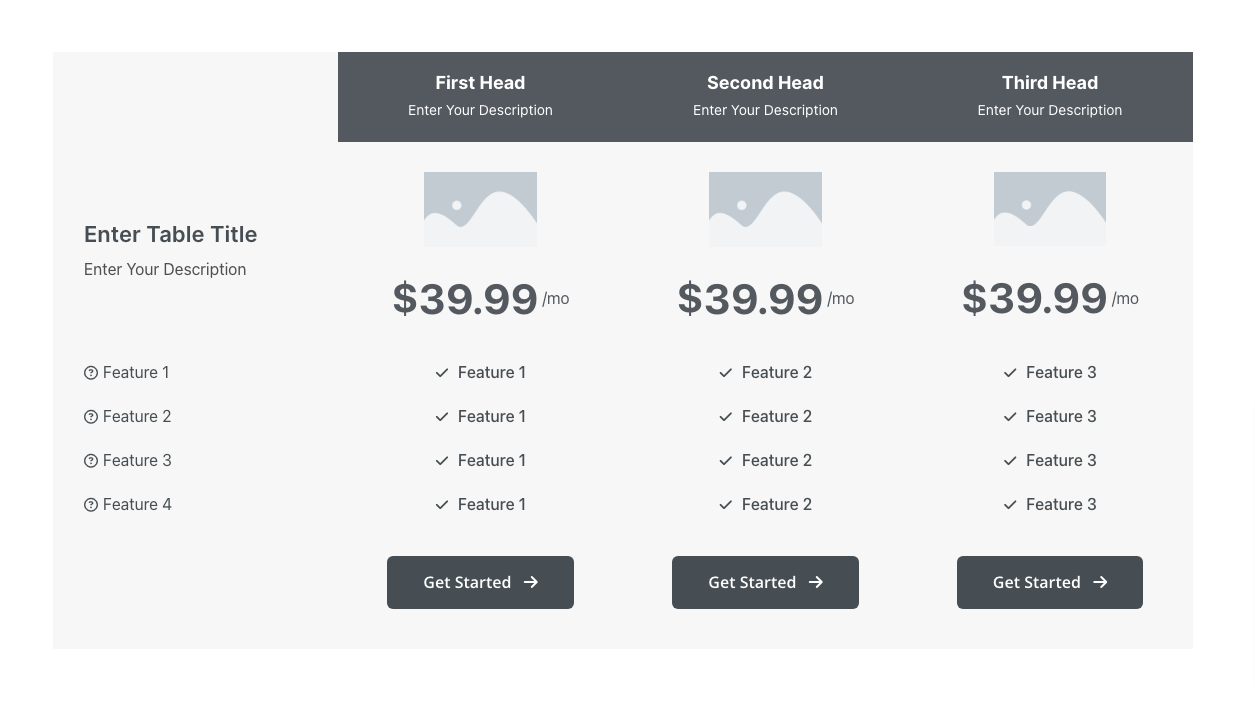
1. Comparison Price table
Comparison pricing table serves as valuable tools for website owners, aiding in the effective presentation and comparison of products or services. These tables allow users to quickly assess different pricing plans, features, and specifications side by side. Demo
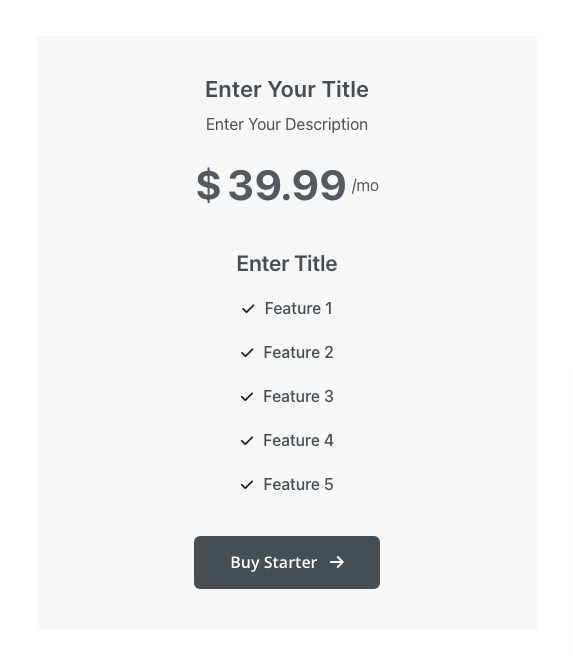
2. Vertical Price Table
The vertical pricing table provides a clear and comprehensive overview of subscription packages in a vertically organized format. This design facilitates easy comparison of features, pricing, and benefits. Additionally, this vertical table promotes a structured presentation of details. Demo
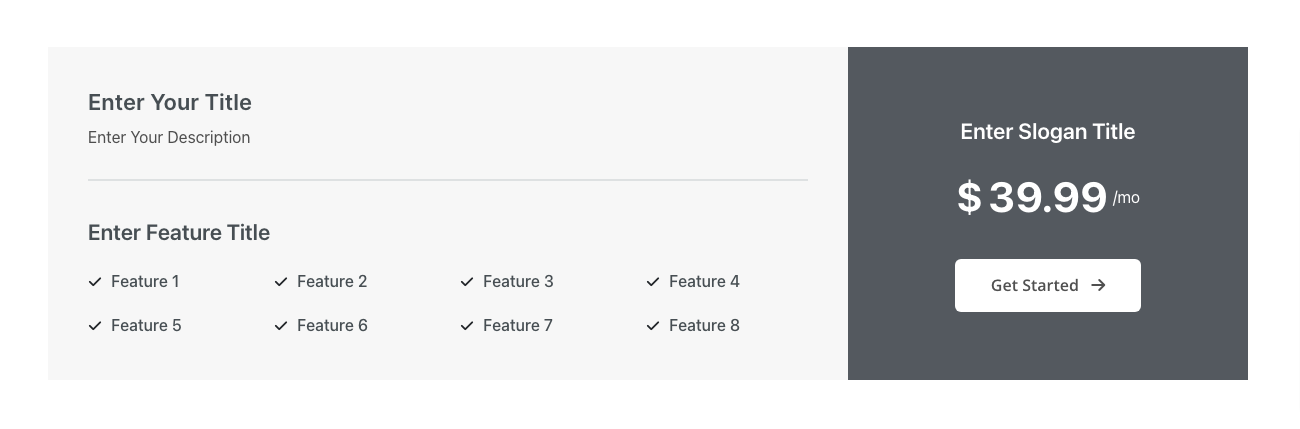
3. Horizontal Price Table
The horizontal pricing table presents key features, pricing, and benefits side by side in a horizontal layout that improves clarity and simplify decision-making. Users can quickly scan across different plans, comparing the offerings and pricing structures effortlessly. Demo
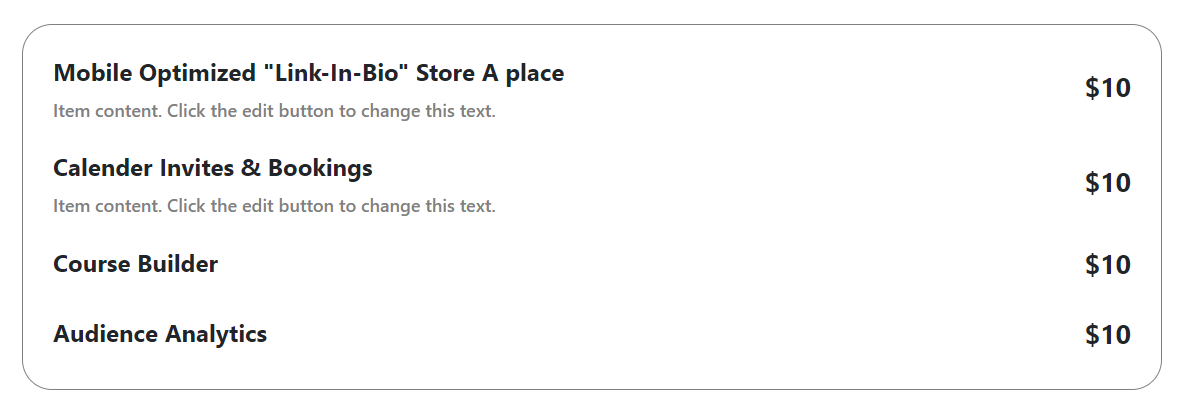
4. Pricelist Widget
The price list widget is used to help you create price lists to showcase value and offers together. You can use it to create restaurant menus, product lists, item bundles, the Grand Slam offer creation, and any other kind of price list you require. This versatile price list widget can showcase item names and the total value of list items, then offer a discount price over the total value. Demo
5. Interactive Real Time Pricing Calculator (Pro)
The interactive pricing calculator feature for SaaSPricing Pro is beneficial as it allows customers to dynamically customize costs based on their specific needs. Customers can make their own package and get the cost estimate real time. It improves user engagement by providing a personalized experience. Demo
SaasPricing Table Pro Features:
- Horizontal and Vertical Pricing Calculator card
- Repeater Fields
- Number Field
- Range Field
- Radio Field
- Checkbox Field
- Select Field
- RcaptchaV3
- Paragraph Field
- Multi Columns or customs
- Stripe Checkout Supported
Check out our Pro Version , see all these features in action.
Benefits Of Using SaasPricing Table:
- Easily showcase your pricing options in a clear and organized manner
- Easily editable to fit your unique needs
- Lightweight and fast for improved website performance
- Tested and verified to be compatible with WordPress latest version
- Works seamlessly with any WordPress theme built with Elementor
- Comparison pricing table, horizontal or vertical pricing table options to meet your needs
- Customize the pricing table to match your branding and website design
- Increase user engagement and conversion rates by providing countdown time
- Save time and effort with a pre-built pricing table that’s easy to use and customize to your specific needs
SaasPricing provides a smooth, user-friendly interface that makes it easy to compare pricing options for any WordPress website.
Best Elementor Pricing Table Addon for Industries:
Boost your business with the ultimate Elementor Pricing Table Addon. This addon includes various industries such as:
- Software
- Web Hosting
- SAAS
- Digital Assets
- Marketing Agency
- SEO & Website Agency
- Roofing
- Tree Services
- Physical Therapy
- Plumbing and HVAC
- Financial Services
- Hotels
- Solar Company
- Home Improvement
- Local Retail
- Pool and Spa Cleaning
- Grundeigentum
Installation
- Go to plugins in your dashboard and select “Add New”
- Search for “SaasPricing”, Install & Activate it
Änderungsprotokoll
1.2.7 – 2026-03-09
- Tweak: Updated Elementor compatibility
1.2.6 – 2026-02-18
- Fix: Blocked direct access to PHP files.
= 1.2.5 – 2025-12-13
– Fix: Patched a potential XSS vulnerability reported in frontend input handling.
= 1.2.4 – 2025-10-20
– Fix: Removed body text color to avoid overriding the default font color.
= 1.2.2 – 2025-09-07
– Tweak: Added version in register css to better performance
– Fix: Reduce arguments in escaping function
= 1.2.1
– Tweak: Move table-alignment control from style tab to content tab
= 1.2.0
– Fix: Security vulnerability related to user input handling.
– Tweak: Input sanitization across plugin settings.
– Tweak: Output escaping to prevent potential XSS attacks.
= 1.1.4
– Fix bootstrap confliction with other css
= 1.1.3
– Tweak: font-awesome script
= 1.1.2
– Fix border color issue
– Fix editor css style
– Tweak: table alignment controls placement
= 1.1.1
– Fix: plugin controls sorting
– Fix: overflow countdown text
– Fix: plugin currncy format issue
= 1.1.0
– Fix: overwriting font-family
= 1.0.9
– Fix: after installed pro, defaulft comparison table design not working
= 1.0.8
– New: new pricelist widget added
= 1.0.5
– New: even odd style for comparison table feature list
– New: button hover, border, boxshadow added for vertical table
– New: background color option for countdown and rating in vertical table
– New: button hover, border, boxshadow added for horizontal table
– New: added dynamic tag for all table links
– Fix: button alignment not working on position top for comparison table
– Fix: comparison lightbox conflict with elemntor image widget lightbox
– Fix: table border not working properly and global border color is not working
– Fix: vertical table primary button margin issue
– Fix: vertical table main wrap border radius is not working
– Fix: vertical table cta background color, Padding, and margin not working at position top
– Fix: vertical table countdown alignment is not working
– Fix: horizontal table main wrap border radius is not working
– Fix: horizontal table added background color features section
– Fix: horizontal table reverse column optoin is not working for tab, tab extra, mobile, mobile extra
– Fix: horiztal table unnecessary gap between feature and cta section in tab, tab extra, mobile, mobile extra
= 1.0.4
– Fix: veritcal table default padding issue
– Fix: vertical table svg icon color issue
– Fix: vertical table ribbon default padding issue
= 1.0.3
– New: added border property to comparison table
– New: content template added
– Fix: footer cta each element gap
– Fix: tooltip hide/show not working
– Fix: when primary and secondary button at top there wasn’t any gap between them
– Fix: button svg color and size in buttons
– Fix: fixed css for wordpress theme compatability
– Fix: table compitable issue for themes
– Fix: comparison table button svg color, in odd td there was different color
– Fix: primary and secondary button icon color not working
– Fix: justify cta option not working properly
– Fix: long table description issue in comparison table
– Fix: padding not working on last feature row
– Fix: broken images on content template when image removed or deleted
– Fix: last feature padding issues
= 1.0.2
– Fix: Double URL Issue Of Comparison Table In Primary Button
– Fix: Elementor Gallery Popup Image Issue
– Fix: Button Hover Visbility Issue Default Widget
= 1.0.1
– Initial stable release
Screenshots
Für Entwickler
Ist das dein Plugin? Zeigen Sie die Zahlen.
Fügen Sie Ihrer Website, Docs oder GitHub Readme ein Live-Badge hinzu. Es wird von selbst aktualisiert - kein Konto erforderlich.
Best SaasPricing alternatives
All comparison table plugins →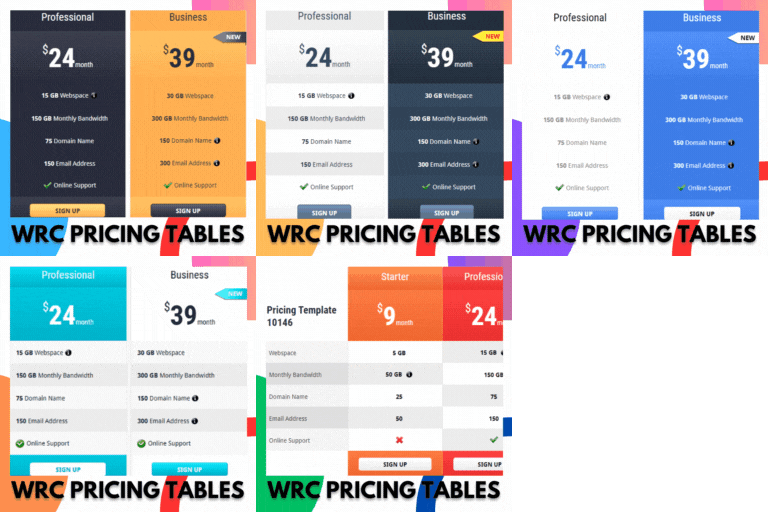




Fragen und Antworten
SaasPricing: quick answers
Gerade Antworten, gezogen von Live WordPress.org Daten.
Quelle: WordPress.org
Is SaasPricing free?
Yes. SaasPricing is free to download and use from the official WordPress.org plugin directory.
Is SaasPricing safe to use in 2026?
SaasPricing works, but test it on a staging site before relying on it in 2026. It runs on 300+ sites, is rated 3.7/5 and was last updated 9 months ago, and scores 48/100 on our health check.
How many websites use SaasPricing?
SaasPricing is active on 300+ WordPress websites and has been downloaded 8,628 times since it launched in March 2023. It was downloaded 265 times in the last 30 days.
Does SaasPricing work with WordPress 7.1?
SaasPricing is officially tested up to WordPress 6.9.12, while the latest release is 7.1.5. It may still work, but try it on a staging site first.
What PHP version does SaasPricing need?
SaasPricing requires PHP 7.4 or higher. Most hosts run PHP 8.x today, so it works on any modern WordPress hosting.
When was SaasPricing last updated?
The latest version, 1.2.7, was released on March 9, 2026 (9 months ago).
Who makes SaasPricing?
SaasPricing is developed and maintained by Debuggers Studio.
What are the best alternatives to SaasPricing?
The most popular alternatives to SaasPricing are Ninja Tables (70K+ installs), Pricing Table by Supsystic (10K+ installs) and Pricing Table WordPress Plu… (10K+ installs).
Angetrieben von PageForge
Eine Vorlage und eine Tabelle. Eine echte Seite für jede Suche.
PageForge Verwandelt jede Zeile eines CSV in eine WordPress-Seite mit eigenem Titel, URL, SEO Felder und Schema entworfen. Kostenlos auf WordPress.org.
- CSV und XLSX, plus Google Sheets auf Beruf und Unternehmen
- seinen eigenen Titel, URL, SEO Felder und Schema für jede Seite
- Arbeitet mit dem Blockeditor, Elementor, Divi und Avada
- Kostenlos auf WordPress.org, keine Kreditkarte